Inspiration
Every desktop pet we'd ever seen was somebody else's cartoon. The Huawei brief, Fetching Reality, asked us to take a real dog and make it interactive, so we asked a simple question: what if the pet on your screen was your dog, built from a single photo, and it behaved like a dog around the things that are actually on your desktop?
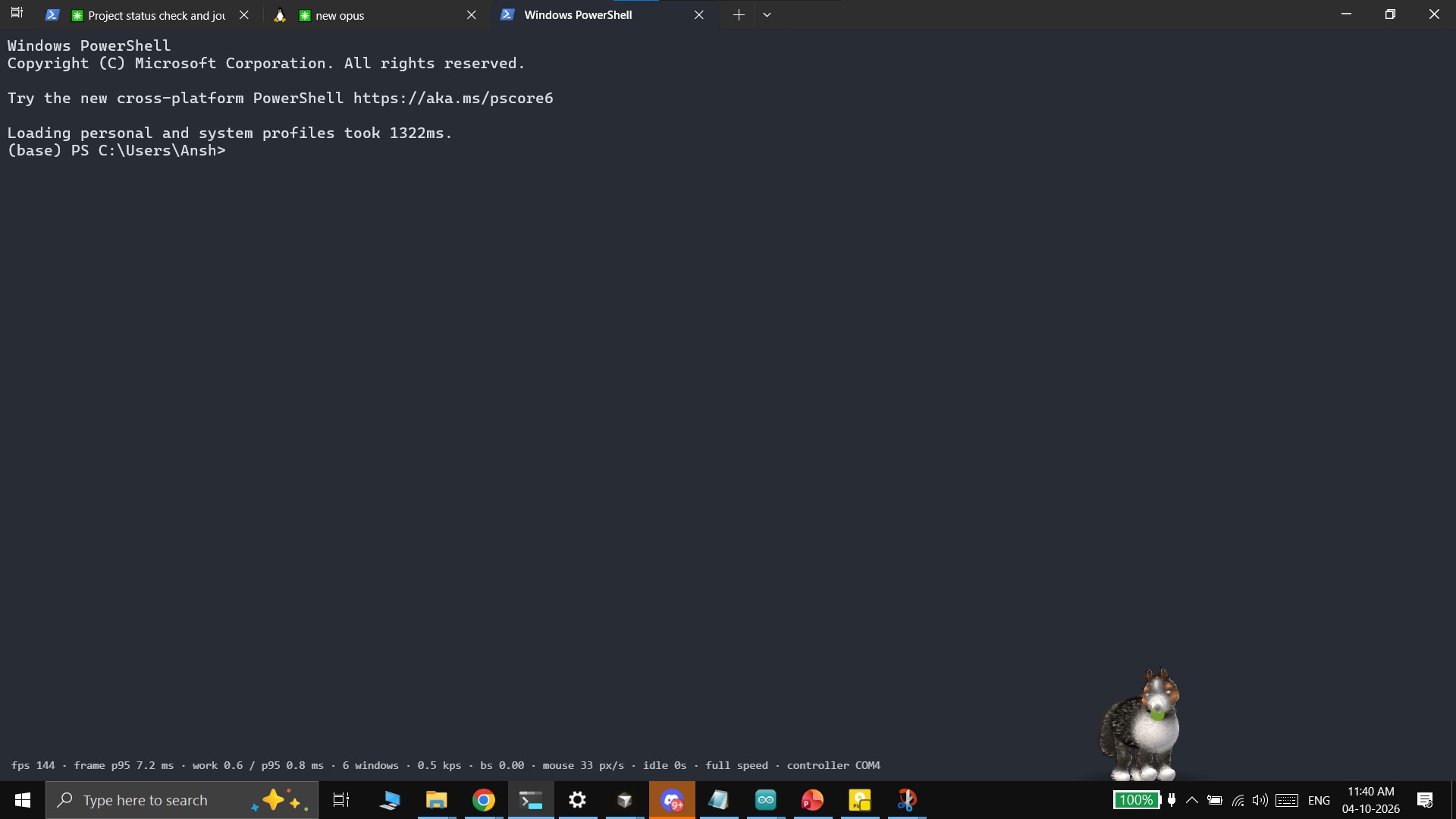
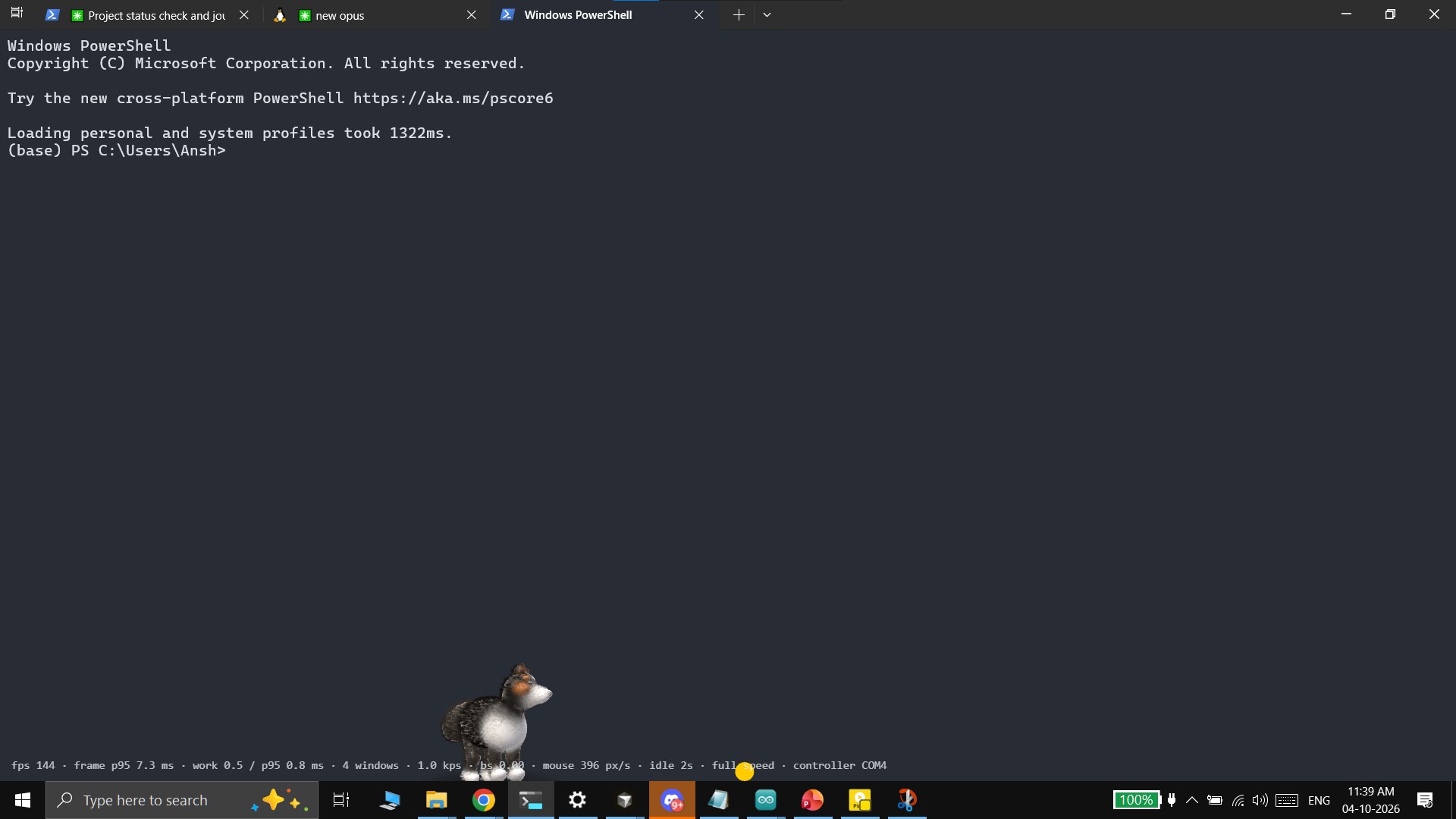
Zoomies is the answer. Give it one photo, and that 3D dog appears on your Windows desktop: it plays fetch off your real windows, lies down beside you while you type, naps on the taskbar when you leave, and answers to a joystick you can hold in your hand.
How we built it
From one photo to a dog spec
The photo goes to Gemini with a structured prompt: three calls in parallel, and we keep the median of each answer so one bad reply can't wreck the dog. The result is a small JSON dog spec: body proportions, ear and tail type, and region colours, which we then snap to the photo's real pixels. The app builds the dog from that spec at runtime. No image-to-3D generator, no auto-rigging, no Blender. (The Aussie in our demo is a hand-tuned version of its Gemini spec; uploading any other photo runs the whole pipeline live.)
A body made of maths, not triangles
The body is a signed distance field: spheres, capsules and ellipsoids on a code-defined skeleton, ray-marched in a fragment shader. Shapes melt together with a polynomial smooth-min, where $k$ is the blend radius:
$$ h = \frac{\max\big(k - |a-b|,\ 0\big)}{k}, \qquad \operatorname{smin}(a,b) = \min(a,b) - \frac{h^2\,k}{4} $$
On top sits a Gaussian-splat coat: thousands of soft splats, each glued to the shape beneath it, so the fur moves with the body and takes its colour from the photo's markings. Everything is animated in code: a pose library with cartoon timing (anticipation, overshoot, settle), a procedural gait, breathing, blinks, tail wag, ear springs and look-at.
Your desktop as a physics world
Zoomies is an Electron app: a transparent, always-on-top overlay that lets clicks through everywhere except on the dog and the ball. The main process reads every visible window's real frame and z-order, and the renderer turns them into a 2D distance field: the world is the union (min) of box SDFs,
$$ d_{\text{world}}(\mathbf p) = \min_i\ \operatorname{sdBox}(\mathbf p,\ R_i) $$
so the ball collides with your actual windows and the taskbar. On impact we split the velocity along the surface normal and reflect it with restitution $e = 0.55$, keeping $85\%$ of the tangential speed:
$$ v_n' = -e\,v_n, \qquad v_t' = 0.85\,v_t $$
Physics is substepped so a fast throw never tunnels through a thin window. The dog simulates the same physics forward to predict where the ball will land and runs there.
Behaviour that respects you
A needs model (energy, boredom, attention) and an activity classifier decide what the dog does next. The classifier only ever sees timing: typing rate, bursts and idle time, never which keys you press. Steady typing makes it lie down beside you; a long stretch without a break makes it bring you the ball; idle time sends it to sleep on the taskbar, and the renderer drops from full frame rate to 30 fps while resting and 5 fps while asleep.
Hardware, voice and sound
An Arduino UNO R4 with a joystick, button, touch sensor and buzzer speaks a tiny newline-delimited serial protocol. Pull back the joystick and release to throw; tap the button to call the dog, hold it to talk; touch the sensor to pet it. The buzzer chirps on every bounce and squeaks on the catch. The app finds the board by its hello line and reconnects if it's unplugged, and every hardware action has a mouse equivalent.
ElevenLabs generated the dog's whole voice (12 sounds with variants, stereo-panned to the dog's position on screen) and handles speech-to-text for push-to-talk. The transcript goes to Gemini function calling, which maps "go lie on my code editor" to one of the dog's actions, with a plain word list as the offline fallback. The mic is only open while the button is held, and audio is never saved.
Challenges we ran into
- The GPU that wasn't. Our first measurement of the SDF dog showed frame spikes past 100 ms. The real cause: our hybrid-GPU laptop was silently running both Chrome and Electron on the weak integrated chip. Forced onto the discrete GPU, and with a bounding-sphere early-out added to the shader, the dog renders in 0.81 ms per frame on average (p95 0.9 ms over 9,820 frames).
- The ball that escaped the universe. A window just under "maximized" size, flush with both the top of the screen and the taskbar, left the ball no free space above or below. Our escape step pushed it off-screen, where everything counts as solid, and it froze there. We replaced it with a shortest-way-out search in 8 directions and fuzzed it against 200 random window layouts.
- Hardware surprises. The controller repeats its hello line forever (the board can't tell when the app connects), so the reader treats repeats as no-ops. Our joystick turned out to be mounted upside-down. And the first joystick throws looked like instant catches: the launch event fired, but the ball was never given any velocity.
- Rethinking the AI step. We planned to have Gemini draw side and back views of the dog and mark landmarks on them, but keeping the dog consistent across generated views was risky. Asking Gemini for a structured spec instead was more reliable, and it's what made "upload any photo" possible.
What we learned
- Measure before you optimise, and check which GPU you're measuring.
- Two named techniques doing what each is best at (SDF for a smooth, poseable form; splats for a soft, furry edge) beat one technique stretched to do everything.
- Clear shared contracts and a running journal let three people work in parallel lanes and hand work across them without stepping on each other. 1,123 automated tests on the parts that fail silently (physics, SDF maths, the serial parser, the needs model, the photo pipeline) caught bugs long before the demo did.
- Calm technology is mostly about what you don't do: never steal focus, never block a click, never record what someone types.


Log in or sign up for Devpost to join the conversation.