-
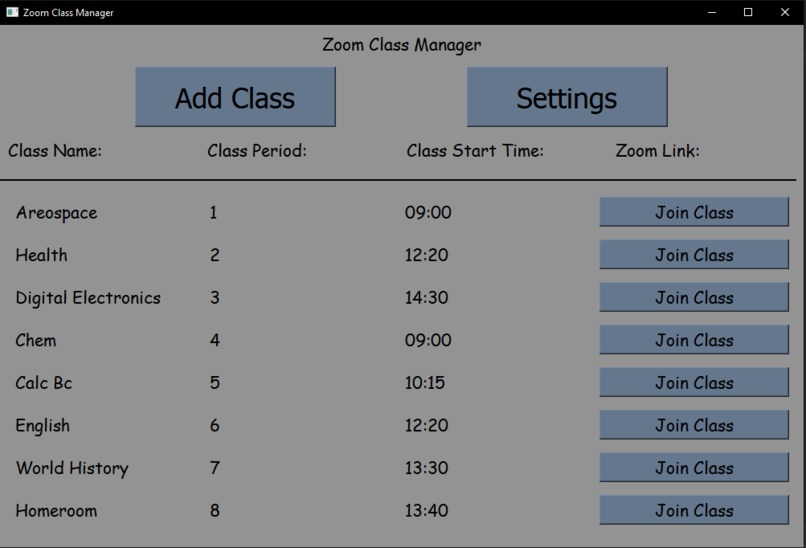
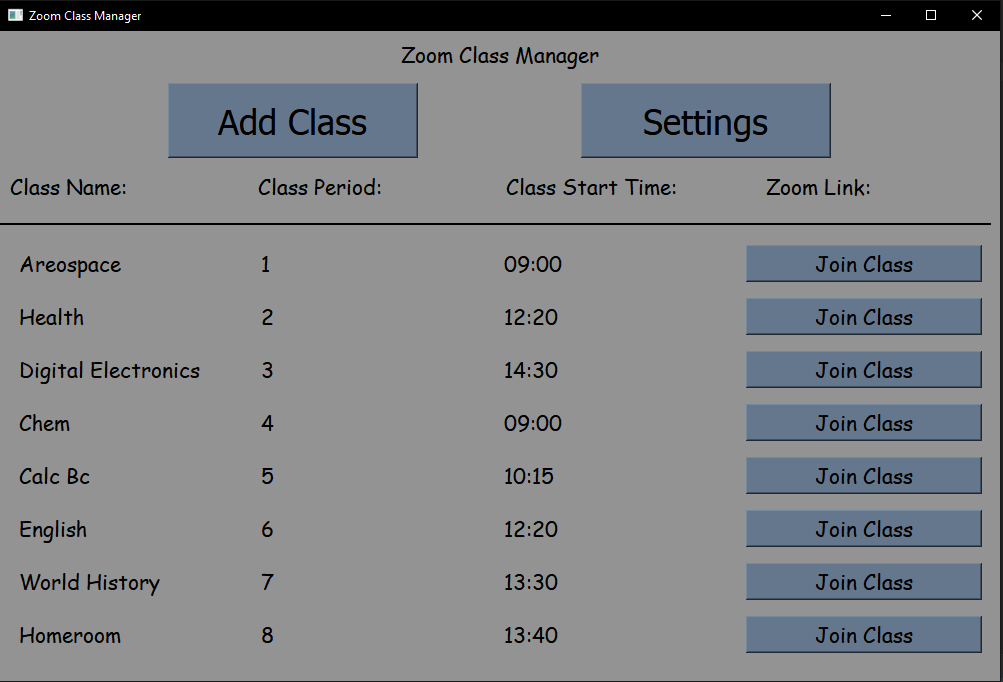
This is the Main Screen, with information to showcase the ui
-
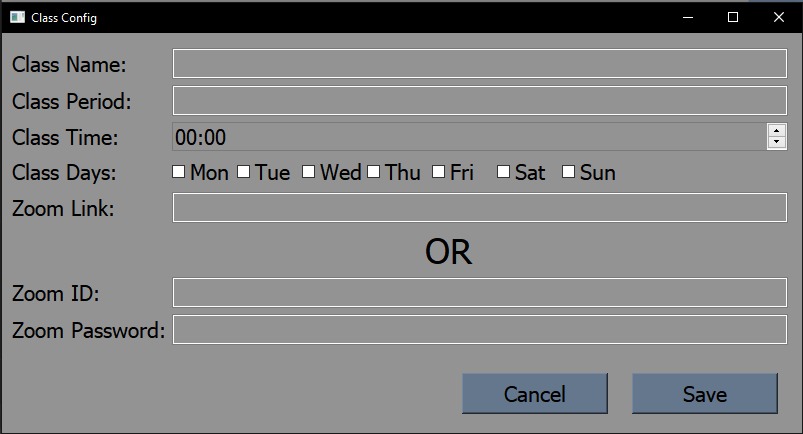
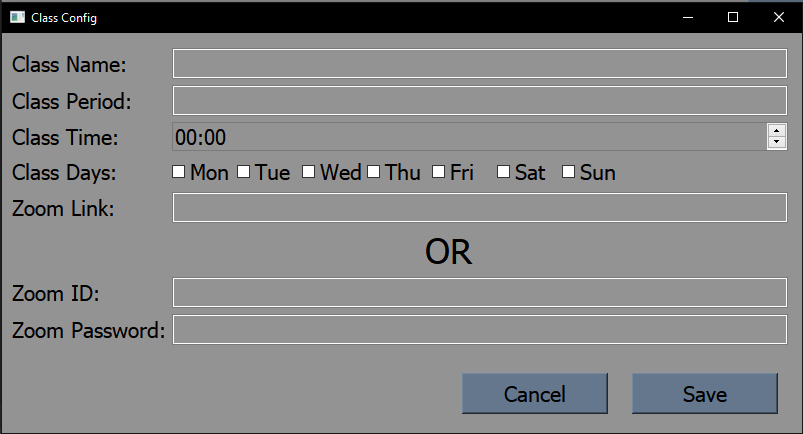
This is the window used to add a new classes
Zoom-Class-Manager
A zoom class manager used to auto-launch zoom at the scheduled time What inspired us to make this project was the constant need for something like this every school day. It is just a hassle to navigate through mymcps's website every time I needed to find a class's zoom link. The hardest part of this program was creating a GUI to interface with the backend, and updating the window with new information without artifacts or bugs. While working on this project, I learned more about working with classes, the PyQt5 framework, and multithreading.
Prerequisites
Please have python3.8 or later installed along with the following packages/programs:
- Windows
- selenium
- PyQt5
- pyautogui
- Google Chrome Browser
- A chromedriver that is compatible with your version of chrome (the included one is 89)
Instructions
Download the zip from the github repo To run this app, type 'python main.py' or 'python /main.py' If needed: To edit a config, edit it directly in the class_data.txt found inside the config folder or clear it via settings and re-input new settings If the class uses zoom links that are not static and don't have a known password and username, this may not work.


Log in or sign up for Devpost to join the conversation.