-
Adapted from official Zoom logo and only designed for the sole purpose of Hack&Roll 2021. Strictly no copyright infringement intended.
-
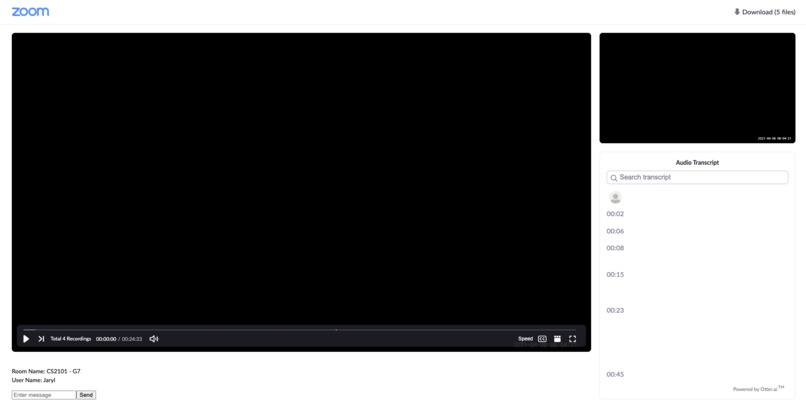
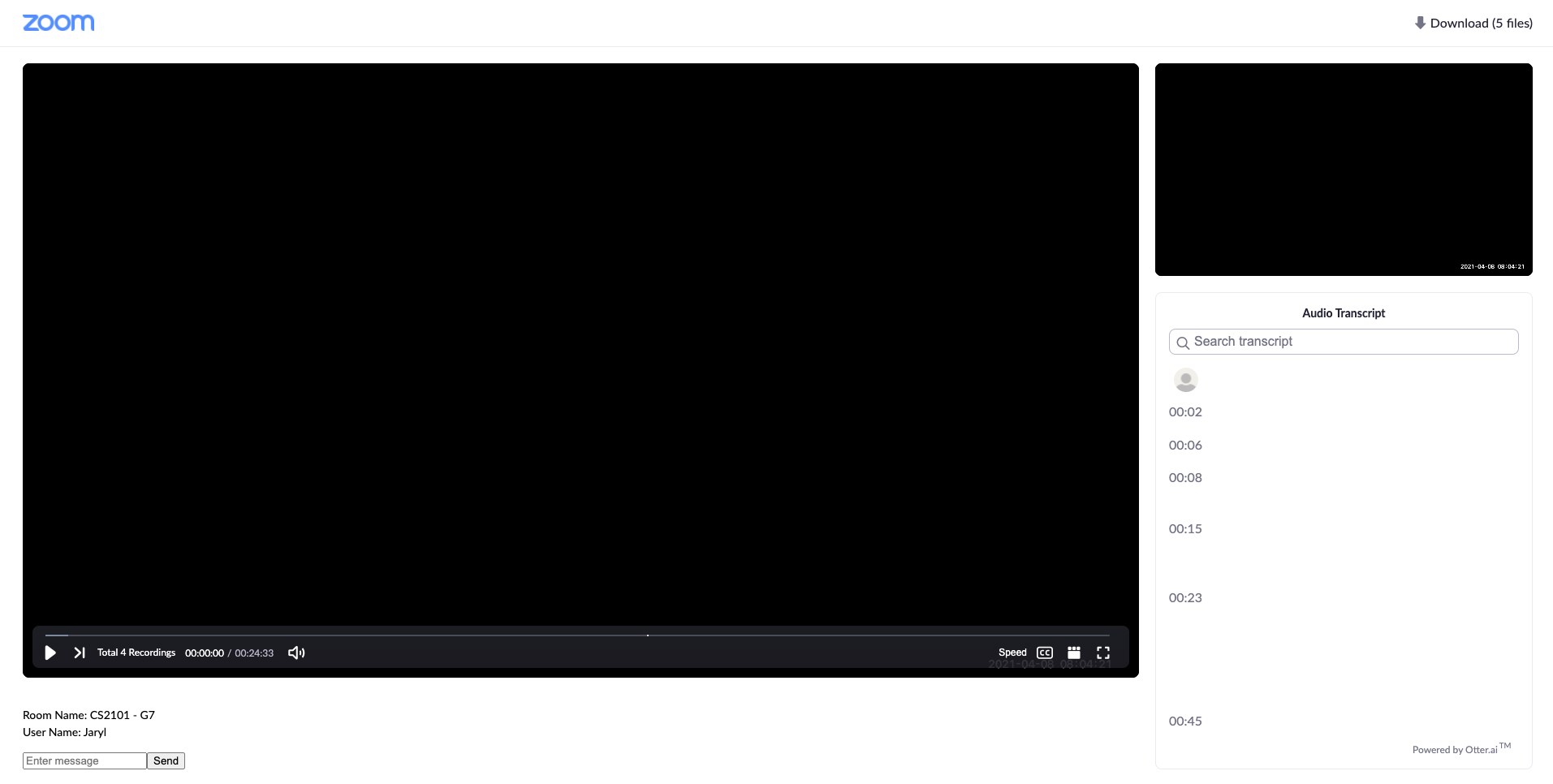
Screenshot of Jaryl in CS2101 - G7 room
-
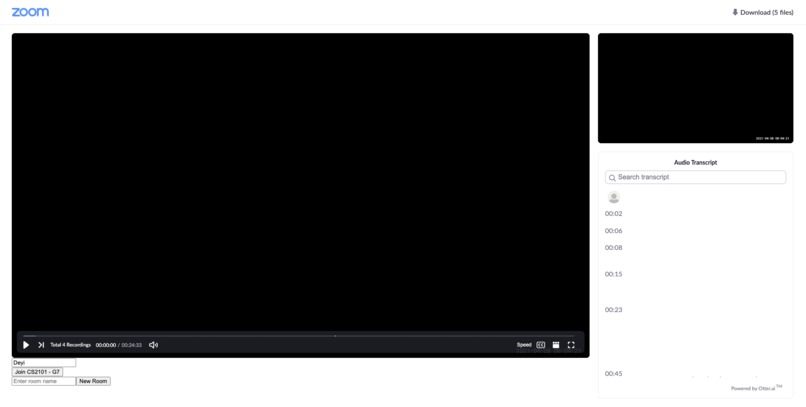
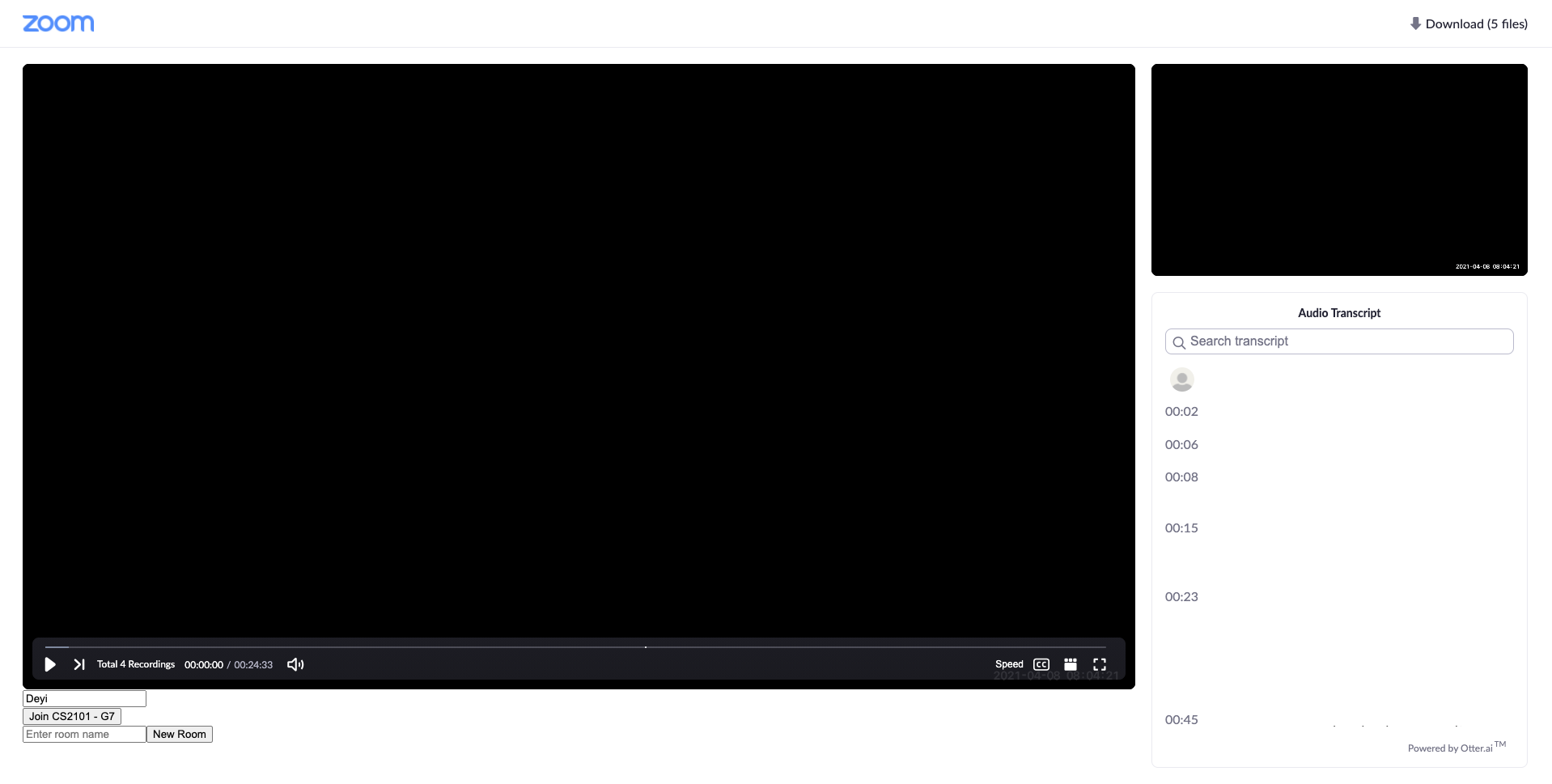
Screenshot of Deyi before joining CS2101 - G7 room
-
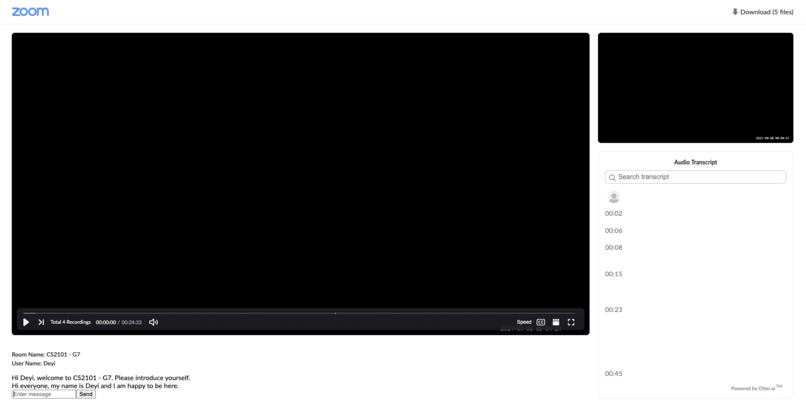
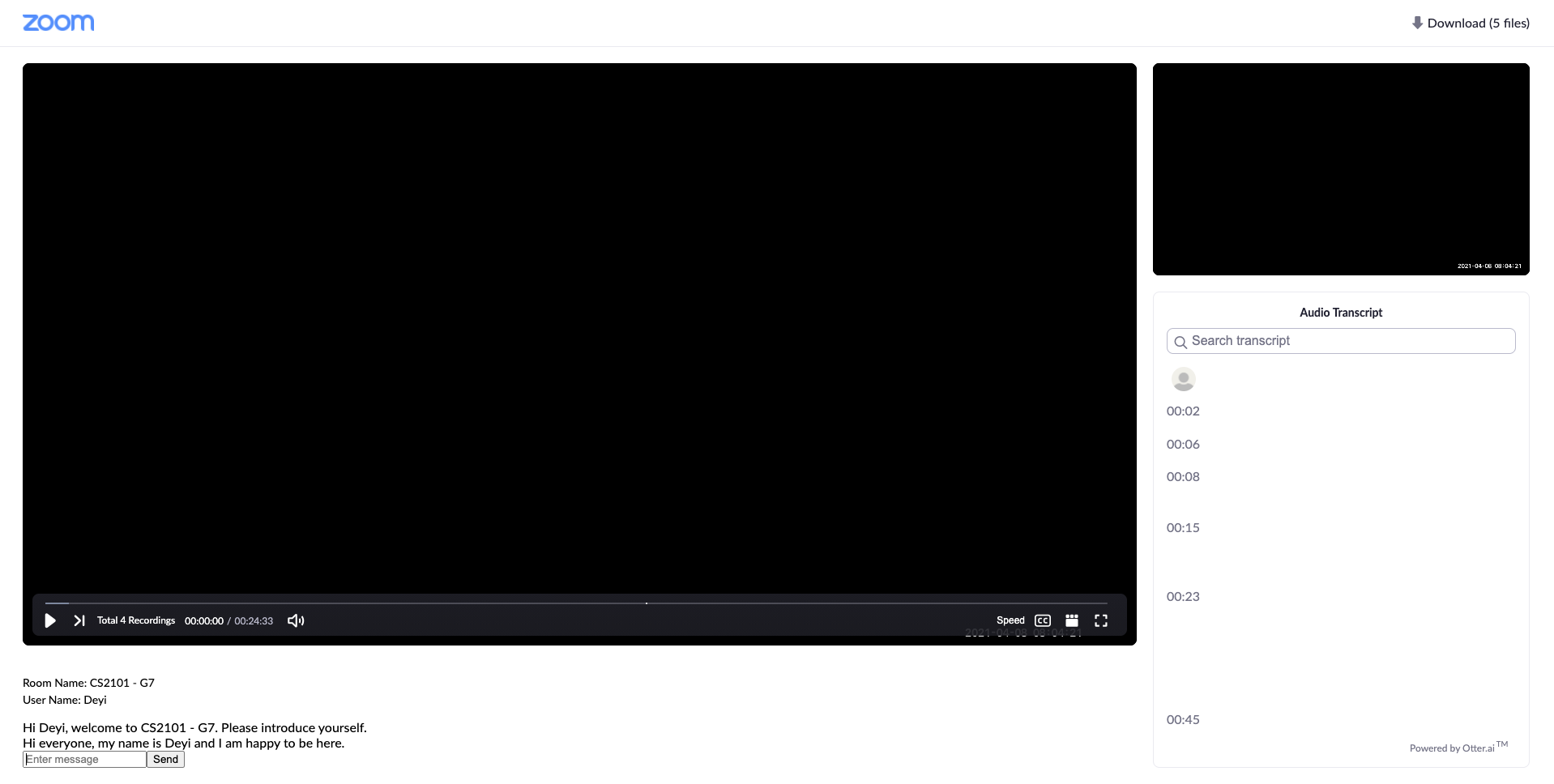
Screenshot of conversation between Jaryl and Deyi in CS2101 - G7 room
Inspiration
In light of the COVID-19 pandemic, students from all over the world have started adapting to working from home. From meetings to online lessons, most of these are conducted over one of the most popular teleconferencing medium today - Zoom. Zoom allows meeting hosts to record an ongoing session and save it for future playbacks. With this feature, users never have to worry about missing out on a Zoom meeting.
As University undergraduates, we feel the pain points of our peers and lecturers when utilizing the Zoom screen-sharing feature to play a Zoom-recording. For instance, when a lecturer wishes to thoroughly review a pre-recorded Zoom lecture with his/her class, a lot of unnecessary confusion and actions have to be performed when scrubbing back and forth. Zoom Buddy directly tackles this problem.
Our inspiration and ideation phase revolves around the idea of Netflix Party; a hot Netflix feature that allows different users to watch a Netflix show concurrently. Hence, our main objective was to develop a program that promotes effective learning through seamless and engaging communication sessions.
What it does
Akin to Netflix Party, the main idea of Zoom Buddy is to allow multiple users to watch and have full control over a Zoom recording concurrently.
For instance, A can create a private room and B can join the room. A and B being in the same room will be watching the same Zoom recording. If B wishes to ask a question regarding a specific part of the video, he has full control over it; being able to rewind or forward as and when he likes. The magic happens when A does not have to do anything to see his end of the video update to the same timestamp as where B left off, almost instantaneously. This is a multi-way effect that applies to anyone within the same room. Additional features include a simple chat box where users in the same room are able to communicate with each other over chat messages.
How we built it
We adopted the idea of a Chrome extension to improve the usability for our users. Simply install, toggle on and you are good to go. Zoom Buddy utilises client/server communication to relay data, all of which are written using Javascript. Given the nature of the project, we used many event listeners in order to capture clients' actions, some of which include mouse clicks, key presses and object loading. Our program also performs the necessary checks to ensure that event behaviours in a room are isolated and does not affect other rooms. We have tested this locally and using a basic ngrok proxy, both of which worked flawlessly.
Challenges we ran into
- Synchronizing videos
- Content Security Policy bypass
- HTML DOM styling
Accomplishments that we're proud of
We are extremely proud of the idea and implementation of Zoom Buddy. We believe that this is something that people would find very useful.
What we learned
Technical skills:
- Socket programming
- Implementing Chrome extension
Soft skills:
- Working under time pressure
- Communication skills over Discord
- Teamwork and camaraderie
- Perseverance
What's next for Zoom Buddy
- Ability to handle heavy load; using it on a larger scale (>50 users in a room)
Built With
- chrome
- javascript
- zoom


Log in or sign up for Devpost to join the conversation.