Final Submission
Inspiration
With the growing globalization of collaboration and advance of remote work across virtually all industries, there is a need to evolve our remote workflows for diverse experiences. Currently, there are no models on the market to adapt virtual meeting technologies for blind and low-vision users, so 2.2 billion users with vision impairment are excluded from all meetings involving screen-sharing features. A study at Carnegie Mellon University found that 72% of 610 included visual elements in 90 talks were described poorly or not at all, and 55.5% of the top million website home pages were missing alt text for images, according to WebAIM. Zoom, Google Meet, and Microsoft Teams have all been found to not be completely accessible with a keyboard and screen reader, and blind and low-vision (BLV) professionals named screen sharing as a common barrier to accessibility.
What it does
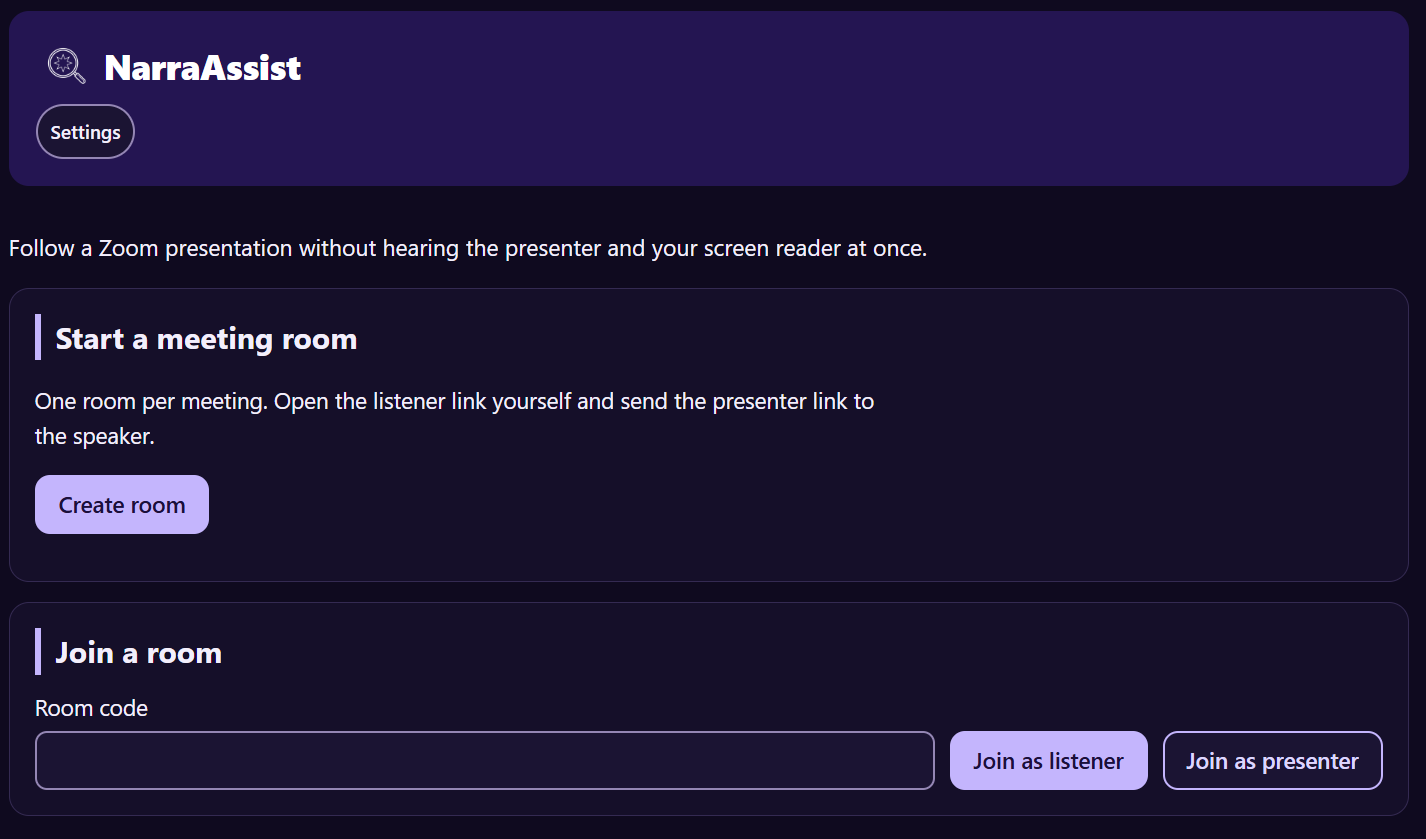
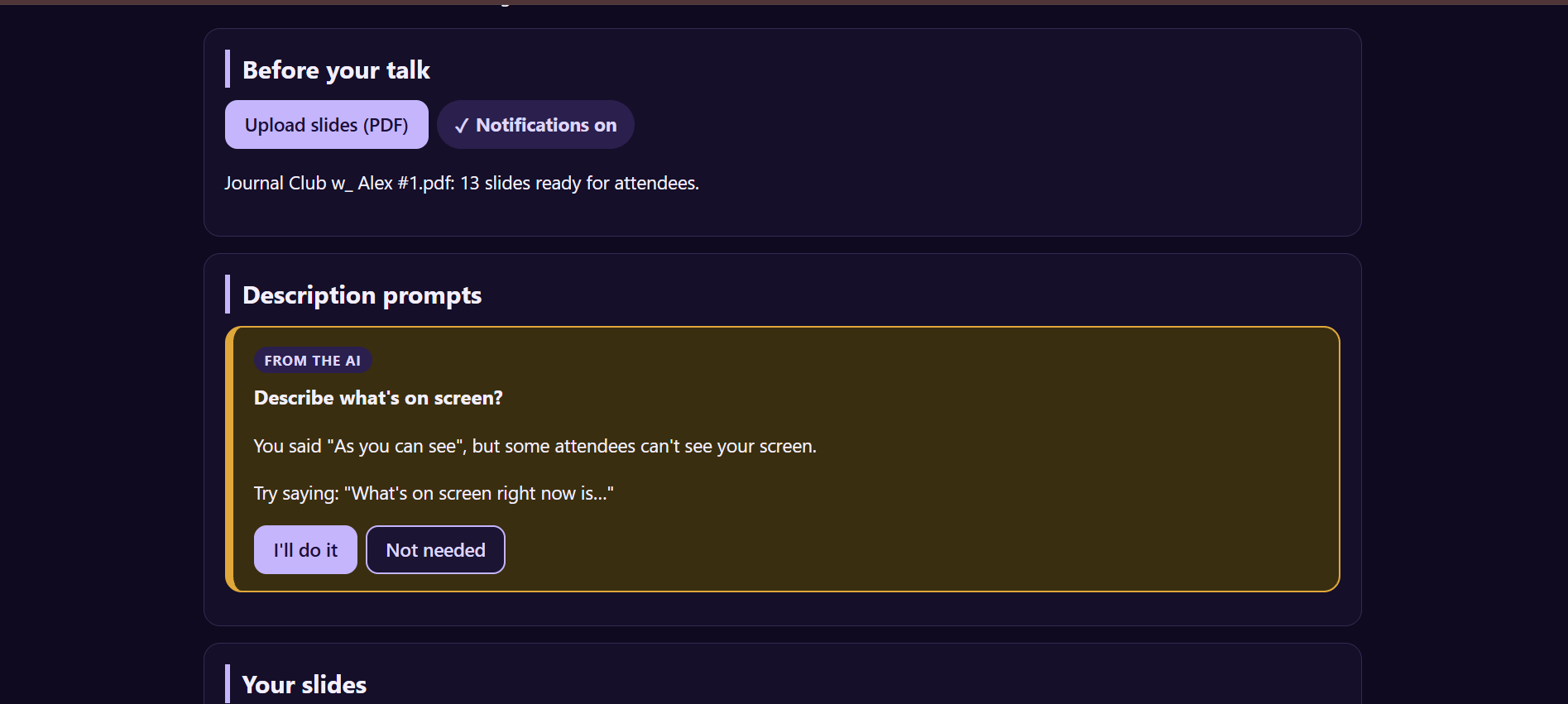
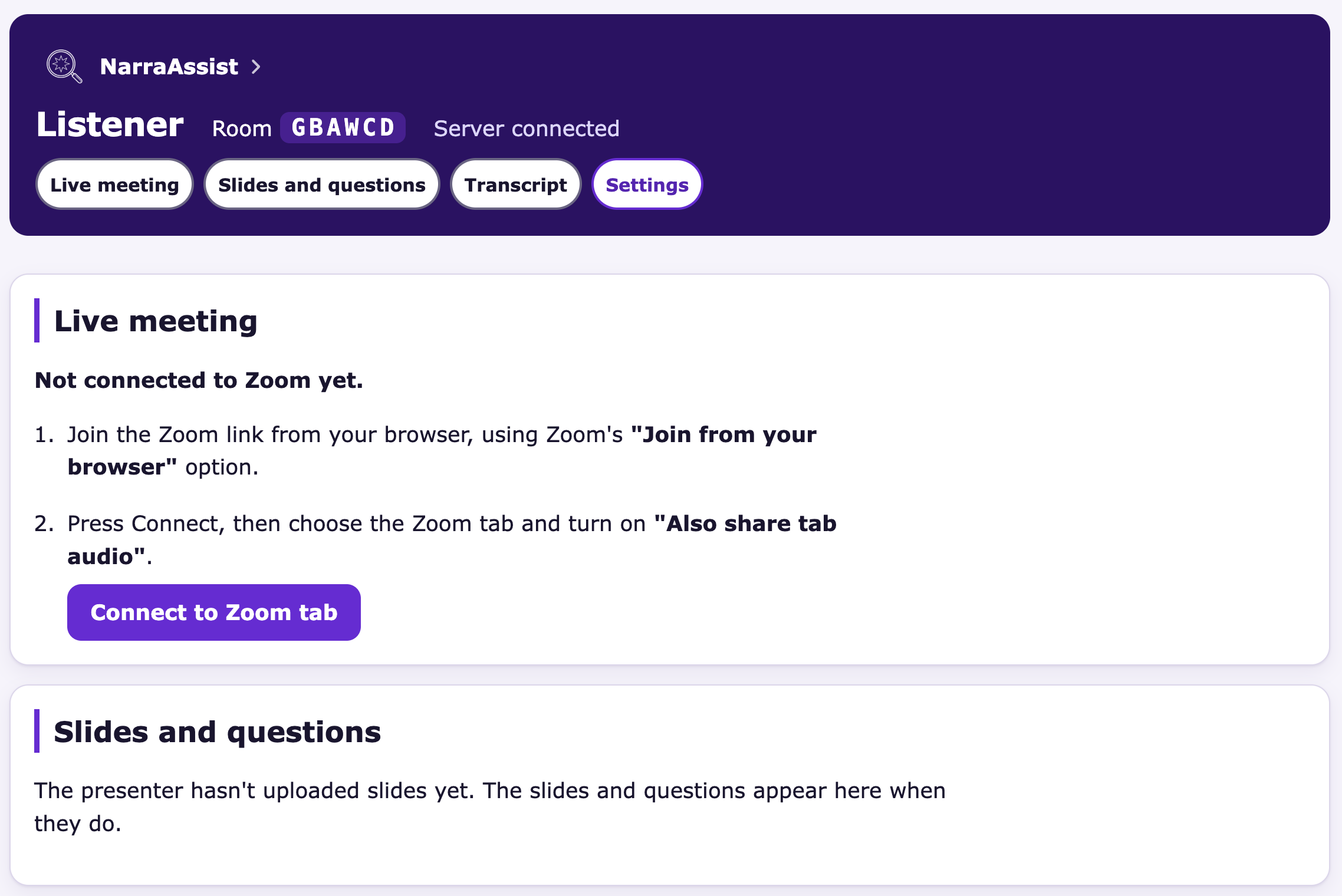
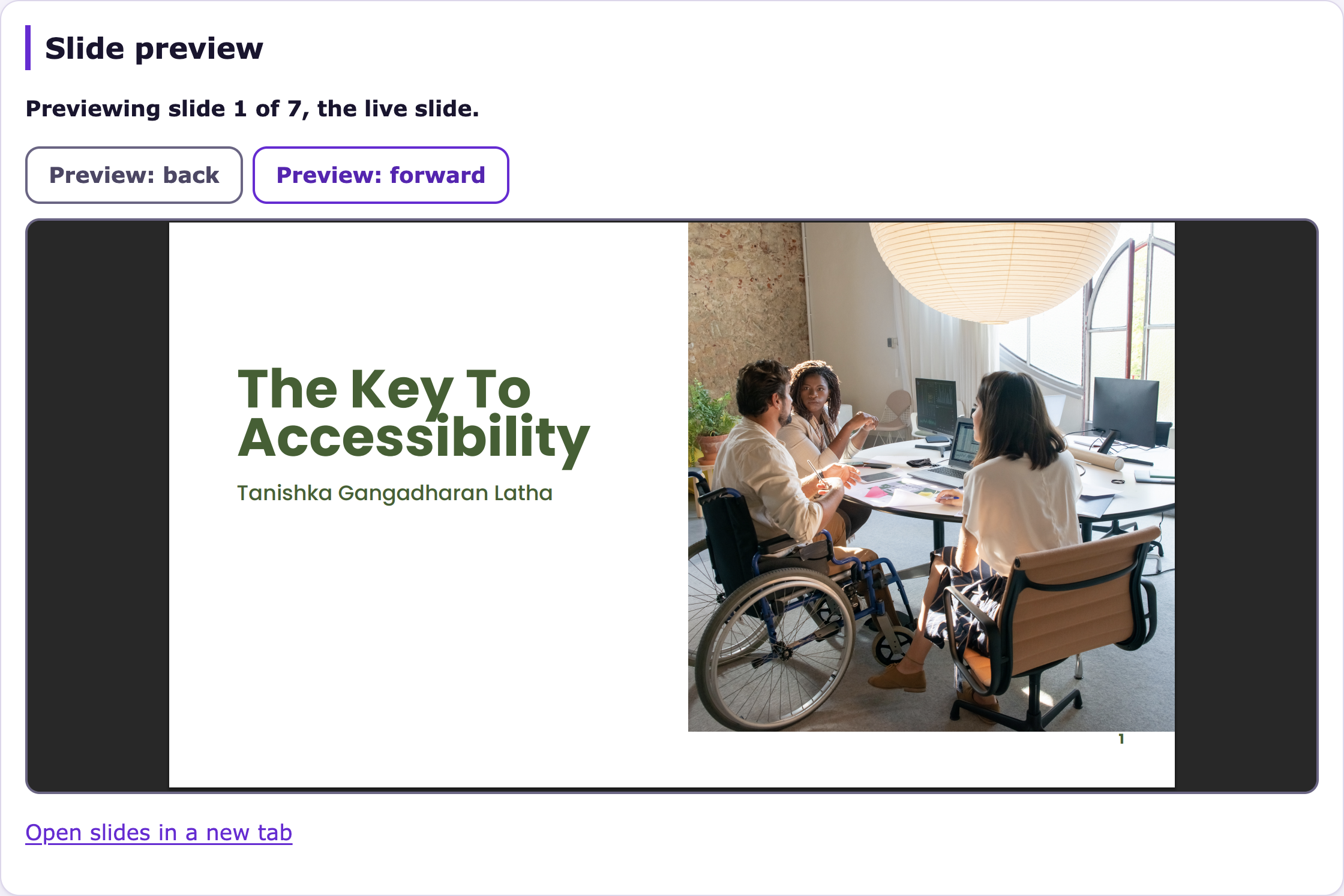
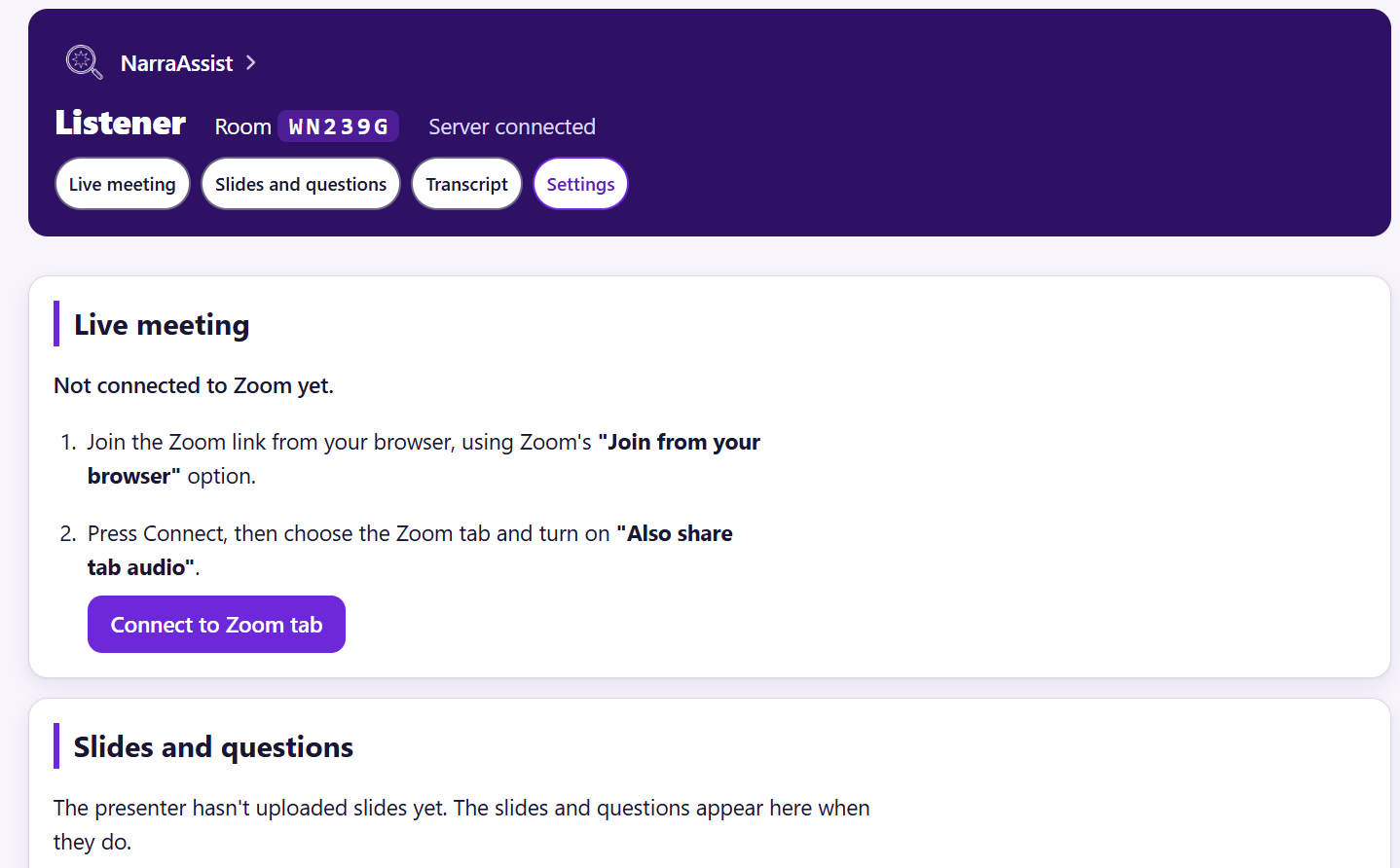
Introducing Narra Assist, a digital extension to Zoom and similar virtual meeting interfaces designed to improve accessibility for BLV people. Narra Assist provides options for BLV users to access shared screen content via screen reader, easily seek further clarification, and make suggestions for better BLV accessibility from presenters. Narra Assist utilizes the Gemini API to integrate live screen share content summarizing, while allowing users to “catch up” to live presenter audio at a pace natural to them. Alternatively, the presenter can upload slides or other content ahead of time, so that BLV users can reference slides however they need. If the live screen share narration is not caught up in time for the next slide, sound cues will alert them of a change of slides or shared screen content, a drop in presenter volume (for in case the other speakers are waiting for their response), and the speakers will be announced when they speak as well. Automated push notifications will notify presenters when they use inaccessible language such as “as you can see here” or “look at [x]”, so that all users are aware of ways they can improve accessibility to their presentations. We hope that with Narra Assist, BLV users worldwide will be able to unlock the industry knowledge previously held behind barriers.
How we built it
AI
- Gemini API: reads slide decks, describes the shared screen, transcribes speech, decides when to nudge the presenter, and answers questions about the slides.
Server
- Node.js and Express: the web server and API.
- WebSockets (
ws): instant updates between pages, and audio streaming. - Node crypto: signs push notifications and Zoom tokens.
Browser (plain JavaScript)
- Screen Capture API: captures the Zoom tab's video and audio.
- Web Audio and AudioWorklet: pause, record, and catch-up playback with natural pitch.
- Web Speech API and ARIA live regions: speak descriptions, or hand them to the listener's screen reader.
- Picture-in-Picture API: the floating player.
Hosting and tools
- Render and Cloudflare Tunnel: hosting with HTTPS.
- GitHub, Claude Code and Gemini CLI, Copilot: collaboration and AI-assisted development.
Challenges we ran into
- Screen reader overlap with the live slides summary:
- Solution: voice delay for button-name announcements, duplicate-message filtering, change-only status updates, screen-reader mode
- Gemini frame volume:
- Solution: 2 fps capture, local slide-change detection, one frame per settled slide, camera tiles ignored
- Transition flicker:
- Solution: 8-second grace period before clearing a slide
- Speed vs accuracy:
- Solution: Gemini Flash with thinking off instead of Flash-Lite, about 2.5 s per description
- AI hallucinations:
- fill-in-the-blank self-description prompts, silence when uncertain, chatbot does not respond to questions unrelated to the slideshow content
- Zoom platform limits: listener joins as themselves instead of a bot, team-hosted meeting, Marketplace review for production
- High-pitched audio during the audio catch up:
- Solution: pitch-preserving WSOLA time-stretching, pause trimming
Accomplishments that we're proud of
1. Pause-and-catch-up audio engine
Real-time signal processing written from scratch, with no audio library. Pitch-preserving WSOLA time-stretching runs in the browser at speeds from 1.25× to 2.5×, loudness is analyzed in 10 ms frames, pauses over 300 ms are trimmed, and 15 ms fades prevent clicks.
2. Slide descriptions without uploaded slides
Zero-latency change detection with no AI involved: 2 fps capture, an 8-pixel grid on a 256-pixel-wide copy of each frame, and a knock within 1.5 seconds. Gemini only gets one frame per slide, and tuning (Flash with thinking off) halved description time to about 2.5 seconds.
3. Real-time presenter nudges
Two layers for speed and depth: 12 local phrase patterns fire instantly, while a Gemini classifier checks 60 seconds of context every 15 seconds. Web Push was built with zero dependencies, using hand-signed tokens from Node's built-in crypto.
4. Accessibility
Built around screen reader users rather than adding accessibility later. All 10 actions have Alt+Shift shortcuts, chosen not to clash with screen reader commands. The page is built for NVDA, Narrator and VoiceOver and tested with Narrator, with speech timing tuned so the two voices never overlap: a 1.5-second wait for button-name announcements and a 2-second filter for repeated messages. Low-vision options include high contrast, 3 levels of letter spacing and the Atkinson Hyperlegible font.
What we learned
Team collaboration
- Split by layer, not feature: four lanes (AI, audio, listener, presenter), each file with one owner, and almost no merge conflicts
- Contracts first: message formats in
ARCHITECTURE.mdbefore code, so four people and their AI tools built in parallel - Shared skeleton on day one: every file existed with a stub, and the app ran end to end with mock data from the start
- Mock Gemini mode and a dev tools panel: each lane tested its work without waiting for the others or using up the API quota
- One rules file for every AI tool:
AGENTS.mdkept Claude Code and Gemini CLI sessions following the same conventions - Decision log: a one-line reason for every choice, which saved re-arguing settled questions at 2 a.m.
Git workflow
- Branch per task, small pull requests, merged within the hour: shorter-lived branches, fewer conflicts
- Merge
maininto the branch before opening a pull request: conflicts get resolved on the branch, not inmain - Check the current branch before committing: a commit landed on
mainafter a pull request was merged mid-task npm run checkbefore every commit: syntax errors caught before they reached teammates- LF line endings enforced repo-wide: no whole-file diffs between Mac and Windows
Accessibility
- Test with a real screen reader early: Narrator revealed overlapping and repeated speech that no visual check would catch
- Screen readers react to small markup details: a redundant
role="alert"caused double reading, a renamed focused button got re-announced, and a missing window title made Narrator read a full URL - Updating identical text is still noise: rewriting unchanged text every second triggered repeated announcements
- Two voices at once is the core problem: a built-in voice competing with the user's own screen reader recreates exactly what we set out to fix
- No dead ends: buttons that don't work yet are hidden, and shortcuts pressed too early explain why
- Instructions before actions: screen readers read top to bottom, so order on the page matters more than layout
- Clear, specific button names: "Stop and catch up" vs "Jump to live, skip what I missed" instead of two names that sounded alike
- Sounds over words: short earcons tell the listener what happened without interrupting speech
- Accuracy over brevity: word-for-word slide reading, because a paraphrase can drift and a blind user can't check it
- Independence: the app works without the presenter preparing anything, because BLV users shouldn't have to depend on others for access
What's next for
- Zoom Realtime Media Streams: audio and speaker names sent straight to the server, no tab capture
- Chrome extension: a one-click listener setup instead of a second tab
- Microphone mute shortcut: Alt+Shift+M, already in the plan
- Gemini text-to-speech: natural-sounding slide audio generated at upload
- Gemini Live API: streaming transcription instead of 6-second chunks
- Smarter phrase detection: phrases split across audio chunks, filler words ("as you guys can see")
- Persistent storage: decks and rooms that survive restarts and deploys
- Live captions: support for deaf and hard-of-hearing attendees
- Other platforms: Google Meet and Microsoft Teams
- User testing: sessions with blind and low-vision screen reader users
Other potential applications for NarraAssist core technology:
- Video to podcast: Gemini API assists with translating video visual content into audio explanation, so users can listen on the go.
- Live language translator: With Gemini API and Web Speech API/ARIA, speakers and presenters with extant language barriers can connect without translation delays.
Built With
- aria
- audioworklet
- claudecode
- copilot
- geminiapi
- javascript
- node.js
- picture-in-pictureapi
- render
- webaudio
- websockets
- webspeechapi



Log in or sign up for Devpost to join the conversation.