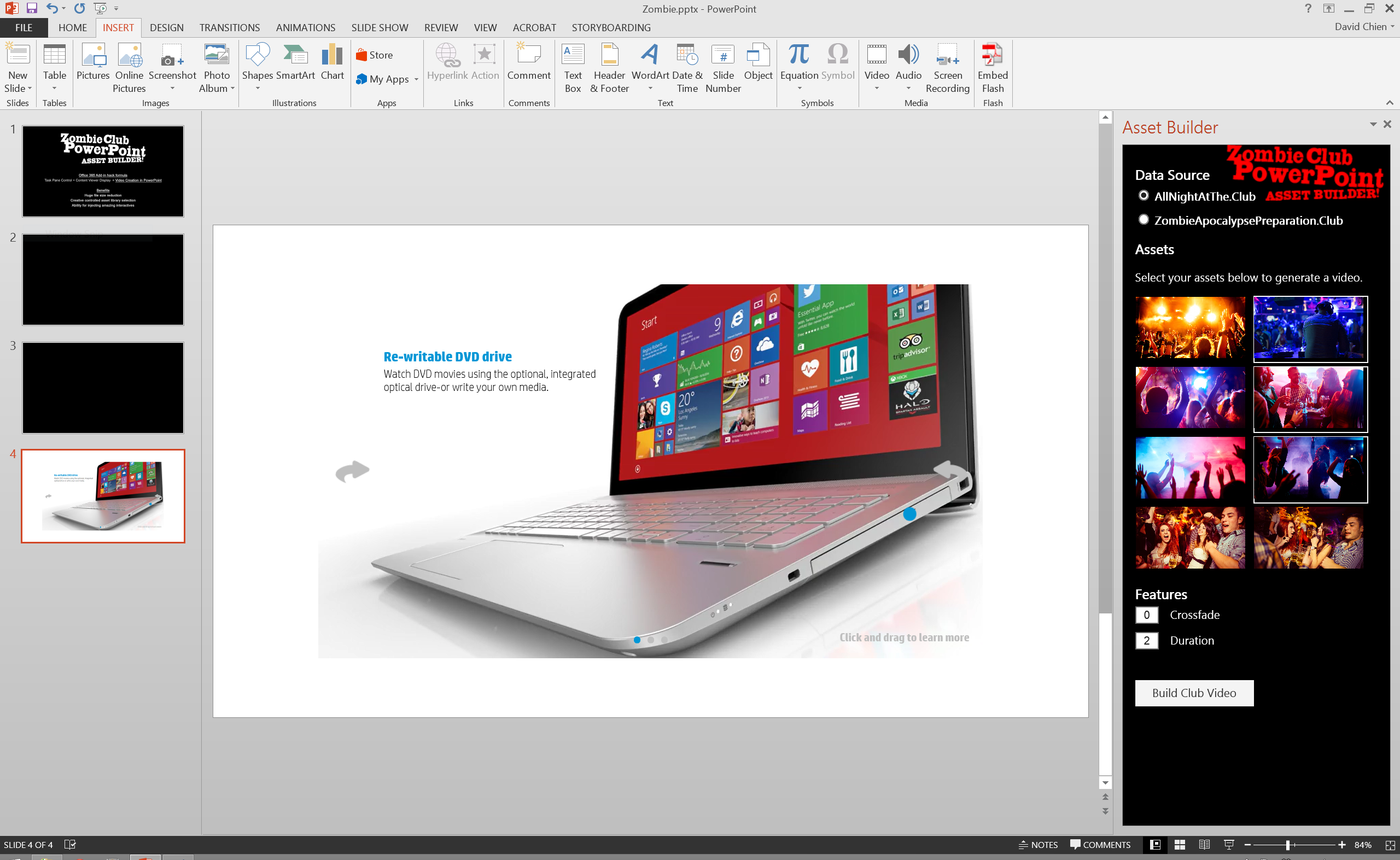
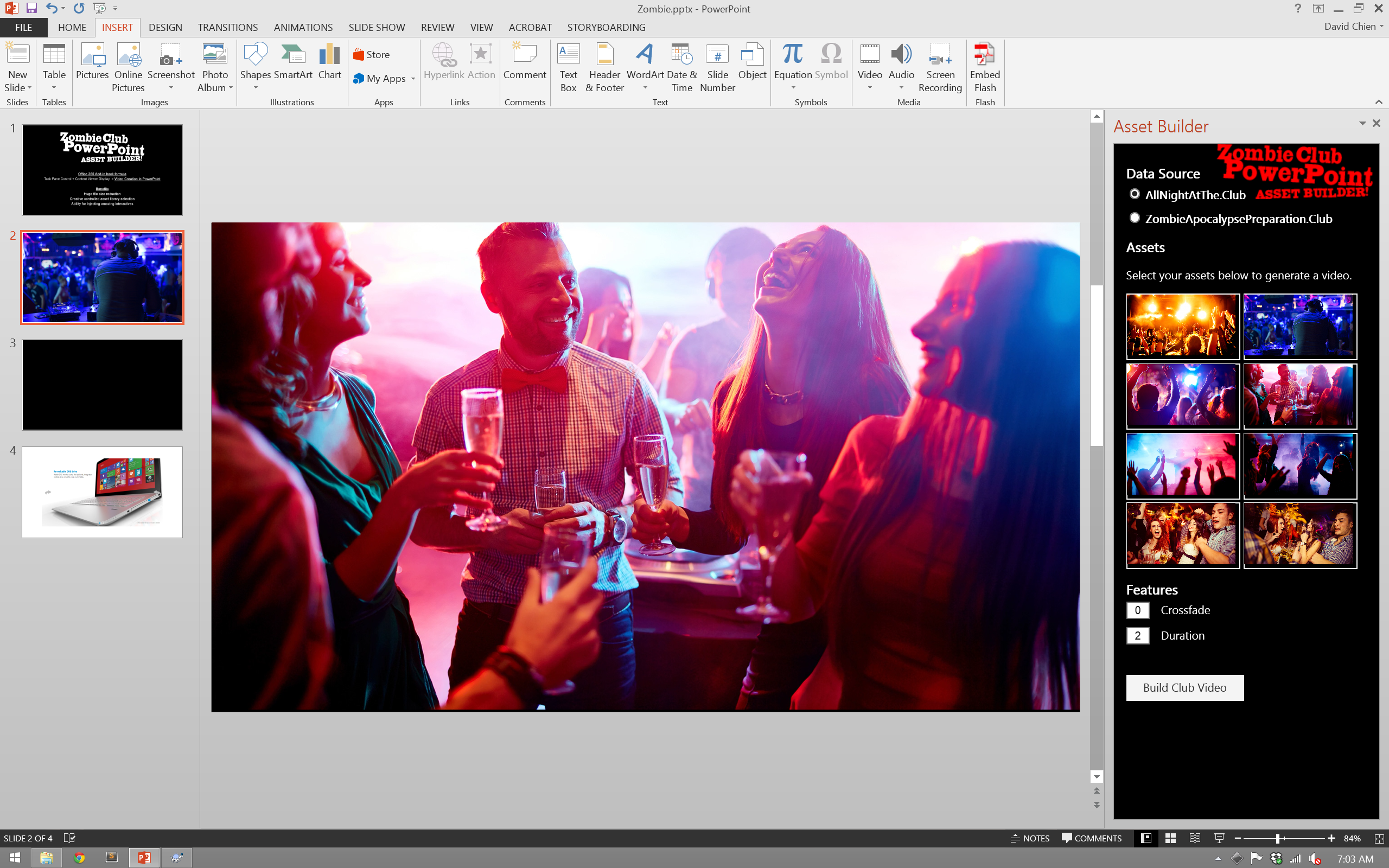
Office 365 Add-in hack formula Task Pane Control + Content Viewer Display = Video Creation in PowerPoint
Inspiration
Our sales team and clients are always in need of more expressive media rich assets. We have gotten the video build and storytelling down to a science, but there always seems to be room for optimization on the actual video creation and asset collection side.
What it does
This Office Add-in pairs a Task Pane with a Content viewer to allow for a dynamic selection and creation of video assets that can be done directly in PowerPoint. Data is housed with newly created domains of AllNightAtThe.Club and ZombieApocalypsePreparation.Club.
How I built it
Two separate Add-in builds, one focused on Task Pane, the other on the Content viewer. Each talks to the server to create a seamless experience for the PowerPoint user.
Challenges I ran into
Getting the framework set up was a challenge. Negotiating caching issues is also another big challenge.
Accomplishments that I'm proud of
Dynamic video creation based on user input. All through PowerPoint interface. Huge file size reduction Creative controlled asset library selection Ability for injecting amazing interactives
What I learned
Office Add-in has interesting possibilities for interactives.
What's next for PowerPoint Asset Builder
Refinement and testing with internal team. Possibility of creating an entire feature length video within PowerPoint, weird but possible.
Built With
- ffmpeg
- javascript
- jquery
- office365
- php


Log in or sign up for Devpost to join the conversation.