Inspiration
It was 2 AM, my laptop fans were screaming like banshees, and my RAM usage was hovering at a terrifying 98%. I opened my Activity Monitor and saw the usual suspects: ghost processes, zombie tabs, and background daemons eating my memory. I stared at the boring "End Task" button and thought: "This is too dull. I wish I could just shoot them."
That was the spark. For Kiroween, I decided to resurrect the feeling of old-school arcade shooters but apply it to a boring system administration task. I wanted to turn process management into a survival horror game where you literally hunt down the code that is slowing you down.
What it does
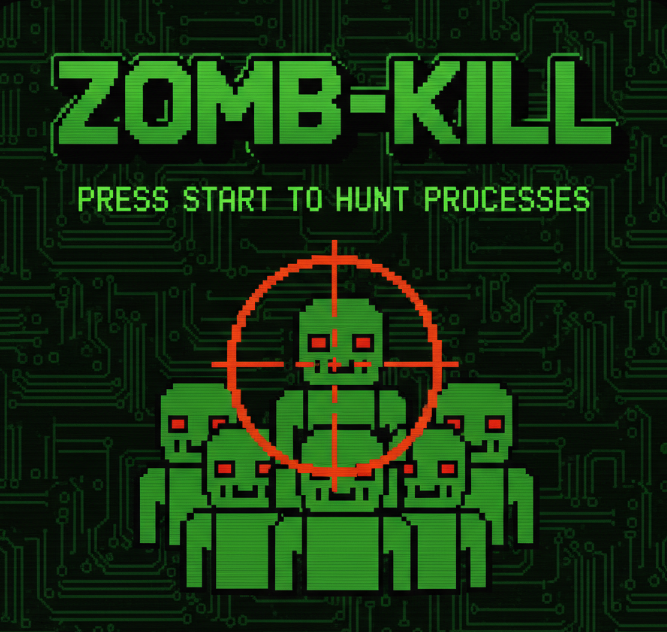
Zomb-Kill is a Python-based gamified dashboard that visualizes your computer's active processes as 8-bit monsters.
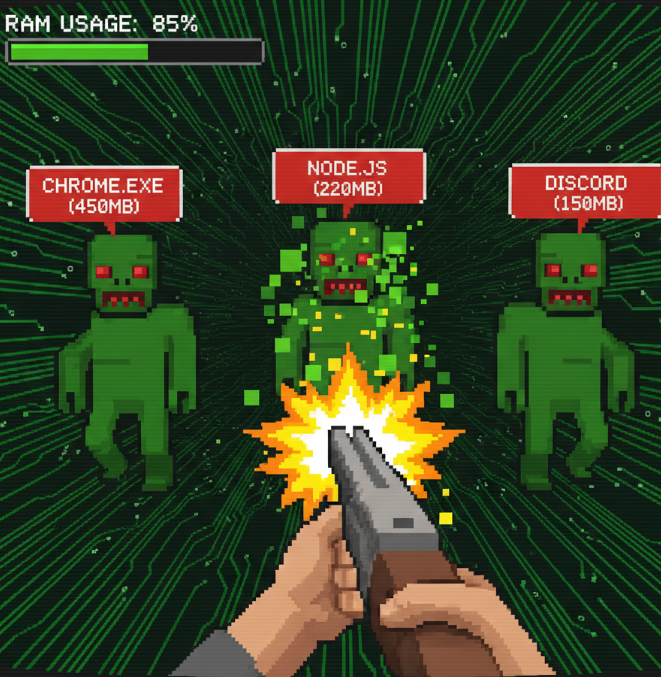
- The Zombies: Background processes consuming RAM appear as zombies on your screen.
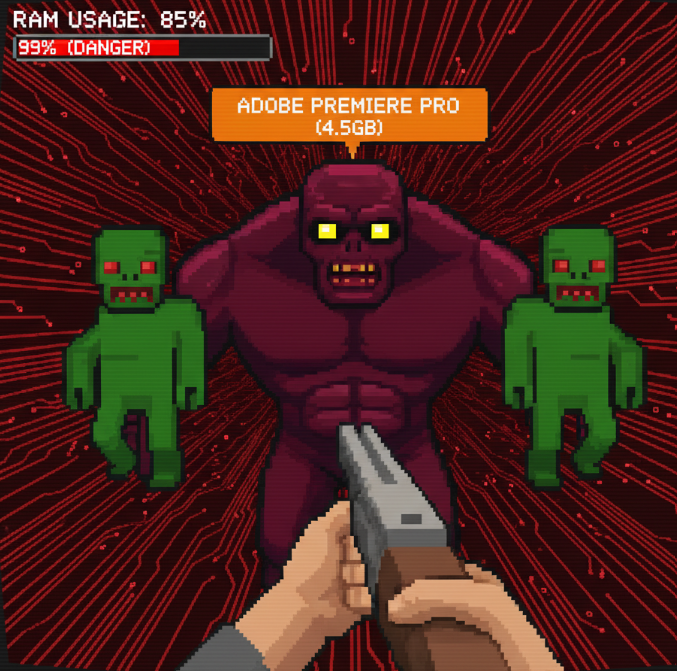
- The Health: The amount of RAM they are eating determines their "Health Points." Bigger memory leaks = bigger monsters.
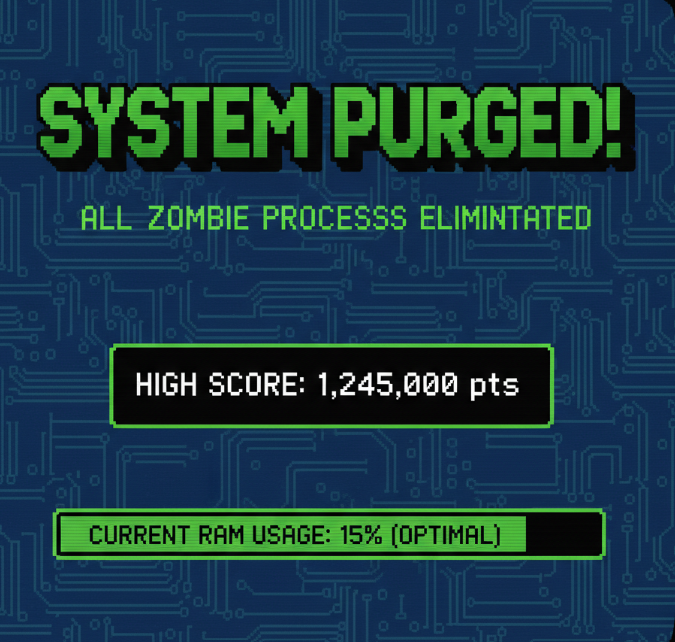
- The Cure: You don't click "End Task." You aim your shotgun cursor and click to "shoot" the process. This sends a kill signal to the OS, instantly terminating the process and freeing up your memory.
How we built it
We built this entirely within the Kiro IDE, leveraging its specific AI features to bridge the gap between system-level Python scripting and Game Development.
- Vibe Coding (The Backend): I am not a system administrator, so I used Kiro's Vibe Coding to handle the scary low-level stuff. I simply asked Kiro: "Write a script using
psutilto scan for idle processes and return them as a JSON object with 'health' based on memory usage." Kiro generated robust backend logic that safely interacts with the OS without me needing to look up error codes. - Steering Docs (The Frontend): For the visuals, we used PyGame. To avoid AI hallucinations, we uploaded the official PyGame documentation into Kiro's Context. By steering the AI with the official docs, Kiro was able to write a rendering loop that takes our "Process JSON" and spawns sprite objects in real-time without syntax errors.
Challenges we ran into
The biggest challenge was Safety. We didn't want users accidentally shooting "System 32" or essential kernel processes, which would cause the computer to crash (the ultimate horror). We had to implement a specific filtering system—again, using Kiro's help—to ensure only "User-level" processes (like Chrome tabs or VS Code extensions) appear as zombies. Kiro helped us identify the specific process flags to filter out the dangerous ones.
Accomplishments that we're proud of
We successfully "Frankenstein-ed" two completely different domains: System Administration tools (psutil) and Arcade Gaming (pygame). Taking a dry, text-based concept like "Process ID 4022" and turning it into a pixelated enemy you can interact with was a huge win. We are also proud of how quickly we built the functional prototype using Kiro's generation features.
What we learned
We learned that Steering Docs in Kiro are a game-changer. Being able to feed the specific documentation for a library into the AI meant we could build with tools we weren't fully familiar with (like PyGame) and still get working, bug-free code. It shifted our workflow from "Copy-Pasting from StackOverflow" to "Directing the AI" to build exactly what we envisioned.
What's next for Zomb-Kill: The Gamified Process Hunter
- Boss Battles: High-CPU processes (like video rendering or compiling code) will appear as Boss Monsters that require multiple clicks to kill.
- Sound Packs: Adding distinct sounds for killing different types of apps (e.g., a glass breaking sound for killing a browser tab).
- Mac/Linux Support: Currently, it's optimized for local testing, but we want to make it cross-platform so everyone can hunt their zombies.


Log in or sign up for Devpost to join the conversation.