-
-
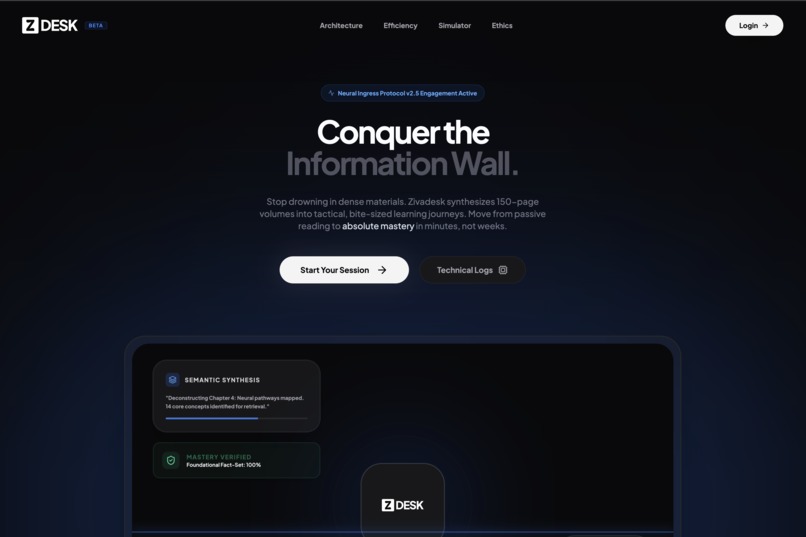
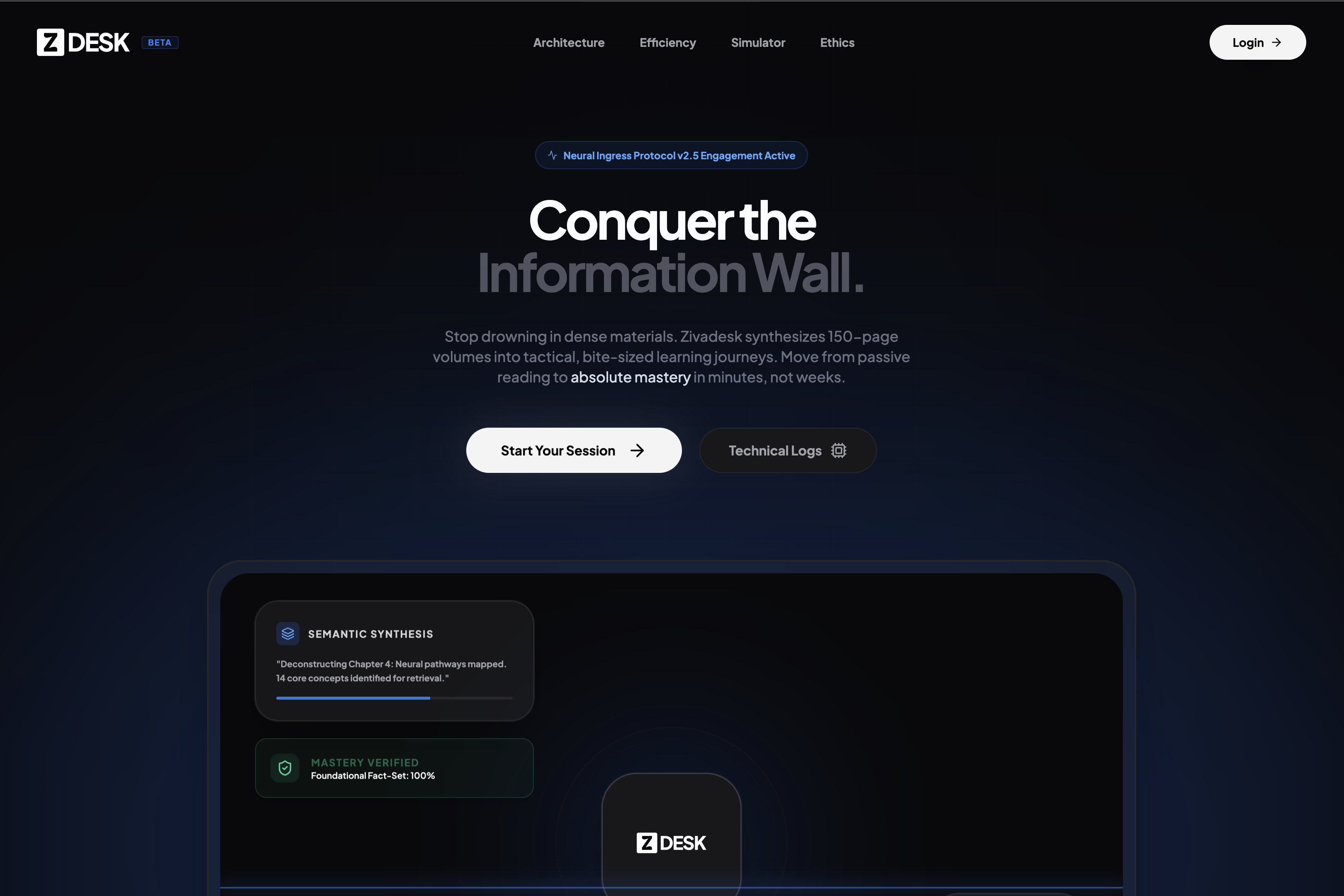
landing page
-
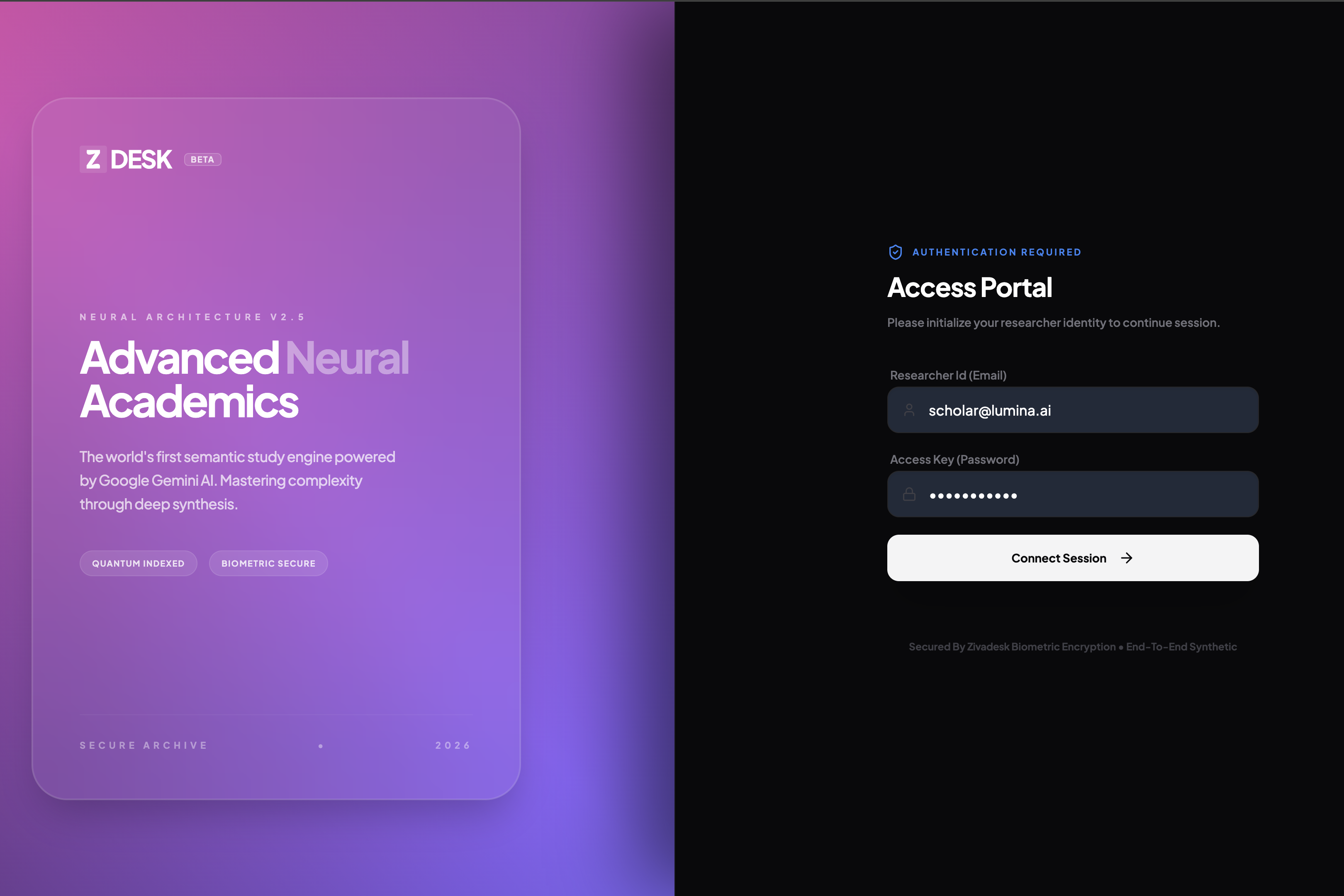
login view
-
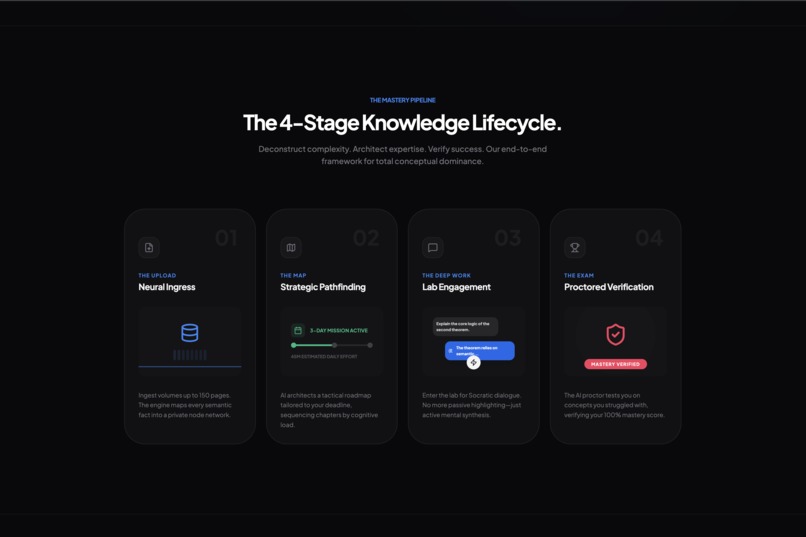
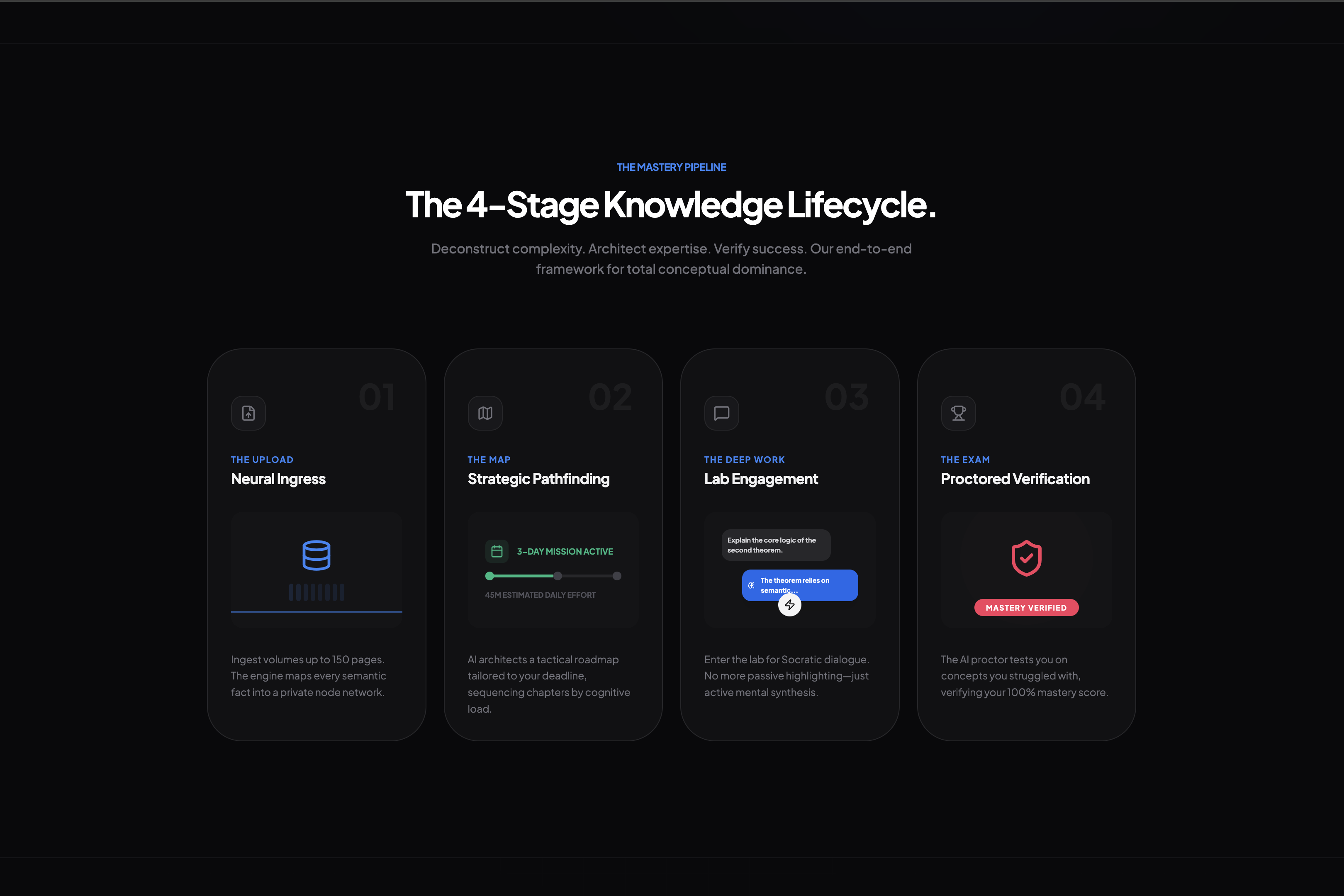
4 stages (ziva document processing flow)
-
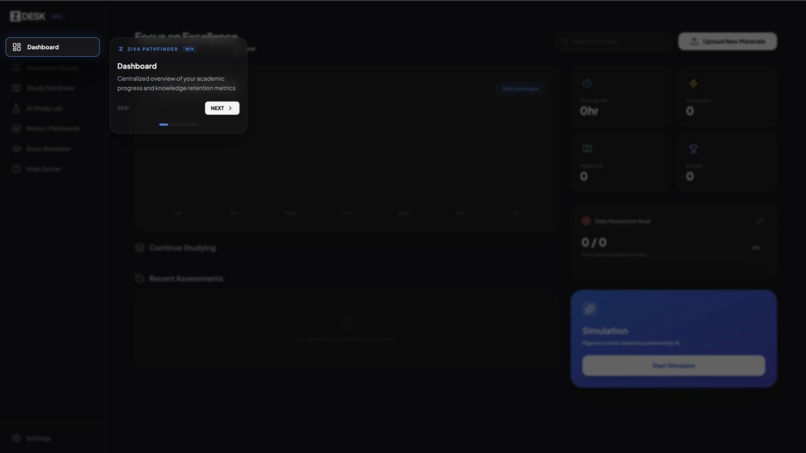
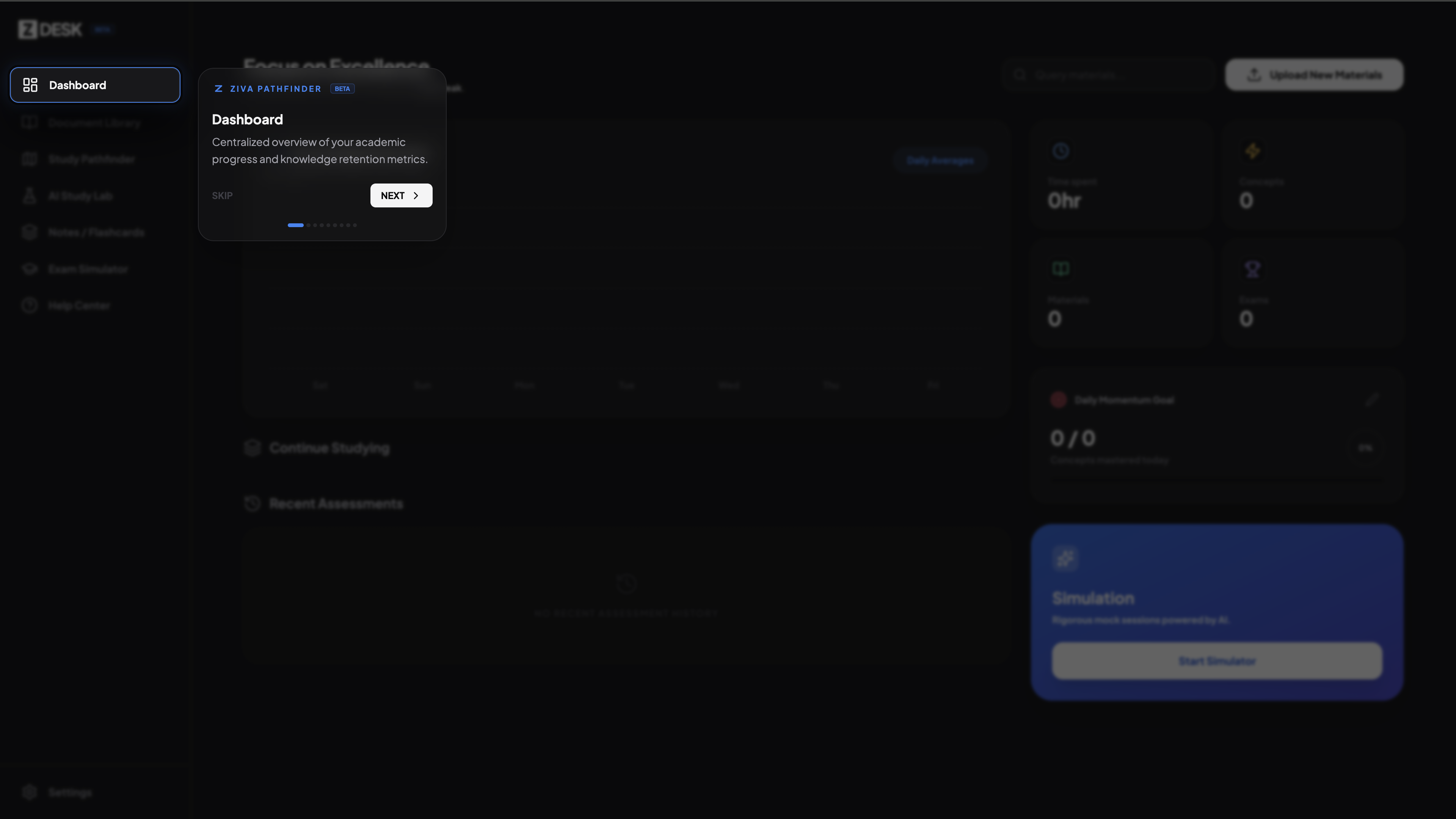
onscreen tutorial
-
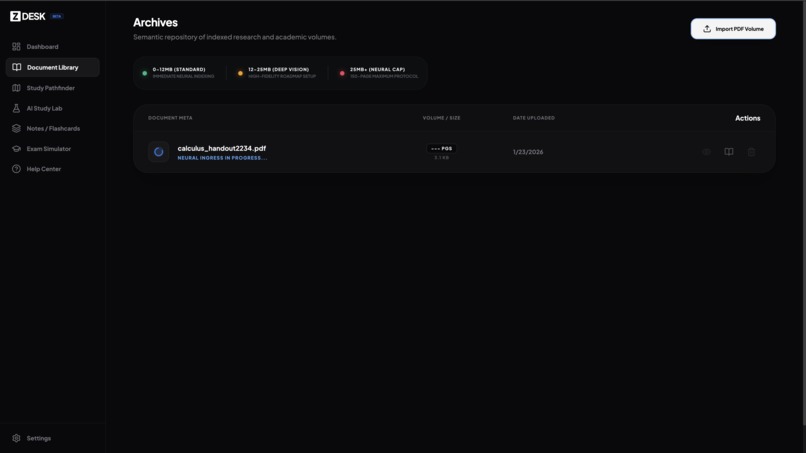
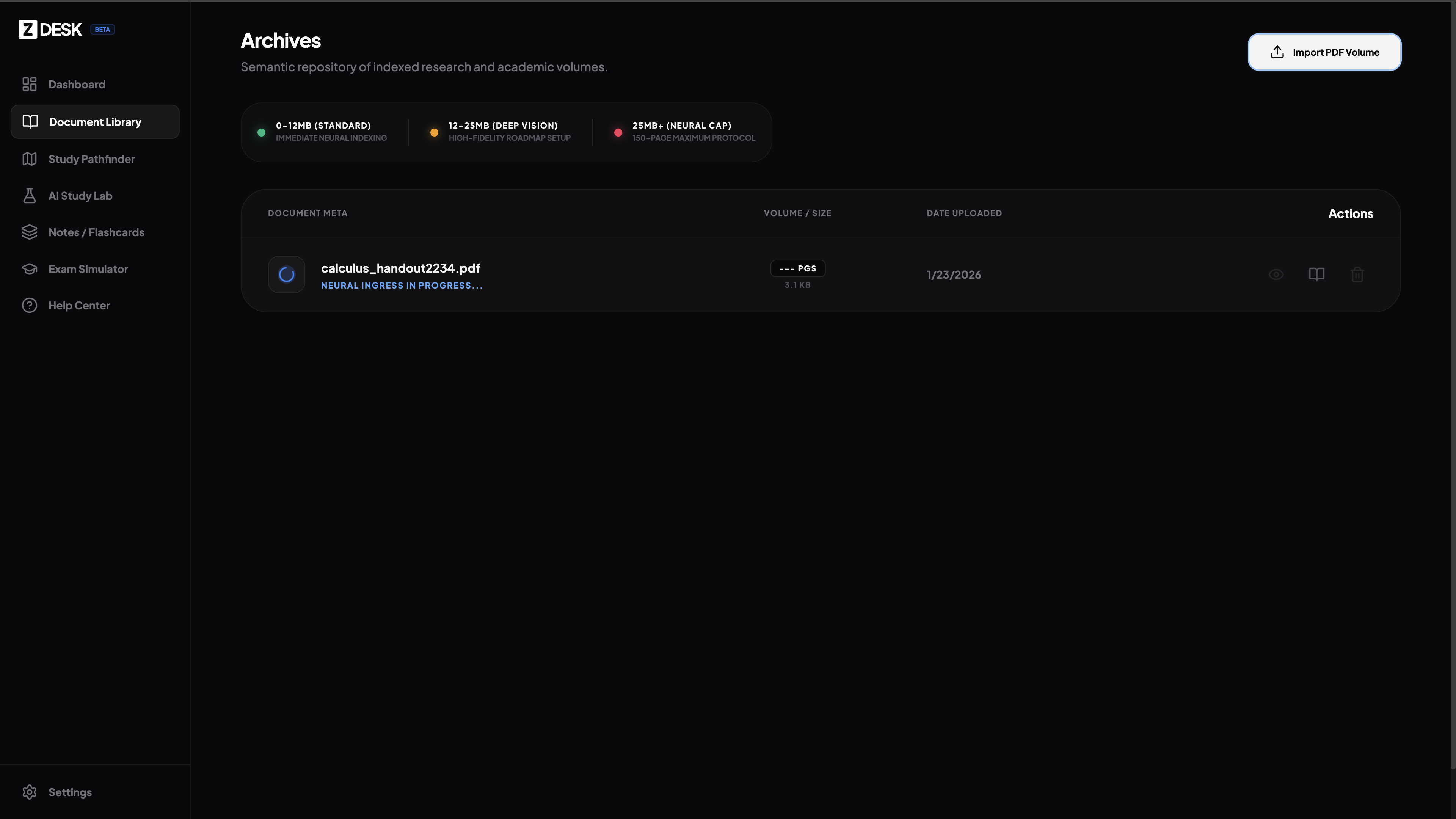
document library - document processing
-
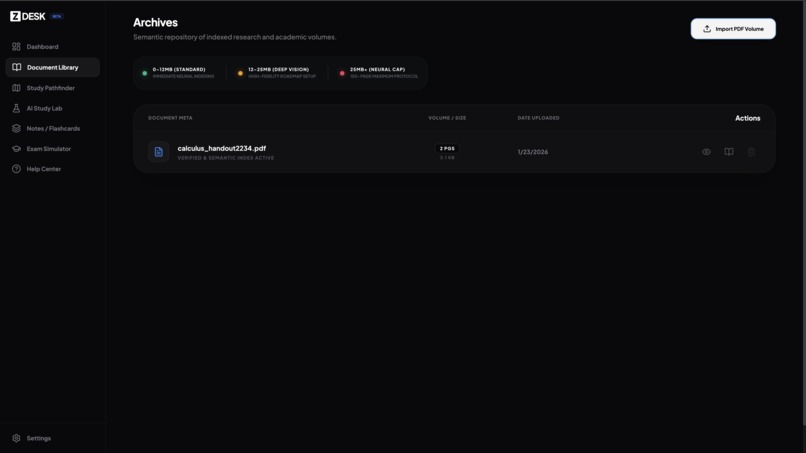
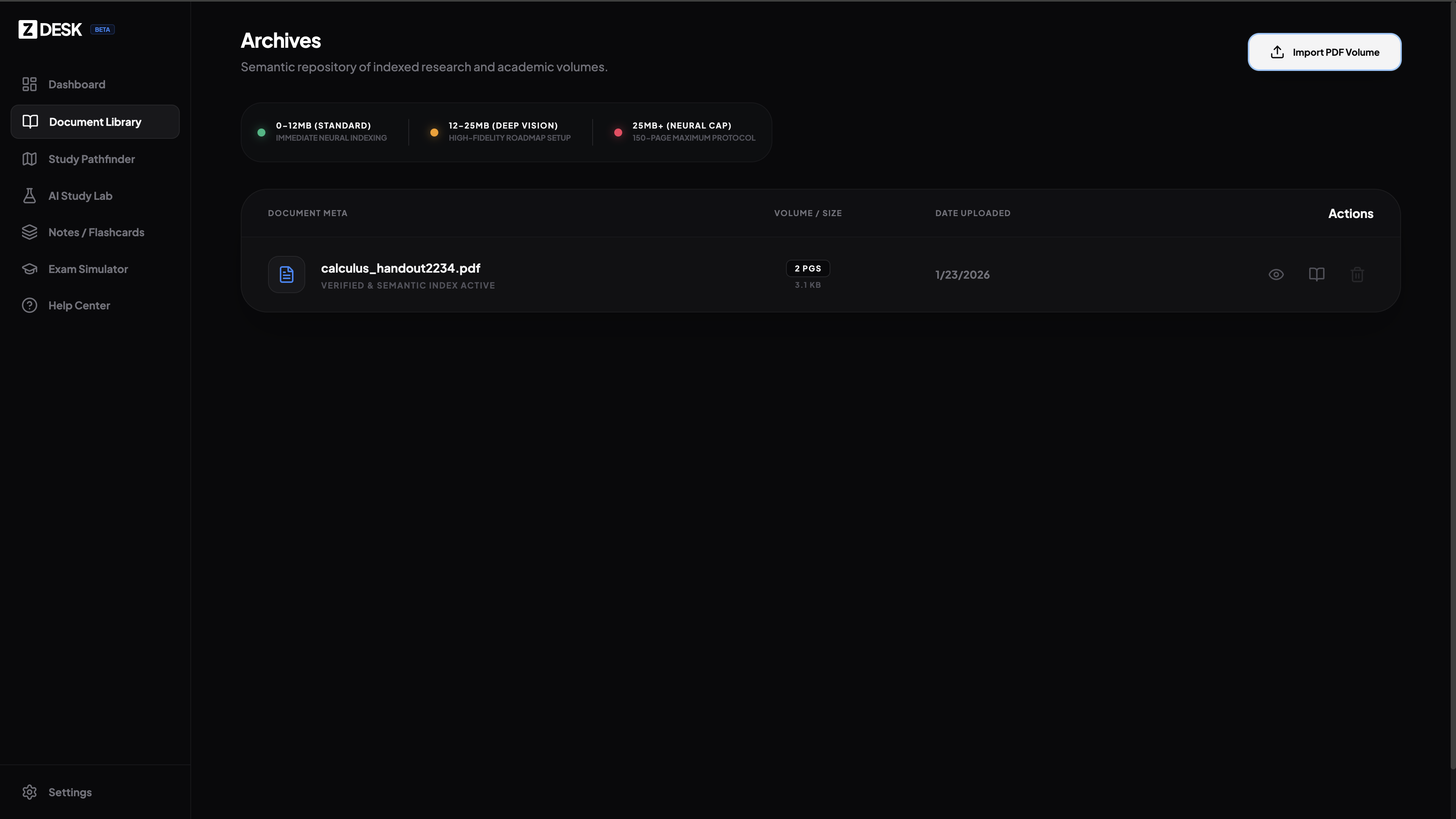
document library - document processing completed
-

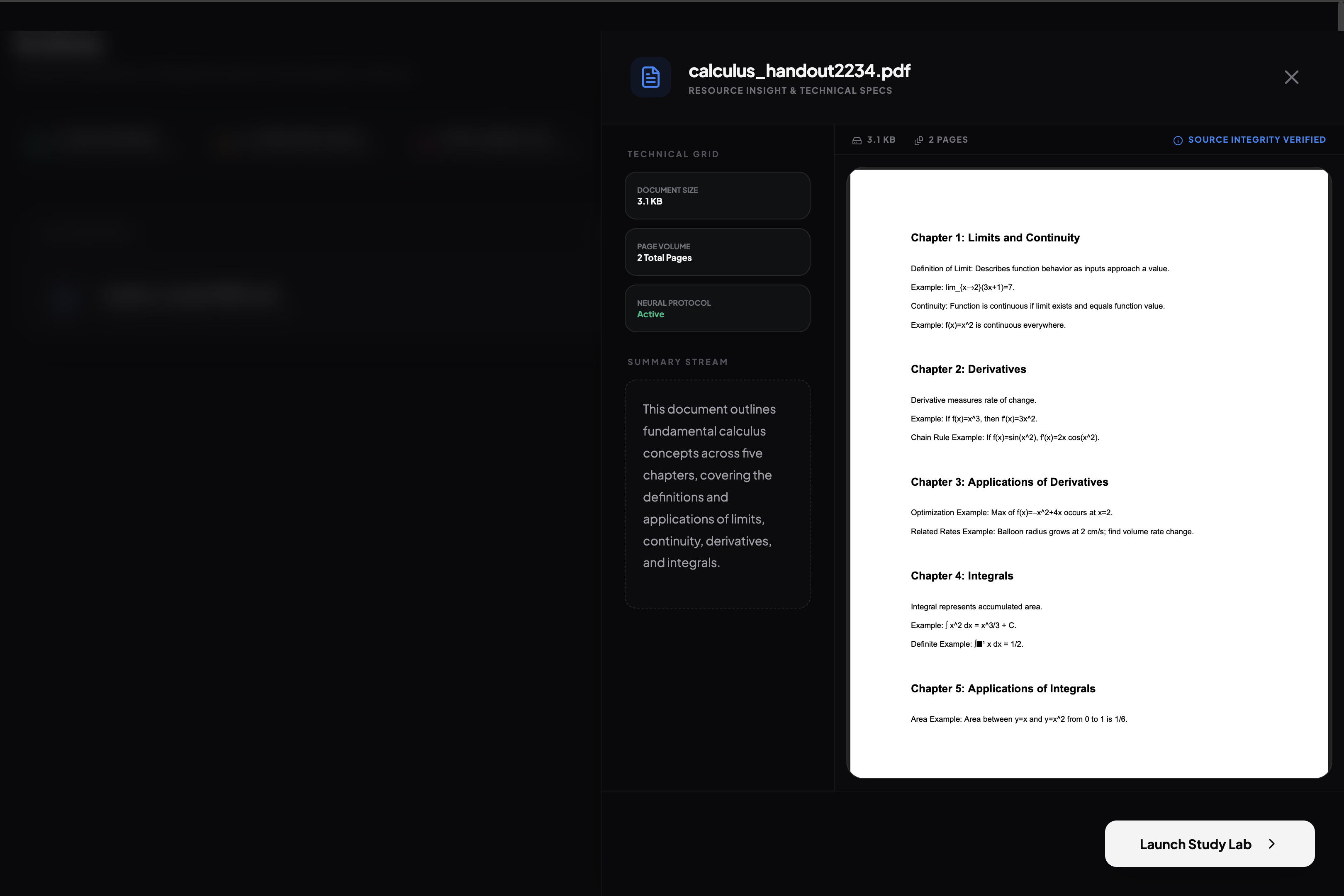
document preview option
-
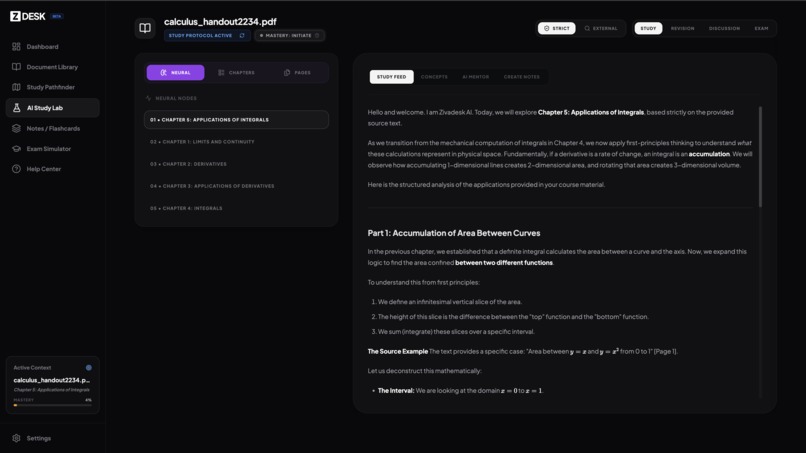
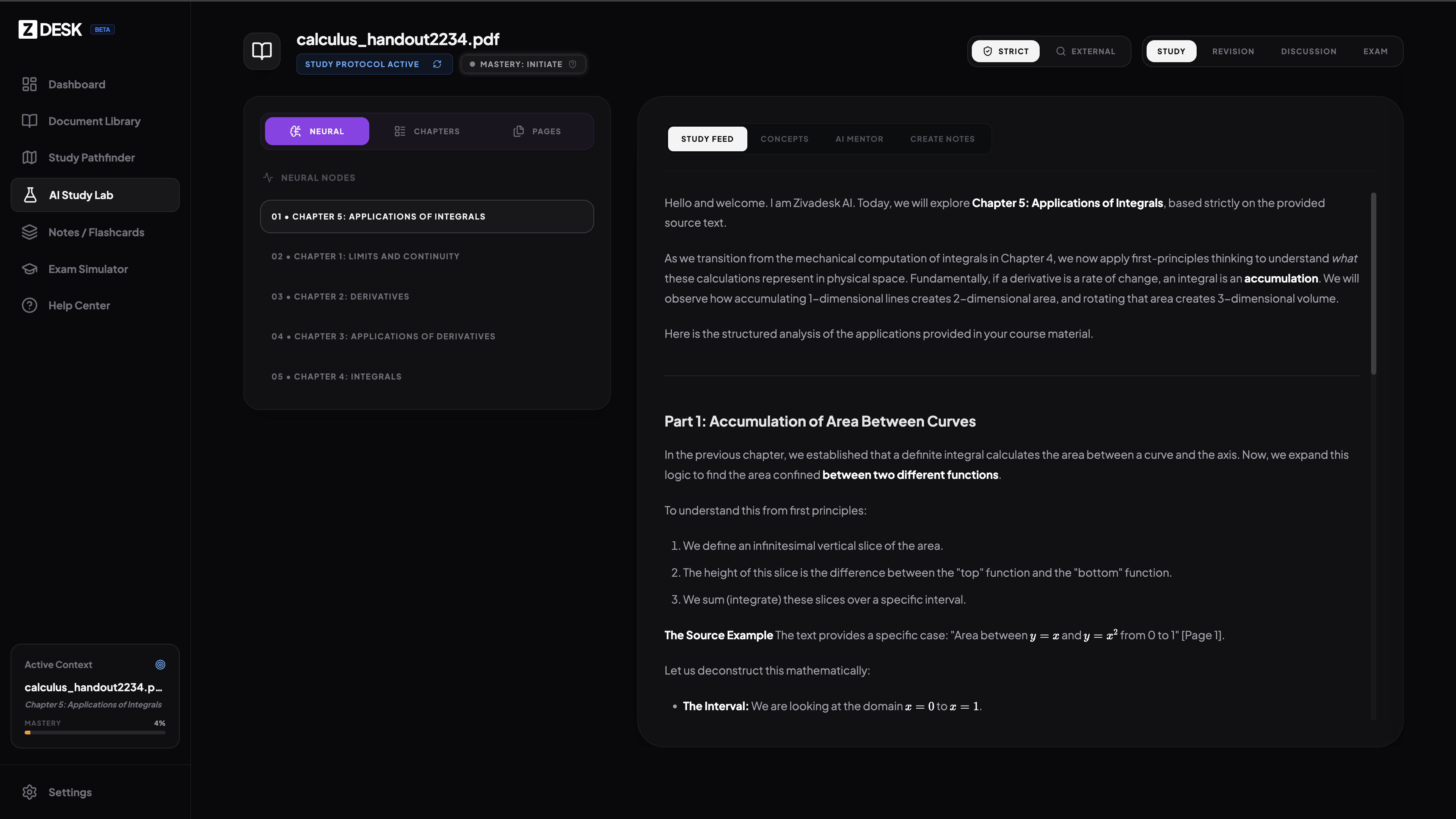
ai study lab
-
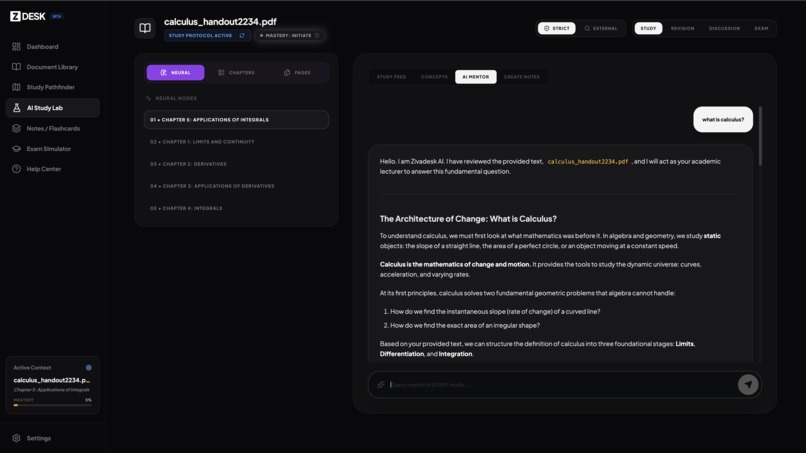
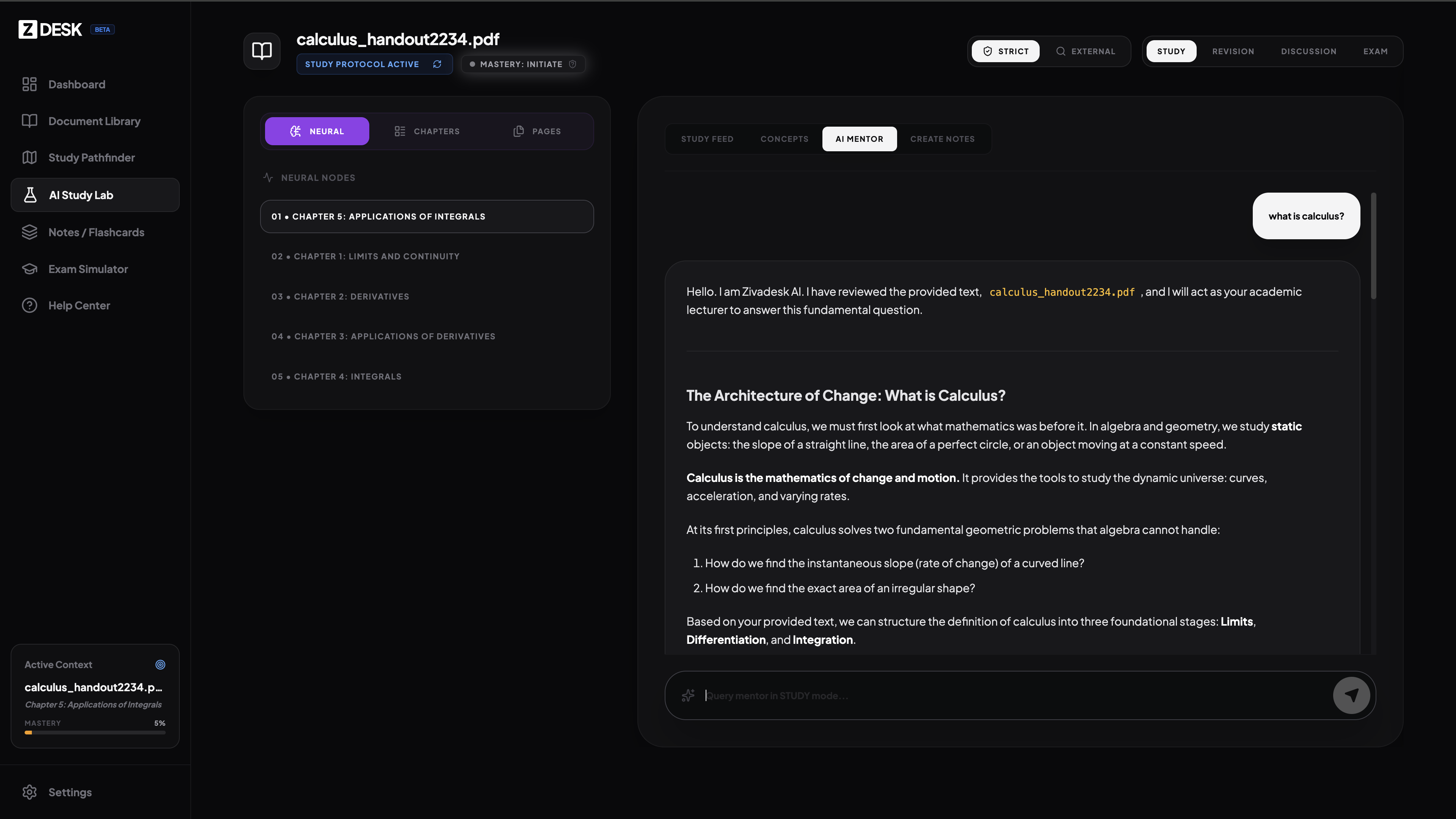
ziva ai chat interface
-
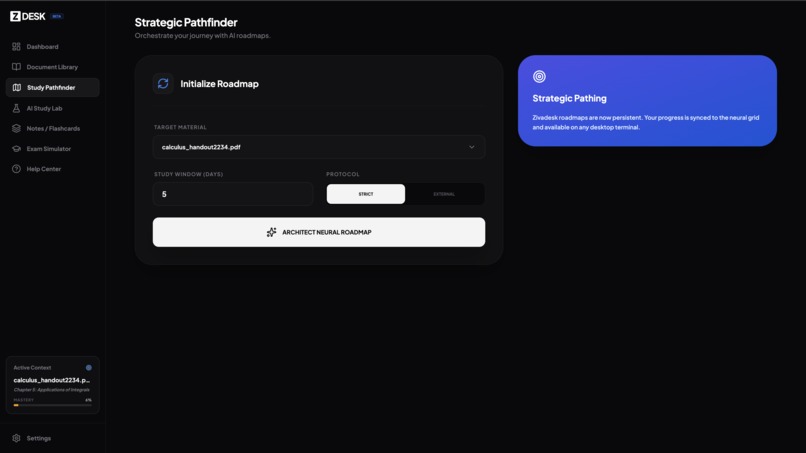
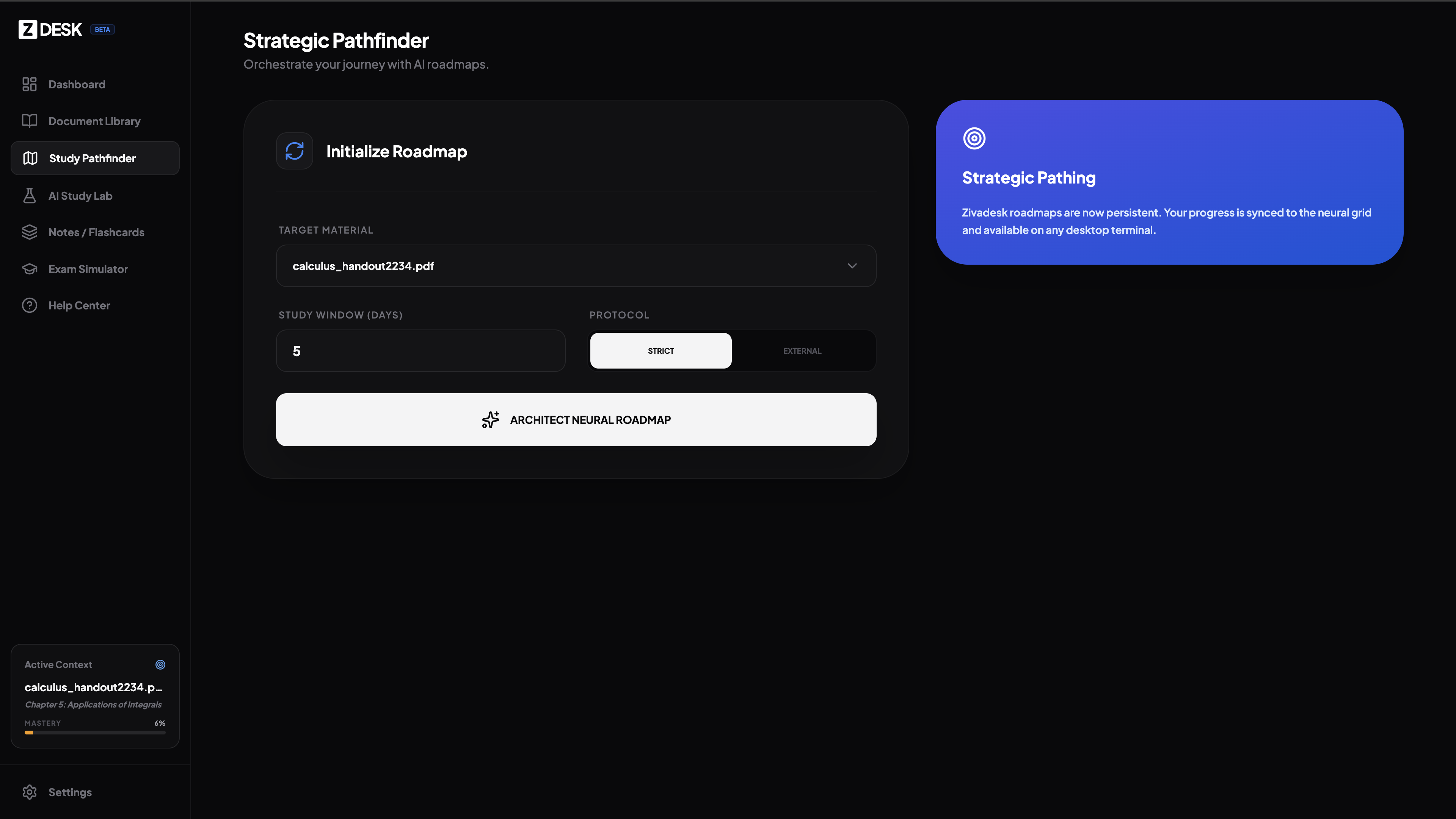
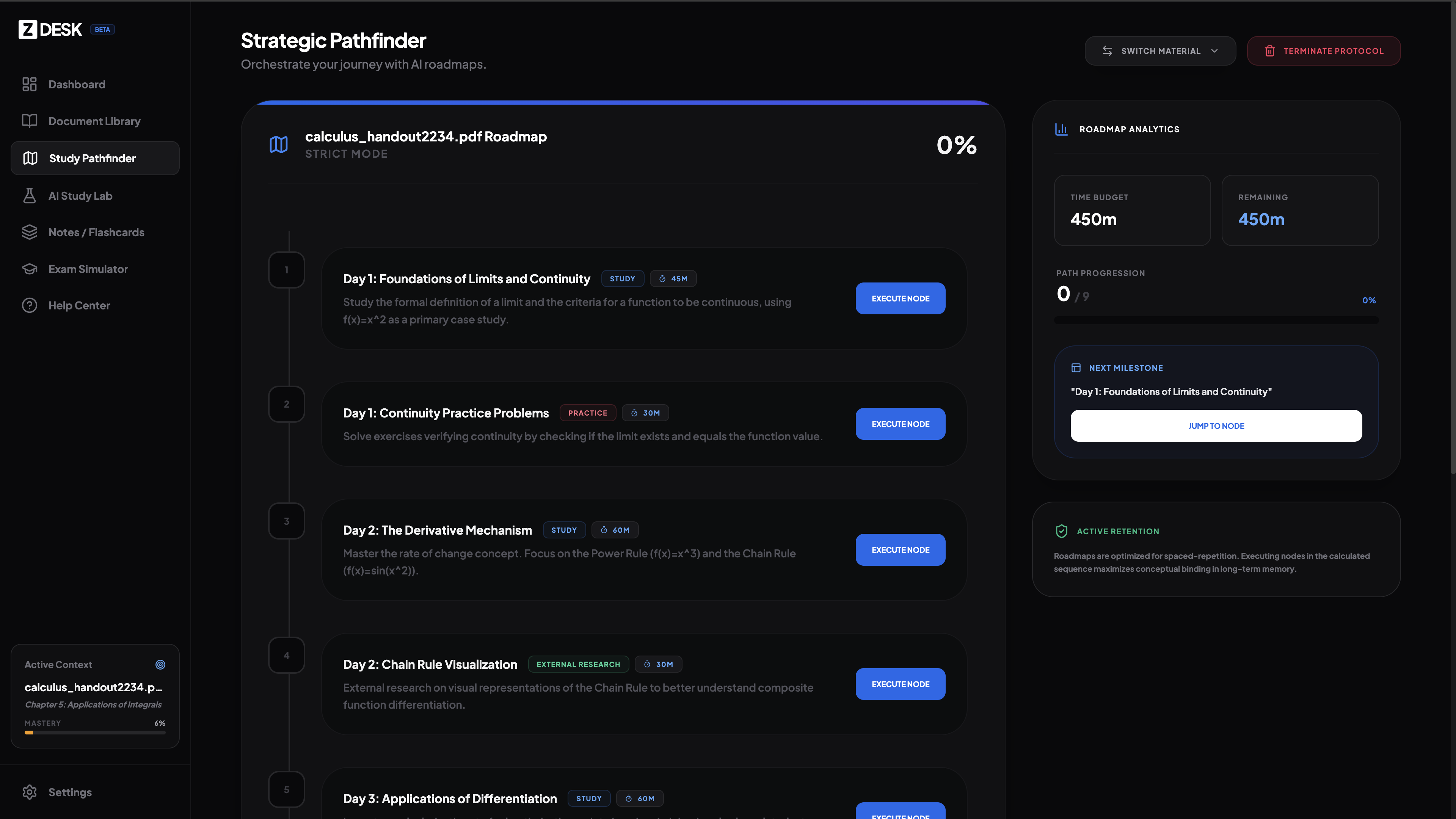
study pathfinder
-
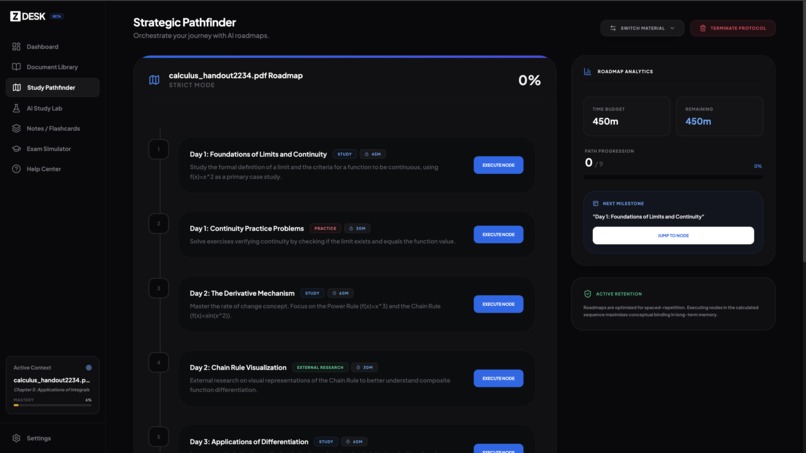
study pathfinder - roadmap generated
-
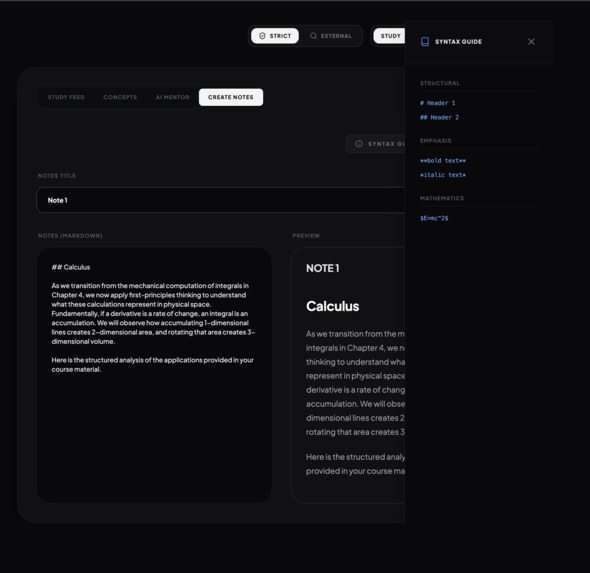
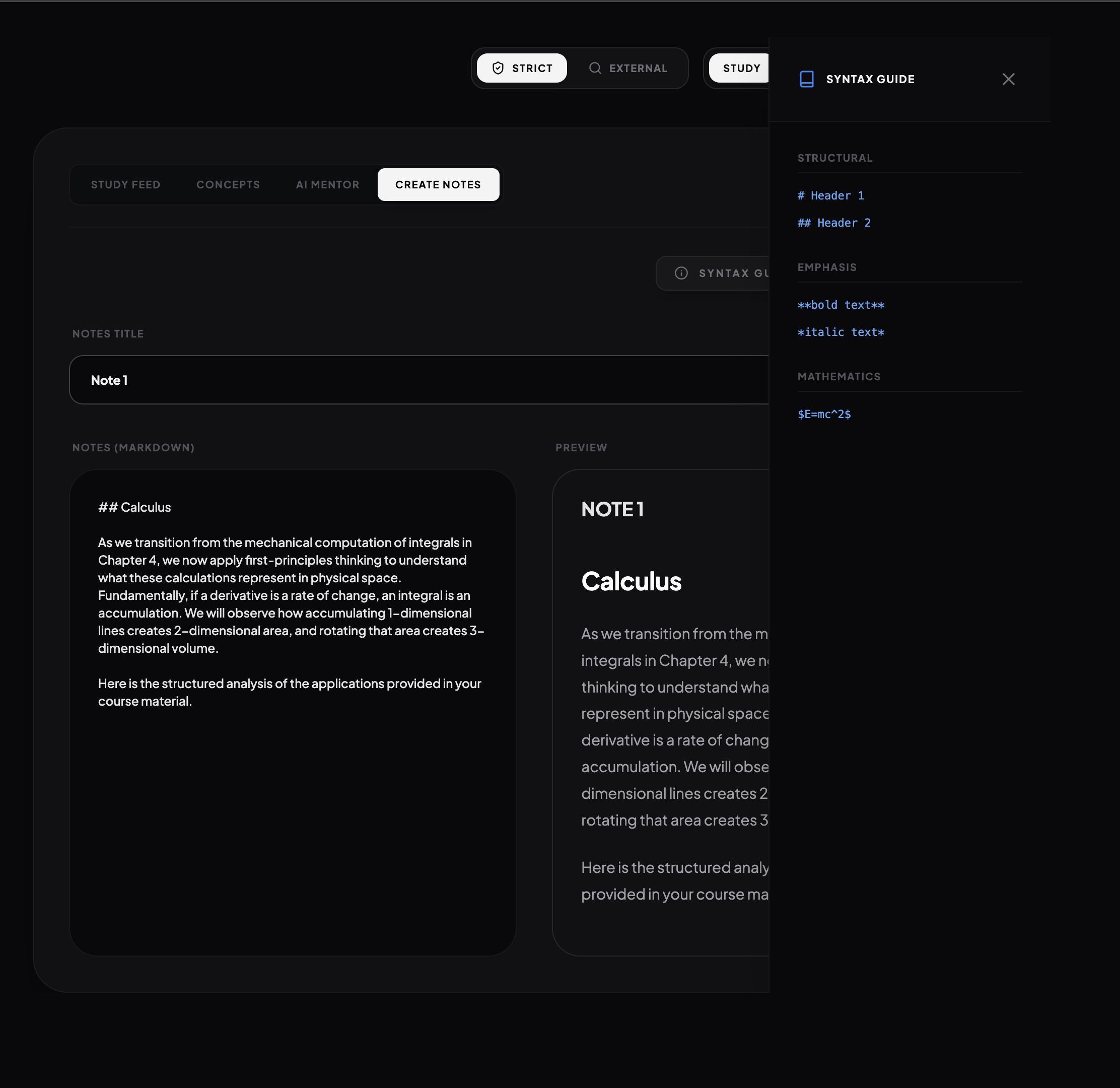
flash card creation
-

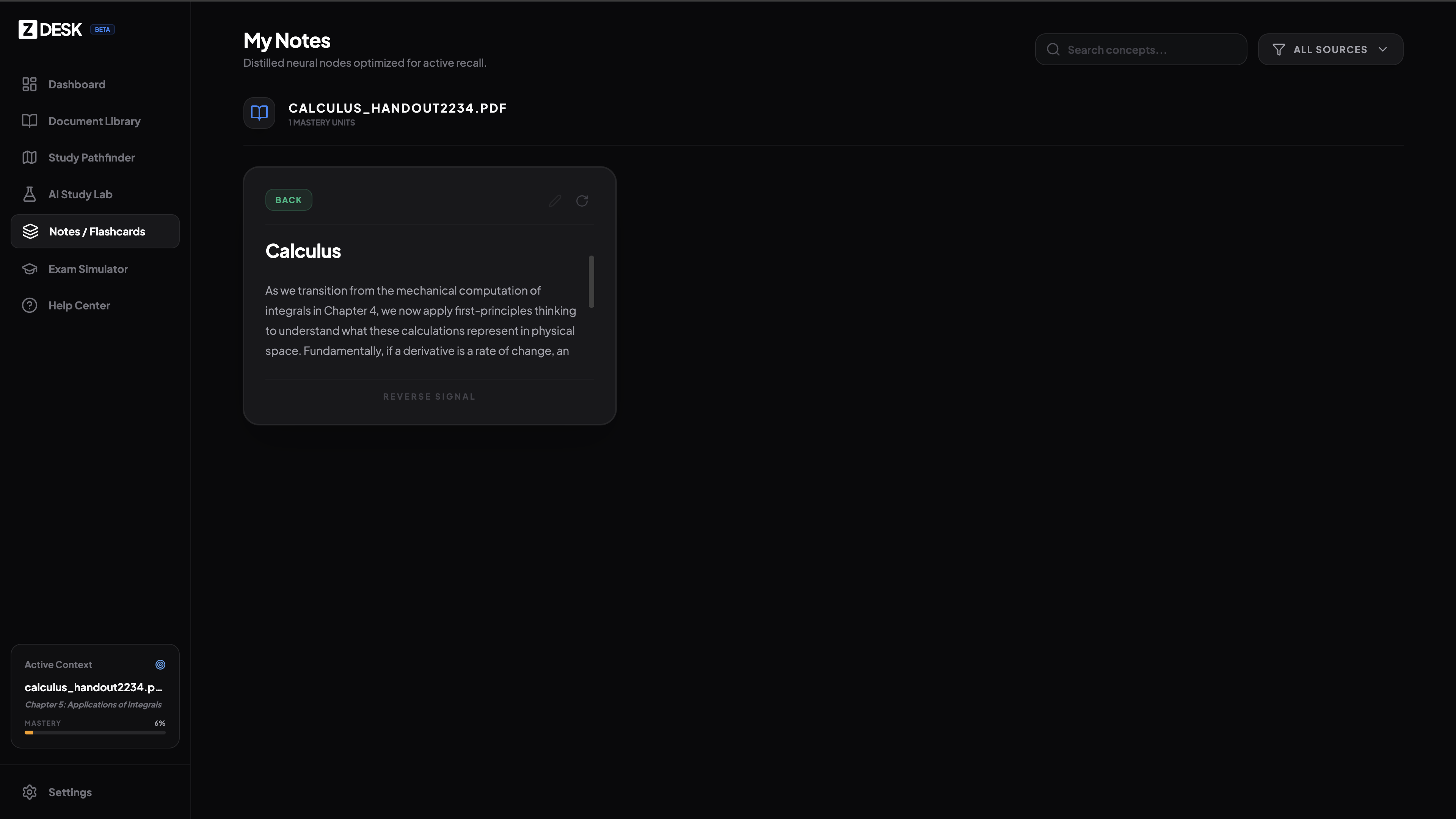
flashcards view
-
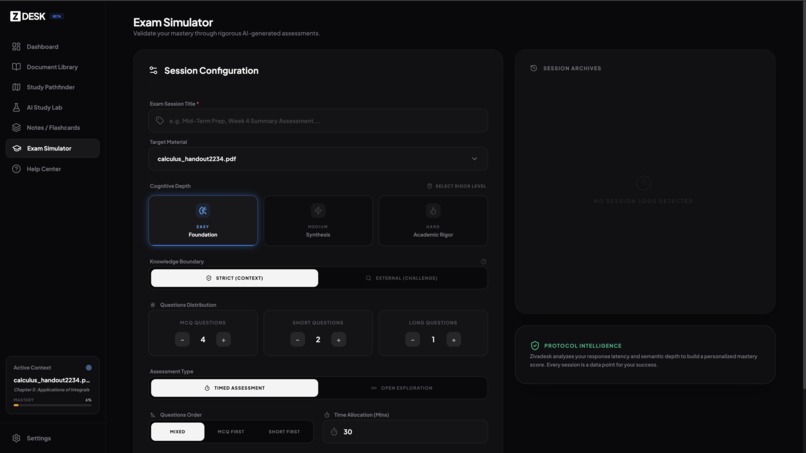
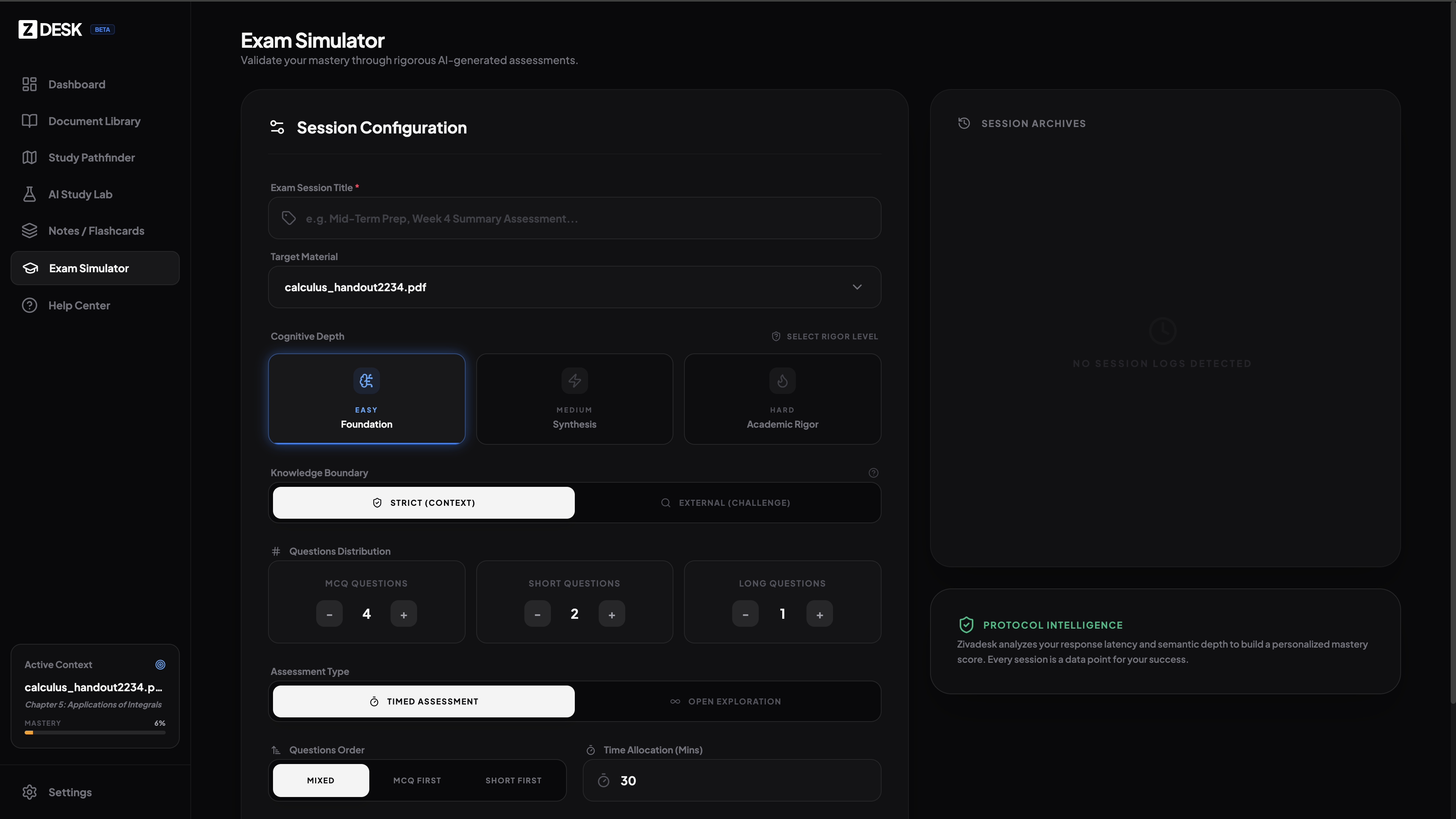
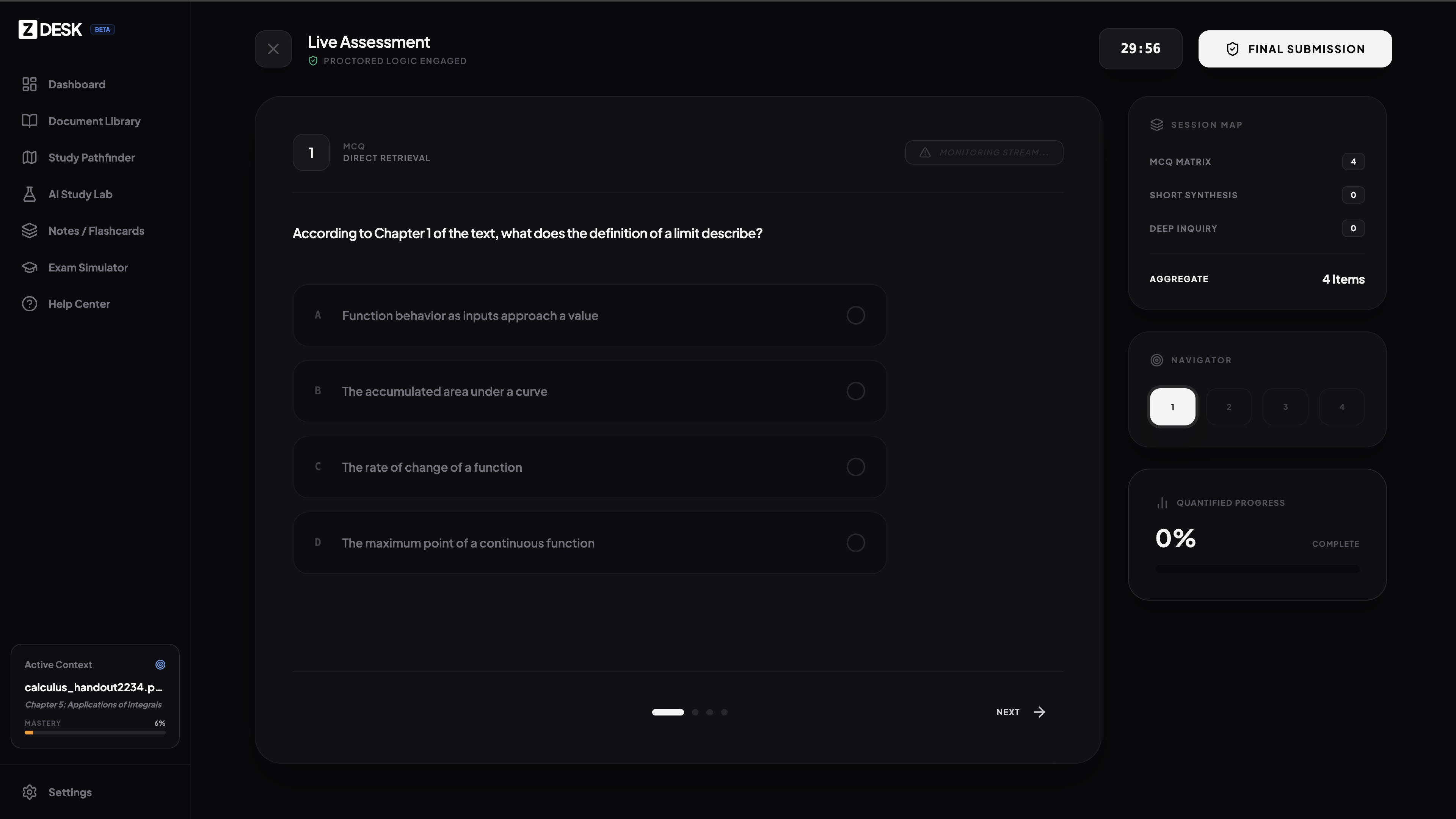
exam simulator
-
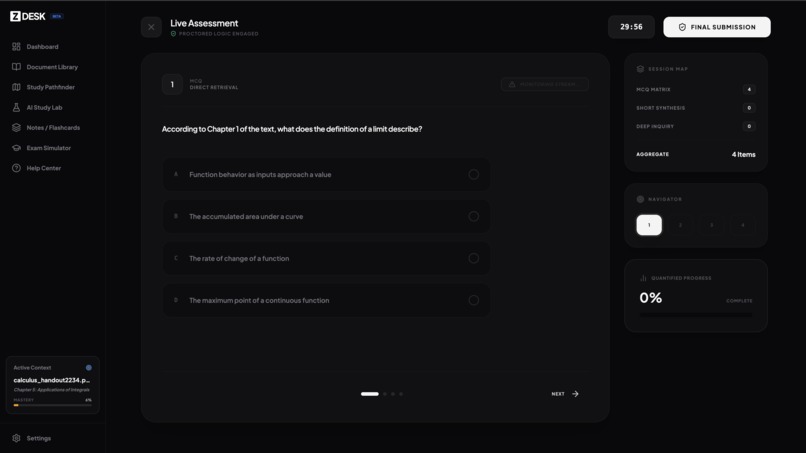
examination view
-
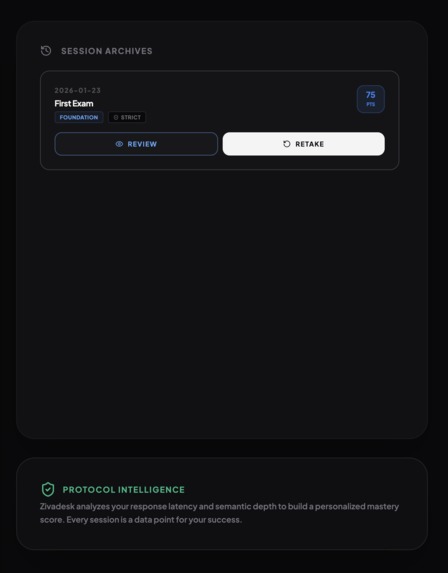
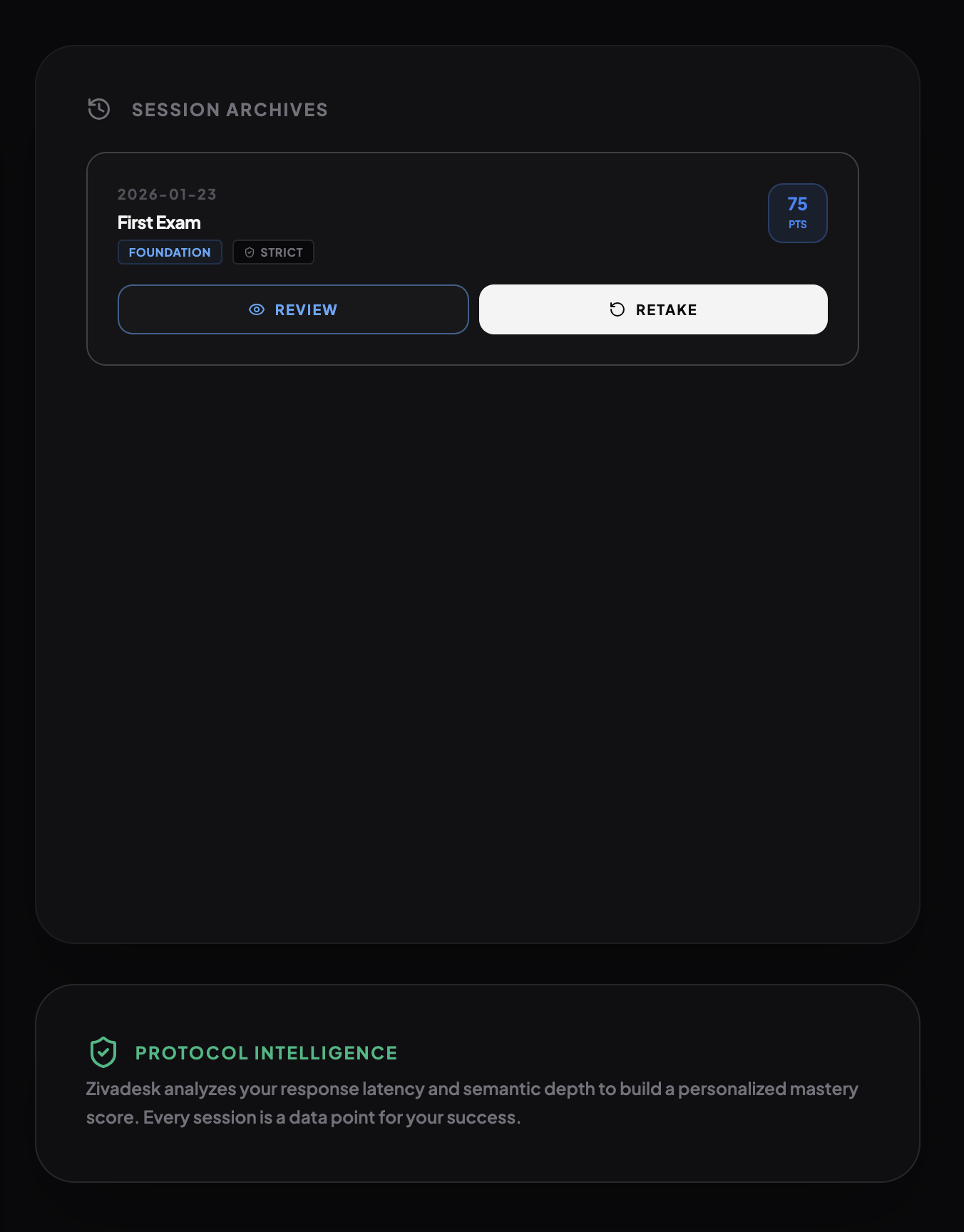
exam history
-
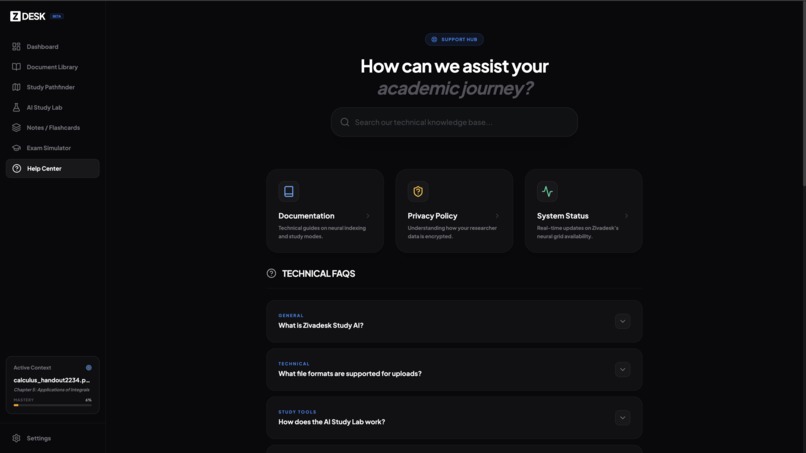
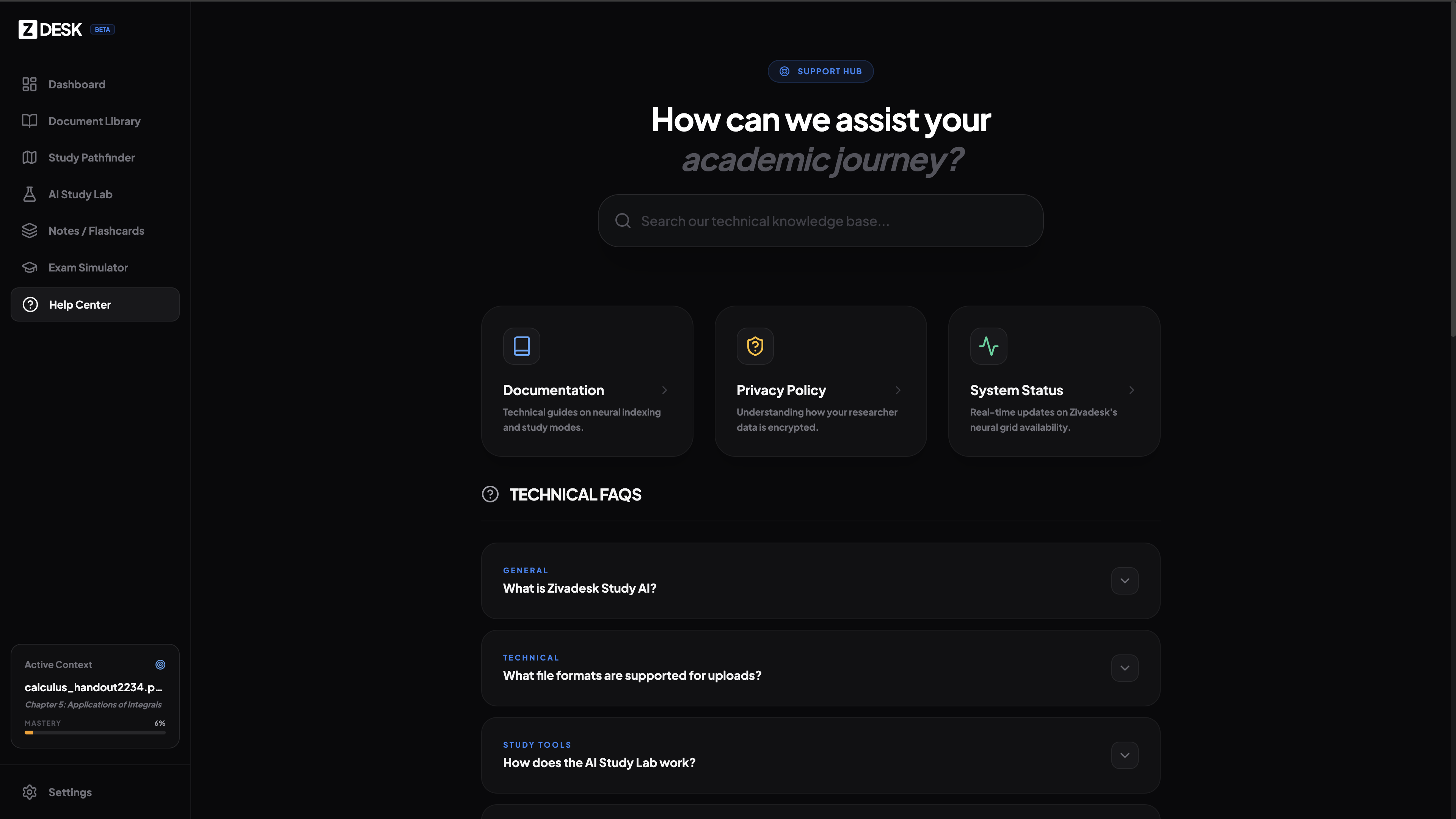
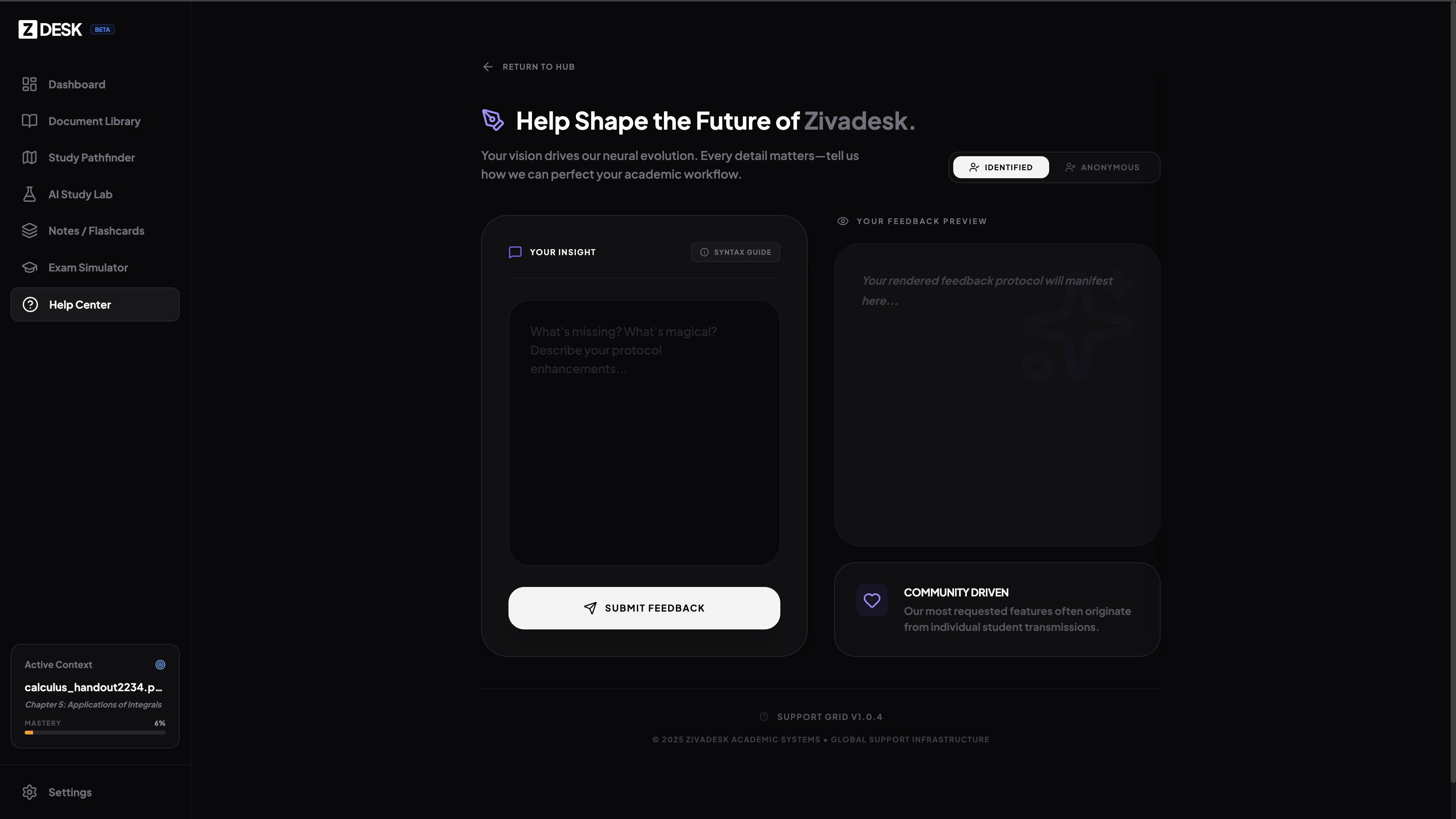
help center
-
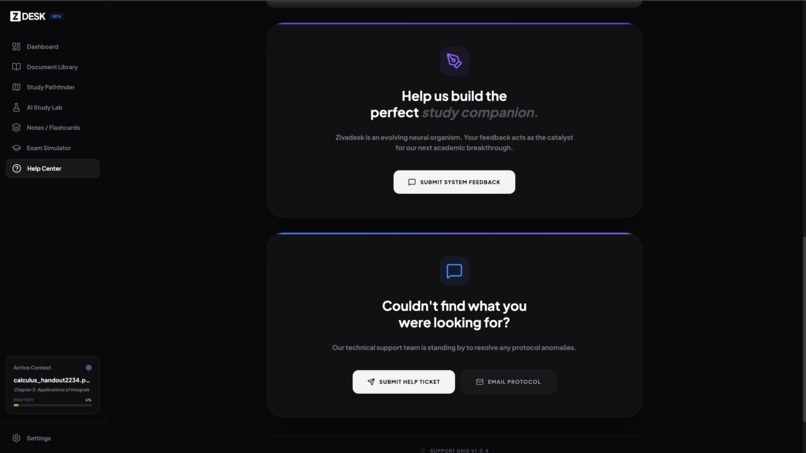
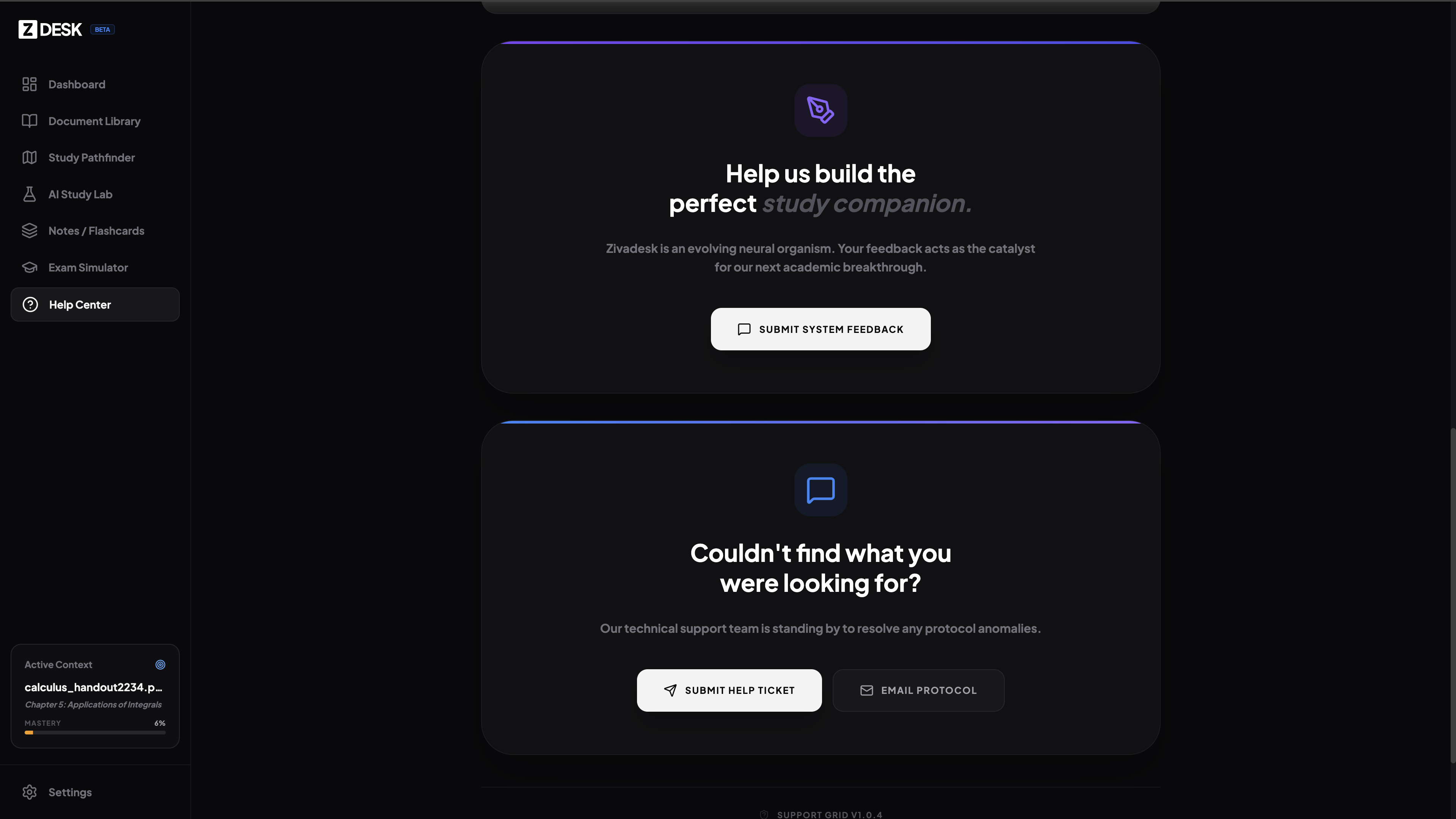
support options
-
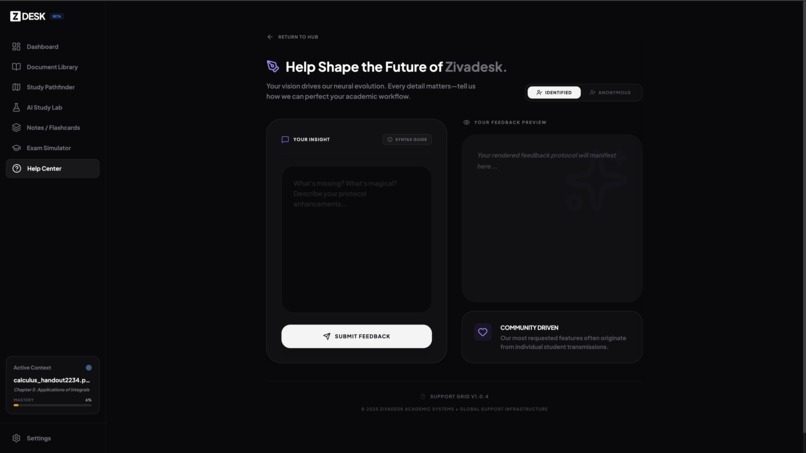
product feedback form
-
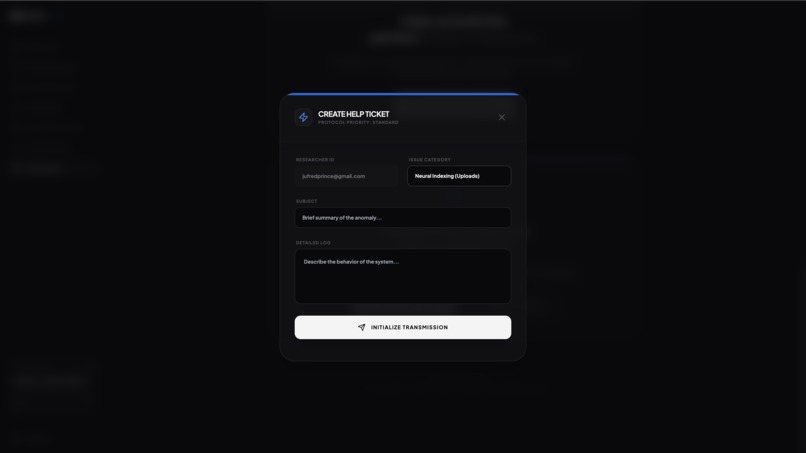
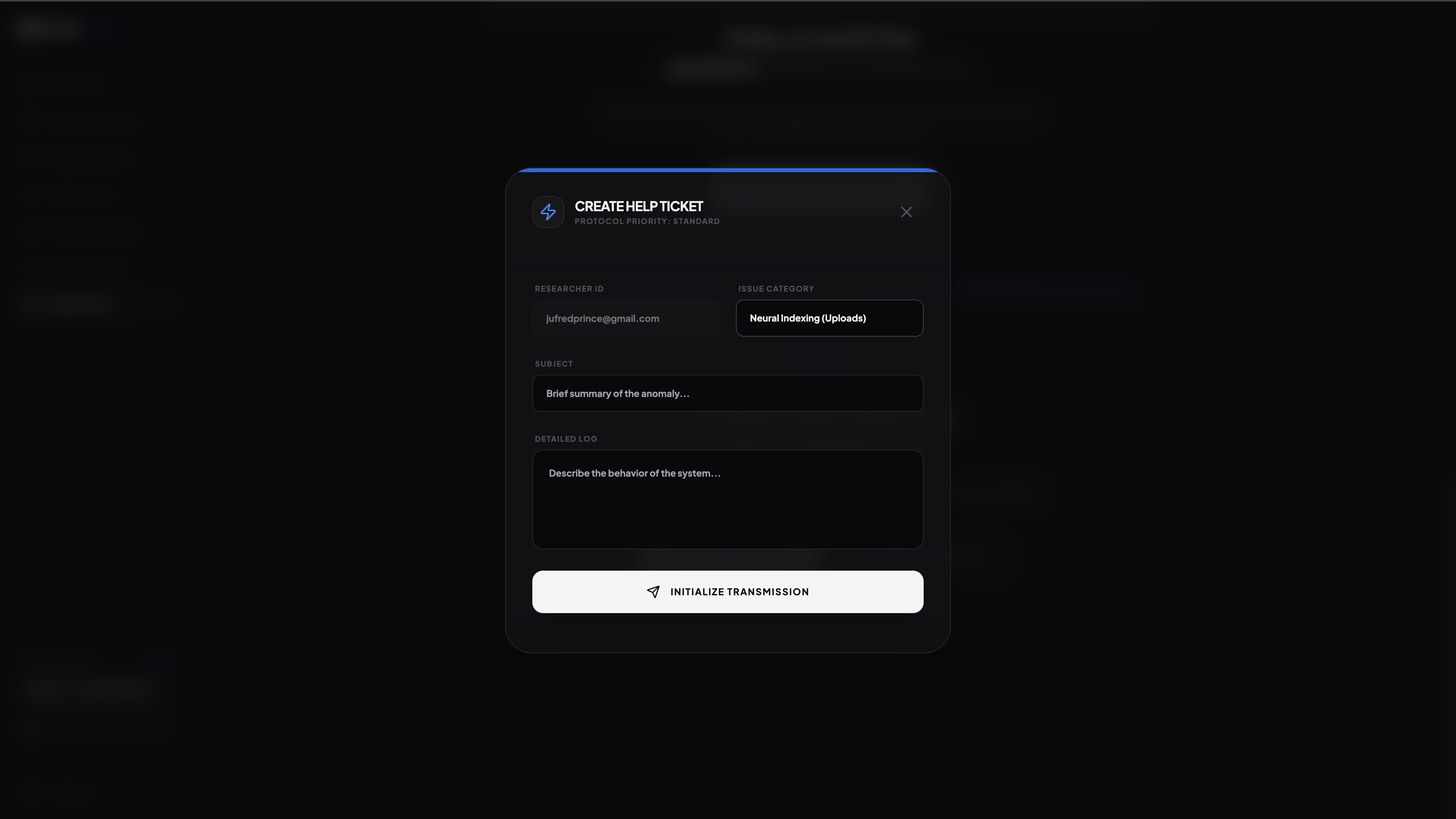
ticket support system
Inspiration
The inspiration for Zivadesk was born from a paradox in modern education: while access to information is infinite, human attention remains finite.
I observed that most Generative AI tools in the academic space act as "Ghostwriters"; they summarize texts, write essays, and effectively do the work for the student. While efficient, this creates an "Illusion of Competence." The user feels productive, but no actual neural pathways are formed.
So I wanted to build the opposite: a Neural Architect.
I asked: Can we use AI not to bypass the learning process, but to optimize it? I wanted to create a "Cognitive Performance Layer" that sits between a student/researcher and high-density information (like 150-page technical PDFs), transforming passive reading into an active, high-velocity mastery loop.
What it does
Zivadesk is a comprehensive AI study environment that turns static PDFs into interactive "Neural Nodes." It does not just summarize; it enforces mastery through active recall and rigorous simulation.
Neural Ingress & Indexing: Users upload PDF volumes (research papers, textbooks). The system extracts the text layer client-side and uses Gemini 3 Pro to build a semantic map of the content.
Strategic Pathfinder: It generates personalized study roadmaps based on the user's available time (e.g., "3 Days to Exam"). It breaks the document into logical nodes and tracks progress.
Multi-Modal Study Lab: Socratic Mentor: An AI mode that refuses to give direct answers, instead guiding the student through questions to force synthesis.
Revision Mode: Condenses information into high-density mnemonics and tables.
Proctored Exam Simulator: This is the core differentiator. Zivadesk generates academic-grade exams (MCQ, Short Answer, Long Essay) based strictly on the uploaded text.
Semantic Grading: It doesn't just check keywords. It evaluates open-ended user answers for Accuracy, Depth, and Logic, providing a quantified score and specific critiques.
How I built it
Zivadesk is engineered as a high-fidelity RAG (Retrieval-Augmented Generation) system, utilizing a modern React stack.
Frontend Architecture: Built with React 19, Vite, and Tailwind CSS. Utilized framer-motion concepts for the "glassmorphic" UI to reduce visual cognitive load during deep work.
The Brain (Google Gemini): gemini-3-pro-preview is used for "Heavy Lift" operations: Analyzing 150-page contexts, generating complex logic exams, and performing semantic grading. Also used gemini-3-flash-preview for "Low Latency" operations: Quick chat responses and searching for external context via the Google Search tool.
Data Persistence: Integrated Supabase for Auth and Database.
Storage: Securely hosting user PDFs in isolated buckets.
Database: Storing extracted text layers, mastery scores, flashcards, and exam history to ensure learning progress persists across sessions.
Client-Side Processing: I implemented pdfjs-dist to perform local extraction of PDF text layers before sending them to the AI, ensuring it could handle large files without a heavy backend server.
Challenges I ran into
Context Sovereignty (The Hallucination Problem): The biggest risk in educational AI is plausible falsehoods. I had to engineer strict system instructions to ensure the Exam Simulator only asked questions based on the specific PDF provided. I implemented a "Knowledge Boundary" toggle allowing users to switch between "Strict" (PDF only) and "External" (Google Search enabled) modes.
Semantic Grading of Open-Ended Answers: Grading a multiple-choice question is easy ( ). Grading a philosophical argument is hard. I built a recursive evaluation loop where it feeds the User Answer, the Model Answer, and the Source Text back to Gemini 3 Pro with a rubric prompt, asking it to output a JSON object containing quantitative scores for accuracy and depth.
Handling Large Token Counts: Processing 100+ page textbooks pushes token limits. Leveraged Gemini 3 Pro's massive context window to ingest entire documents at once, avoiding the complexity of vector databases for mid-sized volumes.
Accomplishments that I am proud of
The "Zero-Shot" Exam Simulator: I successfully built a system that can take a raw PDF and generate a timed, graded, academic exam in under 15 seconds.
Visual Fidelity: I am proud of the "Neural Grid" aesthetic. The dark-mode UI with glassmorphism is designed specifically to reduce eye strain during 4+ hour study sessions.
Real-Time Grading: Seeing the AI accurately critique a user's written essay for "lack of semantic depth" feels like magic and genuinely helps students improve their writing.
What I learned
Latency is Psychology: For the Socratic Mentor to feel "human," the interaction needs to be fast. Optimizing which calls go to Flash vs. Pro was essential for UX.
Prompt Engineering is Pedagogy: I learned that instructing an AI to "teach" requires very different prompting than instructing it to "answer." I had to fine-tune the "Persona Protocols" to ensure the AI didn't just dump information but actually facilitated learning.
The Power of Structured JSON: Forcing Gemini to return strictly formatted JSON for study plans and exam questions allowed us to build a rich, interactive UI around dynamic AI content.
What's next for Zivadesk
Audio/Voice Interrogation: Integrating Gemini Live API to allow students to have oral exams where they must verbally explain concepts to the AI while driving or walking.
Visual Analysis: Enabling the ingestion of diagrams and charts from textbooks to test visual data interpretation.
Institutional Teams: Adding multiplayer functionality where a professor can upload a syllabus and the AI generates a study roadmap for an entire class.
Public Login & Testing
Email: [email protected] Password: Password@237
The login shared above is a public test account created for testing and demonstration purposes. Please do not upload any sensitive or personal documents, especially if you do not want others to view them.
Any files uploaded to the public account may be deleted at the creator’s discretion.
For private testing or if you are interested in using the product with a personal account, please send an email to the address provided.
Built With
- gemini-3-flash-preview
- gemini-3-pro-preview
- git
- github
- google-ai-studio
- google/genai
- katex
- markdown
- react
- supabase
- tailwindcss
- typescript

Log in or sign up for Devpost to join the conversation.