Zikr - Islamic Prayer & Dhikr App
A comprehensive Islamic mobile application for daily prayers, dhikr (remembrance), and spiritual guidance






🕌 About Zikr
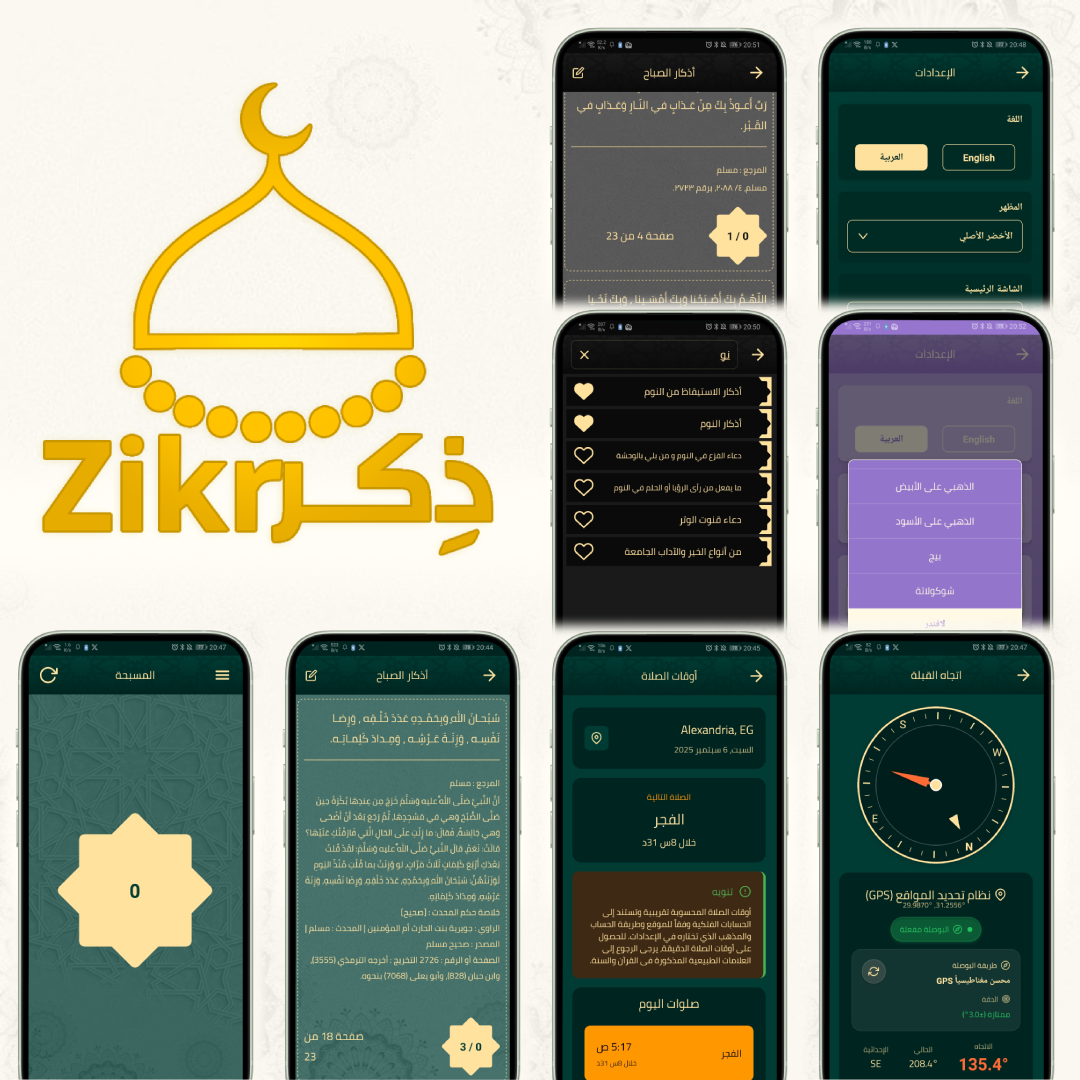
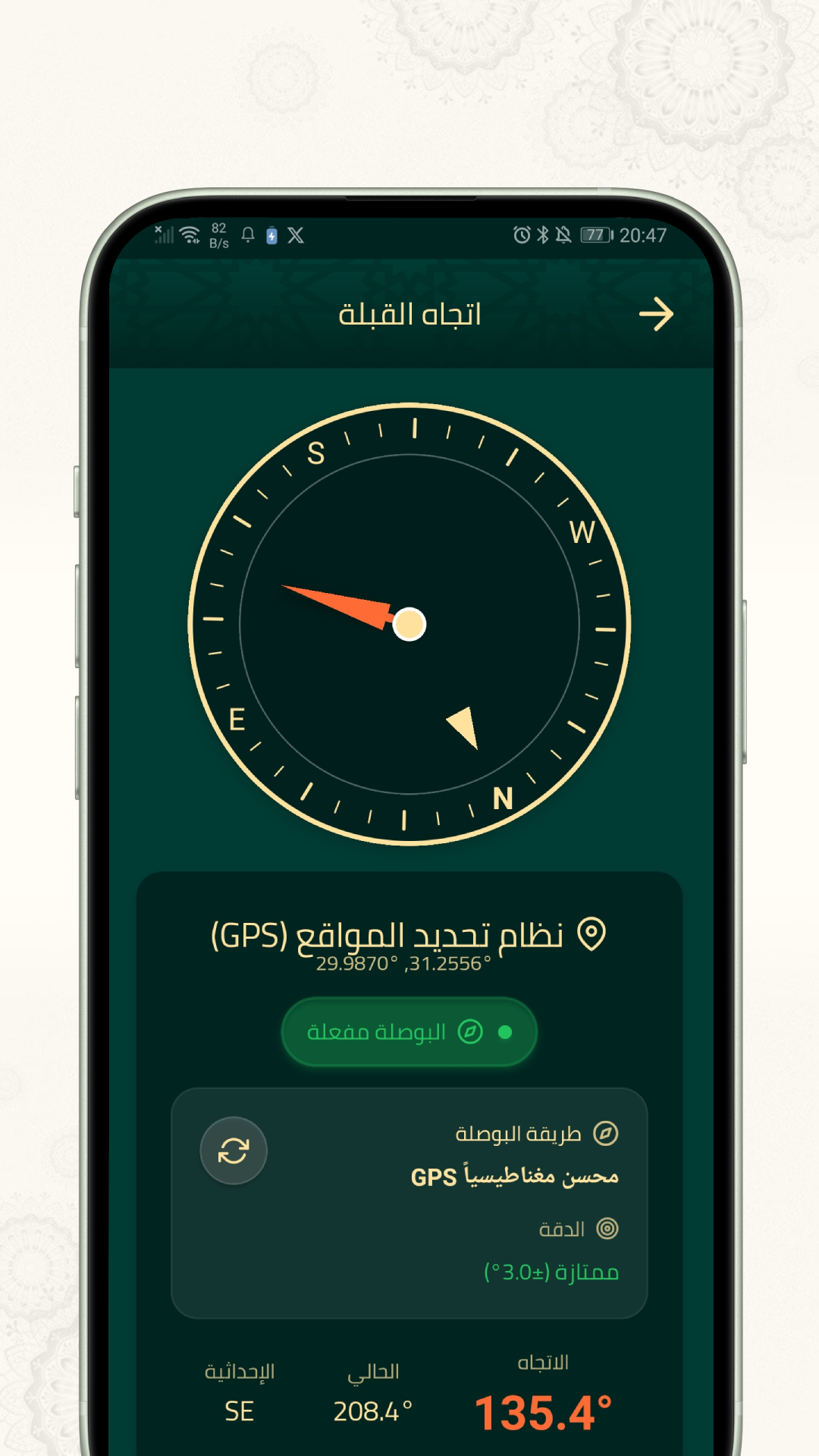
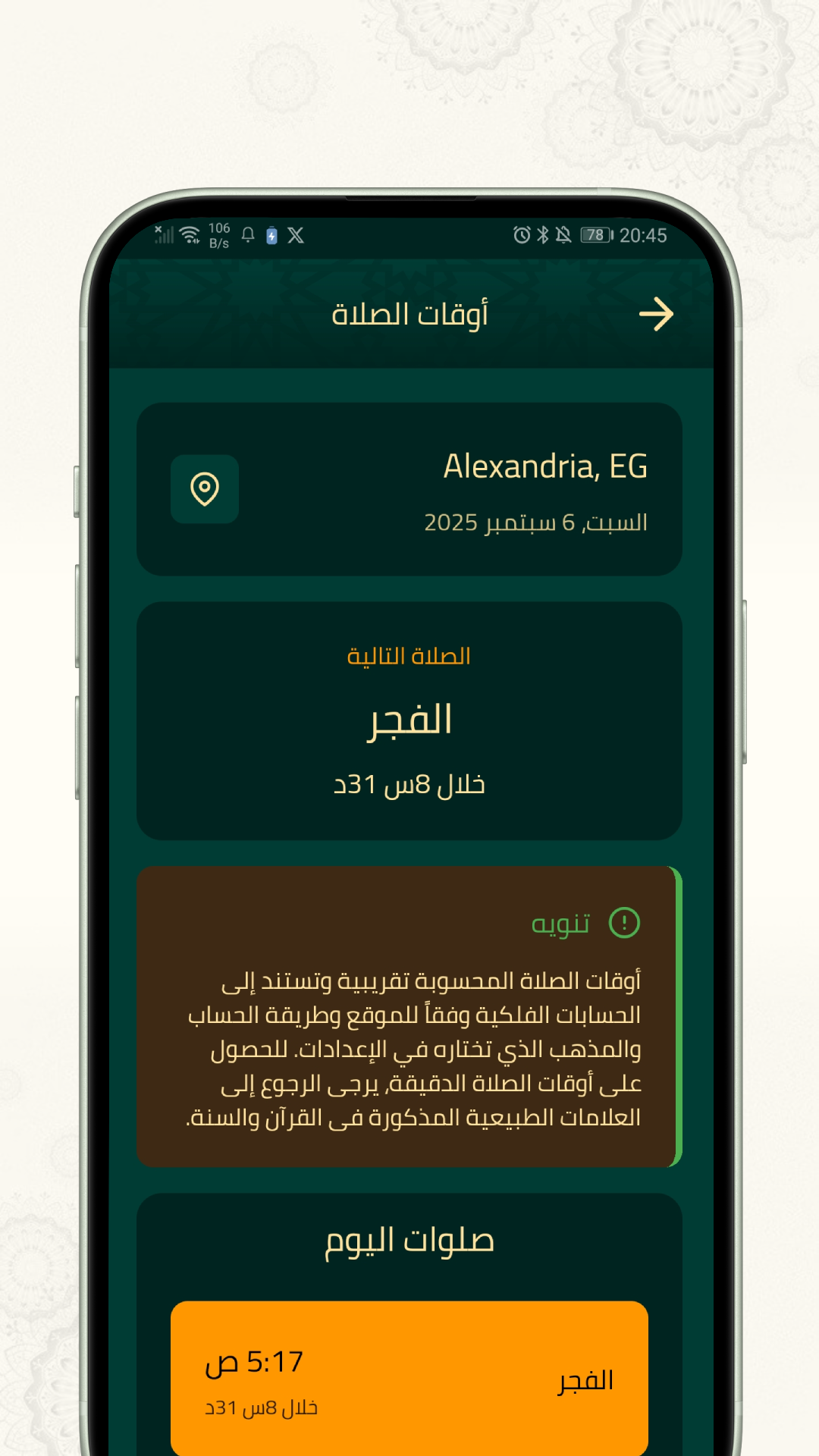
Zikr is a beautifully designed Islamic mobile application that helps Muslims perform their daily dhikr (remembrance of Allah) and maintain their spiritual connection. The app provides a comprehensive collection of authentic Islamic prayers, supplications, and a digital tasbih counter, all in a user-friendly interface supporting both Arabic and English languages with full RTL (Right-to-Left) support.
✨ Key Features
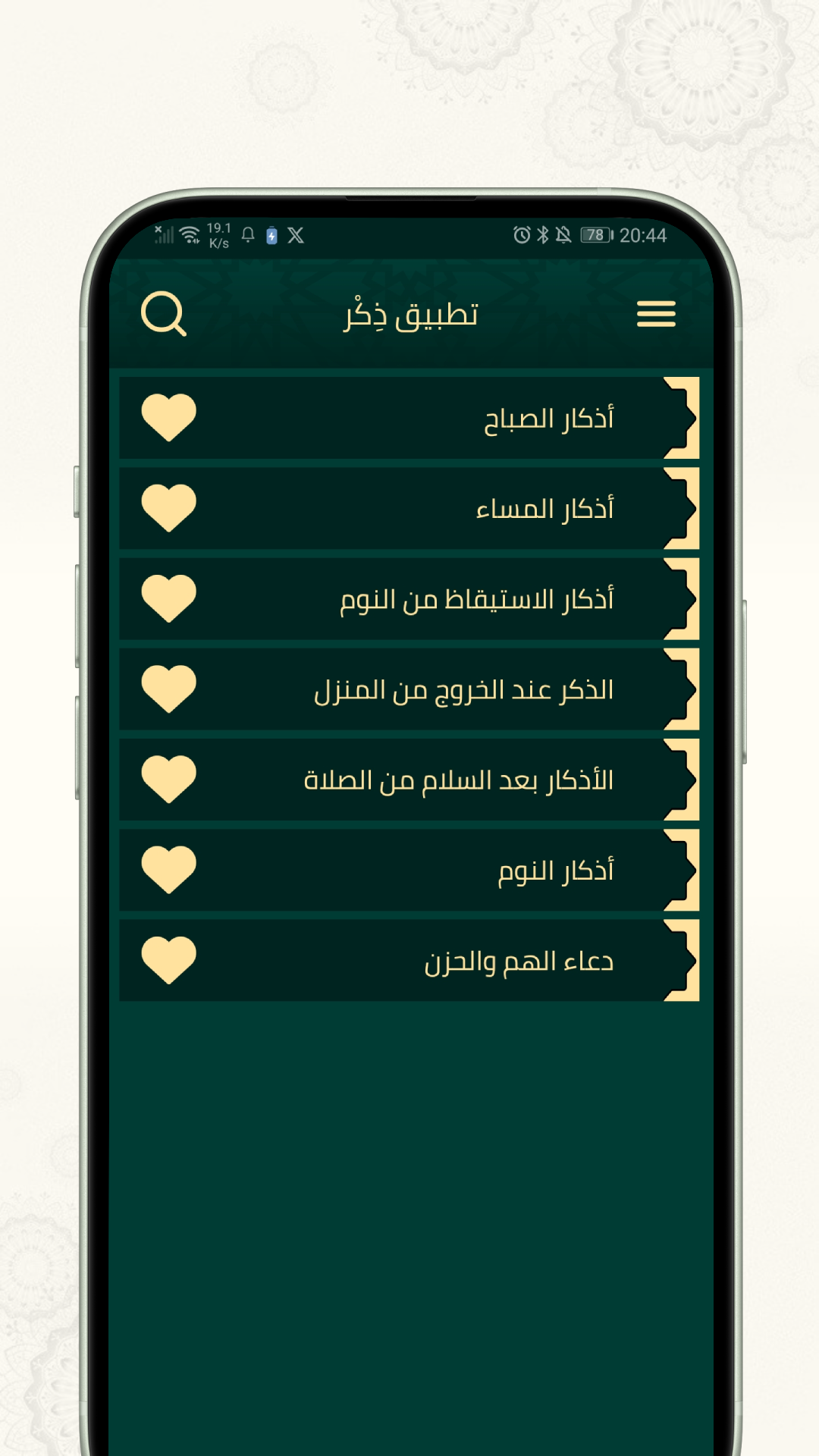
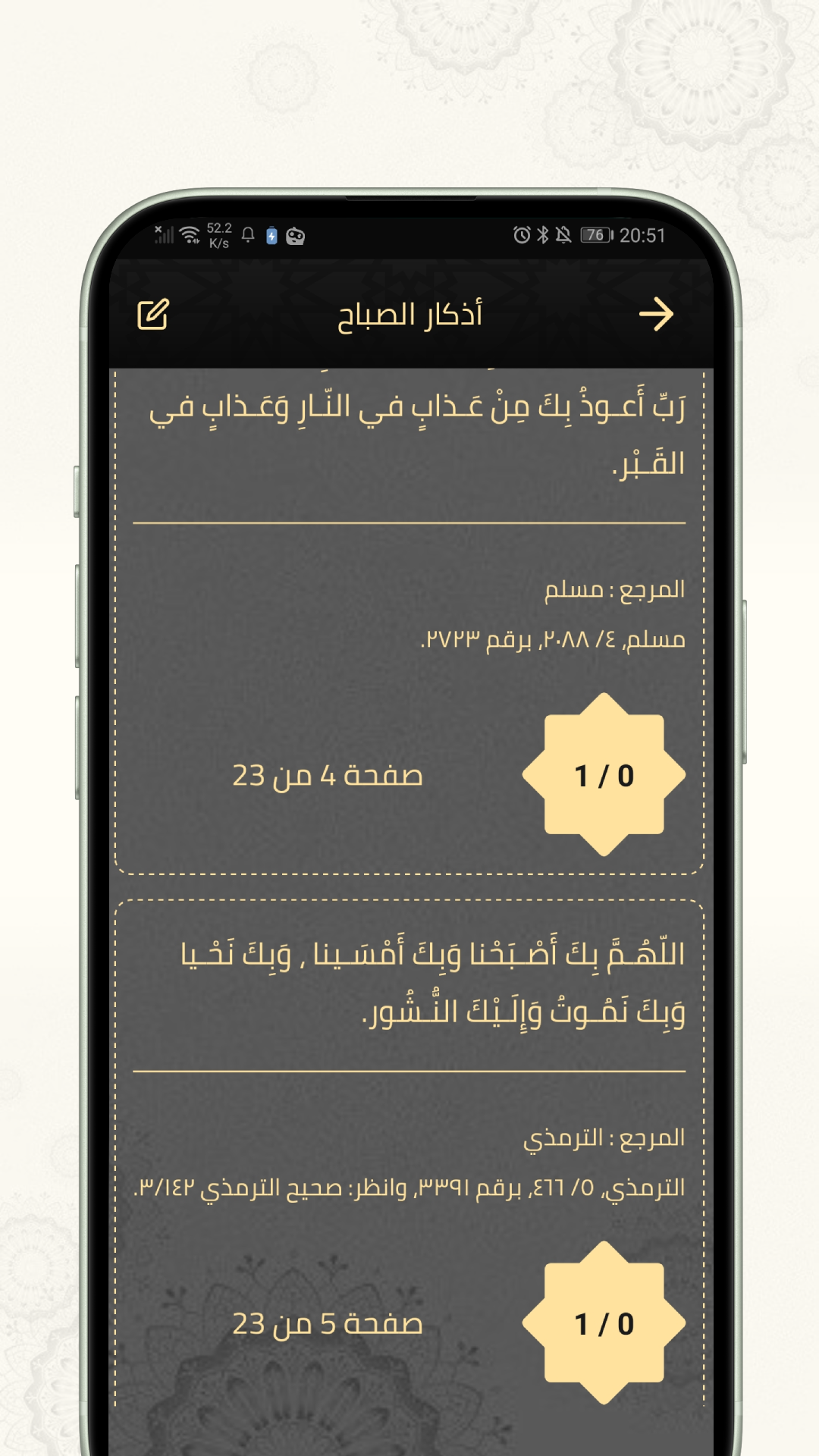
📖 Complete Azkar Collection: Over 100 authentic Islamic supplications categorized by:
- Morning prayers (أذكار الصباح)
- Evening prayers (أذكار المساء)
- Post-prayer supplications
- Bedtime prayers
- And many more categories
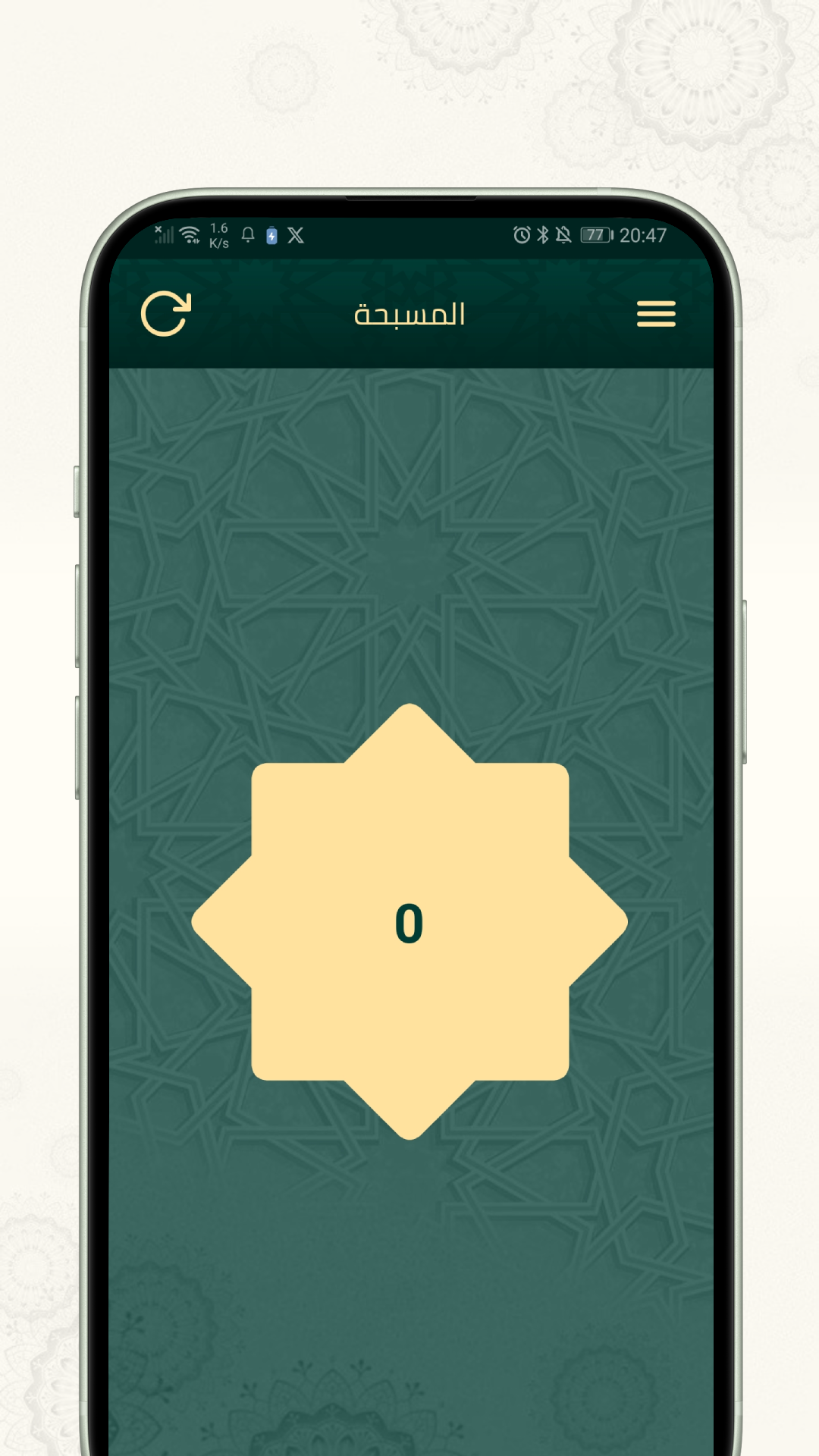
📿 Digital Tasbih: Interactive digital prayer beads counter with:
- Touch-responsive counter interface
- Audio feedback with customizable volume
- Reset confirmation dialog
- Elegant star-themed design
⭐ Favorites System: Mark frequently used prayers as favorites for quick access
🌍 Bilingual Support:
- Complete Arabic and English translations
- Automatic RTL/LTR layout switching
- Native font support (Cairo font for Arabic)
🔍 Search Functionality: Quickly find specific prayers or categories
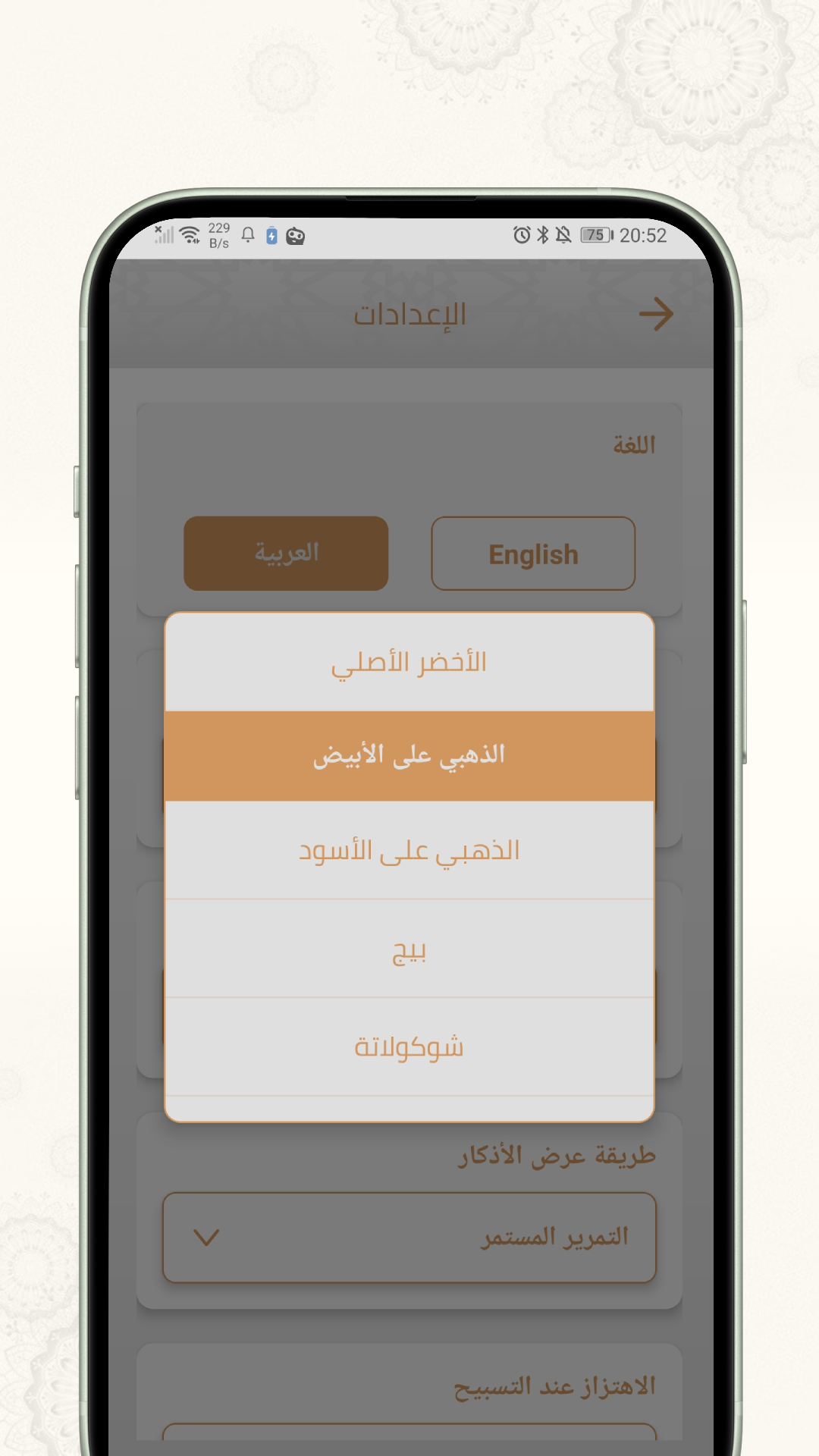
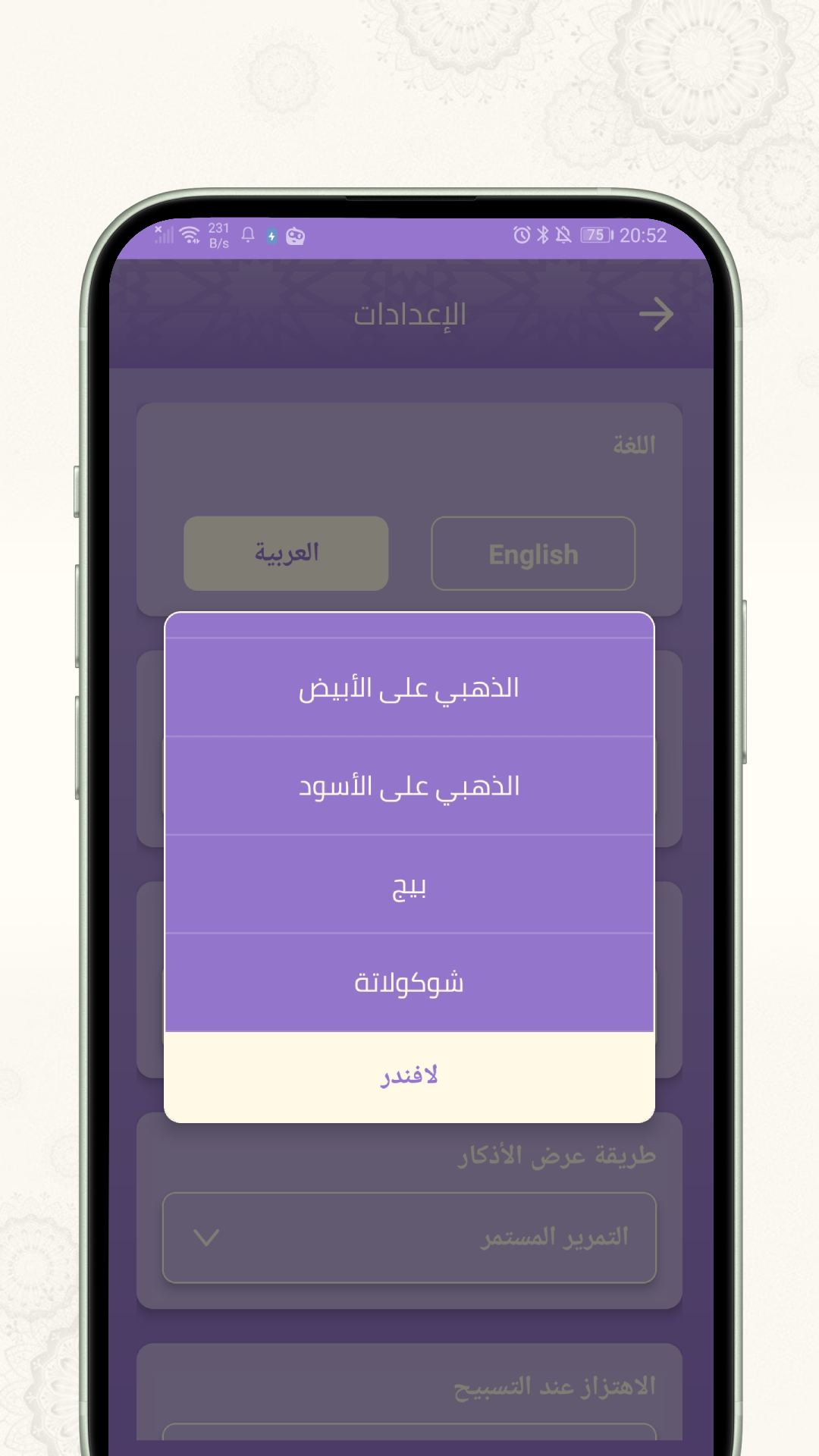
⚙️ Customizable Settings:
- Language selection (Arabic/English)
- Initial screen preference
- Audio click volume control
- First-time setup wizard
📱 Share Feature: Share the app with others to spread Islamic knowledge
🛠️ Tech Stack
- Framework: React Native 0.79.5 with Expo SDK 53
- Navigation: React Navigation 7 (Stack, Drawer, Bottom Tabs)
- State Management: Redux Toolkit
- Audio: Expo Audio for prayer beads sound effects
- Internationalization: Custom i18n implementation with JSON translations
- Storage: AsyncStorage for user preferences and favorites
- UI Components: Custom components with Linear Gradients
- Fonts: Cairo (Arabic), System fonts (English)
- Testing: Jest with React Native Testing Library
📁 Project Structure
zikr/
├── assets/                    # Images, fonts, and audio assets
│   ├── fonts/                # Cairo font for Arabic text
│   ├── images/               # App icons, backgrounds, UI elements
│   └── sound/                # Prayer beads click sound effects
├── components/               # Reusable UI components
│   ├── CHeader.js           # Custom header component
│   ├── Hbg.js              # Header background component
│   └── TabBarIcon.js       # Tab bar icon component
├── constants/               # App constants and data
│   ├── Azkar.js/.json      # Complete collection of Islamic prayers
│   ├── Colors.js           # App color scheme
│   └── Layout.js           # Screen layout constants
├── locales/                # Internationalization
│   ├── ar.json             # Arabic translations
│   ├── en.json             # English translations
│   └── i18n.js             # i18n configuration and utilities
├── navigation/             # Navigation configuration
│   ├── Main.js             # Main navigation container
│   ├── DrawerNavigation.js # Drawer navigation setup
│   └── useLinking.js       # Deep linking configuration
├── screens/                # App screens
│   ├── MainScreen.js       # All Azkar categories screen
│   ├── Screen2.js          # Individual prayer/dhikr viewer
│   ├── Screen3.js          # Digital Tasbih counter
│   ├── Fav.js              # Favorite prayers screen
│   └── SettingsScreen.js   # App settings and preferences
├── redux/                  # State management
│   └── store.js            # Redux store configuration
├── utils/                  # Utility functions
│   ├── Sounds.js           # Audio management hooks
│   ├── load.js             # App loading utilities
│   └── restart.js          # App restart functionality
└── __tests__/              # Test files and mocks
    ├── components/         # Component tests
    ├── screens/           # Screen tests
    └── __mocks__/         # Test mocks and setup
🚀 Getting Started
Prerequisites
- Node.js (16.x or higher)
- npm or yarn
- Expo CLI (
npm install -g @expo/cli) - For iOS development: Xcode (macOS only)
- For Android development: Android Studio
Installation
Clone the repository:
git clone https://github.com/valabji/Zikr.git
cd Zikr
Install dependencies:
npm install
# or
yarn install
Start the development server:
npm start
# or
expo start
Run on specific platforms:
# iOS (requires macOS and Xcode)
npm run ios
# Android (requires Android Studio/SDK) npm run android
# Web browser npm run web
### Building for Production

1. **Configure EAS Build:**

> [!TIP]
> incase you don't have different values for production and testing environments when asked just press a for all then Enter

   ```bash
   yarn eas login
   yarn eas:secret --name GOOGLE_SERVICES_JSON --type file --value ./google-services.json
   yarn eas:secret --name GOOGLE_SERVICES_PLIST --type file --value ./GoogleService-Info.plist
   yarn eas:secret --name ADMOB_APPID --type string --value ca-app-pub-EXAMPLEADMOBID~00999
   # Note: Replace the above with your actual AdMob App ID
Build for Android:
yarn eas build --profile production --platform androidBuild for iOS:
yarn eas build --profile production --platform ios
📱 App Screens
🏠 Main Navigation
- Drawer Navigation: Easy access to all app sections
- Favorites: Quick access to marked prayers
- All Azkar: Browse all prayer categories
- Tasbih: Digital prayer beads counter
- Settings: Customize app preferences
🔧 Features Overview
- Prayer Categories: Browse organized Islamic supplications
- Individual Prayer View: Read prayers with references and descriptions
- Counter System: Track prayer repetitions with audio feedback
- Bilingual Interface: Seamless Arabic/English switching
- Persistence: Favorites and settings saved locally
🧪 Testing
The app includes comprehensive test coverage:
# Run all tests
npm test

# Run tests in watch mode
npm run test:watch

# Generate coverage report
npm run test:coverage

# Update snapshots
npm run test:update
🌐 Localization
The app supports full localization with:
- Arabic (العربية) - Default, RTL layout
- English - LTR layout
- Automatic layout direction switching
- Context-aware translations
📦 Build Configuration
- Bundle ID:
com.valabji.zikr - Version: 1.1.2
- Target Platforms: iOS 11+, Android 21+
- Google Services: Firebase Analytics integration
- AdMob: Monetization ready (currently disabled)
🤝 Contributing
We welcome contributions to make Zikr better for the Muslim community:
- Fork the project
- Create your feature branch (
git checkout -b feature/AmazingFeature) - Commit your changes (
git commit -m 'Add some AmazingFeature') - Push to the branch (
git push origin feature/AmazingFeature) - Open a Pull Request
📋 Contribution Guidelines
- Follow the existing code style and patterns
- Add tests for new features
- Update documentation as needed
- Ensure Arabic/English translations are included
- Test on both iOS and Android platforms
📄 License
This project is licensed under the MIT License - see the LICENSE file for details.
🙏 Acknowledgments
- Islamic Content: All prayers and supplications are sourced from authentic Islamic texts
- Community: Thanks to the Muslim developer community for feedback and support
- Open Source: Built with love using React Native and Expo
📞 Contact & Support
Developer: Valabji
Email: [email protected]
Twitter: @valabji
GitHub: https://github.com/valabji/Zikr
For support, feature requests, or bug reports, please open an issue on GitHub.
**Made with ❤️ for the Muslim Ummah** *"And whoever relies upon Allah - then He is sufficient for him. Indeed, Allah will accomplish His purpose."* - Quran 65:3 [📱 Download on Google Play](https://play.google.com/store/apps/details?id=com.valabji.zikr)

Log in or sign up for Devpost to join the conversation.