-
-
Zigzag
-
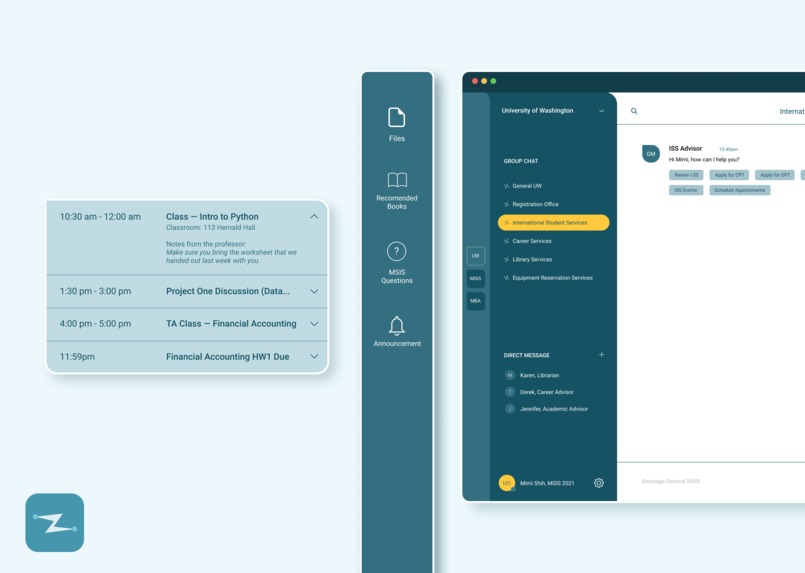
Elements UI
-
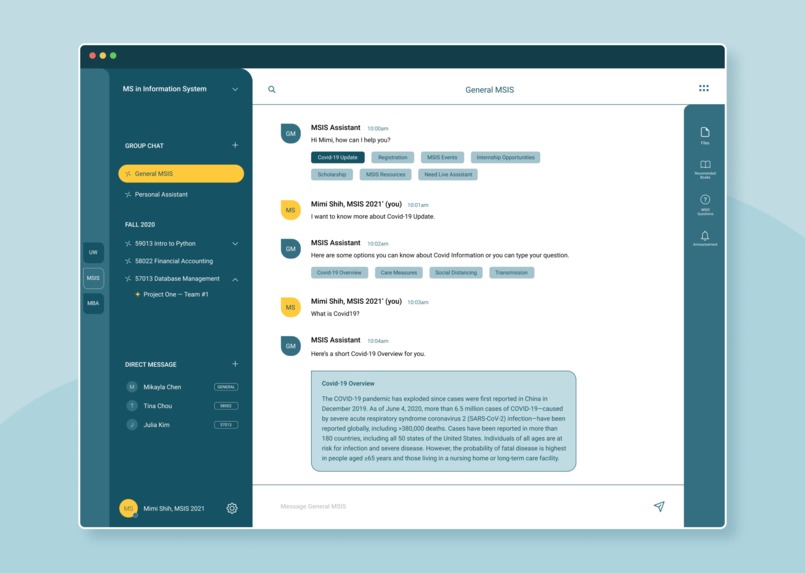
Chatbot UI
Inspiration:
We interviewed many people around us, students and teachers, about how they feel about remote learning and teaching during the quarantine. We found out that they all had one same pain point which is too many messages through different tools from school/teachers. The students would miss out on important information and don’t really know who to ask when they have questions. The teachers feel frustrated having to deliver the same messages over and over again because some students would miss out. With this pain point along with the importance of accessibility to educational resources about Covid-19 guidelines, we decided to create a tool that can help centralize and deliver organized messages in a faster manner for academic institutes.
What it does:
This application has several significant features that differentiate itself from other existing tools:
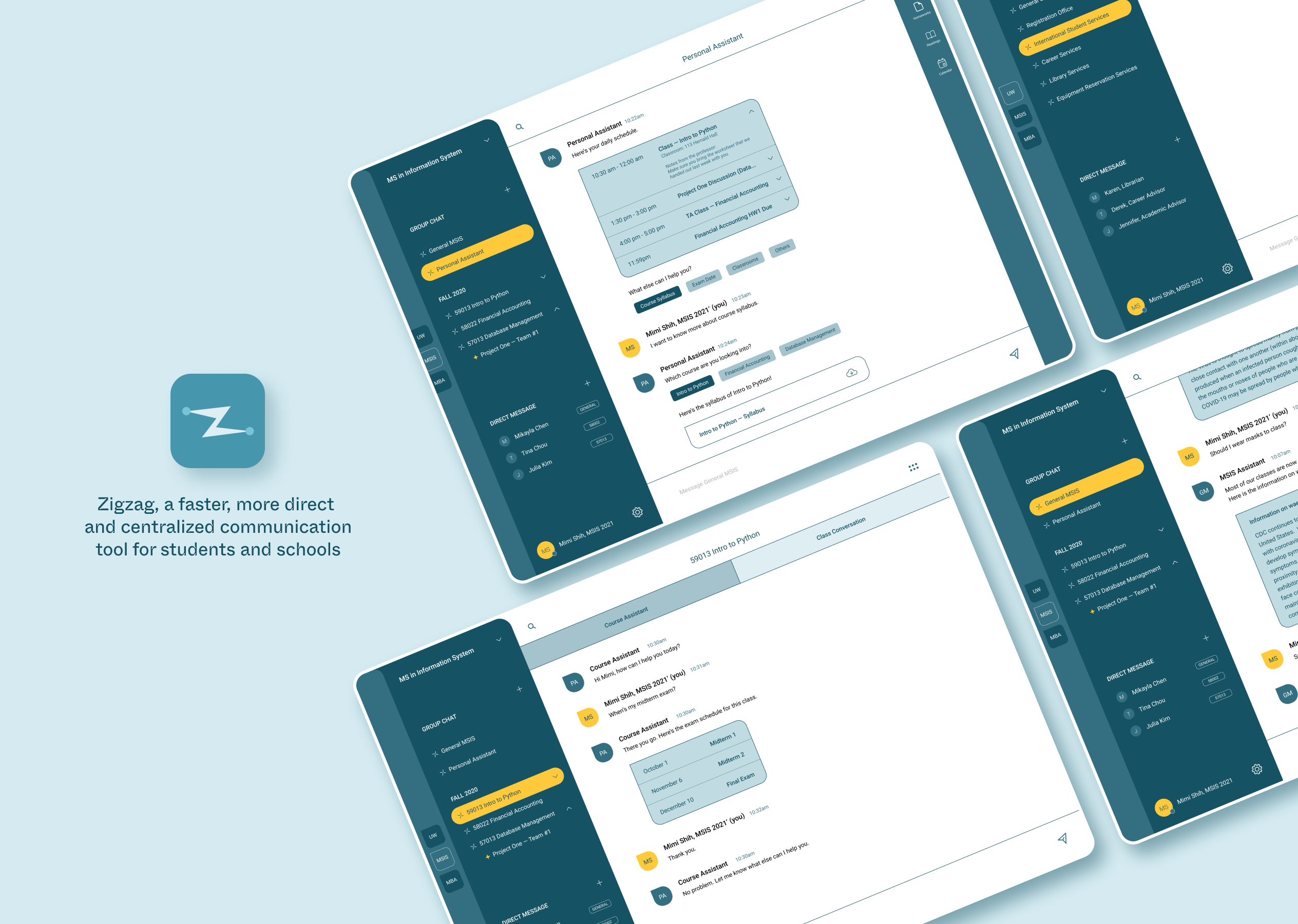
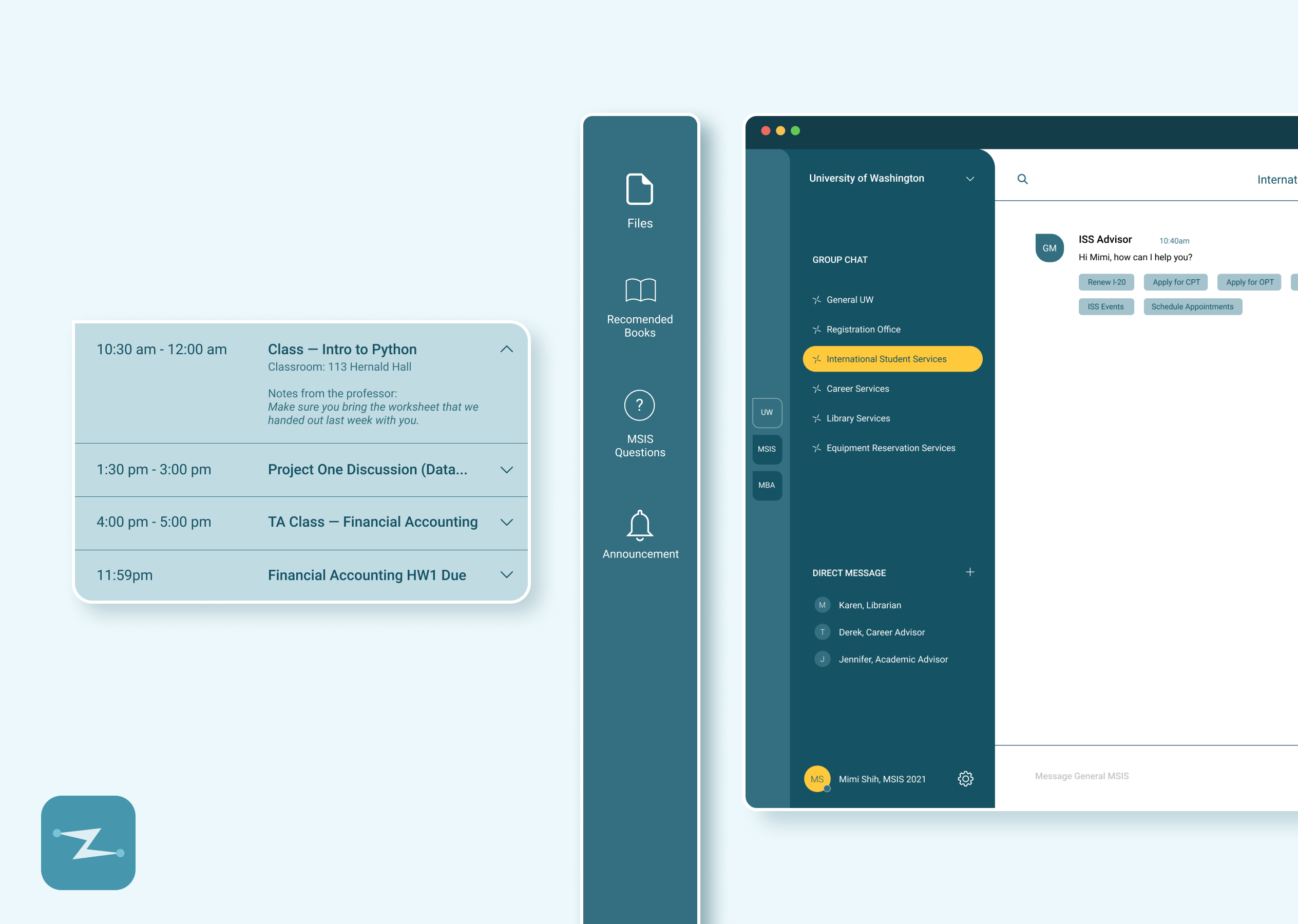
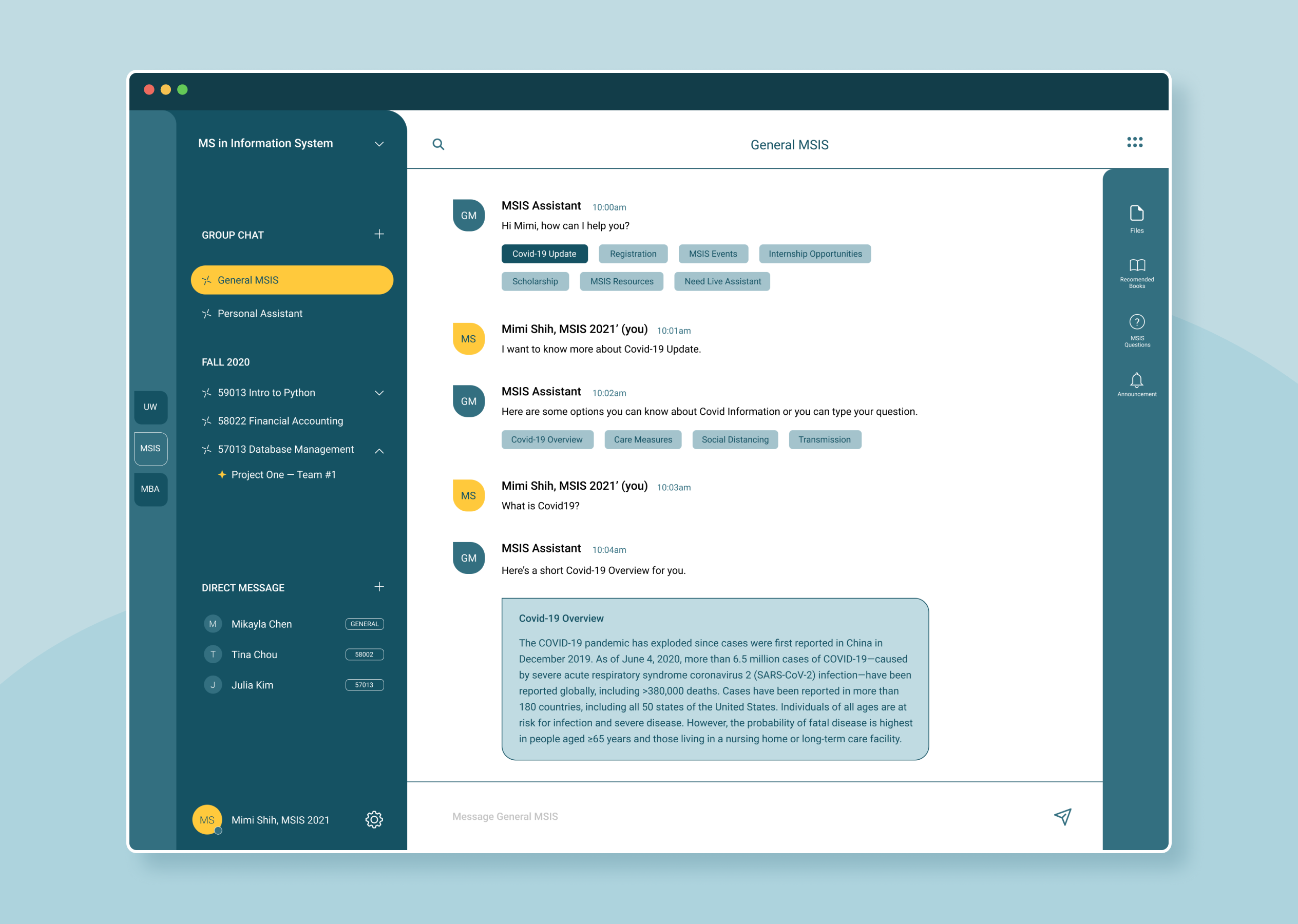
- Chatbots controlled by schools and teachers to send out school/course/Covid-19 information: In the demo video, MSIS Assistant is controlled by the MSIS program to release all information related to the MSIS major and Covid-19. MSIS program manager can store information into this chatbot. Students start with selecting category buttons and then can ask questions right away!
- There would be a different interface for school and teacher’s side to manage the content. On that separate interface, schools and teachers can manage the information they send out through chatbots. The information they send out through chatbots would be stored so that students can “ask questions”(search specific information) later on.
- Since this application can be easily integrated with school registration systems, students would get assigned to the program and course group chats automatically when they enroll and register. As such, everyone in the same course and program can be in the chats and no one would get left out or miss out on information.
- Students can create sub-group chats underneath each course with more organized structure of chats.
- Students and teachers can also message one another through private messages.
- Files, book lists and calendar can be accessed through the tab on the right .
How we built it:
We developed a working prototype to demo how our product’s core feature works - chatbot. We built this with HTML and React. js for frontend and Python for backend deep learning model. We used Natural Language Processing to analyze the information stored (Covid related information in this prototype) and a deep learning model to analyze and predict with users’ questions to match the most likely answers. For this prototype, we stored the Covid related information in a JSON file. For our next step in future development, we will build a database on the server to store more information as well as build other features.
How to use this application:
When running the backend program of this prototype, please download the JSON file to make sure the program can get the data in the file. You can test the program by asking any questions related to Covid-19. For testing purposes, you can type “no thanks” to kill the program when you finish. To see how the interface works, you can click around the buttons in the frontend prototype to see how this application would look.
Challenges we ran into:
We already had a complete product structure and plan. We also completed the core feature - chatbot. However, our structure is a bit big. In order to complete the entire ecosystem, we would need more team members for backend.
Accomplishments that we're proud of:
We're proud of ourselves that we keep the same passion and momentum to keep innovating and continuously use technology to solve problems. We love this spirit and attitude. This is our second hackathon and we love it! We're proud that we can actually make something to solve problems for the world even though we're only students. We believe that there's no age limit for ideas and innovation!
What we learned:
Through our research and interviewing people, we got to learn more about business models for education technology. In the industry (education technology) that is already good enough, how are we going to differentiate and innovate so that we can get people to use our product? This is something that we spent quite a lot of time thinking about. In the end, we came up with this communication tool idea that we centralize and organize all the communication into this one place and minimize the steps for schools to send out information with excellent user experience interface. Therefore, schools would be willing to pay for/use the system and students would be happy to receive organized information and answers to the questions they ask.
What's next for Zigzag, Communication Tool for Remote Learning:
We have a B-to-B business model for our product. First, we would need to complete building the entire ecosystem. After then, we would first target collaborating with colleges. We would offer the colleges with configuration plans to integrate for faster communication. After colleges, we would market towards private high schools which have more budget. Colleges already have programs for online learning so they can act faster in response to the pandemic. High schools, on the other hand, have struggled a lot according to our research. We believe high schools and their students can benefit a lot from our communication system for remote learning during pandemic.


Log in or sign up for Devpost to join the conversation.