-
-
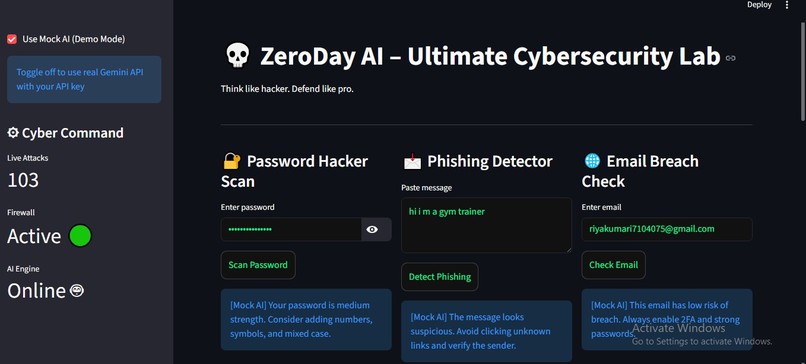
DASHBOARD VIEW
-
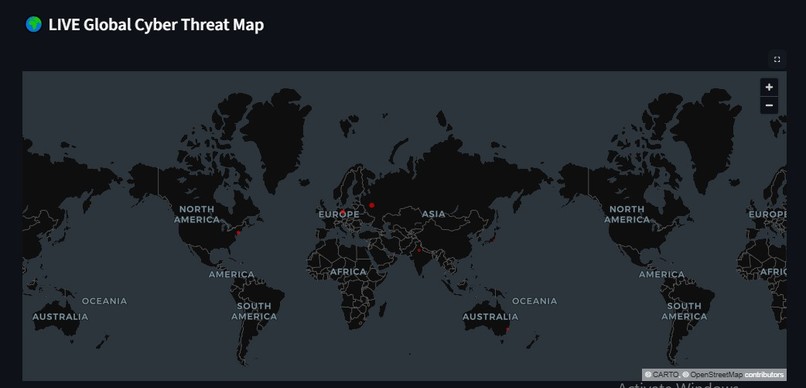
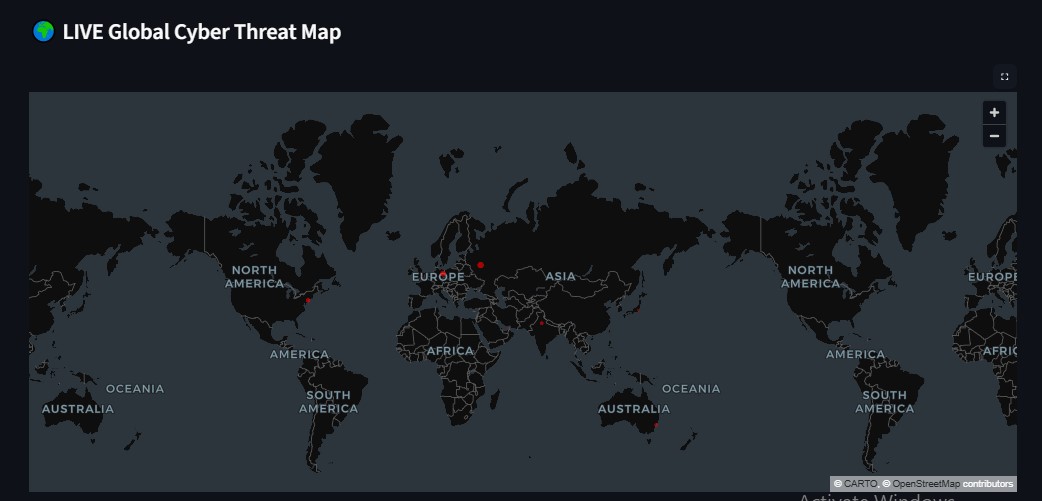
CYBER THREAT MAP
-
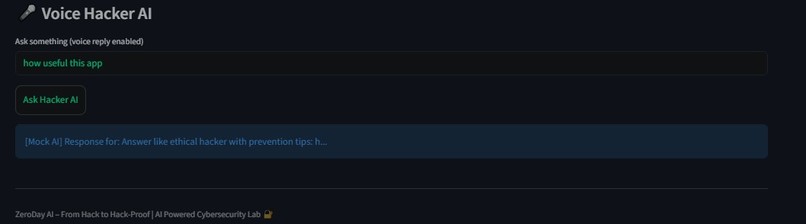
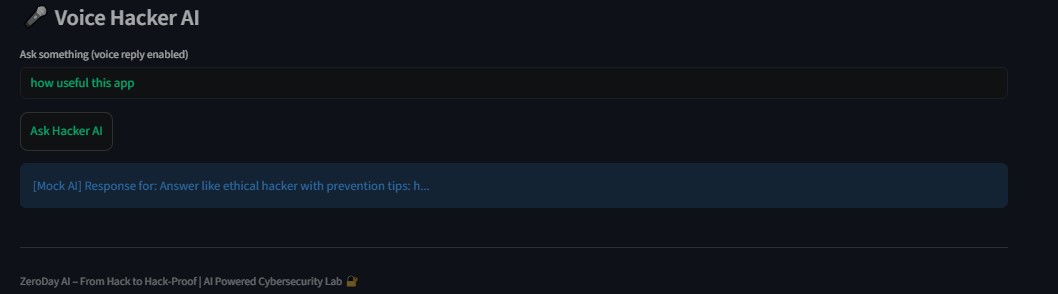
VOICE HACKER AI
Inspiration
As a solo developer passionate about cybersecurity, I wanted to create a tool that lets users think like hackers and defend like professionals. With cyber attacks becoming more sophisticated, I realized the need for an interactive lab where people can safely explore vulnerabilities, learn prevention, and understand real-world threats. The Gemini API gave me the AI capabilities to simulate hacker thinking and generate actionable security insights.
What it does
How to integrate Gemini 3 API for analyzing passwords, phishing messages, and email breach risks. Real-time data visualization using PyDeck to plot global cyber threats. Implementing voice-guided AI with pyttsx3 for interactive cybersecurity guidance. Managing stateful Streamlit apps for dashboards with session state, live metrics, and auto-refreshing components.
How we built it
Frontend: Streamlit (Python) with a dark-themed UI for immersive experience. AI Integration: Gemini API (or Mock AI mode for demo) to analyze passwords, phishing, and emails. Visualization: PyDeck and Pandas for live global cyber threat maps. Voice Interaction: pyttsx3 to allow users to ask security questions and receive spoken guidance. Live Metrics: Randomized but realistic metrics to simulate ongoing attacks, firewall status, and AI engine health.
Challenges we ran into
Integrating Gemini API reliably with Streamlit caching and error handling. Displaying real-time maps with PyDeck while keeping performance smooth. Voice synthesis sometimes caused lag, requiring careful threading and session state handling. Hackathon constraints: Keeping demo under 3 minutes and making all features self-explanatory for judges.
Accomplishments that we're proud of
Developed a fully interactive cybersecurity lab that simulates real-world threats. Successfully integrated Gemini API to provide AI-driven insights on passwords, phishing, and email risks. Built a live global cyber threat map using PyDeck that visualizes severity in real-time. Implemented a voice-guided AI assistant to deliver actionable cybersecurity tips. Created a dark-themed, user-friendly UI optimized for engagement and learning.
What we learned
How to leverage AI (Gemini 3 API) for practical cybersecurity applications. Managing stateful Streamlit apps with multiple interactive components and session states. Real-time data visualization techniques for dynamic cyber threat mapping. Integrating voice synthesis (pyttsx3) with interactive AI responses. Handling challenges of error handling, caching, and API rate limits in a live application.
What's next for ZeroDay AI
Add real-time integration with live threat intelligence feeds for more accurate global cyber threat mapping. Expand AI capabilities to simulate attack scenarios and suggest proactive defenses. Launch a web-hosted version accessible without local setup, so more users can explore safely. Develop educational modules for teaching cybersecurity best practices interactively. Improve voice AI personalization for custom security coaching and alerts.
Built With
- libraries
- pytho
- streamlit

Log in or sign up for Devpost to join the conversation.