-
Zephyr
-
The first knob
-
Pinch-to-click
-
Built for work
-
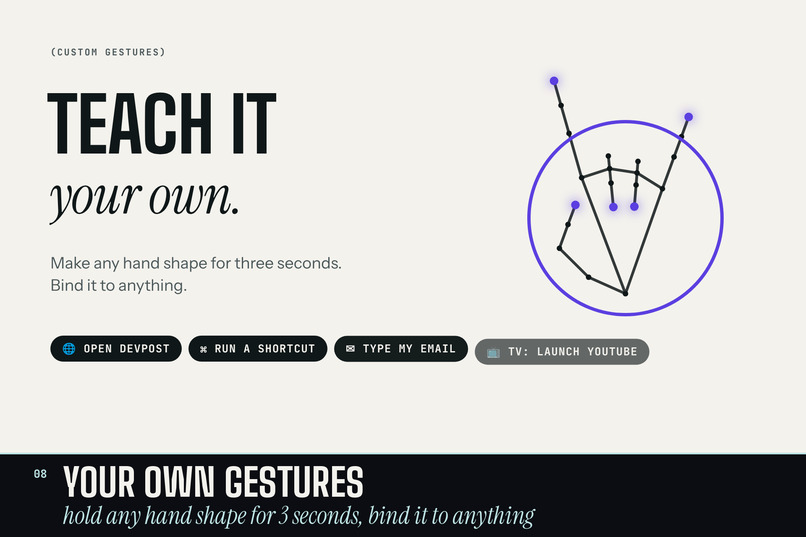
Your own gestures
-
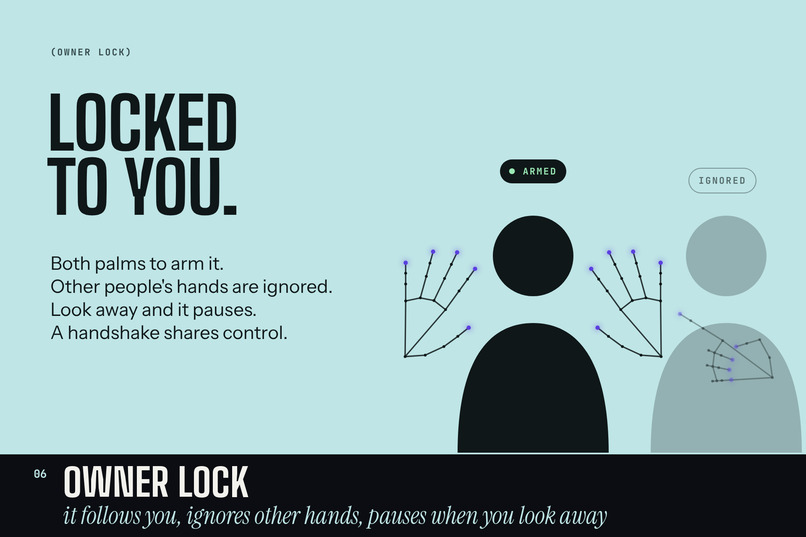
Owner lock
-
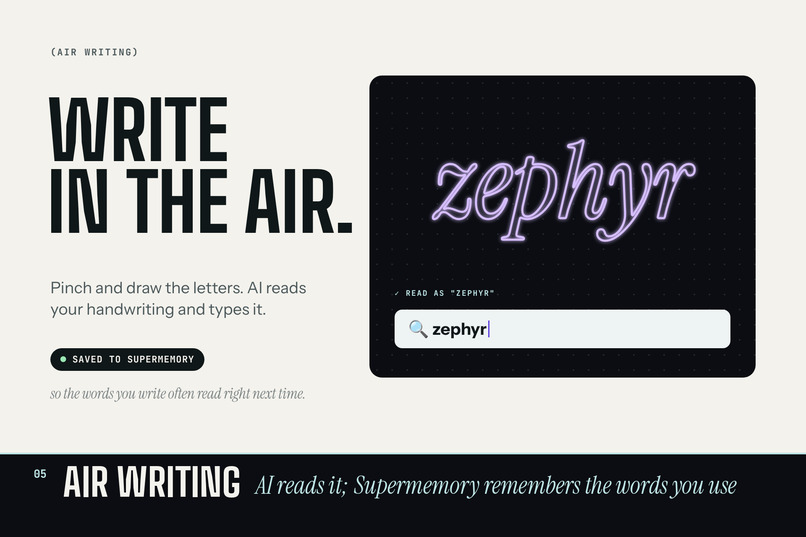
Air writing
-
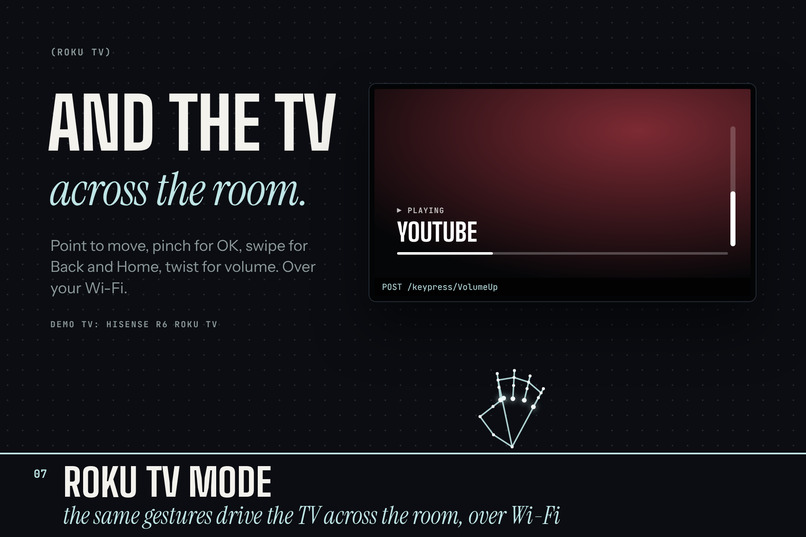
Roku TV
-
How it was built
-
Try it yourself
Inspiration
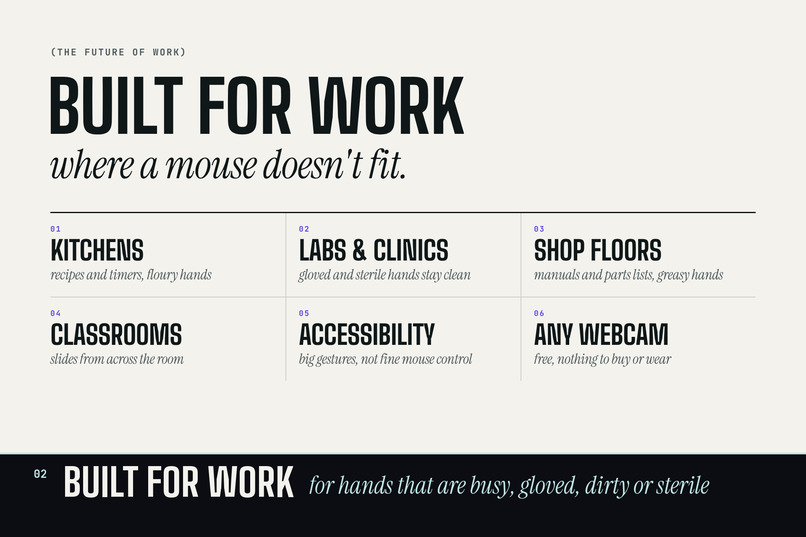
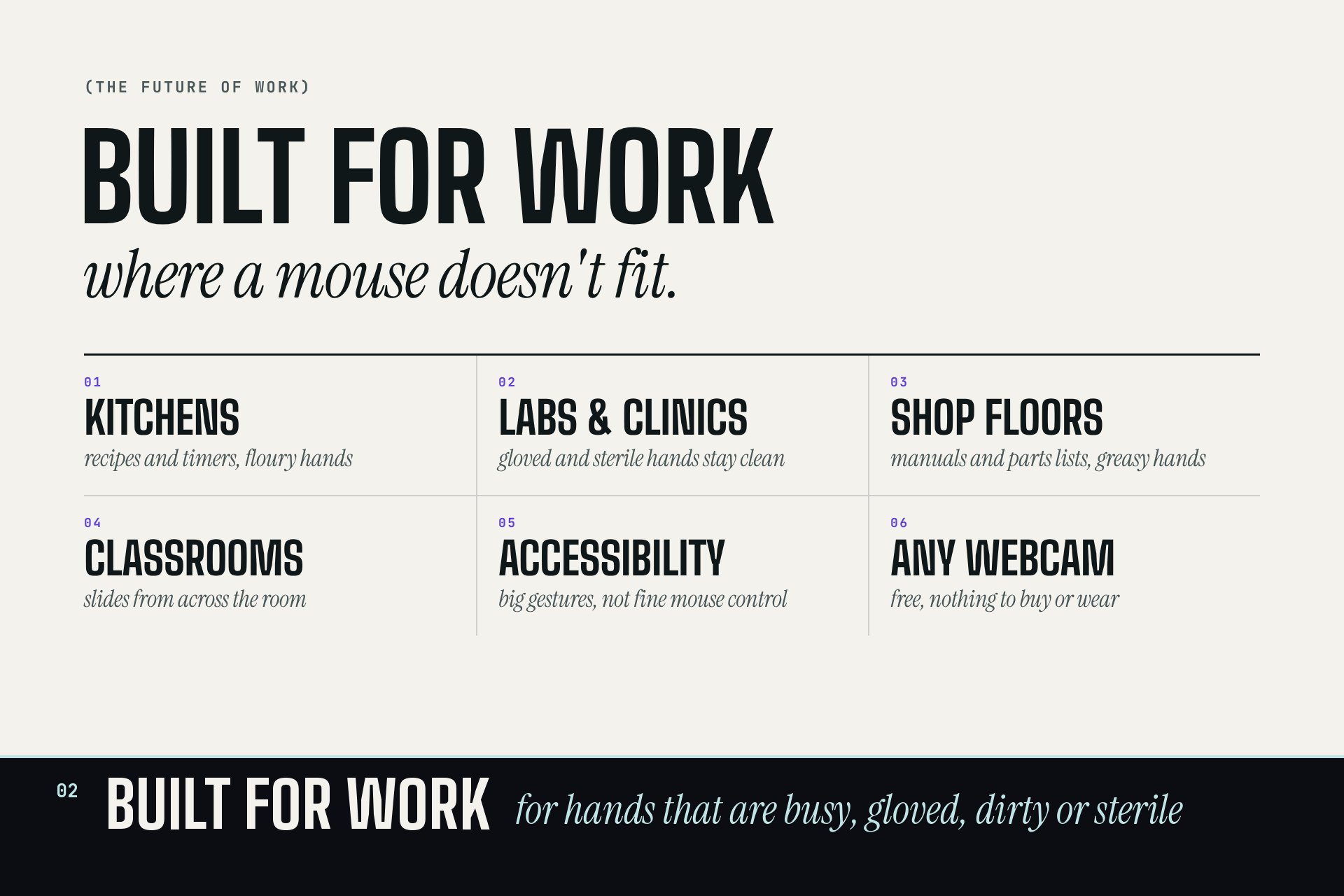
We kept running into the same moment: you're presenting and have to walk back to the laptop to change slides, you're cooking with flour on your hands and want to skip a song, or you're on the couch and the remote is gone. Reaching for a mouse breaks the moment. And for some people, a mouse or trackpad isn't an option at all.
Every laptop already has a webcam pointed at you. We wanted to see how far we could get with just that camera and your hands: no gloves, no extra hardware.
What it does
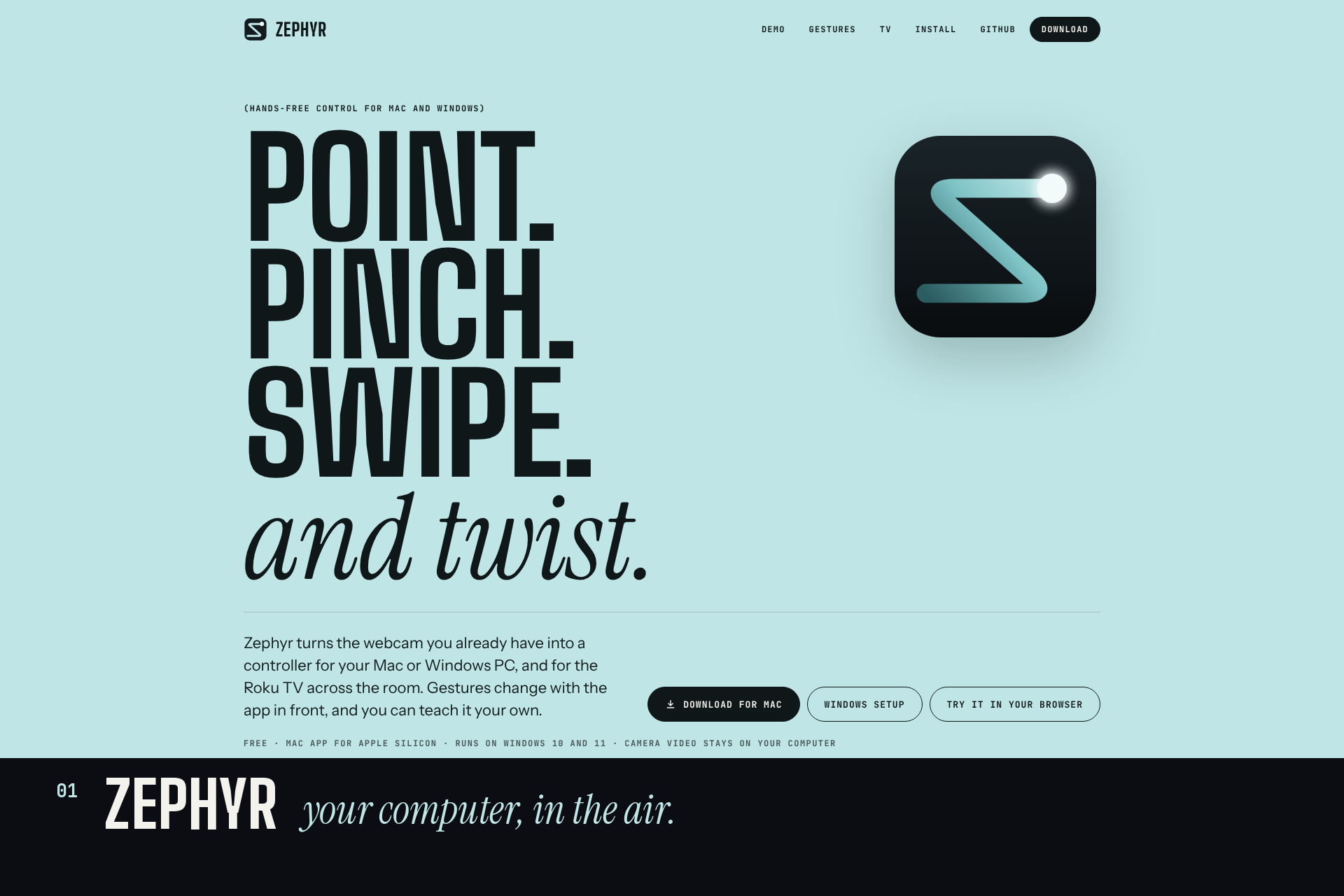
Zephyr turns any webcam into a hands-free controller for your Mac, your Windows PC, and your Roku TV.
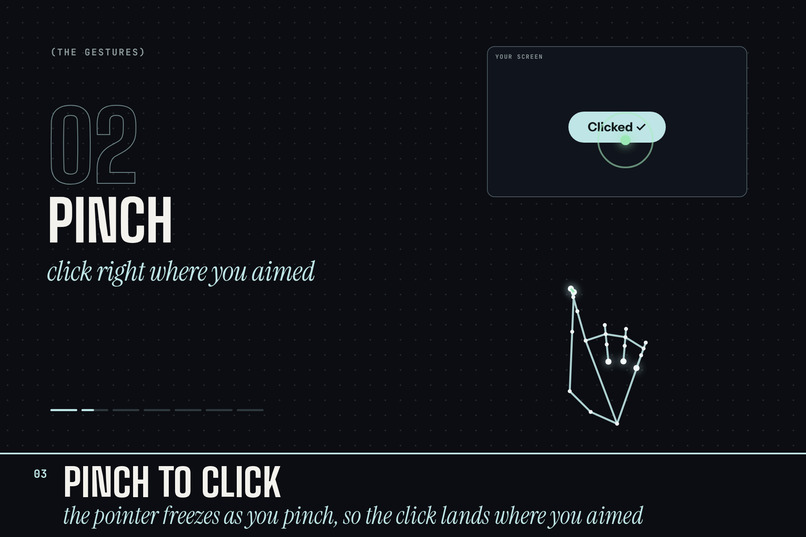
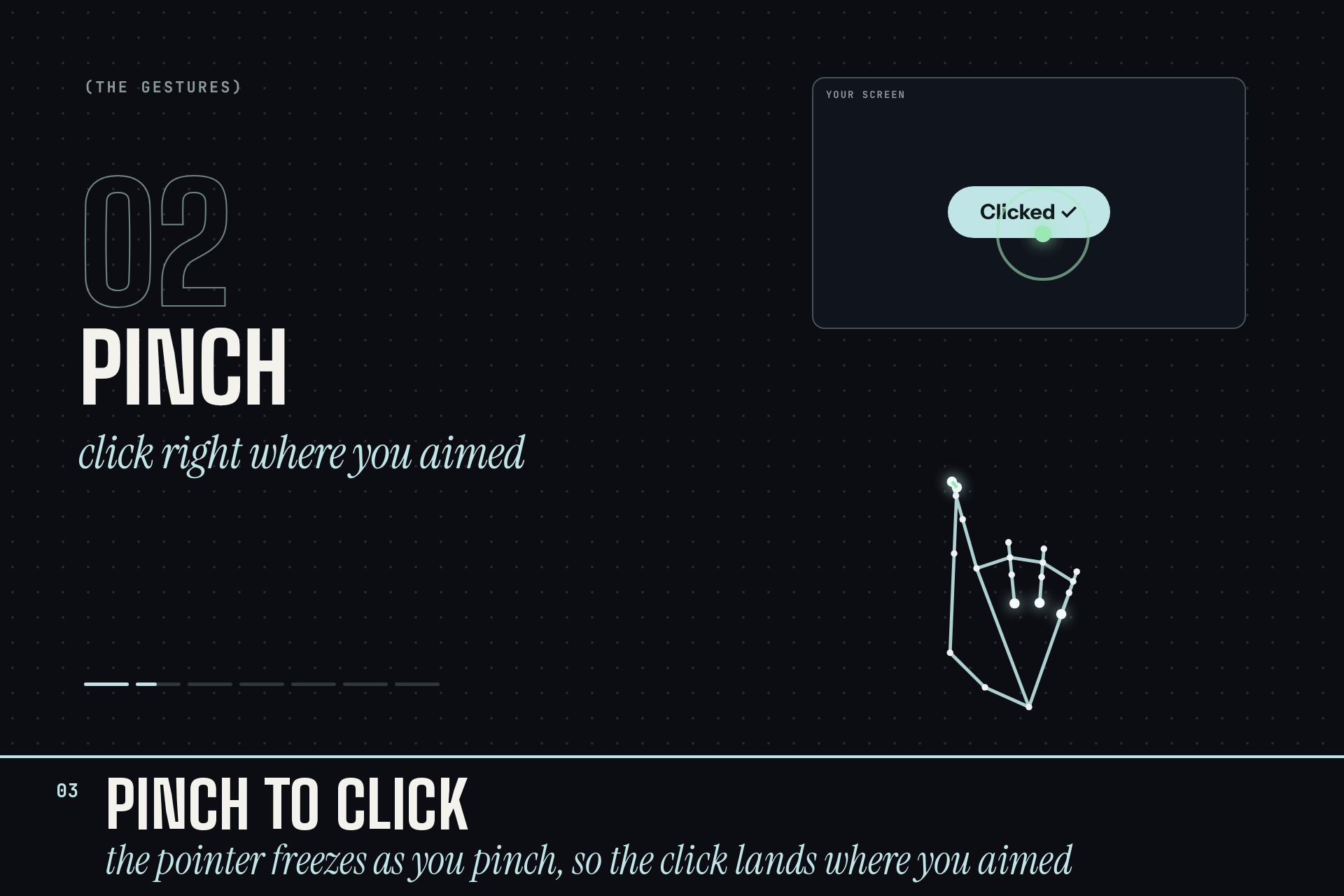
- Point (one finger up) and the pointer follows your hand. Pinch to click: the pointer freezes as your fingers close, so the click lands where you aimed.
- Two-finger swipe for next/previous, and it knows the app in front: slides in PowerPoint, tracks in Spotify, tabs in Chrome.
- Open-hand swipe switches desktops. A quick fist plays or pauses.
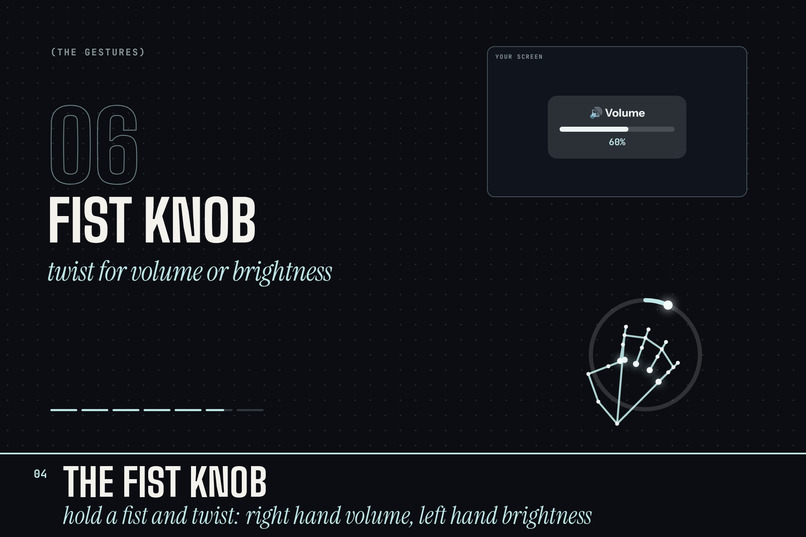
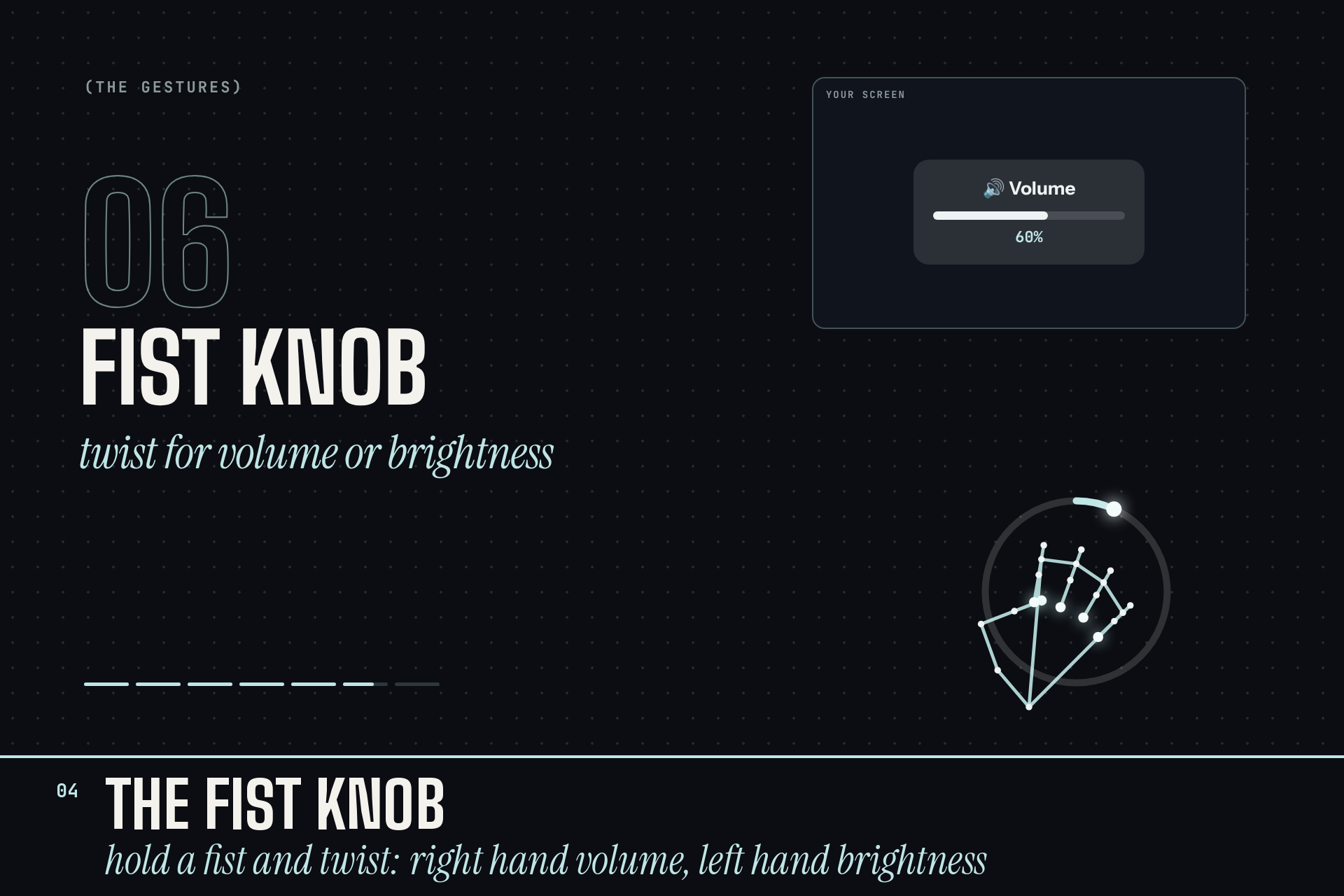
- Fist knob: hold a fist, then twist it like a dial. Your right hand turns the volume, your left hand the brightness.
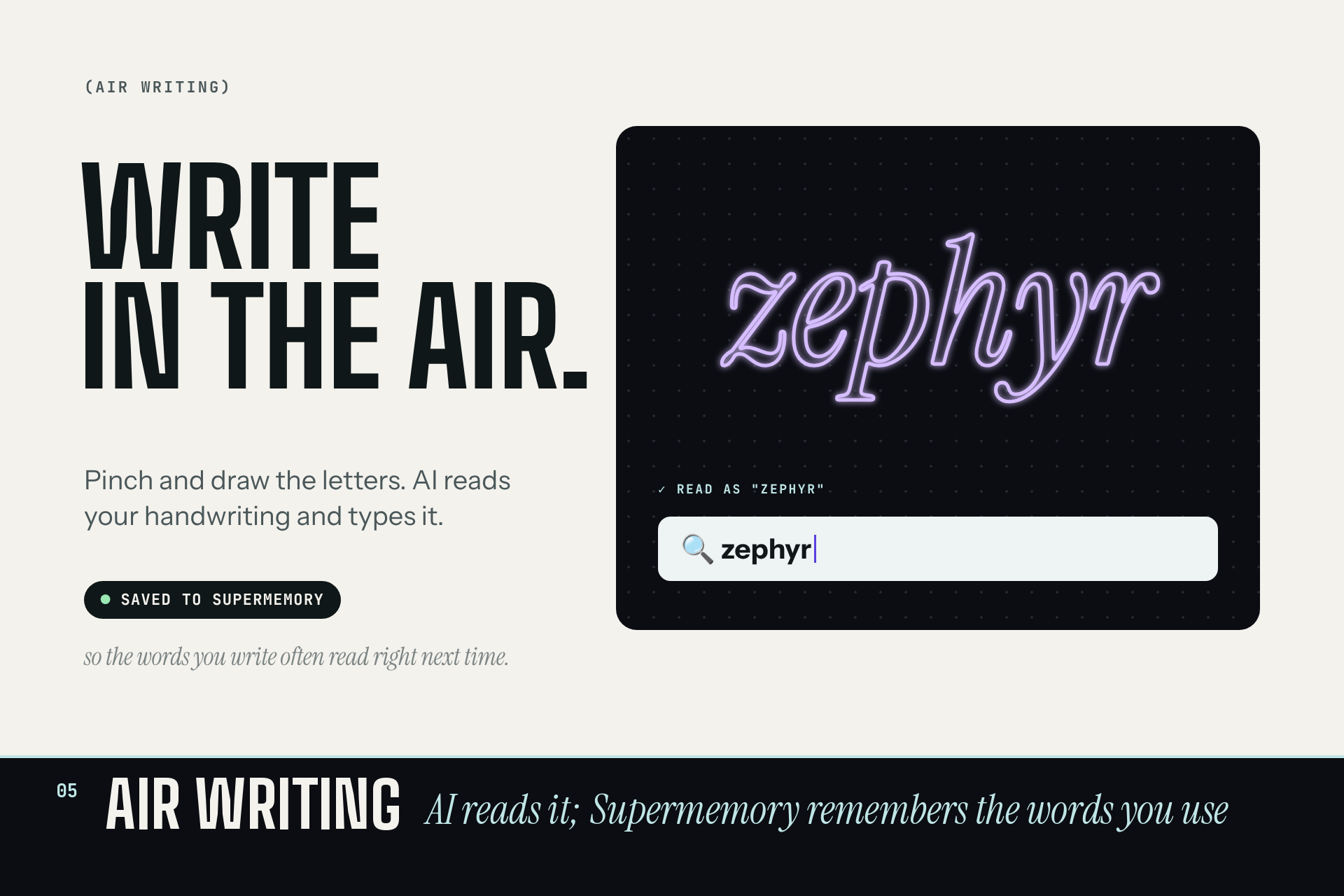
- Hold a palm still to open Spotlight or Windows Search, then write in the air. AI reads your handwriting and types it.
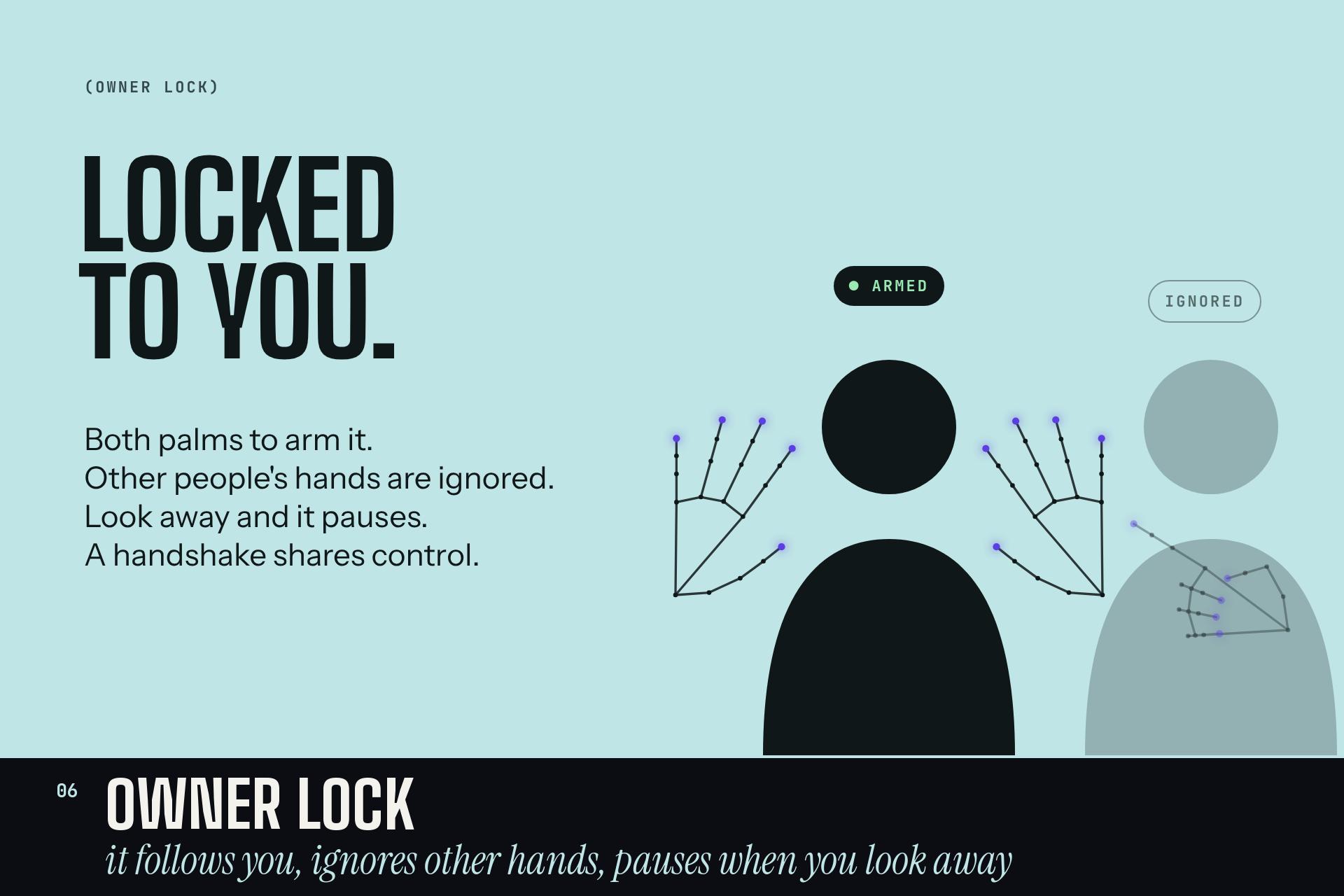
- Owner lock: raise both palms to arm Zephyr. It follows the person who armed it, ignores other people's hands, and pauses when you look away. Shake hands with someone to share control.
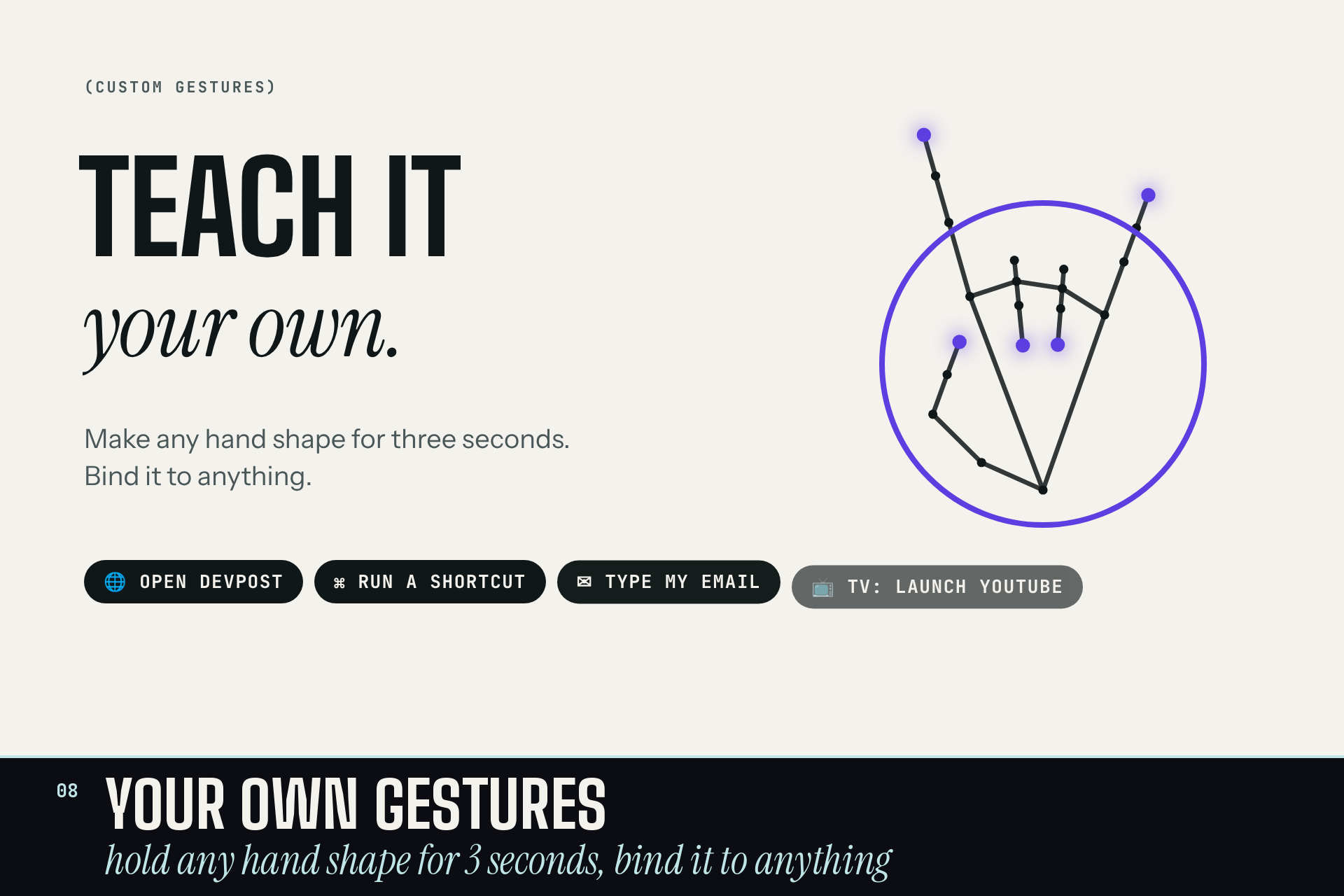
- Teach it your own gestures: hold any hand shape for 3 seconds and bind it to a website, an app, a shortcut, typed text or a TV action. Optional cloud sync brings them to your other computers.
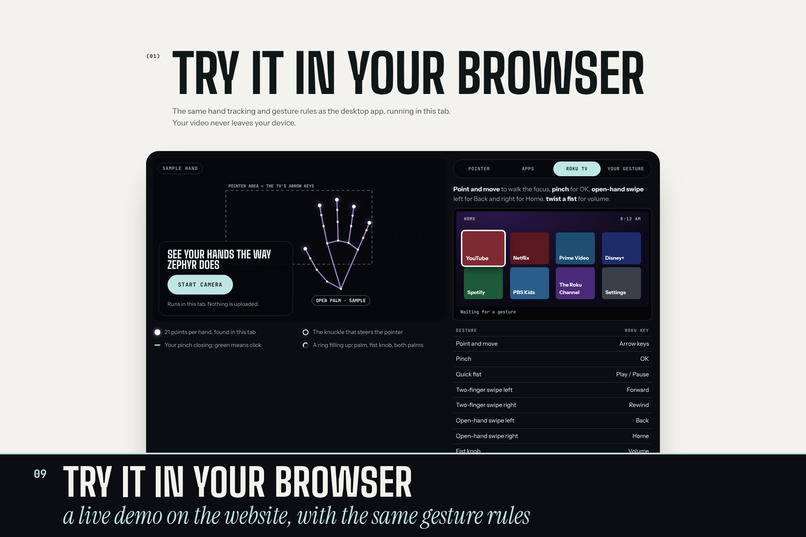
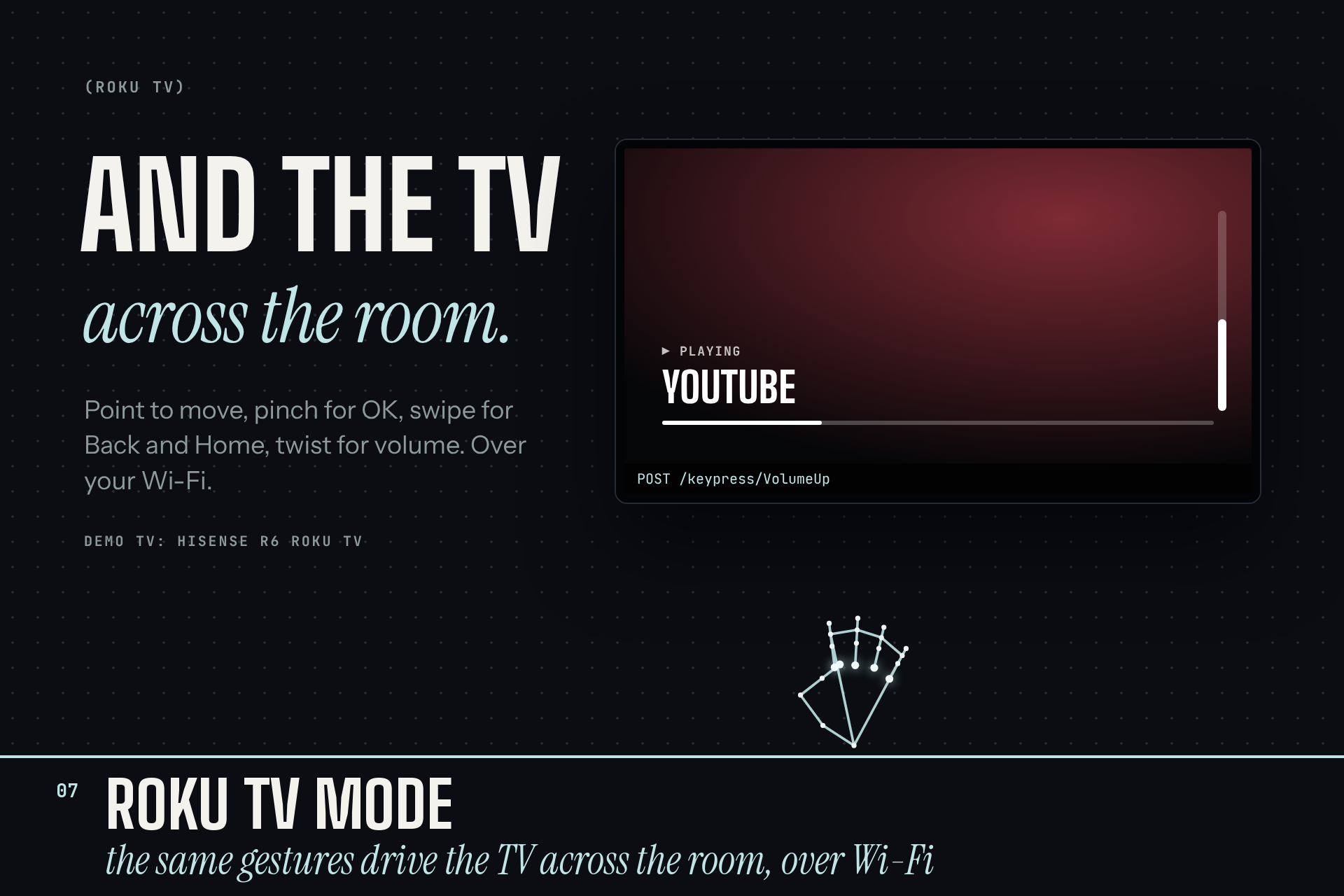
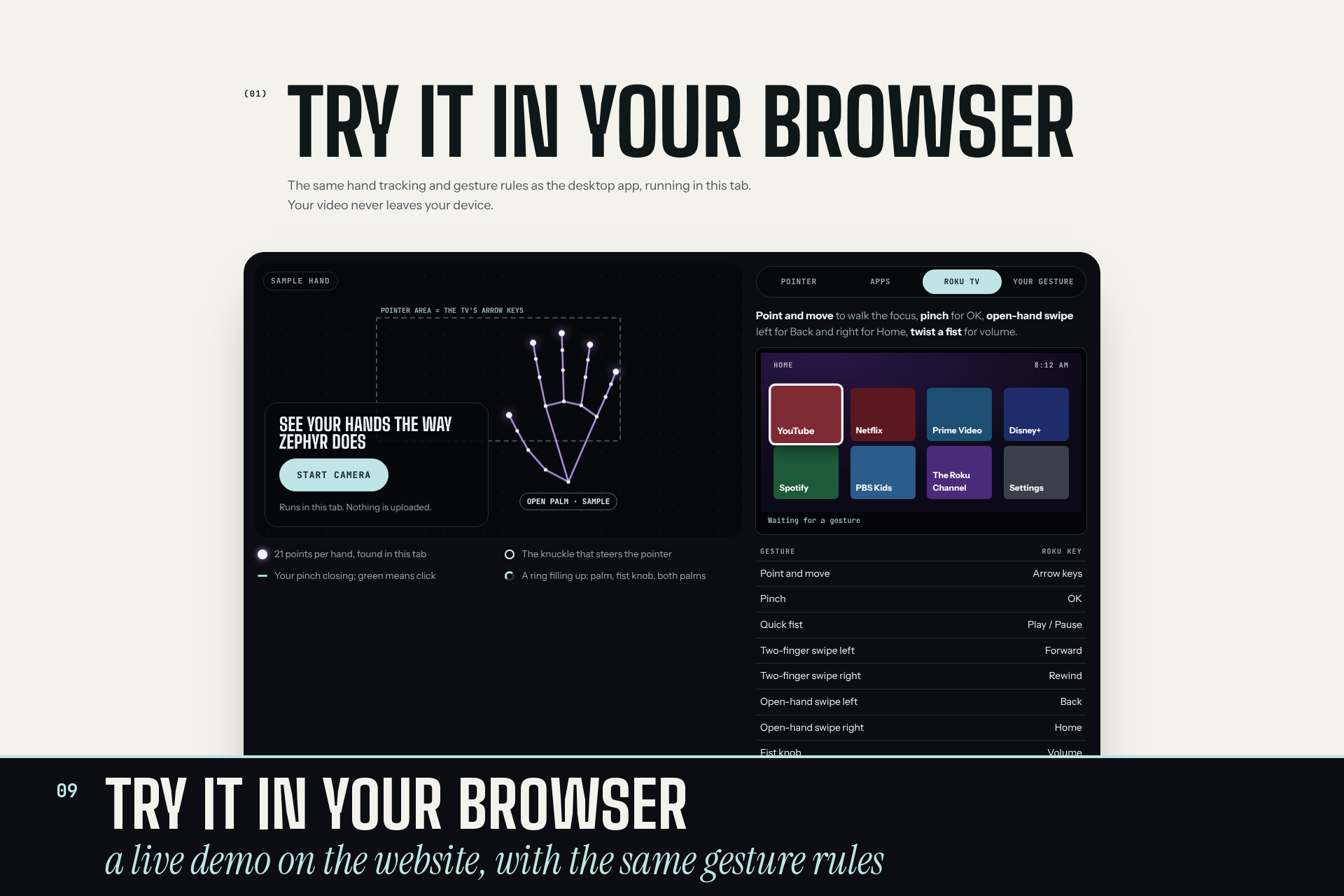
- Roku TV mode: the same gestures drive the TV across the room. Point and move to walk the focus, pinch for OK, swipe for Back and Home, twist for volume, and air-write into search.
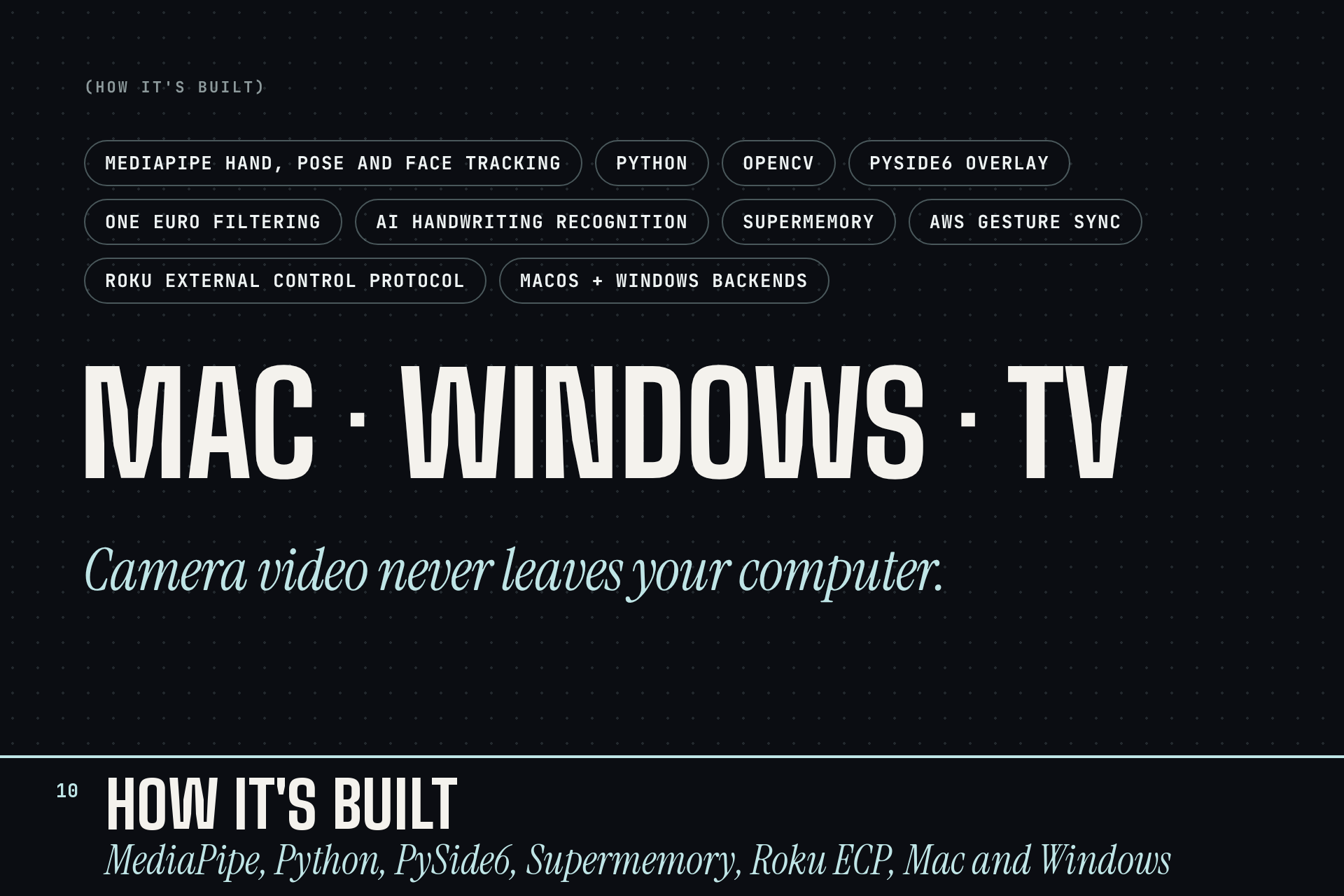
Camera video never leaves your computer. Air writing only sends the strokes you draw.
How we built it
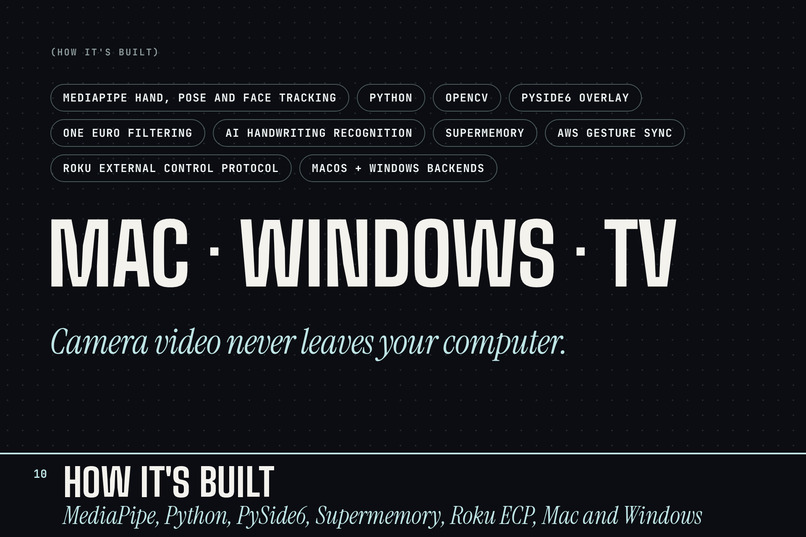
- Hand tracking: MediaPipe's hand landmarker finds 21 points per hand at 30 fps with OpenCV handling the camera. MediaPipe pose and face models power the owner lock and the "looking away" pause.
- Gesture engine (Python): finger angles decide the pose (open palm, fist, point, two fingers), with hysteresis and debouncing so poses don't flicker. Movement over time turns into swipes, holds, taps and the knob. One hand acts at a time, with clear priorities, and every gesture has its own timing rules.
- Smooth pointer: we filter the pointer with a One Euro filter, which smooths heavily when your hand is still and lightly when it moves fast. Its cutoff frequency adapts to speed: $$f_c = f_{c,\min} + \beta\,\lvert \dot{\hat{x}} \rvert$$
- The knob: we measure the angle from the wrist to the middle of the knuckles, unwrap it, filter it, and ignore the first 8° so a resting fist doesn't drift. Past that, 1° of twist moves the level by 1%.
- Actions: a macOS backend (PyObjC, Quartz events) and a Windows backend (pywin32, pycaw for volume, screen-brightness-control). Each app has a profile, so the same gesture means the right thing per app.
- Overlay and menu bar app: PySide6 draws the pointer, hold rings, writing preview and toasts, plus a Settings window for custom gestures.
- Air writing: your strokes go to Anthropic's API (Claude Haiku) to be read as text. Supermemory remembers your corrections so it gets better at your handwriting.
- Custom gestures: recorded from 30 frames as a normalized template, matched by per-finger distance, and synced through AWS S3.
- Roku: the Roku External Control Protocol over Wi-Fi (HTTP on port 8060), with SSDP discovery. We also built a TV simulator for testing without a TV.
- Shipping it: a PyInstaller Mac app (
.dmg) with its own permissions flow, and a website with a live in-browser demo that runs the same gesture rules in JavaScript. We checked those rules against the Python engine frame by frame.
Challenges we ran into
- Swipes vs. everything else. Fast swipes blur the camera and the hand vanishes for a few frames. The return motion looked like a swipe the other way, and a hand left hanging after a swipe opened search. We rebuilt swipes to follow the palm instead of the pose, added a finger vote over the whole motion, made the hand settle before the next swipe, and blocked the opposite direction for a moment. We tuned it against recorded sessions instead of guessing.
- Clicks that missed. Closing your fingers moves your hand, so the pointer drifted right as you clicked. We freeze the pointer as the pinch starts closing and release it just after.
- Left and right. On a mirrored camera image, MediaPipe's left/right labels came out swapped on our demo Mac. That flipped the volume and brightness knobs and broke the "is this palm facing the camera" check. We now correct the label once, at the source.
- The owner lock was too strict. Reaching across your body hides your face, so Zephyr thought you'd looked away and paused. On Windows we now hold the last answer while your body is still in view.
- Talking to the TV. Newer Roku OS versions block outside control by default ("Limited" mode), and campus Wi-Fi isolates devices from each other. We ended up on a phone hotspot, and built a simulator so we could keep developing without a TV.
- From Terminal to a real app. As a packaged Mac app, Zephyr lost Terminal's camera, Accessibility and Automation permissions, and every rebuild reset them. We added up-front permission prompts and stable signing.
- Two platforms, one night. Windows laptop webcams behave differently, so Windows got its own engine thresholds, calibrated on recorded swipes.
Accomplishments that we're proud of
- Ten built-in gestures plus your own, running in real time on a laptop webcam, with no extra hardware.
- An owner lock that ignores other people's hands, and a handshake to share control.
- Controlling a real TV across the room with the same hands.
- It runs on Mac and Windows, and the website demo uses the exact same gesture rules, verified frame by frame against the Python engine.
- A fist that works like a volume knob. It feels like it should have always existed.
What we learned
- Gesture recognition is mostly about telling gestures apart from everything else your hands do, more than about recognizing the gesture. Rejecting false triggers took far more work than detecting real ones.
- Timing rules (holds, cooldowns, settle periods) matter as much as hand shapes.
- Recording real sessions and replaying them through the engine beat tuning by feel.
- Shipping is its own project: permissions, signing, packaging, and networks you don't control.
What's next for Zephyr
- A signed, notarized Mac app and a one-click Windows installer.
- More TVs and devices: Google TV, Fire TV, smart home controls.
- An accessibility mode with larger targets, dwell-to-click, and gestures tuned to each person's range of motion.
- Calibration that learns your hands and your camera in the first minute.
- On-device handwriting recognition, so air writing works offline.
