-
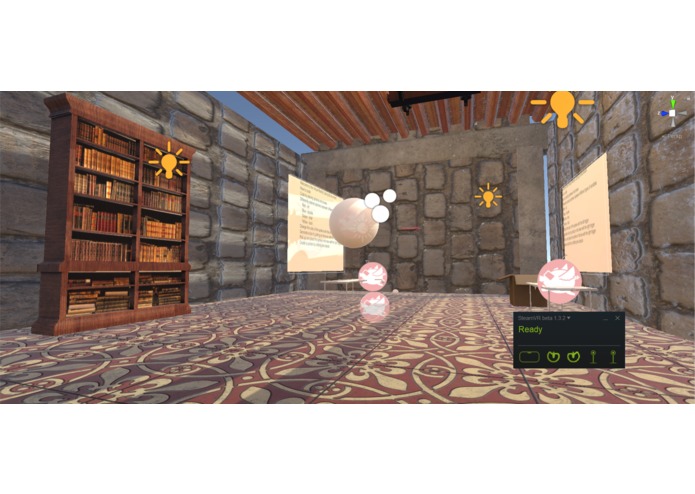
The Workspace
-
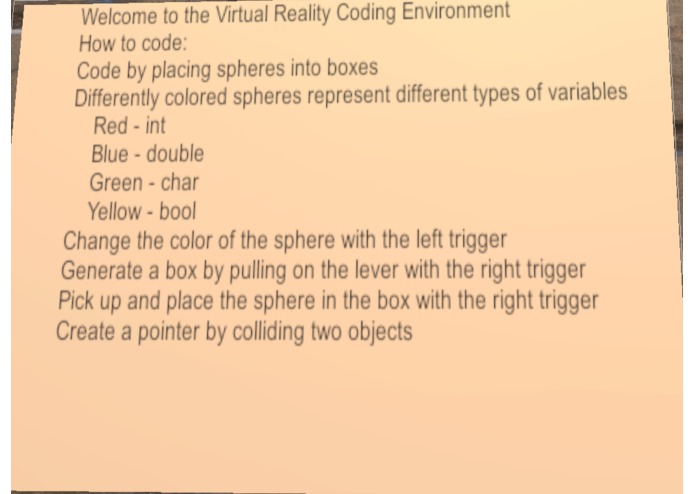
Instructions
-
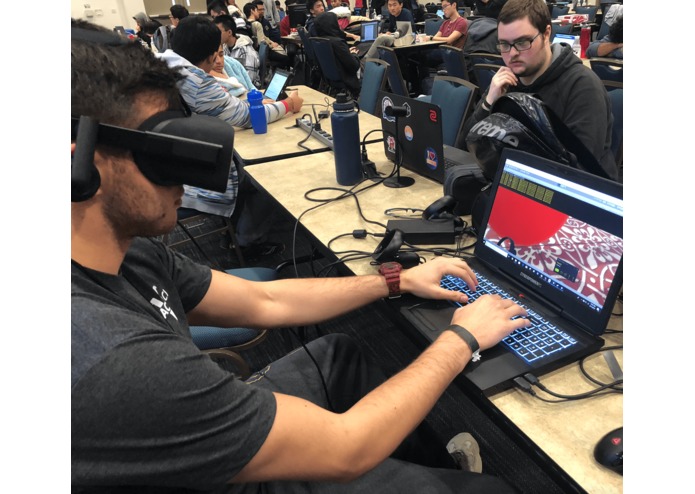
The terminal
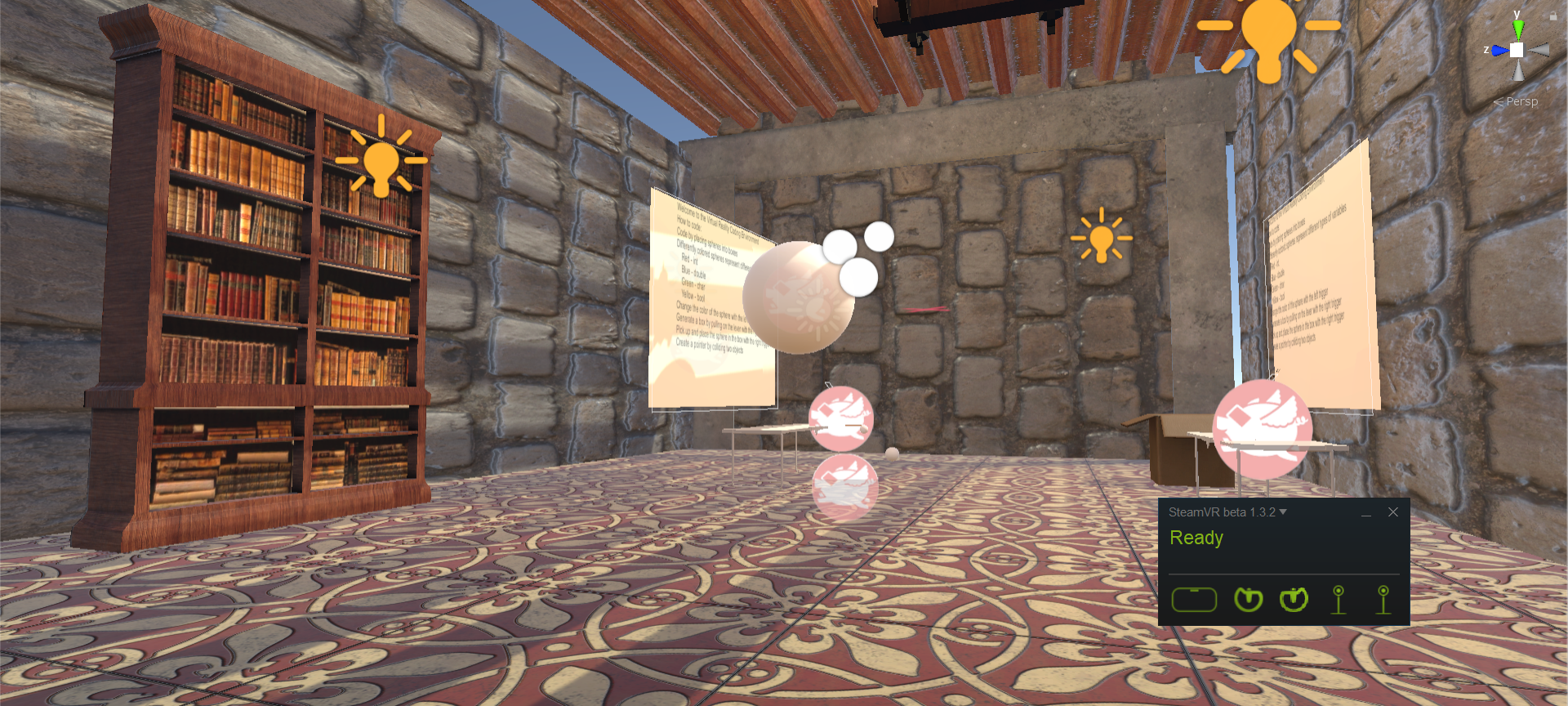
Inspiration
Picture your typical coding workspace. In this picture, there is probably a desk, a monitor, a mouse, and a keyboard. Pretty boring. Now imagine a virtual workspace. In this workspace you can interact with the world around you to code. This is a much more interesting and interactive experience than simply sitting and typing at a desk. We created this project because we saw this vision and wanted to share it.
What it does
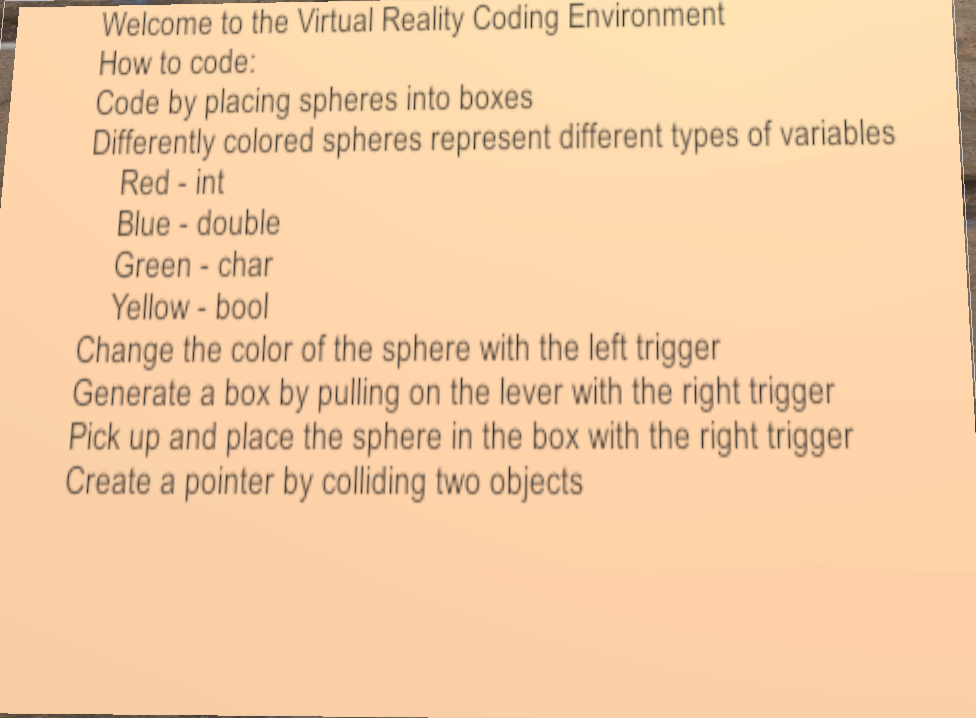
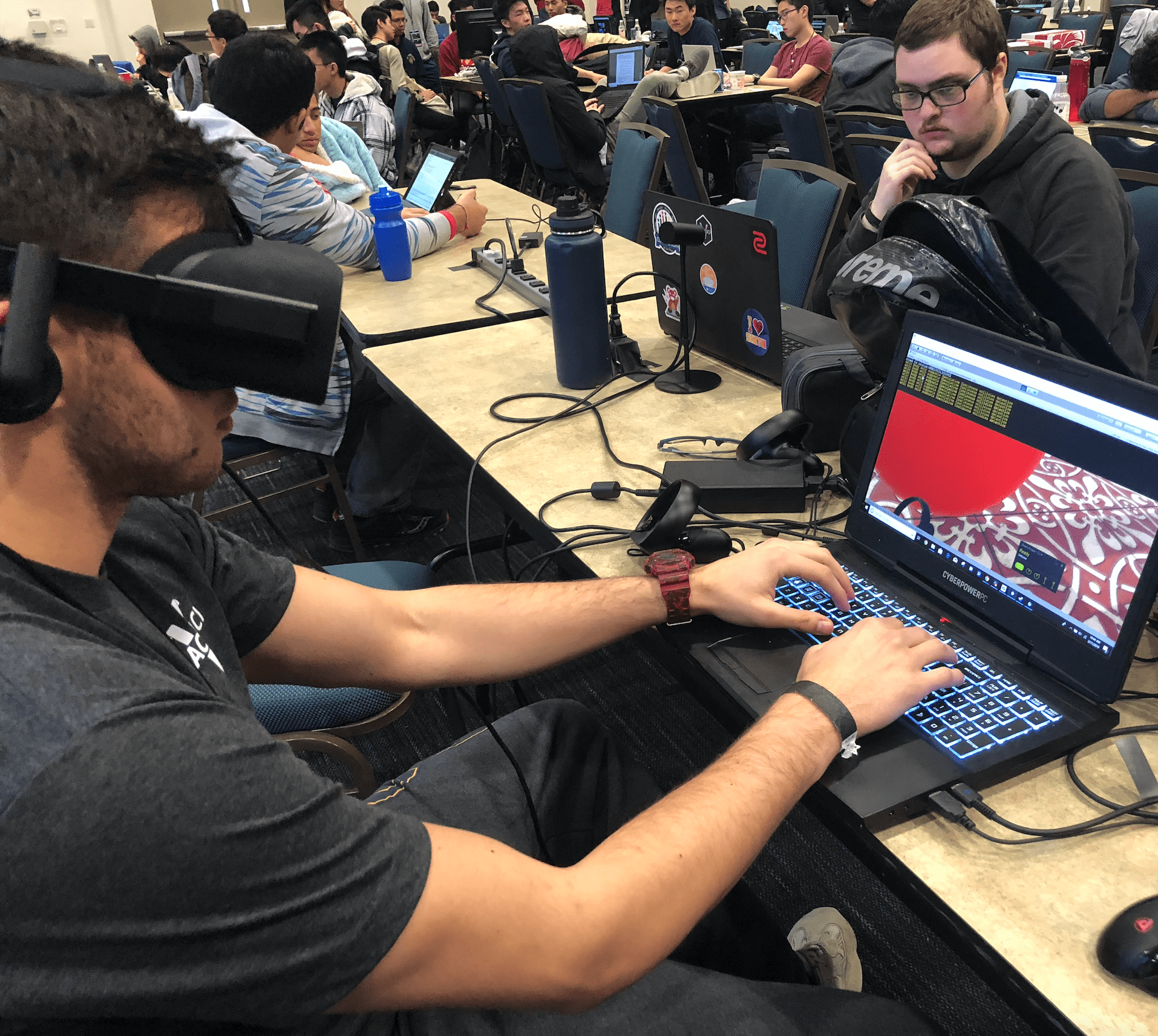
Build a virtual coding workspace by interacting with objects in virtual reality via the Oculus Rift. The user can move spheres that represent different variable types (int, bool, etc.) depending on the color of the sphere. The user can manipulate and change the spheres' color with the Oculus Rift's controllers. To declare the variable in the coding environment, the user must put the sphere into a box located in the virtual reality. Spheres and boxes can be spawned by pulling the levers on the table. The user can also code by typing into a terminal.
How we built it
This project was built using Unity and the Oculus Rift. Within Unity we created a scene containing the different objects required for the user to code such as the sphere and box. We wrote scripts using C# and attached them to these objects in order to make them work as intended.
Challenges we ran into
We ran into a lot of issues with grabbing objects. Some objects would either be unable to be picked up, or they would require the user to be very close and precise. Other objects, such as the levers, would rotate the wrong way.
We also ran into a problem with the terminal only appearing in Unity and not on the Oculus Rift. This was due to the terminal being displayed on a rect, a 2D object, instead of a canvas, a 3D object.
Accomplishments that we're proud of
- Building an interactive virtual environment from scratch
What we learned
We learned how to use Unity on its own and in combination with the Oculus Rift to create interactive virtual environments. We learned the different methods required for implementing the Oculus Rift's controls. Moreover, we learned how to use the VRTK toolkit which provides VR prefabs and scripts, which helped us when setting up the virtual environment.
What's next for Zenith
- Print the terminal in 3D
- Output the user-written script
- Add more variable types
- Allow user to define functions

Log in or sign up for Devpost to join the conversation.