Inspiration
A game can have working movement, combat, and inventory while its hero is still a placeholder rectangle. Getting an attractive image is only part of the problem. Getting a readable sprite, consistent colours, usable animation frames, and an editable asset is another.
We kept running into the gap between an image that looks like pixel art and pixel art that works in a game. Soft edges, tiny details, and inconsistent palettes turn a promising generation into a cleanup task.
We wanted the AI to stay for that cleanup. Instead of handing over another image, could it sit beside the artist, inspect the same canvas, and help change the actual pixels?
That question became Zenith Studio.
What it does
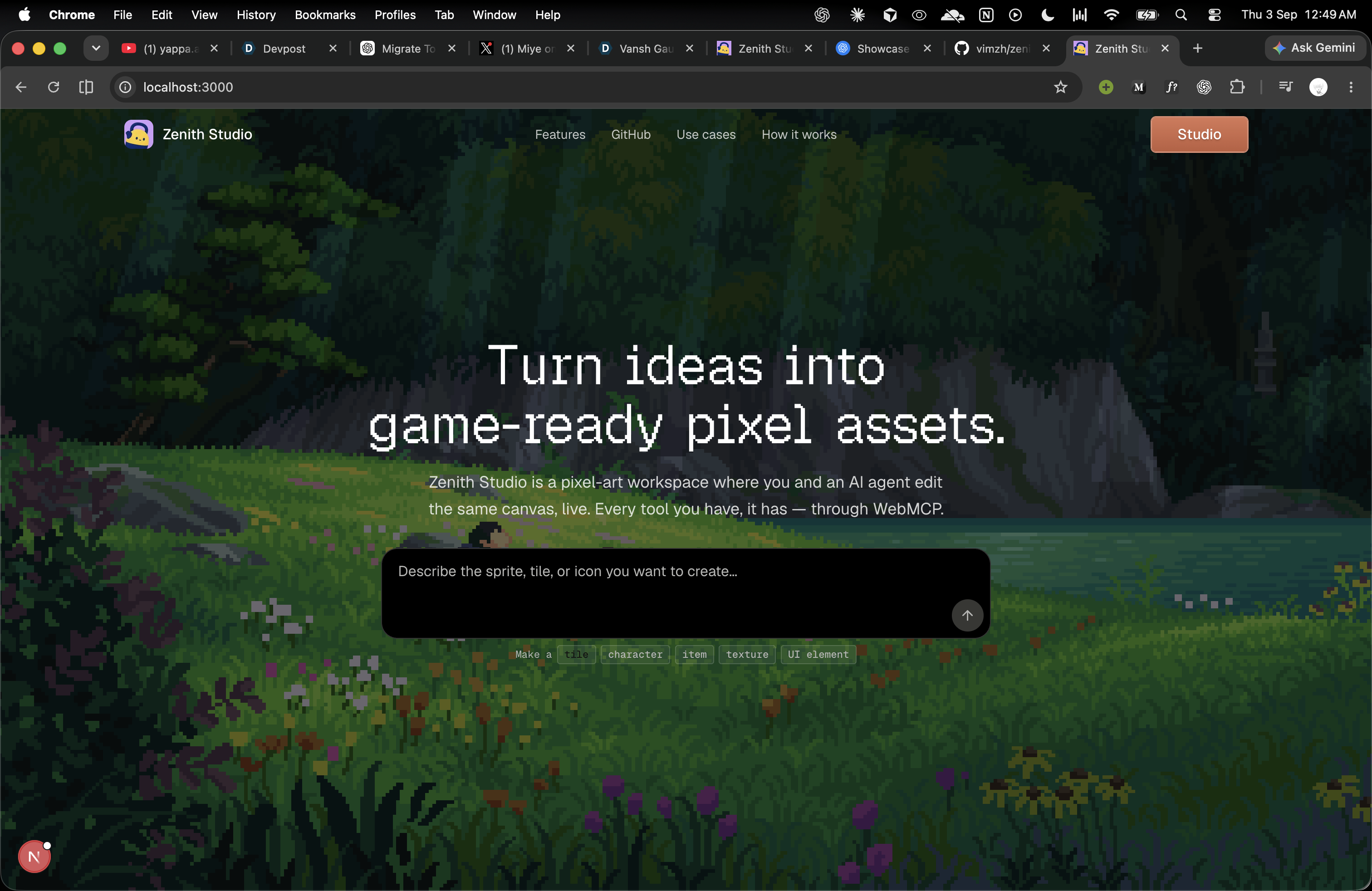
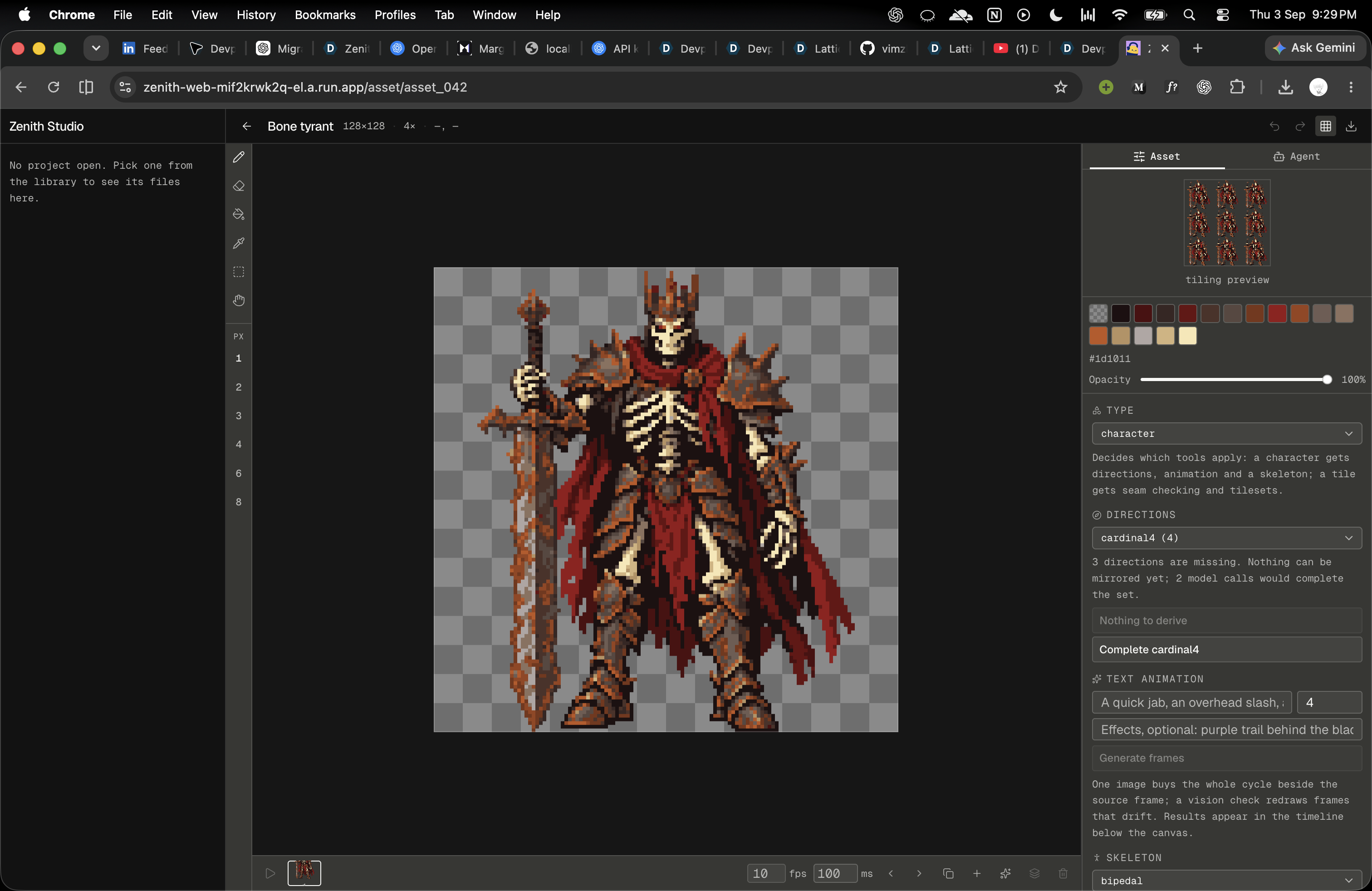
Zenith Studio is a browser-native pixel-art workspace where people and AI agents edit the same live canvas.
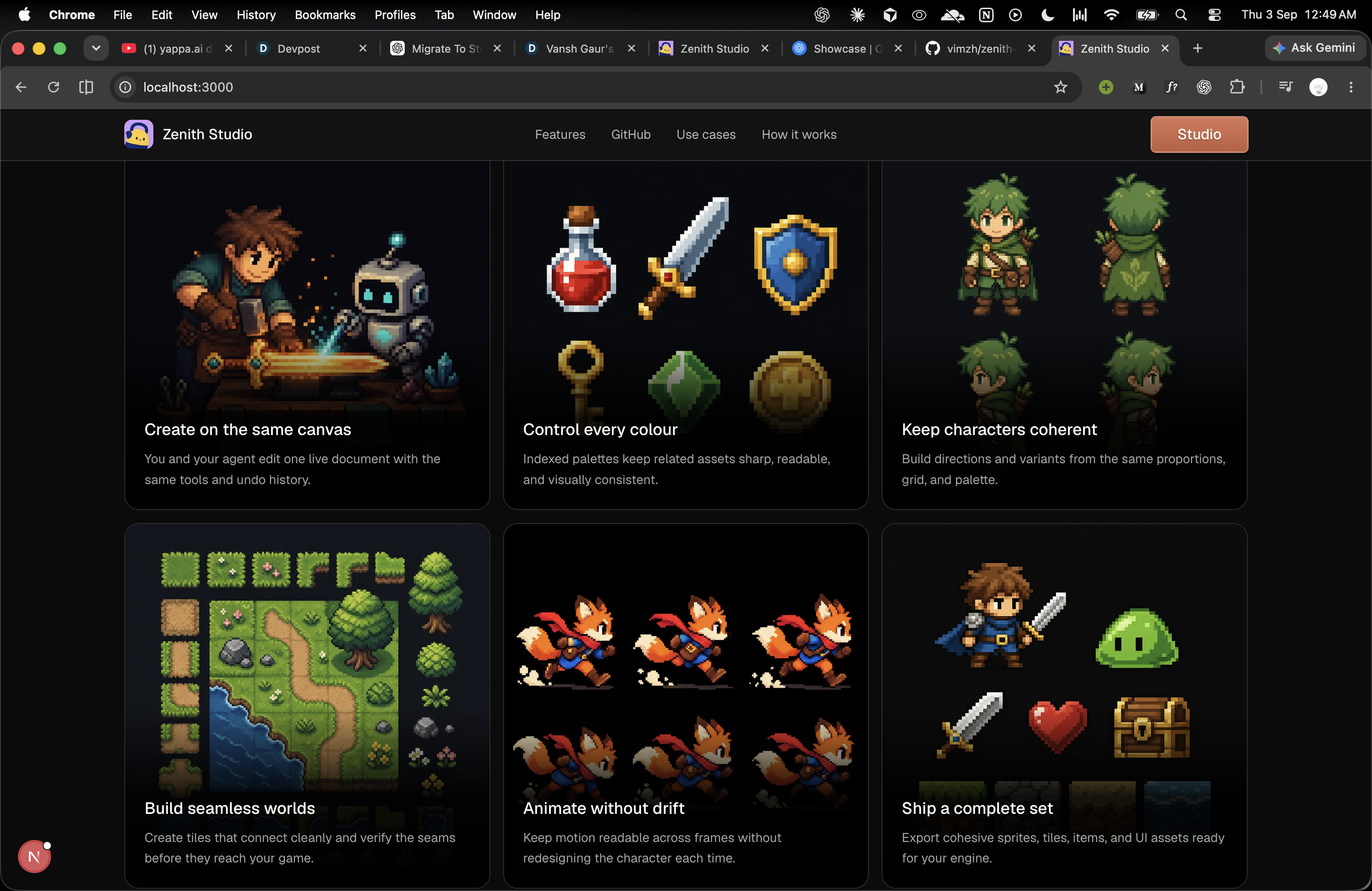
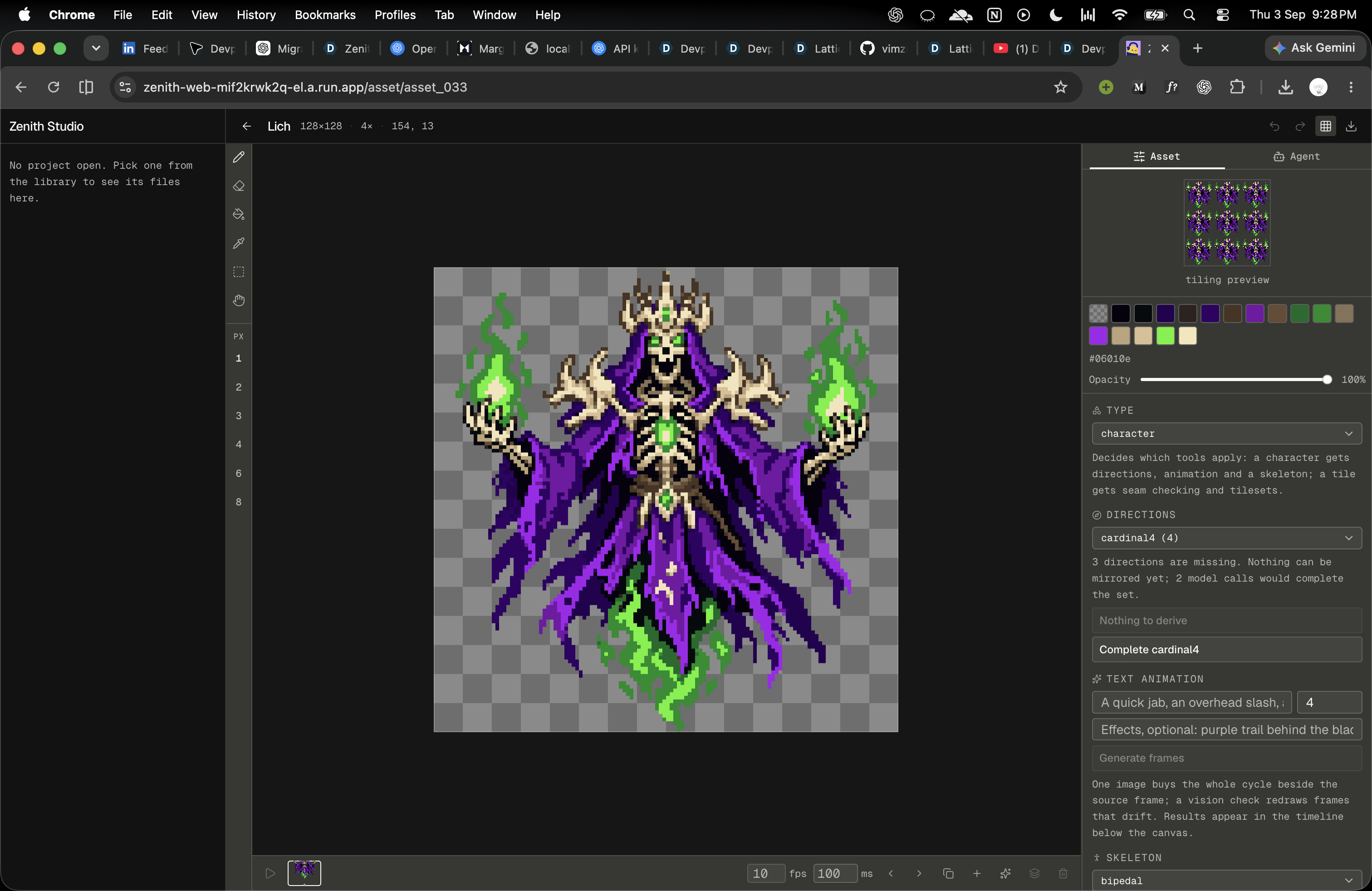
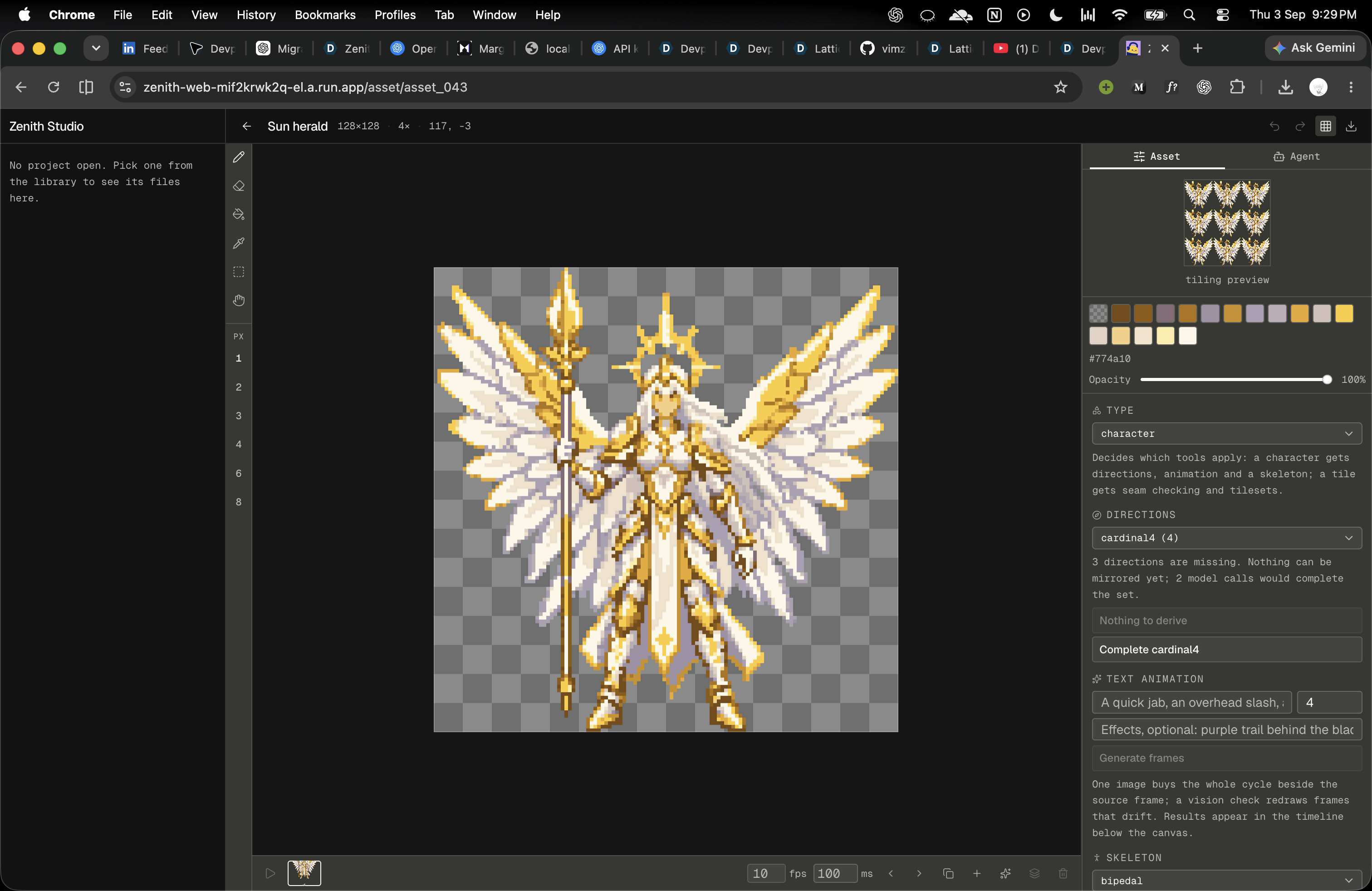
You can draw manually, edit palettes, organise projects, work with animation frames, and export assets. Through WebMCP, an agent can inspect the open artwork, make precise pixel edits, check tile seams or animation consistency, and help refine the result.
Both collaborators use the same document and undo history. An agent’s edit appears on the canvas you are already using. If it gets something wrong, your normal undo command takes it back.
The studio also supports reference-to-character generation, source-conditioned variations, masked edits, directional generation, and local skeleton-based pose blocking. The results remain editable, so generation is a starting point rather than a final handoff.
WebMCP fits because the work depends on live page context: the current asset, selected frame, palette, and viewport. The agent can act on that context directly instead of managing a separate copy of the artwork.
How we built it
The central decision was to represent pixel art as an indexed grid.
In a 16-colour document, each pixel is one character: 0–F for its palette index, or . for transparency. The agent can read and write this compact representation, while the editor renders it onto the canvas.
A shared TypeScript document model enforces palette and coordinate constraints and manages undo/redo. Human controls and agent tools operate on that same model, so there is no separate agent document to synchronise.
The Next.js and React frontend contains the editor, WebMCP integration, animation timeline, and IndexedDB persistence. Heavy pixelisation runs in a Web Worker. A Hono backend handles model requests and keeps API credentials outside the browser.
Deterministic drawing and pixelisation run locally. Model-backed operations, including semantic reference extraction, send the required images or instructions to the backend.
Tools are scoped to the current context. A character can expose skeleton operations, while animation-diff tools become relevant when multiple frames exist. This keeps the available actions focused on what the user is actually editing.
Challenges we ran into
The hardest failures were often plausible-looking successes.
A direction-generation prompt initially preserved the source camera angle so strongly that it defeated the request to turn the character. Asking sprites to fill the frame improved their size but could clip their edges. We had to resolve conflicting instructions, not just add more adjectives.
Reference conversion exposed another problem: faithfully preserving costume detail can destroy a character’s readability at small sizes. We changed extraction to prioritise body structure and separated limbs before outfits and ornament. That change still needs a fresh visual benchmark.
The editor had its own subtle risk: the asset visible in the route and the asset targeted by agent tools could disagree. Keeping them aligned was essential. Editing the wrong document without an error is worse than an obvious failure.
We also had to make undo work across pixel edits and structural changes such as adding animation frames. One logical operation needed to remain one undo action, regardless of whether it came from the human or the agent.
Accomplishments that we're proud of
We built a working shared editing loop: inspect the canvas, make an exact change, see it immediately, and undo it through the same history used by the human.
We made skeleton posing produce real editable timeline frames without a text prompt or model call. Joint dragging, frame creation, and undo were verified in the browser.
For masked editing, we verified that the model-assisted result could be merged into a selected region while leaving pixels outside that region unchanged.
The latest local verification passed 723 tests, along with lint, type checking, and the production build. Tests cover document invariants, undo behavior, image exports, tool contracts, and editing boundaries.
Most importantly, the editor remains useful without an AI conversation. Assistance adds another way to work rather than replacing manual control.
What we learned
A valid grid is not automatically good art. Palette compliance can be tested exactly; whether a character looks human and retains its personality still needs visual judgment.
We learned that constraints can improve collaboration. Indexed pixels make changes inspectable, frame differences compact, and mistakes recoverable.
We also learned to test what the product actually produces, not just convenient fixtures. Large exports, multi-frame documents, and real generated images expose failures that small synthetic examples can miss.
The strongest AI interaction was not a spectacular generation. It was a small, correct edit to the artwork already in front of us, with a clear result and an easy way back.
What's next for Zenith Studio
Next comes a stronger visual benchmark for reference conversion at 64×64 and 128×128, focusing on anatomy, silhouette, and character identity.
We also want reusable saved rigs and cross-character animation transfer. The current local rig is a pose-blocking tool, not a substitute for polished animation or full mesh skinning.
Directional generation and text-driven animation need further consistency testing, especially around character identity, limb placement, and frame-to-frame motion.
Before public release, we need to publish the project repository, deploy and verify the app, and record a concise demonstration of the real WebMCP editing loop.
Built With
- api
- bun
- canvas
- hono
- html
- indexeddb
- next.js
- openai
- react
- tailwind
- typescript
- webmcp


Log in or sign up for Devpost to join the conversation.