Inspiration
I noticed how often we get distracted by social media, unnecessary notifications, and random apps while trying to work or study. I wanted to create a tool that empowers users to focus, track their productivity, and take control of their digital habits. ZenFlow was born from the need to transform short bursts of distraction into deep, productive flow states.
What it does
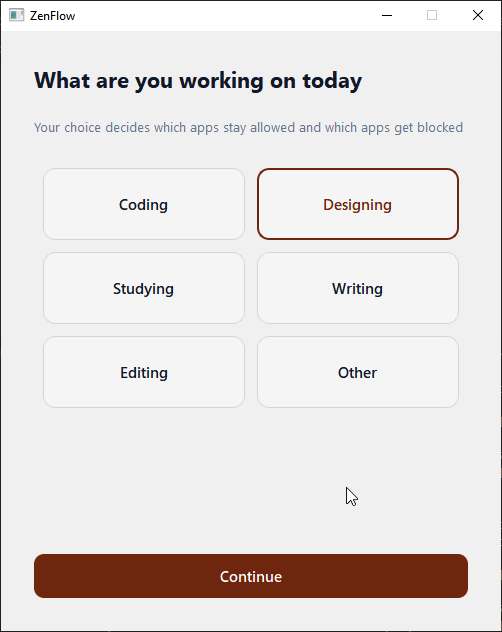
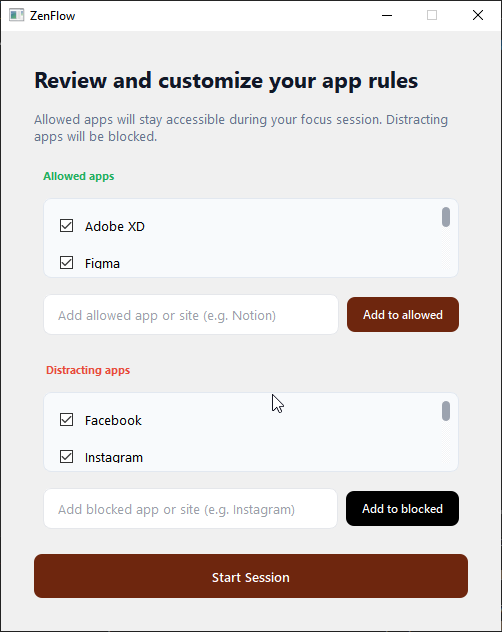
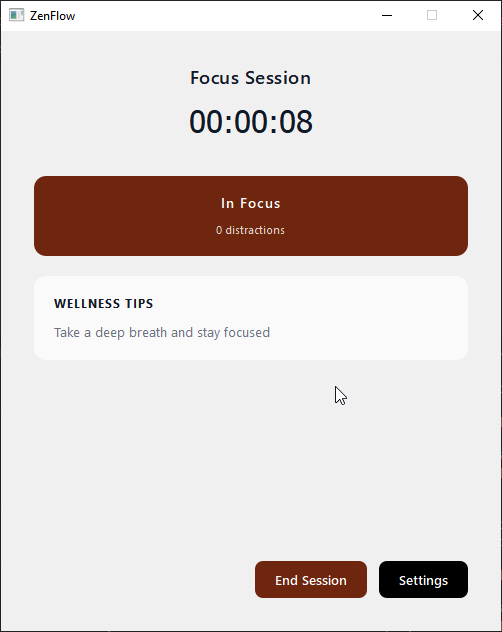
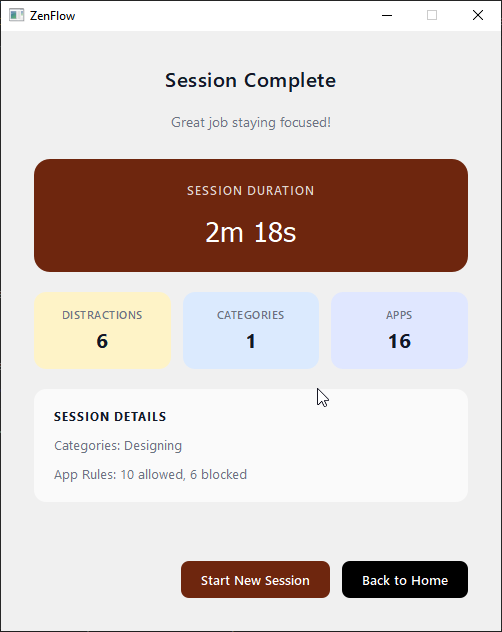
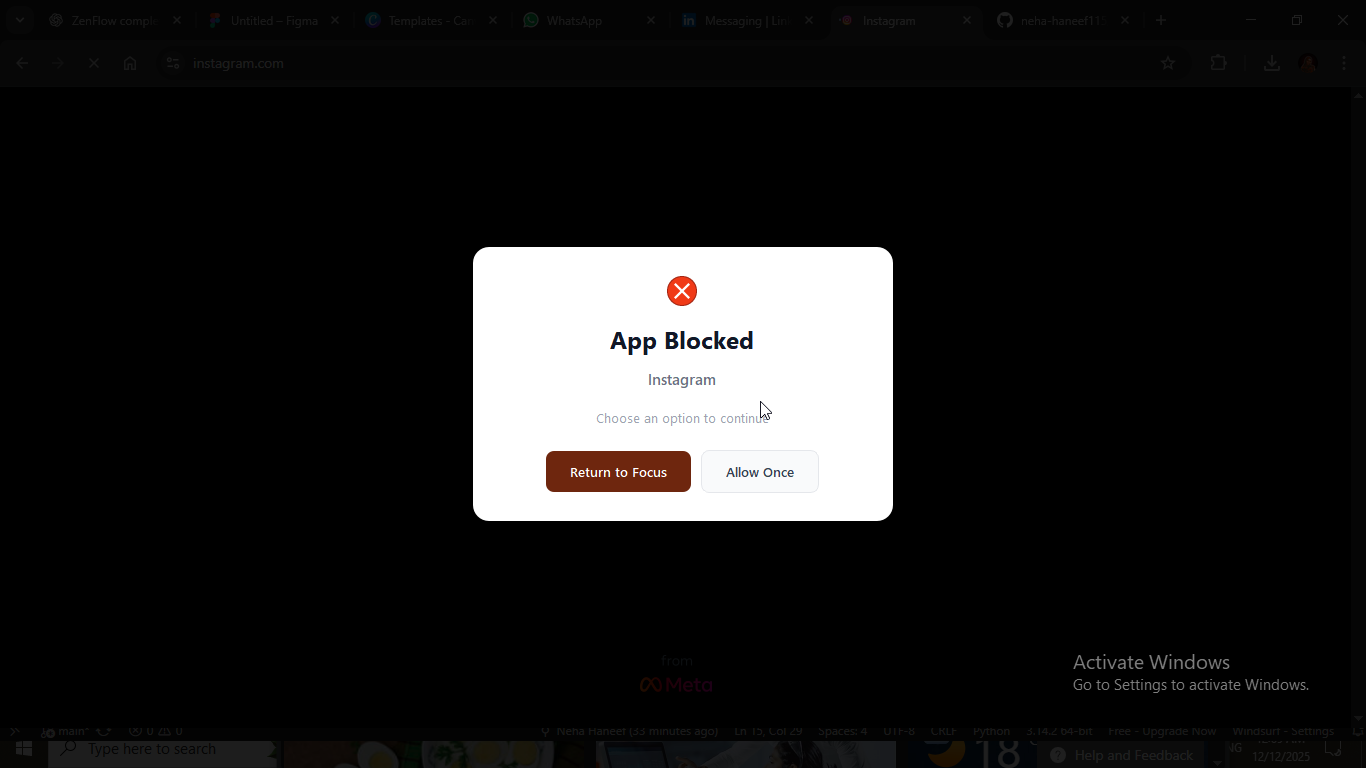
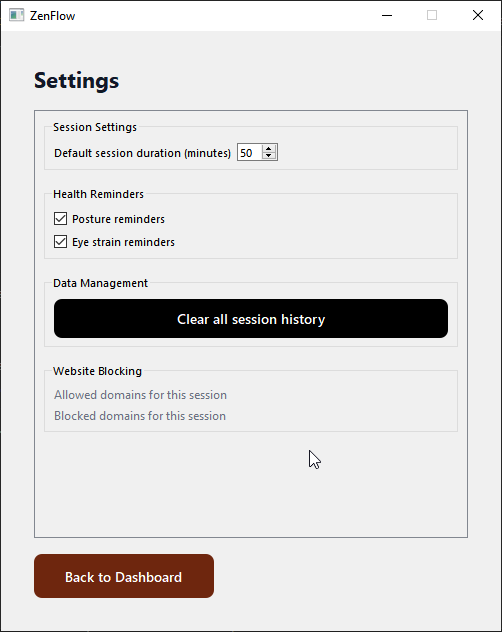
ZenFlow blocks distracting apps and websites based on user preferences, tracks productive activity, and provides a personalized focus dashboard. Users can start a focus session, choose which apps to allow or block, and monitor their progress over time. Alerts and gentle reminders help keep users on track without being overly intrusive.
How we built it
ZenFlow is built with Python and PyQt5 for the GUI, providing a smooth desktop experience. The backend manages app-blocking logic, session tracking, and configuration storage using JSON. We structured the project with modular components, separating screens, utils, and main application logic for maintainability and scalability.
Challenges we ran into
- Managing conflicts between allowed and blocked apps while keeping the UI responsive.
- Handling different operating system behaviors for app detection and blocking.
- Structuring the project in a way that would allow easy packaging and installation via PyPI or GitHub.
Accomplishments that we're proud of
- Created a fully functional, cross-platform desktop app with a clean, user-friendly interface.
- Implemented a real-time focus dashboard that tracks productive time and alerts users when they open distracting apps.
- Packaged the app for distribution via GitHub and as a Python package.
What we learned
- How to integrate PyQt5 with custom Python logic for real-time app monitoring.
- The importance of modular project structure for collaboration and future maintenance.
- Best practices for packaging Python projects and creating console scripts for easy installation.
What's next for ZenFlow
- Add AI-driven suggestions for improving focus and productivity patterns.
- Implement cross-device sync for tracking sessions across multiple computers.
- Develop a browser extension to block distractions on web platforms seamlessly.
Built With
- built-with-**languages:**-python-**frameworks-/-libraries:**-pyqt5
- for
- json-for-local-storage-**platforms:**-cross-platform-desktop-(windows
- linux)-**apis-/-tools:**-system-apis-for-app-detection-and-blocking-**other-tools:**-git-&-github-for-version-control
- macos
- packaging
- setuptools

Log in or sign up for Devpost to join the conversation.