-
-
Zendai
-
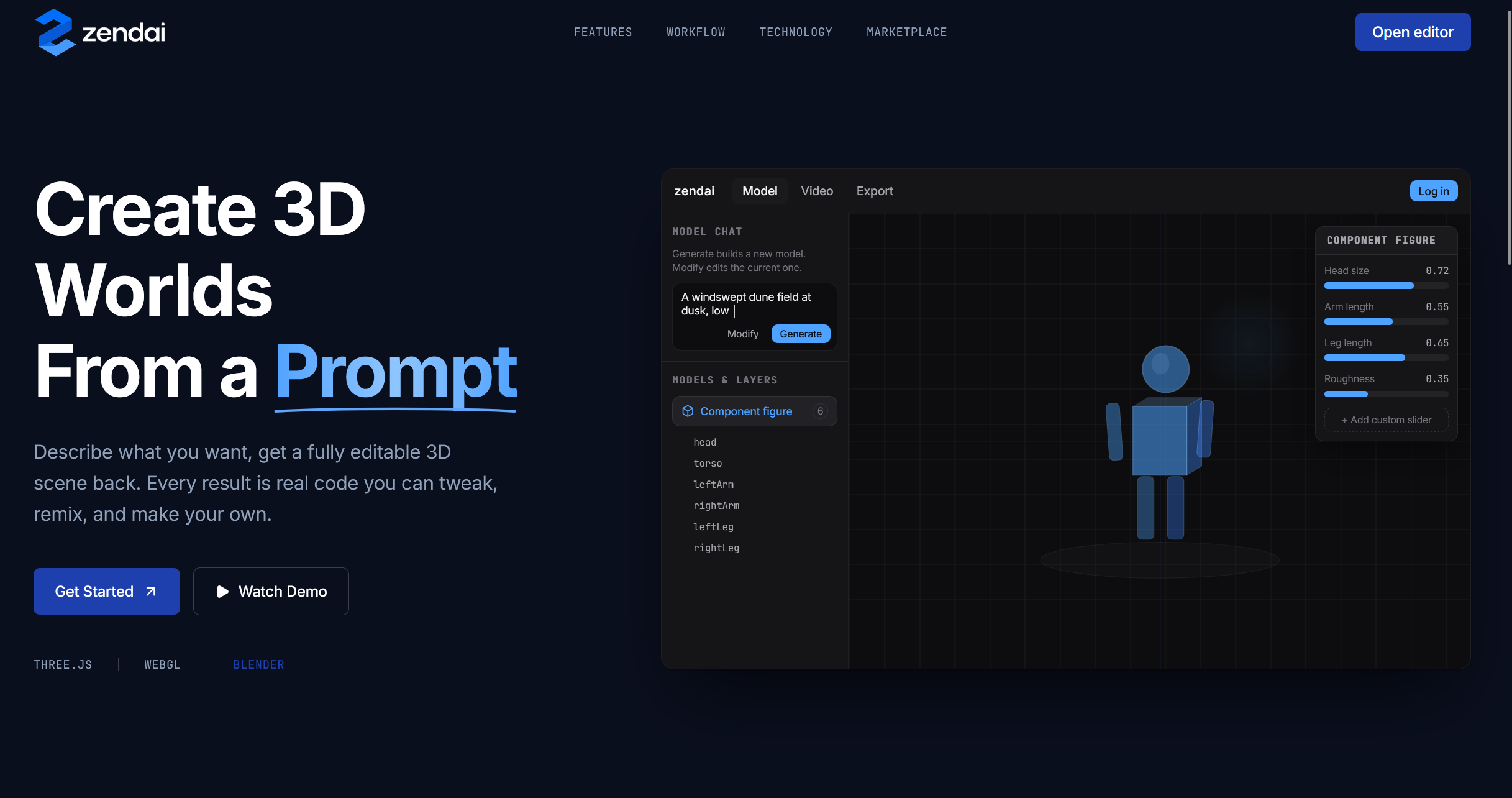
hero
-
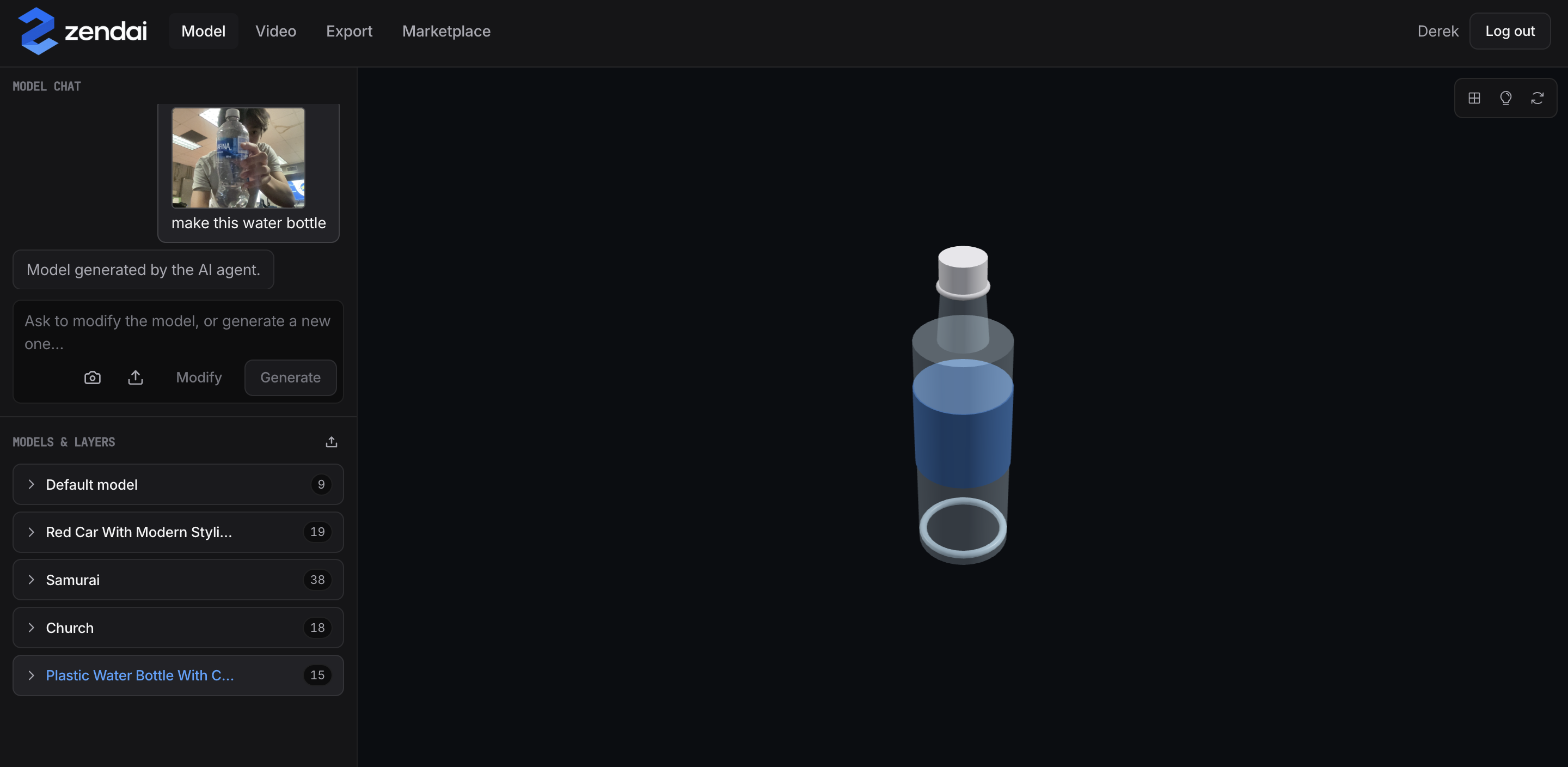
model generation
-
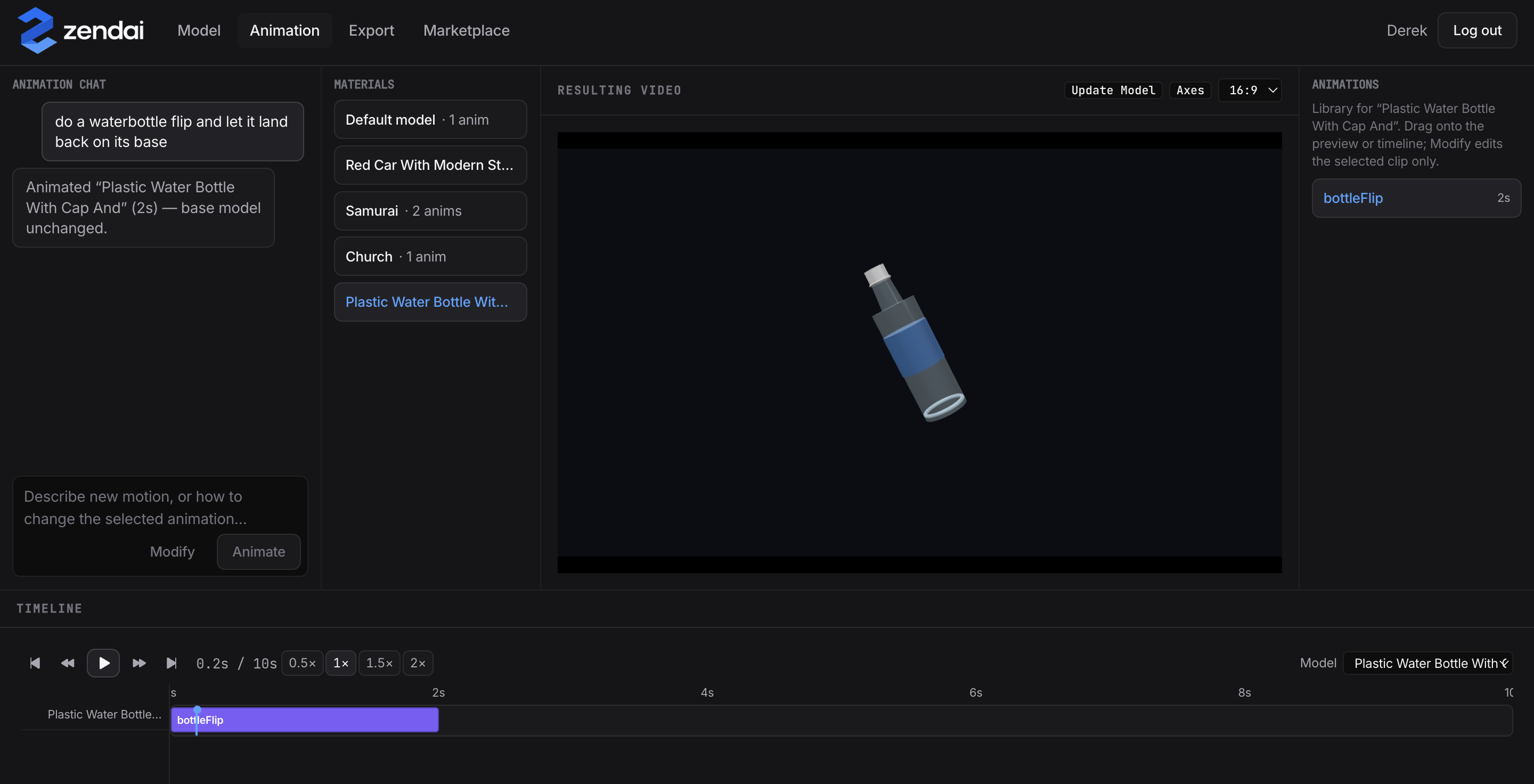
animation
-
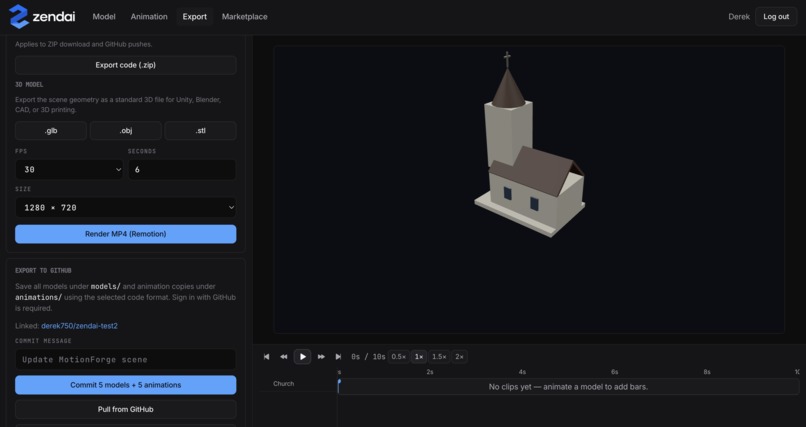
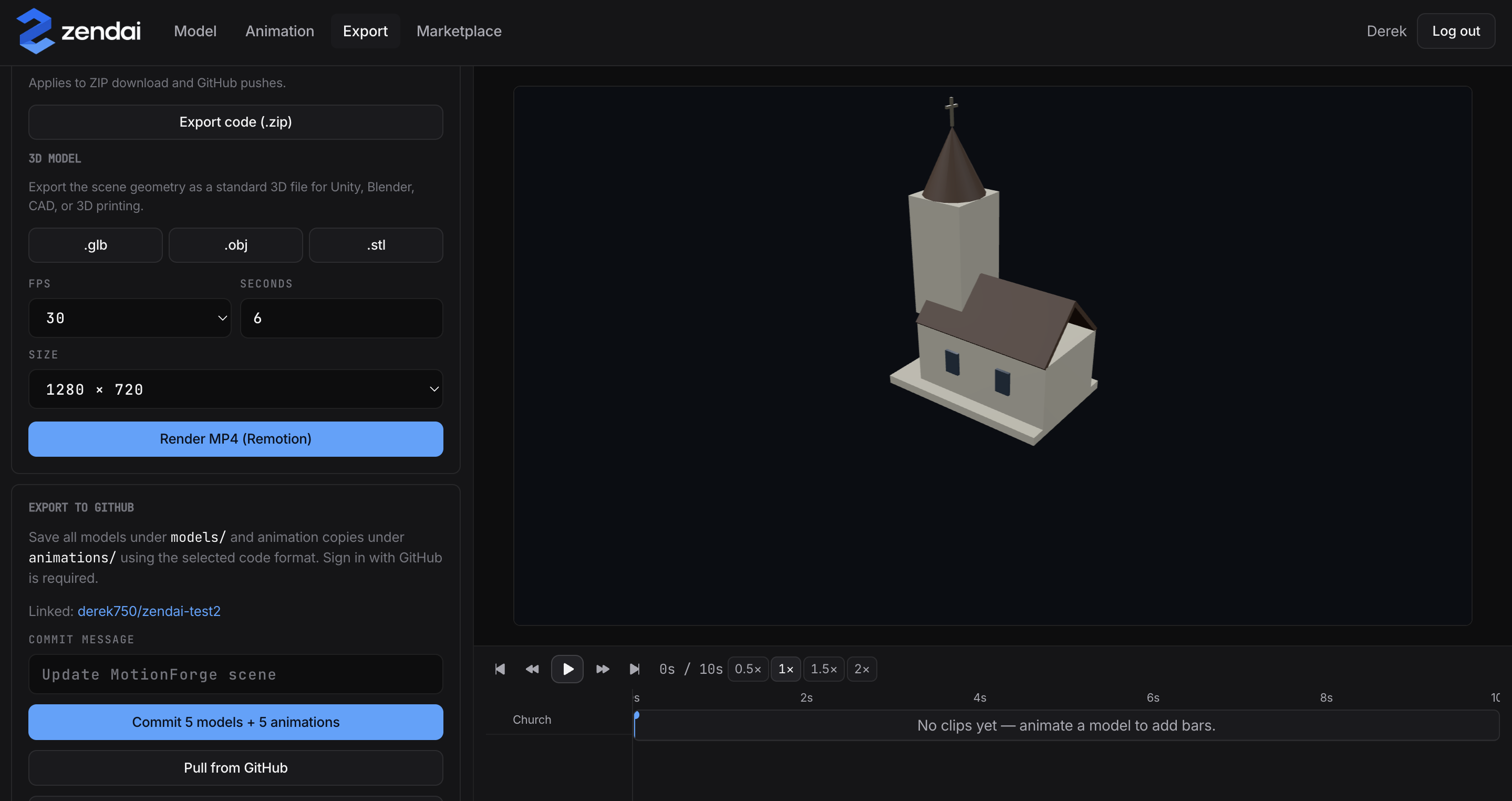
export
-
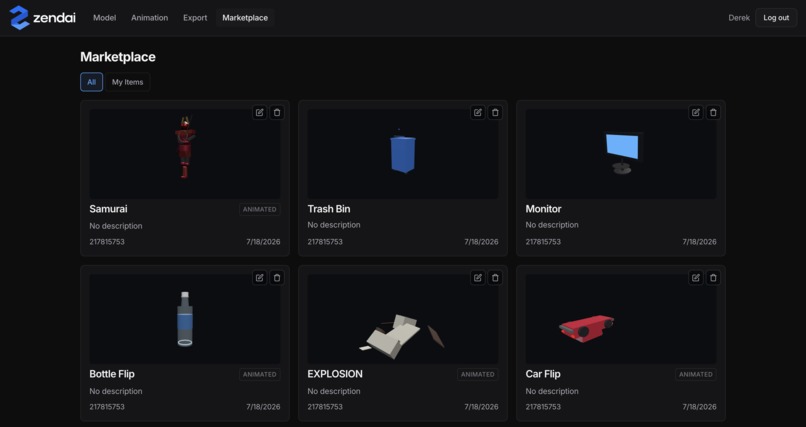
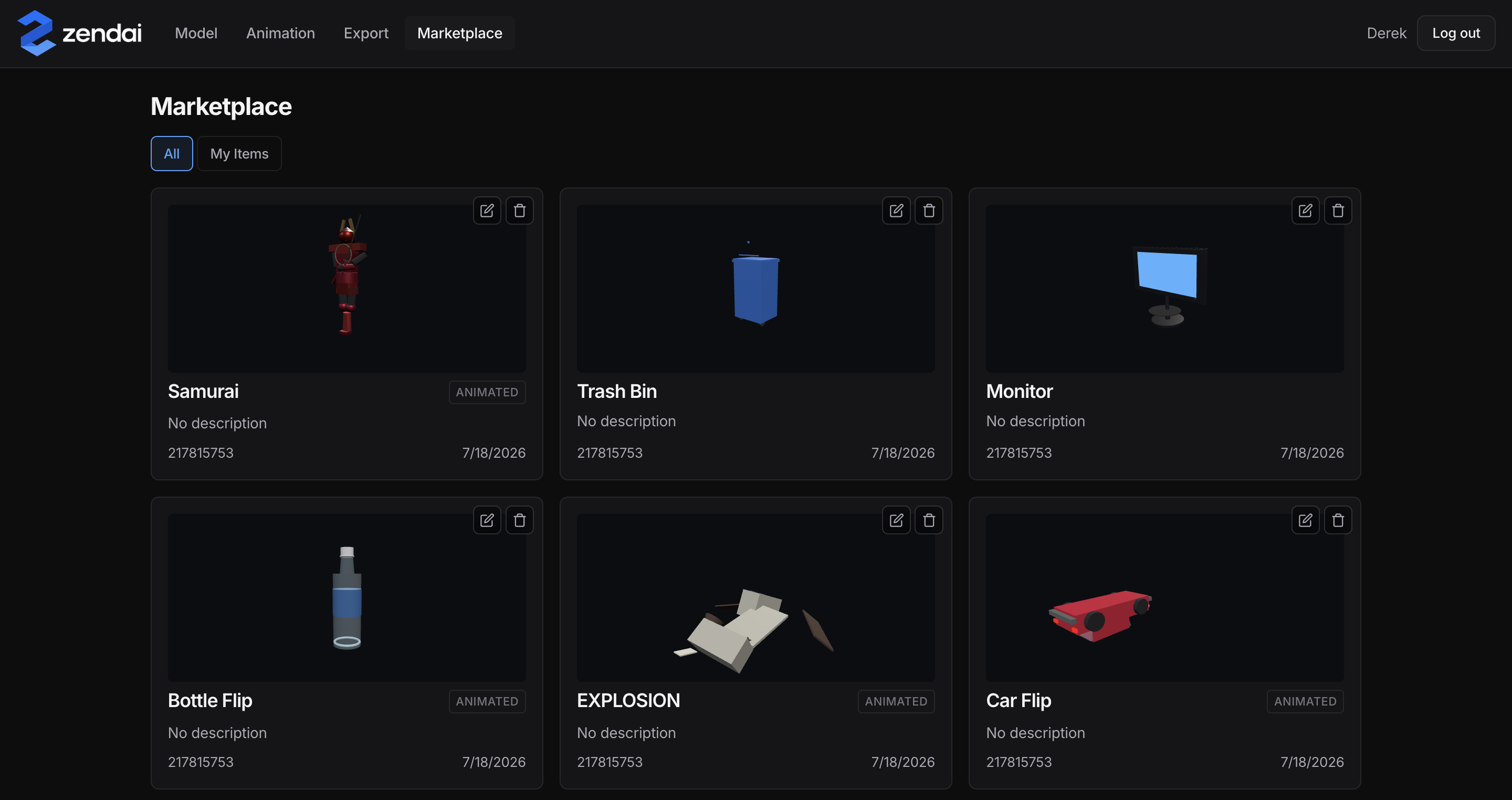
market
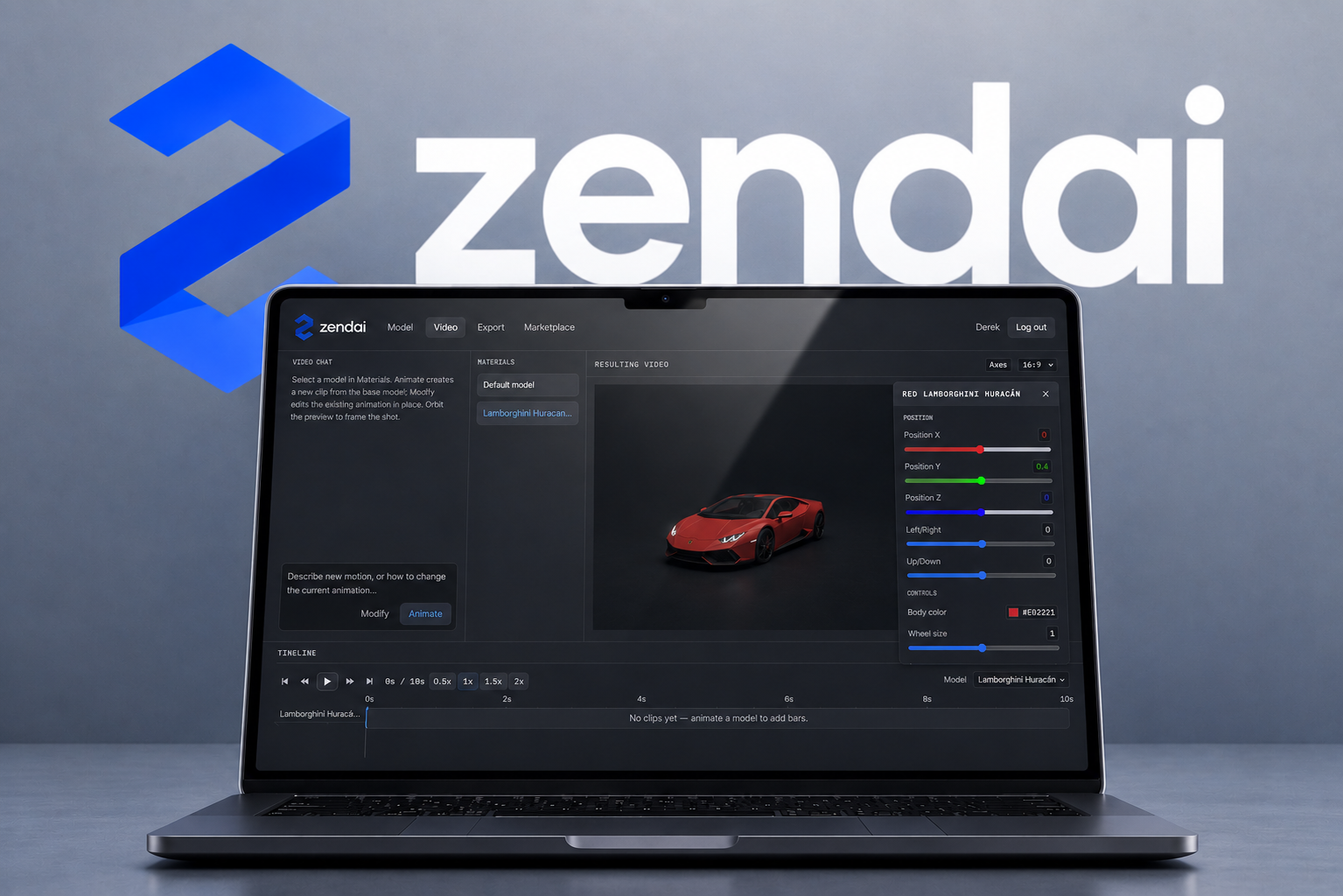
Inspiration
Generative video models like Sora and Runway are nice for cinematic outputs, but absolute unusable for engineers.
They treat 3D spaces as flat pixels, and if a camera angle is off or an asset needs a slight rotation adjustment, you have to throw away the output, burn more compute, and re-render from scratch. We wanted to build a bridge between generative AI and production-ready frontend engineering, giving developers a tool to visually manipulate, sequence, and deploy interactive 3D assets without touching Blender or guessing WebGL math.
What it does
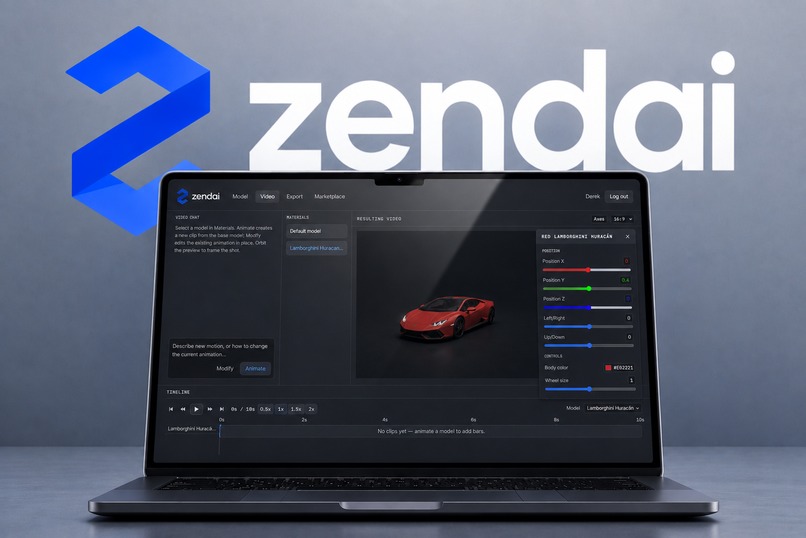
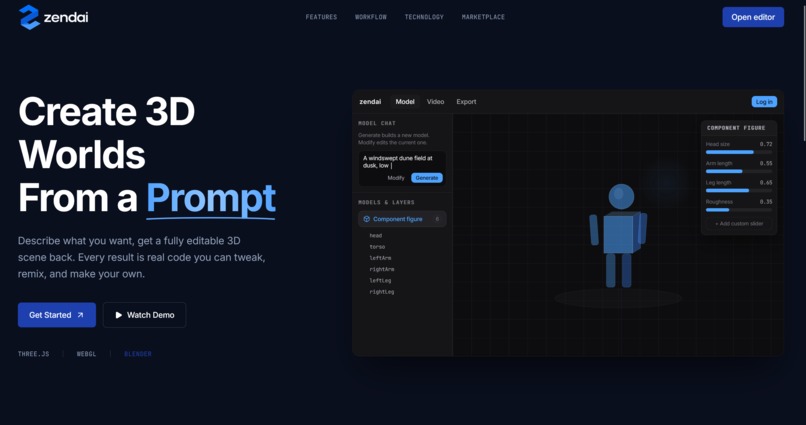
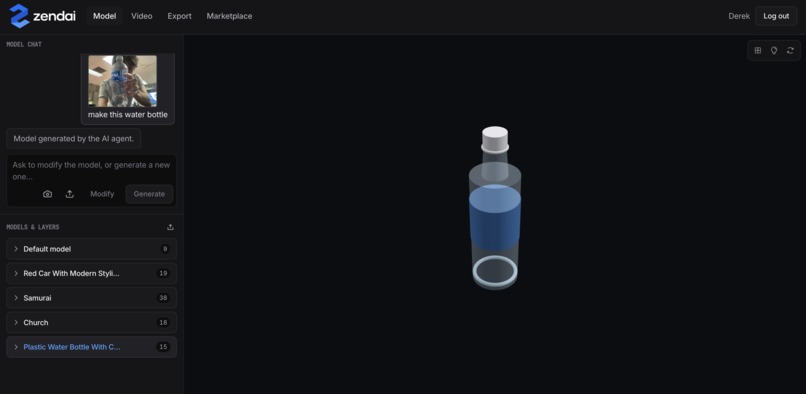
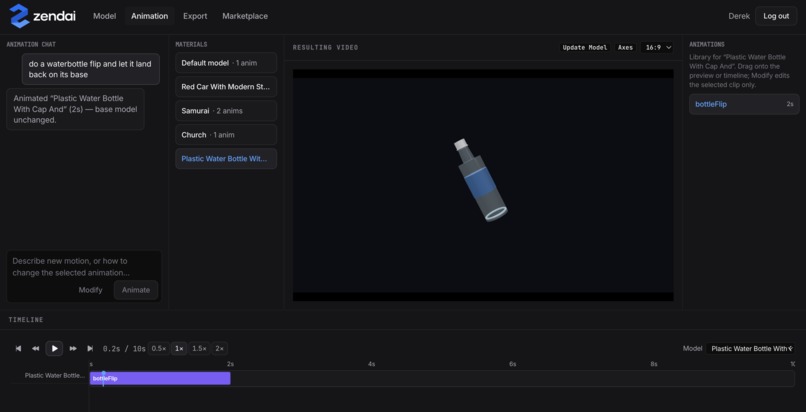
Zendai is an AI-powered, code-based 3D generation and video-editing tool. Instead of calling an image or video diffusion model, a prompt goes to an AI agent (Claude) that writes a live Three.js/WebGL scene module. That module is never a black box: its PARAMS block auto-generates sliders, switches, and color pickers, so dragging a slider literally patches the underlying code and re-renders instantly. Users can also reconstruct a 3D model from a reference photo (image-to-Three.js), position objects and cameras precisely (x/y/z sliders, aspect ratio, camera angle), add one-shot timeline animations, browse/list their generated models in a marketplace with ownership and export options, and render the final scene to an MP4 via Remotion or export it as a standalone code project (ZIP, GLB/OBJ/STL, GitHub push). It runs fully offline too, falling back to a deterministic template generator when no API key is set.
How we built it
We treated a scene as code, not pixels, so the frontend, backend, and AI all share one strict contract for what a valid scene module is. Prompt-to-scene generation is a pipeline, not a single model call: after early one-shot generation proved unreliable, we moved to a two-turn approach (spec generation, then critique) with tracing to debug bad outputs, and split generation into focused skills (scene creation, image-to-3D, camera composition, animation) composed per request instead of one do-everything prompt.
The live viewport and the exported MP4 run the exact same scene code, just driven by a different clock, so what you tune in the editor is exactly what renders out. On top of that core, we added a marketplace layer so generated models persist and can be browsed, owned, and shared rather than living only in a session.
Challenges we ran into
- Keeping AI-generated code safe to execute. Model output could produce NaN geometry or otherwise-invalid modules; added a params safeguard proxy and a validate/retry loop rather than trusting generated code outright.
- Reliability of single-shot LLM generation. Moved from one-shot prompt-to-code generation to a two-turn spec generation with critique/intent agents to cut down on malformed or off-spec scenes.
- Third-party import friction. Blender import was added, then hit issues and had to be reworked (and briefly reverted) before landing correctly.
- UI/UX polish under time pressure, e.g. invisible dark color swatches, clipped status bar text, and a sidebar with no scroll affordance - caught late via manual inspection and are called out as the reason for a larger two-screen redesign (SPEC.md) rather than more patches.
Accomplishments that we're proud of
A working product which successfully bridges the gap between generative AI and production-ready frontend engineering. We are incredibly proud of building an engine that doesn't just treat 3D as a black box, but actually decompiles .glb assets on the fly so they can be modified dynamically via code or natural language. Getting a live 3D viewport, an automated scene graph layer tree, and a visual keyframe timeline to seamlessly synchronize in a web browser, then successfully compiling the asset into direct code integrations for frontend engineers.
What we learned
Don’t overthink ideas. In the early stages of a hackathon, it’s incredibly easy to get bogged down trying to build a massive feature set or trying to compete directly with massive production software like Blender. We learned that the most important thing is to find a single, acute pain point, like the inability for web developers to easily edit and animate generative 3D assets, and focus 100% of our energy on executing a smooth, high-fidelity solution for that specific workflow. Keeping the scope tight allowed us to spend our final hours polishing the core user experience rather than wrestling with broken features.
What's next for Zendai
- Native Blender Integrations: Building native Blender plugins or deep two-way synchronization workflows, allowing developers to seamlessly round-trip their assets between our web-native timeline and professional offline desktop pipelines without losing animation state.
- Custom MCP Tool: Developing a dedicated Model Context Protocol tool so developers can interface with Zendai directly inside their AI IDEs/CLIs. This will allow software engineers to prompt, generate, and inject interactive 3D frontend components without ever leaving their code editor.


Log in or sign up for Devpost to join the conversation.