-
-
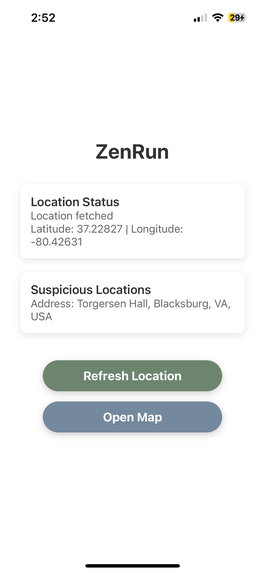
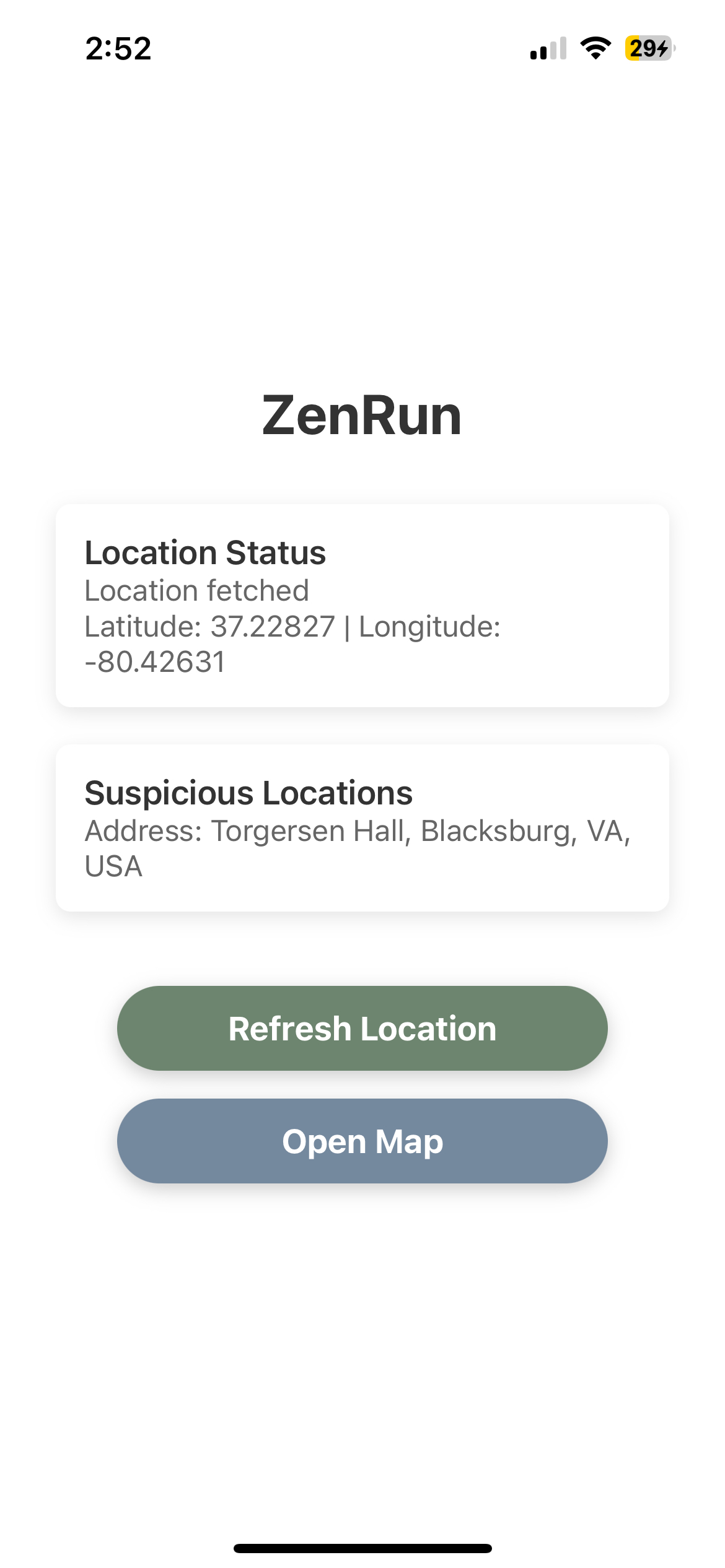
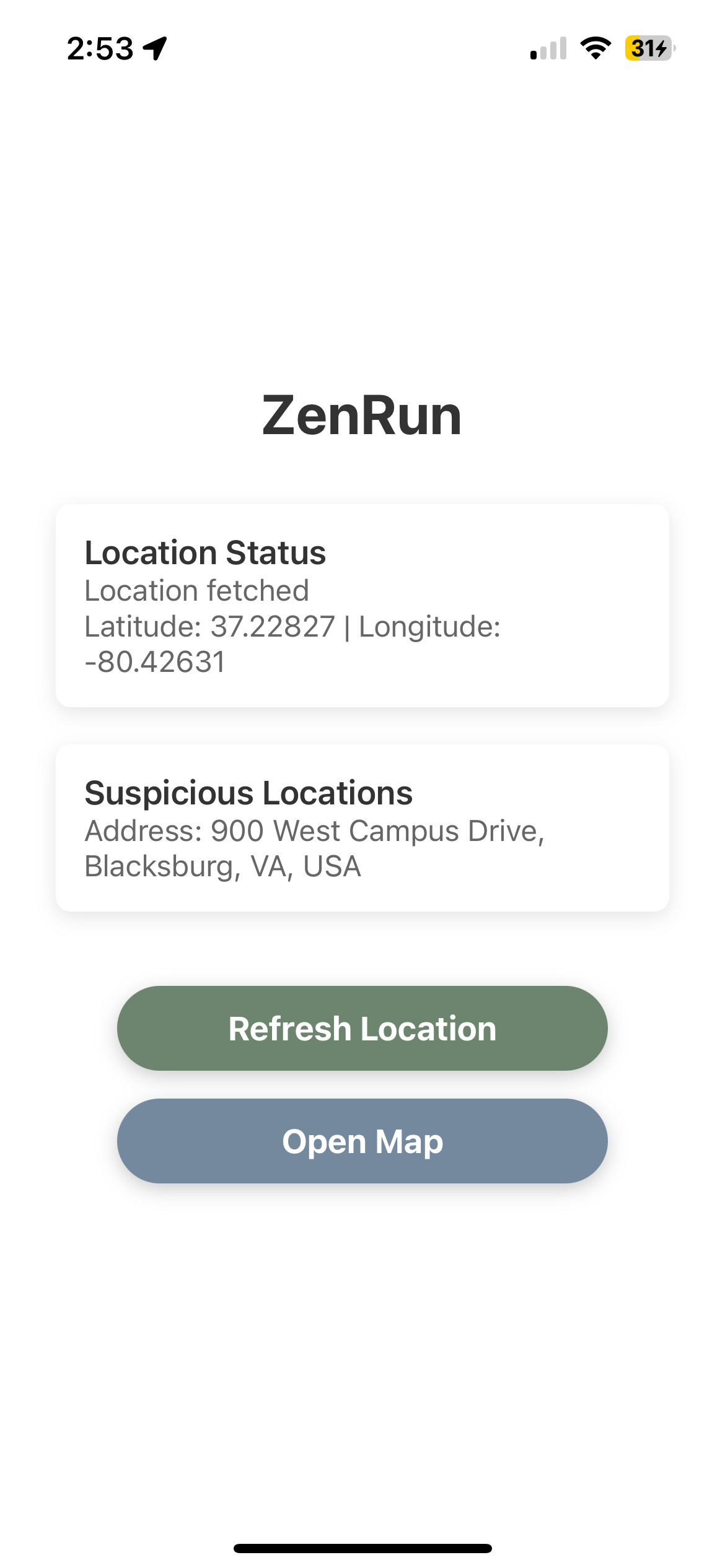
The main page of the app. Includes current location and the latest suspicious location that is reported by the users of the app.
-
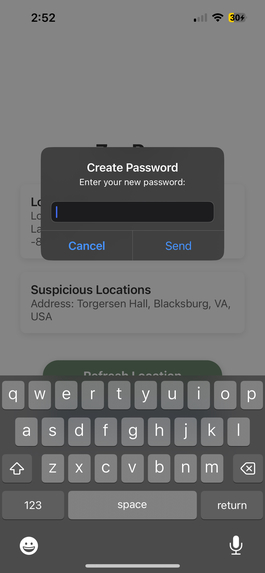
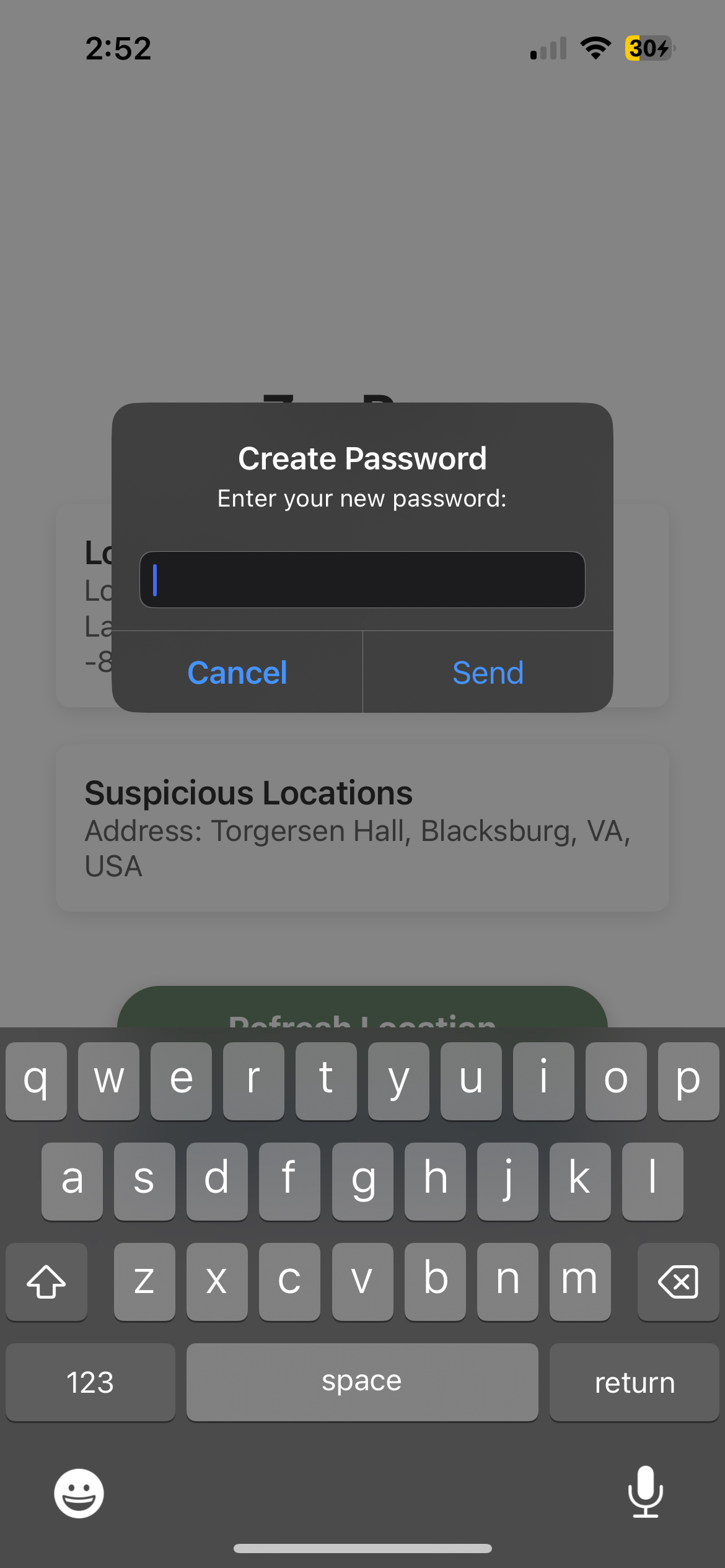
This is your safe password key. You need to enter this password if you stray off path.
-
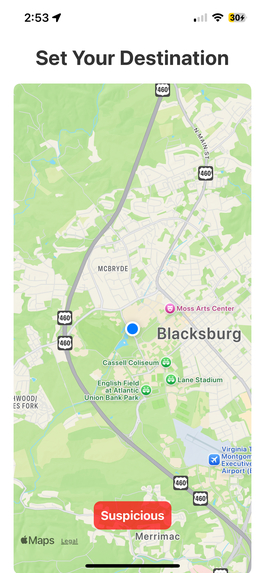
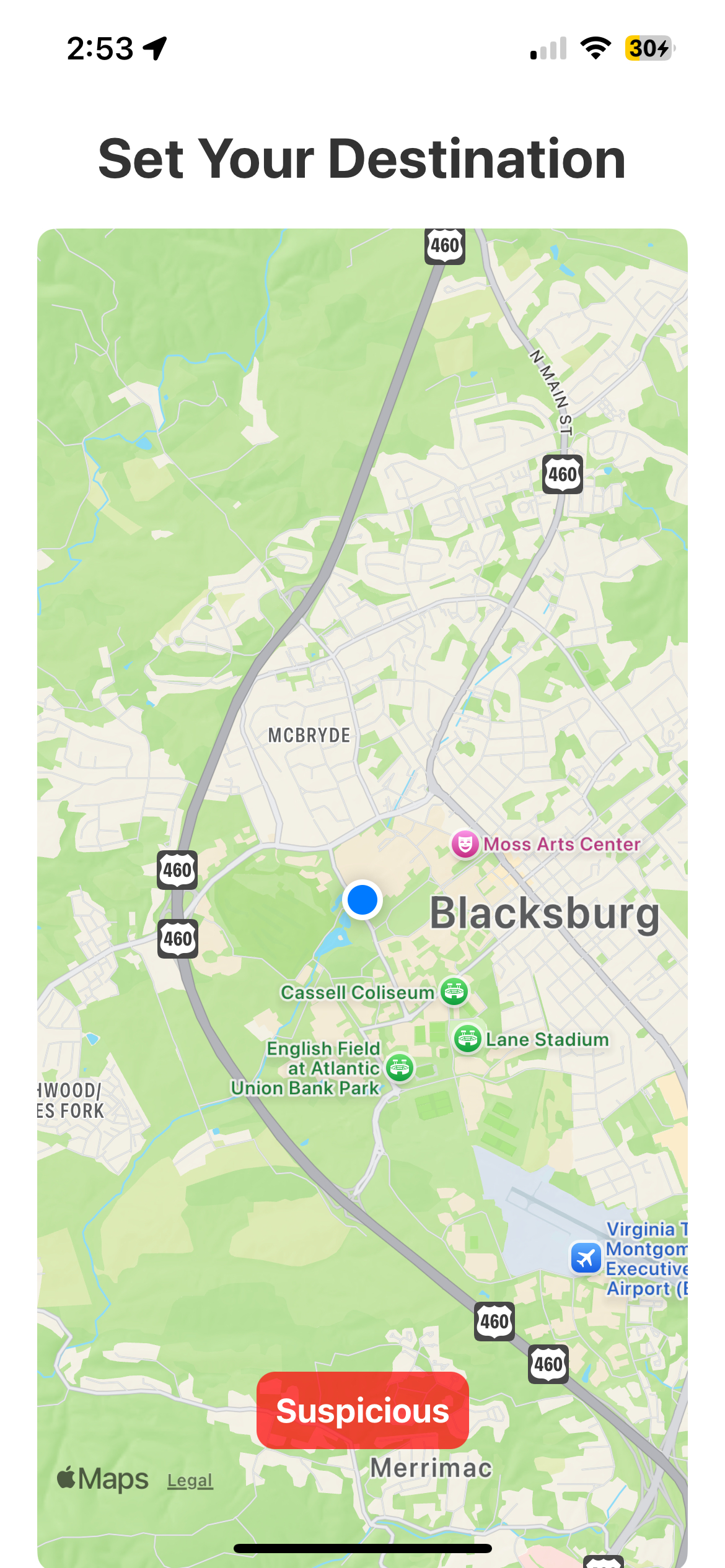
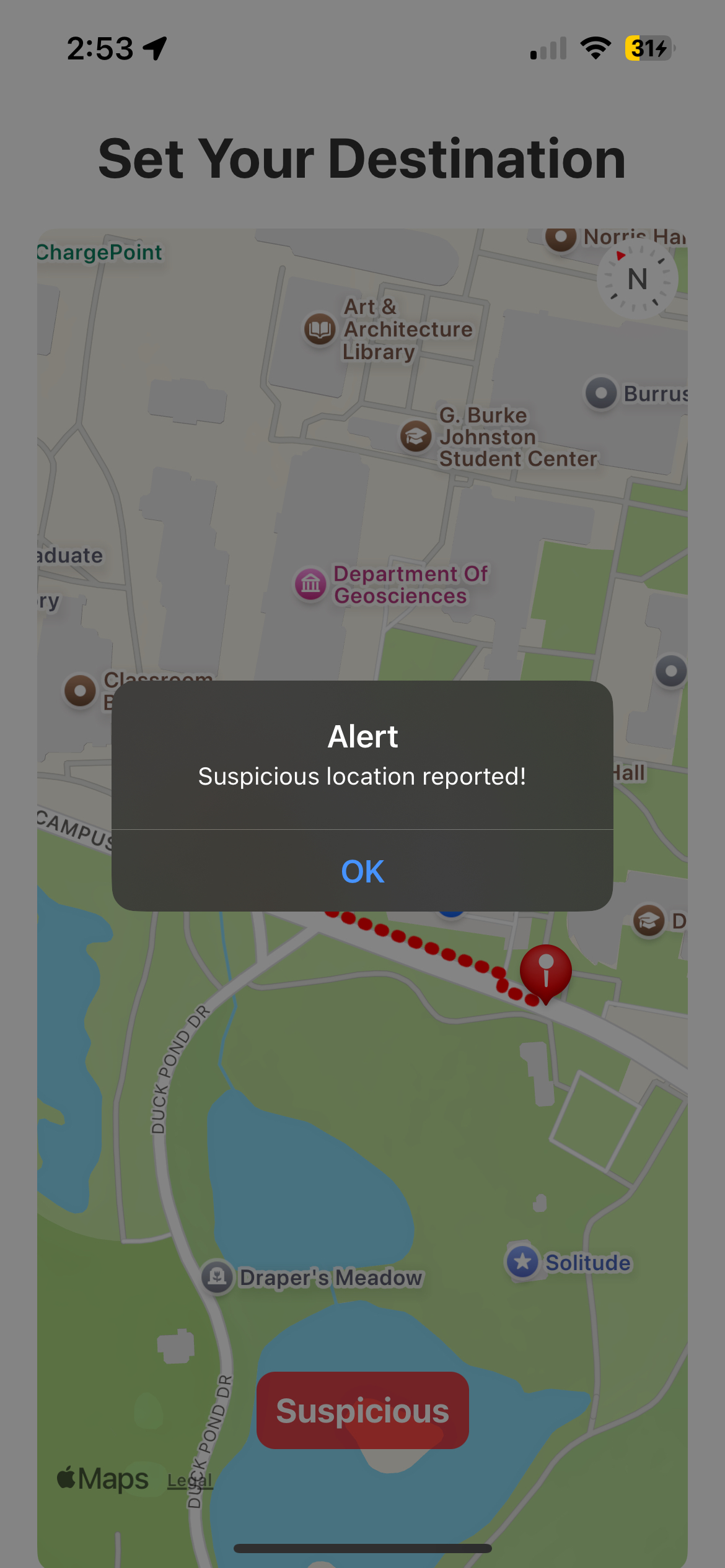
This is where you set your location. You can also alert other users of a suspicious path using the button.
-
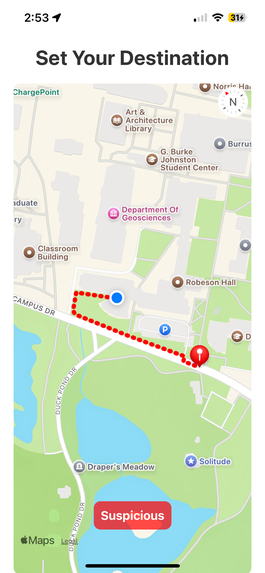
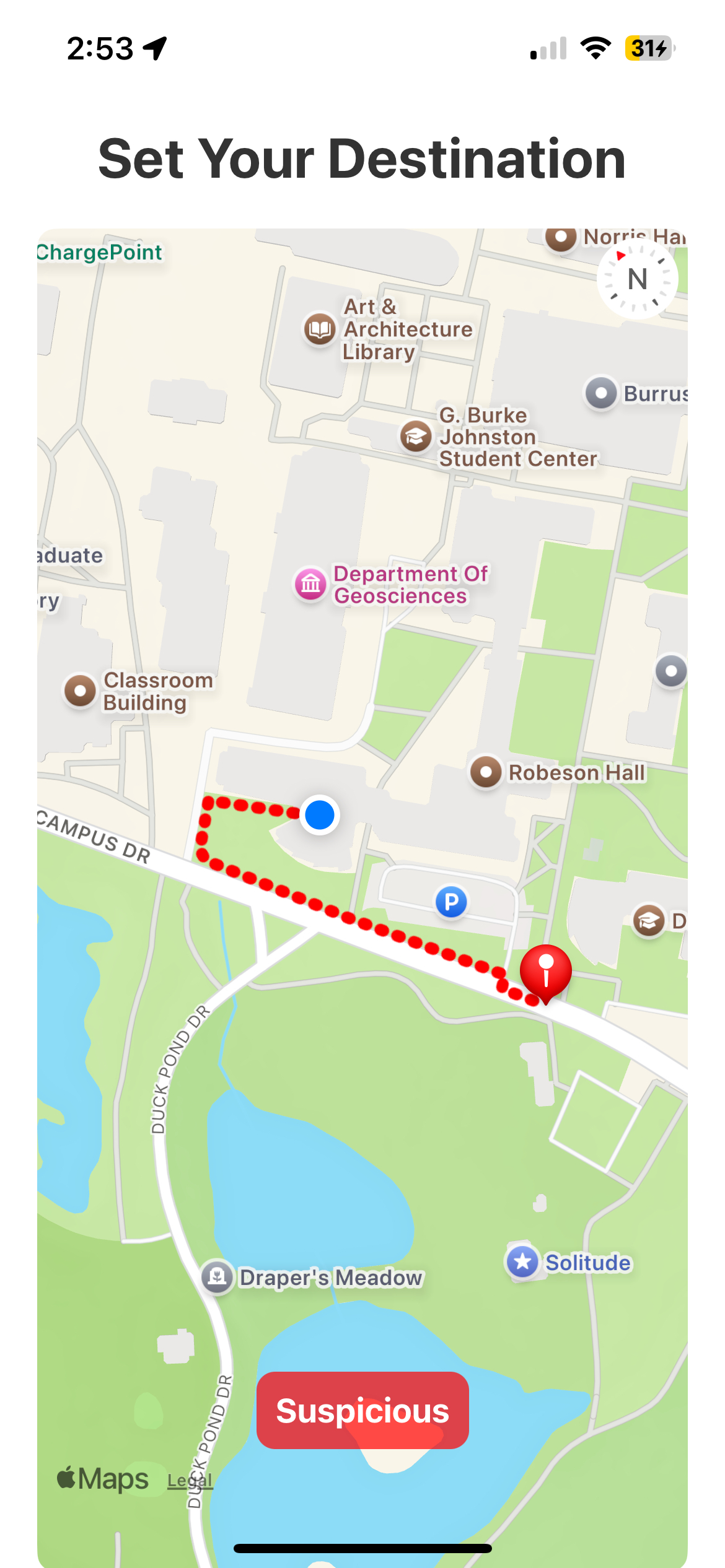
This charts the course from your location to the destination. Haversine formula was used to find out if the user strayed off path.
-
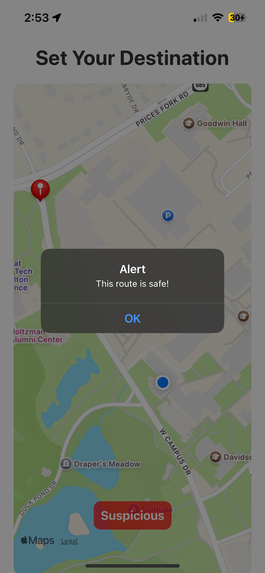
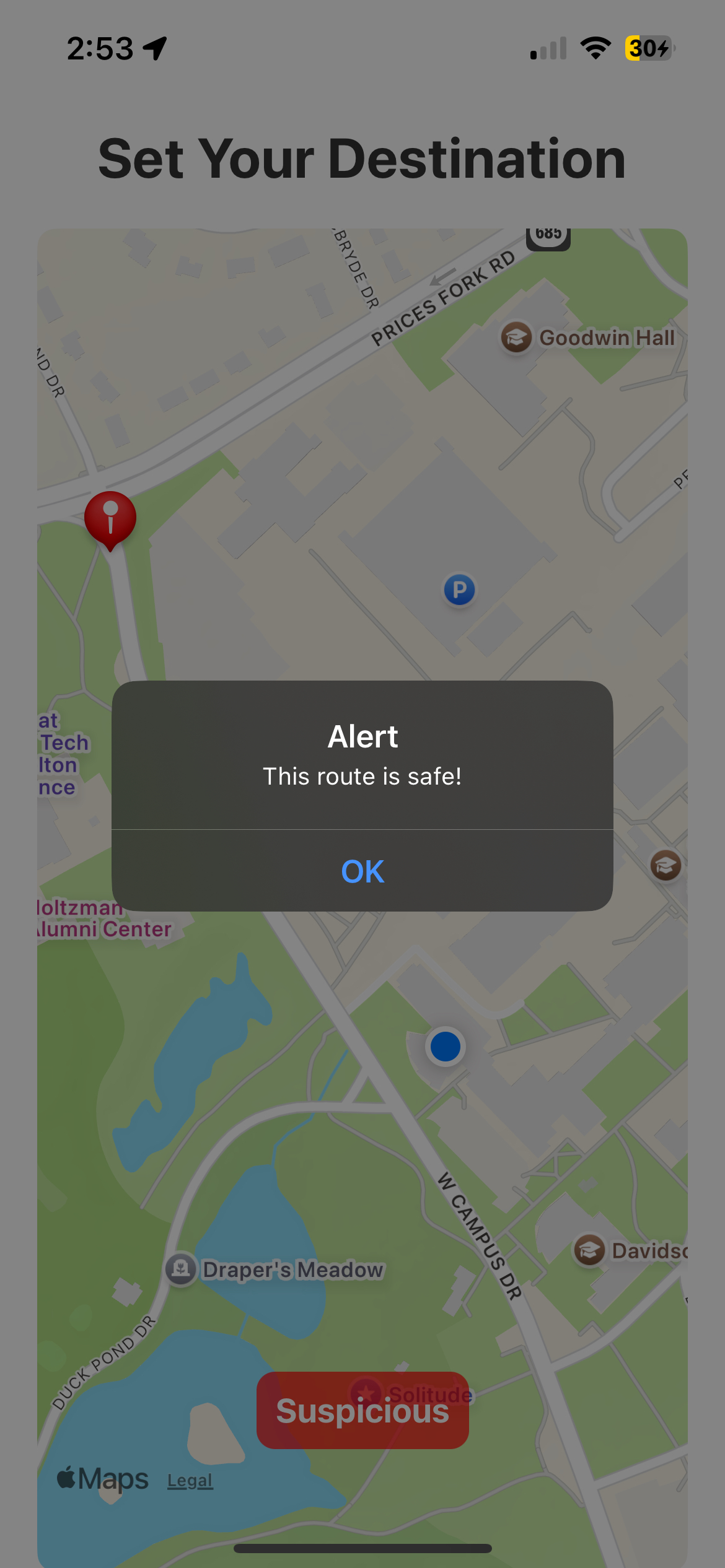
The machine learning model takes all the coordinates of your path and returns the path's safety metric.
-
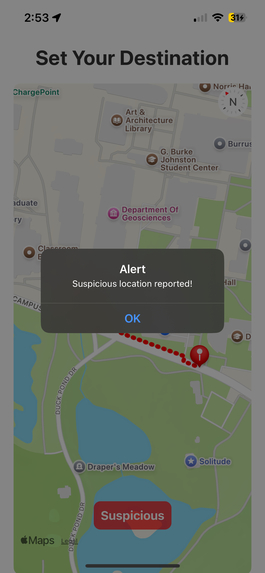
Reporting a suspicious location
-
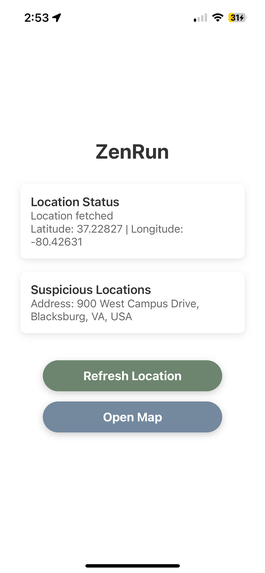
That suspicious location can be viewed by other people who use the app in real time.
Inspiration
My mom has been a passionate runner her whole life, but safety has always been a concern. When I asked if a safety-focused running app for women would be valuable, she didn’t hesitate—she knew it was something runners needed.
As a team of fitness enthusiasts, we believe no one should have to choose between their health and their safety. A shocking BBC report revealed that 43% of female runners have experienced harassment, and an alarming 30% have been followed on foot or by car. These numbers highlight a real, urgent problem one that Zen Run is built to solve.
What it does
Zen Run is a safety-focused running app designed to give runners peace of mind. Users choose their own route and receive an AI-powered risk assessment, generated using K-means clustering to classify areas on a scale from extremely unsafe to extremely safe. The model analyzes data from Google Places API, factoring in potential risks like nightclubs, bus and train stations, as well as positive influences like proximity to police stations and hospitals.
If a runner strays off-course for too long without responding, their phone will buzz loudly, prompting them to enter their passphrase. If they fail to respond or enter the wrong passphrase, 911 is automatically called, similar to SimpliSafe’s home security system. To prevent accidental alerts, the passphrase is fully visible while typing.
Zen Run also allows users to report sketchy or suspicious locations, just like GPS apps allow traffic reports. These alerts are shared in real-time, helping other runners stay informed and aware of potential risks in their area.
How we built it
Expo, a react-native framework, was used to build the front-end for the application and interface with the device running the app. We retrieved the GPS coordinates of the phone and passed that into the app at all times, displaying a prompt asking for the password if the user strays off their charted course, and play the alert noise. We used react-native to create a map and GPS front-end with an intuitive user interface and to integrate the all of our analysis together.
The Google Places API was used to convert street addresses to GPS coordinates and vice versa.
Twilio is used to automatically place the call to 911.
We used K means clustering with location data from the google places API about the area based on longitude and latitude. We focused on factors like proximity to police stations, proximity to hospitals, abundance of night clubs, etc. to determine if a running route is safe on a scale from extremely unsafe to extremely safe.
We utilized MongoDB as our database solution to store hashed passwords and suspicious locations. (cooperated with UUID/deviceID). We use FastAPI to create backend API and let it interact with MongoDB. This allowed us to manage and distribute real-time community reports on suspicious locations efficiently, enabling runners to access up-to-date safety information.
Challenges we ran into
Originally, we wanted to create a supervised machine learning model to classify how dangerous each area was based on crime data, but the FBI's Crime Data Explorer API was down and did not allow API key access, meaning we couldn't obtain crime data granular enough for evaluating running routes. Because of this, we pivoted to an unsupervised model that assesses safety based on the surrounding area, providing a reliable estimate using available location data.
Accomplishments that we're proud of
We were especially proud of our ability to integrate real-time GPS tracking and build a functional, location-based safety system. Beyond just responding to danger like the 911 emergency call feature we successfully implemented preventative safety measures, including AI-driven risk assessments and community-sourced safety reports to keep runners informed.
Another key achievement was our use of MongoDB to securely store user passphrases and efficiently manage and distribute live community safety updates, ensuring that safety data is both accessible and protected.
What we learned
We learned to adapt to challenges when we tried to use crime data for a supervised machine learning model, but when the FBI Crime Data Explorer API was inaccessible, we had to pivot quickly and develop an unsupervised model using Google Places data.
None of us were familiar with React Native, yet we managed to implement GPS functionality, real-time tracking and a beautiful front-end. Learning how to integrate MongoDB for secure data storage was another major technical hurdle we overcame. Overall, we learned how to adapt new technology and the benefits of being open-minded when choosing a tech stack.
We learned to balance Scope and Execution, with limited time, we had to prioritize core safety features while setting aside extra running functionality for future development. This helped us focus on building a working, impactful prototype rather than getting caught up in too many features.
What's next for Zen Run
The next major improvement would be allowing users to map their entire route before starting, rather than just setting major checkpoints. Since we were unfamiliar with the React Native framework, we weren’t able to implement this yet, but it would significantly enhance the app’s usability.
In the near future, we plan to develop a new machine learning model that predicts route safety based on crime data, as soon as the FBI Crime Data Explorer API is accessible again with API key support.
Beyond safety, we also want to incorporate core running features that we couldn’t implement due to time constraints. Features like average pace, weekly mileage tracking, and other standard metrics would help Zen Run become a fully integrated running app with built-in safety tools.
Lastly, we aim to conduct extensive field testing with real runners to fine-tune our detection system for determining when a user has strayed too far off-course. By refining these thresholds, we can make emergency alerts more precise and reliable, ensuring runners stay both safe and in control.

Log in or sign up for Devpost to join the conversation.