-
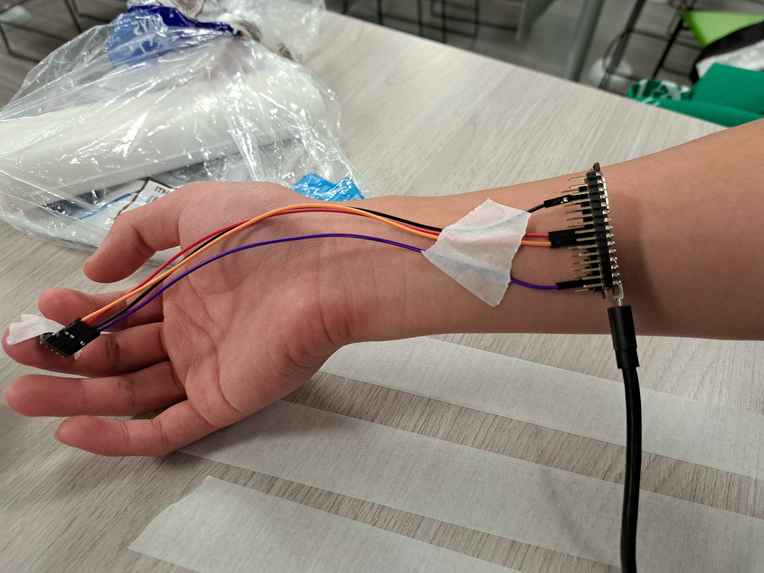
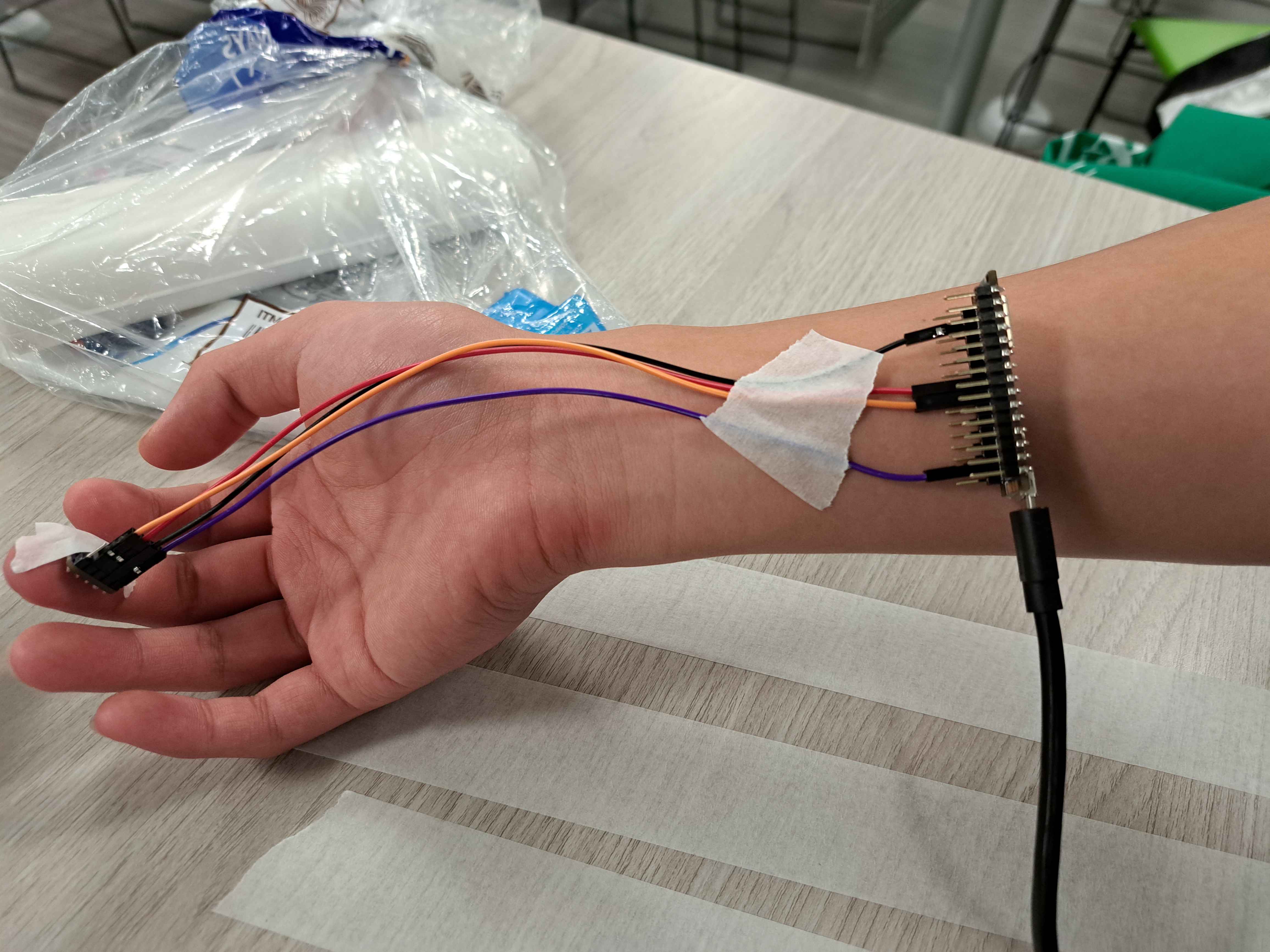
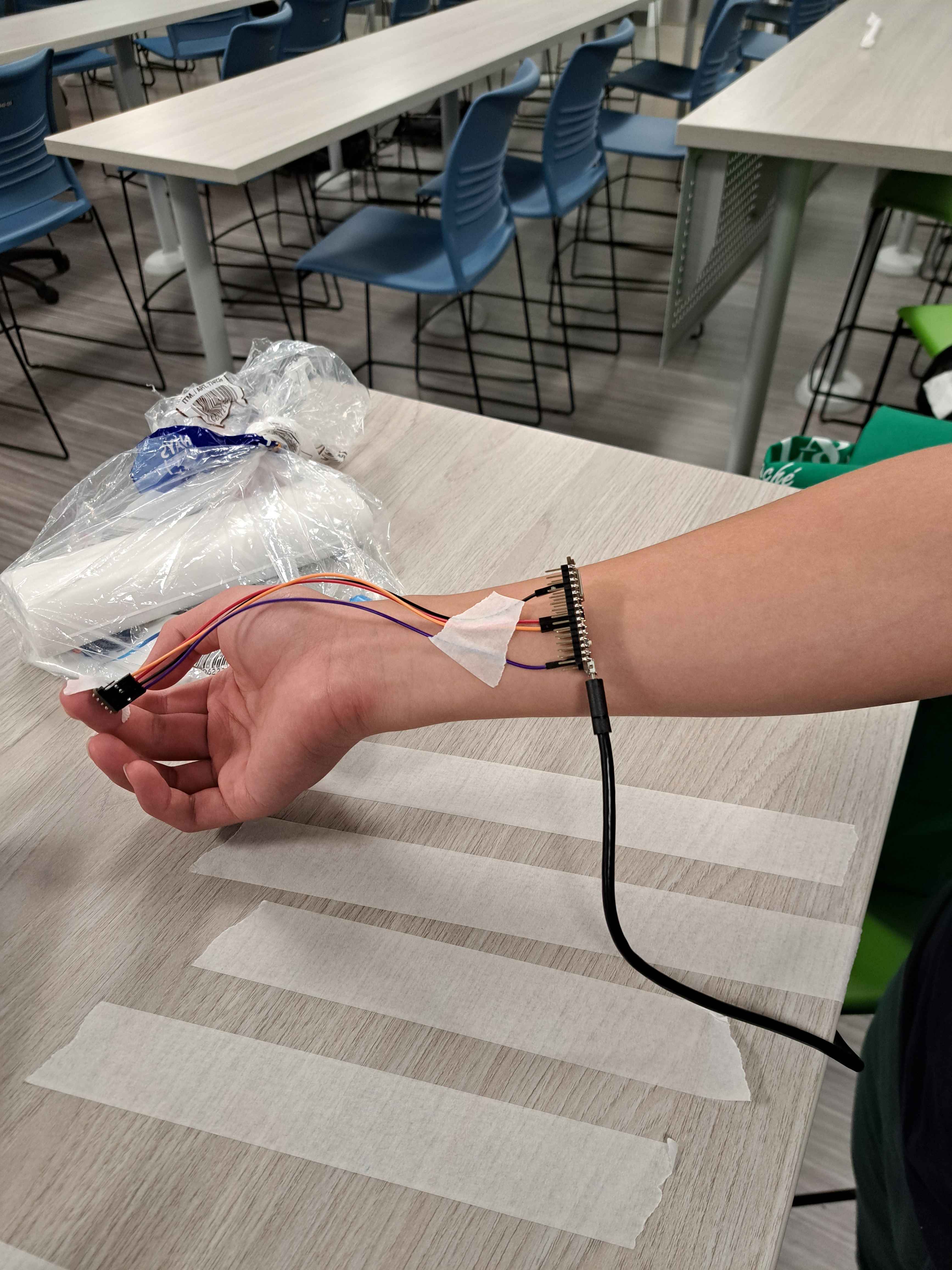
wearable hardware
-
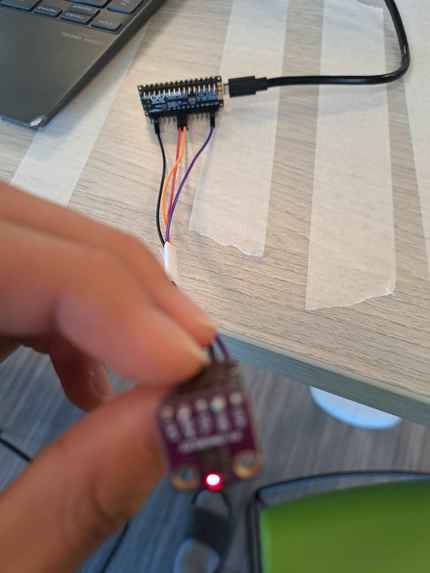
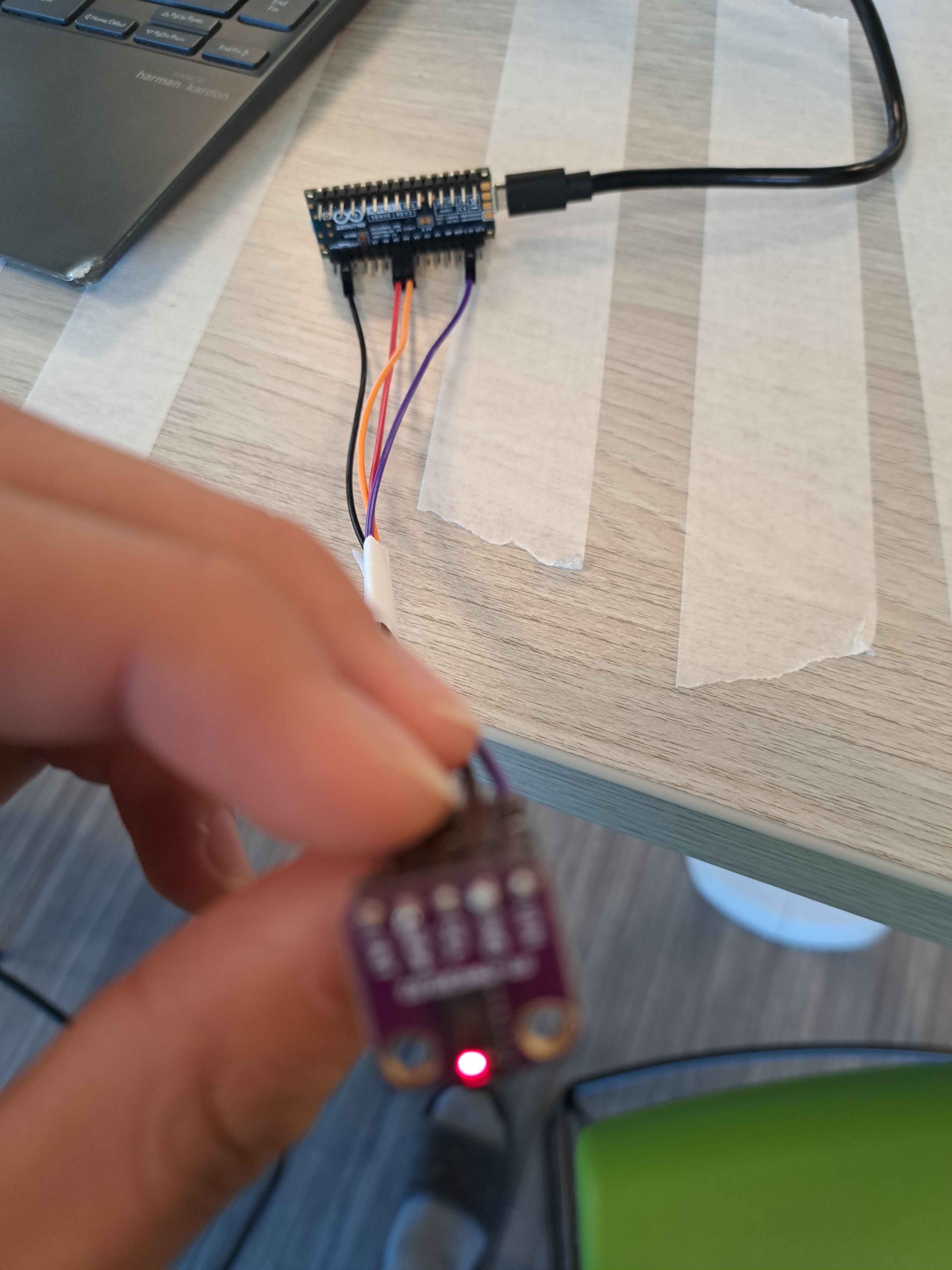
hardware/sensor close up
-
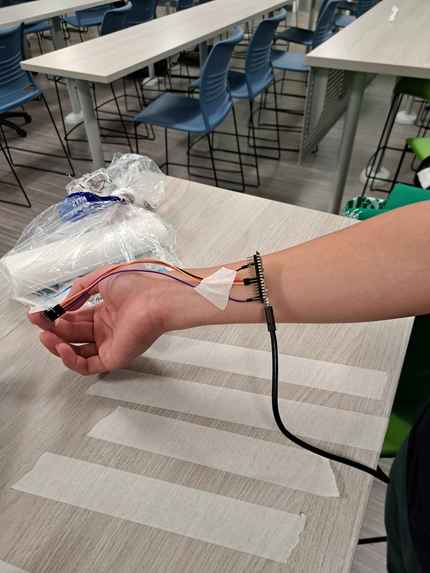
wearable hardware
-
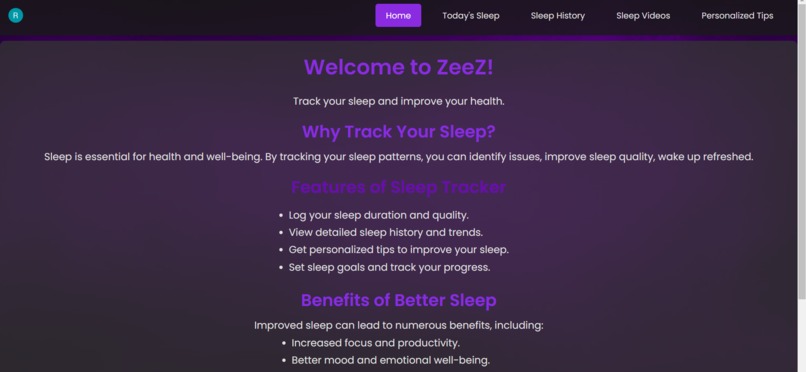
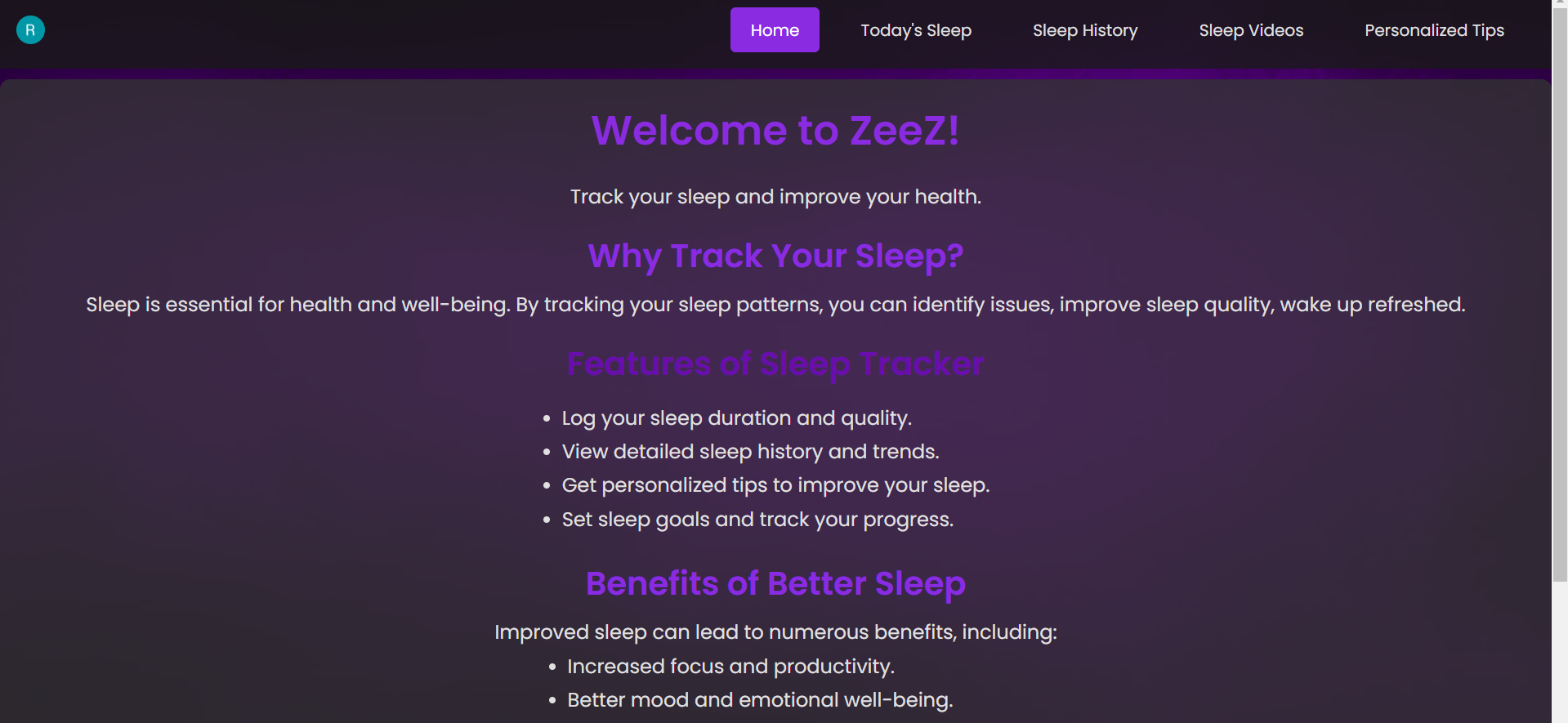
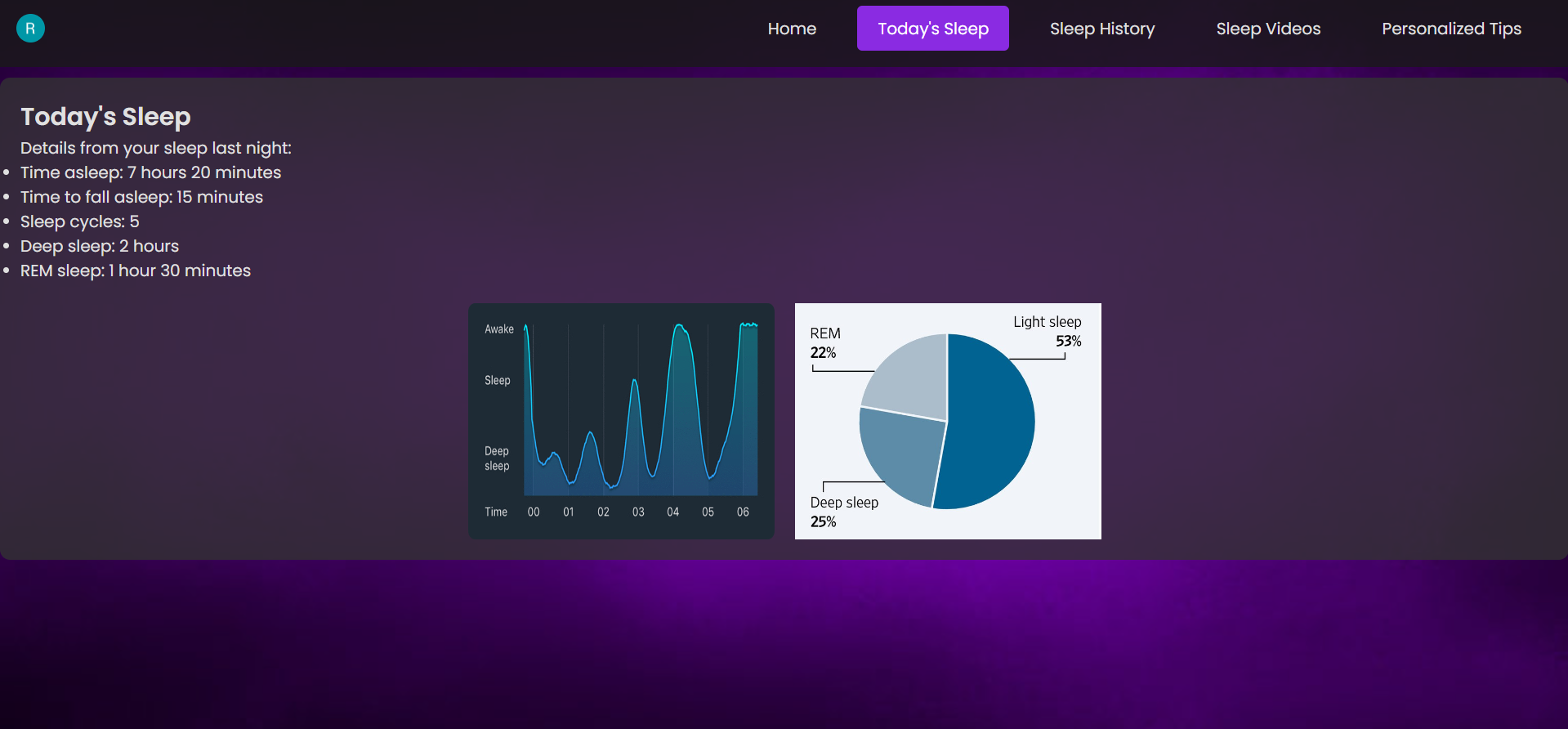
home page
-
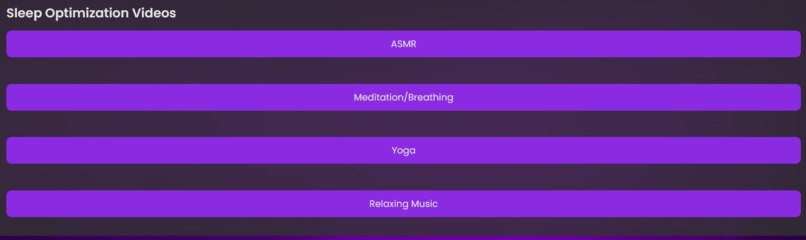
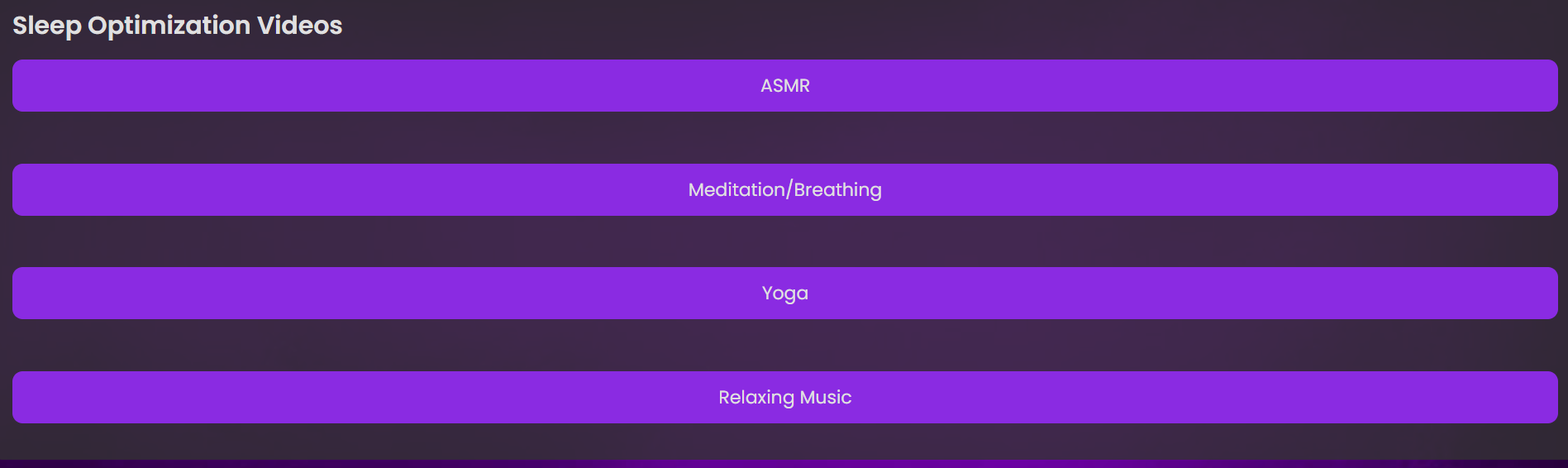
strategies page
-
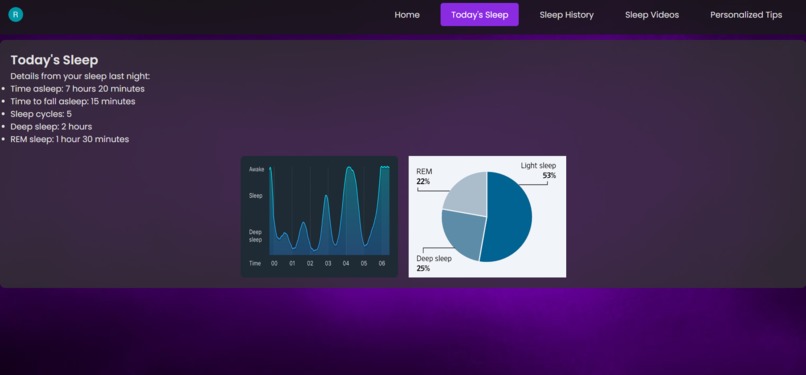
sleep history page
-
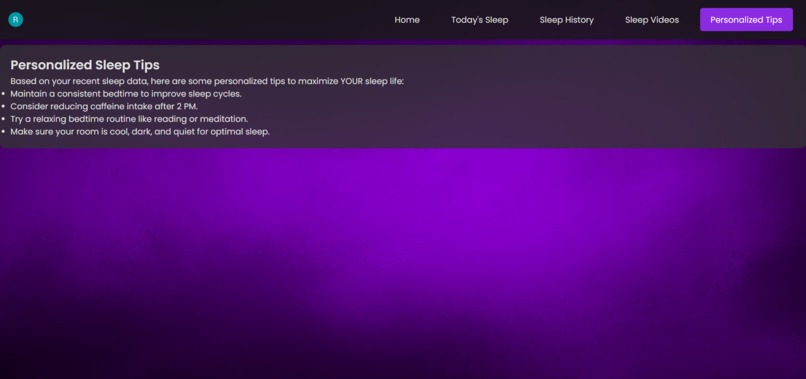
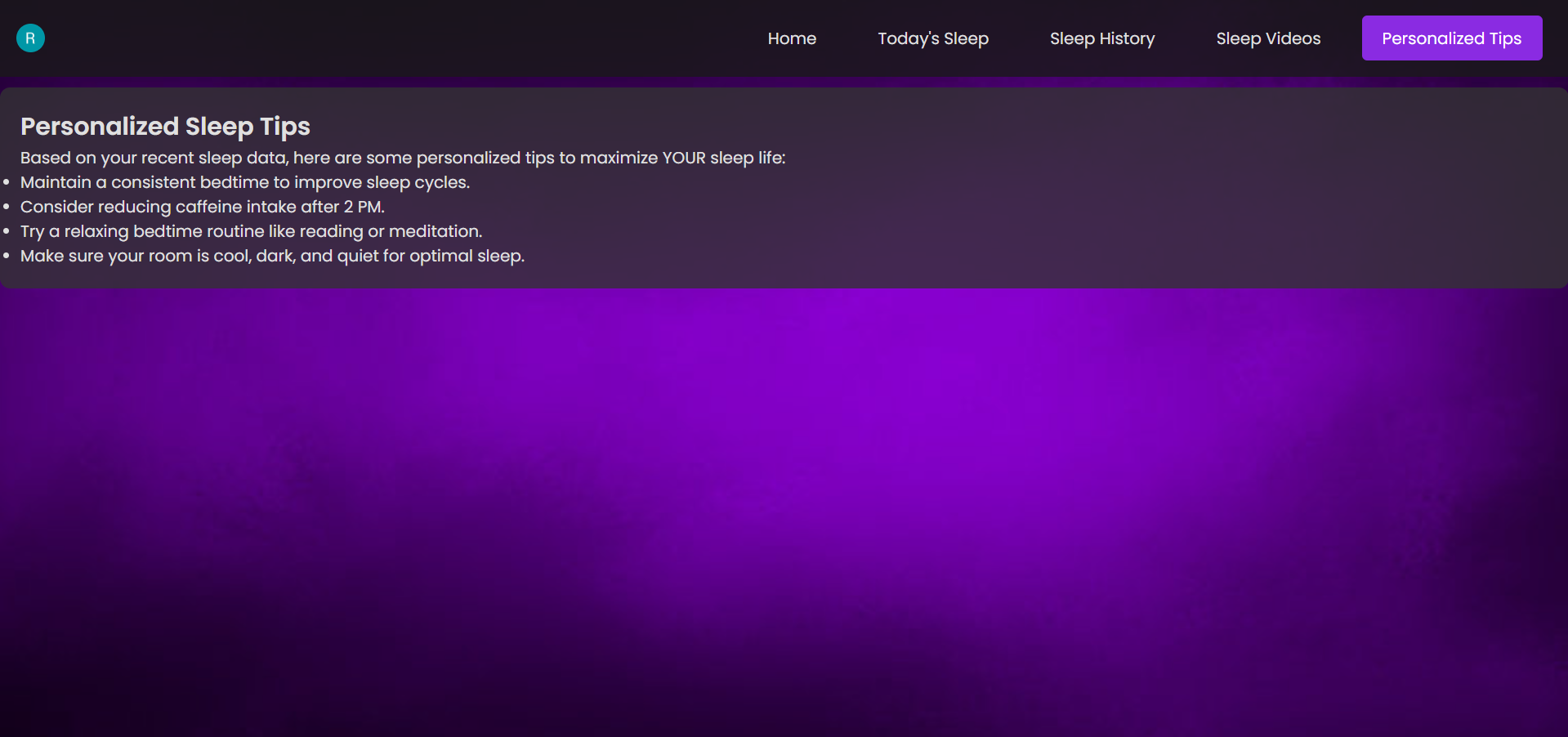
recommendations page
Inspiration
The inspiration for this project came from one of our mothers, who has suffered from insomnia for decades. When we heard the theme was self-improvement, we instantly gravitated towards something health-related as technology plays a crucial role in improving well-being.
We realized that many sleep tracking software, such as Smart Watches, solely displayed data, and didn't actually offer any actionable solutions for insomnia. This is where our product differs.
What it does
ZeeZ optimizes sleep plan for people suffering from insomnia, and the cool thing is, that is completely personalized (everyone's system works differently). The device is an embedded system, using a heart rate sensor to tracks a user's sleep throughout long periods (months), using this data to train a machine learning model.
This ML model then tells the website/application what recommendations to give the user, and offer a personalized and detailed sleep plan for the user. The suggestions and plan will become increasingly more accurate, allowing the user to be confident that they are maximizing their sleep potential.
How we built it
We built ZeeZ using a combination of hardware and software components.
Hardware: An Arduino Nano 33 BLE was connected directly to a MAX30102, an integrated pulse oximetry and heart-rate monitor module. The microcontroller was also plugged into the computer, sending data through the USB serial port.
Software: The data extracted from the serial port is then stored in a Mongo DB database (not fully implemented currently due to challenge #4), and a reinforcement learning AI model powered by PyTorch runs through the data until a best solution is found.
The website was built using React for the front-end and Node.js for the back-end. Qlerk was used as a framework for the login process. The server should communicate with the database to access the user's heart rate data.
Challenges we ran into
- Turning the raw data (IR and red light values) into the actual heart rate with algorithm and dealing with some of the sensor's inconsistencies. First sensor was defective as well.
- Running the Arduino IDE program and Python script simultaneously to communicate the data with each other.
- Calling and structuring the CSS and TSX files during the web development.
- Connectivity: Originally, we were planning to create a device that communicates wirelessly with a database. However, due to the absence of a WIFI module on all the microcontrollers, after many attempts of using a Raspberry Pi or Phone as an intermediary, we eventually decided to stick to a USB connection for the MVP.
- Inability to 3D-print didn't allow us to create a formal product frame for our product.
Accomplishments that we're proud of
- Having everything work! Although not fully connected with a seamless integration, we have created a very promising foundation for the product.
- Creating a basic machine learning model with PyTorch with NO prior experience.
- Creating a fully functional web server that interacts with user
- Successfully troubleshooting hardware issues, such as sensor defects and data transmissions.
What we learned
- How to transmit data from a microcontroller to a computer, whether it has WIFI or Bluetooth capabilities.
- The basics of AI and setting up a simple machine learning model. How to use PyTorch library.
- Sending data over Bluetooth on an Arduino and having an intermediary (Phone, Raspberry Pi)
- Creating Login/Sign up pages and hosting a local server
What's next for ZeeZ
Next steps for ZeeZ include:
- Creating a mobile application for a better and faster user experience. Perfect the UI for the easiest experience.
- Testing: Collecting real-world data and sending the collected data into the ML algorithm.
- To create a more robust wearable prototype, with 3D-printing and elastic materials (inaccessible during the event) for a product frame.
- To perfect our machine learning model, enabling it to provide a combination of multiple factors instead of just choosing one strategy.


Log in or sign up for Devpost to join the conversation.