About The Project
Problem Statement
- Women usually find it difficult to express their views in society, often on social media and towards their families. They face many changes in their life emotionally and physically. These experiences are something that 1 in billion women always faces in their lives.
- Women usually finds it very difficult to connect with their male friends or families. This could be either emotional fatigness or physical health.
- Women often end up getting trapped in unconscious patterns of behaviour, which are detrimental to their growth and success.
- Media and culture lack authentic representations of women; from products, we cannot use to stories we do not identify with.
Solution
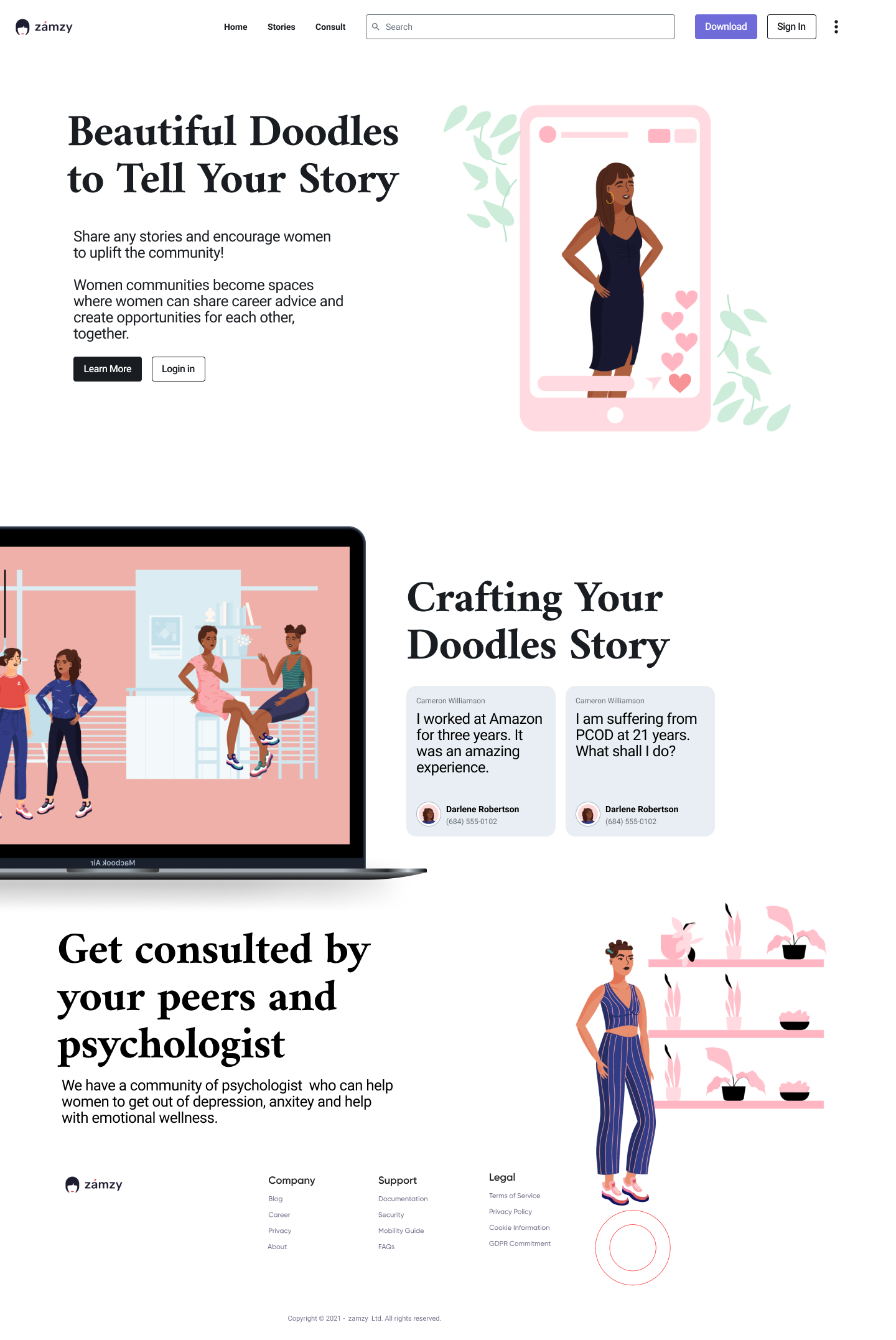
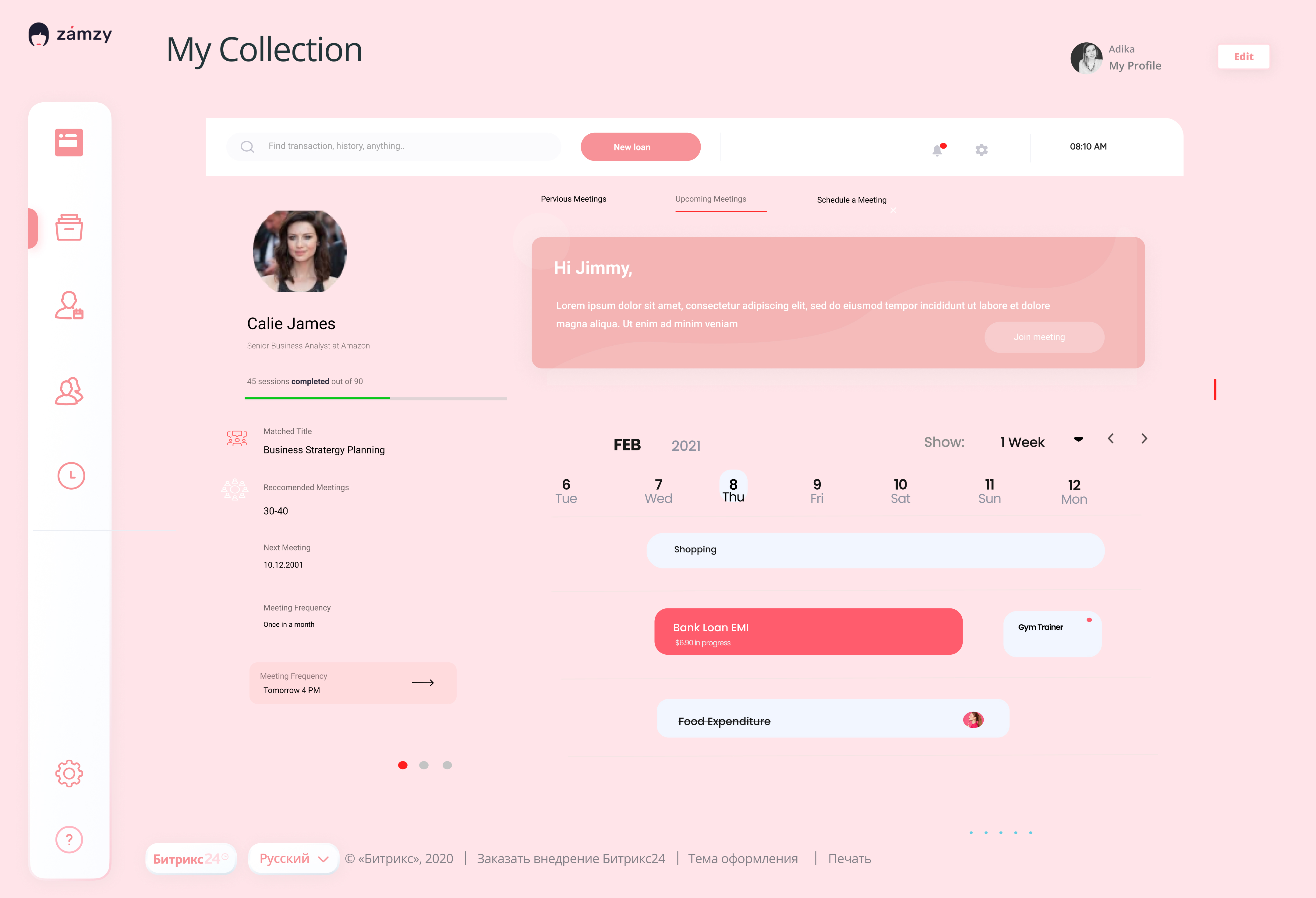
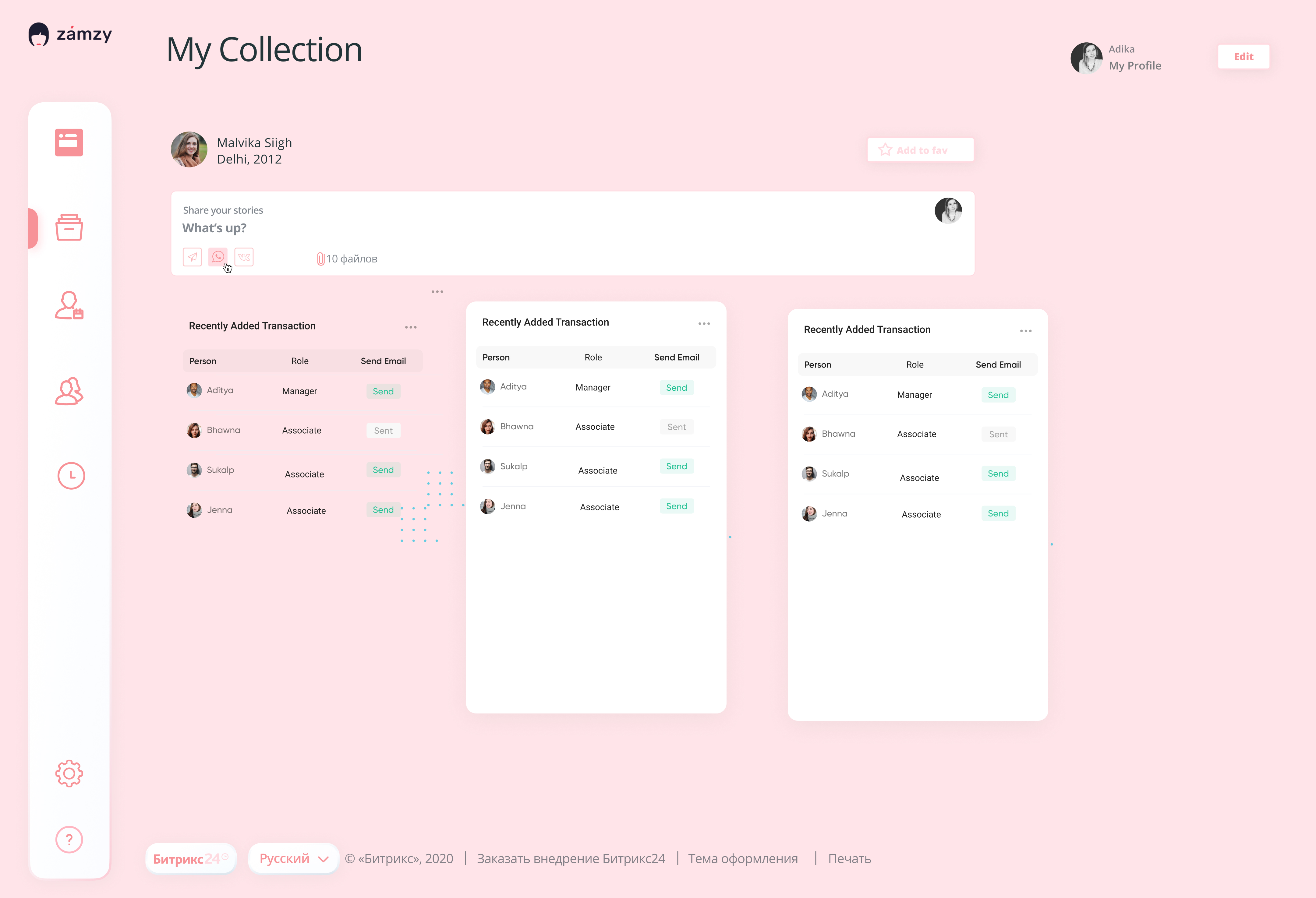
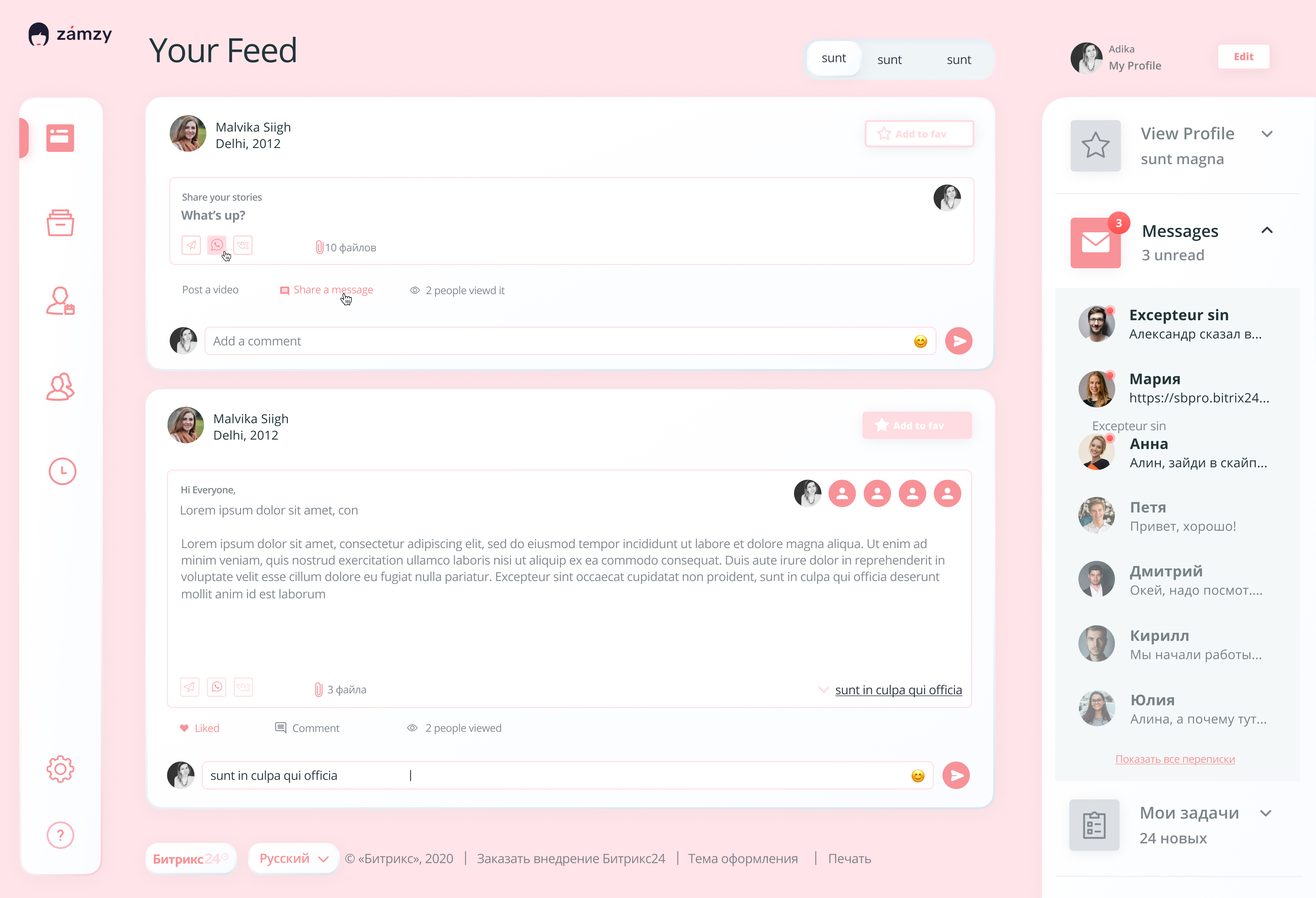
- We have come with an innovative approach to a product known as "Zamzy" which encourages women communities to share their stories and journeys, which help in breaking those archaic patterns.
- They allow women to be vulnerable and there is a great sense of empowerment in being vulnerable, knowing it will never prove baleful to their own development.
- Women communities become spaces where women can share career advice and create opportunities for each other, together.
Impact
- Online communities are committed to supporting women in global supply chains and are set out to understand how to address the challenges holding back progress on women’s economic empowerment.
Built With
Tech Stack was used to building the project.
Getting Started
This is an example of how you may give instructions on setting up your project locally. To get a local copy up and running follow these simple example steps.
Prerequisites
This is an example of how to list things you need to use the software and how to install them.
- npm
sh
npm install npm@latest -g
Installation
Below is an example of how you can instruct your audience on installing and setting up your app. This template doesn't rely on any external dependencies or services.
- Clone the repo
sh git clone https://github.com/awantika10/zamzy.git - Install NPM packages and dependencies
sh npm install - Run the package
sh npm start - Your development server will start in your localhost


Log in or sign up for Devpost to join the conversation.