NOTE: I'm not interested in competing, but I wanted to make a submission anyway for my first hackathon thing.
Description
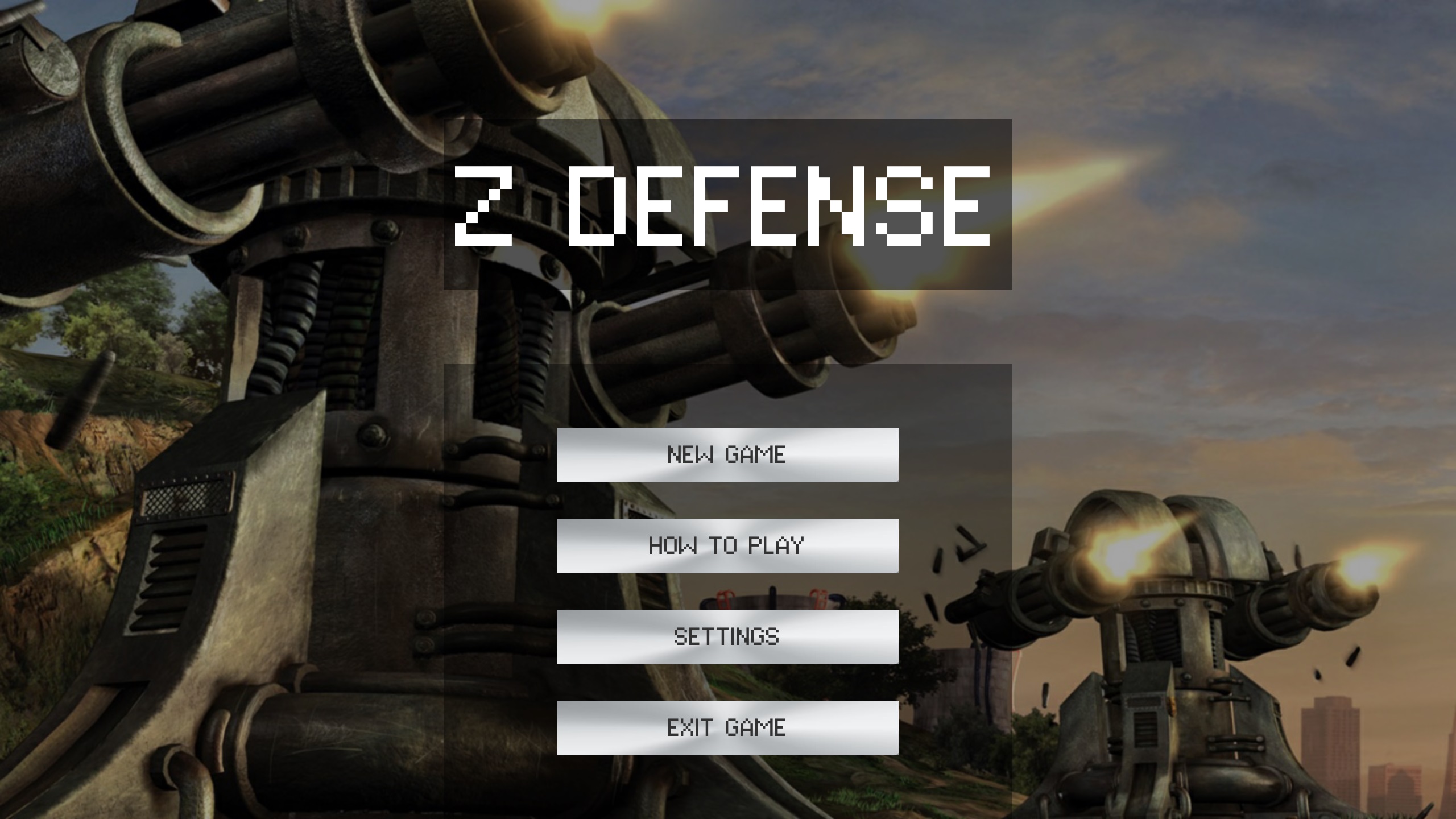
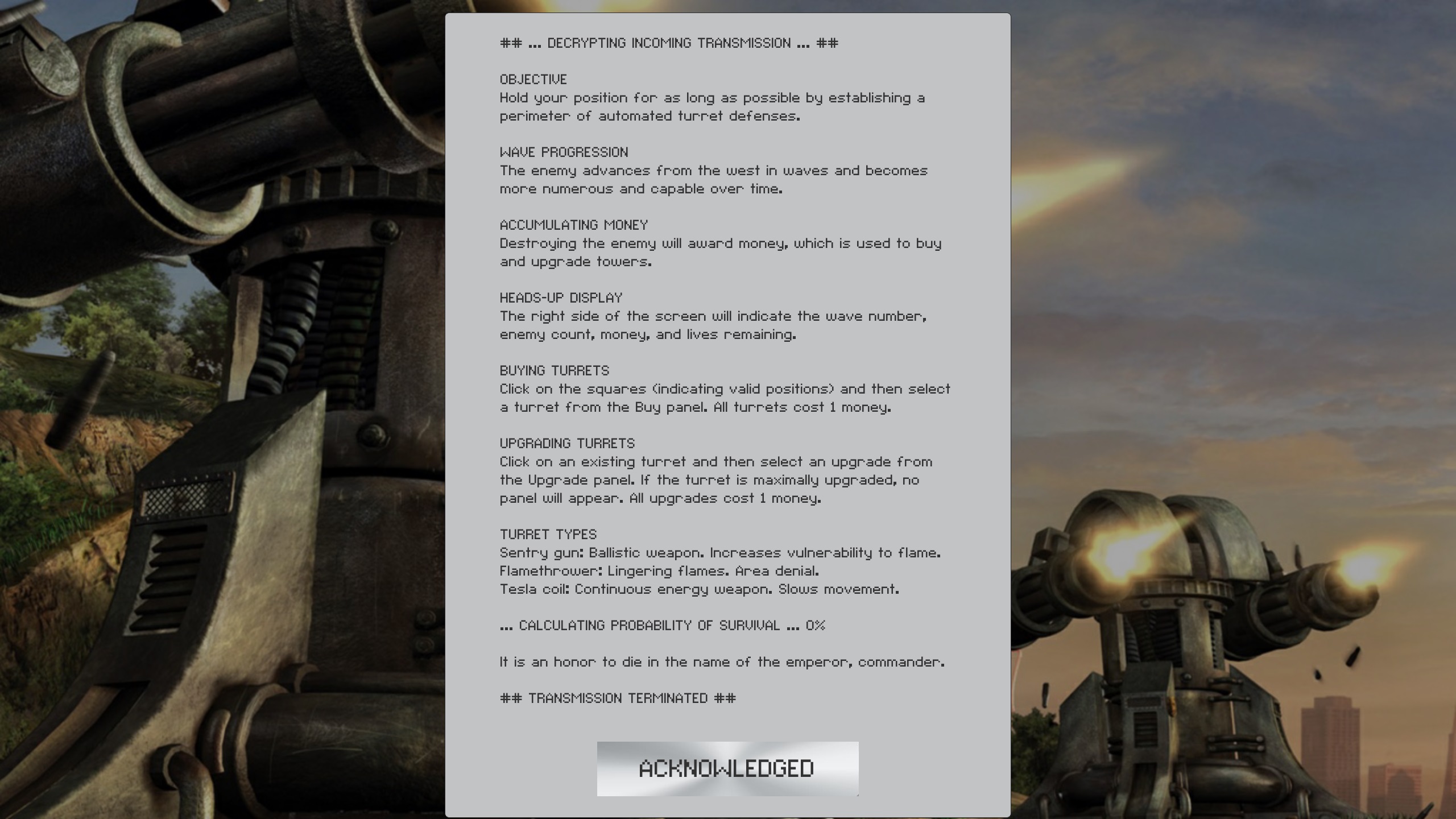
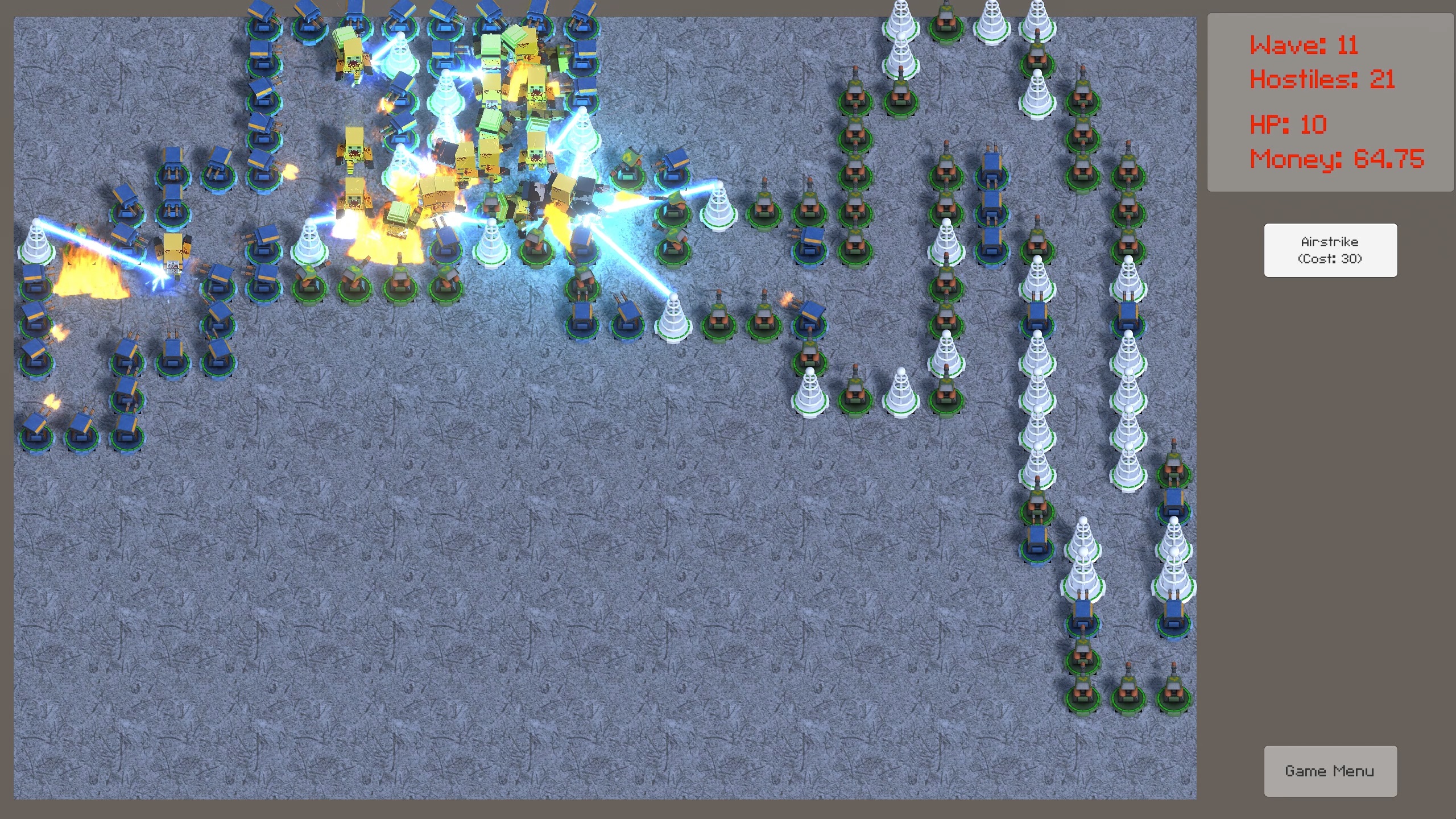
This is a straightforward tower defense game that uses a randomly generated path per playthrough. The objective is to survive for as long as possible. There are three enemy types and three tower types.
Supported Platforms
Windows 10 64-bit with DirectX 11-capable graphics card.
How we built it
The game is built using Unity 2020.3.16f1 and C#.
The game includes both free and paid assets from the Unity Asset Store, primarily in visuals such as models, textures, and particle effects. (From googling, you're not supposed to put paid assets on GitHub public repositories, so the repository only has the C# scripts).
Audio assets were ripped from Command & Conquer Tiberian Dawn/Red Alert/Tiberian Sun and Brigador (this is for educational purposes, right?) using Audacity.
Challenges we ran into
It was a challenge getting UI elements and the camera's field-of-view over the map to be consistent across different aspect ratios. 16:9 has been the standard for over a decade, and 4:3 / 5:4 / 16:10 are mostly phased out by now, so I decided to just cut support for those options entirely. If someone is using one of those unsupported aspect ratios, they can still run the game in windowed mode but at a forced 16:9 aspect ratio.
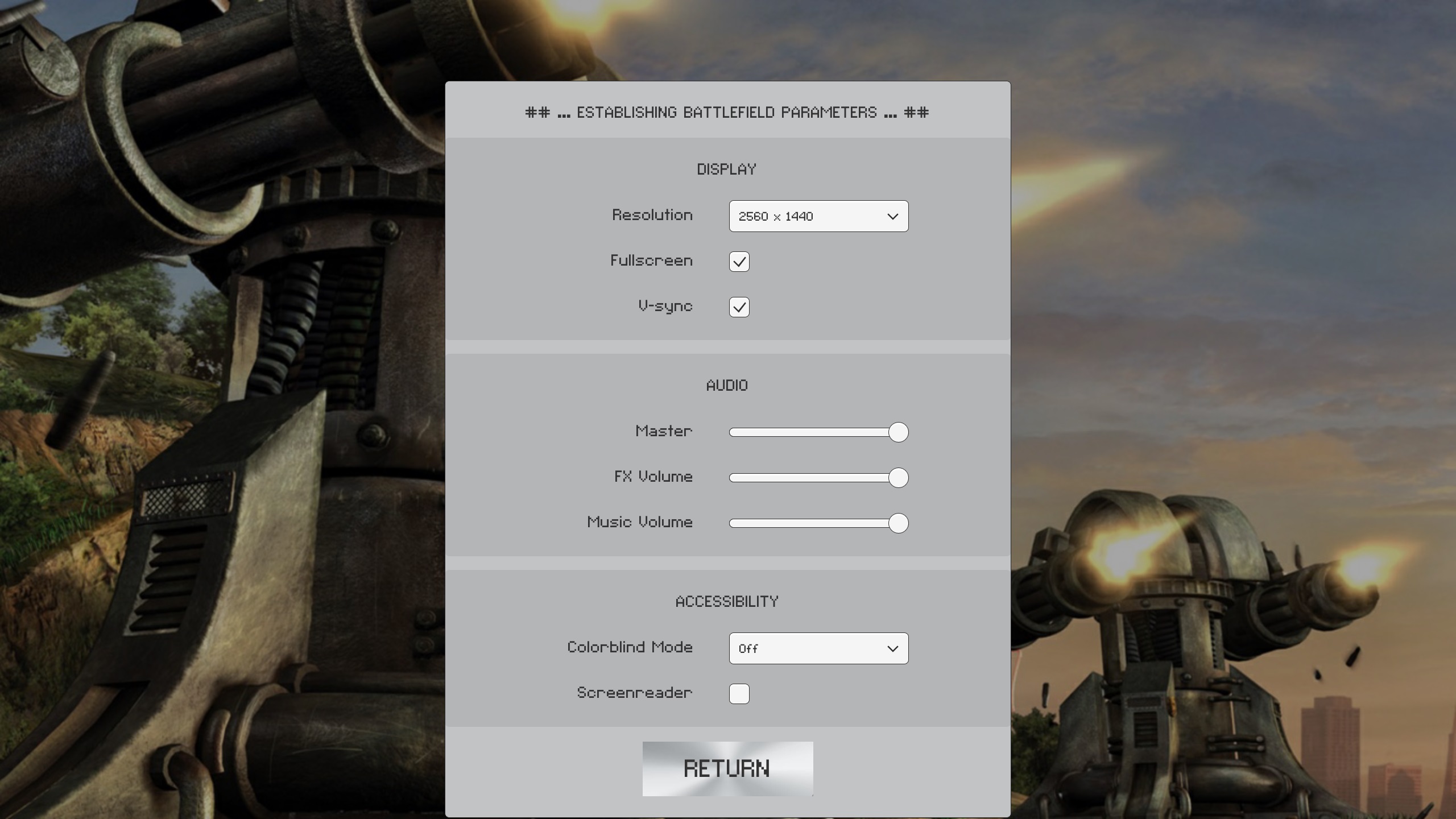
I was unsure how to best add colorblind support or screen reader mode. Combined with lack of time, I left the options in the game (to be implemented later) but they currently don't do anything. Unity doesn't support screen readers out-of-the-box, but I'm sure there's some way to get it to work.
Enemy pathing would sometimes bug out depending on frame rate. The lower the frame rate, the more an object must move per frame in order to maintain the same speed (relative to time). If the frame rate was too low, enemies would constantly overshoot and "move past" the next path target, then overshoot in the reverse direction, repeating infinitely. Separating the pathing logic from the game's frame rate by using Unity's FixedUpdate() method addressed the issue.
Accomplishments that we're proud of
Coding-wise, this is the first time I've implemented any kind of settings menu. Getting the resolution dropdown menu to work was horrible, as Unity returns every single combination of screen resolution and refresh rate. In the future, I can add more advanced graphics options that are expected in PC games (texture quality, shadow quality, antialiasing, etc.)
I'm also pretty happy with the readability of my code, although the organization could be improved; some classes handle way too much responsibility.
What we learned
- How to implement a reasonable settings menu and persist those settings across game instances.
- How to Frankenstein many different assets together to get something that looks coherent. Mostly.
What's next for Z Defense (Tower Defense Game)
Implement accessibility options and expand enemy/tower types.
Attributions
Almost all of my Unity knowledge comes from Kevin Desai @ UTSA
Archanor VFX - Sci-Fi Arsenal; GAPH - 100 Special Skills Effects Pack; Pxltiger - Cubic 1.2; Stroboskop - Terrain Textures Snow (Free); Unity - Unity Particle Pack (Free); Vertex Studio - Turrets Pack (Free);


Log in or sign up for Devpost to join the conversation.