Inspiration
The character "Yuumi" is known as a rather simple support in League of Legends- enough to the point that some people believe that she takes absolutely no effort to pilot. The inspiration for this project was to prove these naysayers correct by allowing a user to control her while playing a different character simultaneously.
What it does
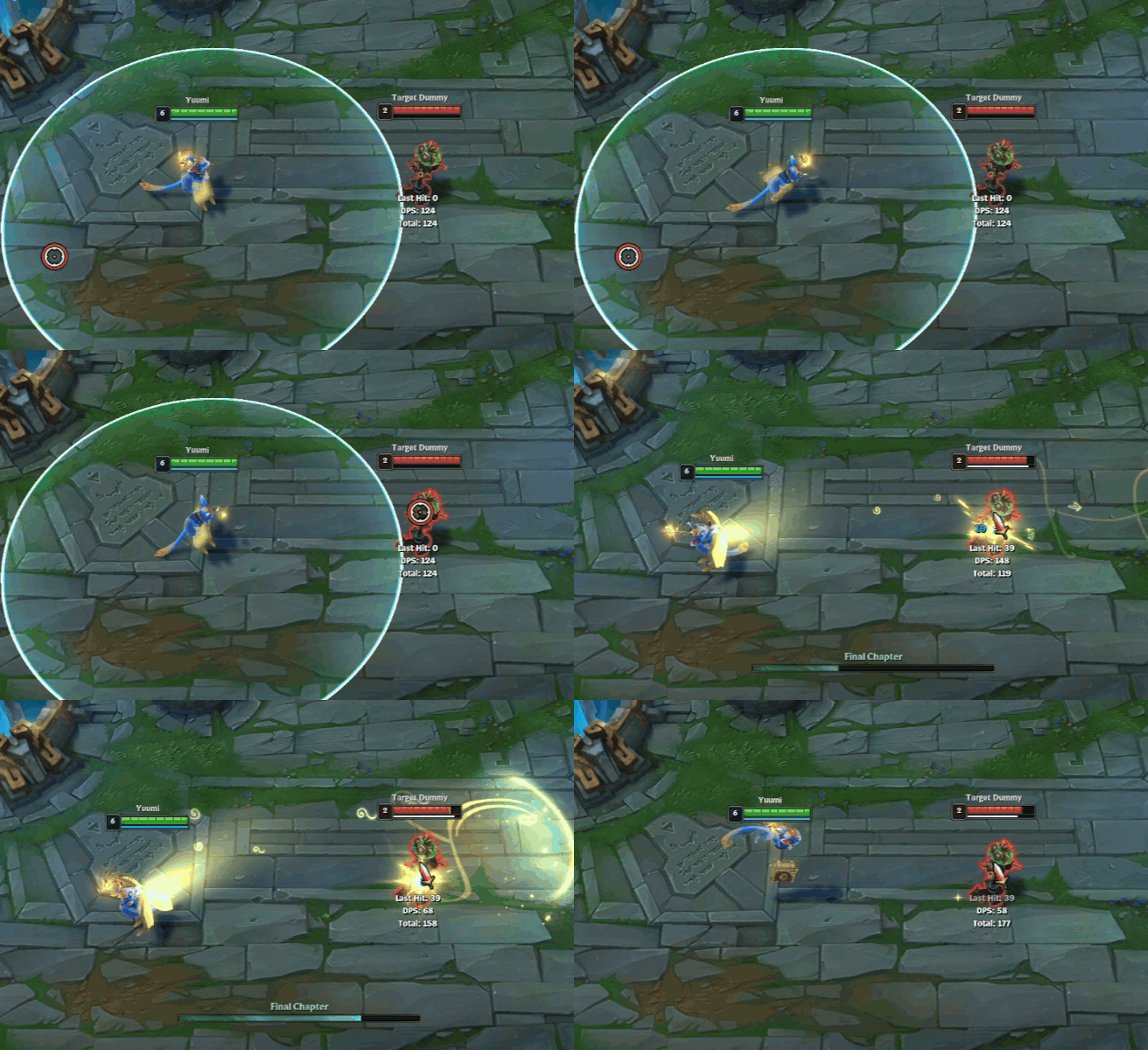
This project allows a user to operate the support character "Yuumi" in the popular PC game League of Legends. The champion's abilities are performed by using a series of voice commands such as: "heal", "ult", "ignite", "attach" and "buy". Specifically for the "buy" command, the bot will automatically purchase items laid out in a predetermined list from the in-game shop when it acquires enough gold for each of them.
How we built it
The main components of this project are the following: Speech Recognition for commands, Client and Server GET requests for in-game data, Image processing for enemy and item detection, and a Keycode reference to simulate keystrokes through terminal.
Speech Recognition
To accomplish this we used Google's model for recognizing voice input. The command spoken by the user is then transcribed into text and compared to the dictionary list of control functions. For example: When the user speaks the word "Heal", the application locates the matching function using the key value (plaintext transcription). When the function is called, the corresponding ability is used in-game.
API Requests
We utilized Riot's API to retrieve Pocket Yuumi's current gold value at a desired instance and the images pertaining to her item choices. The gold count is saved client side, so retrieving it only took a simple https request. To retrieve her item images for matching in the shop later, we parsed through the payload of items in order to match the name value in the .json text to our pre-determined list of names. After we found a name match, we retrieved that item's ID value in order to make another request to retrieve its shop image. These images are saved into the application when they are retrieved, therefore, if the images were already loaded in a previous instance, this step is skipped entirely.
Keycode Mapping
TwitchPlays_KeyCodes was used to convert the voice transcript into keyboard commands. The transcript returned from the speech recognizer would be used as arguments for the keyboard functions. Each word would have a preprogrammed command which it would execute if the user speaks the key word. Commands would range from a single key press, to a series of keys being held and pressed in succession.
Enemy/Item Detection
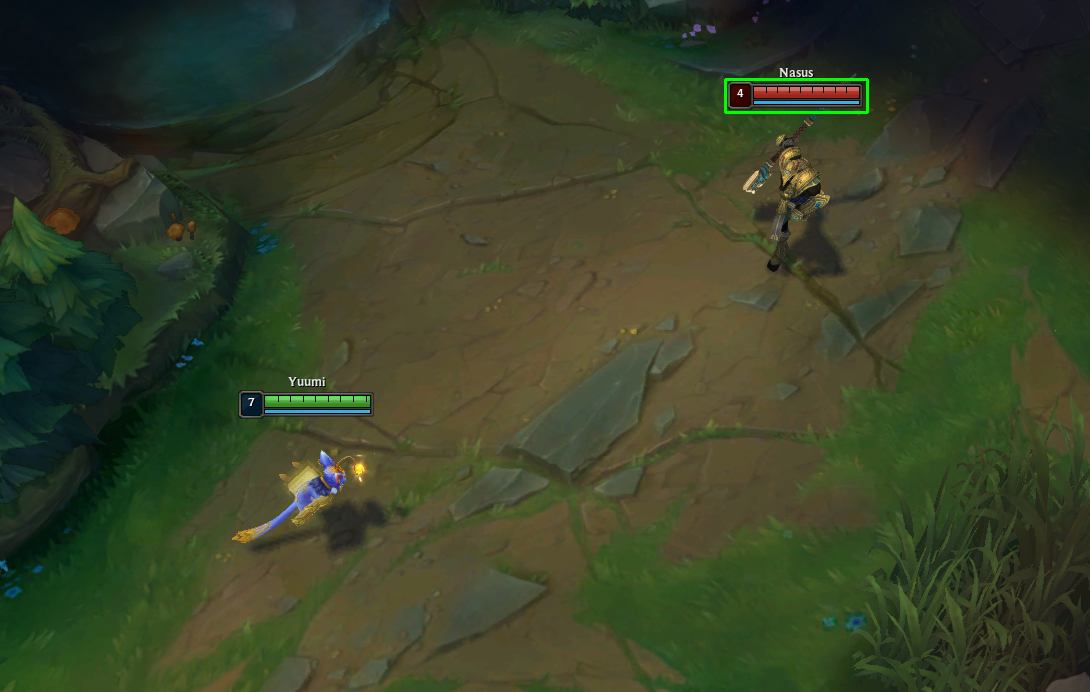
To implement an accurate enemy detection function, we enlisted the help of OpenCV for its template matching. Our strategy was as follows: If the command given to Pocket Yuumi was an offensive ability, the application immediately takes a screenshot of the screen (which showcases an enemy and their healthbar), then enemy_detection() uses a preset healthbar template to locate the healthbar that was snapped in the screenshot. Once the healthbar is located, the application will immediately move its cursor to the area right below the healthbar, where the actual enemy player model is, and then cast the ability.
Item detection works the same as enemy detection. Opening up the shop is a simple matter of hotkey presses and then when the template item image (retrieved from Riot's API) is found in the shop, the mouse clicks on that location to purchase the item if possible.
Challenges faced and What we learned
One major challenged we faced in the beginning was trying use computer vision to locate an ally for the stick() command. This would have been really hard to accomplish because the target ally might move from the marked location after OpenCV locates them and before Pocket Yuumi could hover the cursor over them. We were able to circumvent this by using an in-game functionality. When using the function keys (f1, f2, f3...) in League of Legends, the camera locks onto the ally corresponding to the value. Therefore, to stick all we needed to do was implement the code that holds onto that key and then center the mouse within the screen. From there its simple Keycode to finally activate stick()
Another challenge we countered was the fact that the speech recognizer library would sometimes not detect the spoken command. This would lead it to reprompt the user, up to 10 times. In a fast-paced setting such as League of Legends, even a few seconds of delay could cost the player dearly.
What we learned in this process of this project was that trying to automate, what we think are mundane inputs, can still be rather demanding. The arduous task of empowering someone to verbally pilot any character, yes even Yuumi, requires an extreme amount of thinking outside the box in order to maximize both performance and reliability.
Built With
- api
- image-processing
- json
- opencv
- pyautogui
- python
- riot-games
- speech-recognition


Log in or sign up for Devpost to join the conversation.