YTVM Studio (YouTube Viral Maker)
Inspiration
The inspiration came from observing the explosion of "faceless" short-form content. While this content is popular, the workflow is fragmented. Creators usually chain 4-5 different tools together:
- ChatGPT for scripts
- ElevenLabs for audio
- Midjourney for images
- CapCut for assembly
With the release of Google's Gemini 2.5 and Veo 3.1 models, I realized this entire pipeline could be consolidated into one API ecosystem. I wanted to answer the question: Can a web browser handle the heavy lifting of video production if we offload the asset generation to the cloud?
What it does
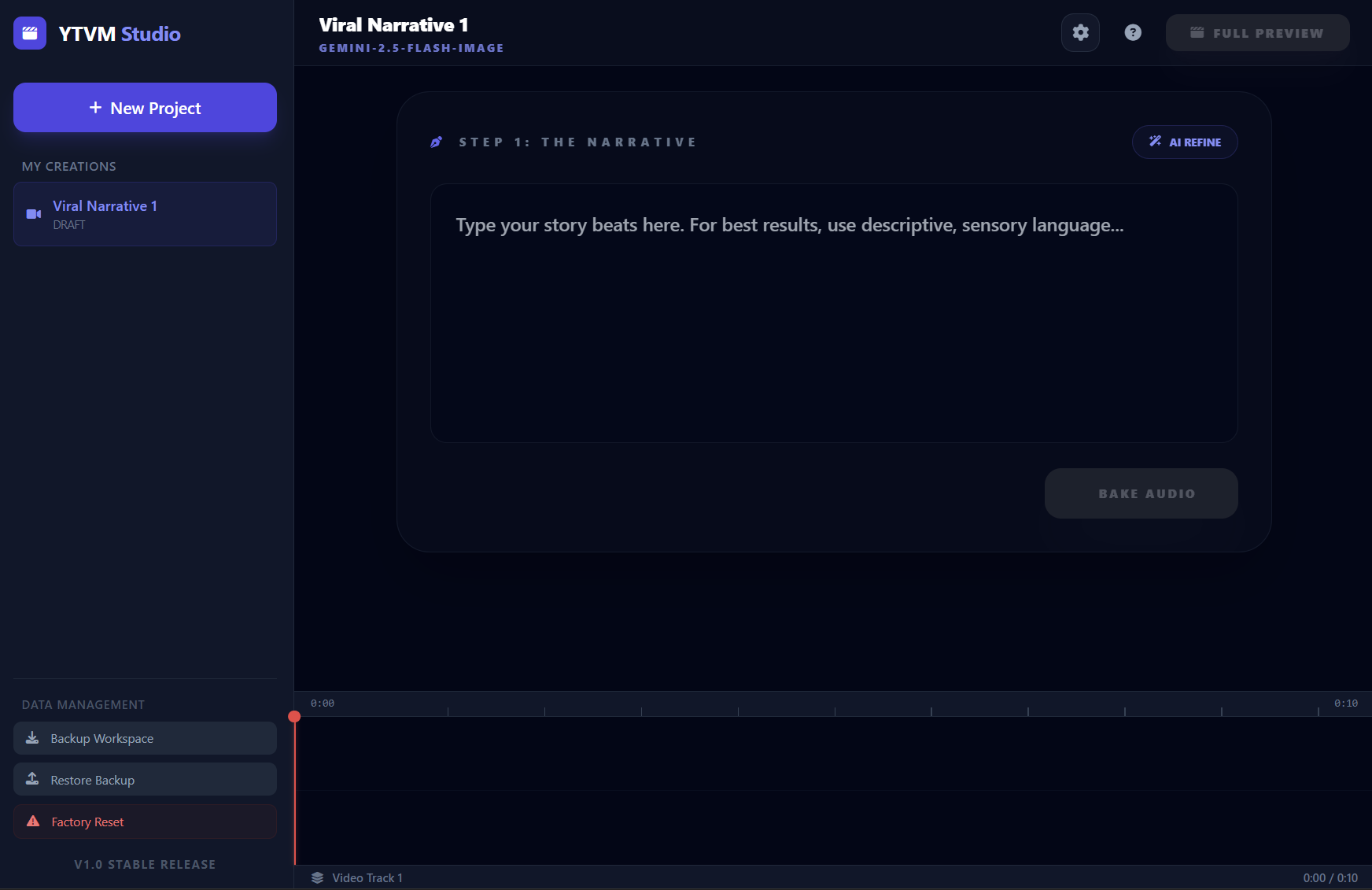
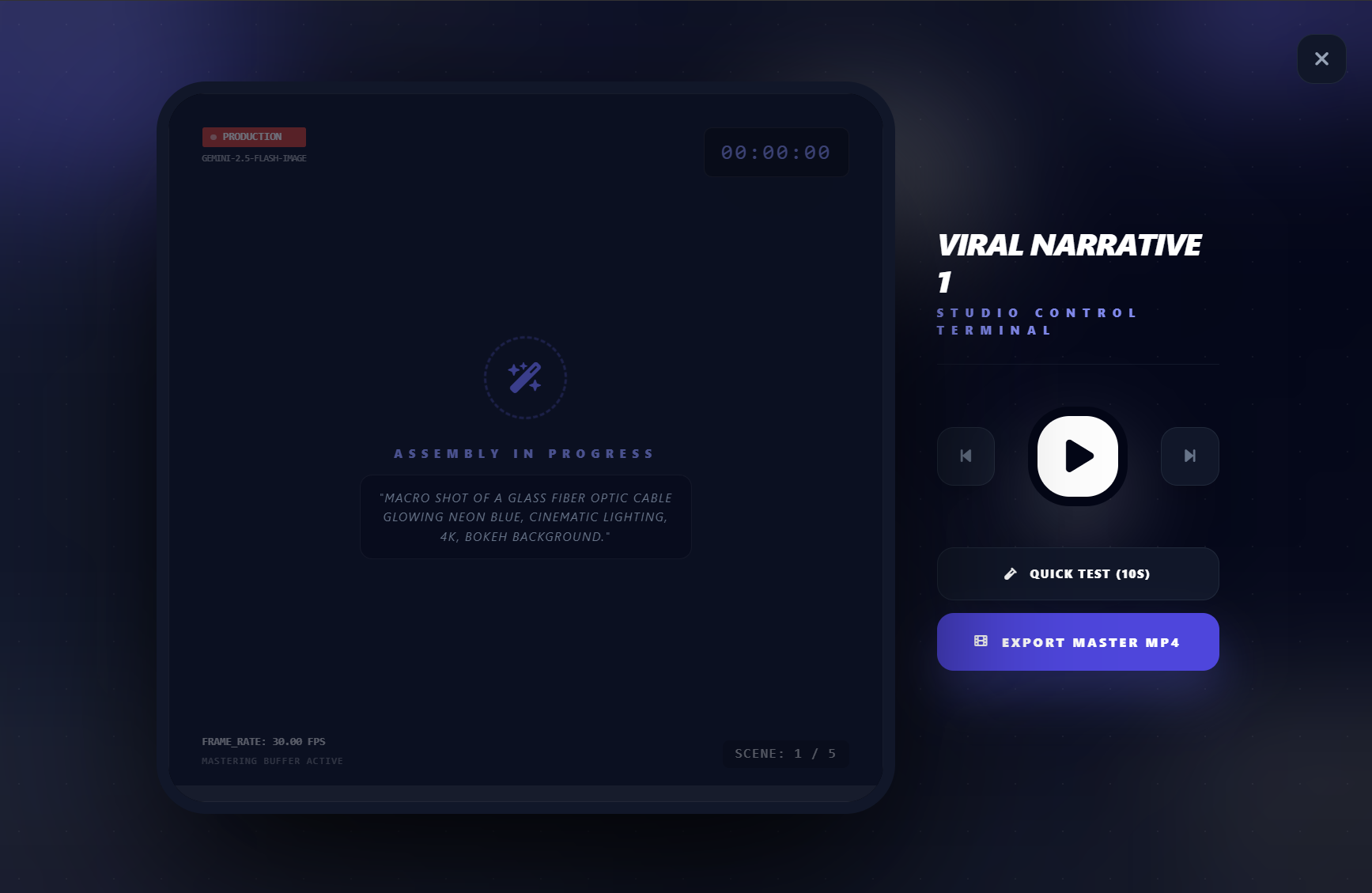
YTVM Studio is a professional-grade, browser-based Non-Linear Editor (NLE) designed to automate the creation of YouTube Shorts and TikToks using the latest generative AI models.
Content creation is often a bottleneck of creativity versus technical skill. You might have a great story, but lack the footage, the voiceover talent, or the editing prowess to bring it to life. YTVM Studio bridges that gap. It orchestrates a suite of Google Gemini models to act as your screenwriter, voice actor, cinematographer, and video editor—all within a single React application.
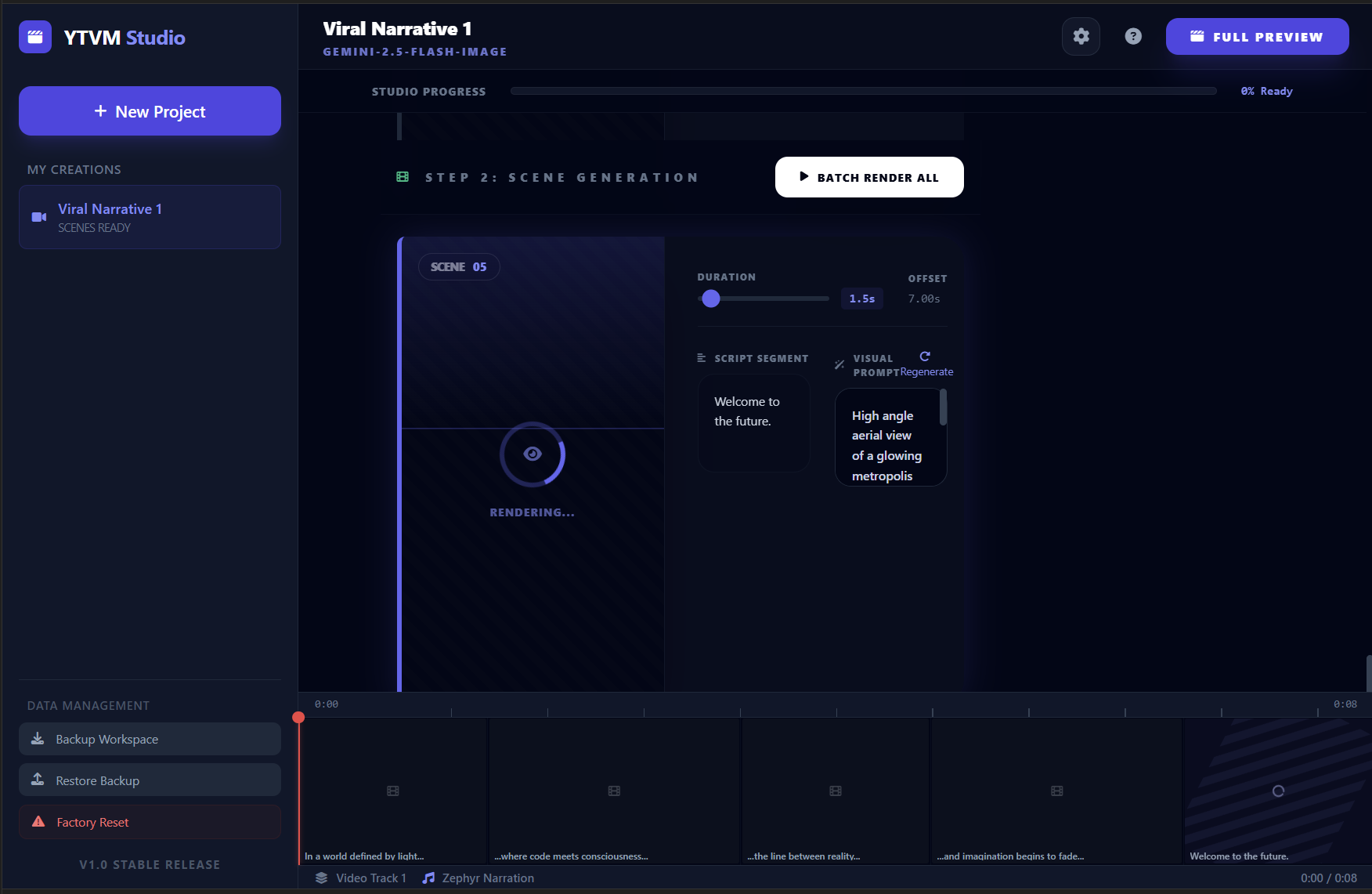
Instead of a black-box generator, I built a full Studio Interface. It allows users to refine scripts, regenerate specific scenes, adjust timing on a timeline, and export a polished MP4, proving that AI tools can offer granular control alongside automation.
How we built it
The application is built on React 19 and TypeScript, leveraging the new @google/genai SDK. The architecture follows a strict unidirectional data flow, treating the video project as a state machine.
The AI Pipeline
The core logic relies on a "Chained Generation" pattern:
- Scripting: Gemini 3 Flash refines raw ideas into viral hooks.
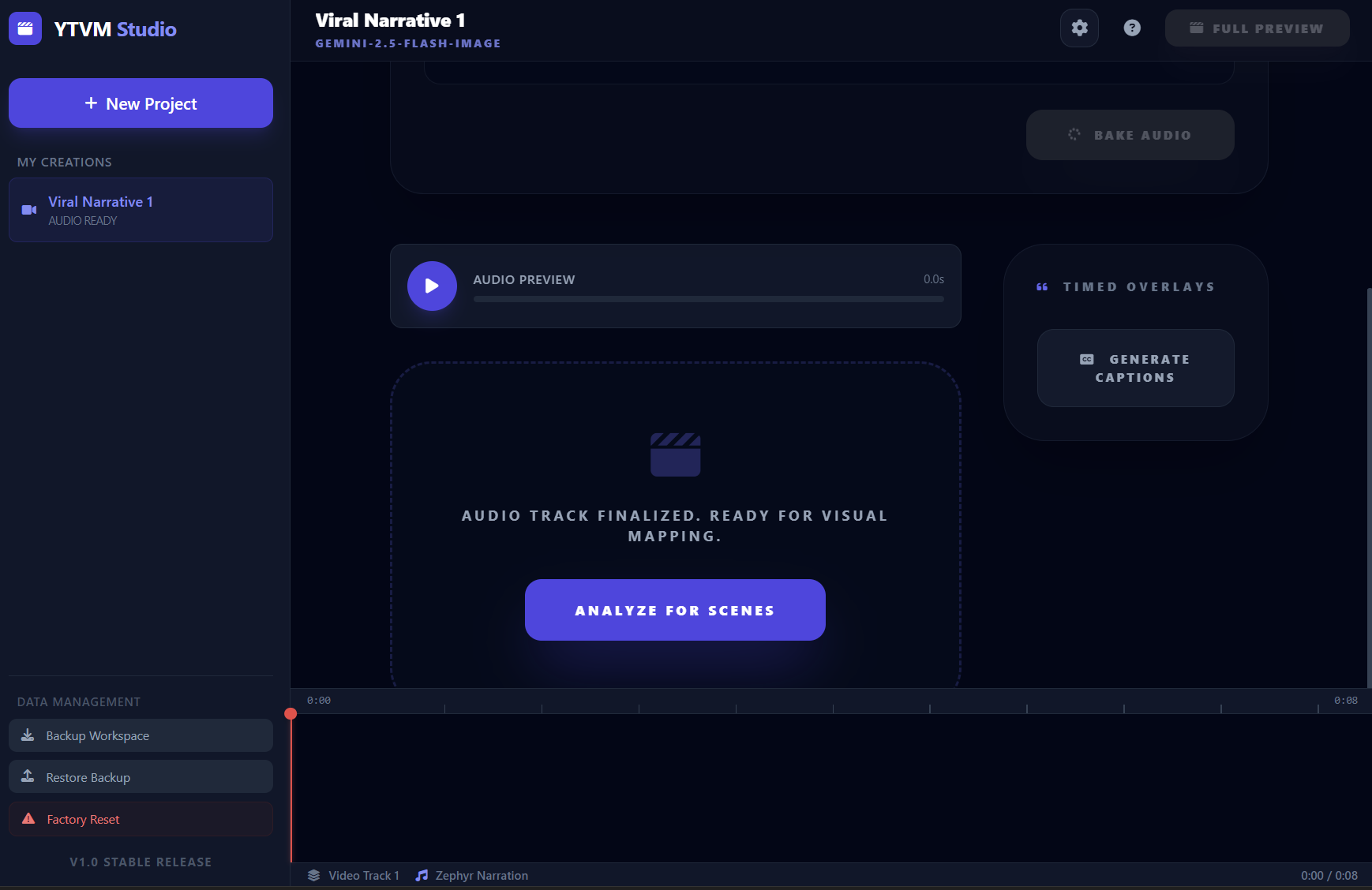
- Audio Synthesis: Gemini 2.5 Flash Native Audio generates the narration. Crucially, I decode the raw PCM audio in the browser to calculate exact durations to the millisecond:
$$ D_{ms} = \frac{N}{f_s} \times 1000 $$
Where ( f_s ) is the sample rate in Hz.
- Scene Segmentation: The AI analyzes the audio duration and script to output a JSON breakdown of scenes.
- Visual Generation: Depending on user settings, the app calls either Gemini 2.5 Flash Image for static assets or Veo 3.1 for generated video clips.
The Rendering Engine
I avoided using server-side rendering (FFmpeg) to keep costs low and privacy high. Instead, I built a client-side compositing engine using the HTML5 Canvas API and the Web Audio API.
When the user clicks "Export," the app enters a "Frame-Perfect Rendering" mode. It steps through the timeline frame by frame (at 30fps), draws the active images/videos to a hidden canvas, applies GlobalCompositeOperation for transitions (fades, slides), and captures the stream using the MediaRecorder API.
Challenges we ran into
1. The Storage Quota Trap
Early in development, I stored project data in localStorage. Since the app generates base64 images and audio files, I hit the 5MB storage limit almost immediately, causing the app to crash.
- Solution: I migrated the persistence layer to IndexedDB. This allows the app to store gigabytes of generated assets locally on the user's device, enabling a true "offline-first" experience for project management.
2. Video Export Synchronization
Syncing visual transitions with audio in a browser is notoriously difficult due to JavaScript's single-threaded event loop. setTimeout is not precise enough for video.
- Solution: I implemented a custom render loop based on
requestAnimationFramefor previews, and a deterministic loop for exporting. For the export, I manually mix the audio buffers using anOfflineAudioContext(or synchronizedMediaStreamDestination) to ensure the audio and video tracks line up perfectly in the final MP4.
3. Context Window & Consistency Ensuring the AI understands the visual style across 7 different scenes was tough.
- Solution: I engineered a prompt injection system where the Project Settings (Visual Style, Mood) are appended to every individual scene generation request, ensuring character and aesthetic consistency throughout the video.
What we learned
Building YTVM Studio taught me that the browser is capable of incredibly complex media manipulation if you use the right APIs.
- IndexedDB is essential for modern AI apps that handle media.
- Gemini's Native Audio is a game changer. Skipping the external TTS services reduced latency and complexity significantly.
- Veo 3.1 requires patience. Handling long-running asynchronous operations (video generation) requires robust UI feedback (progress bars, polling mechanisms) to keep the user engaged.
What's next for YTVM Studio
YTVM Studio represents the future of creative tools: AI-assisted, browser-based, and deeply integrated.
Built With
- es
- gemini-api
- indexeddb
- mediarecorder
- modules
- react
- typescript
- web-audio-api


Log in or sign up for Devpost to join the conversation.