The Problem We're Solving
Aging often starts with small changes: a missed pill, a forgotten appointment, a word that takes longer to find. Parents tend to brush it off, and children who live far away usually find out only when something goes wrong. Y.P.I.A gives families one simple place to stay connected and notice these changes early, while the parent stays independent.
What we built
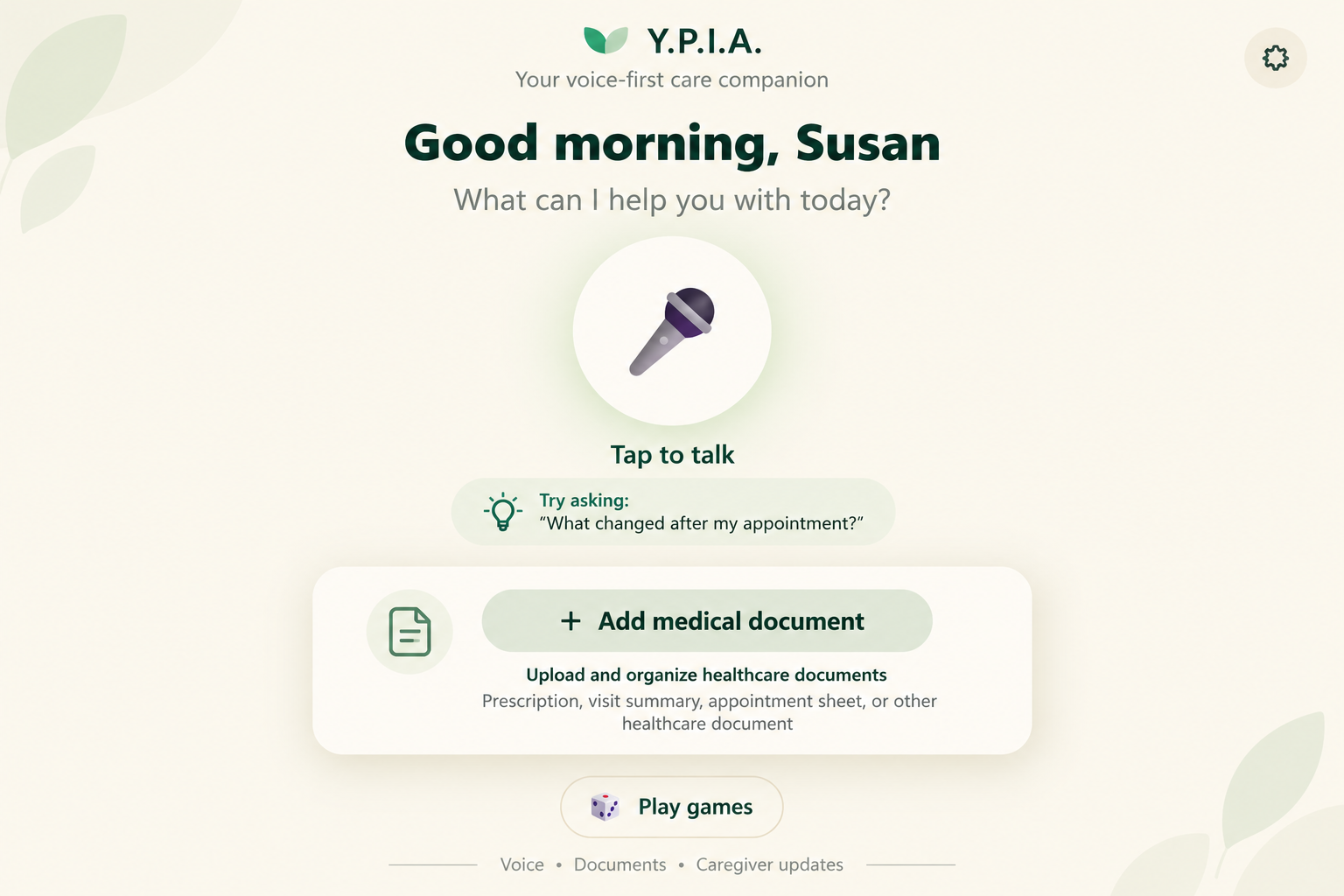
- For the parent: a voice assistant that knows her schedule, medications, and background; document upload, where Gemini reads a prescription or visit summary and she confirms it before it is added to her care information; and brain games (trivia about her own life and interests, Sudoku, and Solitaire).
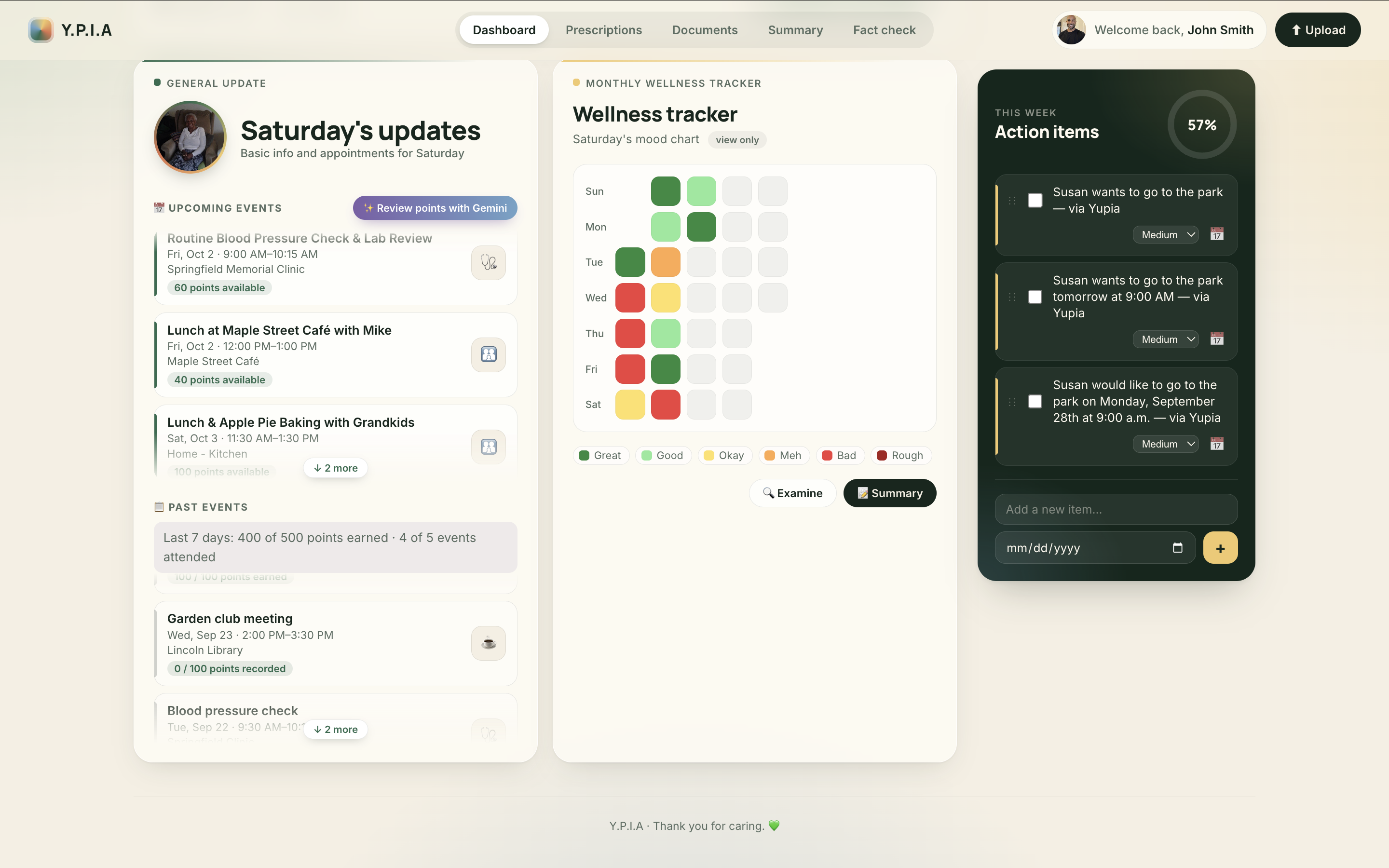
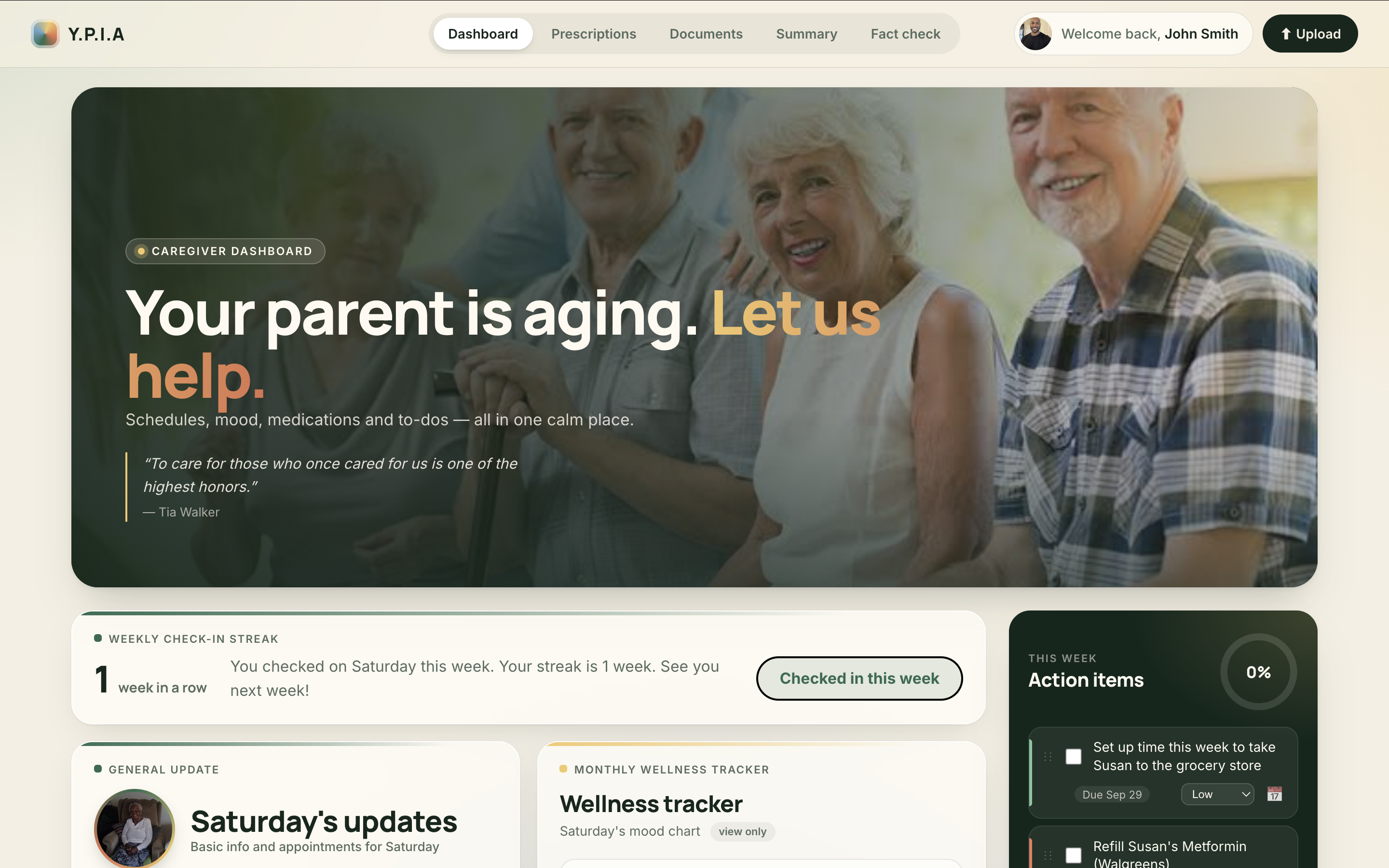
- For the family: one dashboard with her calendar and points for her activities, a weekly check-in streak, a shared to-do list, shared documents, a doctor-visit summary, and a mood chart that adds a "check in" reminder after 4 low days in a row.
Our thought process
- We designed for two people: the aging parent and their adult child. The parent's side had to be simple (large text, voice, few steps). The child's side had to fit on one calm page.
- Everyday activities instead of tests: games she enjoys quietly record her accuracy and speed, and her calendar shows which events she attended or missed.
- AI helps, but people decide: the parent confirms what Gemini reads, the backend double-checks what Gemini suggests, and the points are motivational, not medical.
- Connection, not surveillance: the streak asks for just one check-in a week, and we chose not to track location.
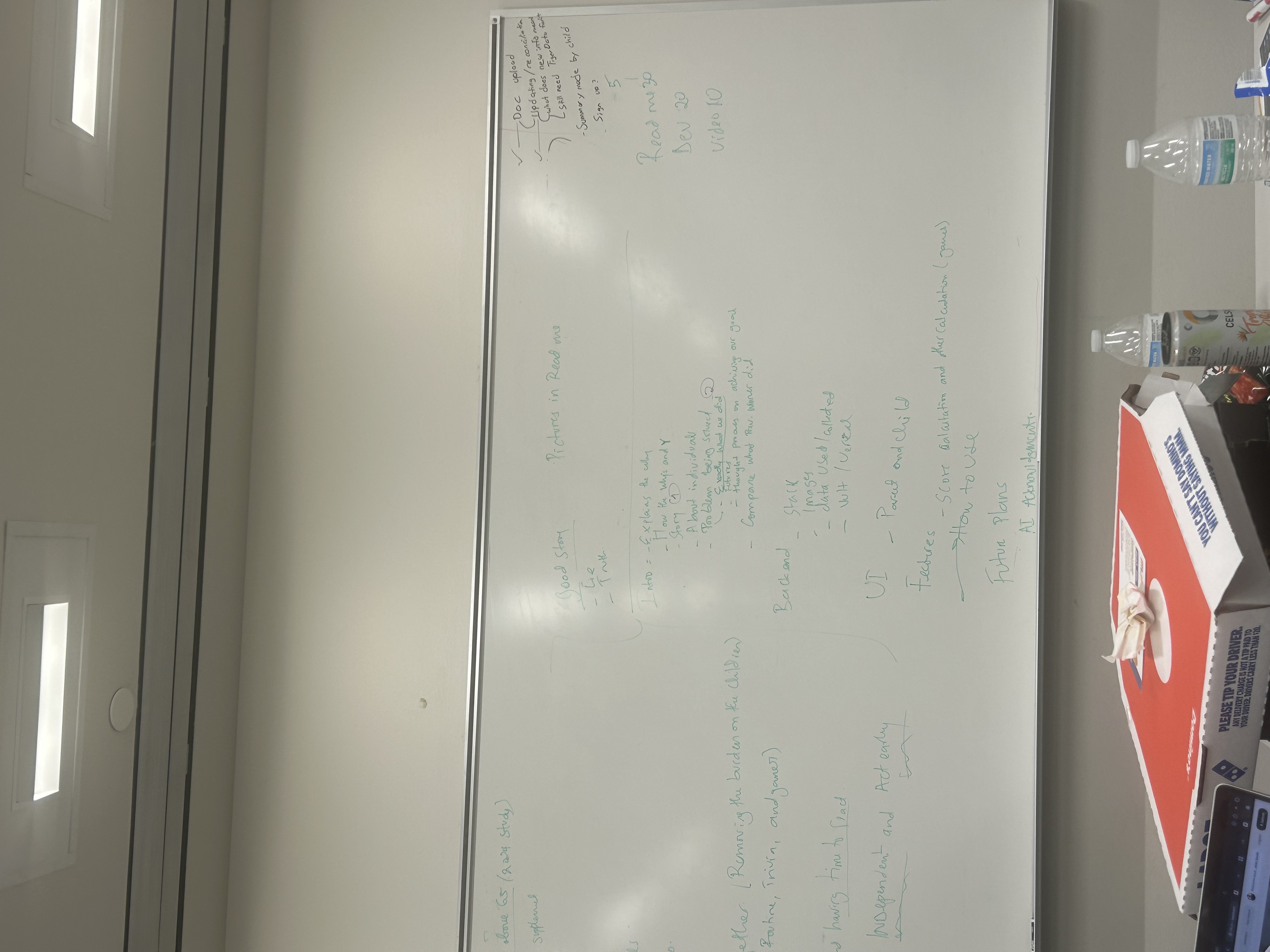
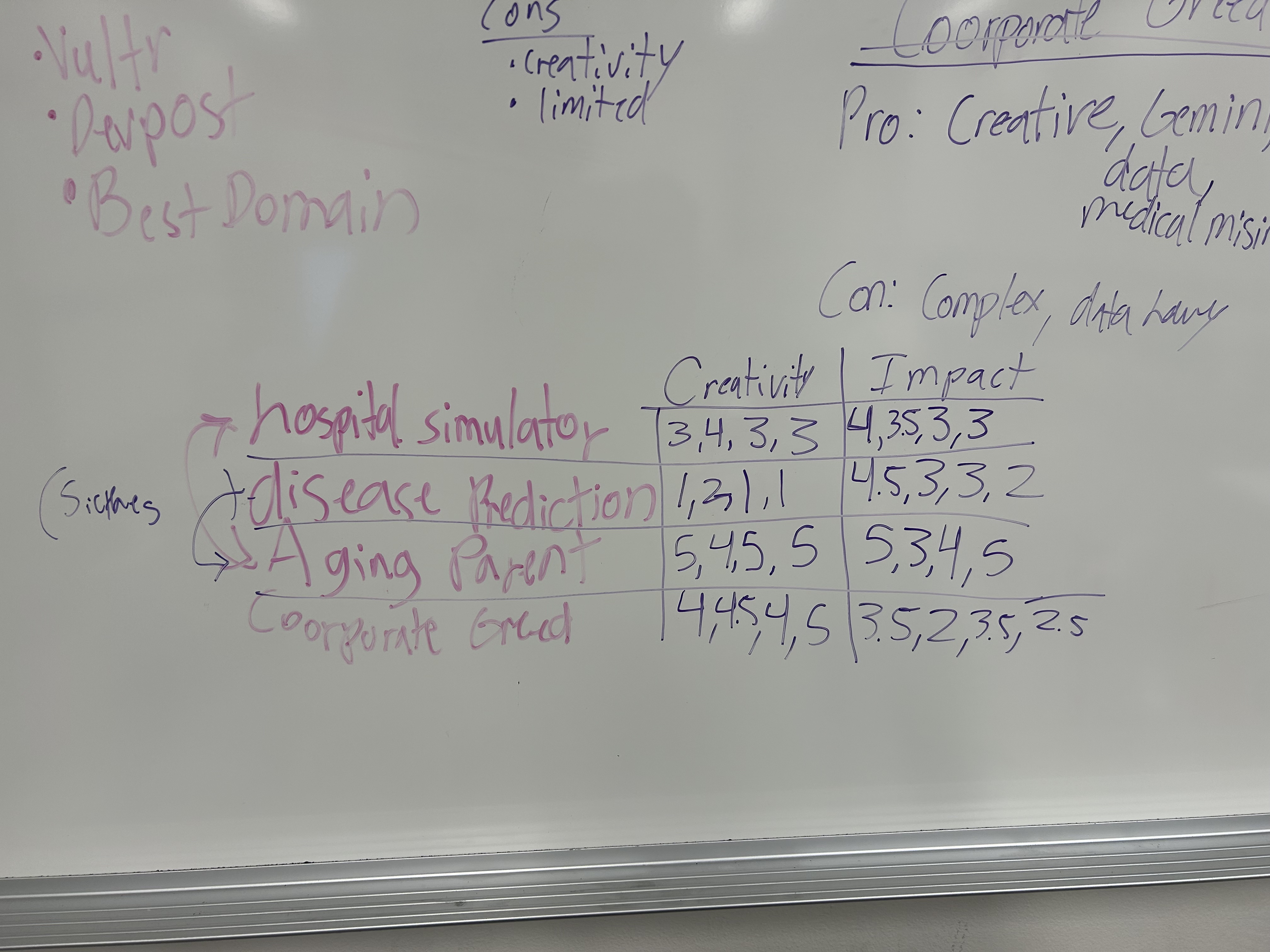
| Our first idea map | How we planned to measure it |
|---|---|
 |
 |
What we didn't do (future work)
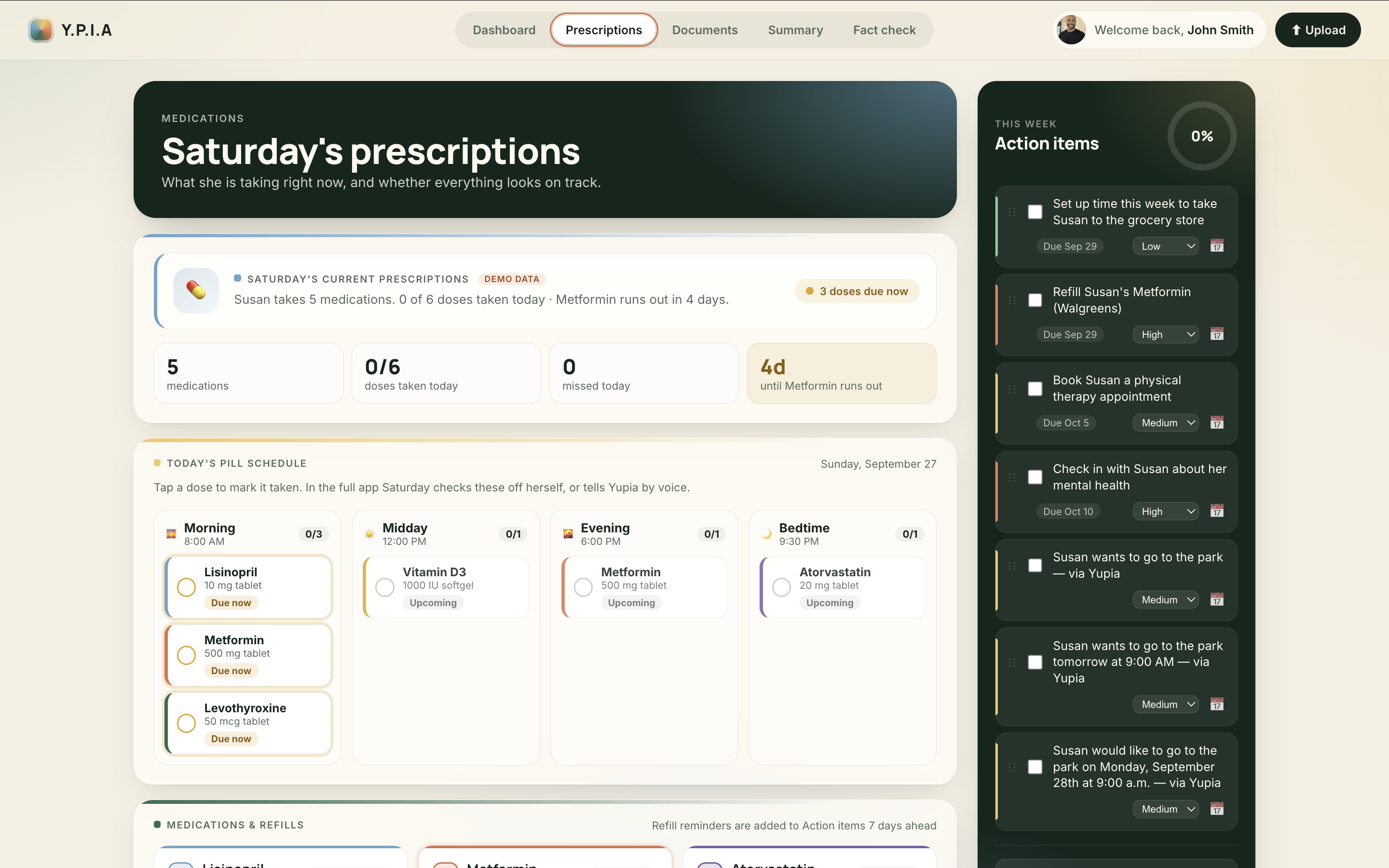
- The mood chart and the family's prescriptions view use sample data; connecting them to real data is next.
- Game accuracy and speed are recorded but not yet shown as a chart for the family.
- The "Fact-check that message" tab is designed but not built.
- Ideas we planned but did not build yet: movement data from Apple Health / Google Health, photo memories described by voice, and alerts to the family when trends drop.
- Y.P.I.A is a hackathon prototype: it does not diagnose anything, and sign-in security is basic.
Features
For the parent
- Voice assistant (ElevenLabs): tap to talk. It can look up her schedule, next appointment, medications, recent changes, and background, and it can send a request to her family's to-do list. After a conversation, Gemini suggests facts worth remembering, and the backend checks each one before saving it.
- Document upload: upload a prescription, visit summary, or appointment sheet. Gemini pulls out medications and appointments, medication names are matched with RxNorm, and she reviews the result ("Does this look correct?") before it is added to her care information.
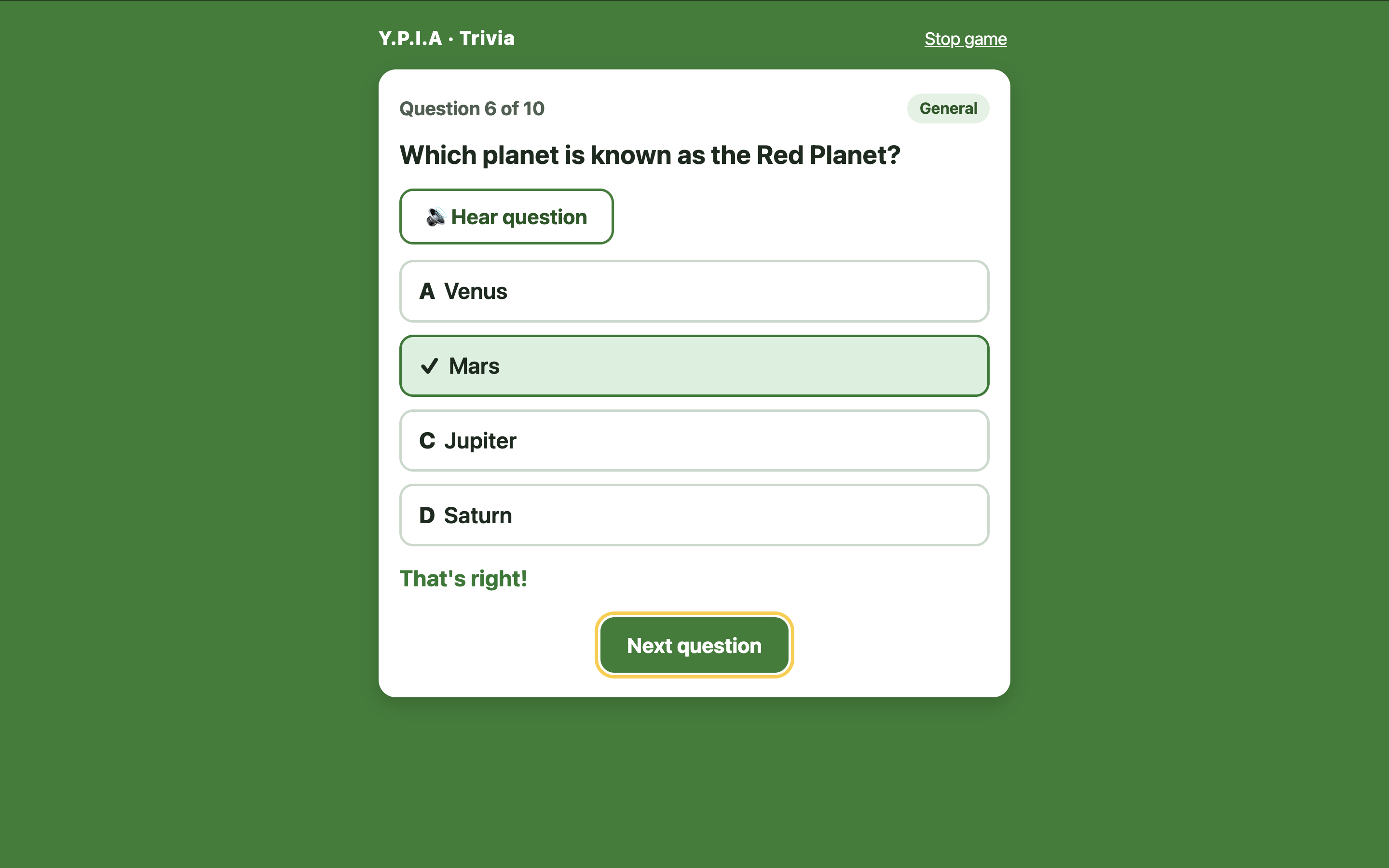
- Brain games: Trivia, Sudoku (6x6), and Solitaire (Klondike), with large text and simple controls.
- Her own weekly streak: grows each week she plays a game.
For the family
- Weekly check-in streak: press "I checked on ..." at least once a week to keep the streak going.
- Calendar: upcoming and past events, with attended or missed status, engagement points reviewed by Gemini, and a 7-day summary ("400 of 500 points earned, 4 of 5 events attended").
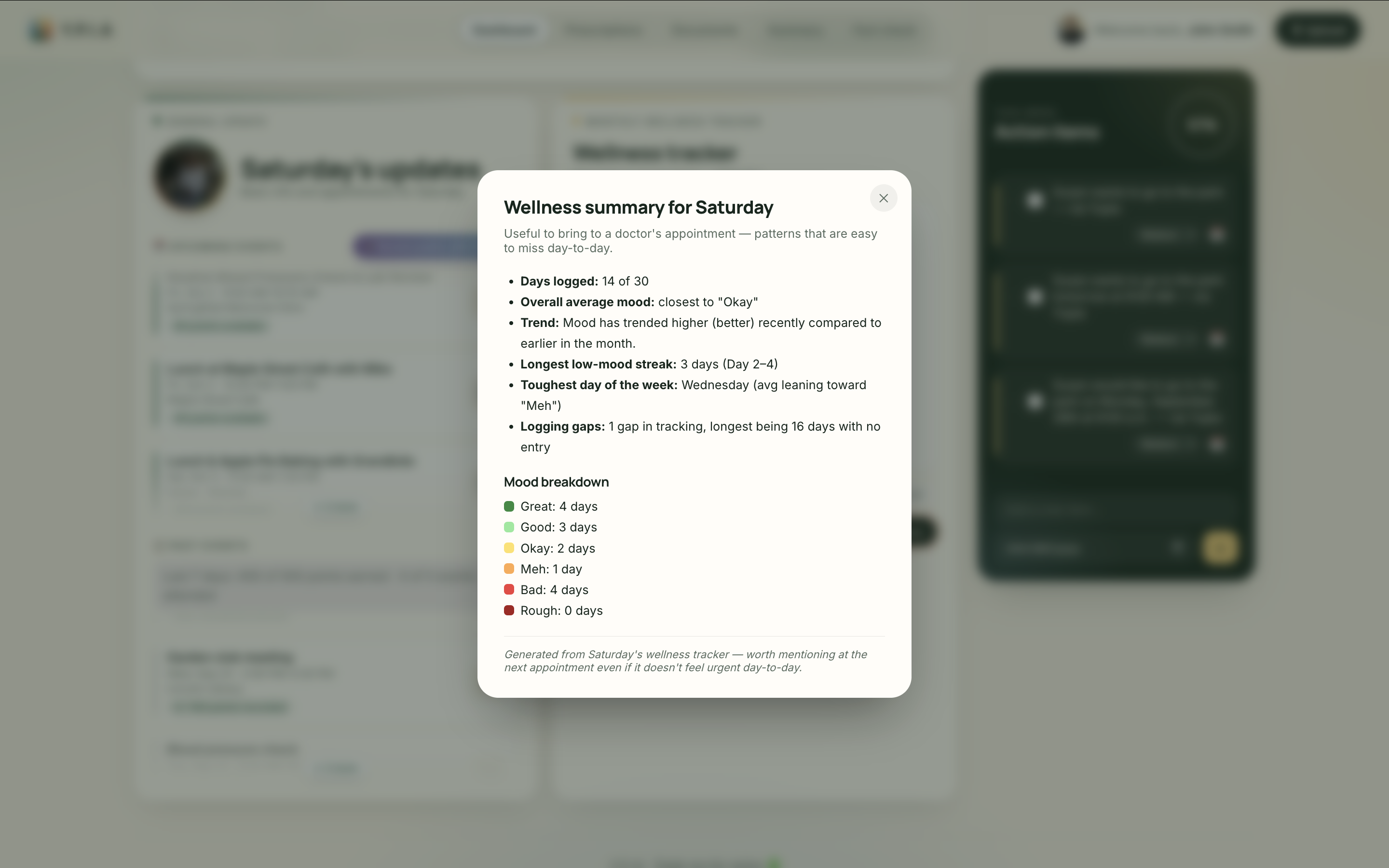
- Mood chart: a monthly view with "Examine" and "Summary" buttons, and an automatic "check in" to-do after 4 low days in a row (sample data for now).
- To-do list: set urgency, drag to reorder, track progress, and add an item to Google Calendar in one click. Requests the parent makes by voice show up here.
- Documents: the documents the parent has uploaded, in one place.
- Summary report: talking points for the next doctor visit.
How the Scores Work
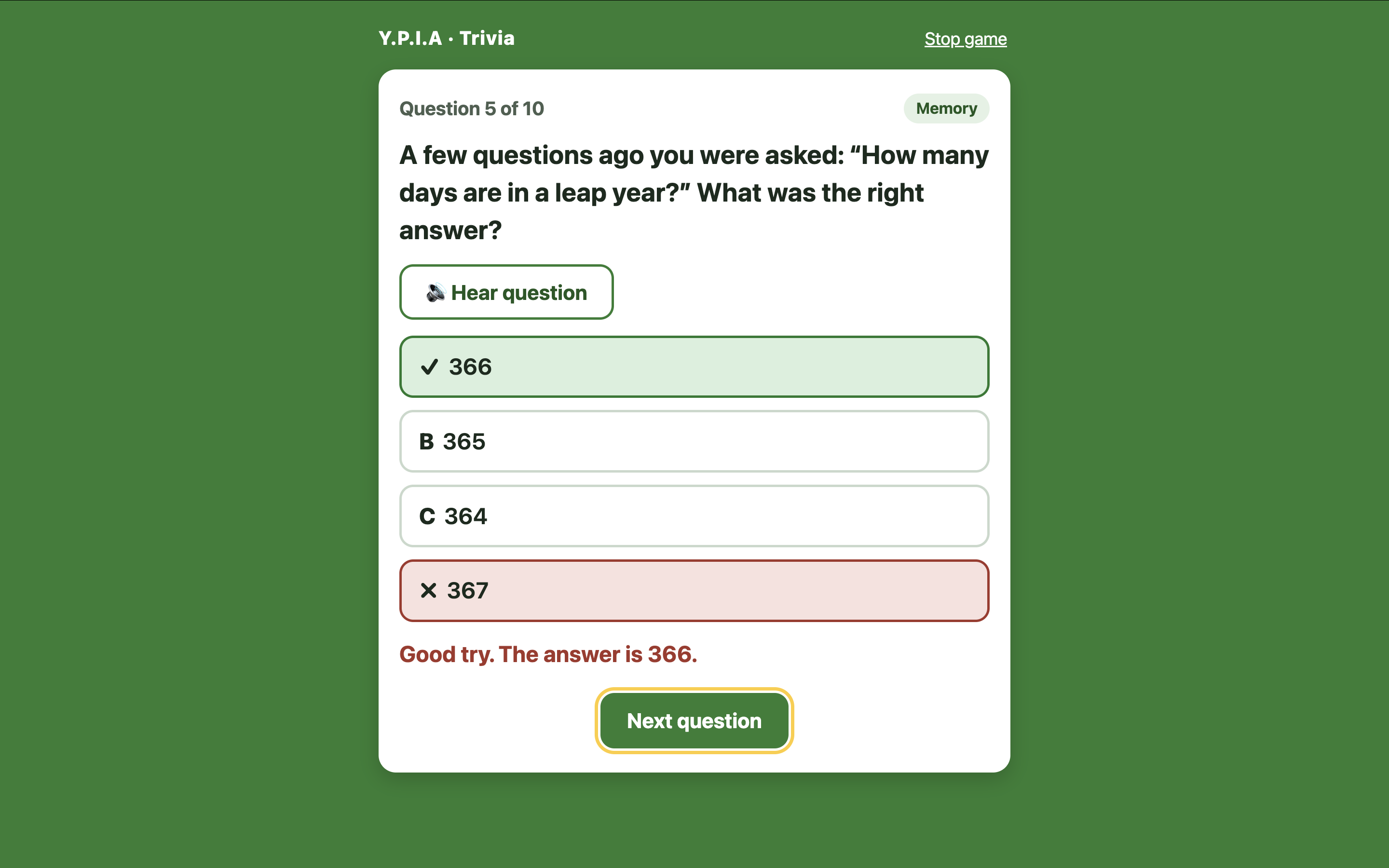
- Trivia: 10 questions. Questions 1, 5, and 10 are about her own life (facts saved in her profile, or a recent event from her calendar). The other 7 are about her interests and are written by Gemini, with a backup question bank if Gemini is slow. We save her accuracy, her accuracy on the memory questions, and her average seconds per answer. A short survey after the game asks what she enjoyed.
- Sudoku and Solitaire: every move is timed and marked as allowed or not allowed. We save the average seconds per move, the number of wrong moves, and long pauses.
- Trends: the game numbers are grouped by week so changes can be followed over time (available through the API, not yet charted).
- Calendar points: for each day, Gemini splits 100 points across that day's events based on planning effort, social connection, and how much they matter to her routine. Attended events earn their points; missed events earn 0. These points are motivational only, not a health measure.
- Family streak: weeks run Sunday to Saturday. Checking in again the same week keeps the number; checking in the next week adds 1; missing a whole week starts over at 1.
- Mood status: the last 7 logged days give "Doing well", "Mixed", or "Needs attention".
How to Use
- Sign up the parent on the sign-up page.
- Sign up a family member using the parent's email so the two accounts are linked.
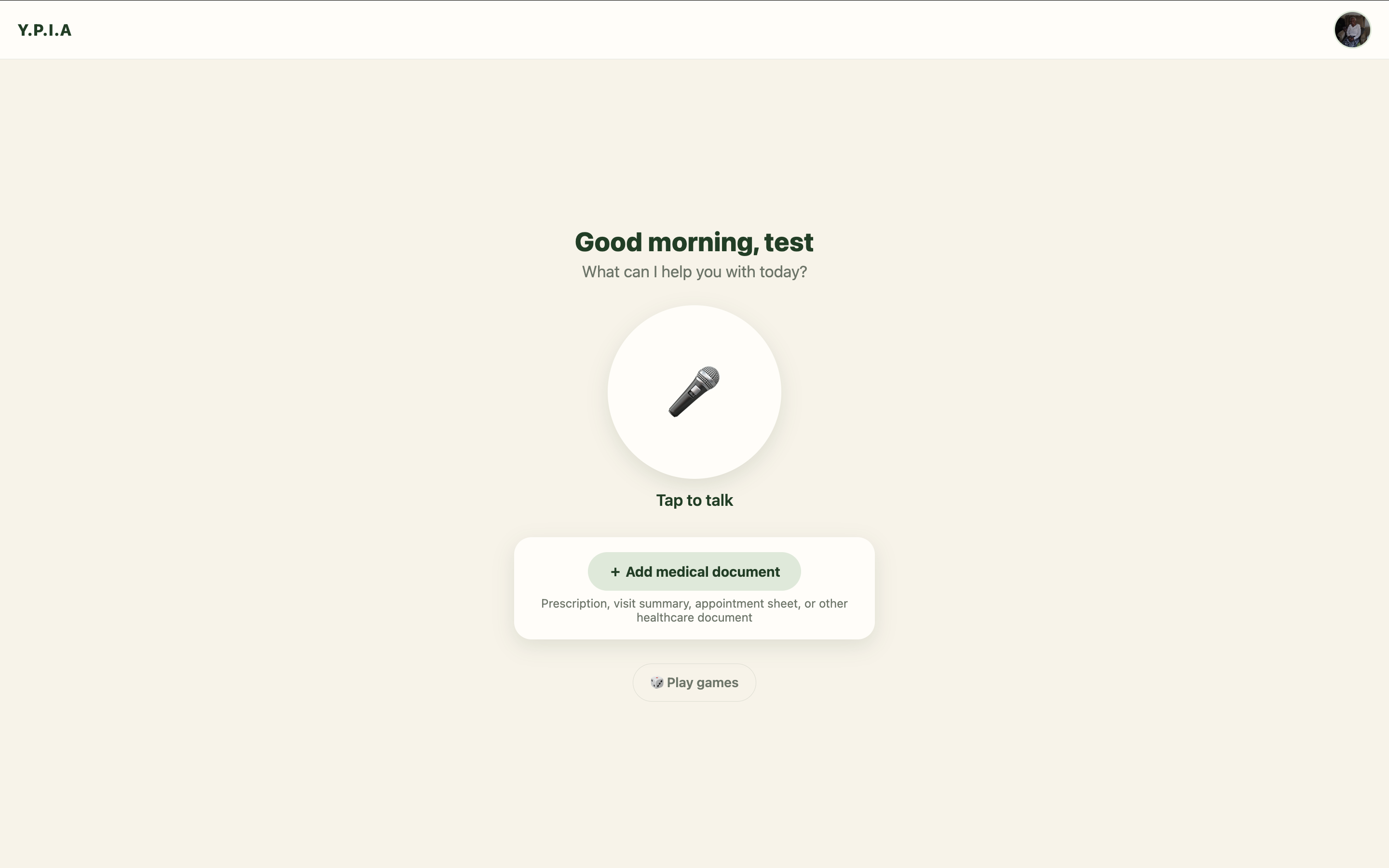
- Log in as the parent to talk to the assistant, upload documents, and play games.
- Log in as the family member to see the dashboard: check in, review the calendar (press "Review points with Gemini"), follow the mood chart, and manage to-dos.
Tech Stack
Frontend:
Backend:
Database:
AI and APIs:
Development:





Built With
- bcrypt
- css
- elvenlabs
- express.js
- flask
- gemini
- gemini-3.8-flash
- html
- javascript
- node.js
- postgresql
- python
- rxnorm
- tigerdata
- typescript
- zod


Log in or sign up for Devpost to join the conversation.