Inspiration
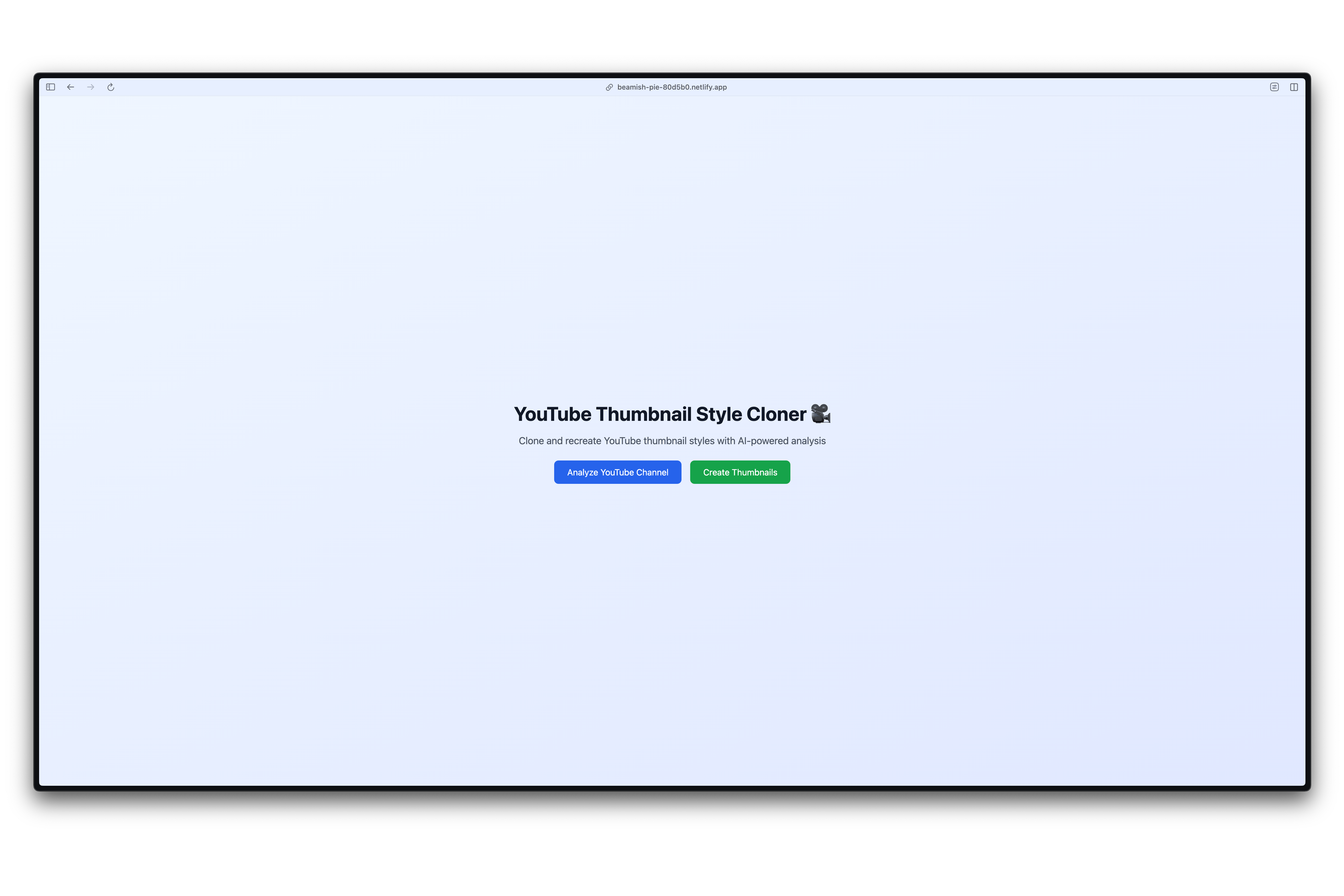
The idea came to me while I was working out with my personal trainer, who has social media accounts on Instagram and YouTube. He was struggling to create good-looking, appealing thumbnails. So, I decided to experiment with AI and coding to create something that would work for him.
What it does
The application allows you to:
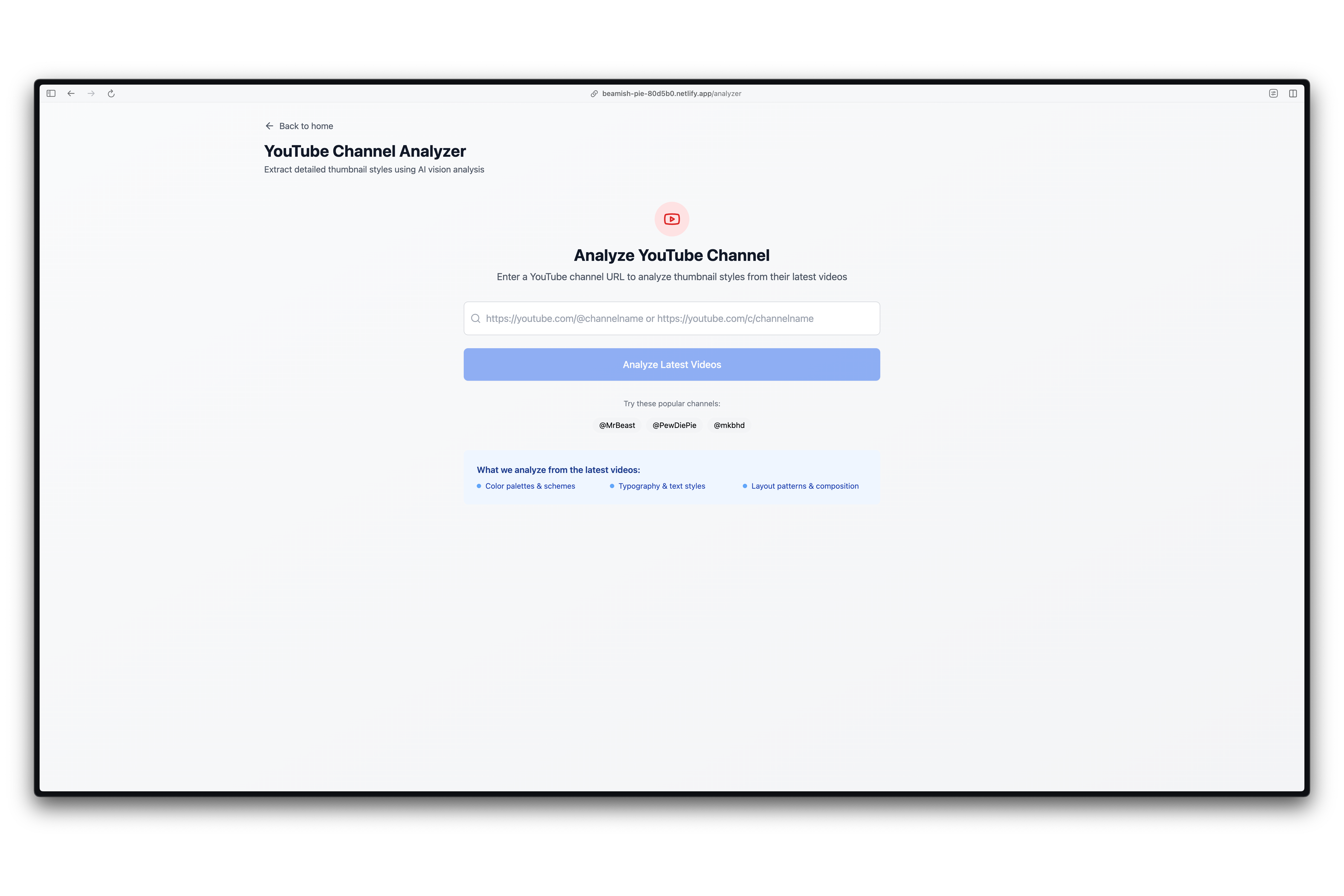
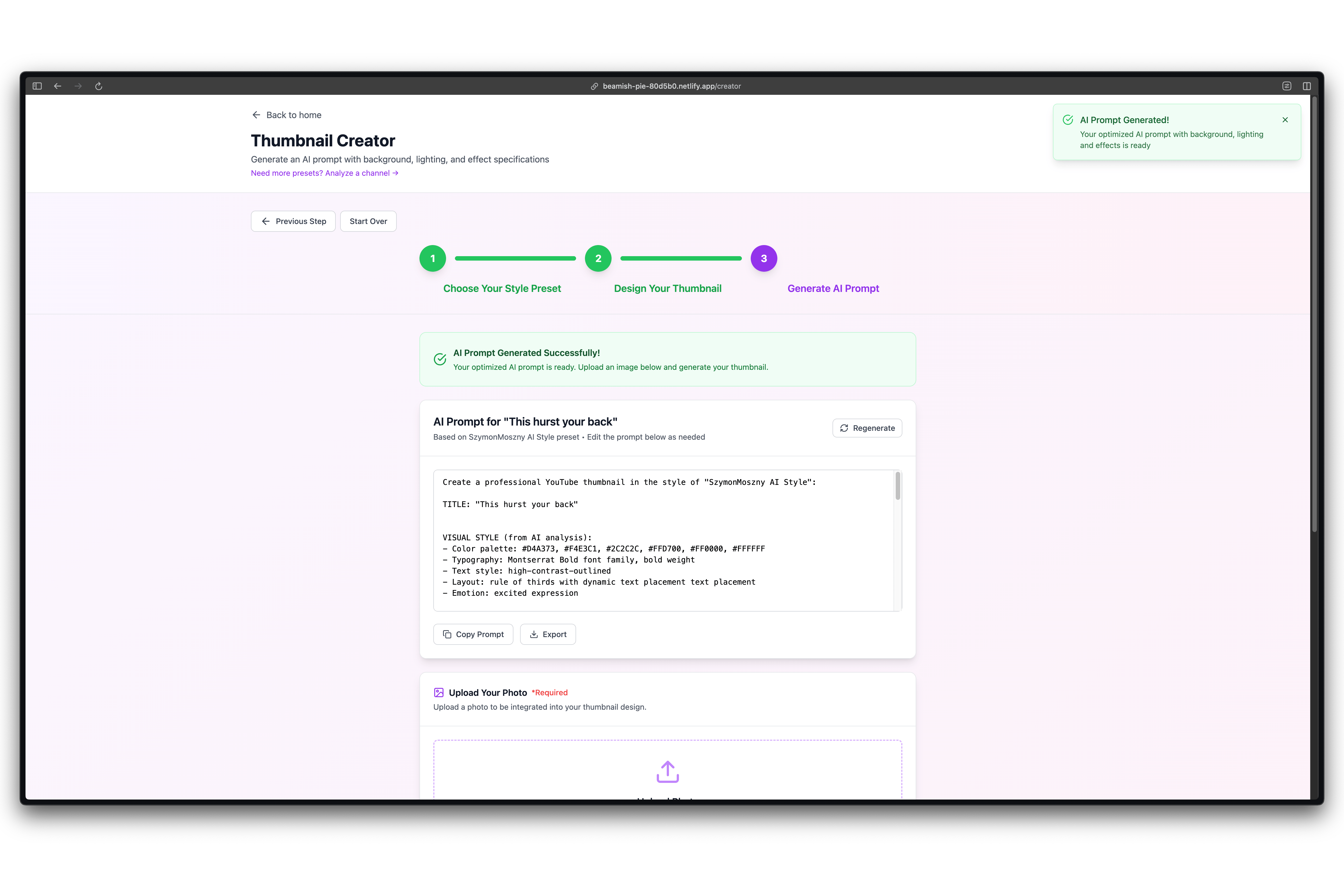
- Check the latest videos from a YouTube channel by providing its URL.
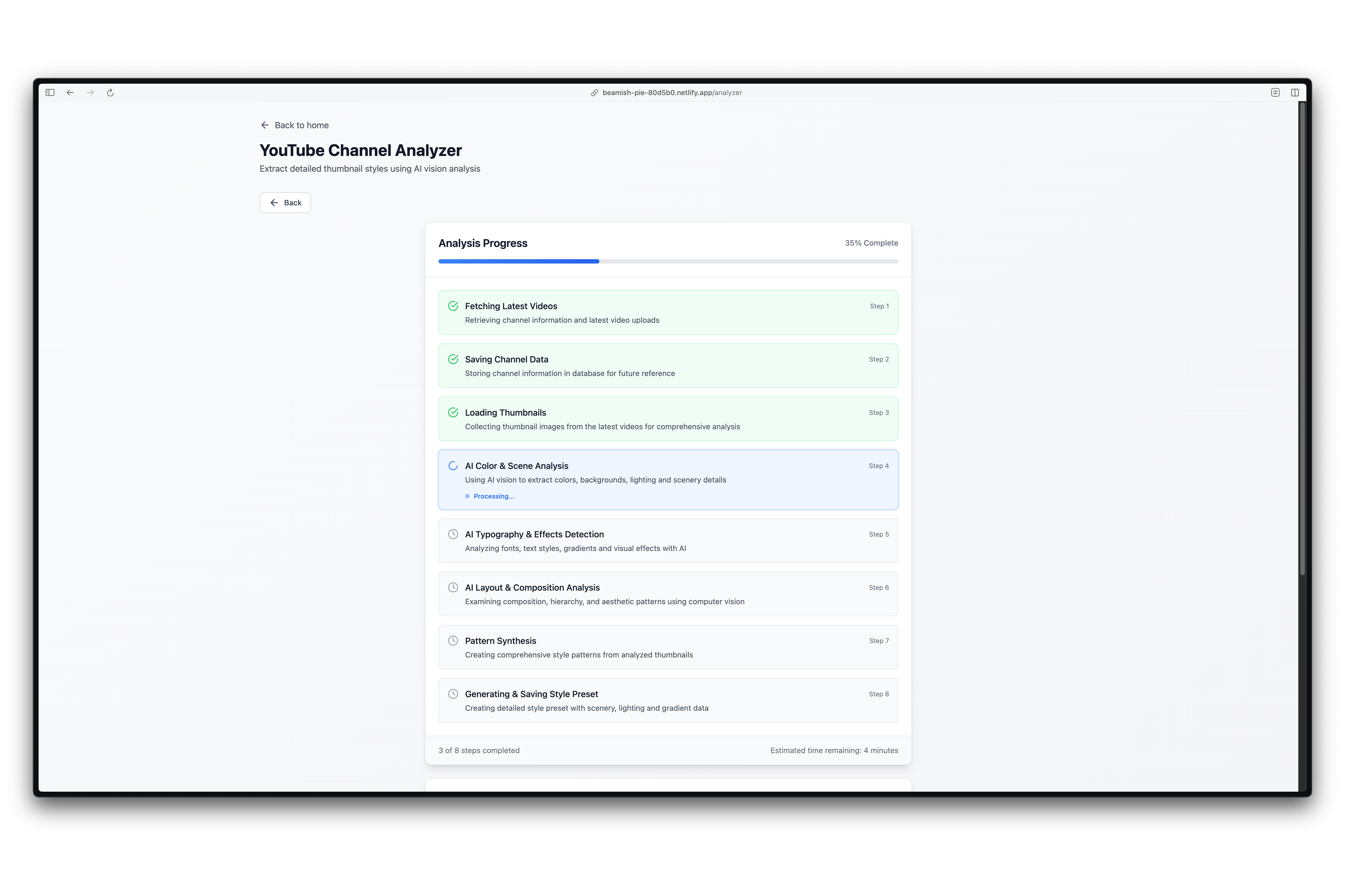
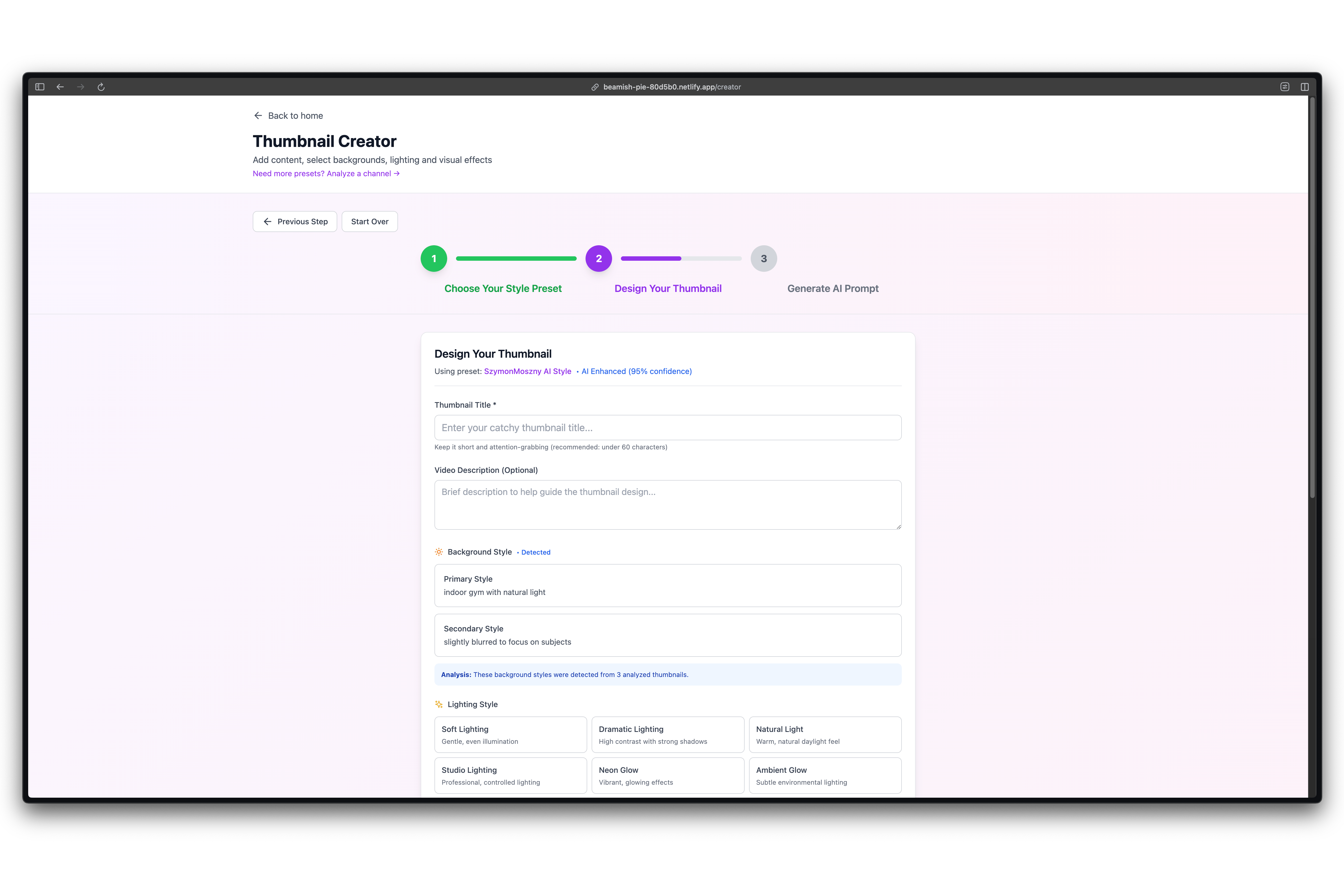
- Extract thumbnail specifics such as lighting, colors, fonts, and overall look and feel.
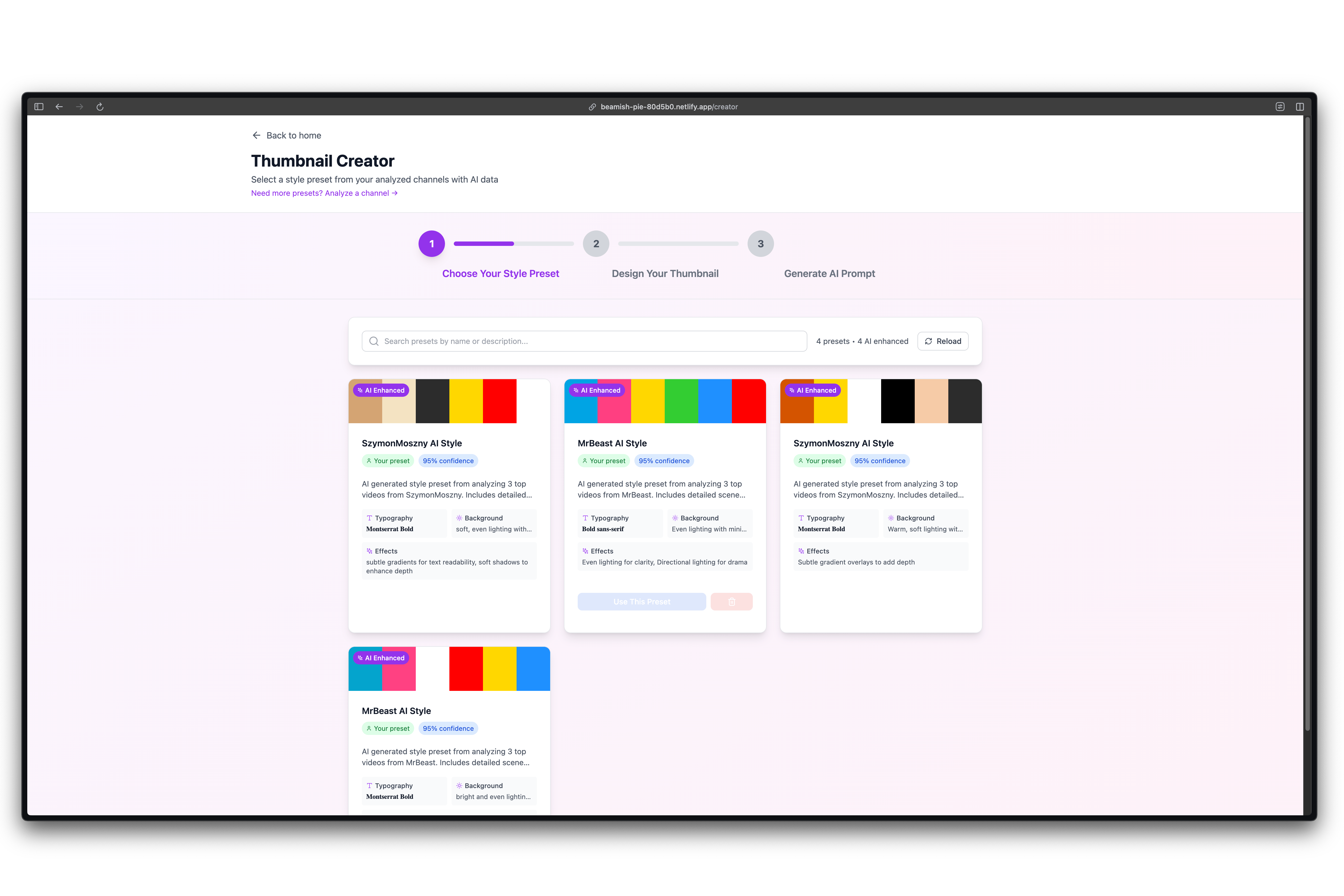
- Create presets that you can later use to design your own thumbnails.
How we built it
First, I started with two documents: a technical stack and a list of tasks. Based on these, I instructed Bolt to follow the instructions step by step. Additionally, it is connected with Supabase to save presets and store statistics for given channels.
Challenges we ran into
I would say there were two big challenges we encountered:
Supabase setup that allows everyone to use the application without creating an account. This was intentional for hackathon purposes. The application is open to everyone, but there is an account behind the scenes that automatically logs you in when you open the app. You can use the application as an anonymous user. This is a requirement from Supabase, as we need an authenticated user to perform database operations.
Creating the proper prompt to extract the data we wanted.
Accomplishments that we're proud of
I think the end result is pretty good, and the simplicity works well. I'm also happy with the ability to create presets, allowing you to reuse them later.
What we learned
Do you need to have at least one user account on Supabase to use its database capabilities? Also, how to create effective prompts. I have discovered a few tools on the market that do a similar job, but not exactly the way we do it.
What's next for YouTube Thumbnail Clone
Sky is the limit 🚀
Built With
- netlify
- openai
- supabase
- tailwind
- vite

Log in or sign up for Devpost to join the conversation.