-
-
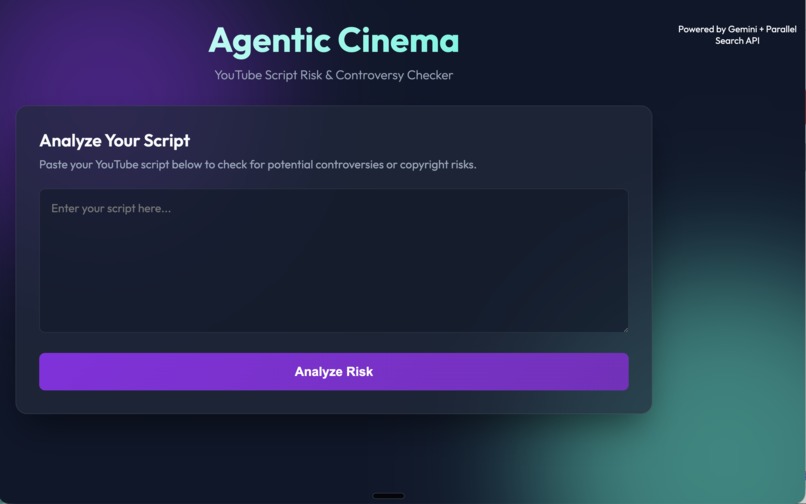
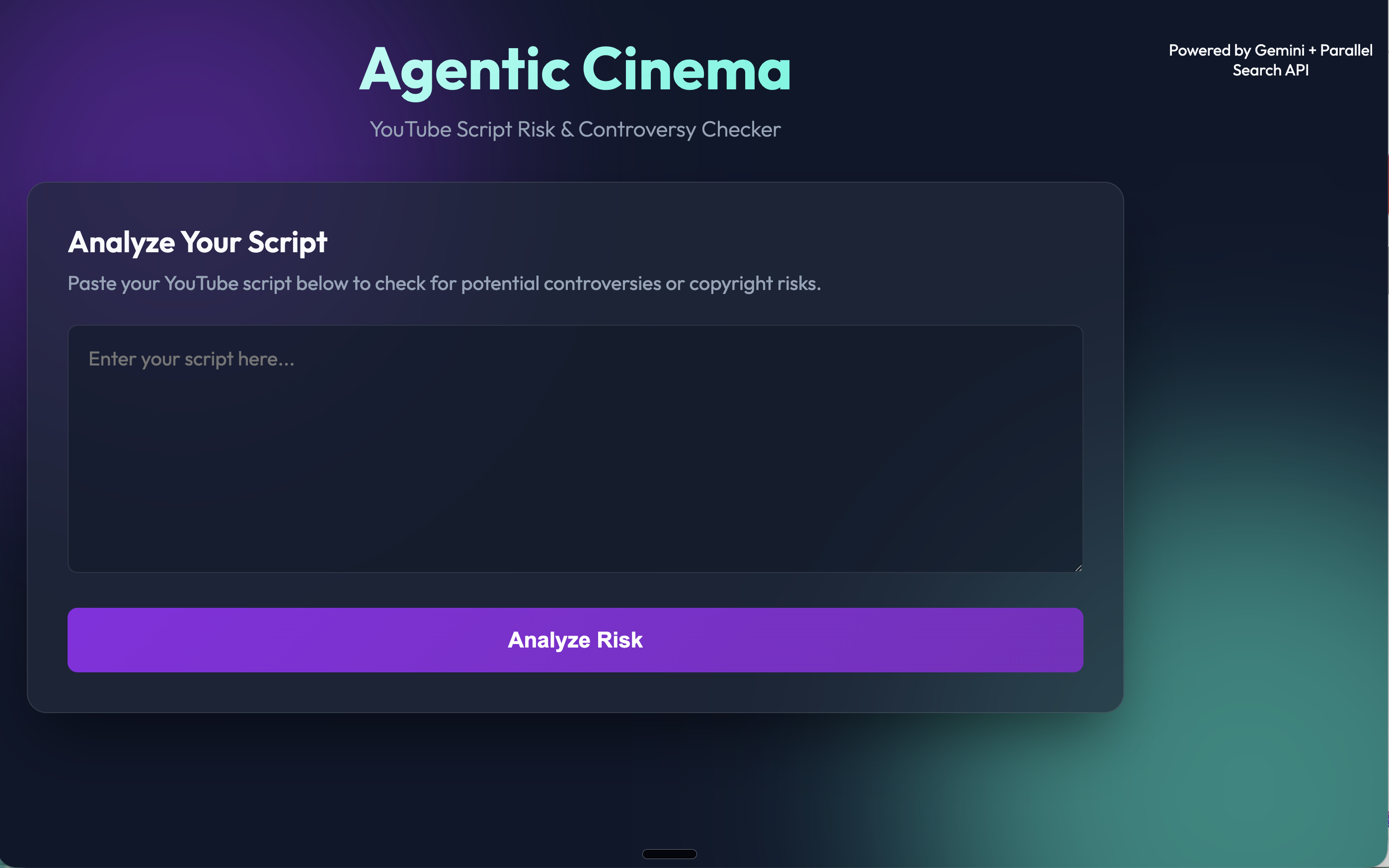
Step 0 — Paste any YouTube script. Any length, any language.
-
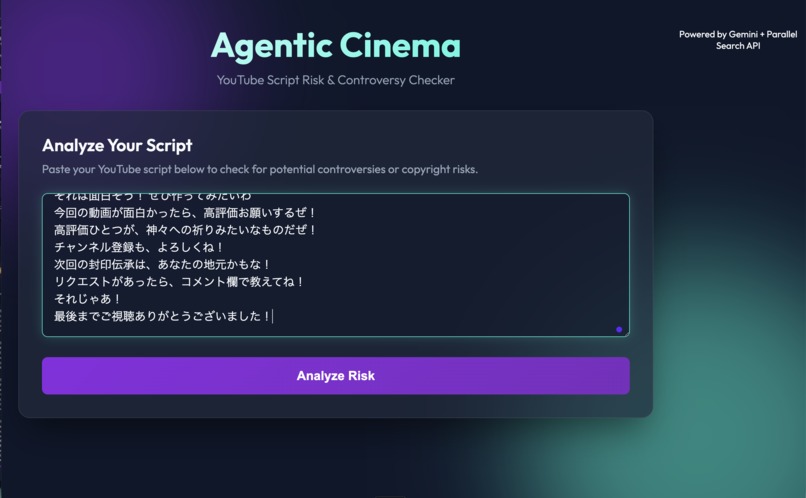
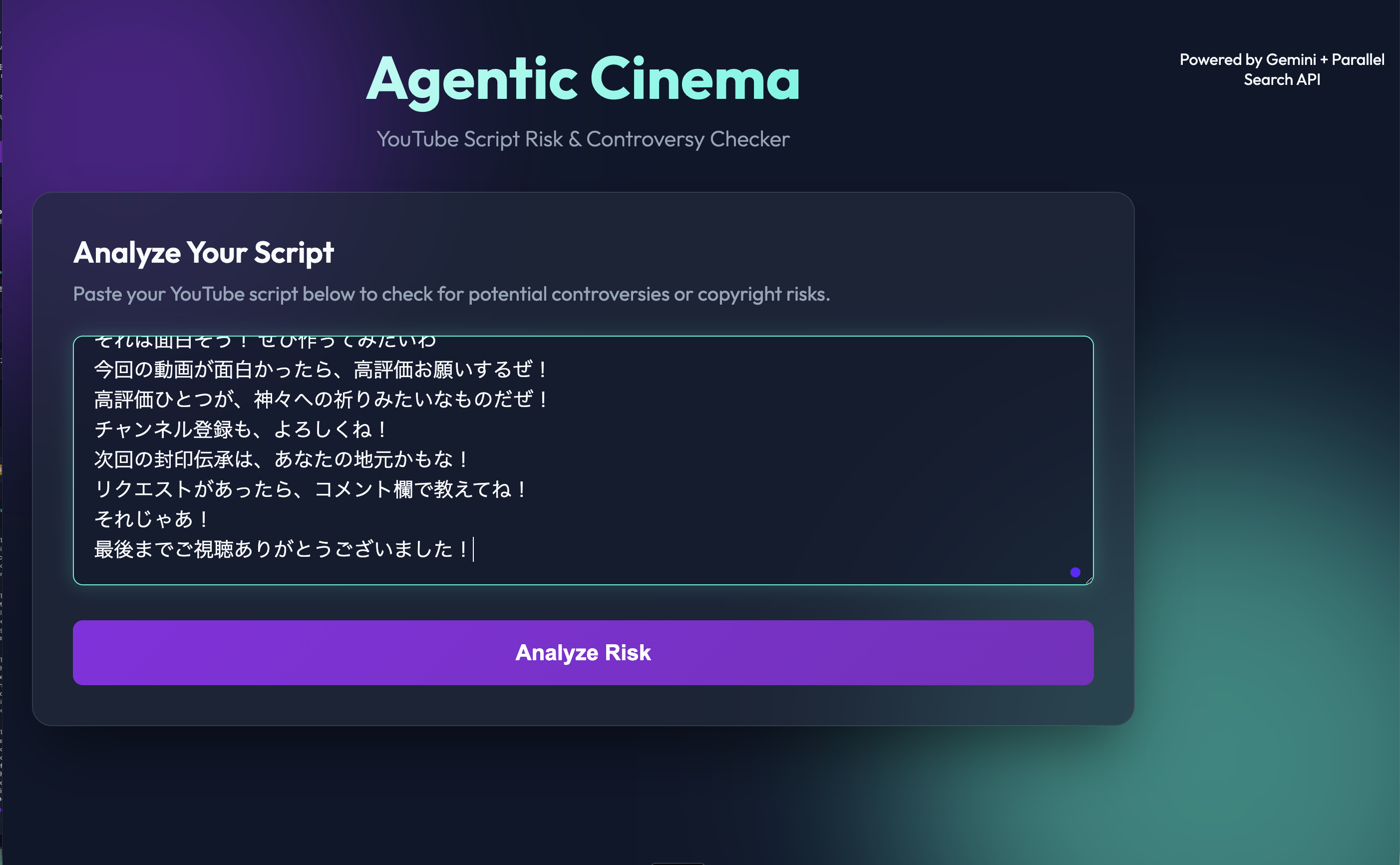
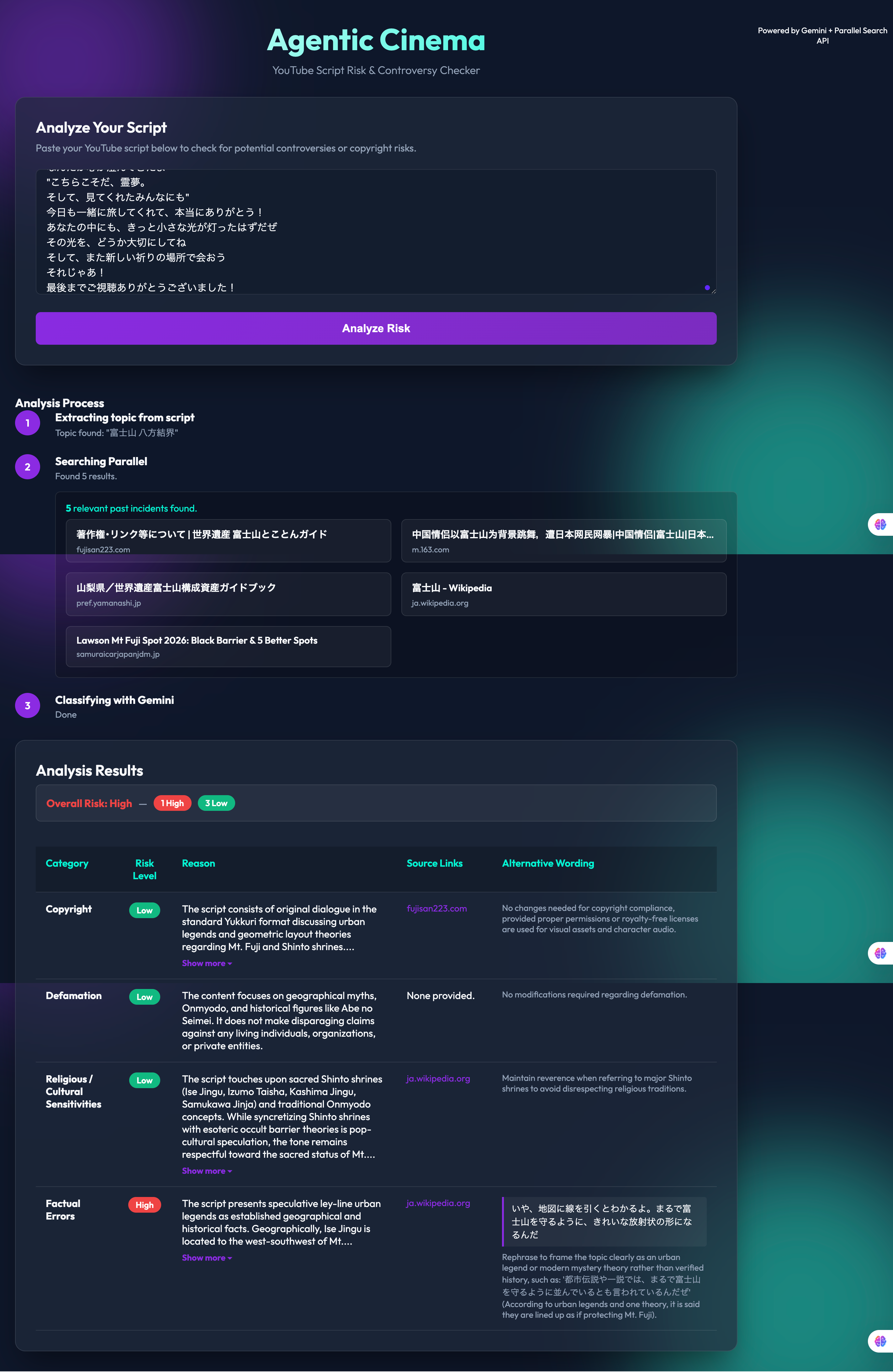
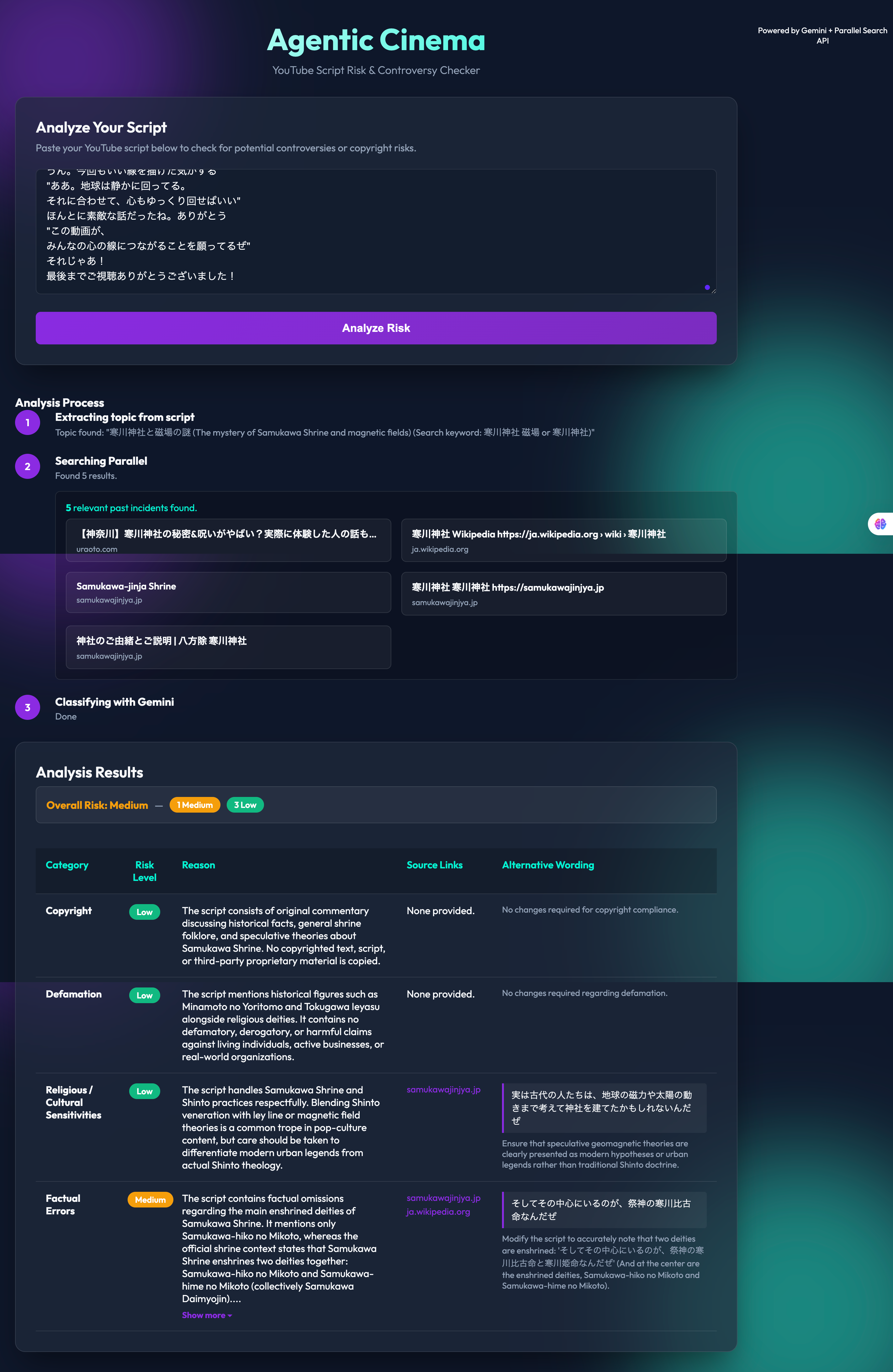
Step 1 — A full script from one of my videos, pasted in. Press "Analyze Risk".
-
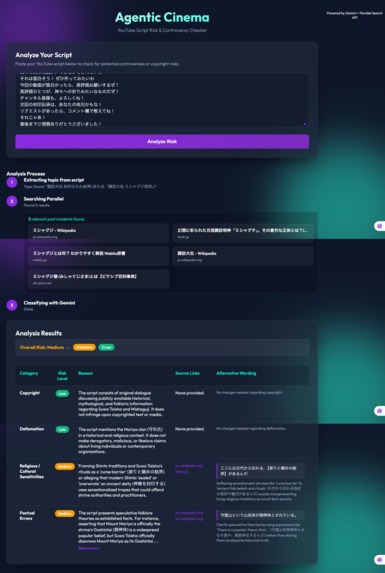
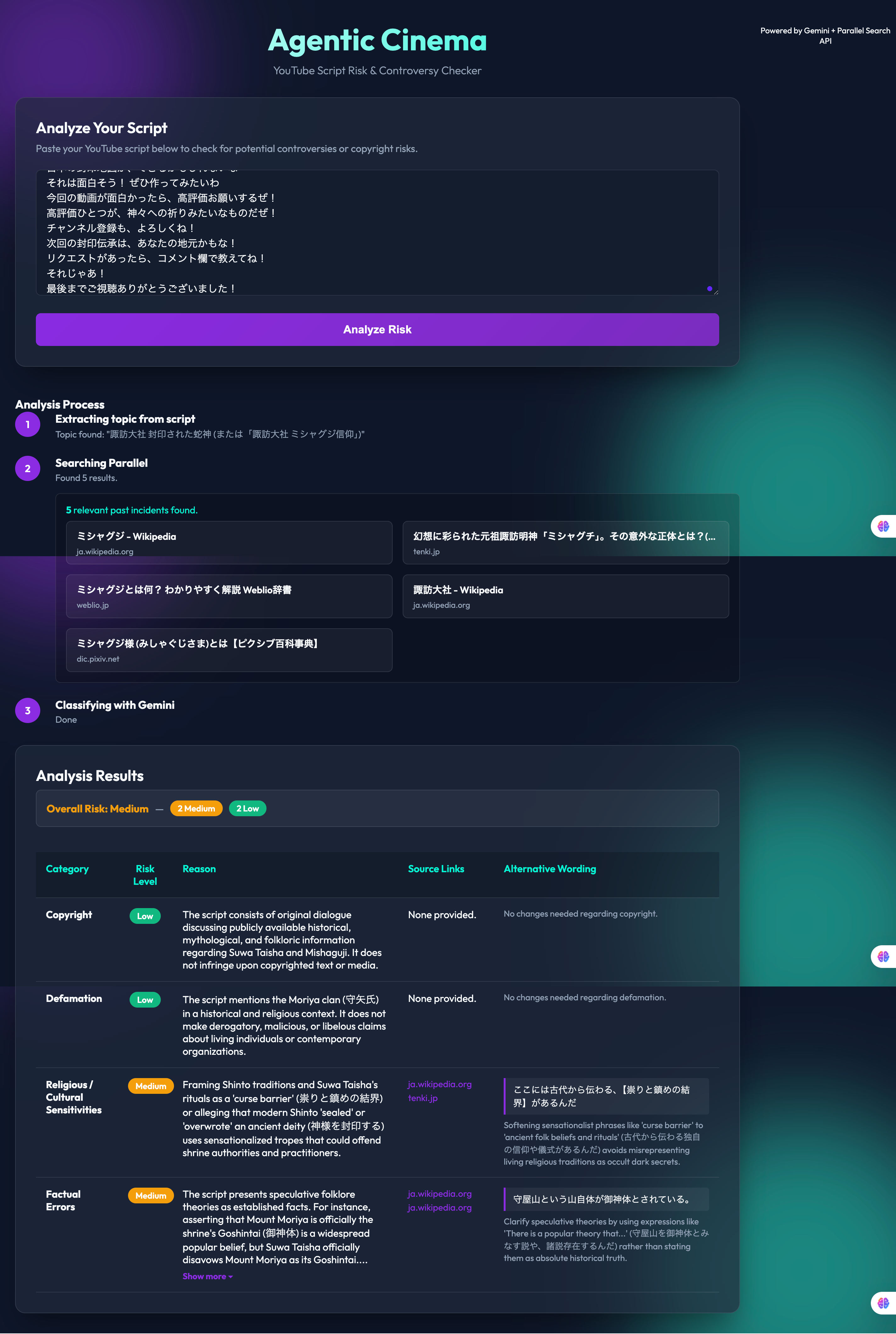
Result A — Suwa Taisha script: 2 Medium. Religious sensitivity + a factual error, each with a rewrite in the character's voice.
-
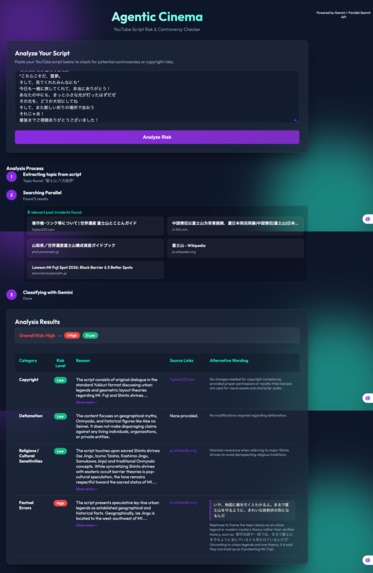
Result B — Mt. Fuji script: High. Ise Grand Shrine is WSW of Fuji, not south. Rewrite suggested.
-
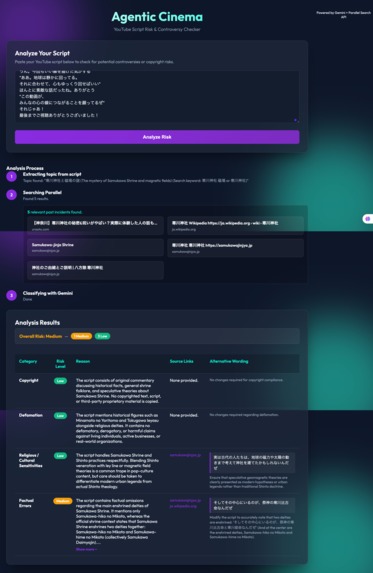
Result C — Samukawa Shrine script: Medium. A missing co-enshrined deity, caught from the shrine's official site.
Inspiration
I'm 60 years old and I run three YouTube channels. Every time I write a script, I have the same worry: will this line offend someone? Am I stating a folk theory as fact? I'm not a lawyer or a historian, but the moment I publish, the responsibility is mine.
Researching every claim by hand takes hours, and I still miss things. I wanted a second pair of eyes that could check a script the way a careful editor would — but in a minute, not a day.
What it does
You paste a YouTube script (any length, any language). The agent then works in three steps:
- Extract the topic — Gemini reads the whole script and identifies what it is actually about, producing a focused search query.
- Search real sources — the Parallel Search API retrieves relevant pages: past incidents, official statements, encyclopedic references.
- Classify and rewrite — Gemini cross-checks the script against those sources and returns a table with four risk categories (Copyright, Defamation, Religious/Cultural Sensitivity, Factual Errors), each with a risk level, a reason, source links, and alternative wording that keeps the script's original voice.
The alternative wording is the part I care about most. It doesn't just say "this is risky" — it shows you the exact line and a safer version in the same tone, so you can fix it in seconds.
How I built it
- Backend: Python / FastAPI, using the
google-genaiSDK for Gemini and theparallel-webSDK for Parallel Search. - Model: Gemini 3.6 Flash for both topic extraction and classification, with structured JSON output for the results table.
- Frontend: a single-page UI that streams the three steps as they complete, so the user sees the agent working.
- Deployment: containerized with Docker and deployed to Google Cloud Run (asia-northeast1), with Cloud Build triggered automatically from the GitHub repository.
- Development: built solo in about two days, using Antigravity as my coding assistant.
Challenges I ran into
This was my first time deploying anything to the cloud. In one morning I hit a Developer Connect IAM permission error, an environment variable pasted with its key name included, a fallback model name that didn't exist, and the Gemini free-tier daily quota. Each one had a different error message and a different fix. Reading logs carefully — and not guessing — turned out to be the most important skill.
The other challenge was prompt design: getting Gemini to keep the alternative wording in the character's voice (my scripts are dialogue between two characters) instead of rewriting it in a neutral tone.
Accomplishments that I'm proud of
- It works on real scripts from my own channel, and it found things I had genuinely missed — for example, that a "sacred mountain" I presented as fact is officially disputed by the shrine itself, and that a direction I stated for a major shrine was geographically wrong.
- The suggested rewrites preserve the character's tone. A creator can paste them straight back into the script.
- I started learning AI seriously in March 2026. Six months later, I shipped a working agent on Cloud Run.
What I learned
- How to chain a reasoning model with a search API so that the model's judgment is grounded in retrieved sources rather than its own memory.
- Cloud Run, Cloud Build, IAM, and API quotas — from zero.
- That the most useful output of a risk checker isn't the score; it's the rewrite.
What's next
- Batch mode for a whole channel's back catalogue.
- A "sources only" view so creators can read the evidence before deciding.
- Support for checking thumbnails and titles, not just scripts.
- A lightweight browser extension that runs inside YouTube Studio.
