Inspiration
As a student, I often felt too lazy to make proper notes. When watching lectures on YouTube, I'd take screenshots and later organize them into topic folders. But the video controls always showed up in the screenshots, and manually organizing everything was tedious. That's why I created this extension to automate these tasks.
What it does
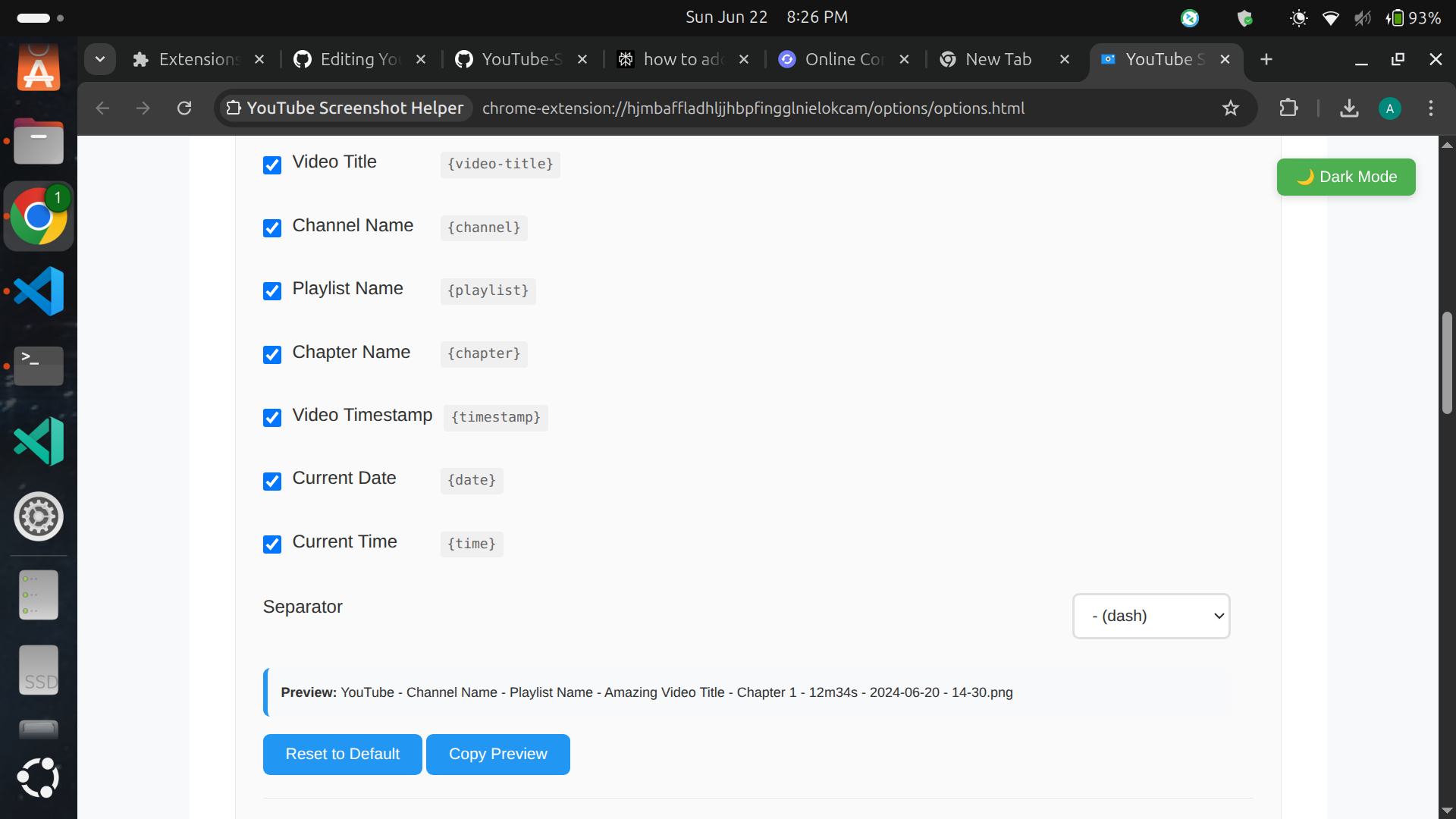
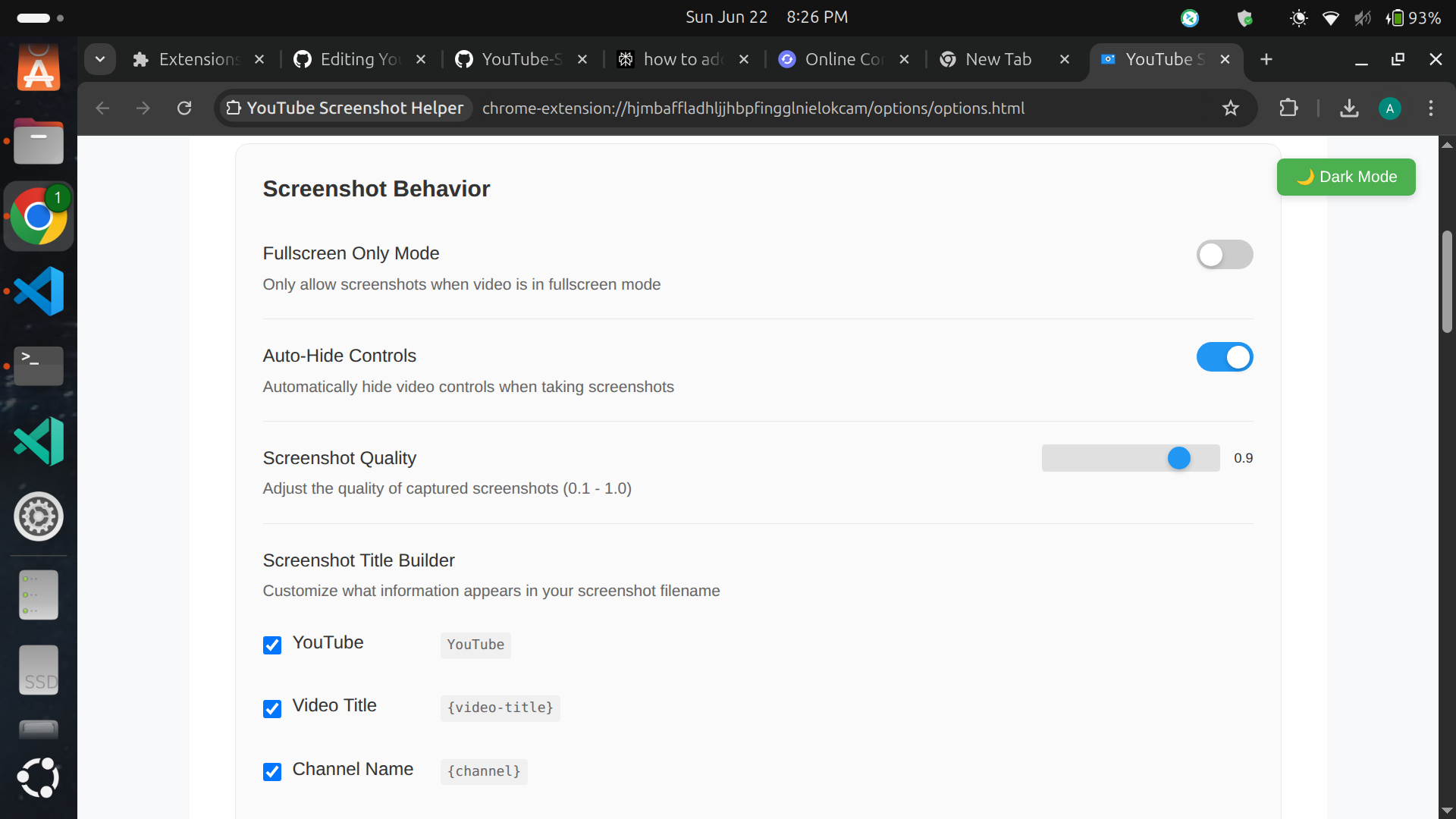
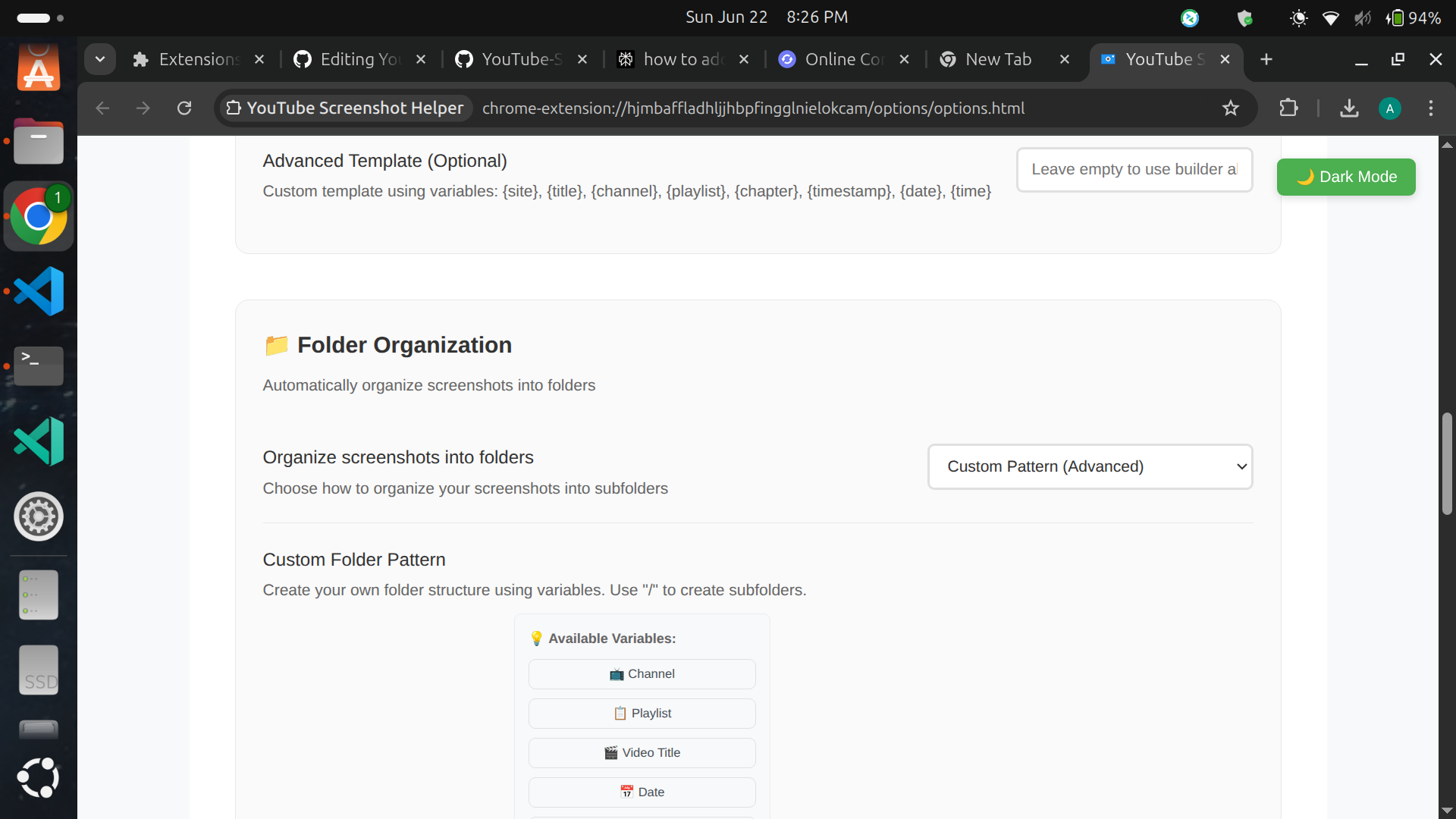
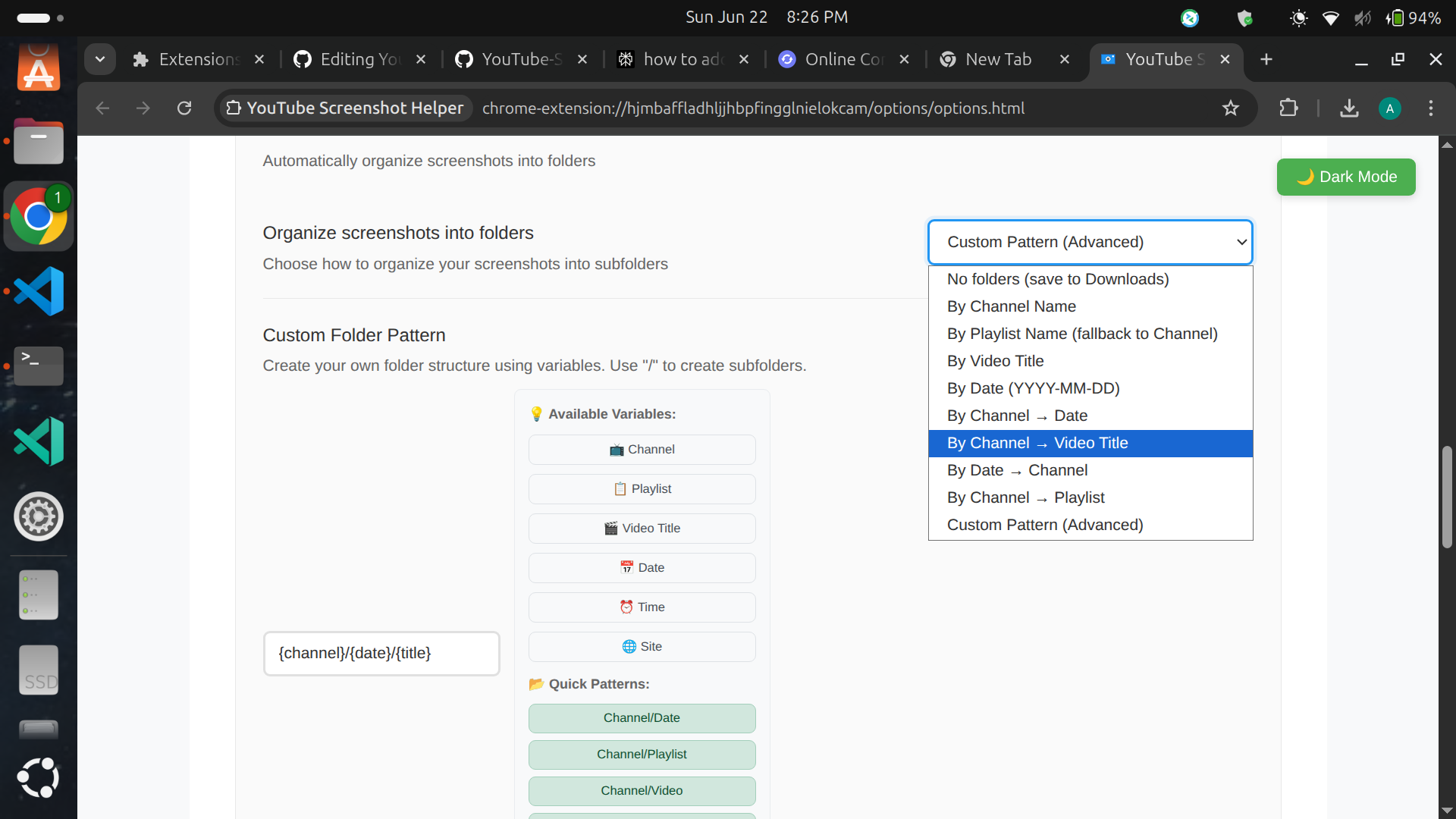
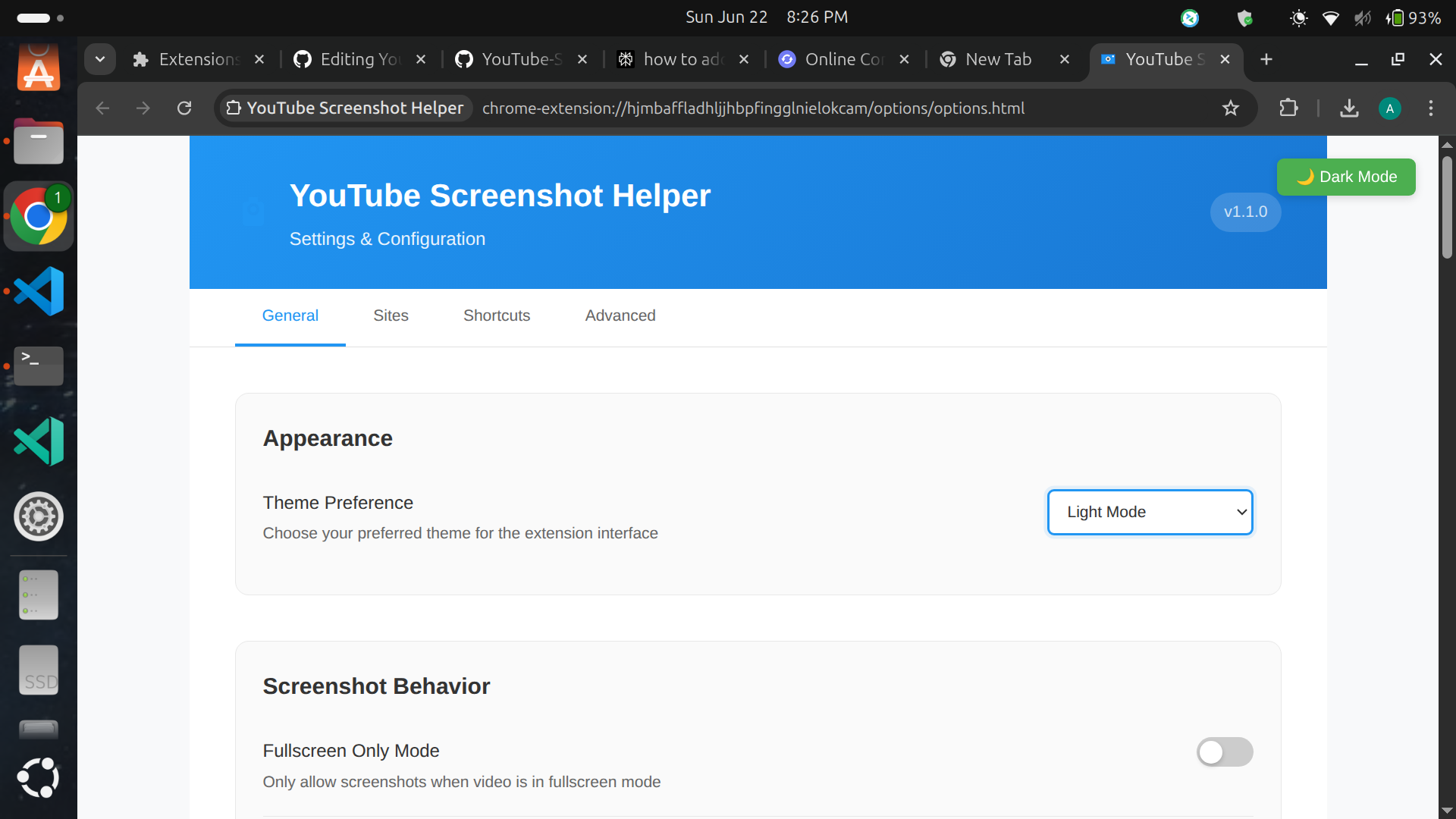
This tool lets you capture clean, high-quality screenshots from YouTube and other video sites with one click. It automatically hides video controls for clutter-free images and organizes your screenshots into folders with filenames based on channel, title, date, and other metadata. It's designed for effortless, organized video snapshots.
How we built it
I started by building the Chrome version myself with some help from GitHub Copilot. When I decided to make an Edge version, I used Kiro AI's spec mode for the initial porting. After porting, many features weren't working properly in Edge, so I fixed each issue one by one to get everything functional.
Challenges we ran into
The biggest challenge came when porting to Edge - I couldn't get the storage API to work correctly at first, causing screenshot saves to fail. With Kiro's help, I identified and fixed that issue. But I hit another roadblock: the advanced folder organization feature simply wouldn't work in Edge due to browser security restrictions. I tried every possible solution but ultimately had to accept this limitation.
Accomplishments that we're proud of
Getting the core functionality working smoothly across both Chrome and Edge was incredibly satisfying. Seeing the extension successfully hide controls and generate clean screenshots on the first try felt like a real victory. I'm especially proud of how the filename templates turned out - being able to automatically include video titles and timestamps saves so much manual work.
What we learned
This project taught me how different browsers handle extensions under the hood. I discovered that Edge has stricter security policies than Chrome, especially around file system access. Working through the storage API issues gave me a deeper understanding of asynchronous operations in browser extensions. I also learned how to effectively use AI helpers for debugging without losing sight of the overall architecture.
What's next for YouTube Screenshot Helper Extension
The immediate goal is to solve the Edge folder limitation, possibly by creating a companion desktop app for advanced organization. I'm also exploring text extraction from screenshots to auto-generate notes. For the future, I'd like to add direct sharing to Notion and support for educational platforms like Coursera. Browser support expansion to Firefox is another priority once they finalize Manifest V3.


Log in or sign up for Devpost to join the conversation.