-
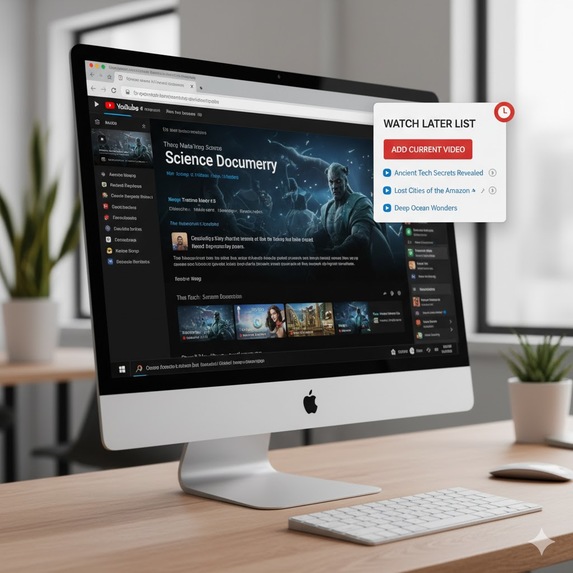
youtube watch later
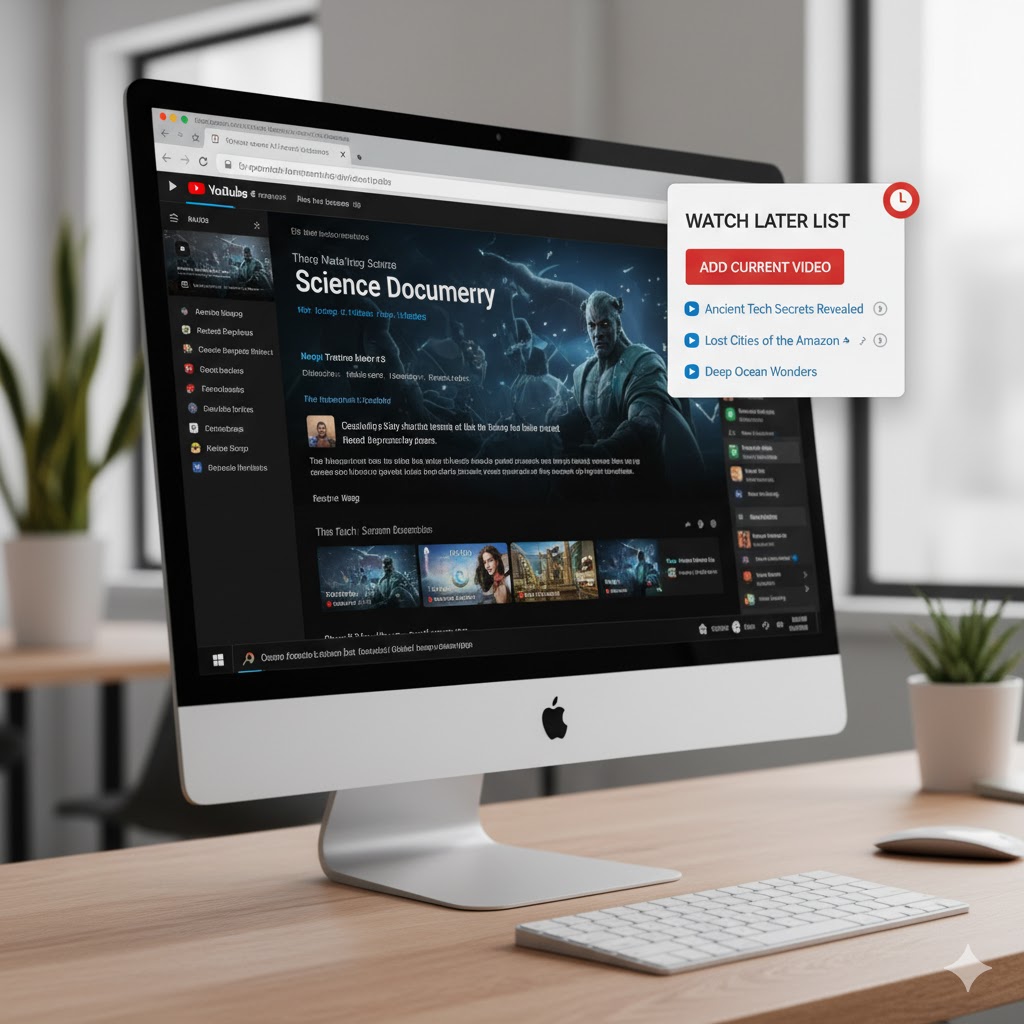
Here's a story about building that "Quick Watch Later" extension.
What Inspired Me Honestly? Mild annoyance. 😅
I love YouTube's "Watch Later" feature, but I've always found it a bit heavy. You have to click the save icon, it opens a modal, sometimes it's slow, and then the list itself is buried inside the full YouTube interface.
I was inspired to build a "lighter" version. I wanted an extension that lived in my browser's toolbar, could save a video with a single click, and show me my list in a clean, fast popup without ever leaving the video I was on. The goal was speed and simplicity, using Chrome's native tools to make it as efficient as possible.
How I Built the Project I broke the project down into its four essential files, just like I provided:
manifest.json (The Blueprint): This was step one. It's the "brain" of the extension that tells Chrome what it is, what it needs, and what it does. The key parts were:
"manifest_version": 3: Sticking to Manifest V3 is crucial now, as V2 is being phased out.
"permissions": ["storage", "tabs", "scripting"]: This was my shopping list. I knew I needed storage to save the video list, tabs to know what video the user is on, and scripting to inject code to grab the video's title.
"action": { "default_popup": "popup.html" }: This connects the toolbar icon to the HTML file that acts as the extension's user interface.
popup.html & popup.css (The Face): I kept this as minimal as possible. Just a button (#addVideoBtn) and a container (#video-list). The CSS was just to make it clean and usable—no one likes an ugly popup!
popup.js (The Engine): This is where 90% of the work happened. I structured the logic around events:
DOMContentLoaded: As soon as the popup HTML is loaded, the first thing it does is call loadVideoList(). This immediately fetches the list from chrome.storage and displays it, so the user sees their saved videos instantly.
addVideoBtn.addEventListener("click", ...): This is the core "save" logic. When clicked, it triggers a chain of asynchronous Chrome API calls.
Event Delegation: Instead of adding a click listener to every single video link in the list (which is inefficient), I added one listener to the parent #video-list div. It checks if the clicked element is a .video-item and then grabs its data-url to open a new tab.
What I Learned This project was a great refresher on the (relatively) new Manifest V3 standards. The biggest takeaway was the shift in code injection.
In the old days (Manifest V2), you might have used chrome.tabs.executeScript. Now, with V3, you must use the chrome.scripting.executeScript API. This new API is more explicit. You have to pass it a target (the tab ID) and either a file to inject or, as I did, a func (a self-contained function) to run in the page's context.
This project reinforced how to handle asynchronous chains. The process of "adding a video" isn't one command; it's a sequence:
Query for the active tab.
Wait for the tab info.
Inject the "get title" script.
Wait for the script to return the title.
Get the video list from storage.
Wait for the list.
Add the new video and save the list back to storage.
Wait for the save to complete.
Re-render the list in the popup.
Managing this flow of "do-then-wait" (using callbacks or promises) is the single most important skill in extension development.
Challenges I Faced Asynchronicity: The biggest challenge is always timing. A common bug is trying to use a variable before the asynchronous API call has returned it. For example, trying to use videoTitle right after calling chrome.scripting.executeScript, without waiting for the callback that actually contains the result. I had to be very careful to place my logic inside the callbacks.
Getting the Video Title: This was a fun one. The document.title on YouTube is messy (e.g., "My Awesome Video (1,234 views) - YouTube"). I didn't want all that junk. So, the injected function (getVideoTitle) also includes a bit of JavaScript string manipulation (.replace(/ - YouTube$/, "").trim()) to clean it up before sending it back to the extension.
Preventing Duplicates: My first draft just added the video every time you clicked. I quickly realized I needed to check if the video was already in the list. I added the videoExists check inside the saveVideo function to prevent the same URL from being added multiple times.
Overall, it was a fun, small project that solved a personal problem, which is always the best kind of project!


Log in or sign up for Devpost to join the conversation.