

Inspiration
We browse and consume YouTube content every day, but we notice the user experience can be improved. In particular, it would be nice to have a summary of a long video (sometimes the video description is not good enough). Besides, we might not understand the language of a video that we are interested in. Even though there are usually translated captions, it would be more useful to have a complete translated transcript.
What it does
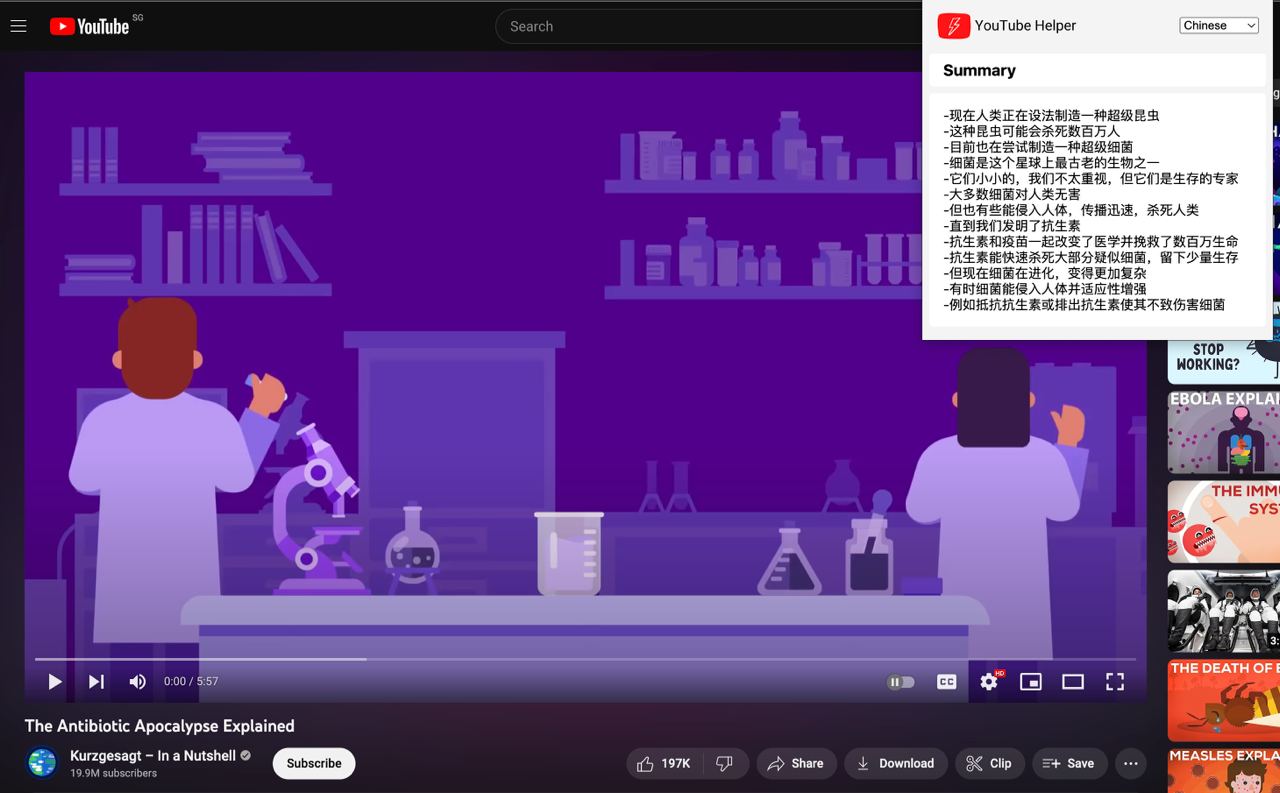
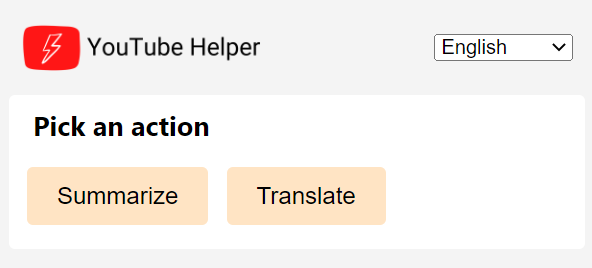
YouTube Helper is a tool that can automatically summarize the content of a YouTube video, providing a brief summary of the main points or key takeaways. The summary would be in the form of text shown in the extension popup. It can also automatically translate the spoken or written text in a YouTube video from one language to another.
How we built it
We develop the YouTube Helper using common web technologies such HTML, CSS and NodeJS. We also used the Chrome Extensions API to interact with the browser. In addition, we used Savesubs and ChatGPT to obtain the transcript and summarize/translate the content.
Challenges we ran into
Some of the challenges include API limitations. Chrome Extensions, Savesubs and ChatGPT all have their own API limitations, including rate limits. This can make it difficult to summarize/translate many videos within a short duration. On the other hand, some APIs require authentication and authorization to interact with, which make the user and program flow more complex.
Accomplishments that we're proud of
The YouTube Helper successfully makes it easier for us to consume YouTube content, and we are proud of the solution we have developed. Going beyond that, we personalize the YouTube helper by allowing users to select their favorite language for translation and remembering this information across browser sessions. This personalization is helpful to users who may not have been able to understand or watch the video otherwise.
What we learned
We learned how to interact with the Chrome Extensions API and ChatGPT API, including how to authenticate and authorize requests, and how to work within the API's limitations and rate limits. Besides, we also learned about user experience design, and how to create an extension that is intuitive and easy to use for users.
What's next for YouTube Helper
- Improve user interface: Make the interface more user-friendly and intuitive for users.
- Enhance performance: Optimize the code to make the extension run faster and more efficiently.
- Test and debug: Test the extension thoroughly to identify and fix any bugs or errors.
- Deployment: Once the extension is complete, we will deploy it to a live environment so that users can start using it.
Disclaimer
This README is written with the help of ChatGPT.
Built With
- chatgpt
- chromium
- css
- html
- javascript
- node.js


Log in or sign up for Devpost to join the conversation.