-
-
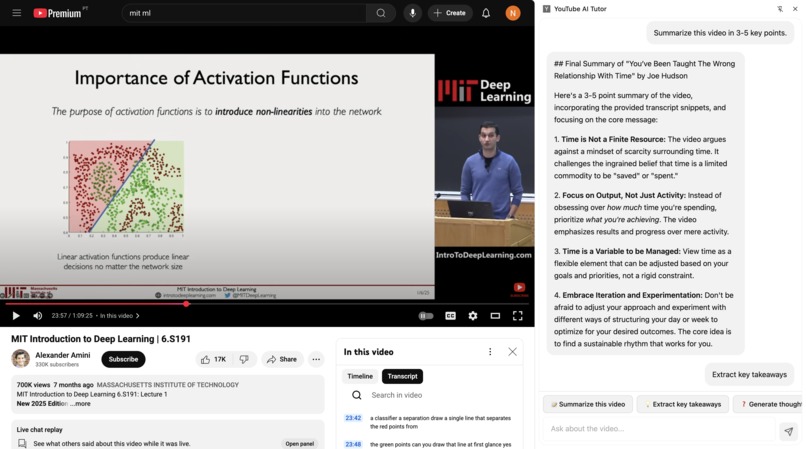
summary
-
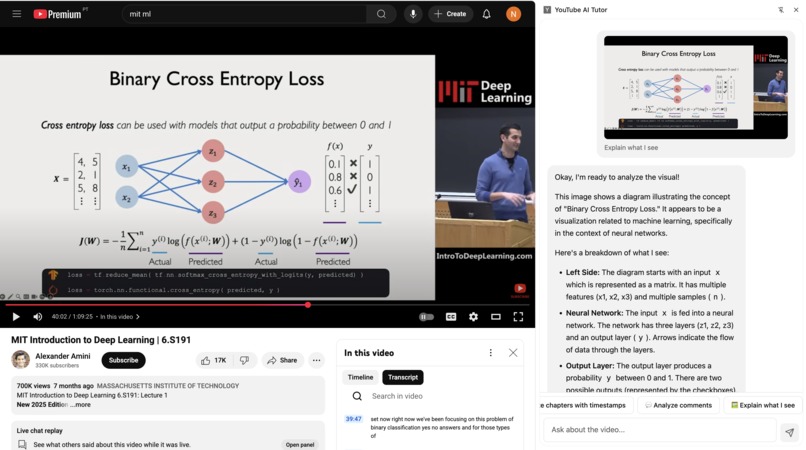
vision
-
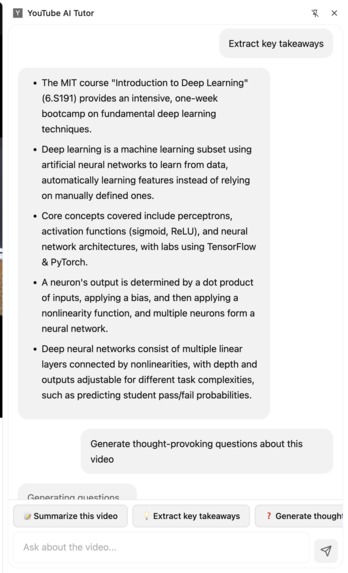
takeways
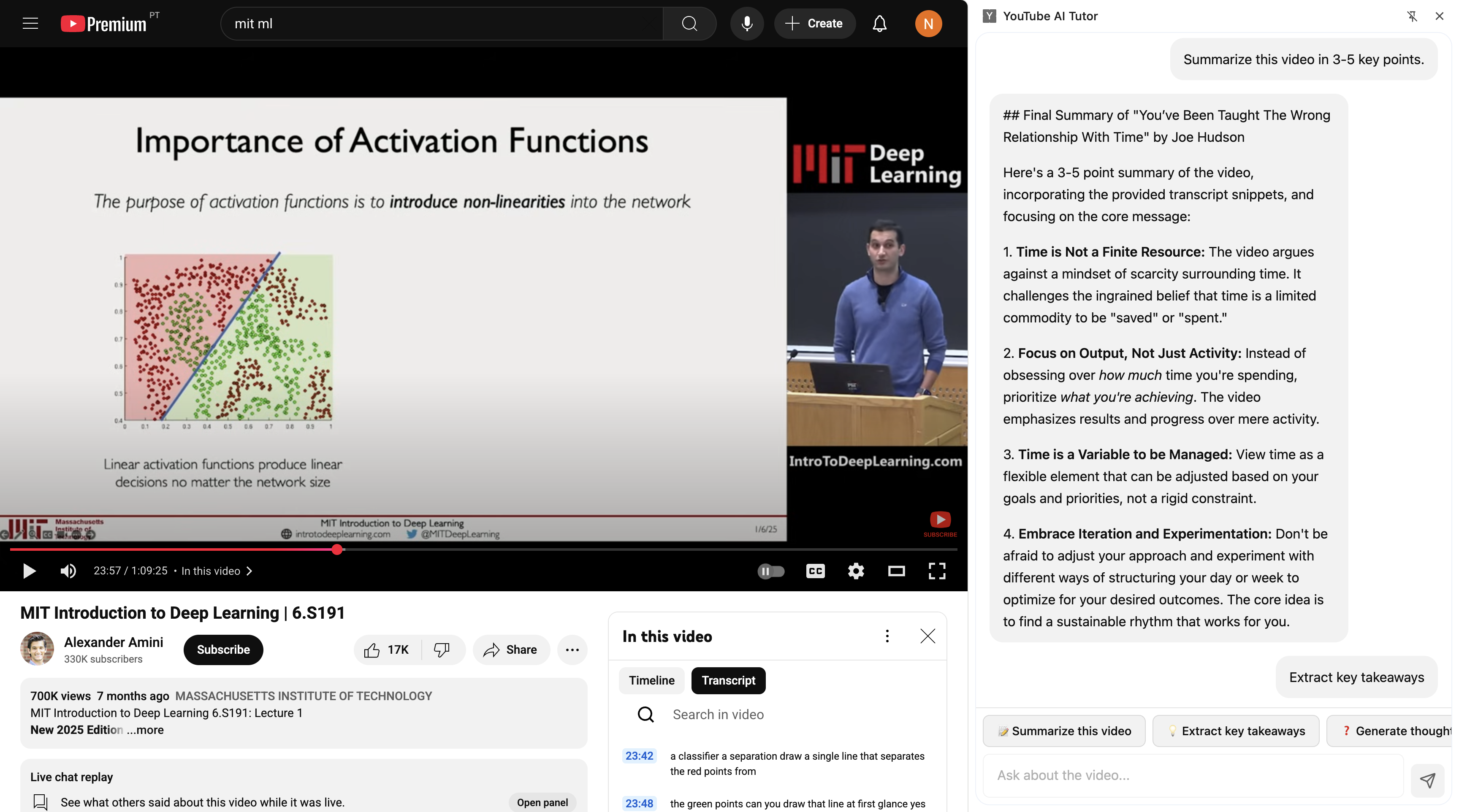
Inspiration
Learning from YouTube videos is often passive. You watch, maybe take notes, but there's no one to ask "wait, what did they mean by that?" I wanted to create a truly interactive learning experience -- one that feels like having a knowledgeable tutor sitting beside you, ready to explain, quiz, and help you master any topic. When Chrome announced built-in AI capabilities, I saw an opportunity to build this without server costs, API quotas, or privacy concerns that plague traditional solutions.
What it does
YouTube AI Tutor transforms any YouTube video into an intelligent study companion. It extracts transcripts, chapters, and metadata to build context, then uses Chrome's on-device Gemini Nano to:
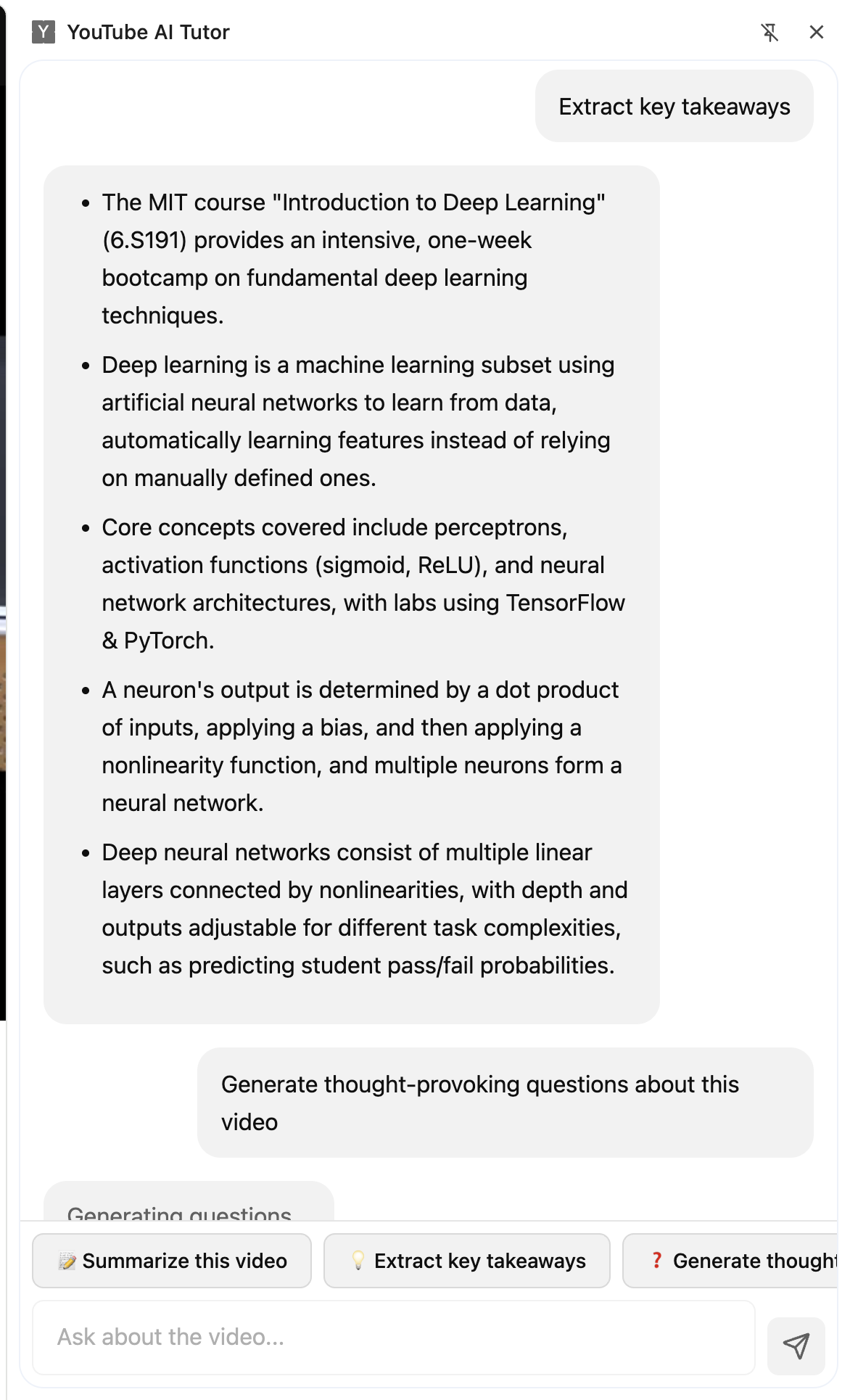
- Answer questions about video content with cited timestamps
- Generate flashcards organized by chapters for spaced repetition
- Create quizzes with three difficulty levels and detailed explanations
- Build comprehensive study guides with key terms and learning objectives
- Write and refine essays based on video topics
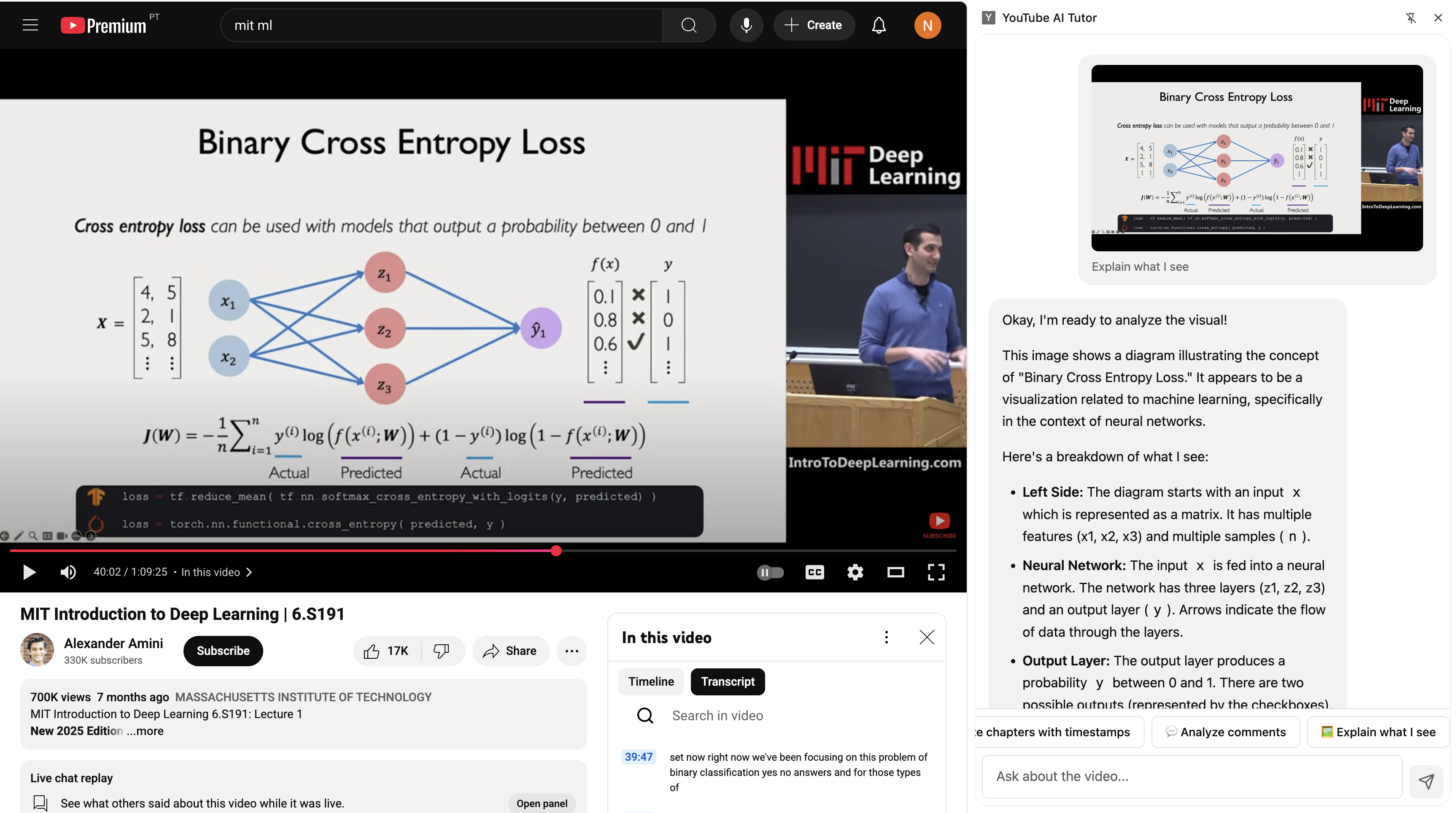
- Explain visual content from screenshots using multimodal AI
- Detect your intent naturally -- just type what you want to learn
Everything runs locally with zero latency, complete privacy, and works offline once models are downloaded.
How I built it
Foundation: React + TypeScript for type-safe component architecture, Tailwind CSS for responsive design, Vite for fast builds, and Bun for package management.
AI Integration: I built wrappers around Chrome's Prompt API, Writer API, Rewriter API, and Summarizer API -- each with custom error handling, token limit management, and graceful fallbacks.
Content Extraction: Custom content scripts inject into YouTube pages to extract not just transcripts, but chapters, comments, metadata, and visual context. A page-context bridge enables access to YouTube's internal player state.
Smart Context Management: Fuzzy search algorithm finds relevant transcript segments for questions. Recursive summarization handles videos of any length by chunking intelligently and synthesizing results. Chat sessions rebuild automatically when context limits are hit.
Intent Classification: Natural language routing using structured output from Prompt API -- users describe goals naturally without menu navigation.
Testing: Vitest for unit tests on core algorithms like fuzzy search and markdown rendering.
Challenges I ran into
Token Limits: Early versions crashed on long videos. I built recursive summarization that chunks transcripts into segments, processes each independently, then synthesizes final outputs -- keeping everything within Gemini Nano's constraints.
Context Overflow: Multi-turn conversations would hit limits and break. I implemented automatic session rebuilding that preserves conversation flow by summarizing history before creating fresh sessions.
Async API Availability: Chrome's AI APIs aren't always immediately available -- they require model downloads and capability checks. I built robust feature detection with graceful degradation and user feedback.
Multimodal Integration: Getting screenshots from video frames required careful coordination between content scripts, the side panel, and Chrome's capture APIs. The bridge architecture solved this.
Structured Output Reliability: Early attempts at generating flashcards or quizzes would produce malformed JSON. I refined prompts with explicit schema examples and added validation layers.
Accomplishments that I'm proud of
Zero Server Infrastructure: Everything runs on-device. No backend, no API keys, no usage limits. This unlocks proactive features like auto-generating study materials that would be cost-prohibitive with traditional approaches.
Graceful Complexity: The codebase handles edge cases elegantly -- long videos, conversation limits, missing transcripts, API unavailability -- all without exposing users to technical failures.
True Natural Language: Users don't need to learn commands or navigate menus. Intent classification means typing "quiz me on chapter 3" or "explain neural networks" just works.
Production Quality: Not a hackathon prototype -- this is a polished, tested, documented extension ready for real-world use with error boundaries, loading states, and accessible UI.
Educational Impact: I've actually used this to study. It genuinely improves learning outcomes by making video content interactive and personalized.
What I learned
Client-side AI changes everything: When inference is free and instant, you can rethink UX patterns entirely. I started designing for server constraints, then realized I could be far more proactive.
Context is king: The quality of AI responses depends entirely on feeding relevant information. Fuzzy search and semantic transcript analysis made answers dramatically better than naive full-transcript injection.
Prompt engineering is software engineering: Structured outputs, schema validation, token management -- working with LLMs requires the same rigor as traditional APIs, just different patterns.
Privacy by architecture is powerful: Users trust the extension because it's impossible for me to see their data. That's a fundamentally different relationship than "I promise not to look."
What's next for YouTube AI Tutor
Spaced Repetition Scheduling: Track flashcard performance over time and surface cards when you're about to forget them -- proper SRS algorithm integration.
Cross-Video Learning: Analyze multiple videos on the same topic and synthesize meta-summaries identifying consensus, contradictions, and gaps.
Export Formats: Generate Anki decks, PDF study guides, and markdown notes for offline studying beyond the extension.
Collaborative Features: Share generated study materials with classmates (while keeping conversation history private).
Performance Optimization: Cache processed transcripts and summaries in IndexedDB to avoid regenerating on every load.
Broader Platform Support: Adapt the extraction logic for other video platforms -- Vimeo, Coursera, Khan Academy -- wherever people learn.
Built With
- promptapi
- react
- rewriterapi
- summarizeapi
- typescript
- writerapi


Log in or sign up for Devpost to join the conversation.