-
-

YourThumb Logo
-
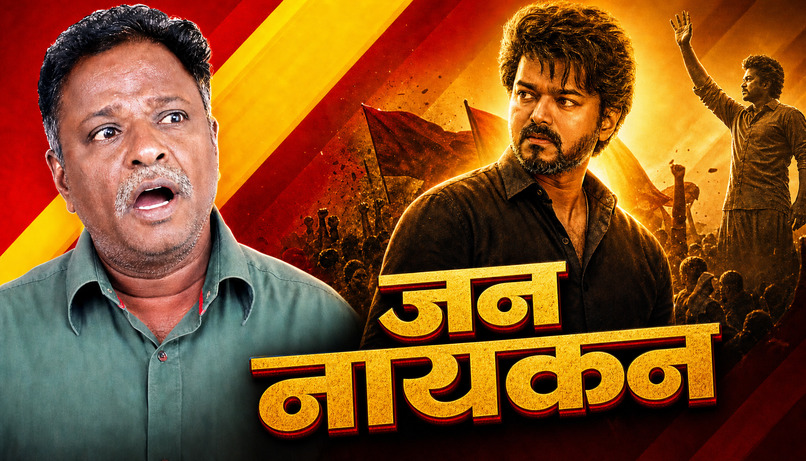
Thumbnail from our app
-

Thumbnail from our app
-

Thumbnail from our app
-
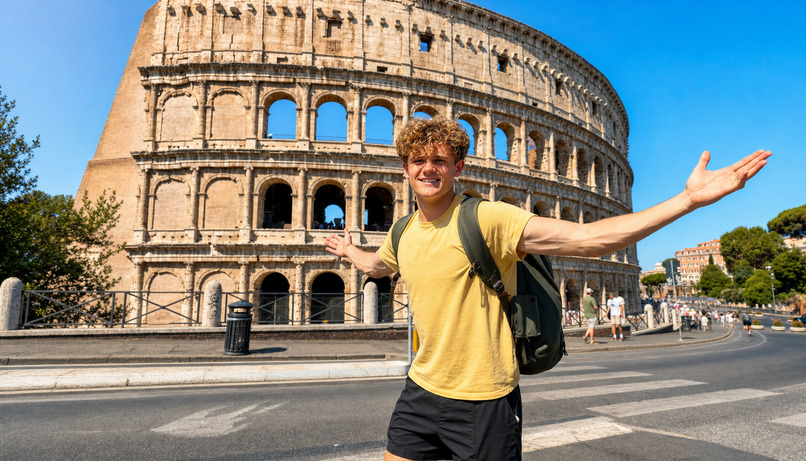
Thumbnail from our app
-
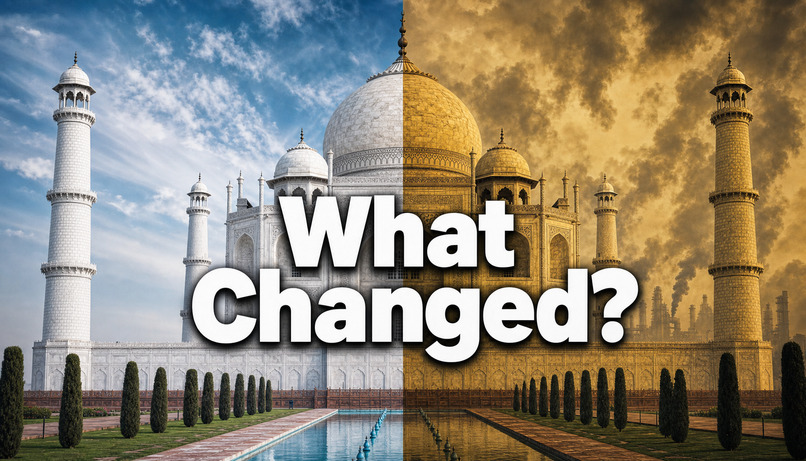
Thumbnail from our app
-

Thumbnail from our app
-

Thumbnail from our app
-

Thumbnail from our app

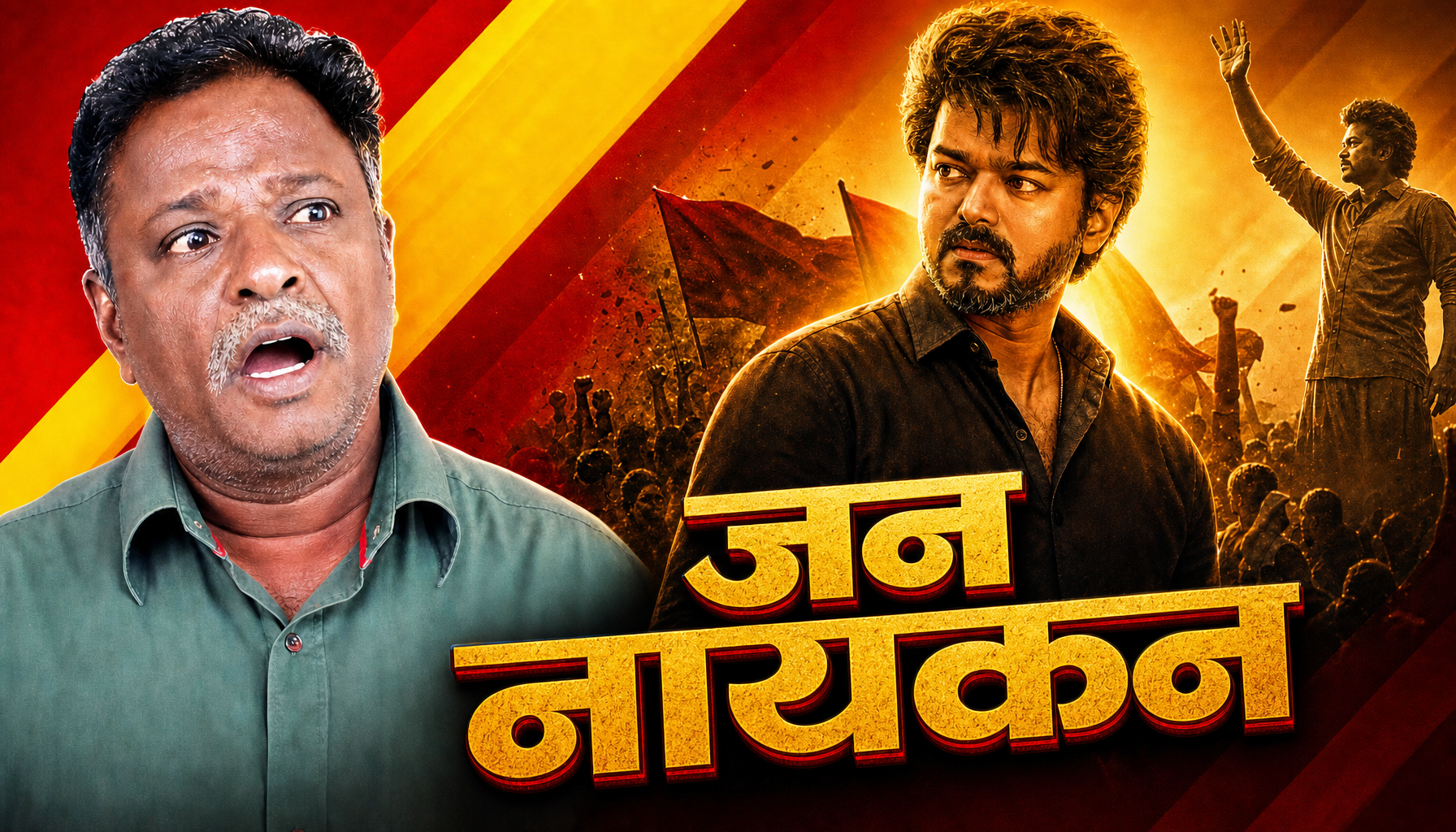


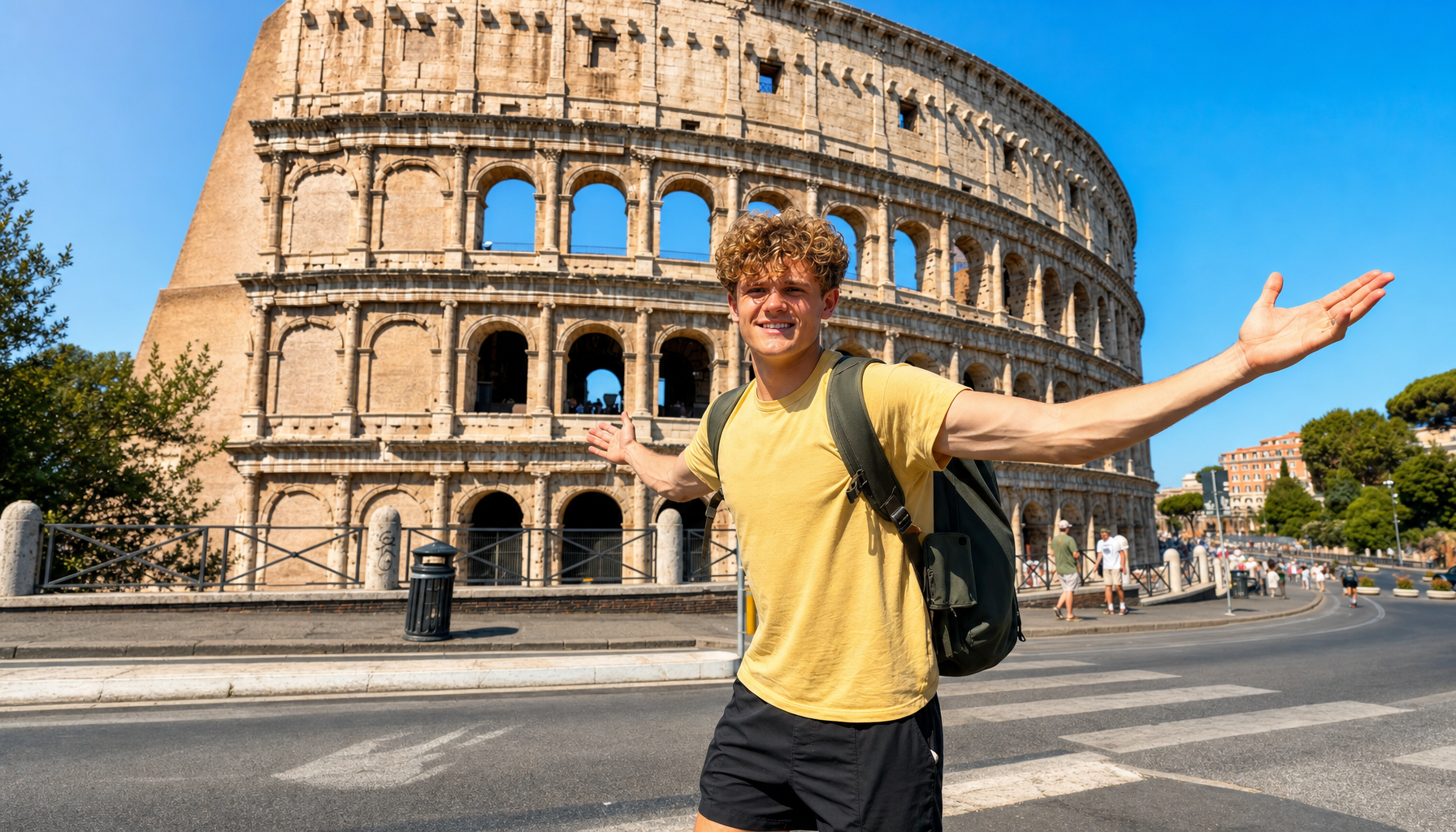




Inspiration
I didn't start as a professional designer. I started by making fun photos for my friends. I didn't even know Photoshop back then. I was just experimenting, learning by doing, and discovering how much I enjoyed creating visuals.
Over time, that hobby grew into professional thumbnail design. I eventually worked as a thumbnail designer for a YouTube channel with over 7.5 million subscribers.
That experience completely changed how I looked at thumbnails.
I learned that a thumbnail isn't just an image. It's a decision about what story to tell, what emotion to trigger, what detail to emphasize, and what makes someone stop scrolling and click. The design matters, but the idea behind the design matters even more.
I also realized that not every creator has access to a professional designer. Small and growing YouTubers often have great video ideas but limited budgets. Meanwhile, most AI image generators focus on producing an image rather than figuring out what the thumbnail should communicate.
I wanted to bridge that gap.
That's why I built YourThumb: a professional thumbnail studio powered by AI.
What it does
YourThumb helps creators turn a video idea into a strategic YouTube thumbnail through a guided workflow.
Instead of jumping straight from a text prompt to an image, YourThumb plans the concept first.
Creators can start in three ways:
- Copycat: Rebuild the layout of a proven thumbnail around their own story.
- Frame-Based: Start with a real frame from their video.
- Asset-Based: Build a concept from a blank canvas and their supplied assets.
The AI then develops the story, hook, visual proof, composition, and title options. Before rendering, it presents a Human Checkpoint where the creator can review the concept, select a title, and provide the required assets.
If the idea isn't strong enough, they can re-ideate before spending a render. Once they approve the direction, the system generates the thumbnail.
After generation, creators can continue editing through Canva integration or make small wording changes using YourThumb's text-fix workflow.
The central philosophy is simple: Decide first. Render second.
How I built it
I built YourThumb using Next.js 16, React, TypeScript, Supabase, OpenAI models, Vercel, and GitHub Actions.
The application separates creative planning from image generation. GPT-4o produces a structured thumbnail concept that is validated against a schema before the user approves it. GPT-Image-2 then generates the final image.
One of the biggest engineering challenges was handling image generation that can take several minutes. A normal serverless request isn't suited to waiting that long, so I designed an asynchronous rendering workflow.
After approval, Vercel dispatches a GitHub Actions workflow. A worker generates the image, saves it to Supabase Storage, and updates the job status. Supabase Realtime then delivers the result to the browser.
I also built safeguards around the workflow. Jobs use claim tokens to prevent duplicate rendering, and a reconciliation workflow can recover credits when a render fails or times out. Payment verification happens on the server, with recovery jobs to handle interrupted payment flows.
For the creator, this should feel like one continuous studio. Underneath, it is a coordinated system of database operations, AI planning, background processing, and real-time updates.
Challenges I faced
The challenge wasn't simply connecting an AI model to an interface. It was building a product that behaves reliably enough for someone to pay for it.
Long-running image generation introduced problems around timeouts, duplicate jobs, failed renders, and credit recovery. Payments added another layer of complexity because a successful checkout, a verified payment, and an updated credit balance must remain consistent.
I also had to think carefully about the creative experience. If the AI generates a weak concept, producing a beautiful image doesn't solve the problem. That's why I made concept review a core part of the workflow rather than an optional extra.
Building YourThumb pushed me to think beyond individual features and consider how the entire product behaves when things go wrong.
What I learned
My biggest lesson is that building a startup product requires more than making the happy path work. You have to think about failure recovery, user trust, cost, scalability, and whether the product solves a problem people actually experience.
My experience in thumbnail design also taught me that AI is most useful when it supports a strong creative decision rather than replacing that decision with a random result.
I want YourThumb to make the strategic thinking behind professional thumbnails more accessible to creators who are still growing.
What's next
YourThumb is built around a simple belief: creators shouldn't need a large budget or advanced design skills to think strategically about their packaging.
The product currently supports the core concept-to-render workflow, with Canva editing,
Built With
- canva-api
- github-actions
- gpt-4o
- gpt-image-2
- next.js
- openai
- postgresql
- razorpay
- react
- supabase
- typescript
- vercel

Log in or sign up for Devpost to join the conversation.