-
-

YourThumb Logo
-
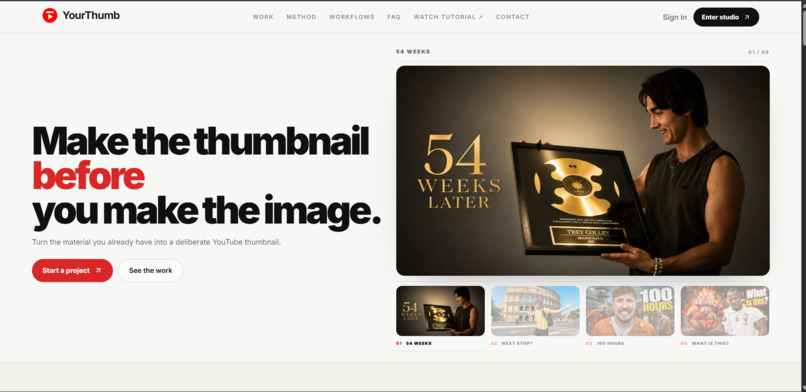
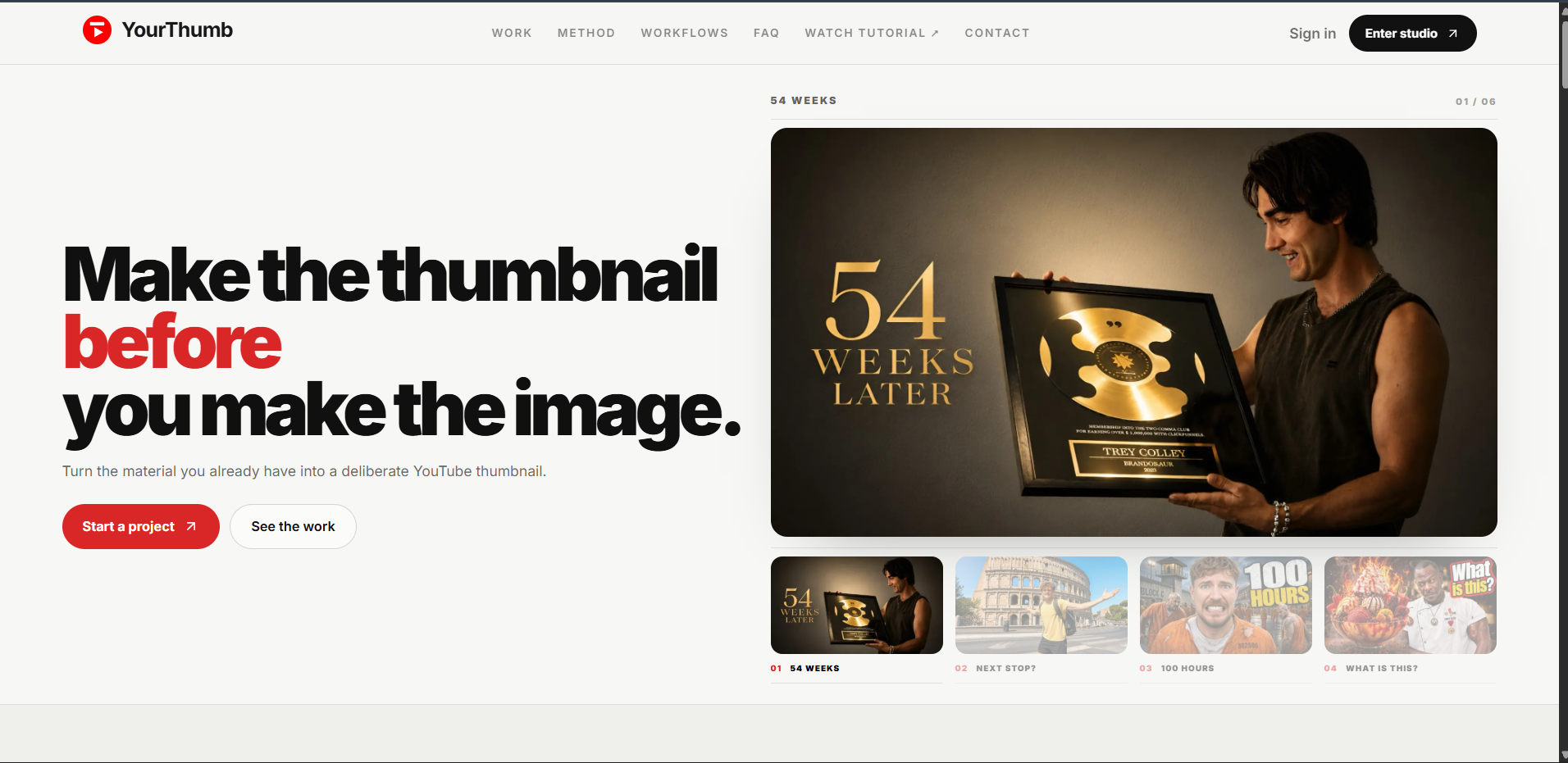
YourThumb Home Page
-
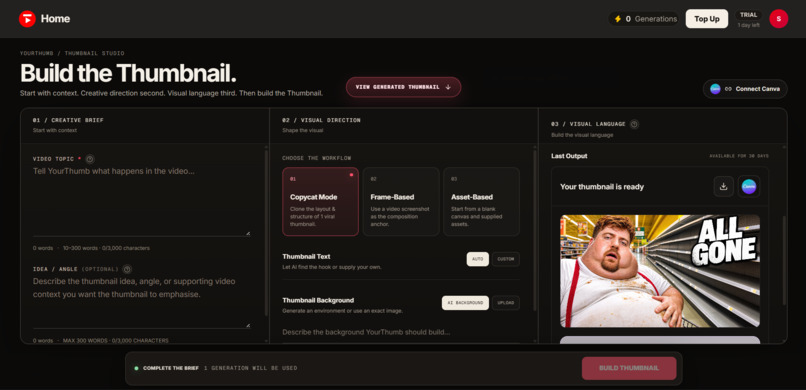
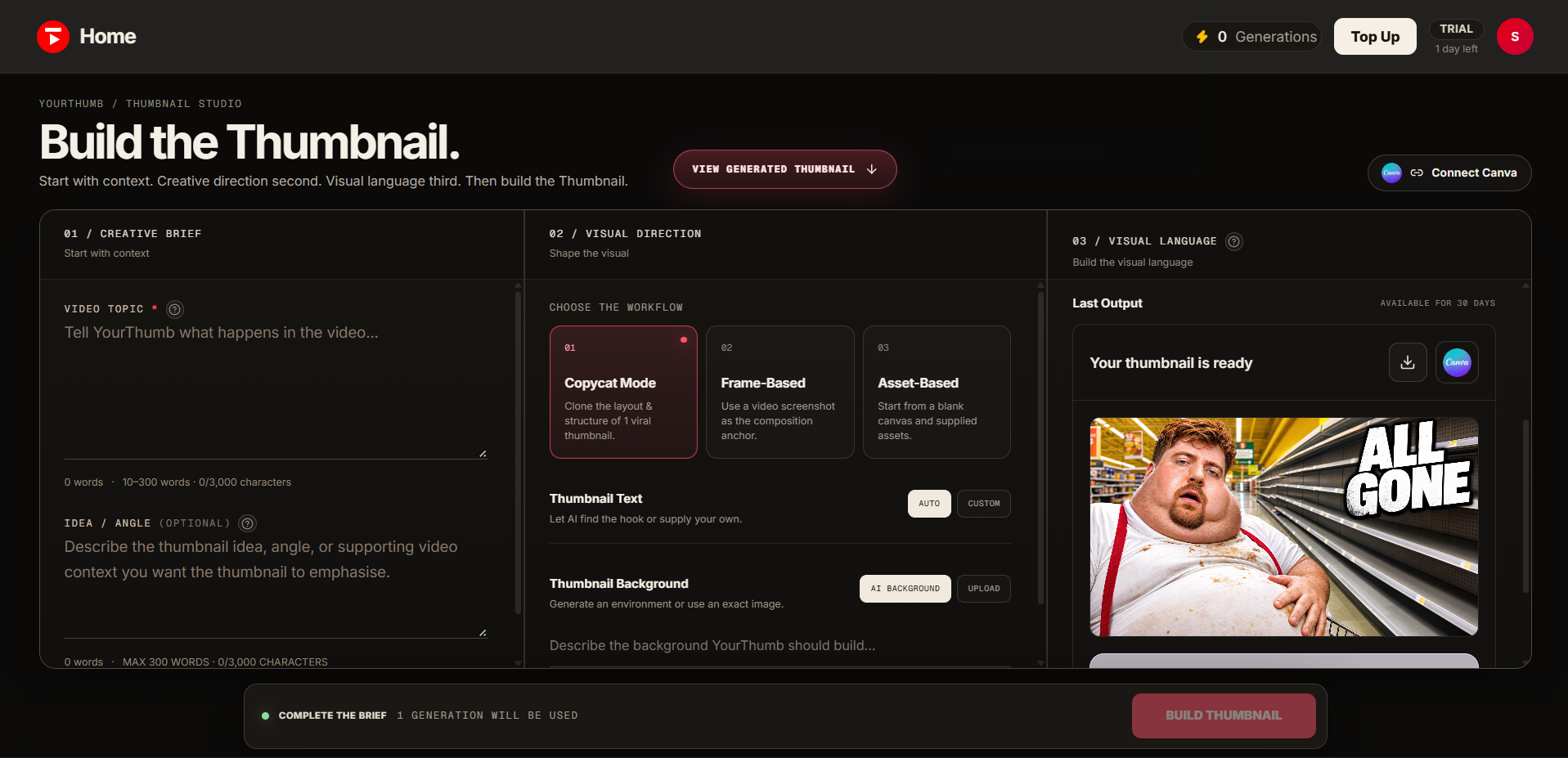
YourThumb Dashboard
-
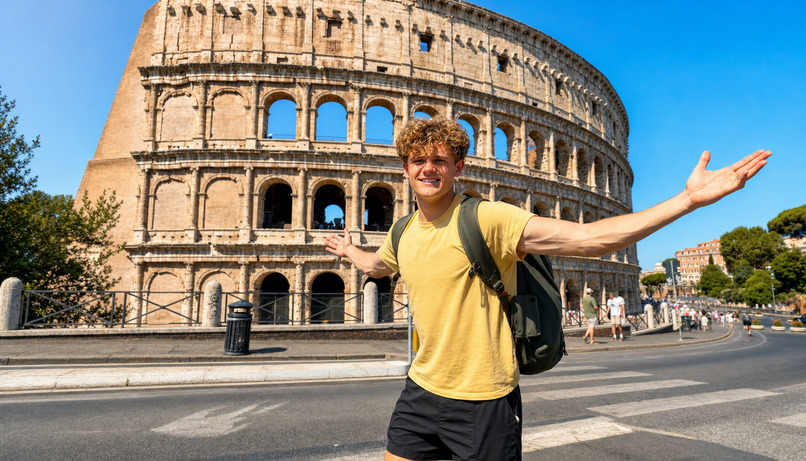
Thumbnail By YourThumb
-
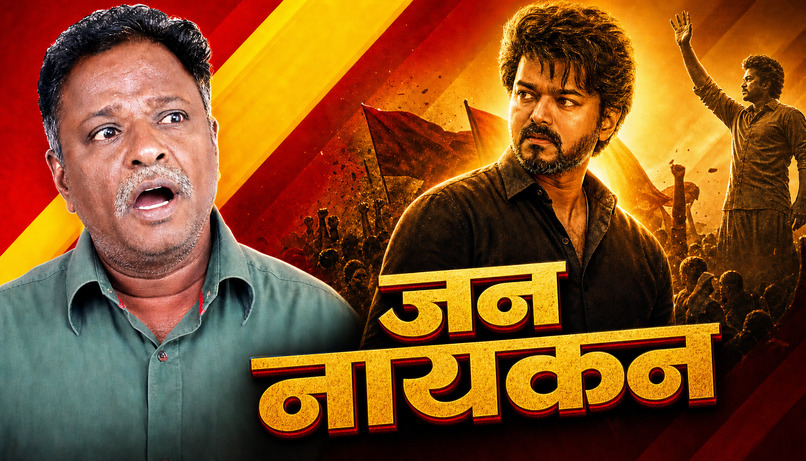
Thumbnail By YourThumb
-

Thumbnail By YourThumb
-

Thumbnail By YourThumb
-
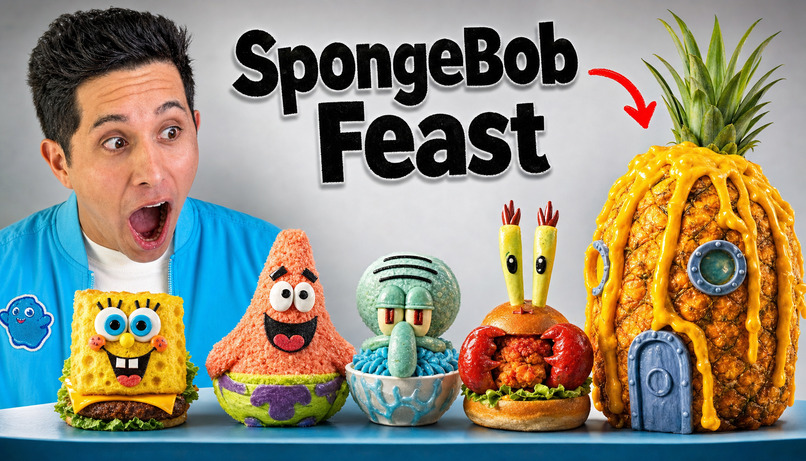
Thumbnail By YourThumb
-

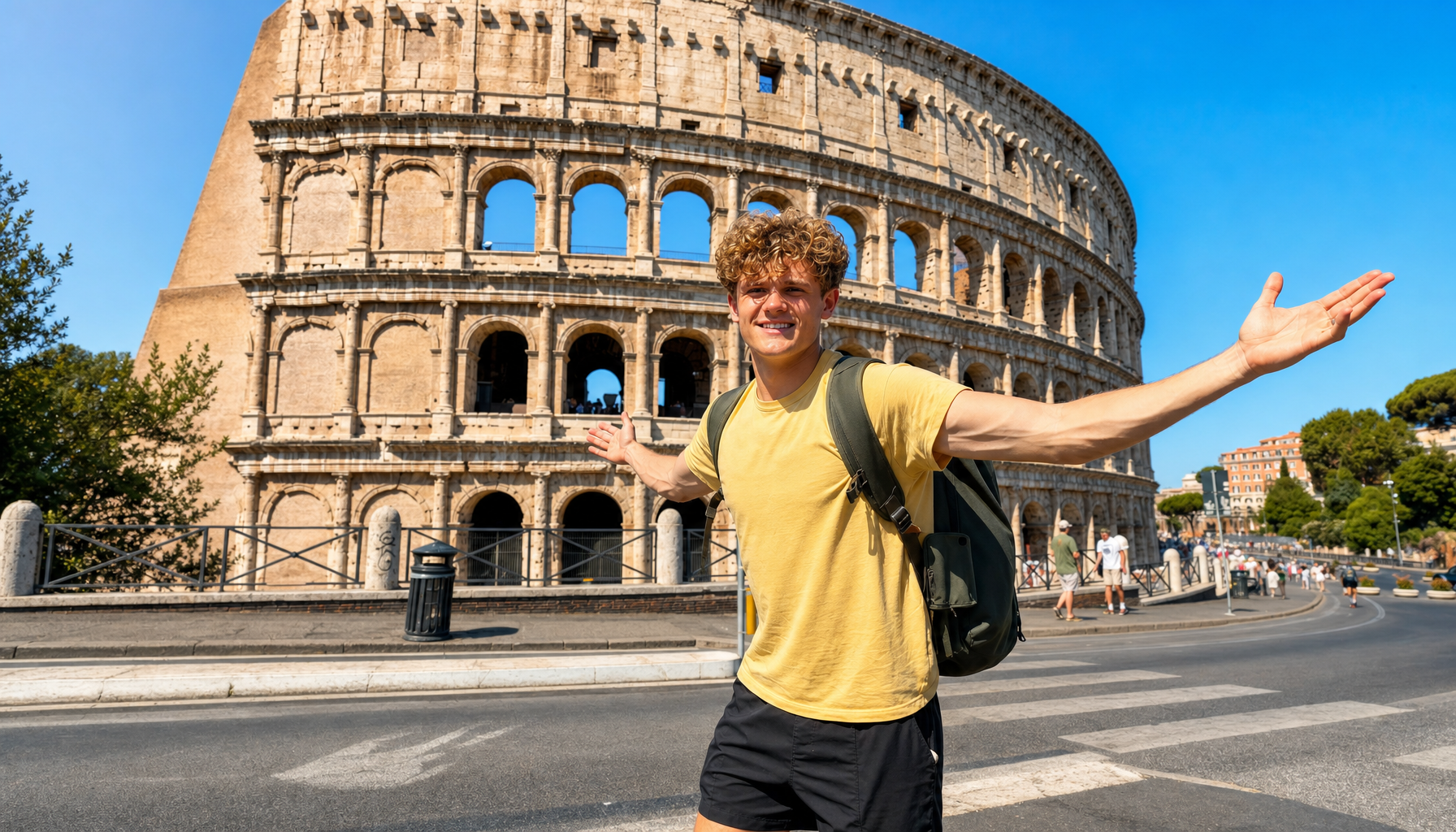
Thumbnail By YourThumb

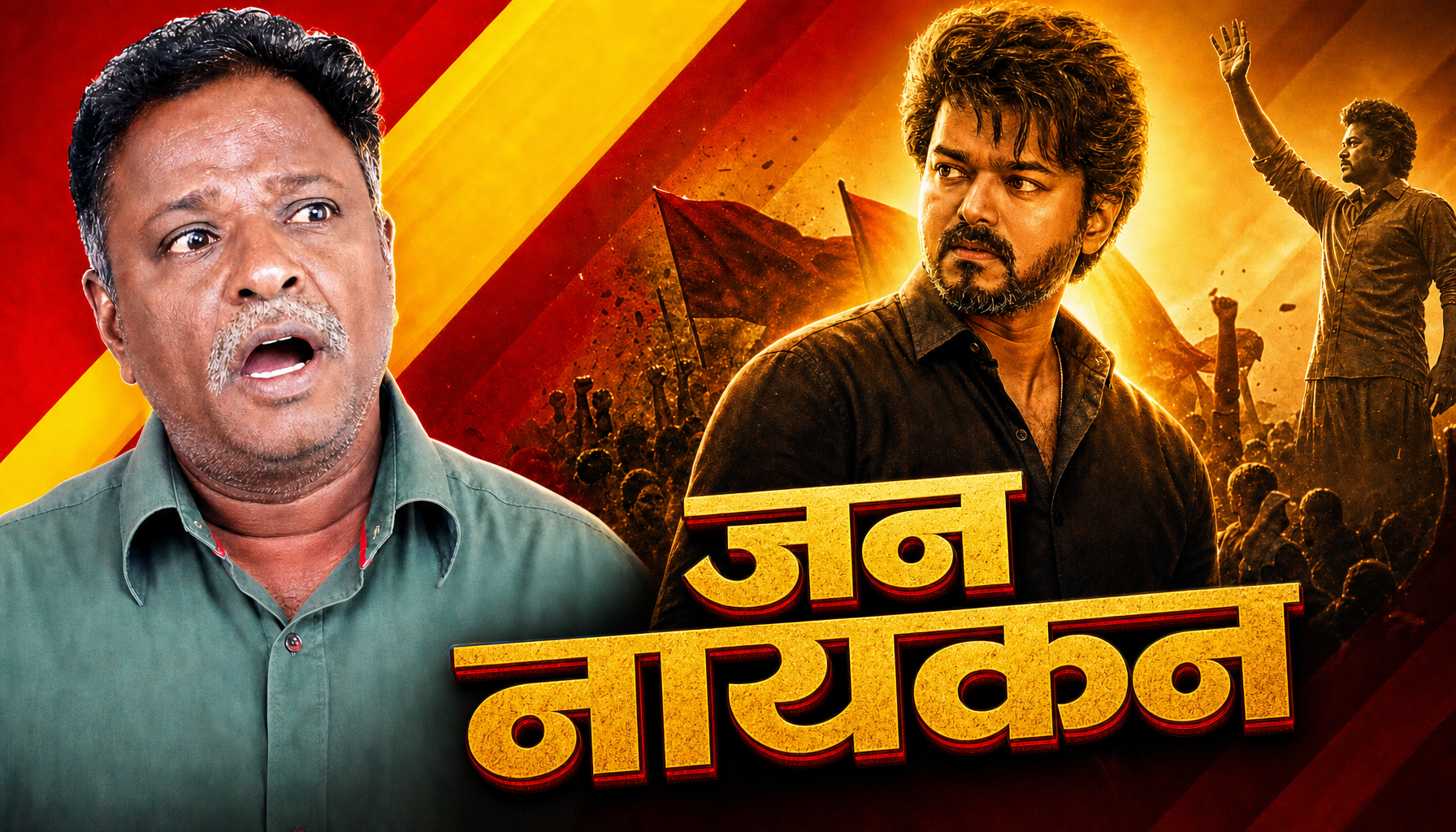


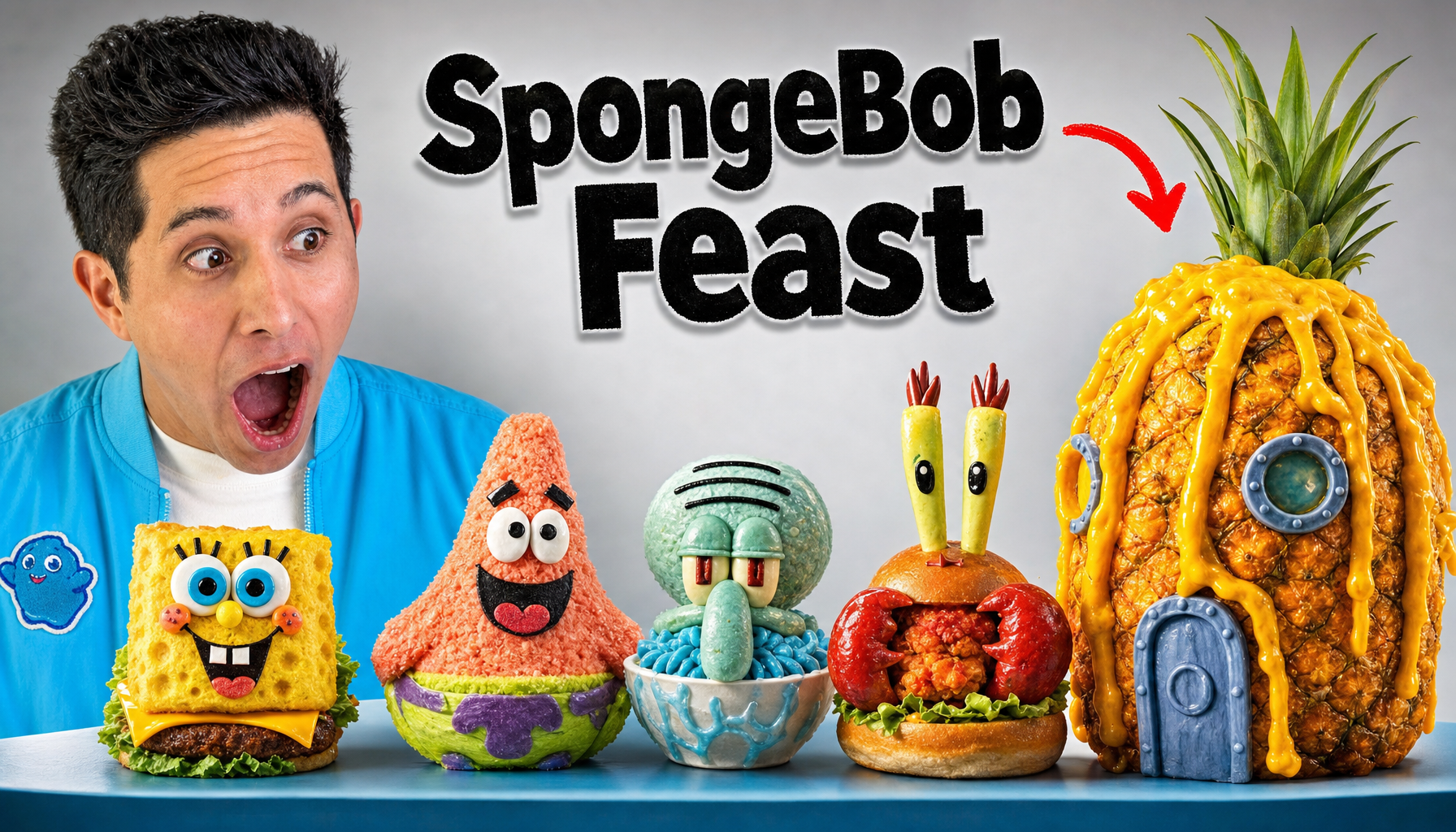

YourThumb — Decide First. Render Second.
I am Picking the General Track for the competition.
The Story Behind YourThumb
I started as a YouTube thumbnail designer without knowing how to use Photoshop. I turned to AI, learned how to work with it, and discovered that I could create thumbnails that creators were willing to pay for—sometimes up to ₹2,000 for a single thumbnail.
But that experience made me think about the creators on the other side of the transaction.
Not every YouTuber can afford to spend thousands of rupees every time they publish a video. Small creators and beginners often have great ideas, but limited budgets. They need thumbnails that communicate their stories and stand out, too. They shouldn't have to choose between spending money they can't afford and settling for thumbnails that don't do their videos justice.
I had experienced firsthand how AI could make thumbnail design more accessible. I wanted to take that further: what if every creator could access a thoughtful thumbnail creation process at a fraction of the traditional cost?
That question became the inspiration for YourThumb.
More Than Generating an Image
Most AI image generators begin with a prompt and return an image. But creating a useful YouTube thumbnail involves more than describing what should appear in a picture. It requires a clear hook, visual hierarchy, storytelling, composition, and a reason for someone to stop scrolling.
YourThumb is an AI-assisted YouTube thumbnail studio built around a different approach: decide first, render second.
Instead of jumping straight to image generation, creators can develop and review a visual concept before committing to the final render. YourThumb offers three ways to begin:
- Copycat: Use a reference thumbnail as a structural starting point and adapt its composition to a new video.
- Frame-Based: Build around a frame from the creator's own video.
- Asset-Based: Start with a creative brief and user-provided assets.
The workflow brings together AI-assisted ideation, visual direction, title options where available, and a review step that lets the creator refine the idea before generating the thumbnail.
The goal isn't simply to produce more images. It's to help creators make better-informed creative decisions without needing expensive software skills or a large design budget.
How We Built It
We built YourThumb as a web-based creative studio using Next.js, React, and TypeScript, with Tailwind CSS for the interface. Its AI-assisted workflow uses OpenAI-backed capabilities, while Supabase supports authentication and application data.
The product brings together creative planning, image generation, job-status tracking, and supported refinement and design handoff options. The challenge was making these pieces feel like one coherent experience rather than a collection of disconnected AI tools.
We also worked on the details that make a real application usable: clear loading states, understandable feedback, consistent interactions, and a workflow that keeps creators involved in decisions rather than leaving everything to a single prompt.
The Challenges
One of our biggest challenges was turning AI image generation into a more complete creative workflow.
Generating an image is only one part of the experience. The application also needs to guide the creator toward a concept, allow revisions before rendering, communicate progress, and handle the complexity of asynchronous generation and external integrations.
Another challenge was balancing creative flexibility with simplicity. We wanted creators to have meaningful control without making them learn a complicated design tool.
These challenges shaped our core principle: the technology should make thumbnail creation easier to approach, not add another layer of complexity.
What We Learned
Building YourThumb taught us that making AI accessible means more than giving people access to an AI model.
The real opportunity is to bring the right workflow, guidance, and creative control to people who might otherwise lack the skills, tools, or budget to achieve the result they want.
My own experience as a thumbnail designer helped me understand the value of the output. Building YourThumb pushed me to think about the entire process that leads to it: the creative idea, the decisions behind the image, the generation process, and the experience of the person using the product.
What's Next
Our vision is to make quality thumbnail creation more accessible to creators at every stage—from someone publishing their first video to a growing channel producing content regularly.
We want to keep improving the quality and control of the creative workflow, make refinement more seamless, strengthen reliability, and expand the ways creators can work with their own assets and design tools.
I started using AI because I didn't have traditional Photoshop skills. Now, with YourThumb, I want to help other creators turn their ideas into compelling thumbnails without needing to spend thousands of rupees on every upload.
Your creativity shouldn't be limited by your design skills or your budget.
YourThumb — Decide first. Render second.
Built With
- actions
- ai
- api
- canva
- css
- github
- next.js
- openai
- paypal
- razorpay
- react
- supabase
- tailwind
- typescript
- vercel

Log in or sign up for Devpost to join the conversation.