Inspiration
After helping my sister relocate last year, I watched her struggle to juggle endless to-dos, mover details, and last-minute emergencies—all scattered across notebooks and phone notes. I wanted to build a simple, all-in-one tool that takes the chaos out of moving, focusing on the timeline that matters (4 weeks before to 1 week after move day) and keeping critical info at your fingertips.
What it does
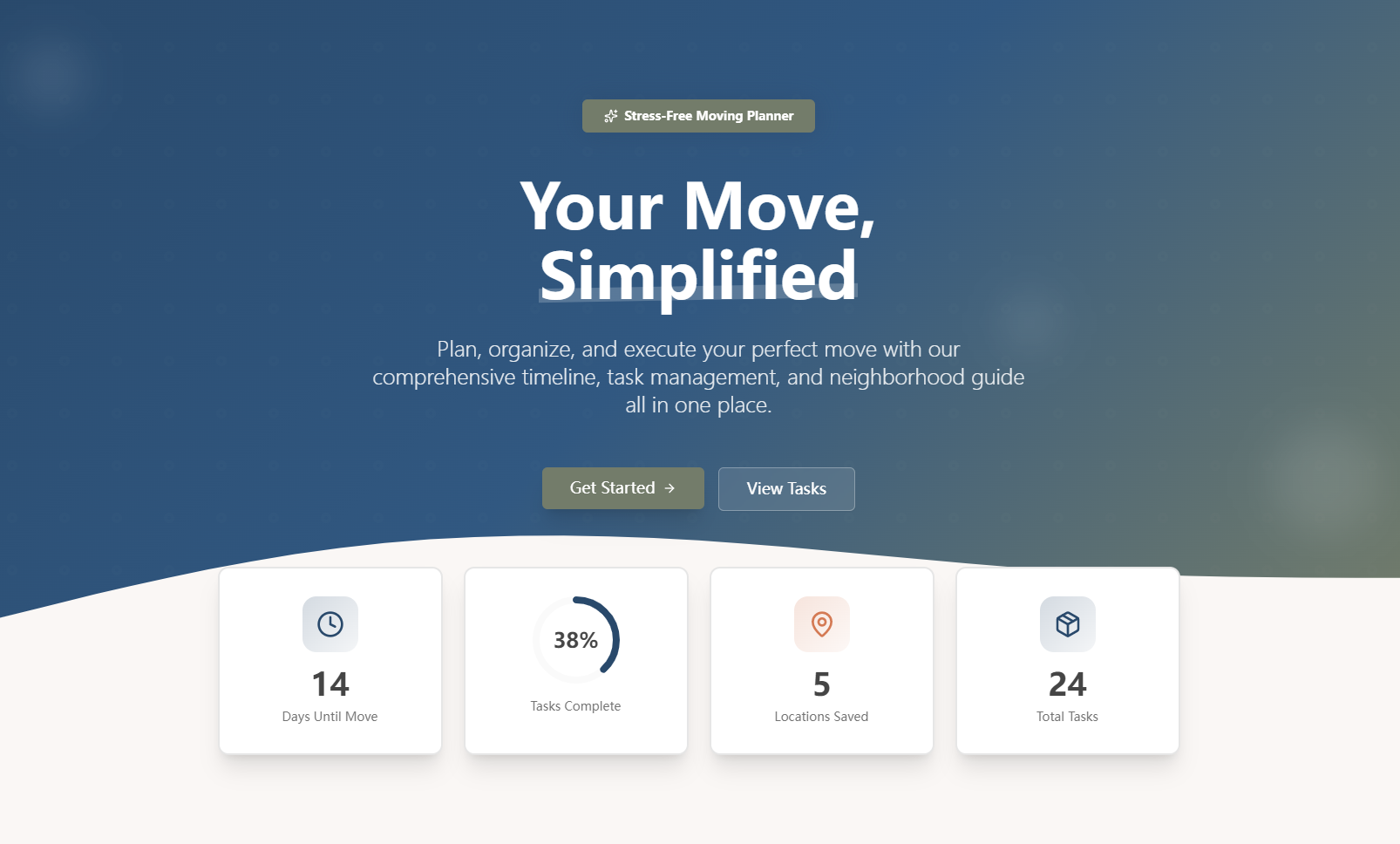
Moving Day Planner is a free web app that centralizes moving planning: it displays a structured timeline with progress tracking, lets users create/assign/sort tasks by priority/due date, stores mover details, saves neighborhood essentials (grocery stores, trash pickup rules), and keeps emergency contacts (movers, landlords, utilities) easily accessible—all data stays local in the browser, no login needed.
How we built it
I started by mapping core user needs (task management, mover coordination, quick access to info) to the page structure (Timeline, Tasks, Moving Company, Neighborhood, Emergency Contacts). I built the frontend with HTML/CSS/Bootstrap for responsive design, used JavaScript for all interactivity (task CRUD, timeline generation, progress calculation), and LocalStorage to persist data across sessions. I added validation for edge cases (e.g., empty task titles) and preloaded realistic starter data to help users see value immediately.
Challenges we ran into
The biggest challenge was syncing task status across all views (Timeline + Tasks Page)—ensuring marking a task complete on the timeline updated the task list instantly took multiple iterations of testing state management. I also struggled with responsive design for the timeline, making sure daily/weekly filters worked seamlessly on mobile. Additionally, balancing "required" vs "optional" fields (e.g., emergency contacts without phone numbers) required careful validation logic to keep the app flexible but usable.
Accomplishments that we're proud of
We’re proud of building a tool that’s truly user-centric: it takes under 2 minutes to complete a full planning walkthrough, works flawlessly on phones/tablets/desktops, and maintains a calm, uncluttered design (using the specified color palette) that reduces stress—exactly what moving needs. The local storage implementation also means users don’t have to create accounts, lowering friction to use.
What we learned
I deepened my understanding of client-side data persistence with LocalStorage and how to design for edge cases (e.g., past due dates, empty states). I also learned the importance of user-centric validation—guiding users instead of blocking them (e.g., warning for past due dates instead of rejecting them). Most importantly, I learned that simplicity is key: cutting out unnecessary features (like cloud sync) let us focus on making core functionality seamless.
What's next for this project
Next, I want to add printable checklist exports (a top request from beta users), integrate basic budget tracking for moving costs, and explore lightweight cloud sync (with optional accounts) for multi-device access. I also plan to add support for recurring tasks (e.g., "call utility company weekly") and refine the neighborhood guide to include map pinning for local services.

Log in or sign up for Devpost to join the conversation.