
Inspiration
As a homeowner who’d navigated a stressful kitchen remodel with unexpected costs and vague contractor quotes, I wanted to create a tool that demystified budgeting for others. I saw friends and neighbors struggle to compare material options or account for hidden fees like permits and demolition—so I set out to build a solution that made kitchen remodel costs transparent and customizable.
What it does
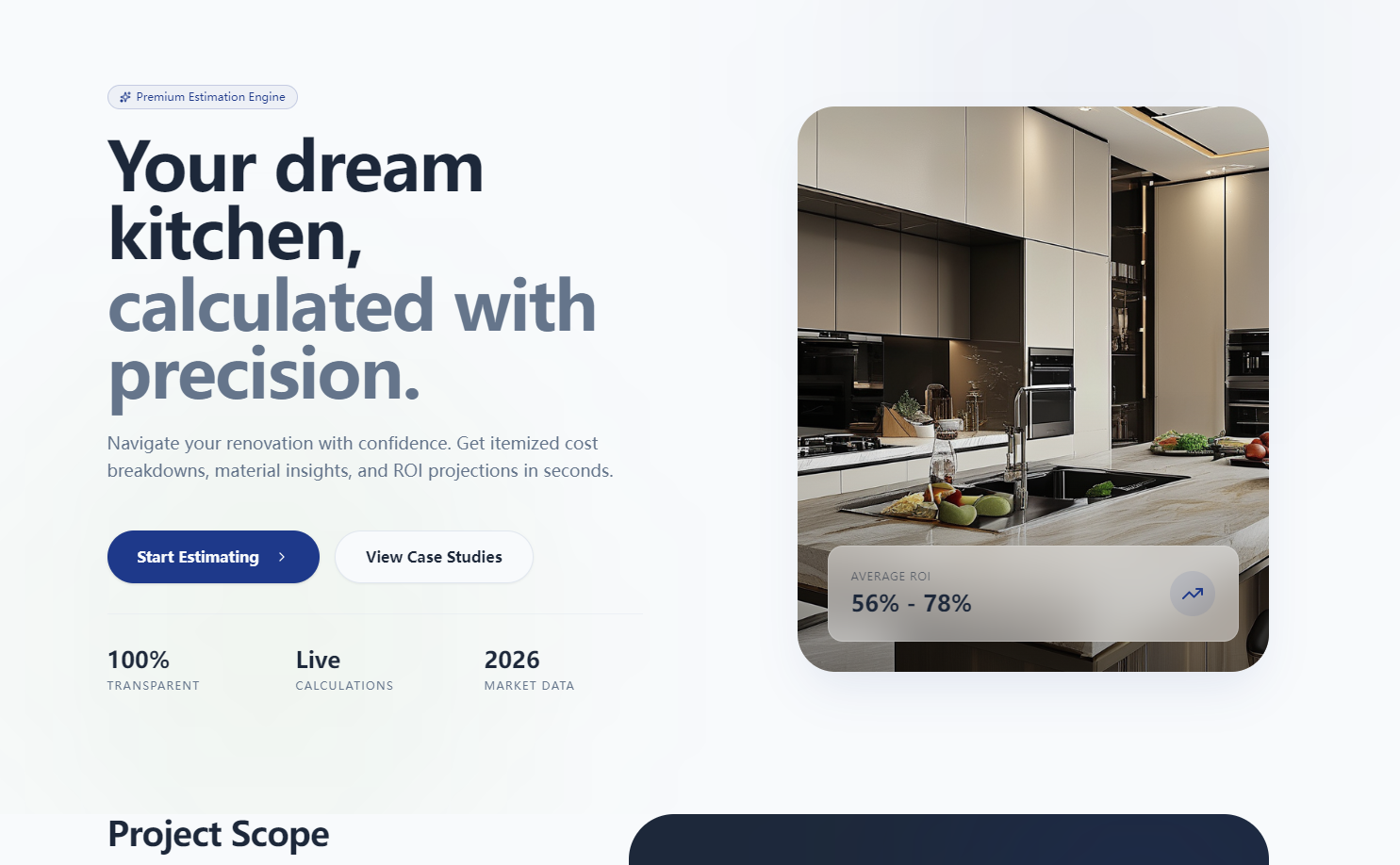
KitchenRemodel Estimator lets users input their kitchen’s square footage, select a material tier (Economy/Mid-range/Premium), and toggle optional upgrades to get a real-time, itemized cost breakdown. It highlights hidden expenses (permits, waste removal) and calculates projected ROI for home value, plus a side-by-side tier comparison to simplify decisions. Users can export summaries as PDFs, print, or email them for contractor discussions.
How we built it
We started with core calculation logic (square footage × tier multiplier + base labor cost, e.g., $\text{Total Base Cost} = (\text{sq ft} \times [75–250]) + \text{base labor}$) using JavaScript and Math.js for real-time computations. We built the UI with React and Bootstrap for responsiveness across devices, integrated PDFKit for PDF exports, EmailJS for email summaries, and added input validation to handle edge cases (e.g., <50 sq ft warnings). The comparison tool and ROI calculator were built with Chart.js to visualize tier differences and value trade-offs.
Challenges we ran into
The biggest hurdle was balancing real-time calculations with performance—we had to add a 300ms debounce to input fields to avoid lag when users adjusted square footage or toggled upgrades. We also struggled to normalize ROI data (national 60–80% cost recovery) to feel personalized without overpromising, and had to refine error messaging to be clear but not alarmist (e.g., for >500 sq ft kitchens).
Accomplishments that we're proud of
We’re thrilled the tool delivers 100% real-time updates without page refreshes, and that users can toggle all upgrades at once without lag. The hidden cost section has been praised by beta testers for preventing budget overruns, and the PDF/email export features make the tool actionable for real-world use with contractors.
What we learned
We deepened our understanding of UX design for financial tools—clarity and transparency are non-negotiable when users are making big financial decisions. We also learned to balance flexibility (customizable upgrades) with simplicity (avoiding overwhelming users with too many options), and how to translate complex cost-distribution logic (30–35% for cabinetry, 15–20% for countertops) into intuitive visual breakdowns.
What's next for this project
Next, we plan to add regional cost adjustments (using local labor/material data) and a saved estimates feature (no login required—via LocalStorage). We also want to integrate a simple contractor quote comparison tool and expand the upgrade library to include eco-friendly material options, plus mobile-optimized print/export workflows for on-site use with contractors.
Built With
- chart.js
- emailjs
- express.js
- node.js

Log in or sign up for Devpost to join the conversation.