-
-
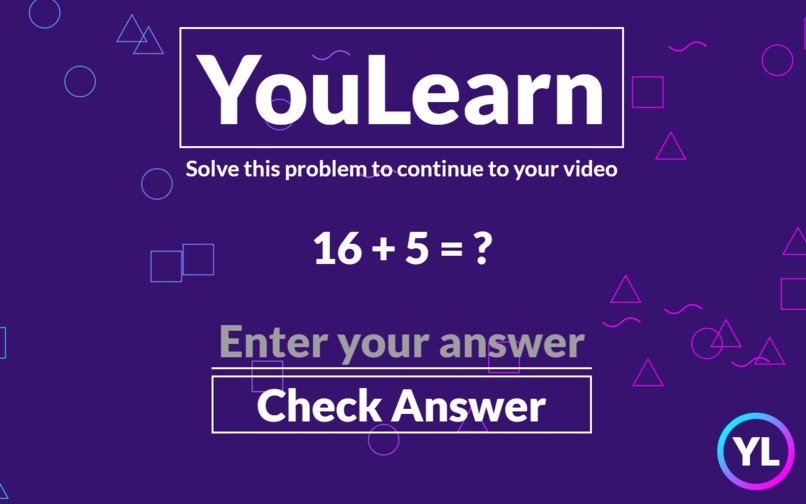
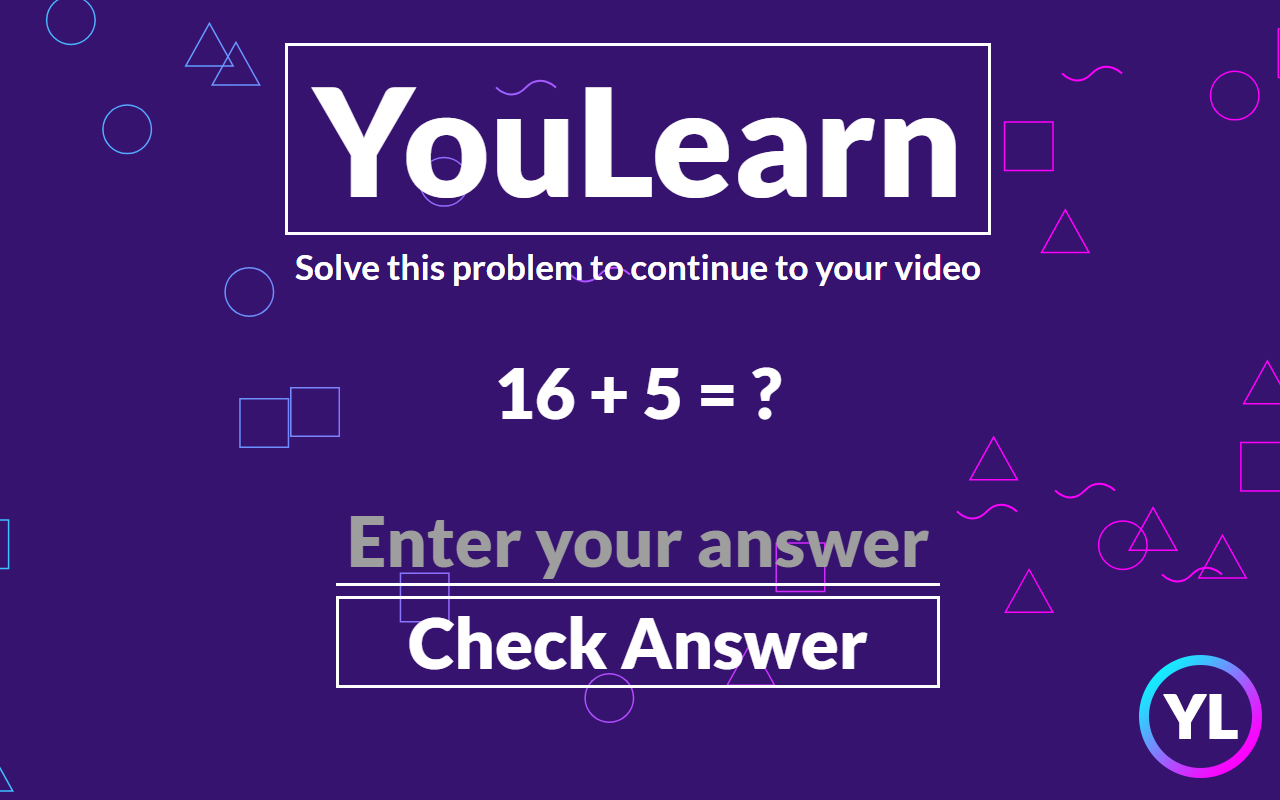
The YouLearn page, where the user goes before watching a video
-
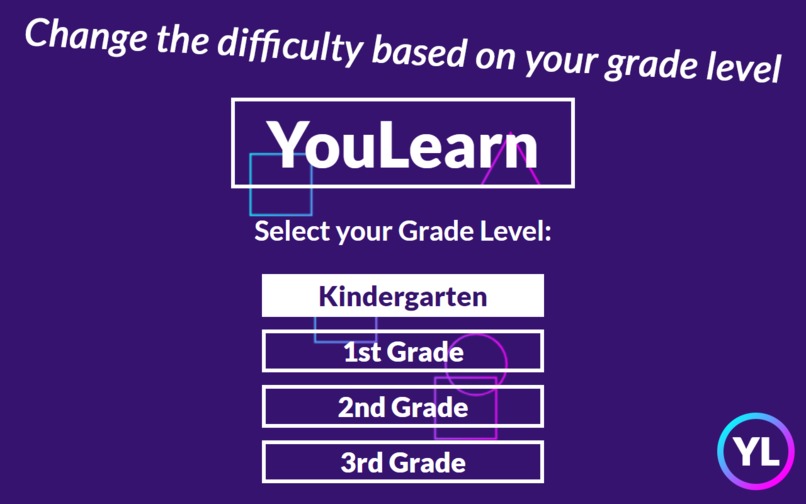
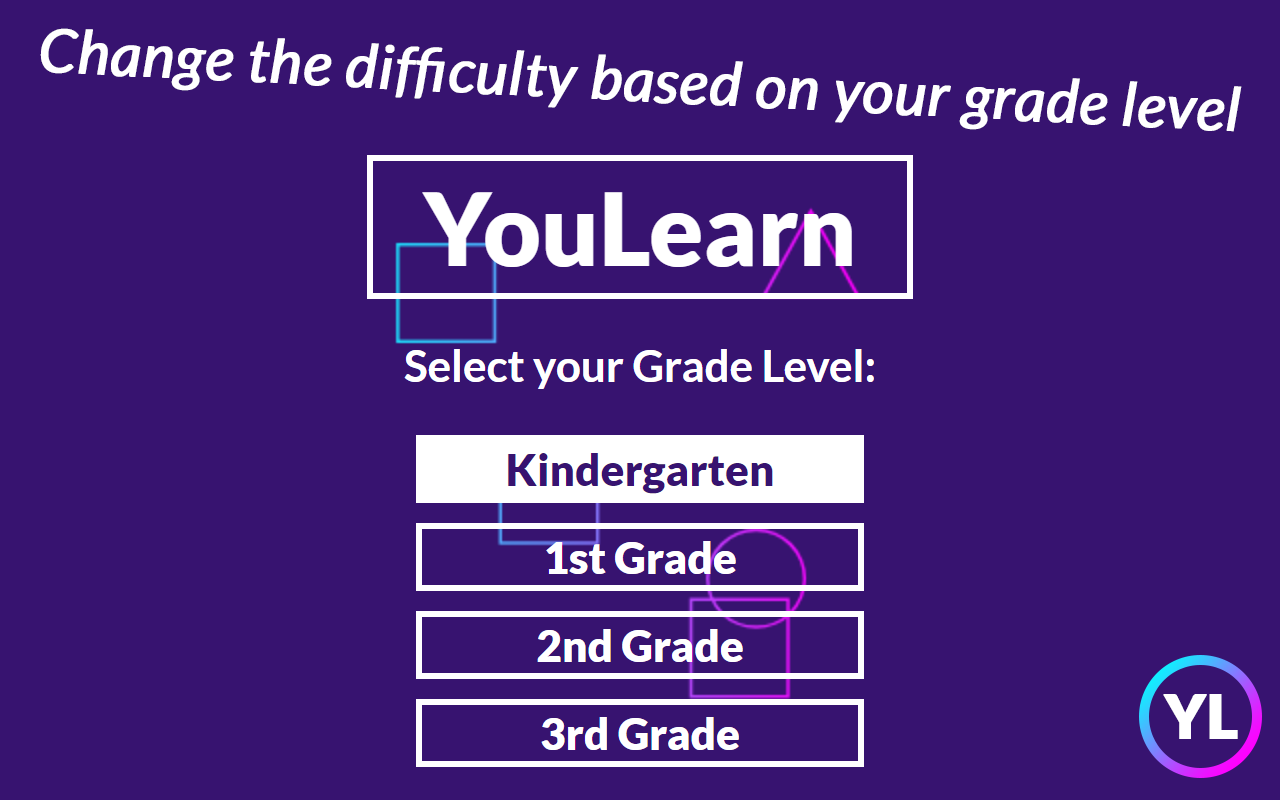
The extension popup, where the user or their guardian can modify the user's grade level
YouLearn
by Ryan Salik and Ben Saxon
Inspiration
My (Ryan's) little sister spends so much time on YouTube daily. Normally this is not a problem, but because of COVID-19, she's spent more time than ever on YouTube, and only has school for a few hours every day. My parents are worried that she is not exercising academic skills enough. To solve this problem, Ben and I found a way to integrate an academic "pit stop" into YouTube that allows her to do what she loves without falling behind.
What it does
Before each video, YouLearn will redirect the user away to a simple page with a math problem and an input box. Once the user answers correctly, they will be redirected right back to their video. The video id is stored temporarily so that if they click off and come back, they won't be interrupted again.
YouLearn currently only supports math problems, but these problems scale in difficulty depending on the grade level of the user. They can interact with the extension popup at anytime to change what grade level they are. Kindergarteners will only receive easy addition problems, but third graders will receive problems of all four of the basic operations that are more difficult.
How we built it
YouLearn is a chrome extension written in JS, HTML, CSS using Chrome APIs. We were able to collaborate by using GitHub. We first started by coming up with problems and solutions. YouLearn was our third idea, and when we settled on it, we began developing the redirecting away from YouTube to a temporary page. After the redirect worked, we developed the YouLearn page. Then we worked on the popup where the user chooses their grade level, and this was integrated with the YouLearn page's question generator. After some finishing touches, YouLearn was ready for submission.
Challenges we ran into
The first major challenge we encountered was dealing with the way YouTube loads new pages. jQuery's $(document).ready function is not called when the user clicks on a video; the page's container is updated instead. As a workaround, we had to make a more complex system that runs not only on $(document).ready but also Chrome's webNavigation API's onHistoryStateUpdated event. When that event is fired, a script is injected into the background page to send it to YouLearn.
Another challenge that relates to front-end rather than functionality we encountered was making the bouncing shapes. We realized we wanted the background to be fluid after we saw that a static background was too bland. The original static background had basic shapes to represent the nature of the project--educational. Our first attempt at the moving shapes involved svgs and CSS' mask-clip property. However, we could not get that to work properly. We turned to HTML's <canvas>, which neither of us had experience with. After a lot of iteration and StackOverflow visits, we were able to make it look good.
Accomplishments that we're proud of
Functionality wise, we are proud of how seamless it works. We kept quality of life in mind when developing YouLearn. For example, it was important that the user could still use arrow navigation after being redirected to YouLearn. One might expect that if they click on video and then are redirected to YouLearn, the back arrow would bring them back to the video which would bring them back to YouLearn. Instead, the back arrow functions as if YouLearn didn't exist: clicking back on the YouLearn page brings you to the page before the video. Another quality of life feature is that the extension stores the two most recent video ids that the user has solved YouLearn problems for. This means that the user can rewatch videos they just saw without interference, or if the user accidentally clicks on a new video and then back, they will not be interrupted again. These quality of life features make YouLearn feel less of a roadblock but an integrated part of YouTube.
We are also proud of the minimalistic and clean design that is consistent with both the popup and YouLearn page. We think it looks really good and we hope you do too.
What we learned
This was our first hackathon for each of us, and we learned so much during this process. Ben, who was not as familiar with JS and Chrome extensions, was able to become proficient in a new language and learn a new skill. Ryan had JS experience from working on a Chrome extension prior to MakeSPP, but was still able to learn many new features and possibilities, like working with <canvas>. Besides from programming, we were able to learn how to quickly come up with an idea and execute on it. With the time constraints, we didn't have enough time to give up and start over, and because of that, we managed to create a working product quickly. Going into MakeSPP, we had no clue how hackathons worked, but now, having participated in one, know. We also had lots of fun.
What's next for YouLearn
YouLearn was built with the future in mind. We couldn't include all of our ambitions in this short period, but we have more ideas. We were only able to integrate math problems for grades K-3 into YouLearn, and going forward, we want to add more subjects and more grades. There's no reason why middle and high school students shouldn't be able to benefit from YouLearn. We also wanted to integrate YouLearn with some parental tool that allowed parents to pick which subject of questions they wanted delivered, and to see their child's results. For the user, answering a question for every ten minute video isn't a big deal. However, for the parent, lots of data could build up over time, and parents would be able to see where their child excels and struggles.
Links
We hope you enjoyed our project. Please check out our GitHub repo and our demo video. You can also view our Google Slides presentation
You can download YouLearn on the Chrome Web Store when they approve it, but for now go here


Log in or sign up for Devpost to join the conversation.