-

Logo
-
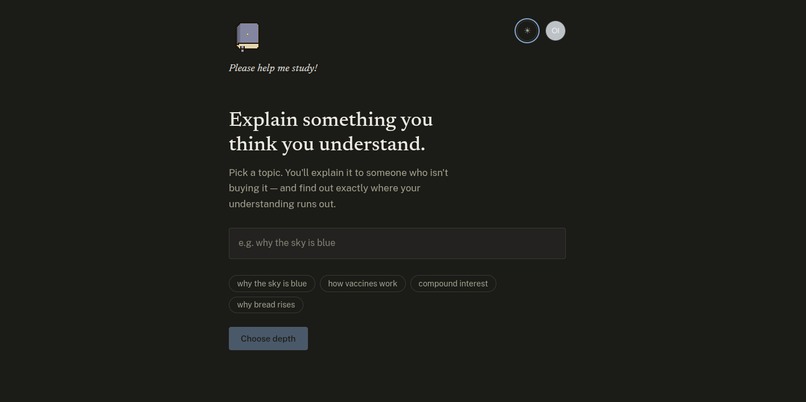
Choose your subject
-
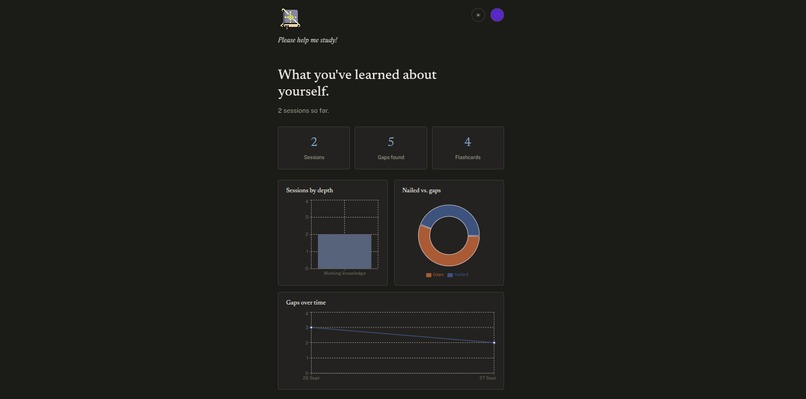
Report Card
-
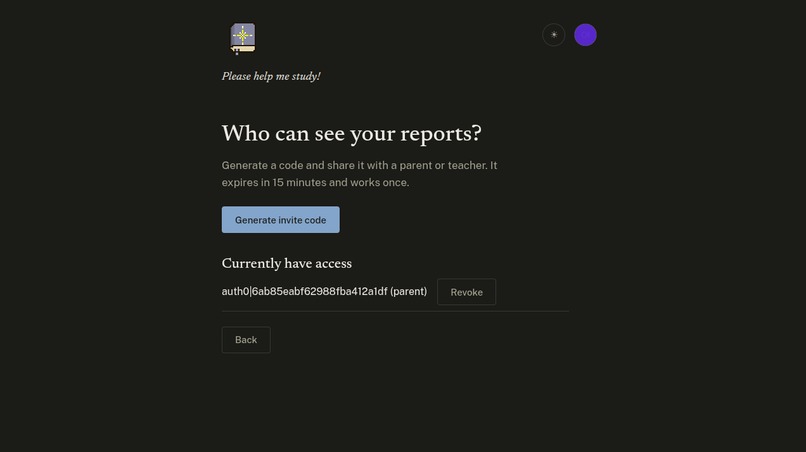
Connect with Teachers and Parents!

Inspiration
We've all had that moment studying for an exam where you read something, nod, think "yeah I get this," and move on, then someone asks you to explain it out loud and you just... blank. That gap between feeling like you understand something and actually understanding it is basically where all your study time goes to die.
The Feynman Technique is the classic fix for this: explain it simply enough that anyone could follow, and the parts you don't actually know light up on their own. Problem is it only works if there's someone on the other end asking good follow-up questions, and most of us don't have a patient tutor just hanging around waiting to be lectured at.
So we built one, and it doesn't get tired of you :)
What it does
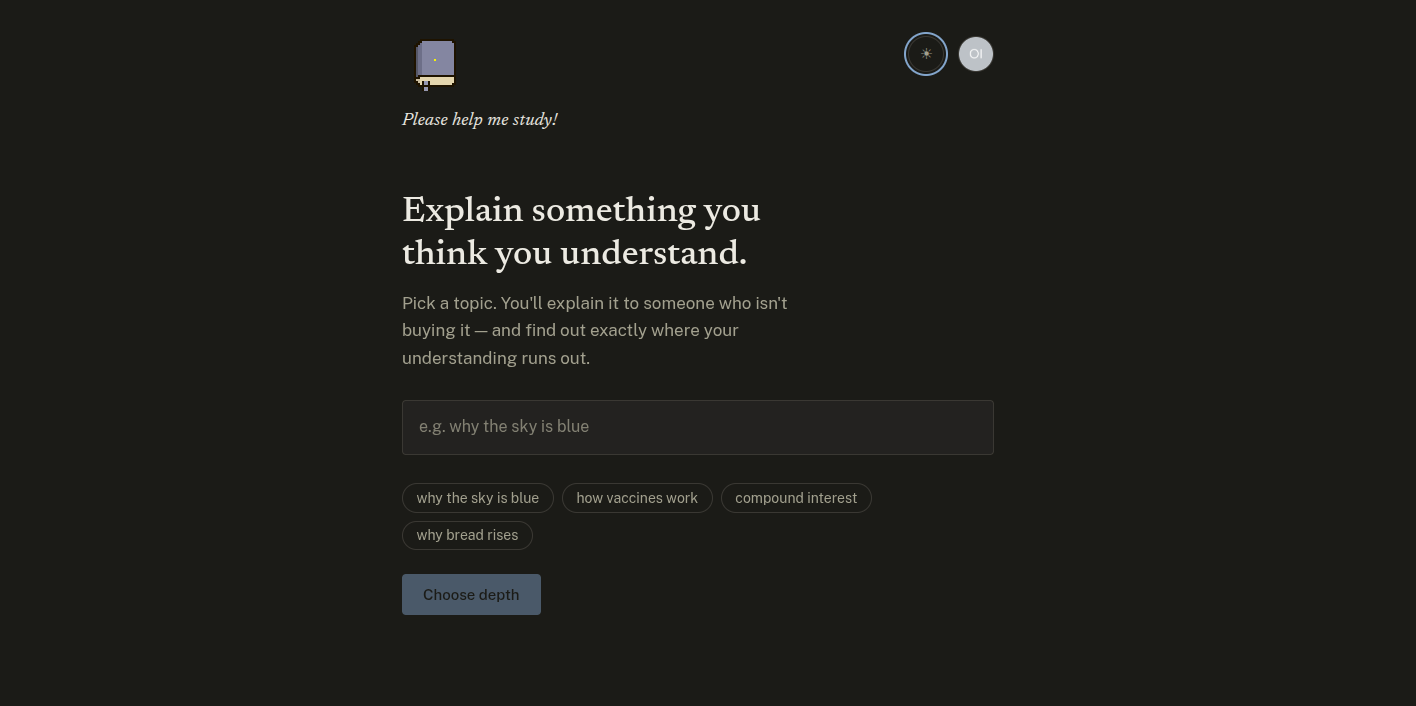
You pick a topic, pick how hard you want to get pushed, and explain it (out loud or typed). Depending on the depth setting, our AI system friend will dig into the mechanism behind your answer. The second you gloss over something, it notices, and it asks the exact follow-up that finds where your understanding actually stops.
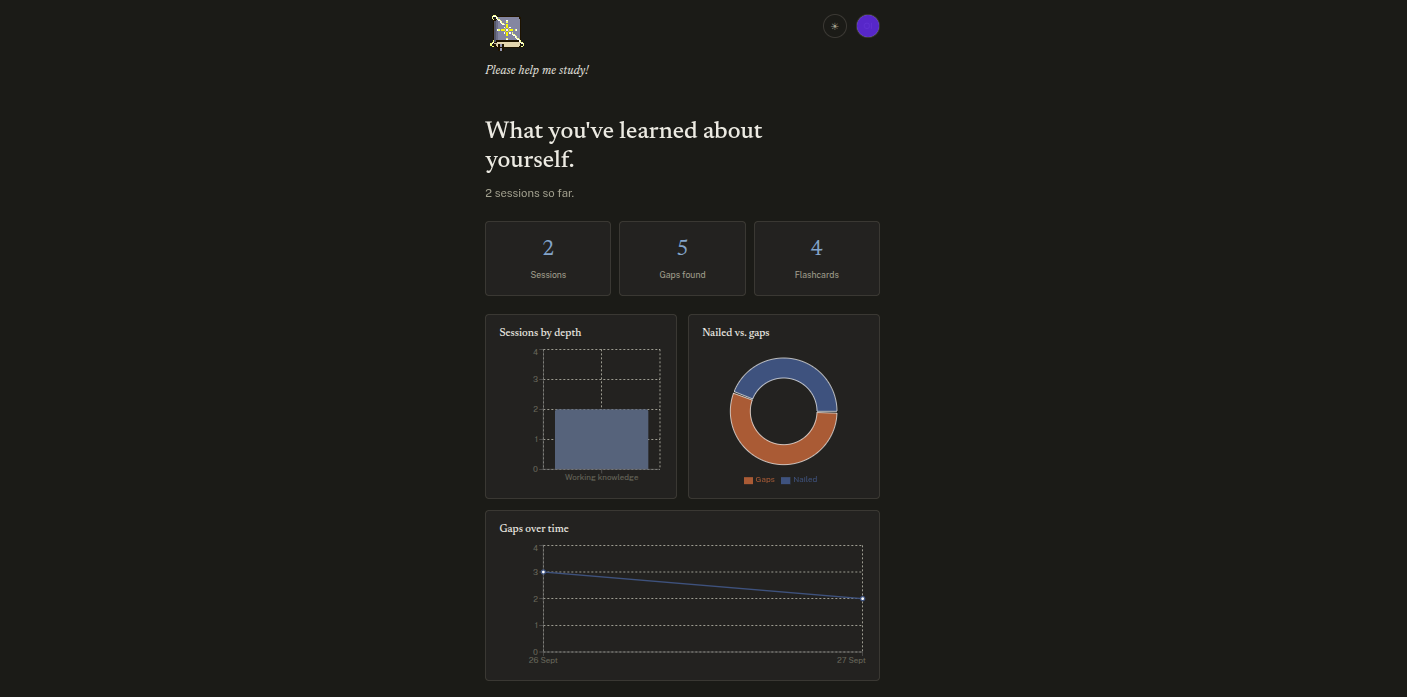
At the end you get a Gap Report: what you nailed, where it got thin, and a handful of flashcards pulled straight from your own blind spots. This will help you know exactly where to you need to study to actually understand whatever topic you're trying to learn.
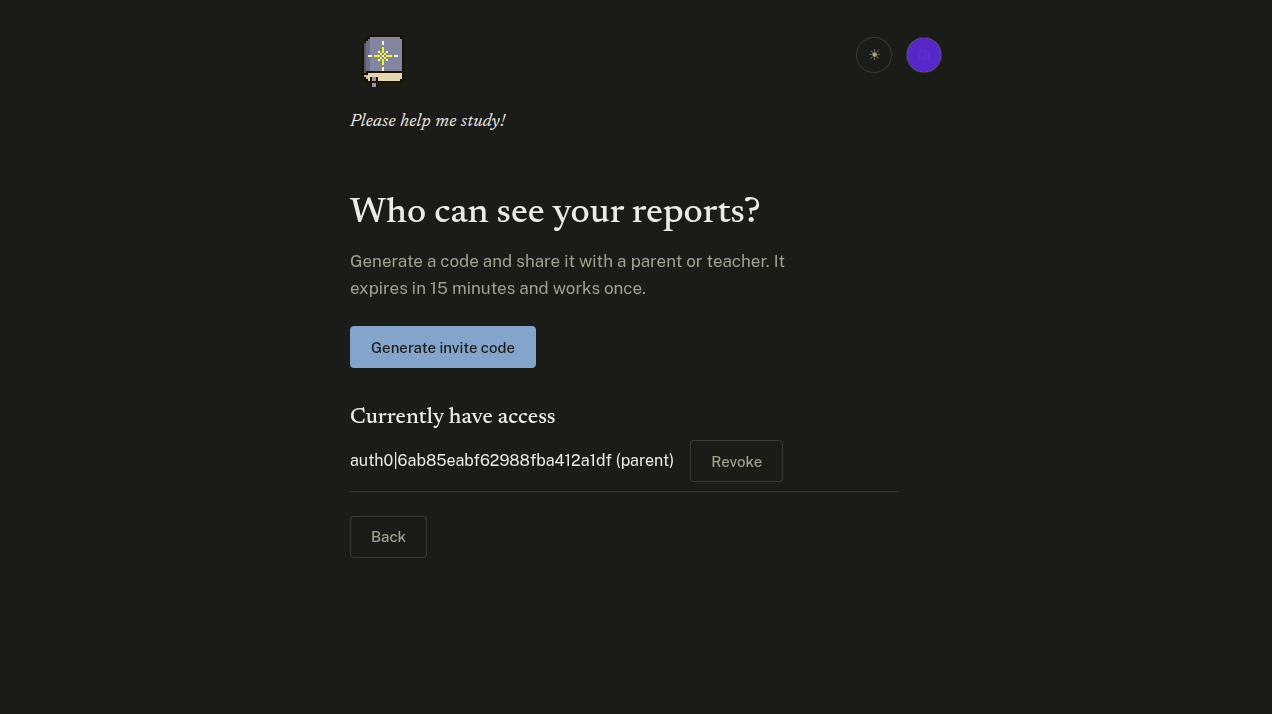
We also built out a second half of this: students can share their report with a parent or teacher using a one-time invite code. Teachers can then see which concepts a student, or a whole class, genuinely can't put into words yet, before it shows up on a test.
How we built it
- Frontend: React + Vite, deployed on Vercel, Auth0 for login/JWT auth
- Voice: browser SpeechRecognition API + Web Audio analyser for waveform visuals, optional ElevenLabs for narrated replies
- Animation: GSAP for transitions and flashcard flips
- Backend: Node/Express on a Vultr box, Caddy for auto HTTPS, pm2 for process management
- AI: Gemini with structured JSON output for persona reactions and gap reports
- Database: SQLite (better-sqlite3), users/sessions/streaks/links tables
- Access control: one-time invite codes linking parent/teacher accounts to students, role + ownership checks on every route
Challenges we ran into
We spun up a ubuntu vm on vultr for the backend, and getting it actually set up was kinda hard. We'd SSH in and get everything half configured, and the connection would just go stale. Happened enough times mid setup that we wrote a shell script just do we didn't have to rewrite things everytime ;_;
What we learned
We learned a lot about cloud, authentication, and remove virtual machines. The hardest part of building a good study tool isn't the AI, it's the pedagogy, designing follow-up questions that actually expose gaps instead of just testing recall. And the second you add a second type of user (teachers, parents) into a tool built around a student's own vulnerability, every data access decision has to default to consent, not convenience.


Log in or sign up for Devpost to join the conversation.