-
-
The Logo I designed using Adobe Illustrate (Currently in my second year of Computer Graphics!)
-

HTML for warning alert (HTML dynamically matches background of website)
-
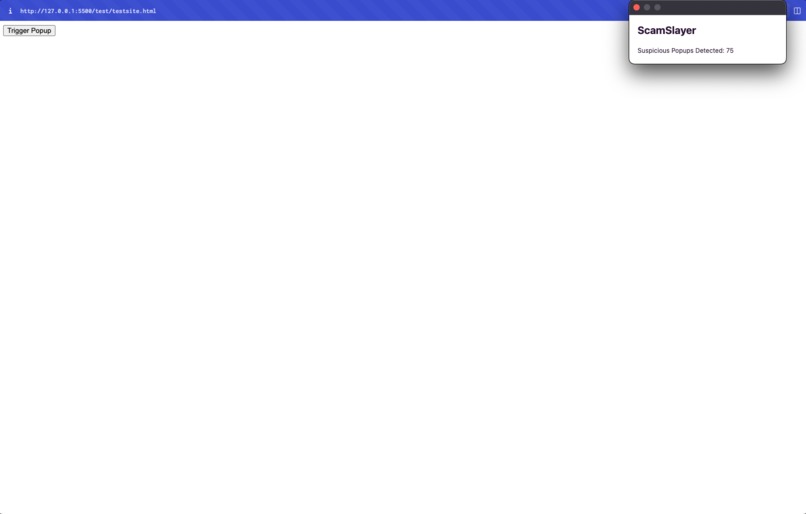
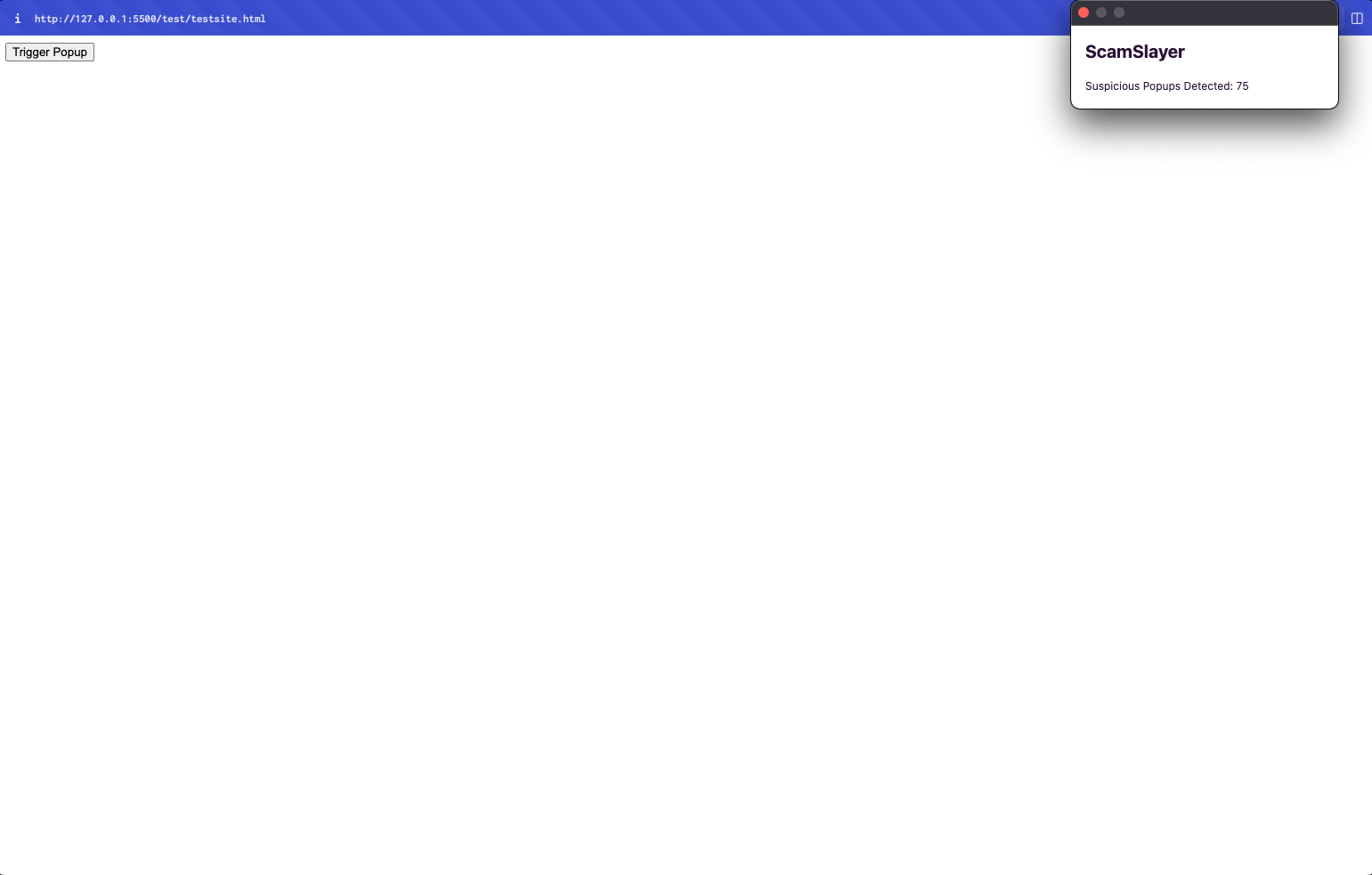
Extension Popup and Counter on test page(I made test page to try and hack against my extension, and I kept improving until I was unable to!)
-
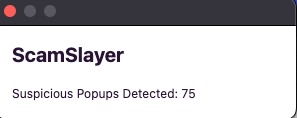
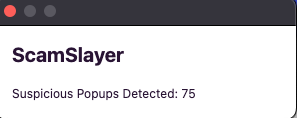
Closeup of extension popup and detection counter, which was made with chrome.storage.local in order to save data even after session expired

Inspiration
I was inspired to make this extension after watching several videos on the true nature of "You have a virus!" internet scams. They are made to target the weak and vulnerable, using social engineering to exploit and take advantage of people. Unfortunately, for those who are not tech-savvy, it can be hard to identify what is fake and real, so I decided to create this extension, which I hope will be implemented into Chromium.
What it does
This extension automatically detects whenever a scam popup is present and alerts the user to a potential scam.
How I built it
I built this extension mainly using a new method for detecting these scams, checking the DOM, and using the following technologies:
Chrome Extensions API: The foundational technology that allowed me to implement my extension
Content Scripts: A feature of Chrome Extensions API that allowed for the running of scripts in the context of the currently viewed webpage, making it possible to interact with its DOM and detect suspicious content.
Chrome Storage API: Used to store and retrieve the counter of detected suspicious pop-ups. This allowed for a way to maintain data across browser sessions.
MutationObserver: An advanced JavaScript API used to monitor changes to the DOM, allowing me to implement real-time detection of suspicious content as it's added to a webpage.
Shadow DOM: I used this web standard to cover the styles of my alert so they don't affect the rest of the page. This ensured that the styles from my alert didn't conflict with the styles of the websites on which they would appears.
HTML & CSS: Used for creating the UI of the extension
Tailwind CSS: A utility-first CSS framework that speed up the styling process and allowed for a more readable and maintainable style.
DaisyUI: A plugin for Tailwind CSS that provides UI components, which I used to style the alert and UI.
Event Listeners: Used to detect when the DOM is loaded, to fetch data from storage, and to handle button clicks.
Asynchronous JavaScript: I made use of asynchronous functions and callbacks, especially when interacting with Chrome's APIs like storage.
Manifest File (manifest.json): The configuration file for Chrome Extensions that defines metadata, permissions, content scripts, icons, and other settings.
Challenges I ran into
Dynamic Content Detection: One of the initial challenges was detecting popups and suspicious content on web pages that load content dynamically. Traditional methods of scanning a webpage once it's loaded weren't enough, because most of these popups are bought as ads. To detect this, I had to implement the MutationObserver API, which allowed me to monitor real-time changes to the DOM and effectively detect suspicious content as it was added.
Styling Isolation: When I introduced the alert to warn users of suspicious popups, I realized that the styles of the alert were affecting the entire webpage, and vice versa. To make sure that the styles of the alert were isolated from the rest of the page, I used Shadow DOM, which encapsulates the styles and prevented conflicts.
Content Security Policy (CSP): I faced issues related to Chrome's CSP when trying to run inline scripts. This security feature initially prevented the scripts in the popup from executing. The solution was to move from inline scripts to external scripts, which complied with Chrome's security guidelines.
Design Consistency: Achieving a consistent design for the alert, especially when displayed on various websites with different styles was a challenge. I used Tailwind CSS and DaisyUI to achieve a consistent and modern design, but ensuring the styles didn't conflict with those of the underlying website was really though, and took me a few hours before I really nailed it down.
Data Persistence: Keeping track of the number of suspicious popups detected across browser sessions was another hurdle. I used Chrome's Storage API, but verifying the data was fetched and displayed accurately in the popup required careful handling of asynchronous operations.
Accomplishments that I'm proud of
I am really proud that I was able to find a new method of detecting these scams using the DOM and MutationObserverAPI, and I am generally proud of creating a real extension that looks official, and works quite well. I am definitely going to be using this for myself, and hope others will aswell, because I found that it has worked everytime that I encountered a popup.
What I learnt
I learned a lot about javascript, and generally about Chrome extensions, and Chromes security guidelines. Personally, I am very interested in Cybersecurity, so seeing what Google has implemented was really cool, and helped me learn more about how these extensions can get access to data.
What's next for ScamSlayer?
I hope I can pitch this idea to Google. It is a big ambition, but I feel that my product works extremely well, and can be implemented within Chromium so as to provide more people with secure browsing, without fear of getting scammed.
Built With
- daisyui
- html5
- javascript
- tailwind

Log in or sign up for Devpost to join the conversation.