-
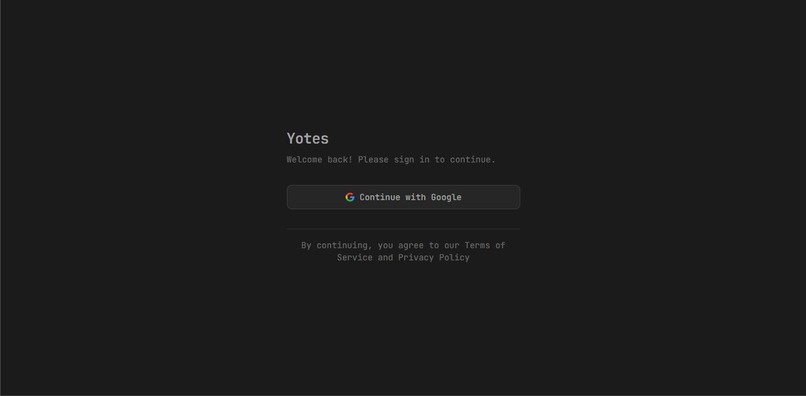
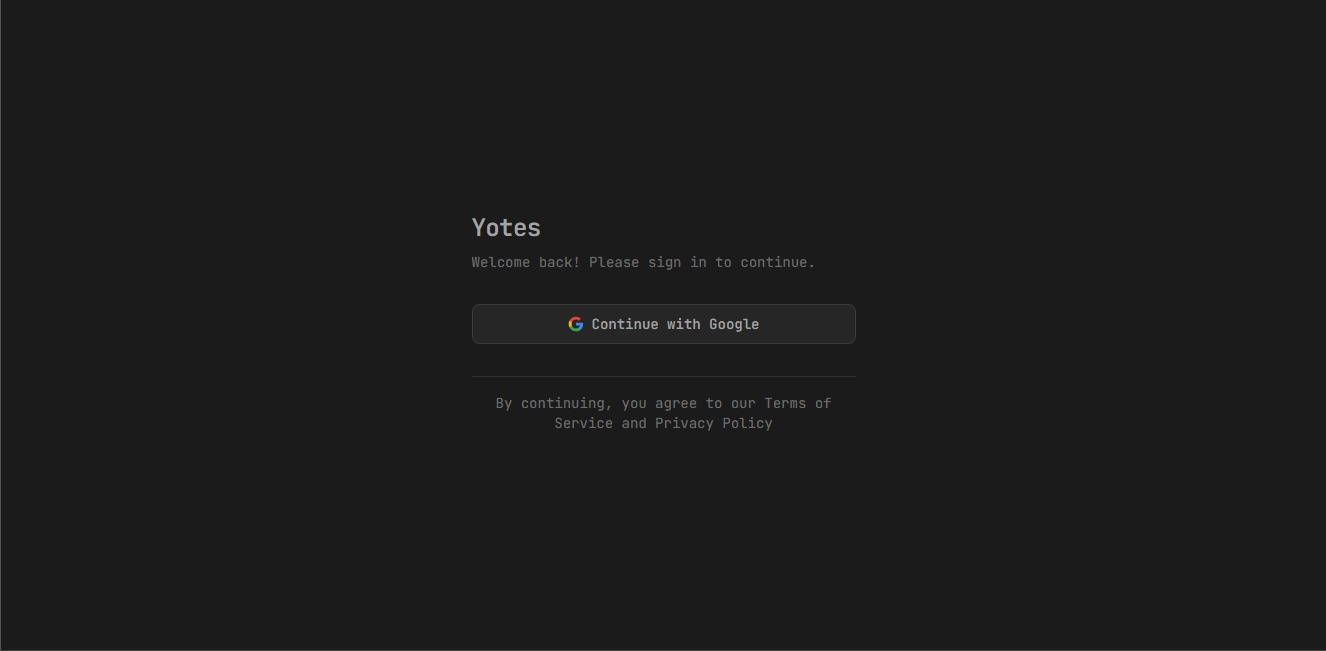
Desktop View of Login Page
-
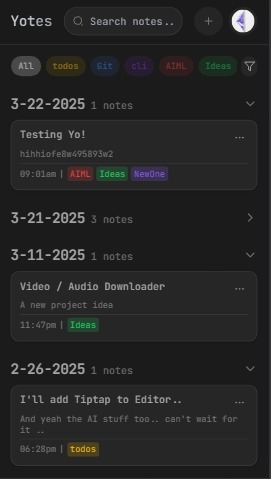
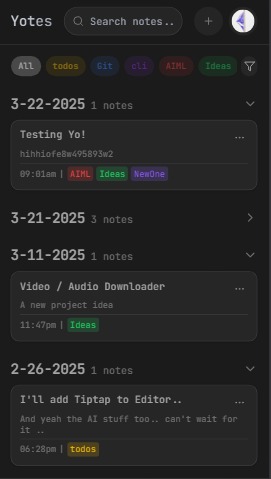
Home Page on Mobile
-
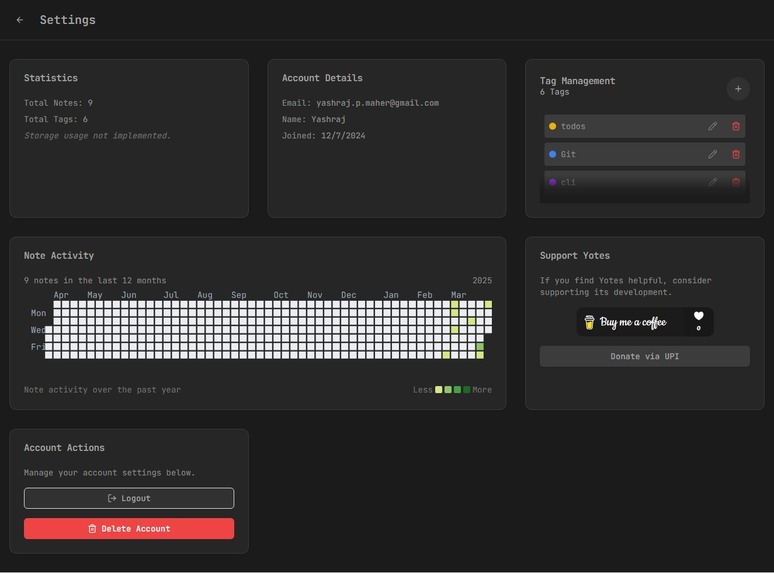
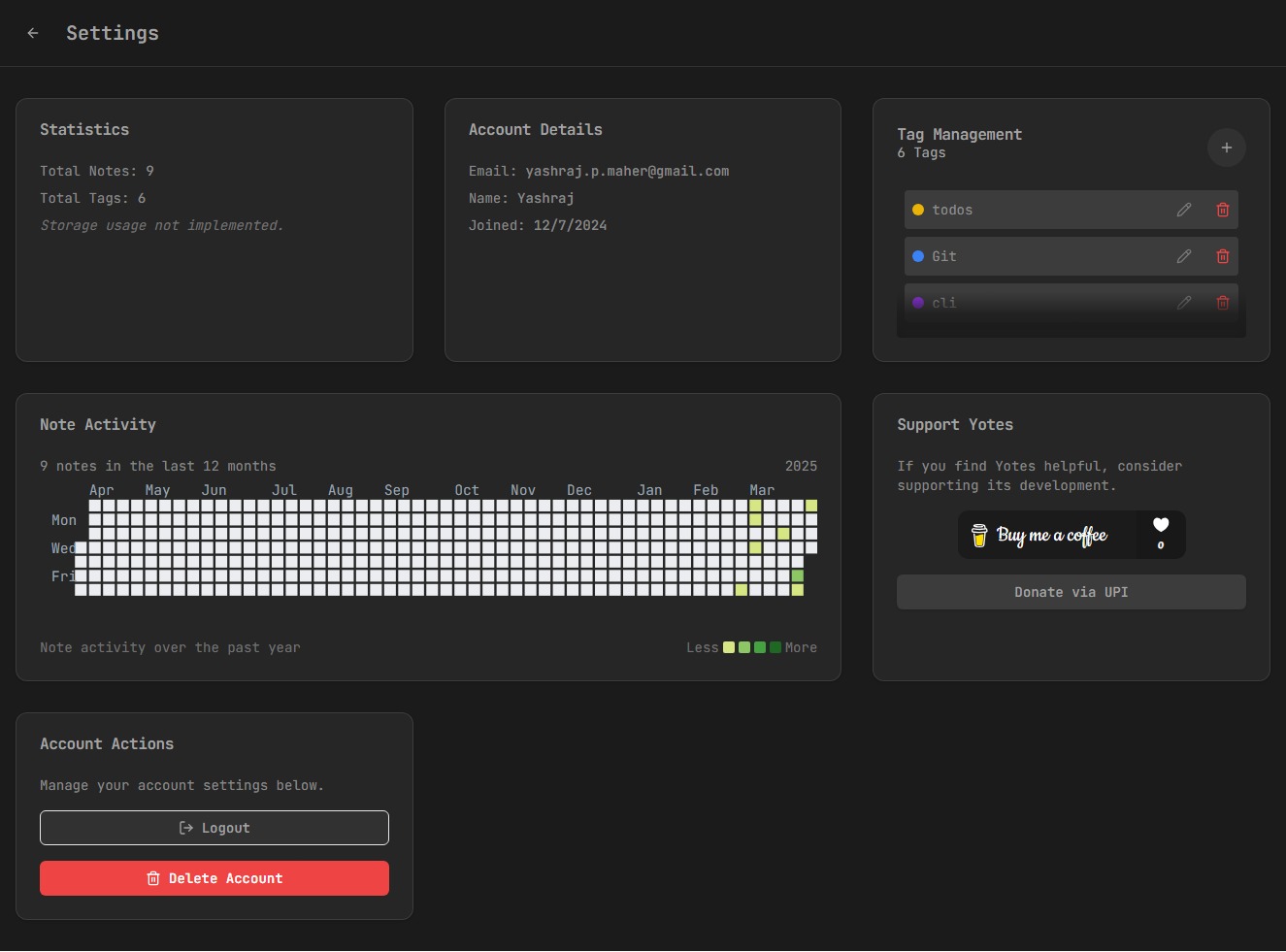
Settings Page on Desktop
-
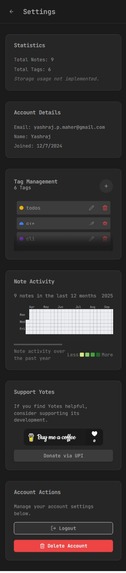
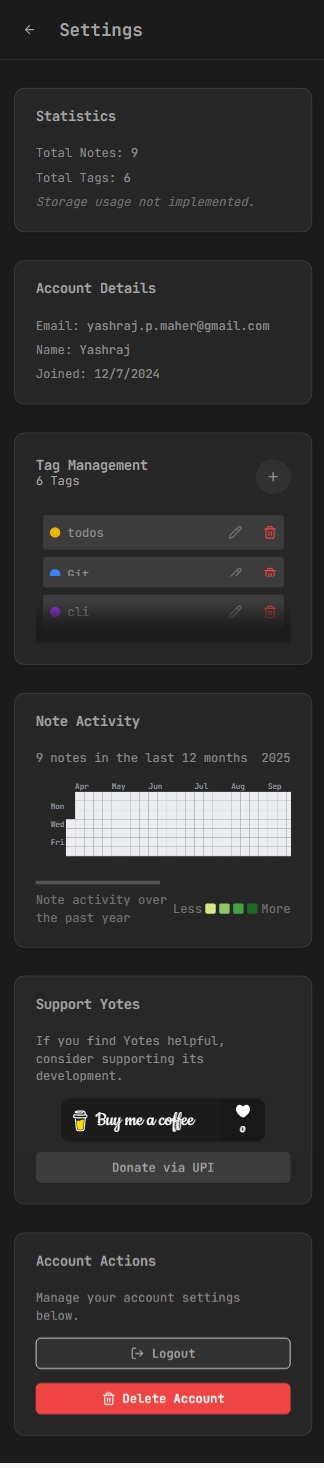
Settings Page from Mobile
Yotes
Yotes is a privacy-first web application designed to empower users with full control over their data. More than just a notes app, Yotes integrates with your Google Drive to securely store and manage notes, documents (PDFs, Docs, Excel, PPTs), and other resources—all without subscription fees, as it leverages your own Google Drive storage. Built with a sleek, dark-themed interface using React and Tailwind CSS, Yotes aims to centralize your resources in one intuitive hub. Check out the live site at yotes.vercel.app.
Vision
Yotes prioritizes user privacy by ensuring all data stays within your Google Drive, avoiding third-party storage costs or lock-in. Beyond note-taking, it aspires to be a versatile platform where you can import, view, and organize various file types, embedding rich media like YouTube videos or website previews, and enhancing productivity with AI-powered features—all while remaining lightweight and user-controlled.
Features
- Privacy-Focused Notes: Create, edit, and delete notes stored securely in your Google Drive.
- Google Drive Integration: Uses your Drive’s "Yotes App" folder for notes and tags, with plans to support file imports (PDFs, Docs, etc.).
- Tagging System: Categorize notes with customizable tags synced to Drive.
- Search & Filter: Quickly find notes by content or tags.
- Activity Heatmap: Visualize note creation over the past year in the Settings page.
- Responsive Design: Works seamlessly on desktop and mobile.
- Google OAuth: Secure sign-in via Supabase authentication.
- Dark Theme: Default dark mode with JetBrains Mono font for a developer-friendly experience.
- Toast Notifications: Real-time feedback for actions like saving or errors.
Planned Features (TODO)
From Yashraj’s rough TODO list, here’s what’s in the pipeline:
- [x] Enhanced edit page UI/UX.
- [x] Improved loading indicators with timestamps on note cards.
- [x] Tag creation fix for mobile devices.
- [ ] Static pages: Homepage, Privacy Policy, and Terms & Conditions.
- [ ] Caching for account details and offline access.
- [ ] Export/import functionality.
- [ ] Progressive Web App (PWA) support.
- [ ] PDF viewer and download capabilities.
- [ ] Rich previews for links (e.g., website showcases, YouTube embeds).
- [ ] AI-powered description generator and search summaries.
- [ ] Markdown support for notes.
- [ ] Dedicated support for dropping files (images, videos, links) with specialized views.
Tech Stack
- Frontend: React, React Router, Vite
- Styling: Tailwind CSS, shadcn/ui, Lucide icons
- Integration: Google Drive API, Supabase Auth
- State Management: React Contexts (GoogleDriveContext, ToastContext, ThemeContext)
- Build Tools: Vite, ESLint, PostCSS
- Dependencies: See
package.json
Usage
- Sign In: Log in with Google to connect your Drive.
- Create Notes: Use the "+" button in the navbar to add notes.
- Organize: Add tags or (soon) import files like PDFs.
- Search & Filter: Use the search bar or tag filters on the homepage.
- Track Activity: Check your note heatmap in Settings.
- Manage Account: Log out or delete your account from Settings.
License
Currently unlicensed; a license will be added as the project evolves.
Acknowledgments
- Created by Yashraj Maher (GitHub: rajofearth).
- Thanks to the React, Tailwind, Supabase, and Google Drive communities.


Log in or sign up for Devpost to join the conversation.