-
-
Yoink AI
Inspiration
I've been using AI tools like ChatGPT and Claude daily, but I kept catching myself thinking "I could write this faster myself." The constant copy-paste dance was killing my productivity: copy context → switch tabs → paste → write prompt → copy response → switch back → paste → edit. By the time I'd done all that, I could have just written it myself.
I realized the problem wasn't AI itself - it was the friction. Current AI tools are built like chatbots when what we really need is something that works with us, not something we have to work around. That's when I decided to build Yoink: AI that writes directly where you're working, no tab-switching required.
What it does
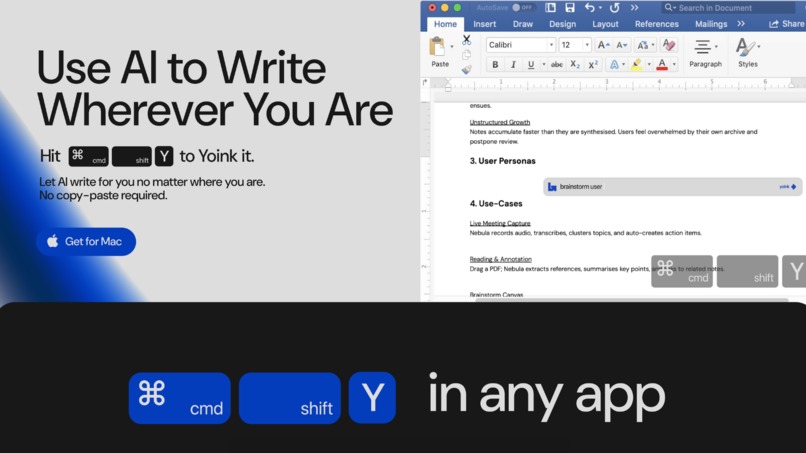
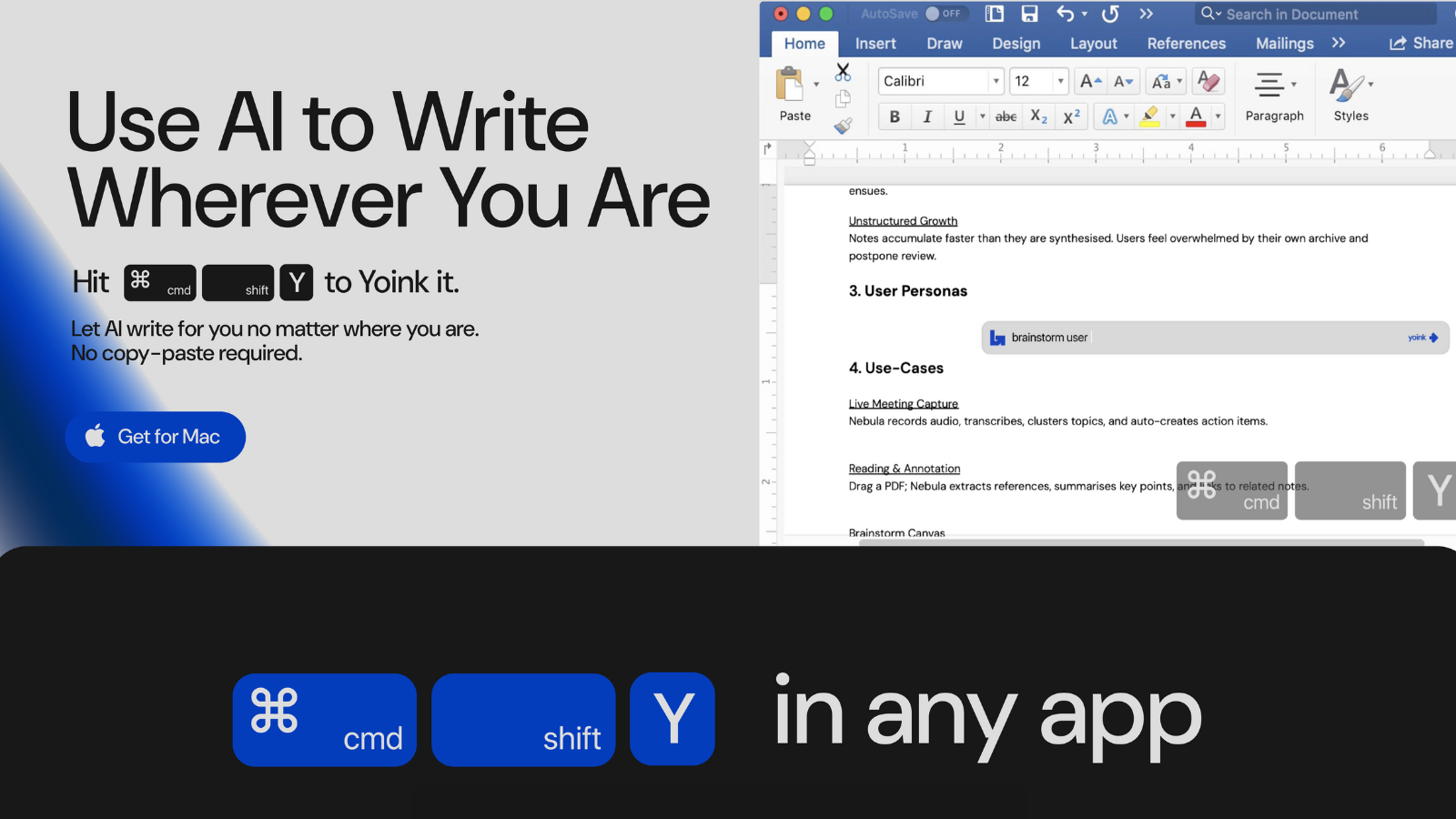
Yoink is a macOS app that brings AI directly into your workflow. Press ⌘⇧Y anywhere - in any app, any text field.
Smart Context Capture: Automatically grabs everything relevant - the text you're working on, what's selected, even screenshots for visual context. No manual copying needed.
Inline AI Writing: A small prompt box appears right where you're typing. Give it quick instructions (or don't - it's smart enough to figure out what you need), and it generates text tailored to your context.
Direct Insertion: The AI output goes straight to your cursor. No copy-paste, no switching apps. It just writes for you, right where you are.
Personalized Voices: Create custom writing styles from your own examples. Just provide 5-10 samples and instructions, and Yoink learns how you write and creates context so you can keep reusing them.
How I built it
The technical stack combines several key technologies:
- Swift + AppKit: For the native macOS experience and system-wide hotkey registration
- Accessibility APIs: To intelligently capture text context from any application
- OpenAI/Anthropic APIs: For the AI generation backbone
- Others: Screenshot capture
The biggest architectural decision was building it as a native Mac app rather than a browser extension. This gave us true universal access but meant diving deep into macOS accessibility frameworks and handling edge cases across hundreds of different applications.
Challenges I ran into
Universal app compatibility: Every Mac app handles text differently. Some use standard NSTextView, others custom implementations. Building reliable text insertion that works from Terminal to Figma to Microsoft Word required extensive testing and fallback mechanisms.
Context understanding: Determining what context is relevant without being invasive was tricky. Too little context and the AI can't help effectively; too much and you're sending unnecessary data. I ended up building a smart context window that adapts based on cursor position and selection state.
Speed vs Quality: Users expect instant responses when working inline. Balancing API latency, context processing, and output quality required careful optimization and smart caching strategies.
Voice generation: Creating the Voices feature meant building a system that could extract writing patterns from examples without overfitting. The challenge was making it flexible enough to capture style while still being useful across different contexts.
Accomplishments that I'm proud of
True universal access: Yoink works in 99% of Mac applications, from native apps to web browsers to terminal emulators. Mileage varies a little with
Smart behavioral logic: Automatically knows whether to edit selected text or complete from cursor
Voice profiles that actually capture personal writing style - users report it "sounds like them"
Something I use myself daily! Probably something most people would scoff at, but I actually really like the app, and if nothing else I now have a nifty little tool (:
What I learned
Friction is everything: Even small UX improvements (like auto-focusing the prompt field) dramatically impact adoption. Every millisecond and every click matters when you're trying to enhance someone's flow state.
Context is king: The better Yoink understands what you're working on, the less you need to explain. Investing in robust context capture paid off more than improving prompt engineering.
Power users want control: While making Yoink "just work" was the goal, power users wanted ways to customize behavior. The Voices feature came directly from this feedback.
Native > Web: Despite the extra complexity, building native was the right choice. The deep OS integration enables a magical experience that web-based tools can't match.
What's next for Yoink AI
Immediate roadmap:
- Better context management and being able to re-use context seamlessly
- Better integration with Browser-based apps (e.g. Google Docs)
- Deeper app integrations (Notion, Slack, VS Code)
Vision: The goal is to make AI so seamless it feels like an extension of your mind. Future versions will:
- Try to become more proactive
- Learn from your edits to improve over time
- Understand intent from minimal context
- Support multimodal inputs (voice, gestures)
I want to building toward a future where you never have to think "should I use AI for this?" - it's just there, helping invisibly, keeping you in flow.
