-
-
-
-
-
-
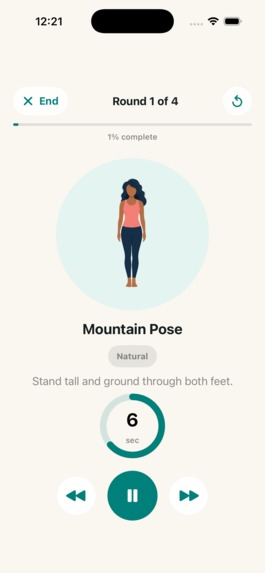
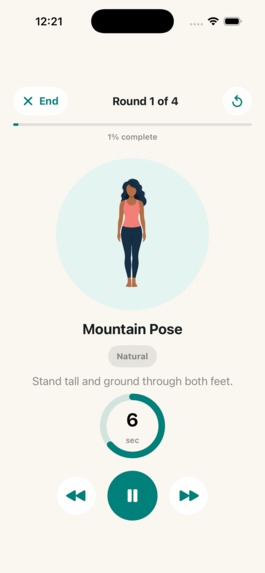
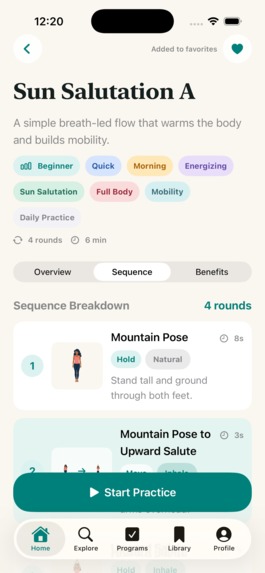
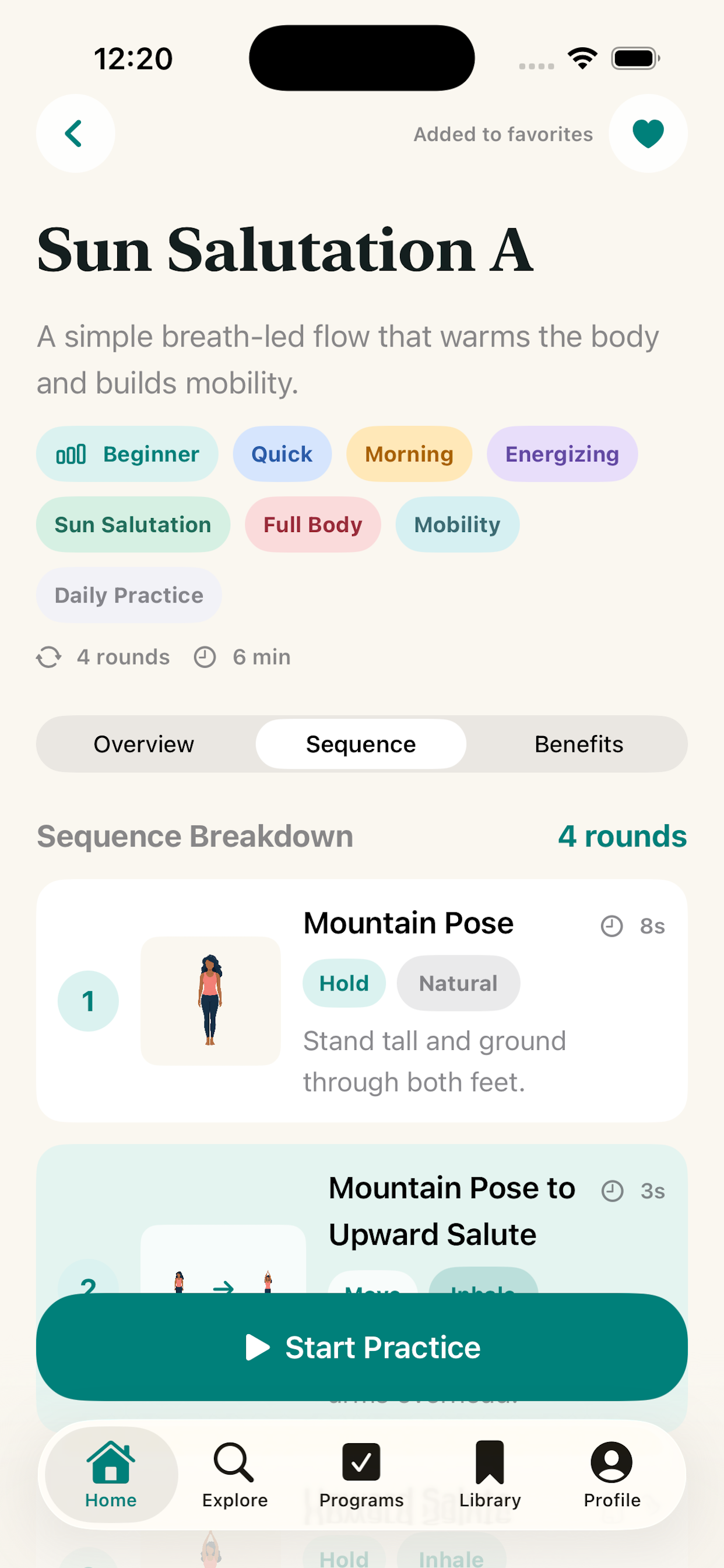
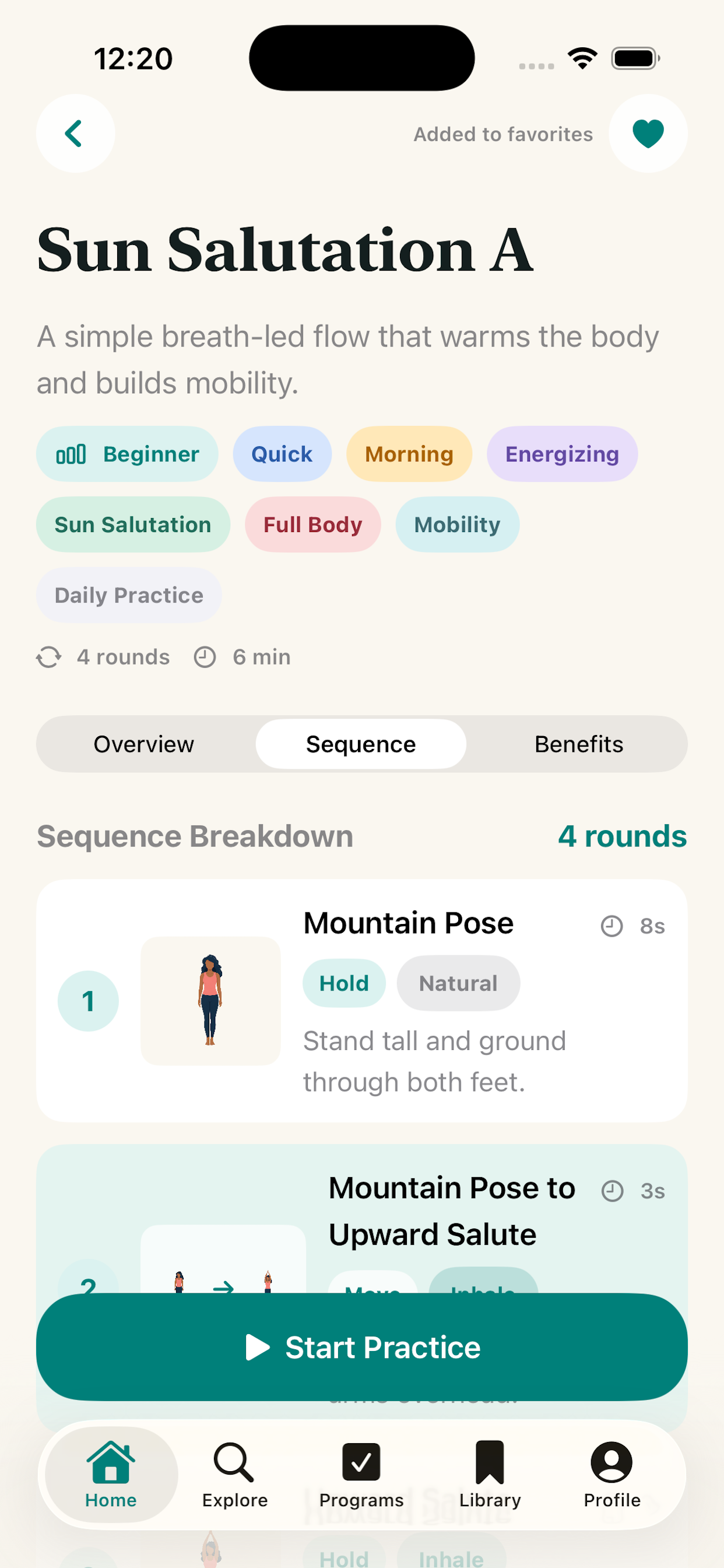
video screen
-
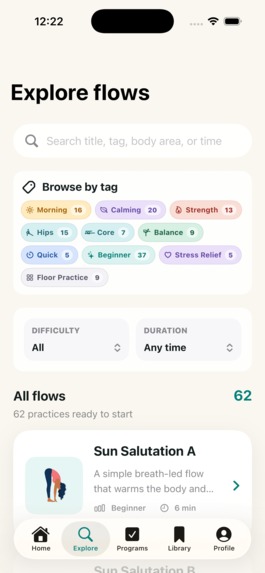
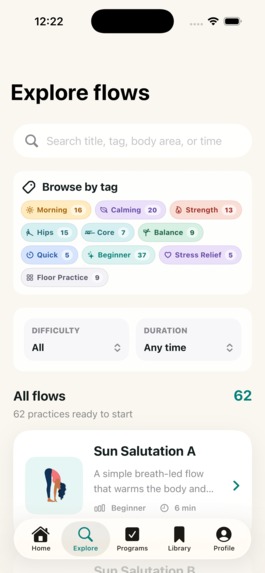
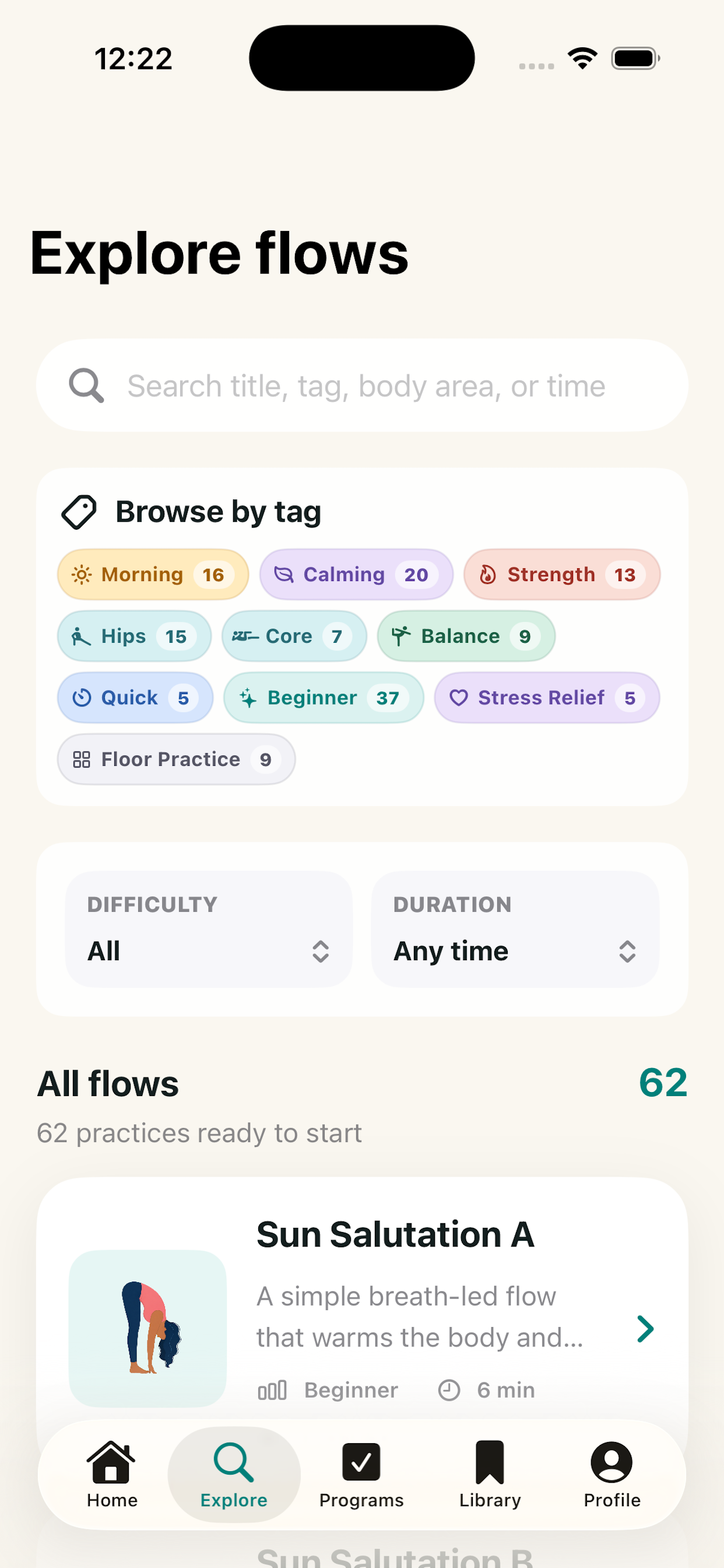
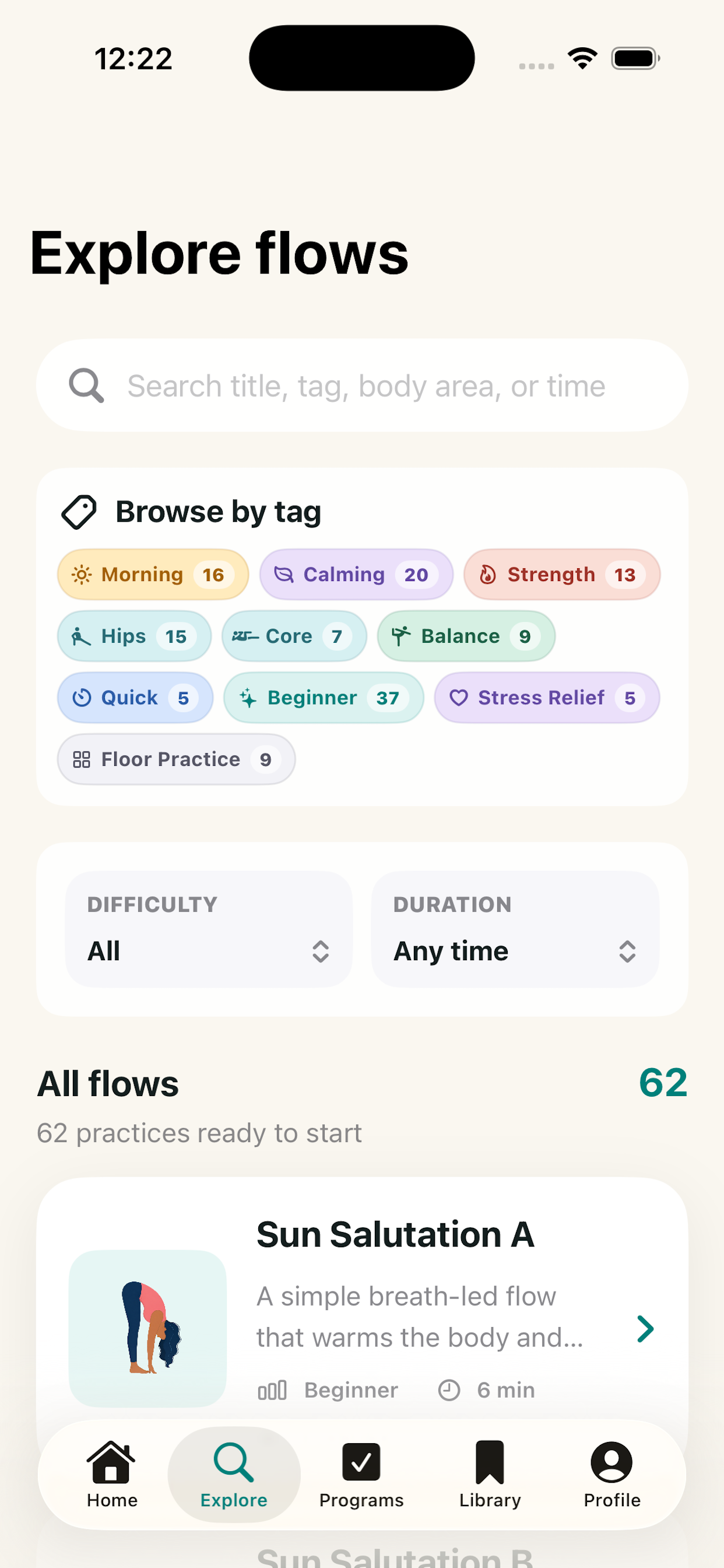
explore page
-
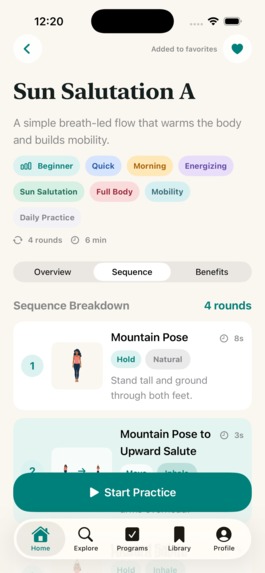
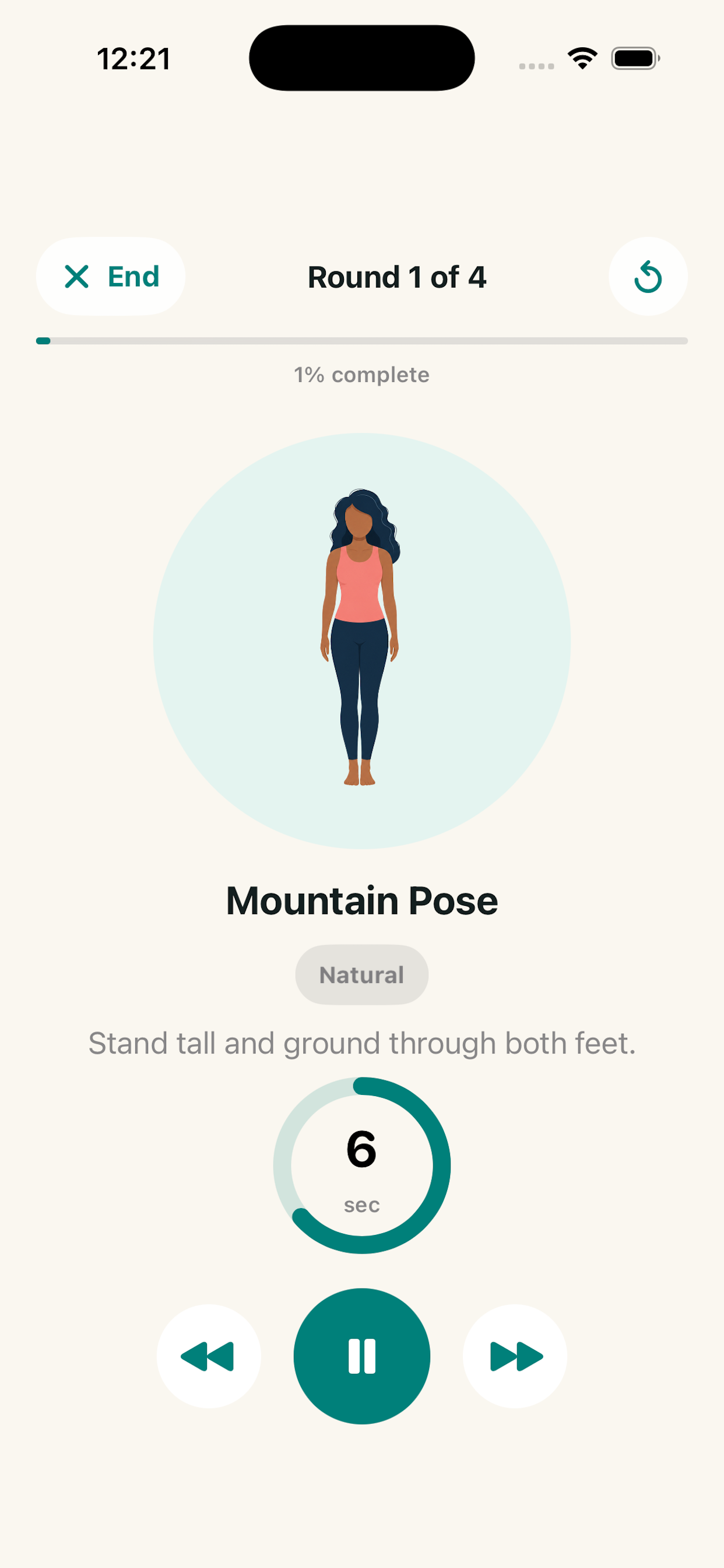
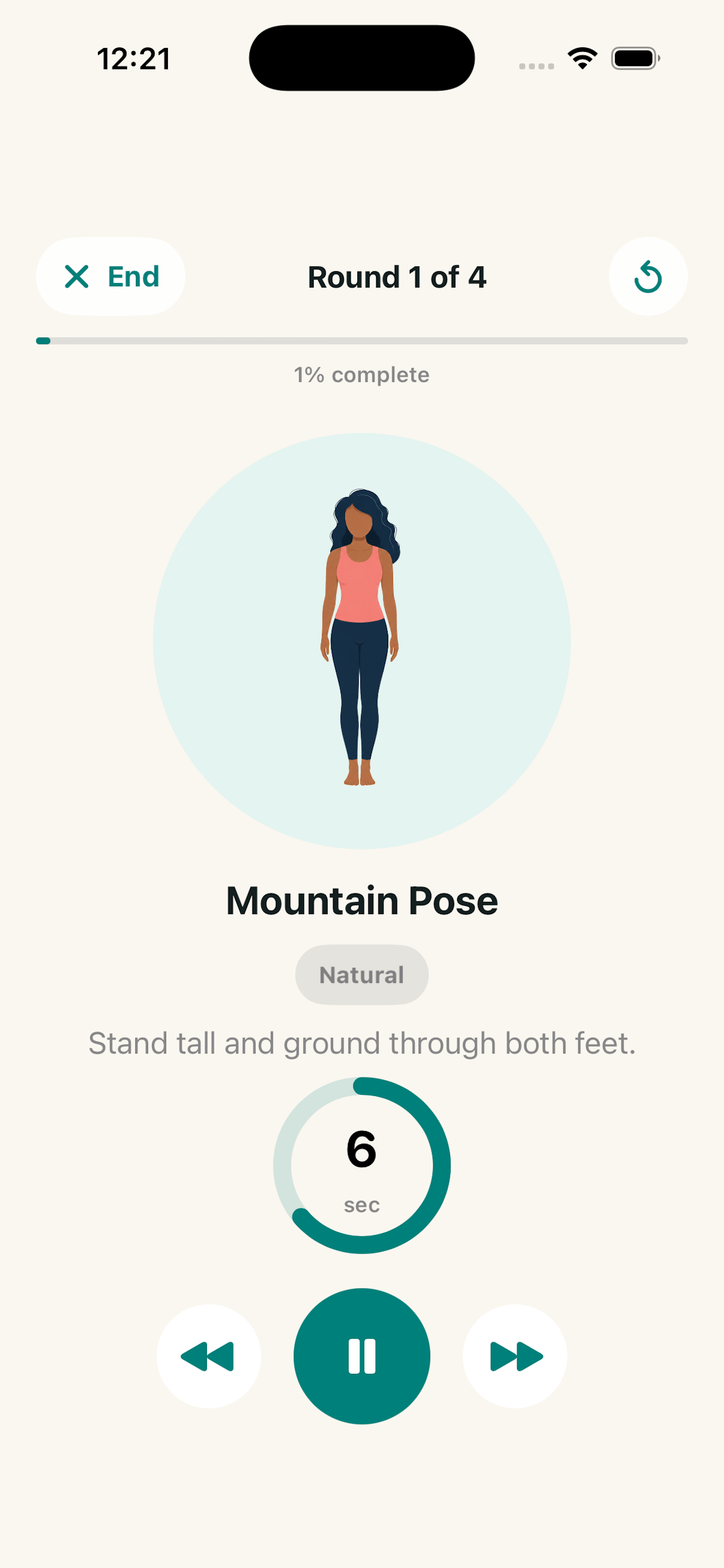
practice screen
-
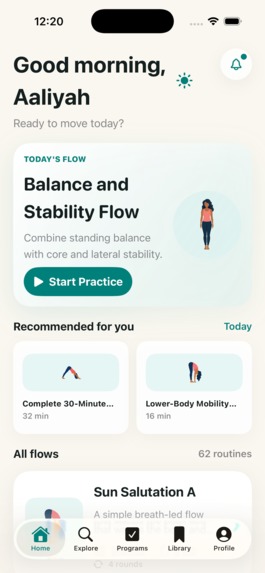
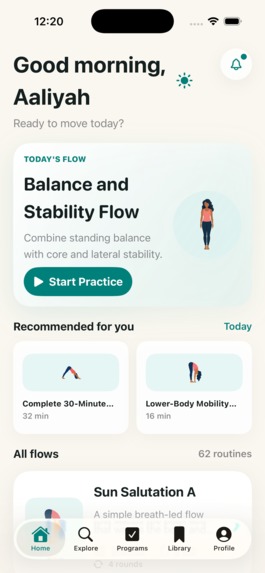
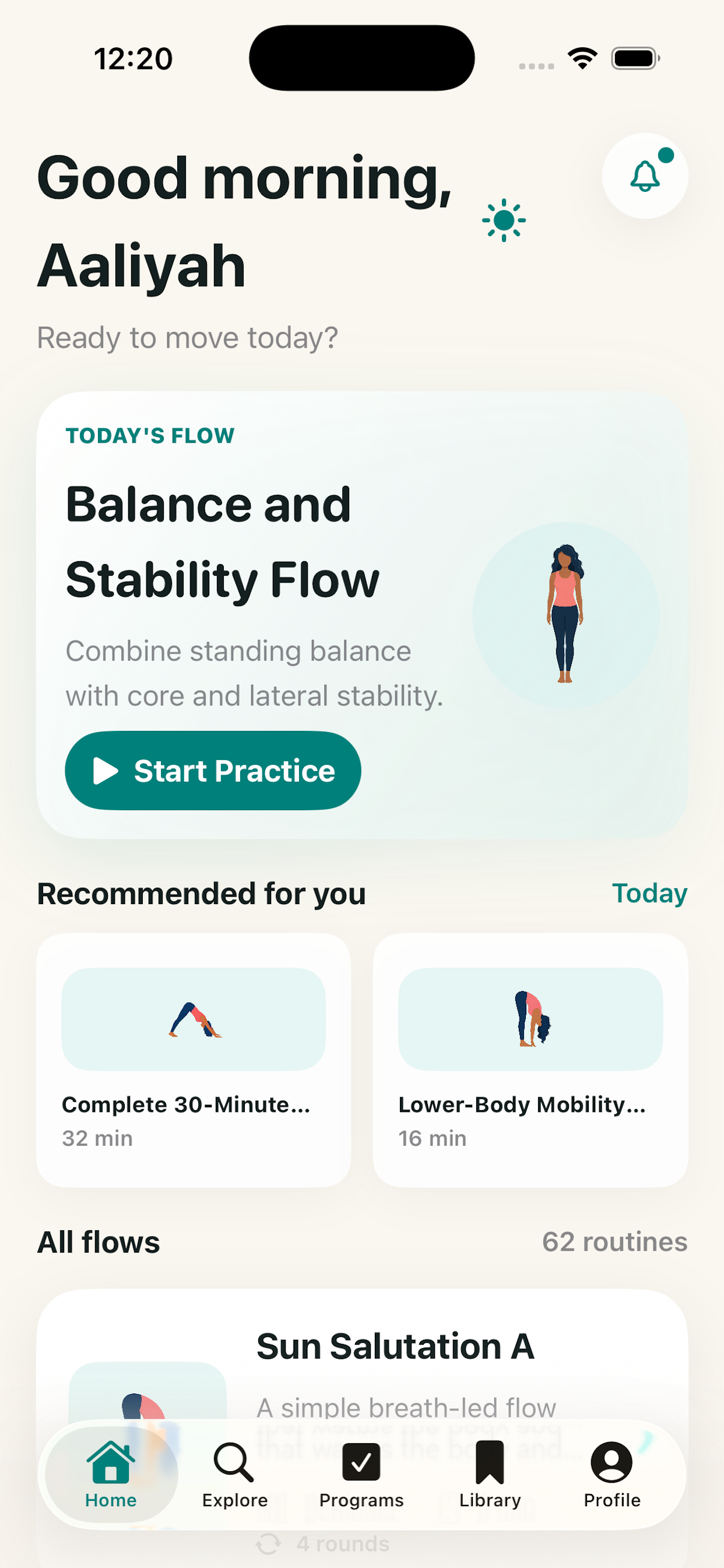
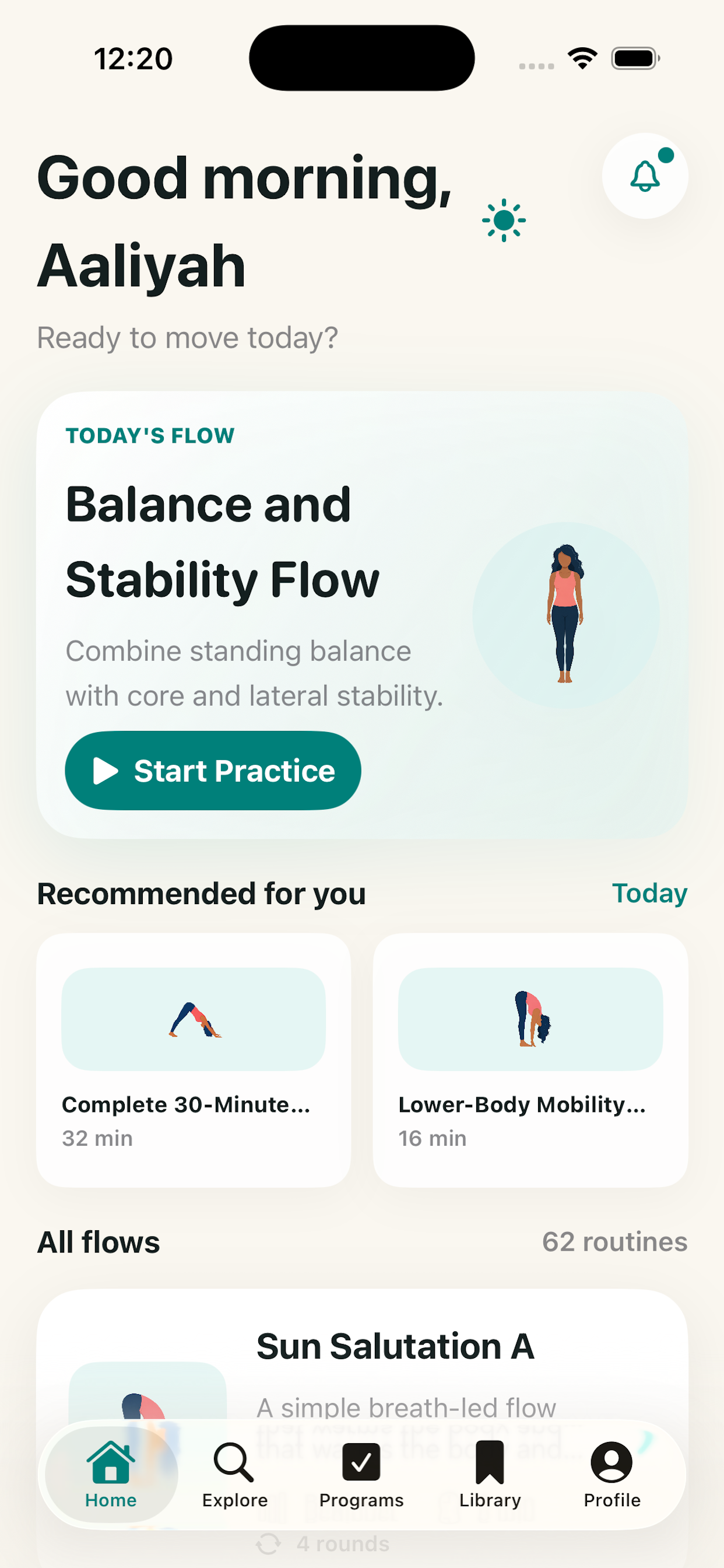
home page
Inspiration
If I could build anything today, I would build Yogalite: a lightweight, personalized yoga companion that helps people practice wherever they are. The idea came from wanting yoga to feel less intimidating and more portable. Many wellness apps depend on full recorded video classes, subscriptions, accounts, and a lot of screen time. Yogalite takes a different approach. It uses illustrated poses, timers, audio cues, and personalized recommendations so users can move through a guided practice without needing to follow a full video flow.
What it does
Yogalite helps users discover and complete yoga practices that fit their time, mood, and experience level. Users can browse flows, search by tags, save favorite practices, follow multi-day programs, and get a daily recommended flow. During practice, Yogalite guides users with timers, pose names, inhale and exhale cues, left and right side cues, and hold instructions. After a practice, users can reflect on how they feel: calm, energized, sore, or strong.
How we built it
We built Yogalite as a native iOS app using SwiftUI. The app is structured around reusable models for poses, practice steps, yoga sequences, and multi-day programs. Instead of storing full video classes, each flow is built from timed holds and transitions. This keeps the app lightweight while still giving users a complete guided practice experience.
Personalization is handled locally. The app stores onboarding preferences, selected goals, saved flows, profile details, daily recommendations, and lightweight analytics on-device. This lets Yogalite feel personal without requiring a backend, login, or invasive tracking.
Challenges we ran into
The biggest challenge was making the app feel polished and usable during an actual yoga session. A yoga app cannot just look good while someone is sitting still. It has to work when the user is standing, moving, breathing, or glancing at the screen from a mat.
We had to carefully refine text wrapping, spacing, long pose names, tag layouts, flow cards, program detail pages, and practice controls across different screen sizes. Audio cues were another challenge. The app needed to say enough to guide the user, but not repeat itself or interrupt the rhythm of practice.
Accomplishments that we're proud of
We are proud that Yogalite feels complete while still feeling calm. It includes a full flow library, programs, search, tags, saved practices, onboarding, profile personalization, audio-guided practice, post-practice reflection, and daily recommendations.
The biggest accomplishment is that the app does not need full recorded video flows to feel useful. Its lightweight structure makes it flexible, fast, and easy to use anywhere, whether someone has five minutes in the morning or a quiet moment before bed.
What we learned
We learned that product polish comes from small details: spacing, copy, button placement, audio timing, readable typography, and predictable navigation. We also learned that simplicity can be a strength. By avoiding heavy video content and account-based complexity, Yogalite became more focused and more personal.
We also learned how much structure matters. A library of flows is useful, but programs make the experience feel guided. They give users a path to follow and a reason to come back.
What's next for Yogalite
Next, we want to keep improving the practice experience. Future additions could include optional background music, deeper program progress tracking, more accessibility improvements, Apple Health integration, and more adaptive recommendations.
The long-term vision is for Yogalite to become a gentle daily companion: lightweight, personal, privacy-conscious, and available wherever someone wants to practice.

Log in or sign up for Devpost to join the conversation.