-
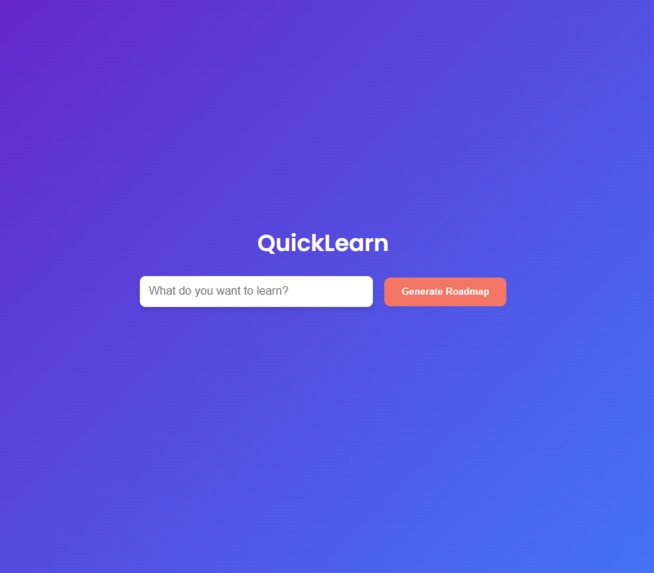
Welcome to QuickLearn!
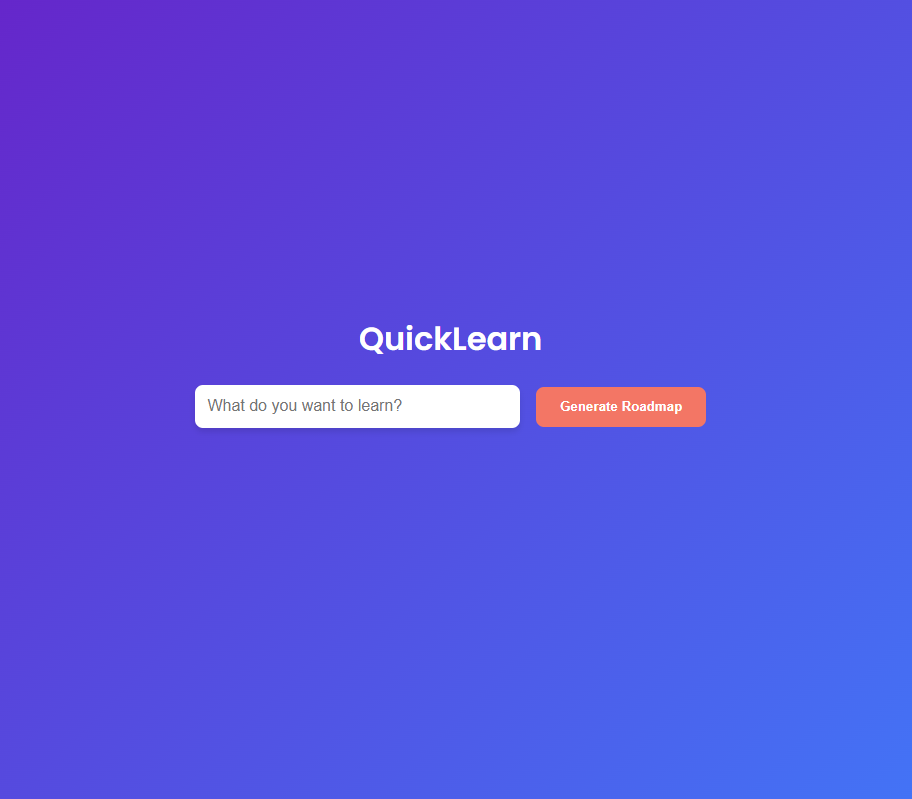
🌟 Inspiration
The inspiration for QuickLearn came from the challenges many learners face when trying to master new technical skills. With the overwhelming amount of resources available online, it’s easy to feel lost or unsure about where to start. We wanted to create a platform that simplifies this process by providing personalized, actionable roadmaps that guide users step-by-step toward their learning goals.
Our vision was to combine AI-driven intelligence with an interactive user experience to make learning not only effective but also enjoyable. The idea of turning a daunting learning curve into a structured, gamified journey was the driving force behind QuickLearn.
🧠 What We Learned
Building QuickLearn was a journey of discovery and growth. Here are some key takeaways:
- Frontend-Backend Integration: We learned how to seamlessly connect a React frontend with a Spring Boot backend, ensuring smooth communication between the two layers.
- AI Integration: Incorporating the Gemini AI API taught us how to work with external APIs to generate meaningful and dynamic content.
- User Experience Design: Crafting an intuitive and visually appealing interface required us to focus on user-centric design principles.
- Error Handling: We faced challenges in handling API errors gracefully and ensuring the application remained robust under various scenarios.
🛠️ How We Built It
Frontend:
- Built with React for a dynamic and responsive user interface.
- Styled using CSS and Framer Motion for animations and interactivity.
- Implemented an interactive checklist to track progress on learning roadmaps.
Backend:
- Developed with Spring Boot, leveraging its robust ecosystem for building RESTful APIs.
- Integrated with the Gemini AI API to generate personalized roadmaps based on user input.
- Configured CORS to enable secure communication between the frontend and backend.
Development Workflow:
- Used Git and GitHub for version control and collaboration.
- Followed an agile approach with iterative development and regular feedback loops.
🚧 Challenges We Faced
- API Integration: Understanding the Gemini AI API and adapting its responses to fit our roadmap structure was a significant challenge.
- Dynamic Subtasks: Handling nested subtasks in the roadmap required careful state management and UI updates.
- Error Handling: Ensuring the app remained functional even when the backend or API failed was a critical learning experience.
- Cross-Origin Requests: Configuring CORS policies to allow secure communication between the frontend and backend took some trial and error.
✨ The Juicy Stuff
- The "Aha!" Moment: When we first saw the AI-generated roadmap rendered as an interactive checklist, it was a magical moment. It felt like the project had truly come to life.
- Late-Night Debugging: There were nights when we were stuck on a single bug for hours, only to realize it was a missing semicolon or a typo. Those moments taught us patience and perseverance.
- User Feedback: Sharing the project with friends and seeing their excitement about the personalized roadmaps was incredibly rewarding. It validated all the hard work we put into the project.
- The Checklist Gamification: Watching users interact with the checklist, marking steps and subtasks as completed, made us realize how small design choices can significantly impact user engagement.
🚀 What’s Next?
- Advanced AI Features: We plan to enhance the AI integration to provide more detailed and adaptive roadmaps.
- User Accounts: Adding user authentication and the ability to save progress across sessions.
- Mobile App: Expanding QuickLearn to mobile platforms for on-the-go learning.
- Community Features: Allowing users to share their roadmaps and collaborate with others.
QuickLearn is more than just a project—it’s a step toward making learning accessible, structured, and fun for everyone. We hope it inspires others to embark on their learning journeys with confidence and excitement!


Log in or sign up for Devpost to join the conversation.