-
-
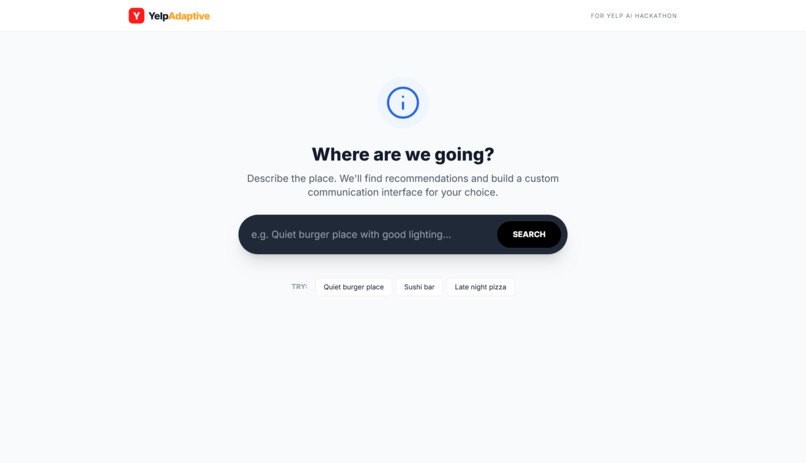
Home page
-
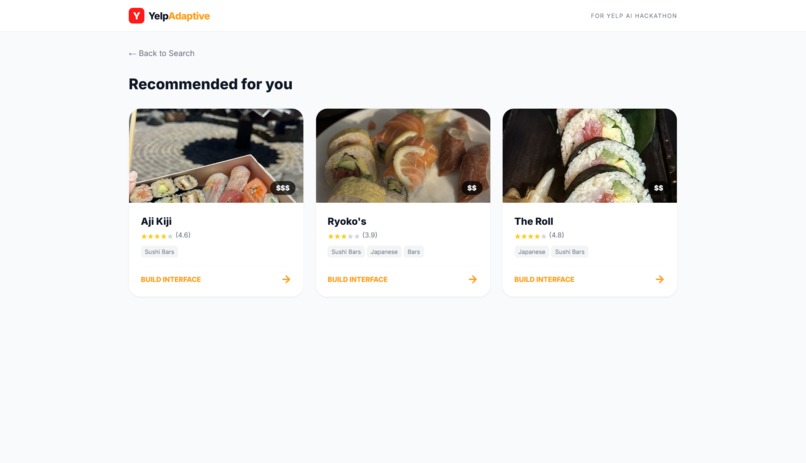
Suggestions page
-
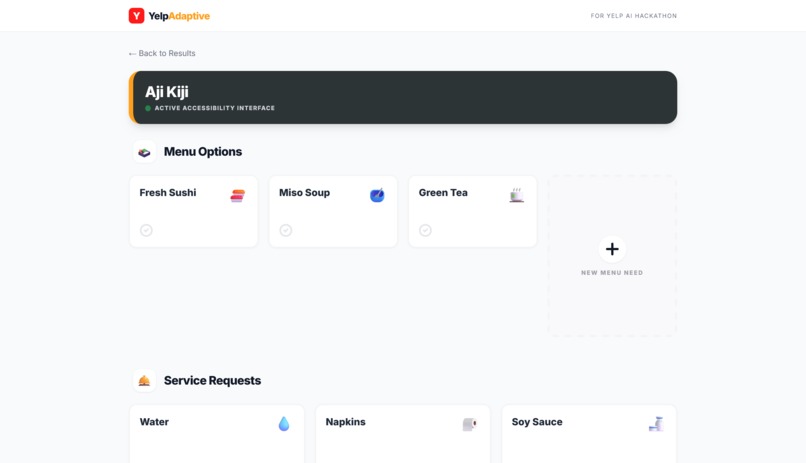
Generative UI page 1
-
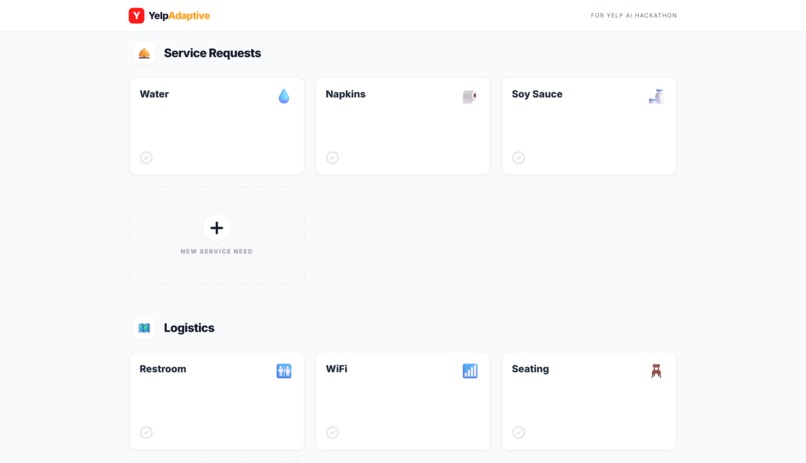
Generative UI page 2
-
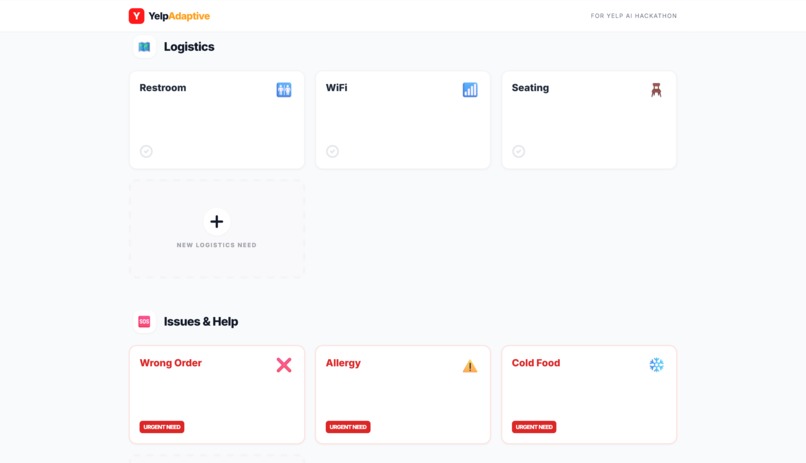
Generative UI page 3
-
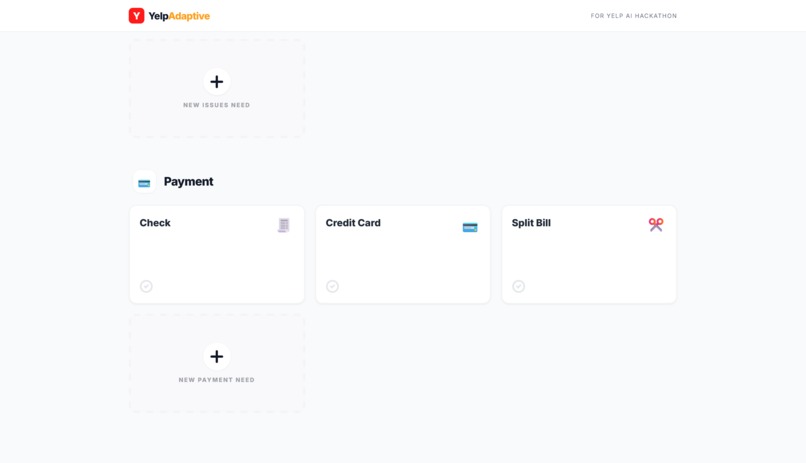
Generative UI page 4
Inspiration
For millions of people with hearing impairments, aphasia, or speech disorders, walking into a new restaurant can be a source of anxiety. Traditional AAC (Augmentative and Alternative Communication) apps are static and generic. They might offer a button for “Food,” but they don’t offer a button for “the spicy tuna roll without cucumber” at the specific restaurant someone just entered.
We realized that context is the missing link in accessibility.
We asked ourselves: What if an app could “read the room” before you even walked in? By combining the depth of Yelp’s data—menus, photos, reviews, and attributes—with the reasoning power of modern LLMs, we saw an opportunity to move beyond static interfaces.
Our inspiration was to build an application that doesn’t merely display information, but dynamically architects a custom communication interface in real time, tailored to both the user and the place they are in.
What it does
Yelp Adaptive is a polymorphic accessibility app that changes its entire interface based on who the user is and where they are.
For this prototype, we focused on Sarah, a Deaf user profile.
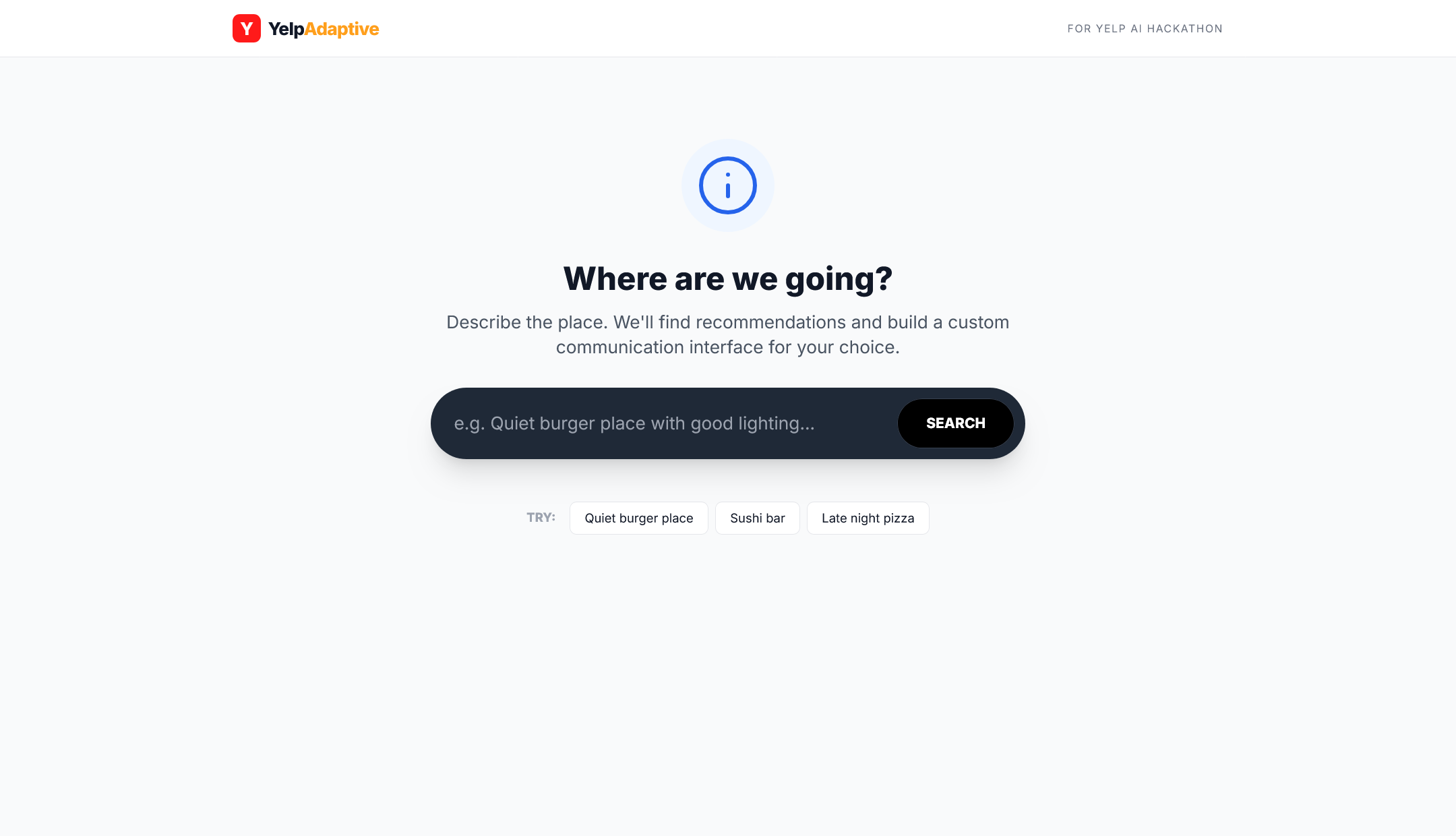
Deaf-Friendly Contextual Search (Powered by Yelp AI)
Sarah can search using natural language queries such as:
“A quiet place with good lighting and patient service.”
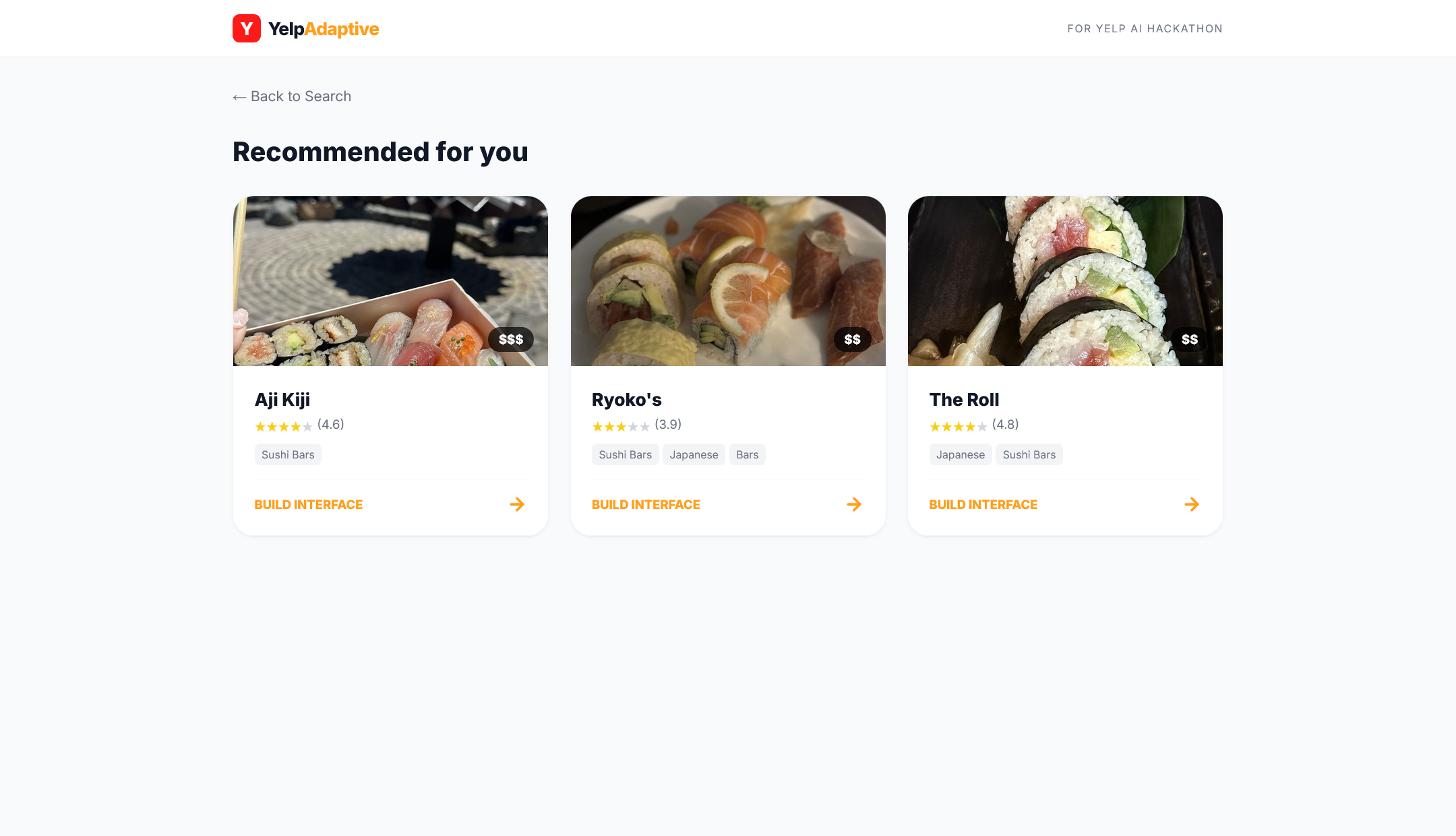
Instead of relying on keyword matching, the Yelp AI API analyzes review sentiment, ambiance, and accessibility-related attributes to surface places that feel safe and comfortable—not just popular.
Generative UI (Core Innovation)
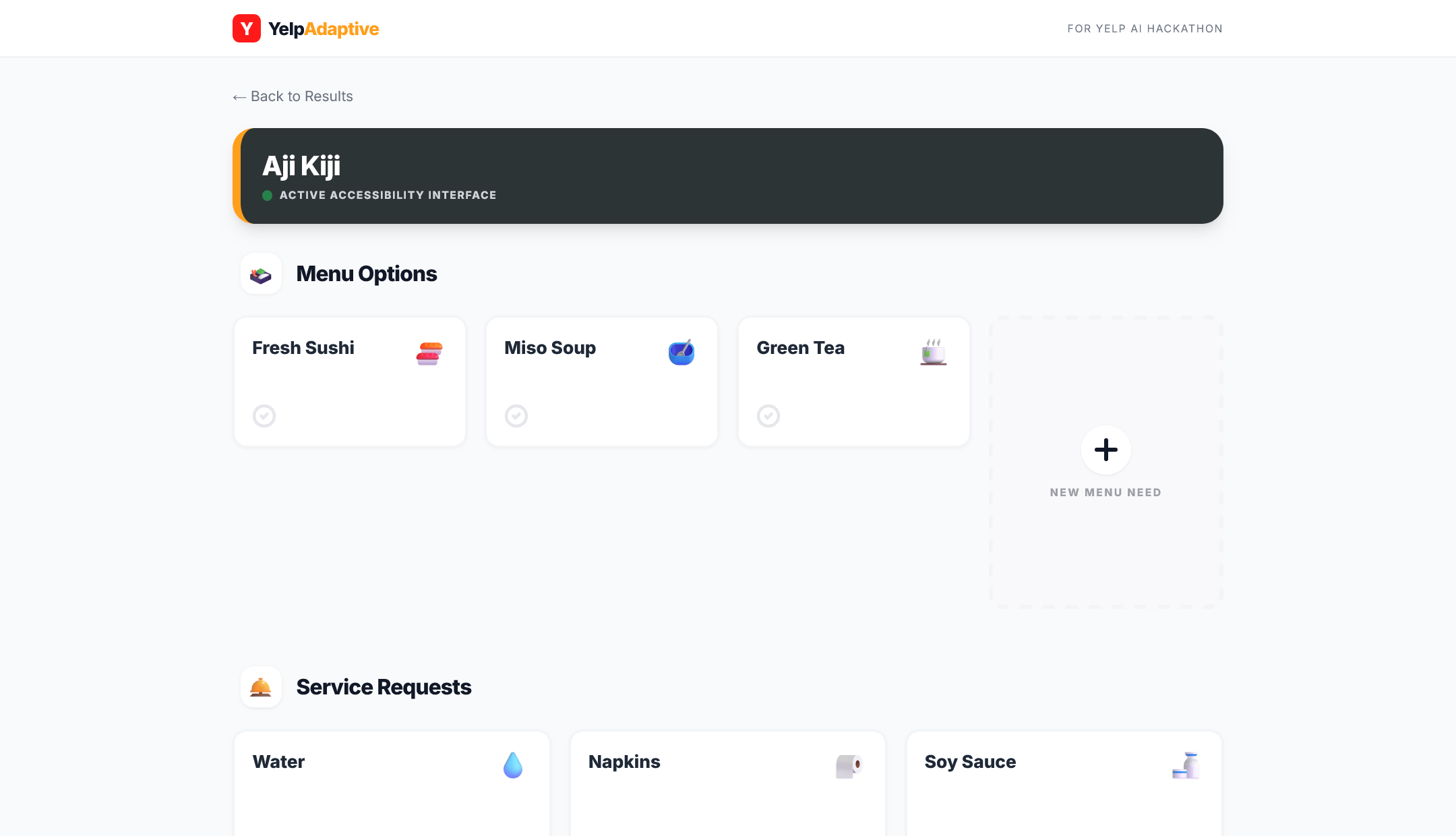
Once Sarah selects a restaurant (for example, “Joe’s Burger Joint”), the app fetches its full context from Yelp: menus, photos, service style, and reviews.
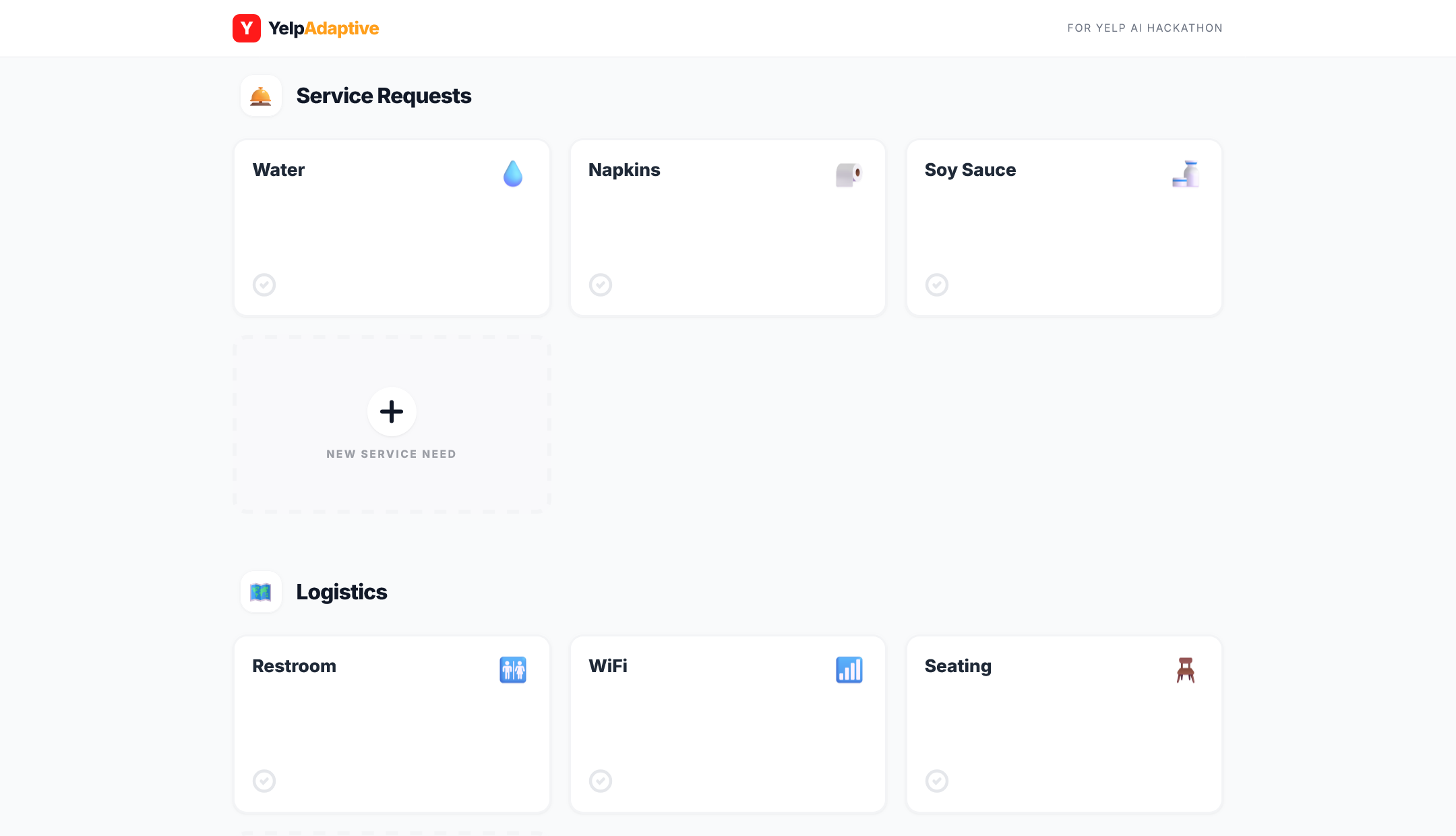
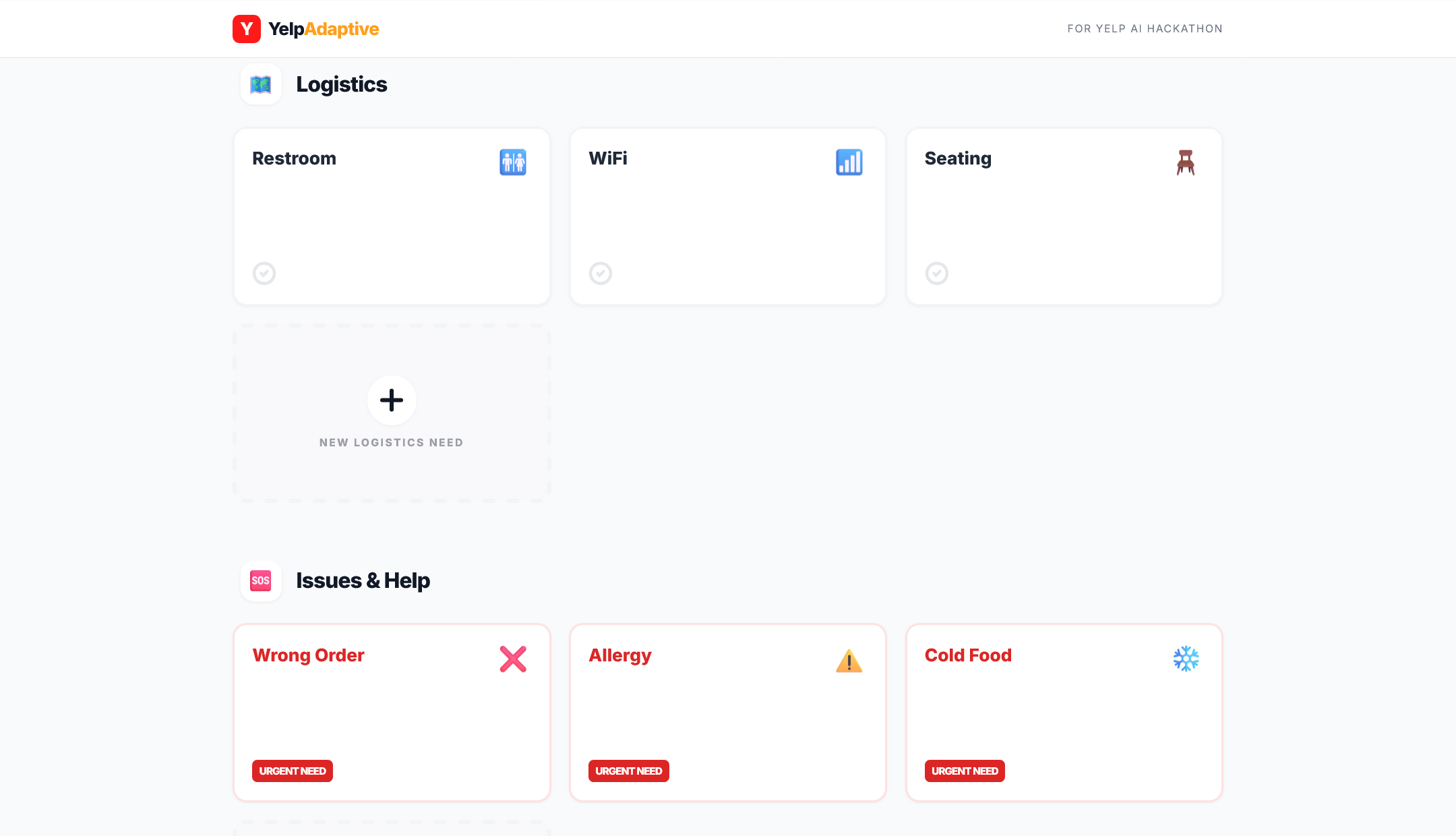
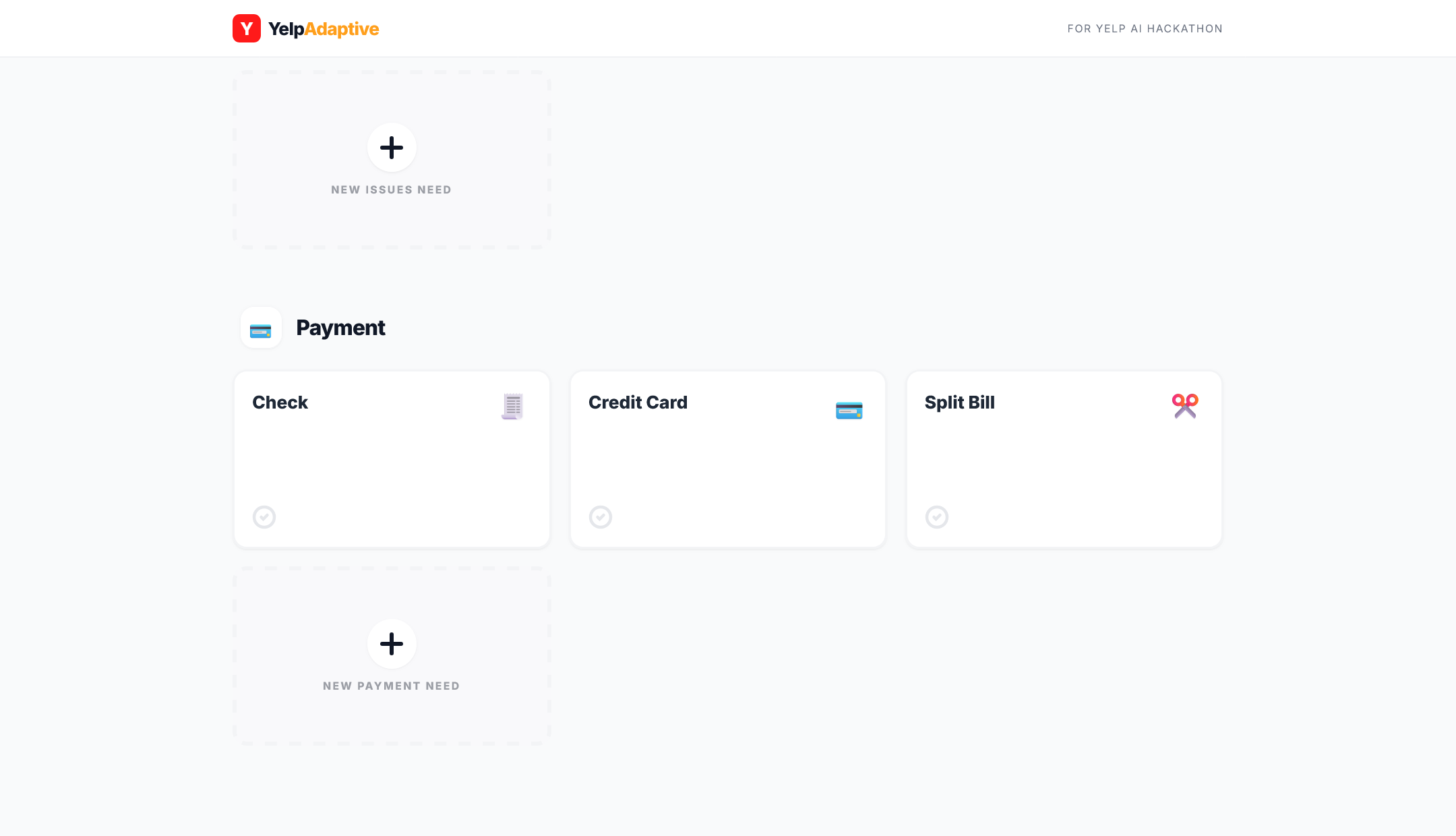
An AI model then generates a custom communication interface on the fly, tailored specifically to that location.
- At a steakhouse, the UI includes doneness selectors (Rare / Medium / Well).
- At a boba tea shop, it generates sugar-level and ice-level sliders.
- At a sushi restaurant, it prioritizes rolls, ingredients, and exclusions.
These controls are not hard-coded. They are dynamically generated by the AI based on Yelp’s real menu data.
Visual-to-Audio Communication Bridge
Sarah interacts with visual cards populated using real Yelp photos. The app assembles a grammatically correct sentence and uses high-quality Text-to-Speech to speak for her:
“I would like the cheeseburger, medium-rare, with no onions, please.”
This removes the stress of verbal communication while preserving clarity and autonomy.
How we built it
We designed the system around a Generative UI architecture.
Intelligence Layer (Backend)
- Built with Python (FastAPI)
- Uses Yelp Fusion AI API for advanced natural-language accessibility queries
- Uses Yelp Fusion API for structured data (menus, photos, reviews, attributes)
- All data is passed to Google Gemini 2.0 Flash, guided by a carefully engineered system prompt that acts as a “UI Architect”
- The model outputs a strict JSON UI schema, describing the interface to render
Rendering Layer (Frontend)
- Built with React
- Instead of predefined pages, we implemented a Smart Renderer that constructs the UI dynamically from the JSON definition
- Components such as menu cards, action buttons, and helper chips are generated at runtime
- Google Text-to-Speech handles voice output
- Imagen 3 is used as a fallback to generate visual icons when Yelp photos are missing
Challenges we ran into
Generative UI Hallucinations
Ensuring the LLM produced valid, renderable JSON was challenging. We solved this by enforcing strict schema validation so the AI could not invent unsupported UI components.
Latency
Generative UI can introduce delays. We optimized performance by:
- Using Gemini 2.0 Flash for faster generation
- Pre-generating the communication UI while the user views restaurant details, so it’s ready instantly when needed
Data Consistency
Mapping unstructured menu text into structured modifiers (e.g., recognizing “Add avocado +$2” as a modifier rather than a dish) required significant prompt engineering and iteration.
Accomplishments that we’re proud of
True Generative UI A sushi restaurant and a pizzeria produce completely different interfaces—without writing separate code paths. Yelp data directly shapes the UI.
Contextual Helper Actions The app intelligently suggests helper buttons:
- “Chopsticks” in Asian restaurants
- “Restroom Code” if reviews mention a door code These small touches dramatically reduce friction and feel almost magical.
Accessibility-Driven Use of Yelp AI We demonstrated that Yelp’s AI isn’t just about discovering food—it can help users discover comfort, safety, and confidence through nuanced accessibility queries.
What we learned
Accessibility is deeply personal There is no universal accessibility mode. Deaf, blind, and mobility-impaired users have fundamentally different needs. Generative UI is the only scalable way to meet them all.
Data is an accessibility superpower Yelp’s photos and reviews are an untapped accessibility goldmine. A menu photo may be inaccessible to a blind user—but an AI-interpreted, structured audio menu can be life-changing.
What’s next for Yelp Adaptive: The Generative UI for Accessibility
Multi-Persona Expansion Activate new profiles using the same generative engine:
- Blind Profile (audio-first UI)
- Wheelchair Profile (logistics-first UI: entrances, spacing, restrooms)
Wearable Integration Bring communication cards to smartwatches or AR glasses for hands-free interaction.
Offline Mode Cache generated UIs for favorite locations so users can communicate even with poor connectivity.

Log in or sign up for Devpost to join the conversation.