Inspiration
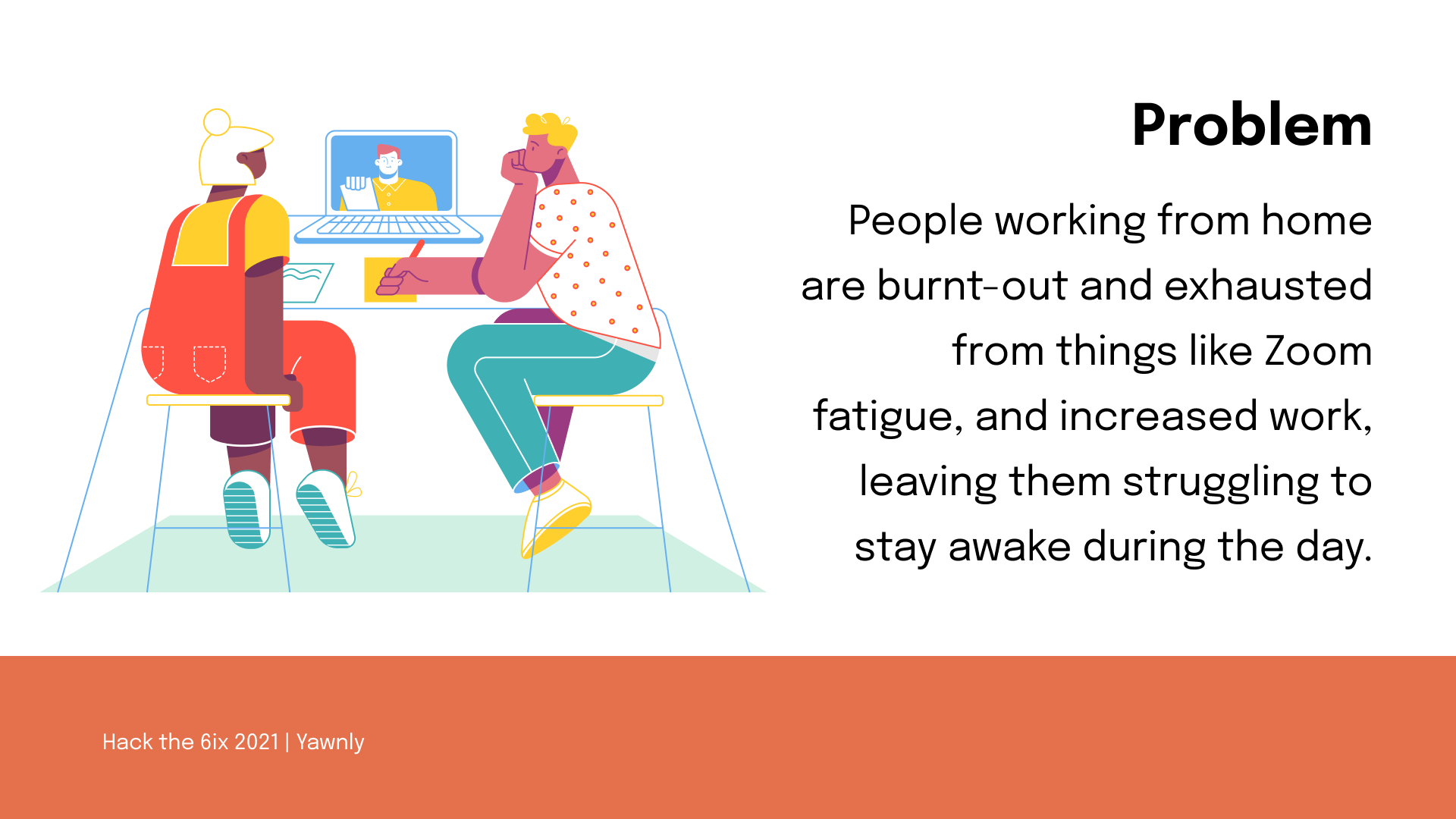
Due to COVID-19, schools and workplaces have shifted to an online setting. With the line between work and rest blurring, people have been taking on more work, taking shorter breaks and working even when sick. Such circumstances have led to exhaustion and Zoom-fatigue that impact people's ability to stay awake during meetings and lectures. We wanted to help everyone impacted by this unforeseen event and increase the productivity level with our web application.
What it does
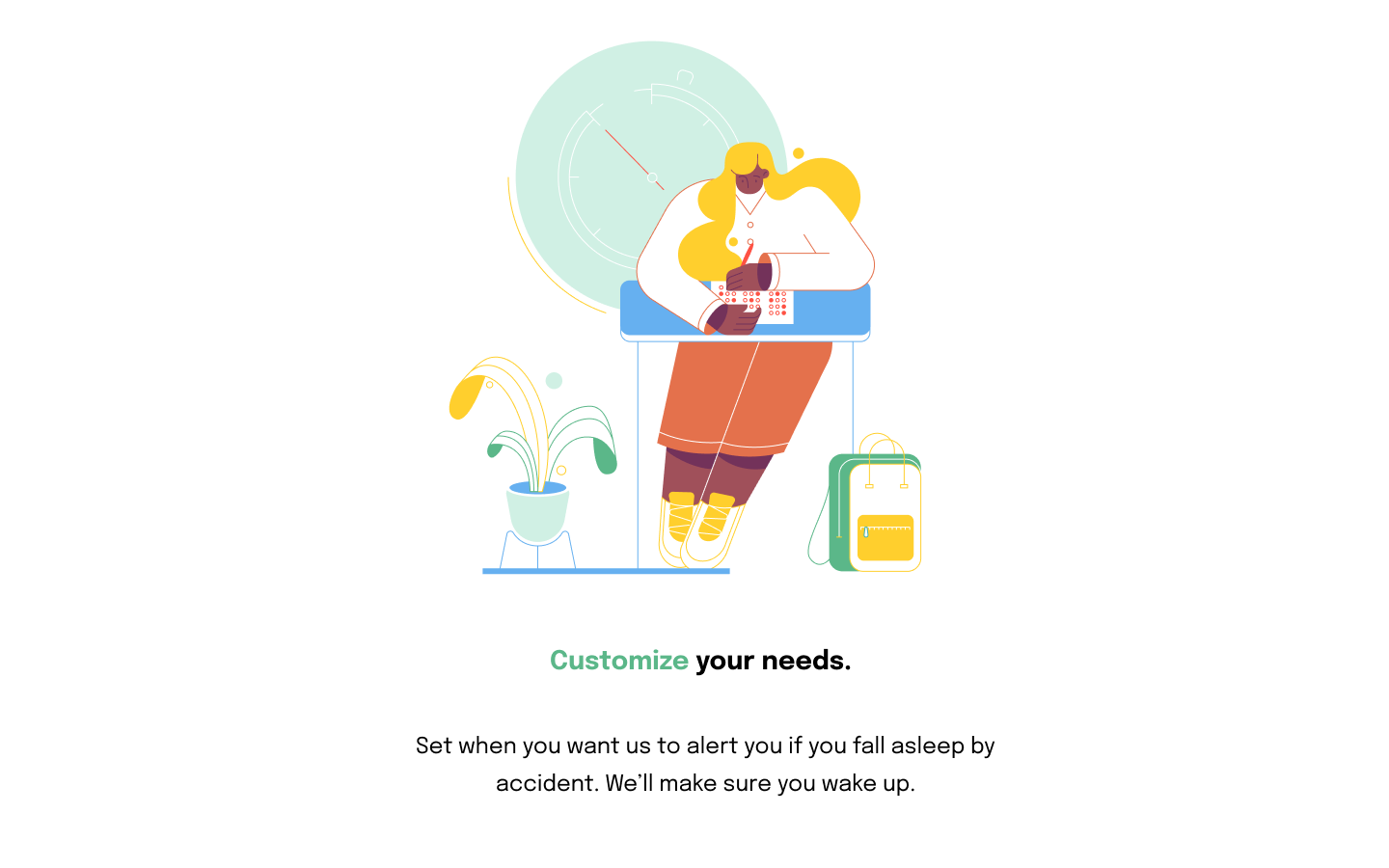
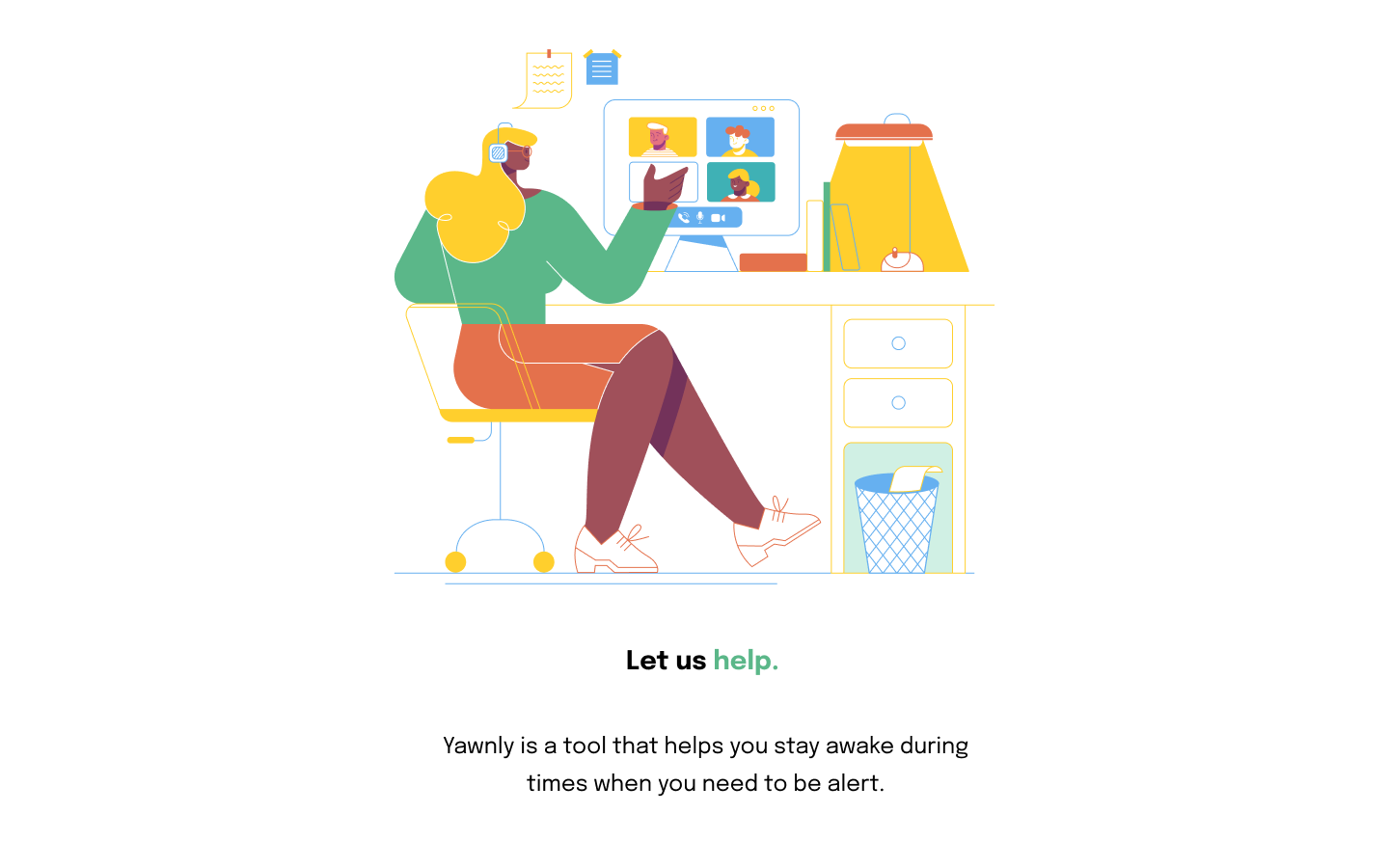
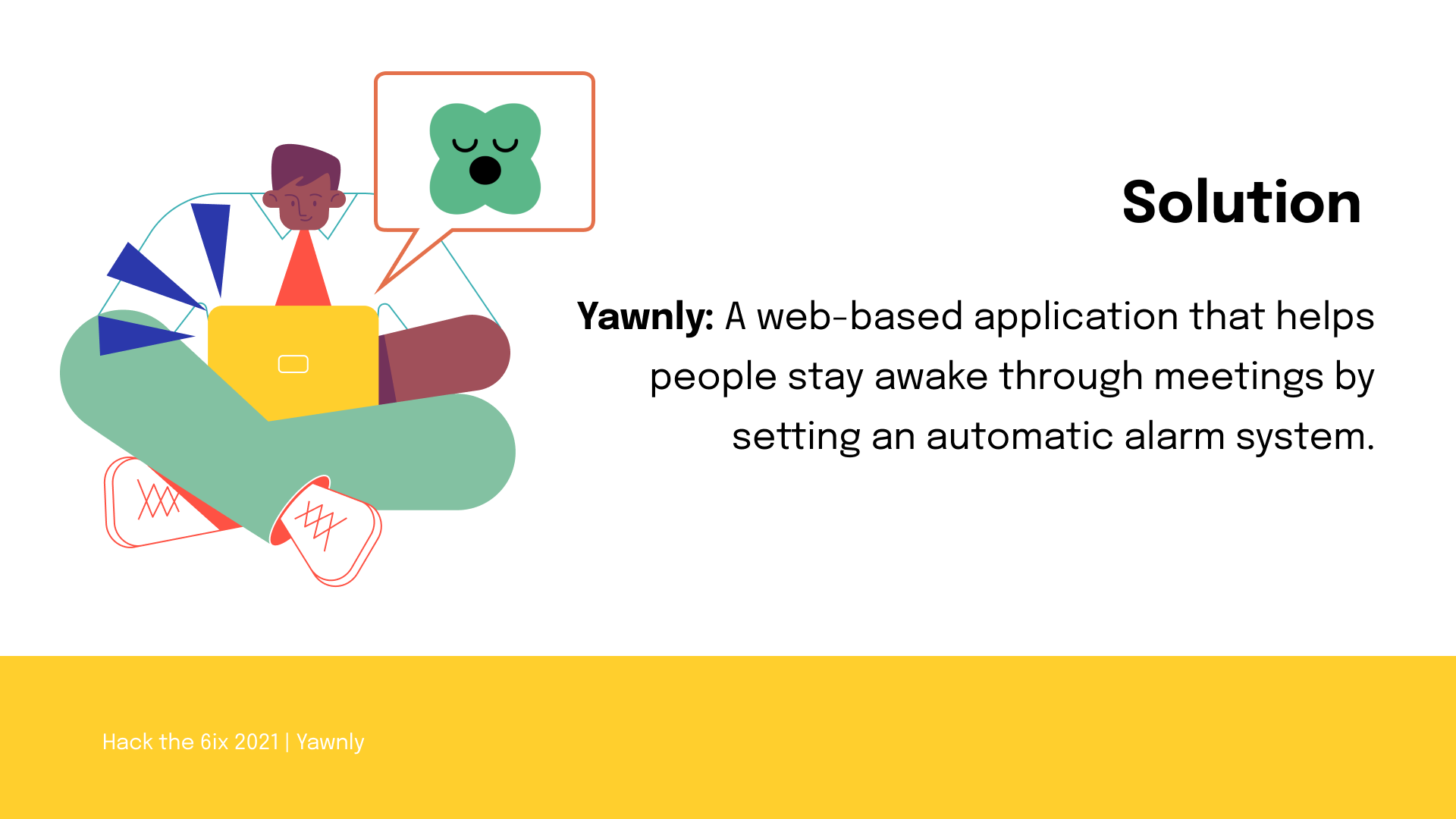
Yawnly is a web application that encourages students and workers to stay awake by sounding an alarm whenever it detects the user’s eyes to be closed. The user can set how long the eyes can remain closed before the alarm goes off. Also, the user can set the alarm with a personalized sound according to their needs. While your online meeting is running, just turn off your camera and microphone and keep Yawnly open in another tab to wake you up if you happen to doze off!
How we built it
To build Yawnly, we used HTML CSS and Javascript for our front-end. For the back-end, we wrote our code in Python and used the Flask library to integrate the backend with the frontend of our web application. For the sleep detector, we used OpenCV to capture and stream the video and facial landmarks in the dlib C++ library, a pre-trained machine learning face detector, to detect the eyes from frames of the video stream. The facial landmarks provide coordinates for points at the top and bottom of both eyes. We use a custom algorithm adding the Euclidean distance between the top and bottom coordinates of each eye that classifies an eye as closed if the average output of both eyes is below a predetermined threshold.
Challenges we ran into
The biggest challenge we ran into was connecting the front-end to the back-end. As none of us had much experience with the front-end work, we struggled a lot to send user-end changes to make the necessary responses in the back-end.
Accomplishments that we're proud of
- Our algorithm for detecting whether the user’s eyes are closed, ended up being quite sensitive for most webcam setups, especially considering that we were using a pre-trained model
- All of the features we envisioned for the app were fulfilled: being able to detect closed eyes for most camera angles, incorporating the alarm and customization features to allow users to upload their own sound files and the amount of time that eyes can be closed before the alarm sounds, being able to track time spent with eyes closed to good accuracy, and having a responsive UI
- Creating a working product from our ideas!
What we learned
We learned to make a full-working website using Flask. During the process, we especially learned how to work in a team. Communicating between the team members became more efficient and effective as time went on throughout this short Hackathon period. We learned how to divide up our tasks productively and to help each other to accomplish each of these tasks.
What's next for yawnly
Broadening our target market to people that have careers where the risk of falling asleep on the job is likely, like truck drivers and people with sleep disorders such as narcolepsy. We would do so by introducing a mobile web version of Yawnly, as well as creating an offline version would also be great as it would make it more accessible to people.


Log in or sign up for Devpost to join the conversation.