Inspiration
What it does
How we built it
Challenges we ran into
Accomplishments that we're proud of
What we learned
What's next for Yattayo: Slider To-Do Board
Inspiration
To-do apps are great at collecting tasks and terrible at celebrating them. Tapping a tiny checkbox feels like filing paperwork.
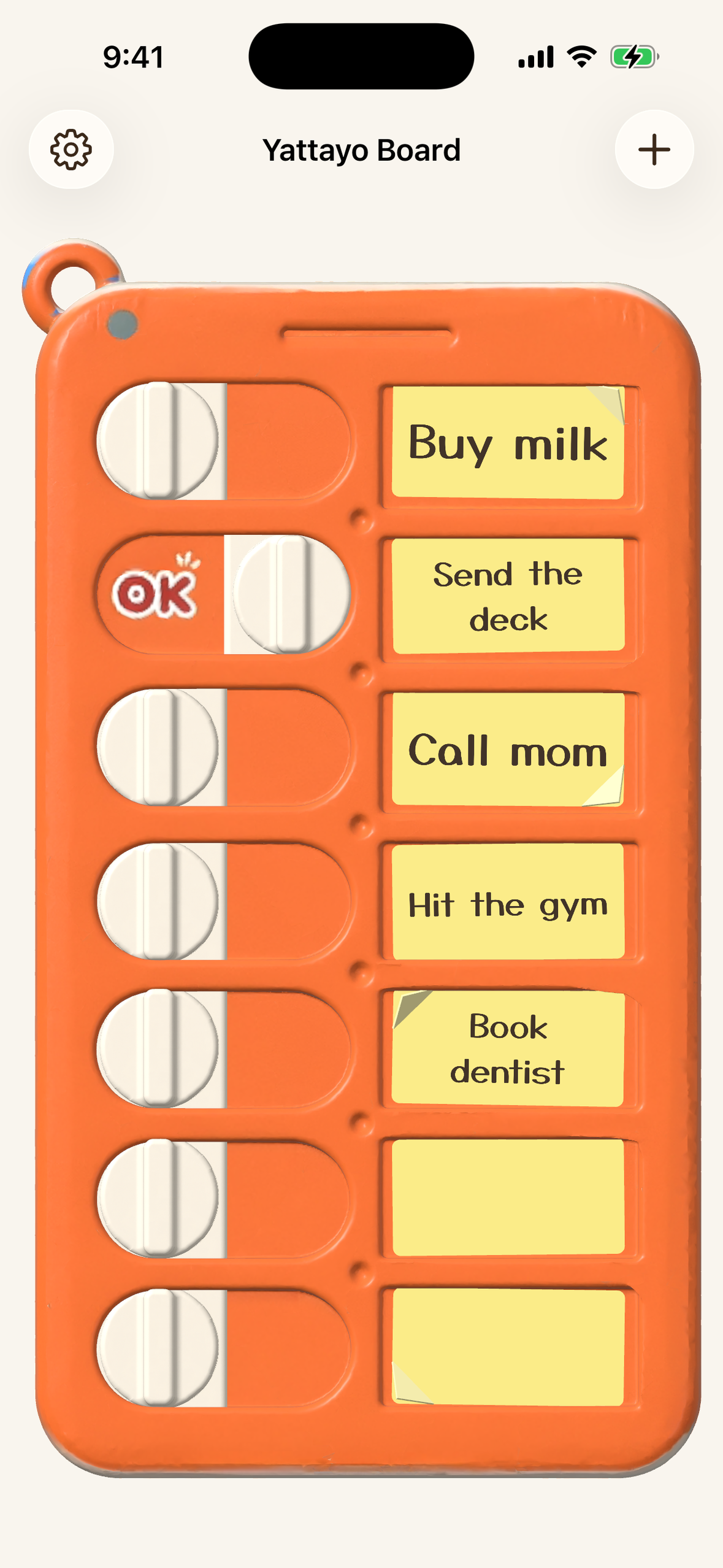
Physical slider checklist boards get one thing exactly right: when you finish something, you slide a knob and it goes clack. I wanted that clack on my phone. So I built Yattayo ("I did it!" in Japanese) — a to-do list that is a real, physical-feeling orange slider board.
What it does
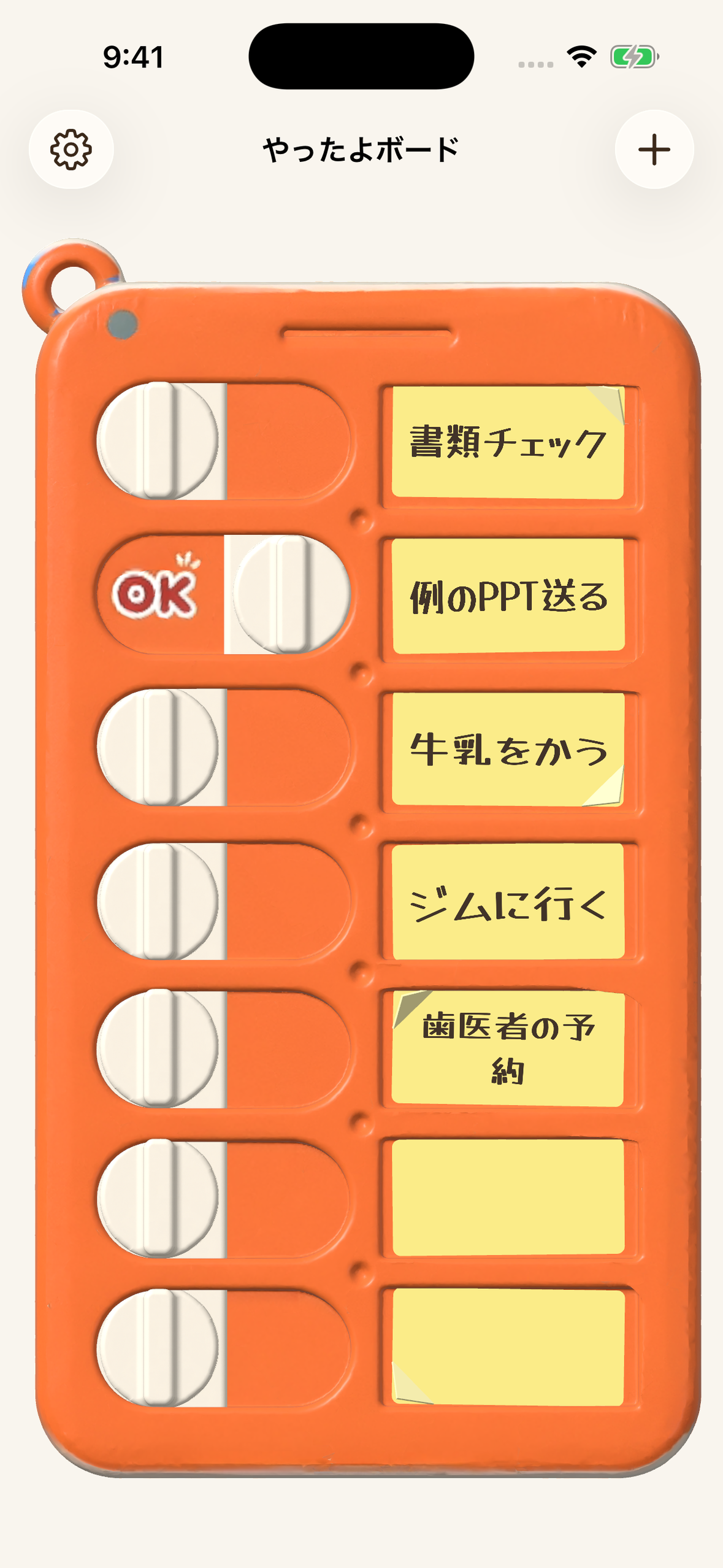
- Slide to finish. Every task is a row on a 3D slider board. Drag the knob across and an "OK" stamp appears, with ratchet ticks while you slide and a firm thunk at the end — haptics and sound effects in sync.
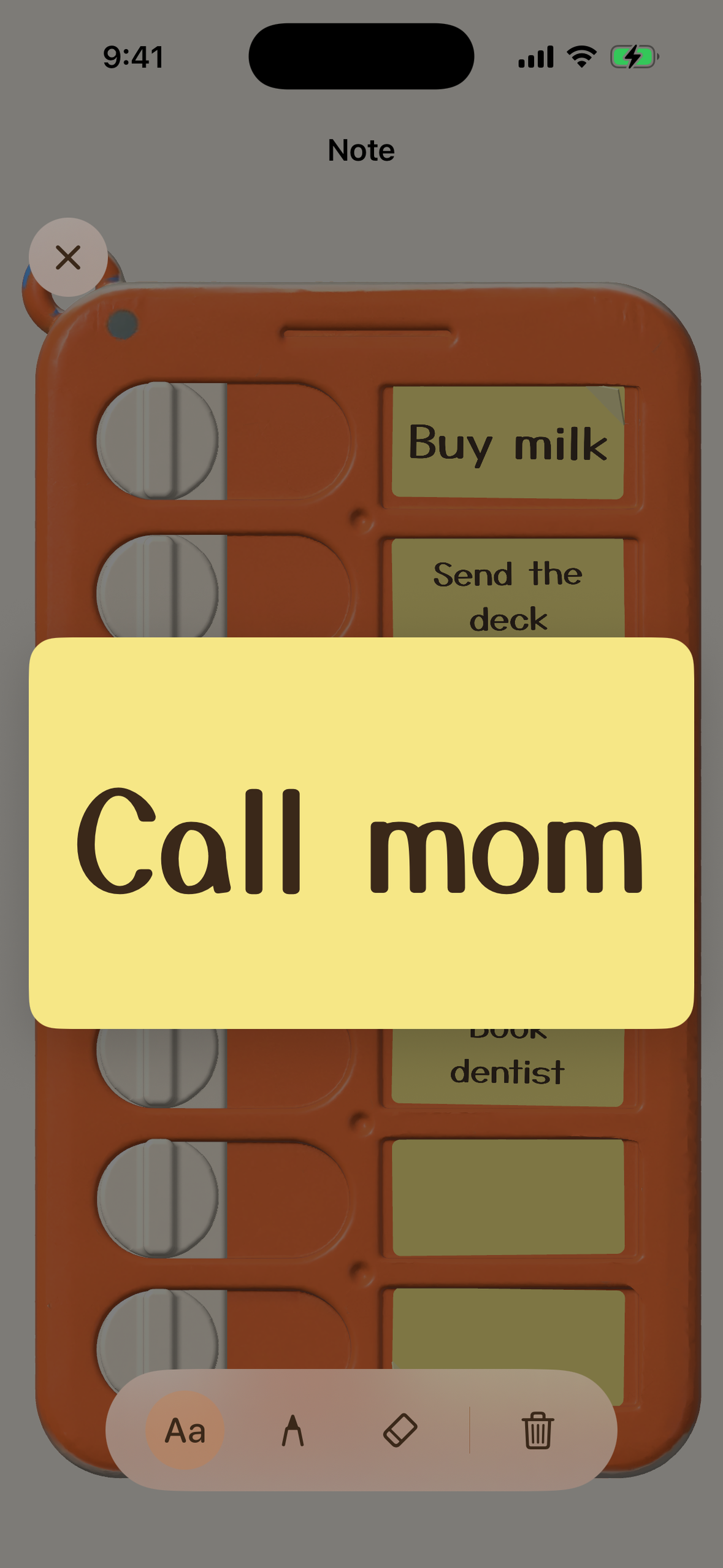
- Sticky notes, not text fields. Each task is a sticky note. Tap it, and it opens up so you can type or handwrite with a pen and a real eraser (it erases only what you trace). Text auto-fits the note in a warm handwriting-style font, and edits save automatically.
- Peel it off. Swipe a finished note and it peels off the board and falls away with physics.
- 3D widgets. Home Screen widgets show a miniature of your actual 3D board, and you can tap the switch right on the widget to complete a task.
- Gentle deadline reminders. Notifications two days before, the day before and on the due date, then a gentle daily nudge if it slips — and you can mark it done straight from the notification.
- Everywhere you are. iPhone, Apple Watch and Mac, kept in sync through iCloud. An Android version rebuilds the same 3D board natively.
- Premium: unlimited tasks (free is 3), daily/weekly repeating tasks, and no ads.
How I built it
- iOS / macOS / watchOS: SwiftUI + SceneKit with USDZ models for the board and switches, SwiftData with a private CloudKit database for sync, WidgetKit + App Intents for interactive widgets, PencilKit for handwriting, and a shared Swift package for the core logic.
- Android: Kotlin + Jetpack Compose + SceneView (Filament) for the same 3D board, Room for local storage, Glance for the widget. I converted the USDZ models to glTF with headless Blender so both platforms use the same geometry.
- RevenueCat: one project, iOS and Android apps, a single
premiumentitlement, and onedefaultoffering with a weekly and a lifetime package. The paywall reads the current offering, purchases a package and restores through the SDK, and the entitlement is checked at launch. - Ads: AdMob banner and app-open ads for free users, removed by Premium.
Challenges I ran into
- Flicker. My first version rebuilt the whole 3D scene whenever a switch toggled or a note was saved, and the board flashed. I moved to diff updates that only touch the changed switch or note.
- Widgets can't run a live 3D view. I render the board offscreen and hand the widget a snapshot, so it still looks like the real object.
- The Mac. Notes first rendered black with upside-down text, and later I found notes written on the Mac weren't being saved at all — fixed in a follow-up build.
- Porting to Filament. Recreating image nodes destroyed textures still bound to materials and crashed the renderer, so I keep textures alive and re-upload bitmaps instead. A banner ad even made the 3D board disappear until I fixed the banner's size up front.
- Store plumbing. A paywall still using product IDs from the template I started from showed no products at all, and on Android RevenueCat couldn't read Google Play until I granted the service account access to this app.
What I learned
A skeuomorphic app lives or dies on details you can't see in a screenshot: the timing of a haptic, whether the model flickers, whether a widget looks like the same object. I also learned to verify store configuration against the real product IDs and permissions instead of assuming they're right.
What's next
Listening to feedback from early users, polishing the Android widget toward the iOS 3D version, and adding small touches that make finishing a task feel even better.

Log in or sign up for Devpost to join the conversation.