-
-
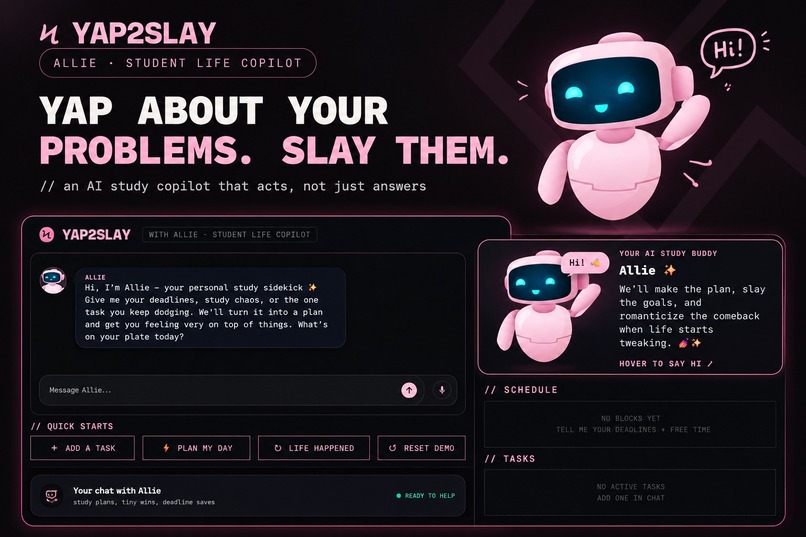
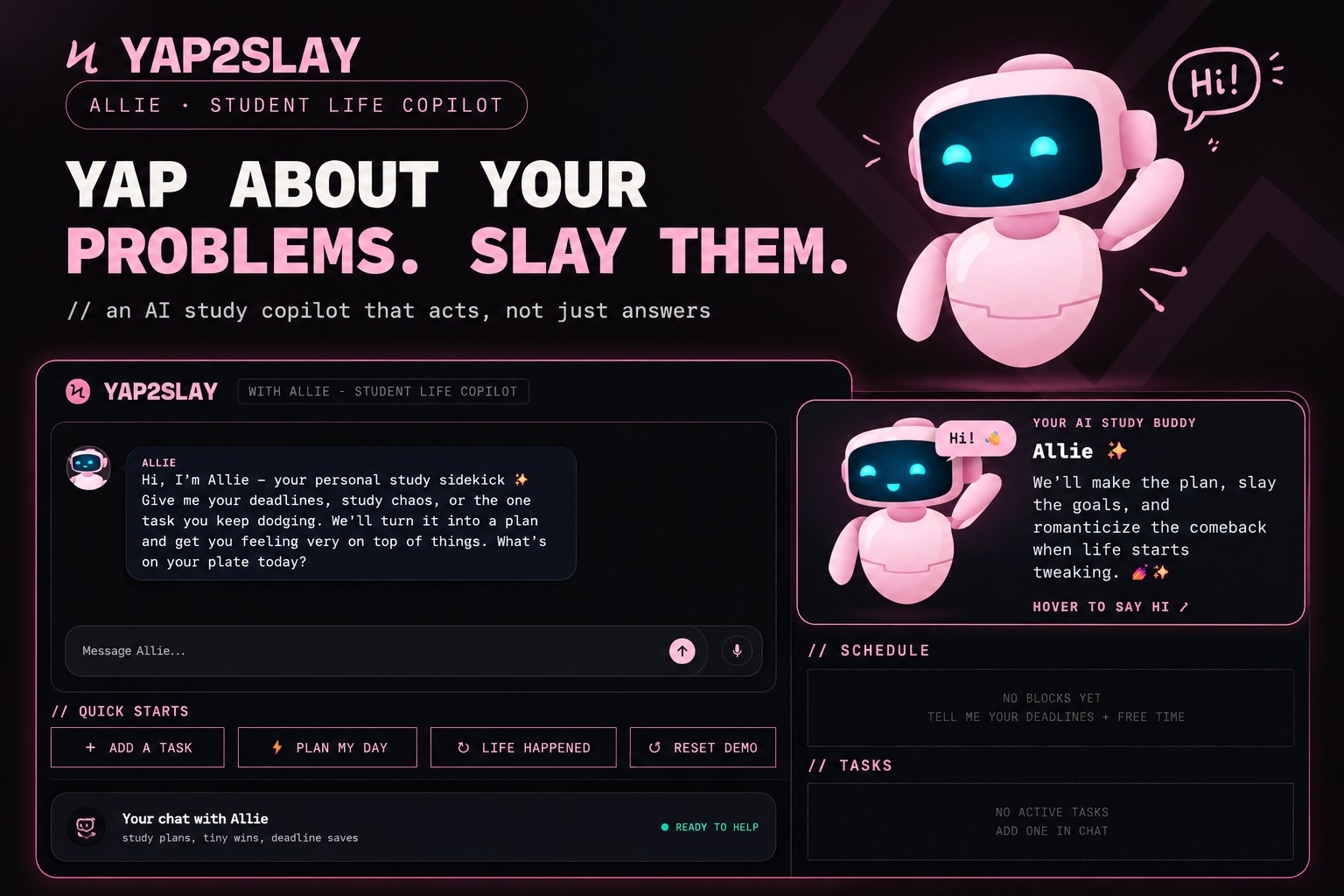
Meet Allie! Your AI study buddy for deadlines, study plans, and less chaos. Yap about your problems. Slay them with YAP2SLAY!
-
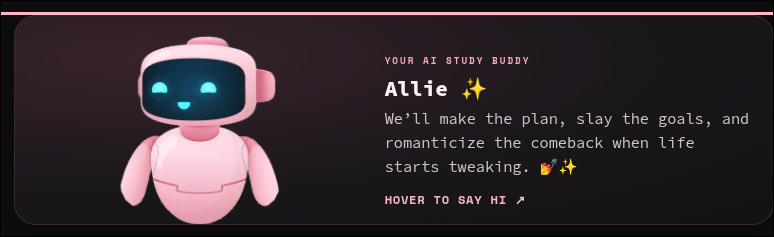
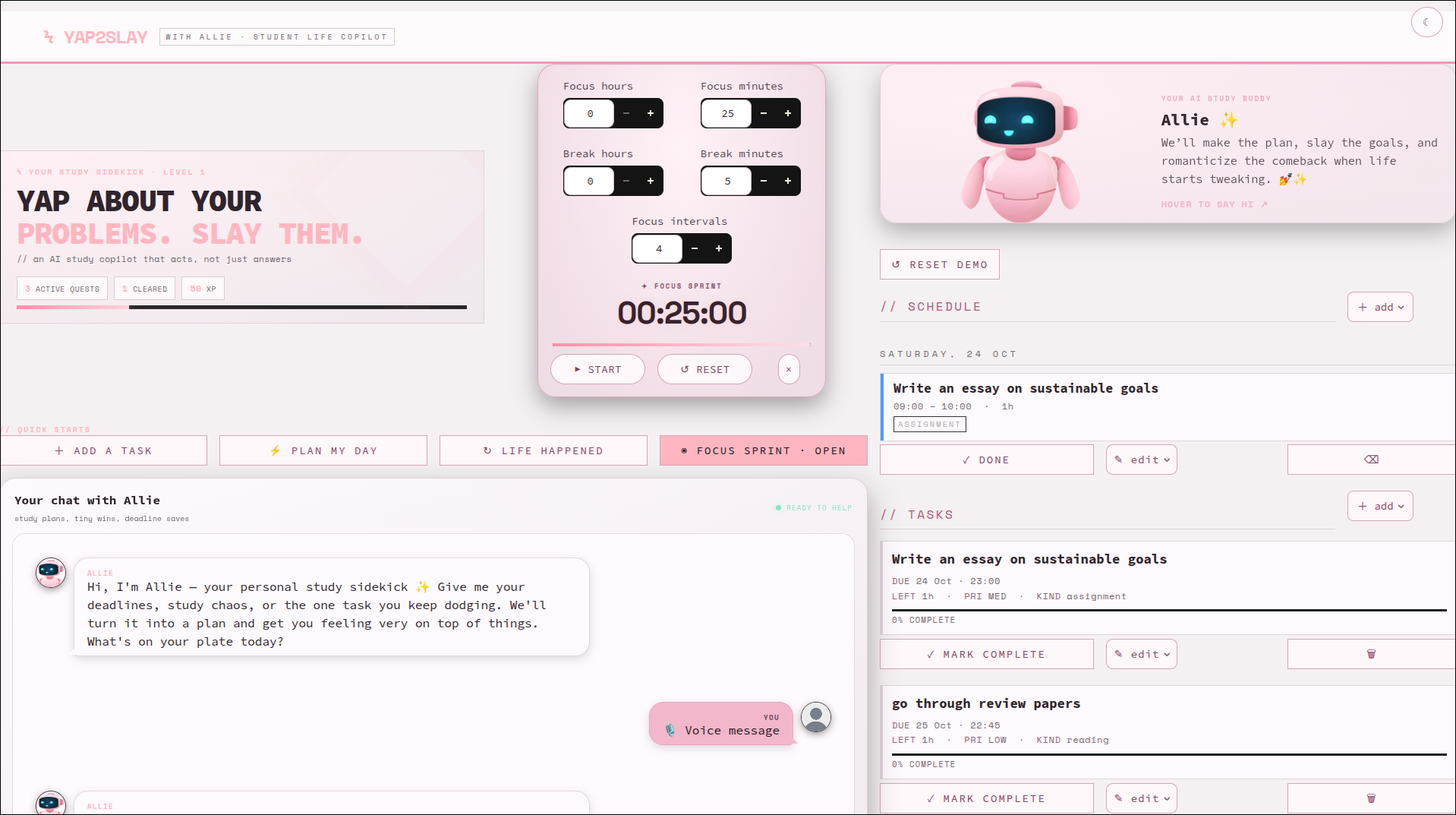
Allie
-
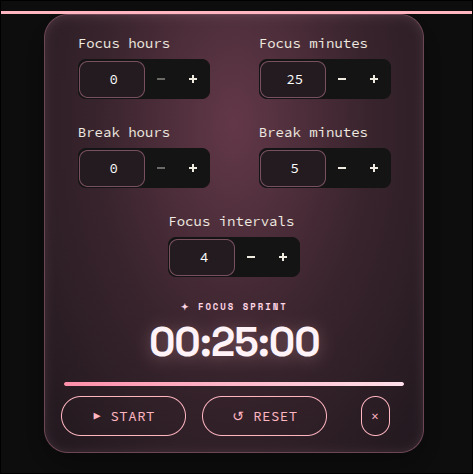
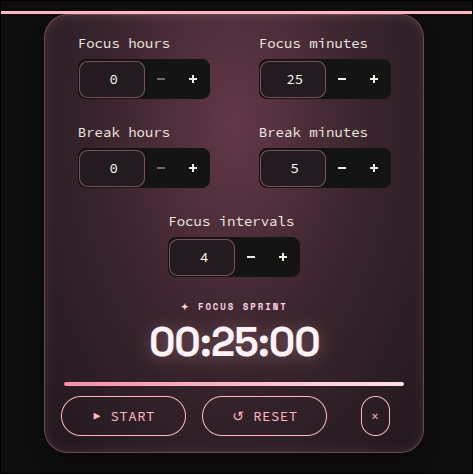
Pomodoro availability
-
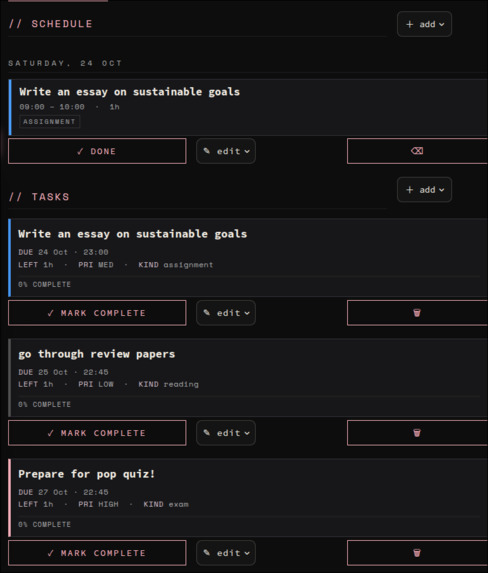
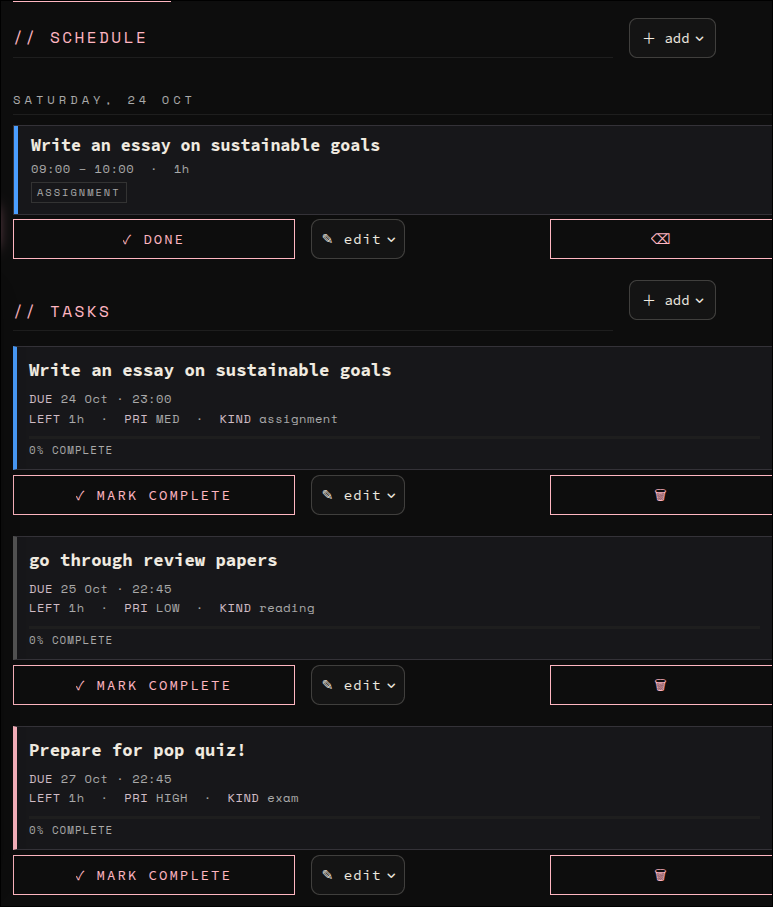
add and manage tasks and schedules. Allie manages them for you as well!
-
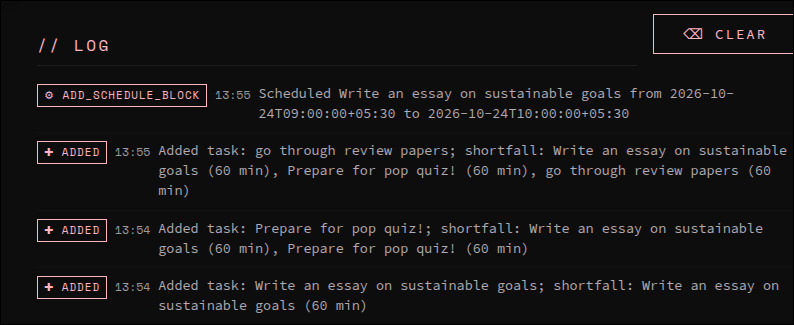
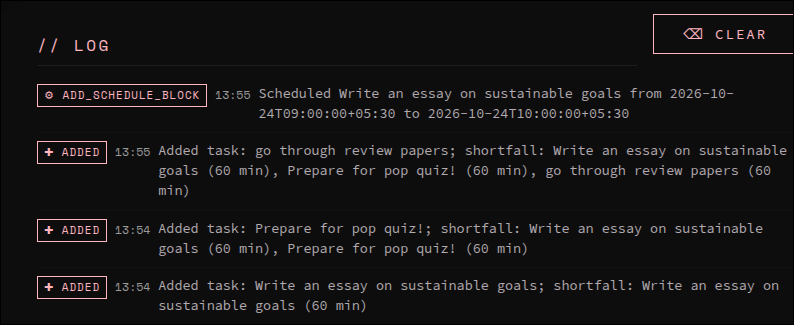
Logs show your previous activities. There's a "clear" option as well
-
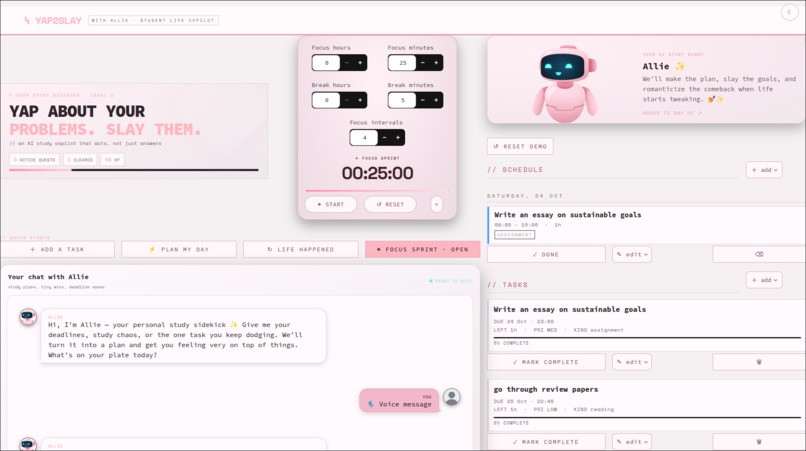
Allie is available in lightmode !
-

Allie can hear you! voice input available

Inspiration
We've all been there: three assignments due, an exam in two days, and a planner that tells you what to do but doesn't actually help you do it. Most study tools store your tasks, but they don't adapt when plans change or help you recover when a day goes sideways.
We wanted to build something that felt like texting a really organized friend, someone who doesn't just listen but actually helps fix your schedule. That's where Allie, the AI study sidekick behind YAP2SLAY, came in.
The Alexa+ track inspired us to build an assistant that acts, not just answers. We wanted students to describe their problems naturally and see their tasks and schedules update as the assistant takes action.
Our core idea was simple: the AI shouldn't just suggest a plan. It should use tools to make that plan real.
What it does
YAP2SLAY is an AI-powered student life copilot that turns everyday conversations into actionable study plans.
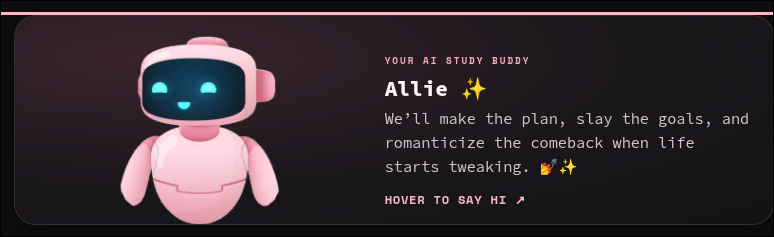
Meet Allie, your personal study sidekick. Tell her about your exams, assignments, deadlines, available hours, or unexpected interruptions. She helps organize your workload, builds a schedule, and adapts it when your plans change.
With its dark interface, neon-pink accents, friendly robot mascot, and chat-first design, YAP2SLAY makes planning feel less like managing a spreadsheet and more like talking to a helpful friend.
Key features
- Natural-language task creation: Add tasks through chat, including deadlines and estimated effort.
- Automatic study scheduling: A Python scheduling algorithm prioritizes tasks based on urgency and available time.
- Adaptive replanning: The schedule updates when tasks or availability change.
- Honest scheduling: If everything cannot fit, YAP2SLAY reports the unscheduled workload instead of pretending the day has unlimited hours.
- Visible AI actions: Badges such as
TASK ADDED,REPLANNED, andTASK DONEmake changes easy to spot. - Progress tracking: Visual progress bars help students track their workload.
- Colour-coded schedules: Different blocks distinguish exams, assignments, reading, and personal time.
- Quick actions: Add a task, plan the day, handle unexpected changes, or start a 25-minute focus sprint.
Live demo: https://yap2slay-iqewvngtivd6l68bel7jus.streamlit.app/
How we built it
We built YAP2SLAY using Python, Streamlit, SQLite, and Google's Gemini API. The Streamlit frontend calls the backend Python modules directly, so we didn't need a separate REST API server.
Tech stack and architecture
| Component | Purpose |
|---|---|
| Python | Backend logic and scheduling |
| Streamlit | Interactive user interface |
| SQLite | Persistent storage for tasks, availability, schedules, and actions |
| Google Gemini API | Natural-language conversation and tool calling |
Backend modules
| Module | Responsibility |
|---|---|
backend/db.py |
Stores tasks, availability, schedule blocks, and actions in SQLite. |
backend/scheduler.py |
Generates schedules using 30-minute slots, urgency scoring, and a maximum 90-minute block length. |
backend/scheduler_service.py |
Validates requests, coordinates database updates, and rebuilds schedules after changes. |
backend/tools.py |
Defines nine typed, documented functions that Gemini can call to perform actions. |
backend/assistant.py |
Manages Gemini conversations and maintains client/chat references across Streamlit reruns. |
frontend/app.py |
Provides the chat interface, schedule, task list, action indicators, and styling. |
app.py |
Configures secrets and environment variables before handing execution to the frontend. |
How the scheduling works
Gemini interprets what the student says and chooses the appropriate tool. Python handles the actual scheduling calculations, keeping the results predictable and testable.
The scheduler calculates urgency using the following formula:
$$ \text{Urgency} = \frac{\text{Priority} \times \text{Remaining Minutes}}{\text{Hours Until Due}} $$
Tasks are placed into 30-minute slots, with study blocks capped at 90 minutes. When tasks or availability change, the schedule is rebuilt to reflect the latest state.
If there isn't enough time for every task, the system reports what couldn't be scheduled rather than pretending everything fits.
Important design decisions
- Deterministic scheduling: Gemini interprets requests, while Python handles the scheduling calculations.
- Real tool actions: Tool calls update the database instead of merely suggesting changes.
- Automatic replanning: Adding or completing tasks triggers a schedule refresh.
- Visible accountability: An action log shows what the assistant changed.
- Honest capacity management: The system reports tasks that couldn't fit into the available time.
Challenges we ran into
1. Managing the Gemini client across Streamlit reruns
Streamlit reruns the application after interactions. Our initial client management approach led to a closed-client error. We addressed this with _ManagedChat, which retains references to the Gemini client and chat in st.session_state.
2. Handling secrets and environment configuration
The Gemini API key needed to be available before the backend initialized. We centralized configuration in the root app.py entry point so Streamlit secrets could be loaded before the backend modules used the key.
3. Delegating execution to the frontend
Keeping Streamlit's page configuration and execution scope consistent took some work. We used the root entry point to configure the app and delegate execution to the frontend while preserving shared module state.
4. Handling rate limits and temporary API errors
Rapid testing exposed Gemini rate limits and temporary service errors. We improved error handling for responses such as HTTP 429 and 503 so the app could respond more gracefully.
5. Keeping session state reliable
An unavailable chat object could persist even after the API key became available. We added checks on page load so the conversation could be recreated when the key was ready.
These challenges taught us that building a useful AI application involves more than writing a good prompt. Client lifecycle, configuration, session state, and error handling all matter.
Accomplishments we're proud of
- A working deployed application: YAP2SLAY is live on Streamlit Community Cloud, combining Gemini-powered conversations with task management and adaptive scheduling.
- An assistant that acts: Gemini can use tools to create and manage real tasks rather than only returning text.
- A deterministic scheduling engine: Python handles schedule calculations consistently.
- Honest planning: The application reports unscheduled work when available time isn't enough.
- Visible accountability: Action logs and status badges show what changed.
- A complete student-focused interface: Chat, tasks, schedules, quick actions, progress indicators, and Allie come together in one place.
- A lightweight architecture: The project runs without a separate REST API server.
What we learned
- Tool descriptions matter because they help the AI choose the right action.
- Combining a conversational AI with deterministic logic makes the system both interactive and predictable.
- Streamlit session state needs careful handling when an application maintains an ongoing conversation.
- Clear action logs and useful error messages make an application easier to understand and debug.
- Well-defined module boundaries make it easier to build and integrate components.
What's next
We'd like to expand YAP2SLAY with:
- Voice interaction for hands-free planning.
- Recurring availability and study routines.
- Study reminders and deadline notifications.
- Google Calendar integration.
- Better support for planning across multiple subjects.
- Alternative model providers, including Amazon Bedrock.
YAP2SLAY: Yap about your problems. Slay them.

Log in or sign up for Devpost to join the conversation.