-
-
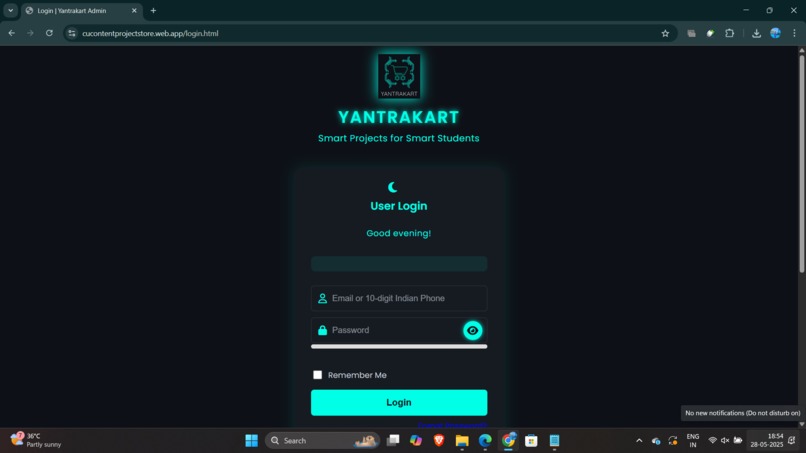
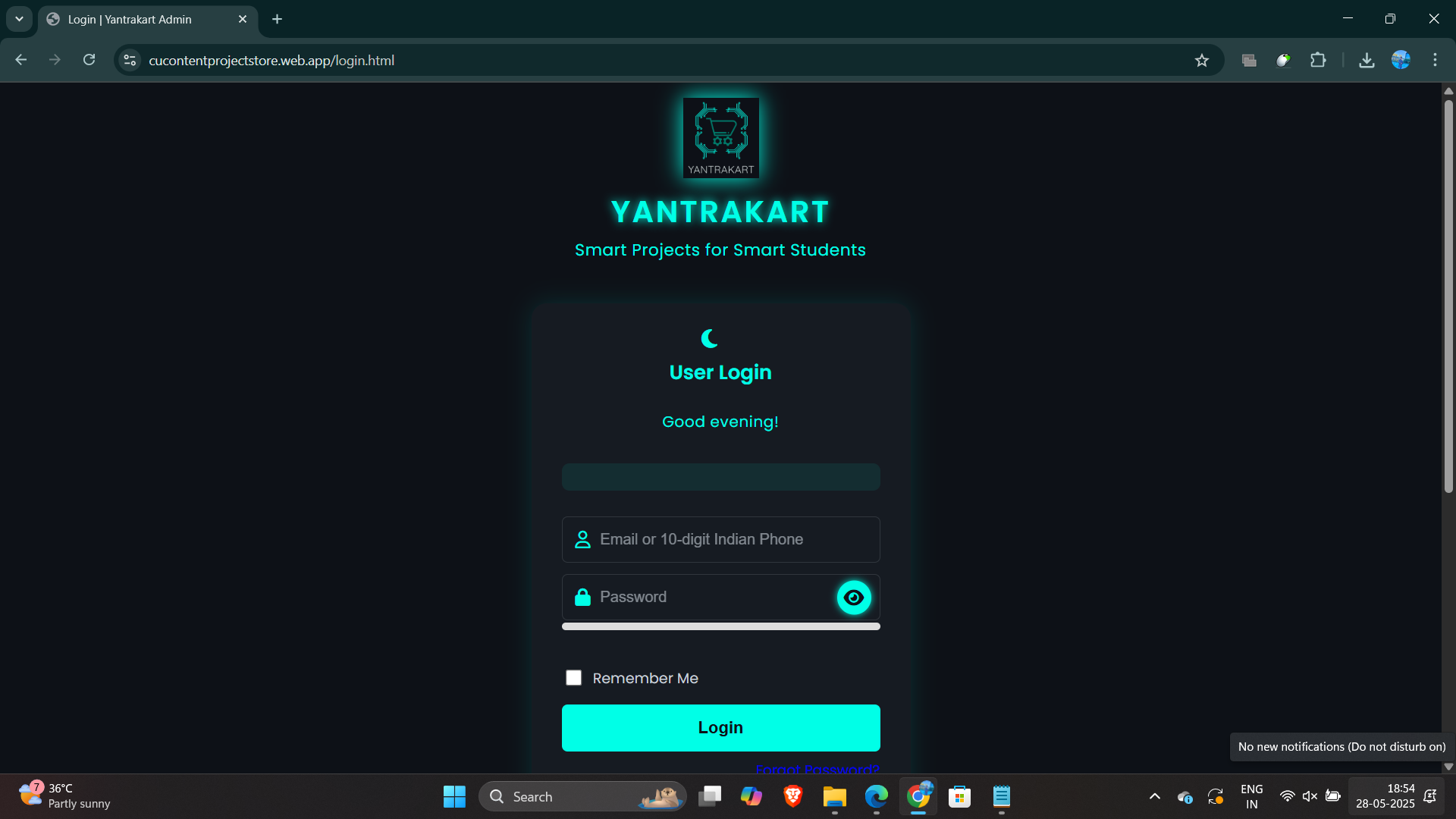
Secure login page powered by Firebase Authentication for user access.
-
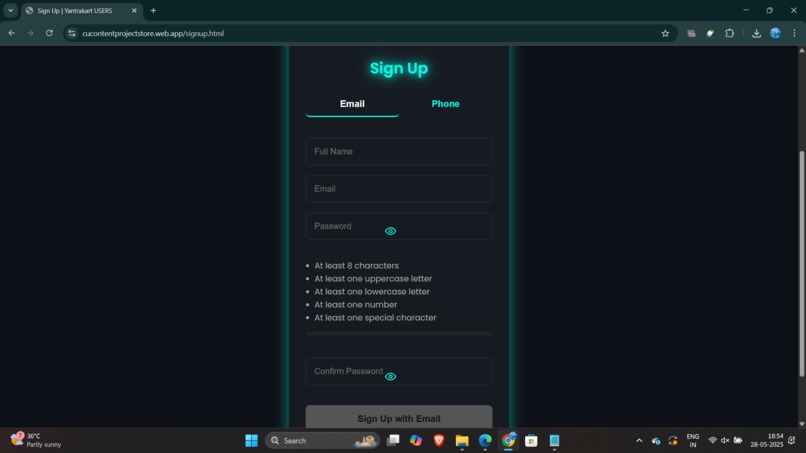
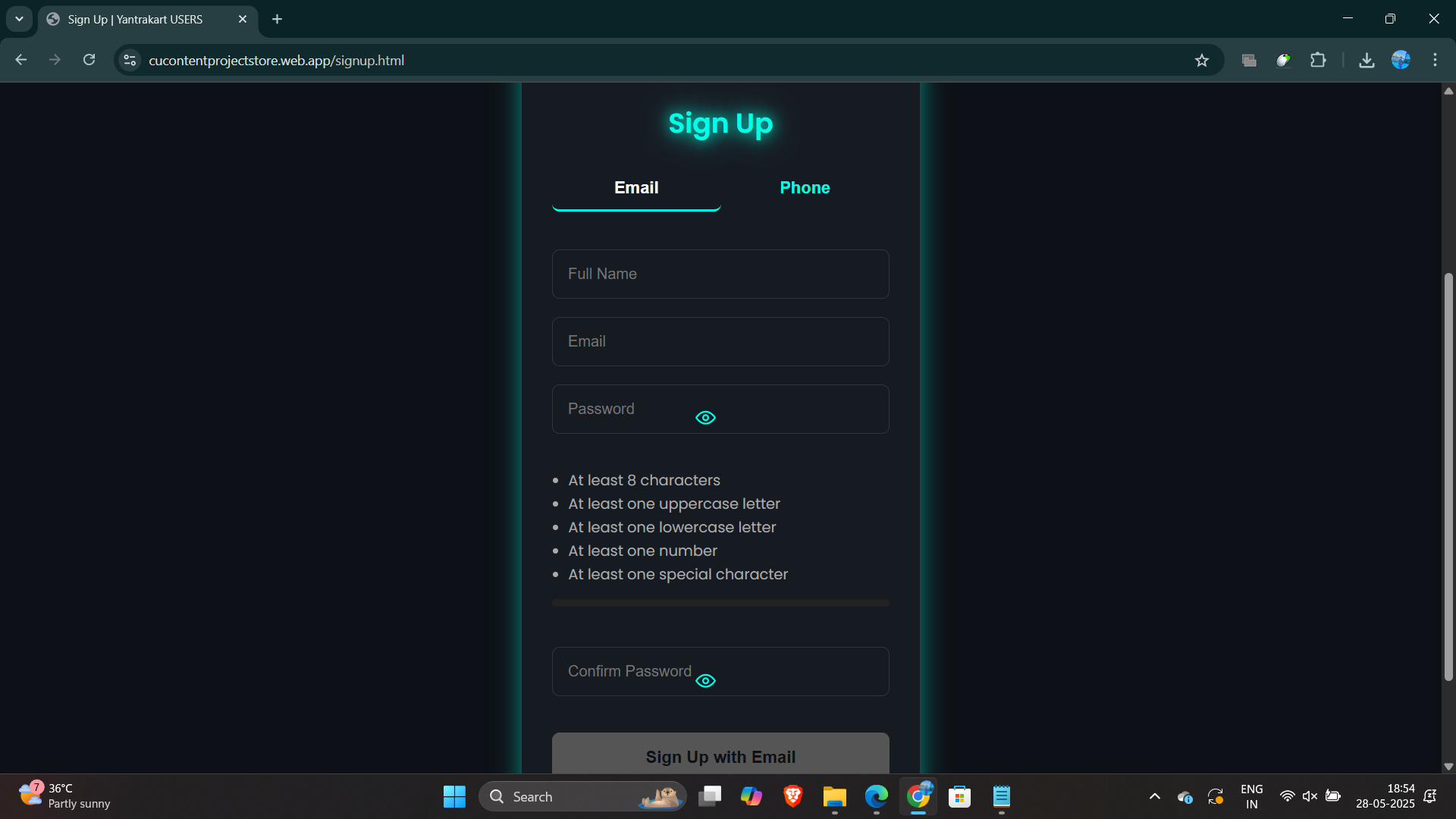
Sign up interface designed for easy onboarding of new users on the platform.
-
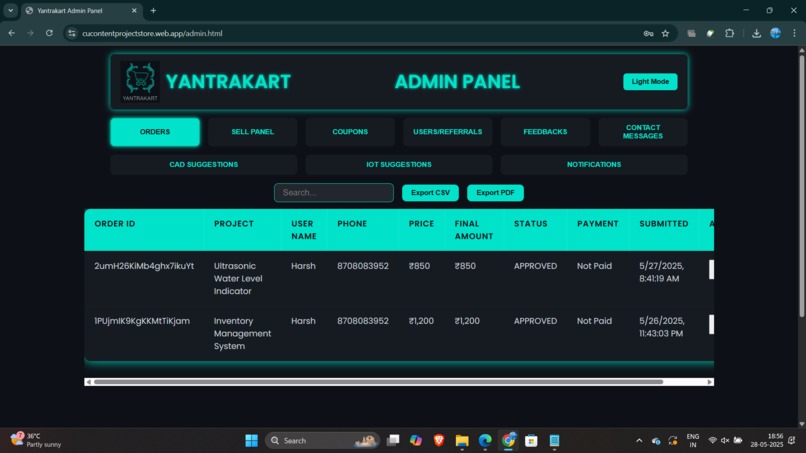
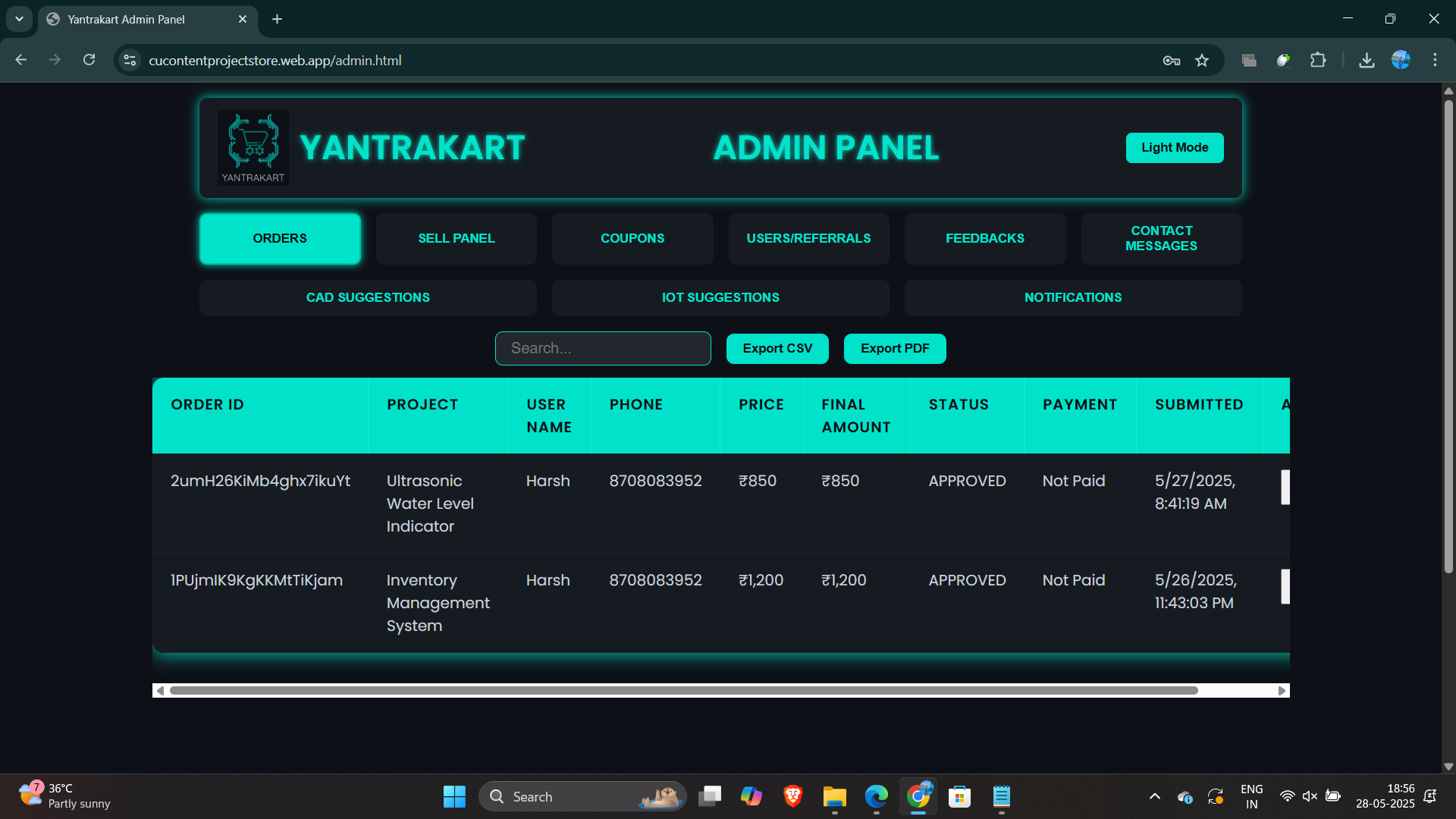
Admin panel for managing products, orders and user accounts with full CRUD functionality.
-
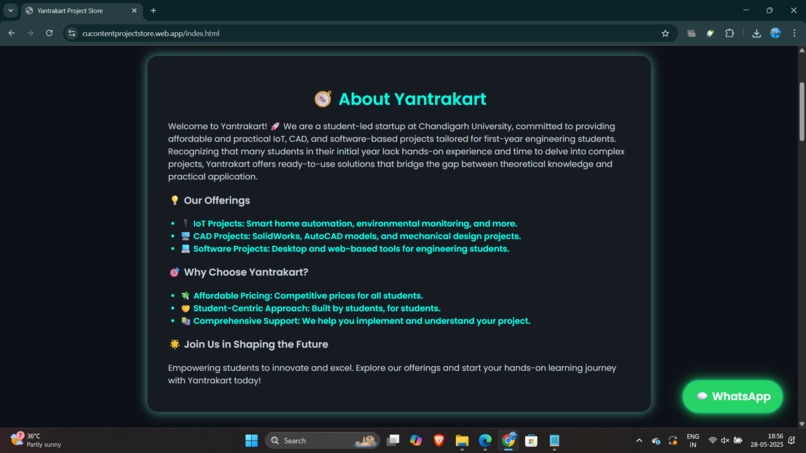
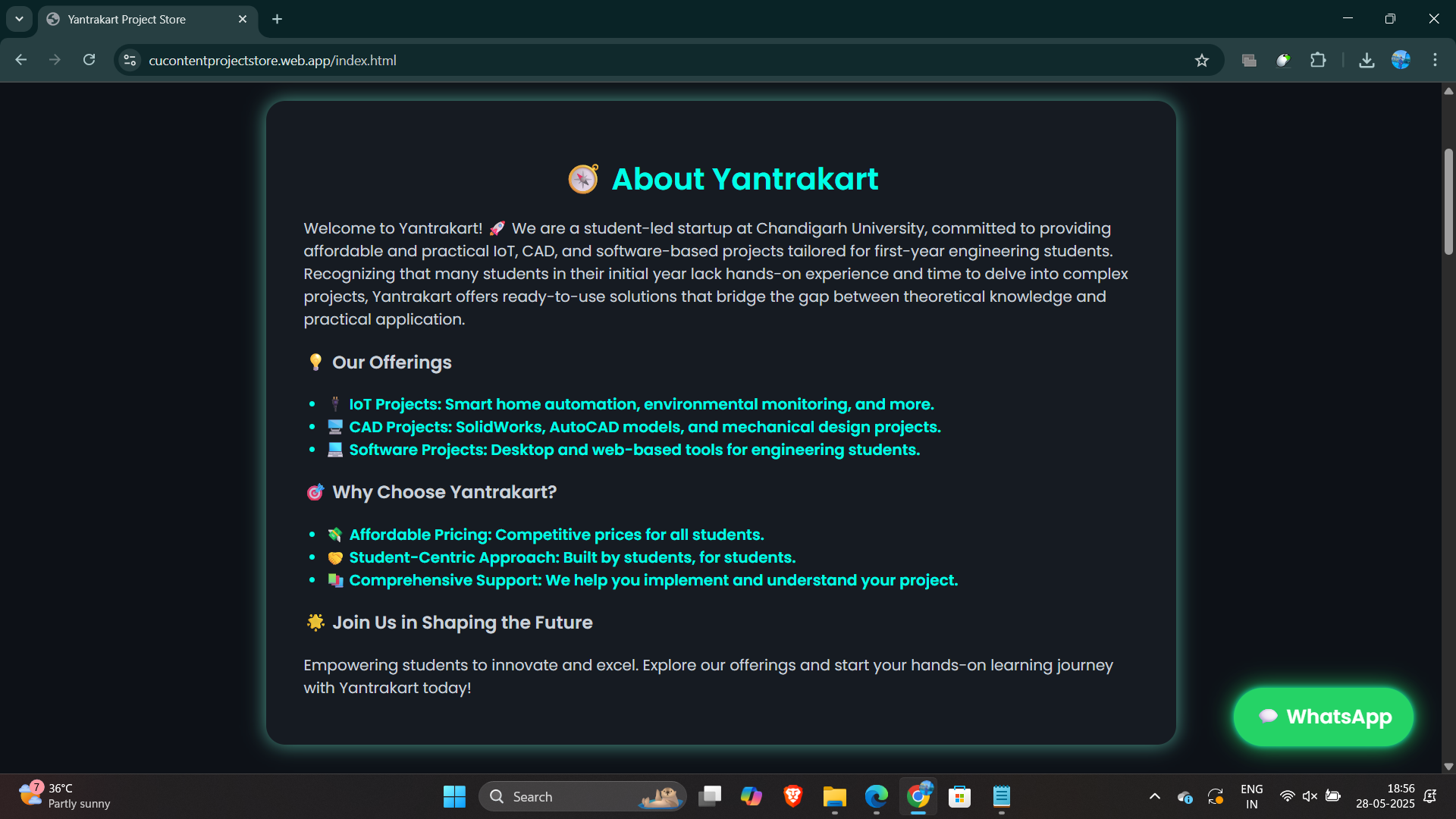
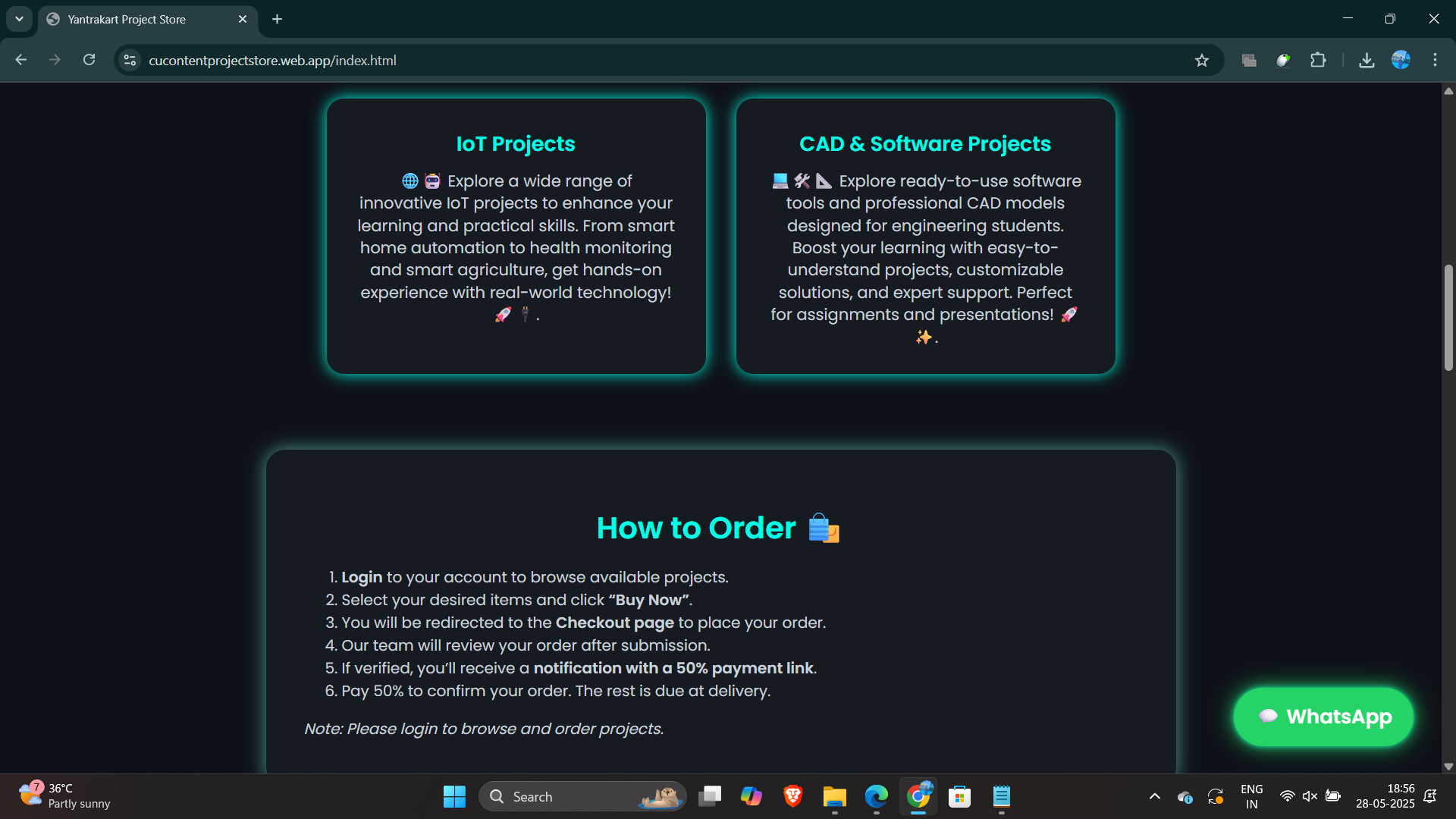
About Yantrakart section highlighting it's mission to simplify IoT access and management
-
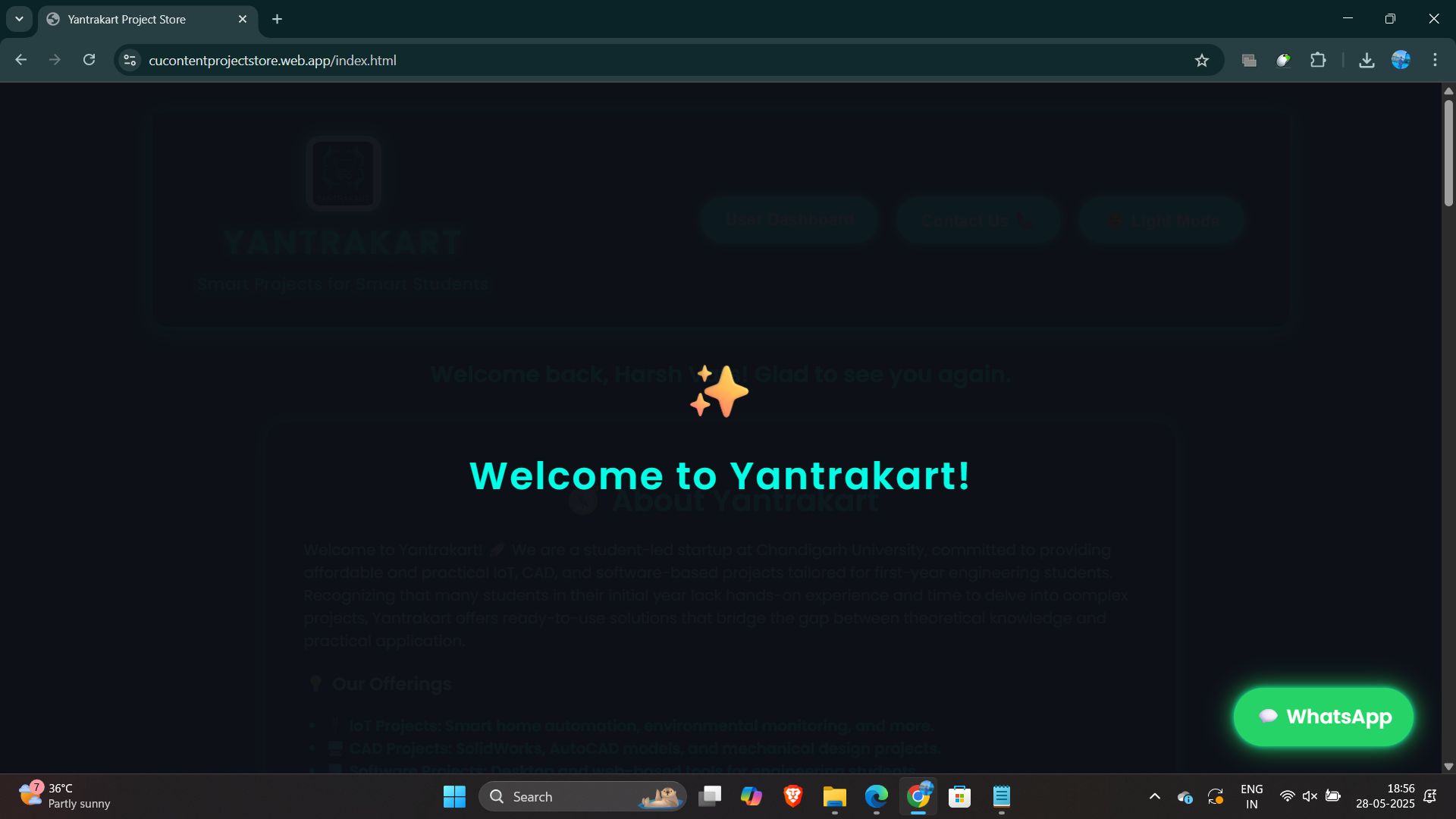
Introductory page with a simple welcome message to greet users.
-
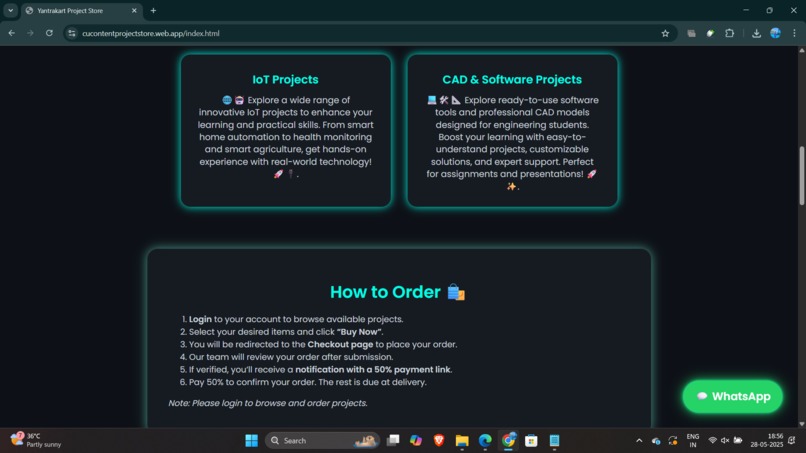
Responsive landing page showcasing IoT products with clearly written descriptions.
-
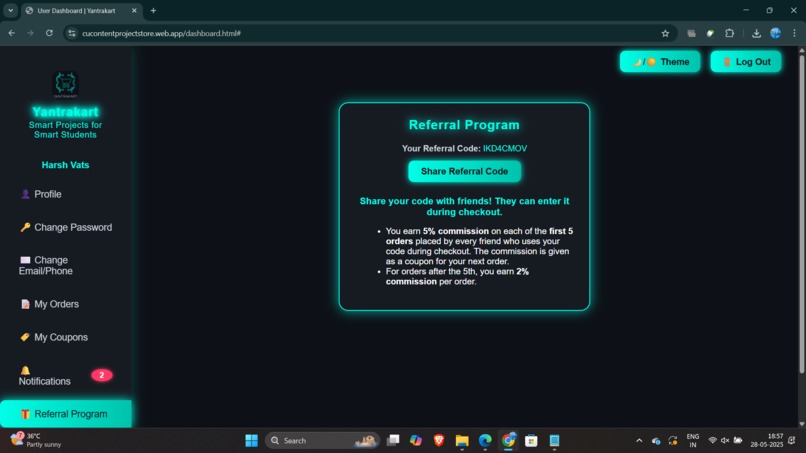
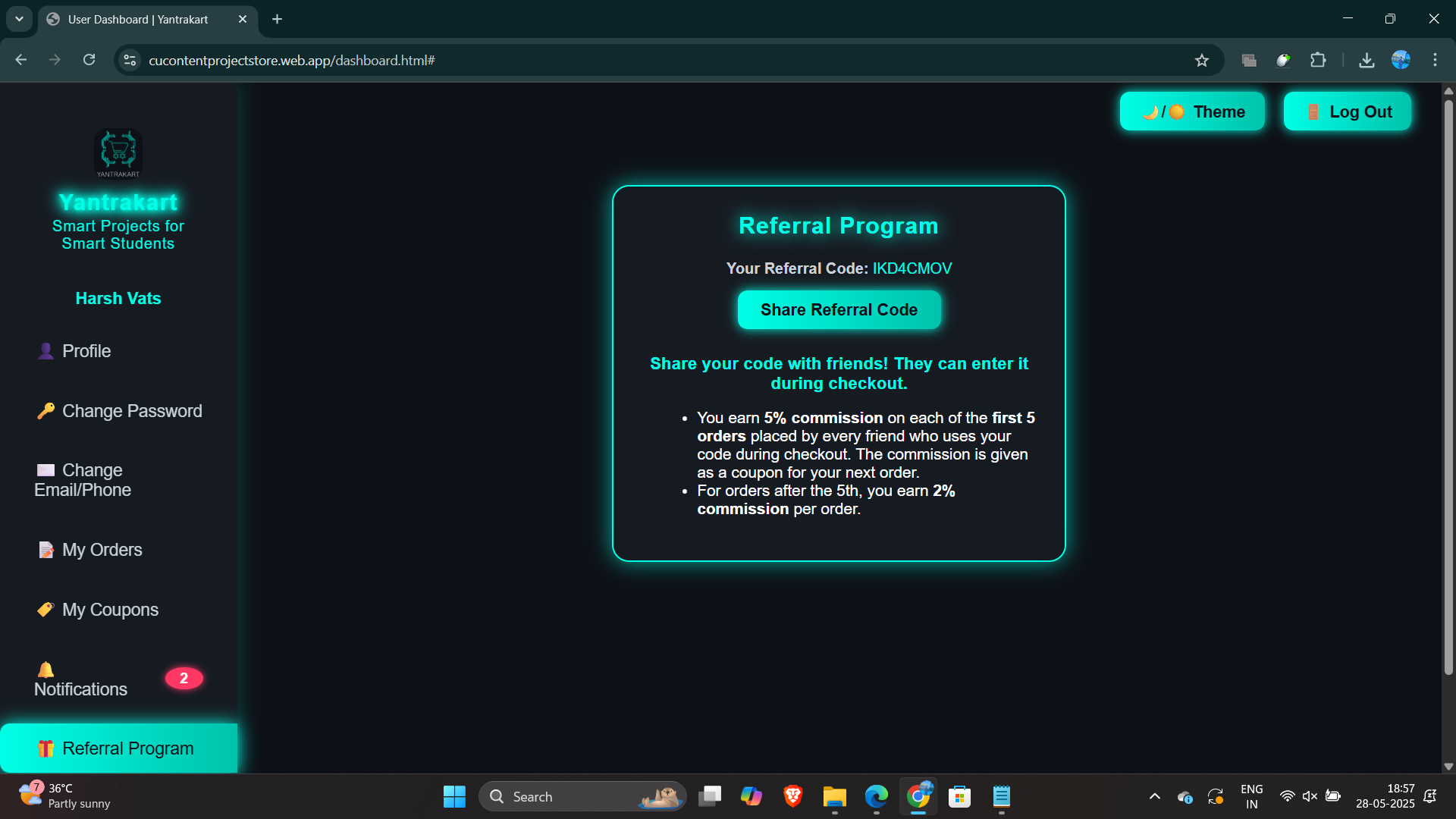
Referral program page encouraging users to invite friends and earn rewards.
-
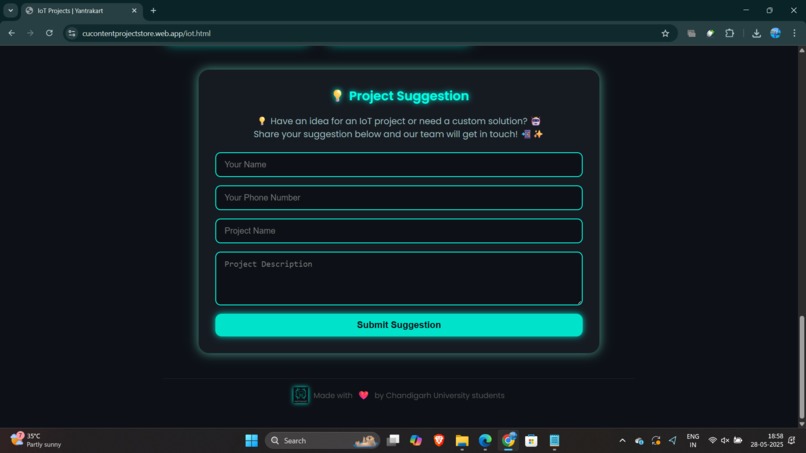
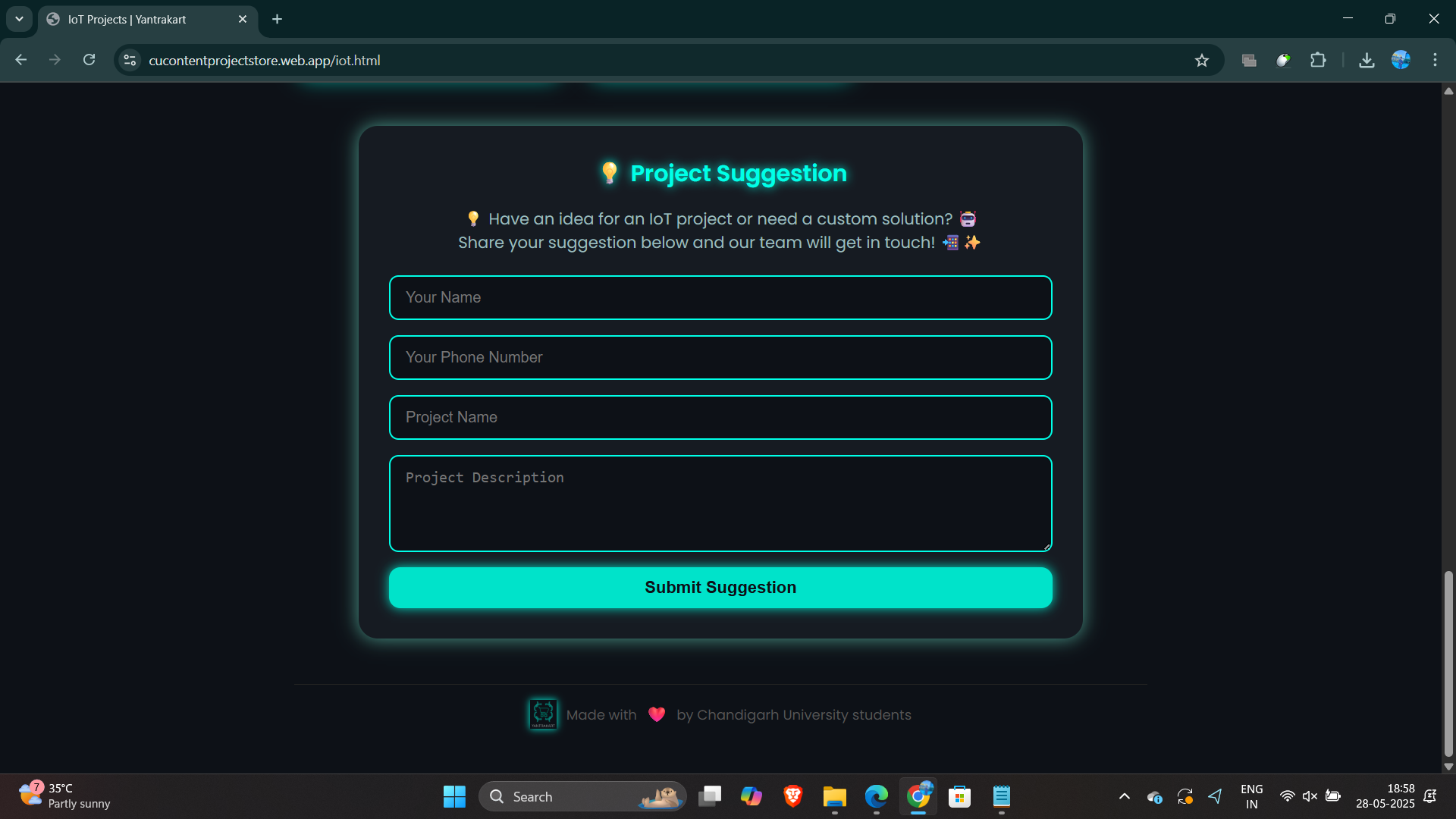
Interactive form for students and makers to share innovative IoT project suggestions.
-
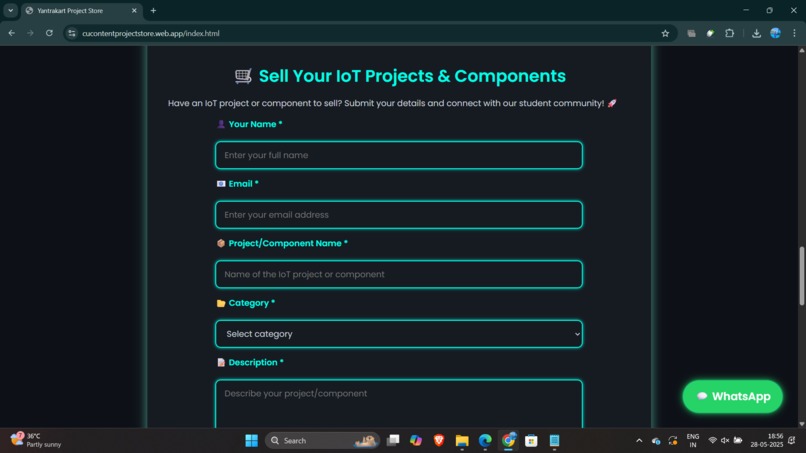
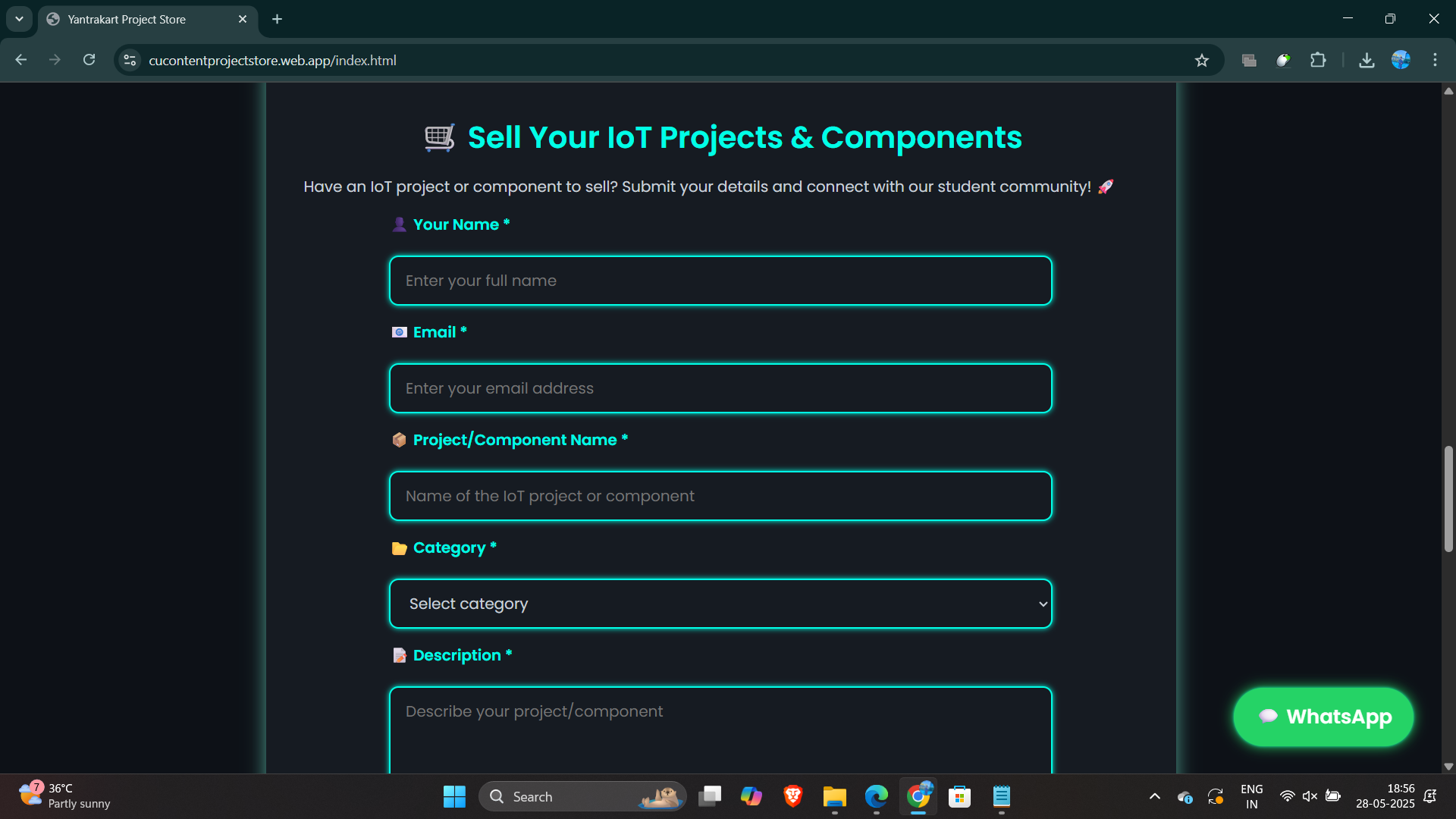
Page designed for users to list and sell their own IoT components on Yantrakart.
-
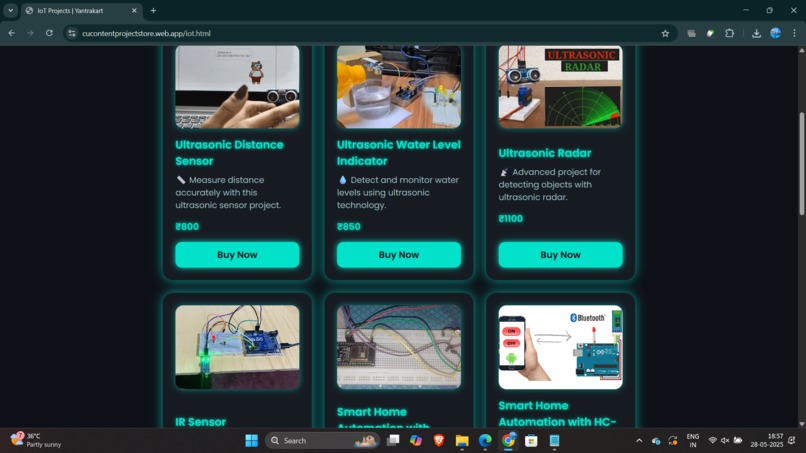
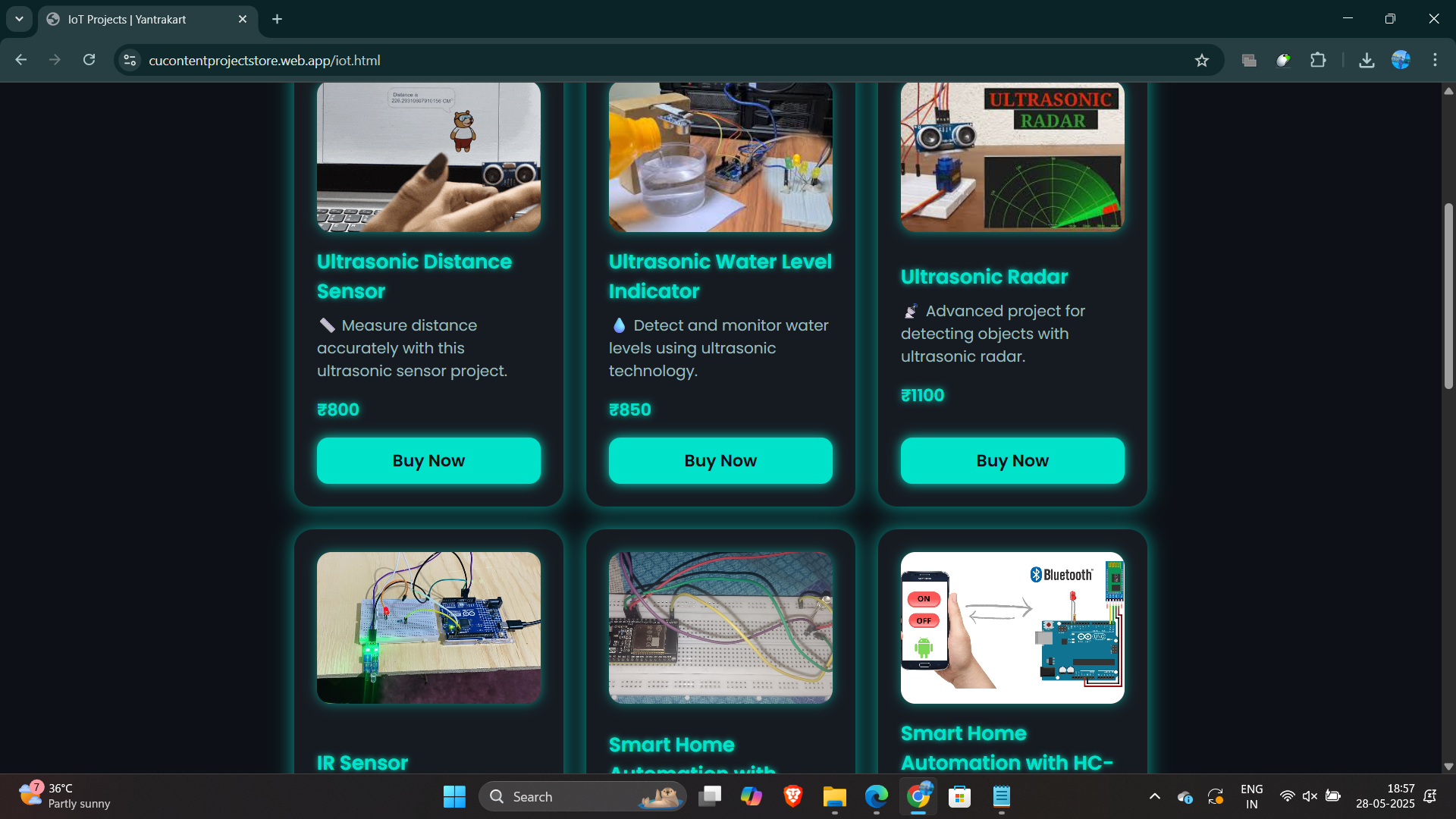
User interface showcasing a wide range of IoT projects available for purchase.
-
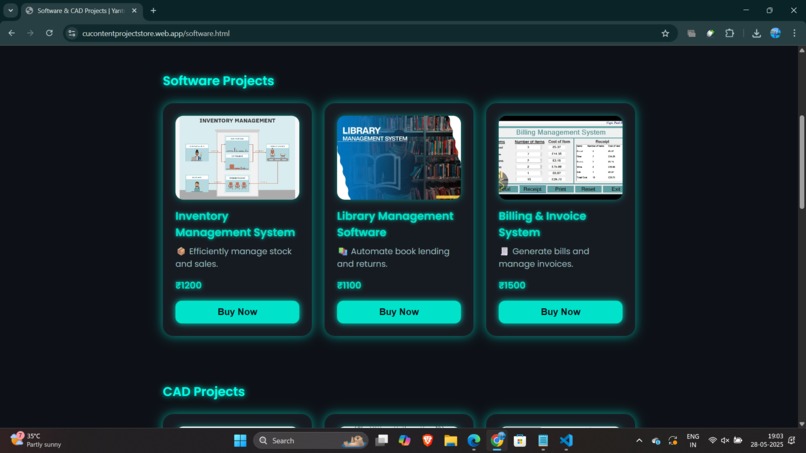
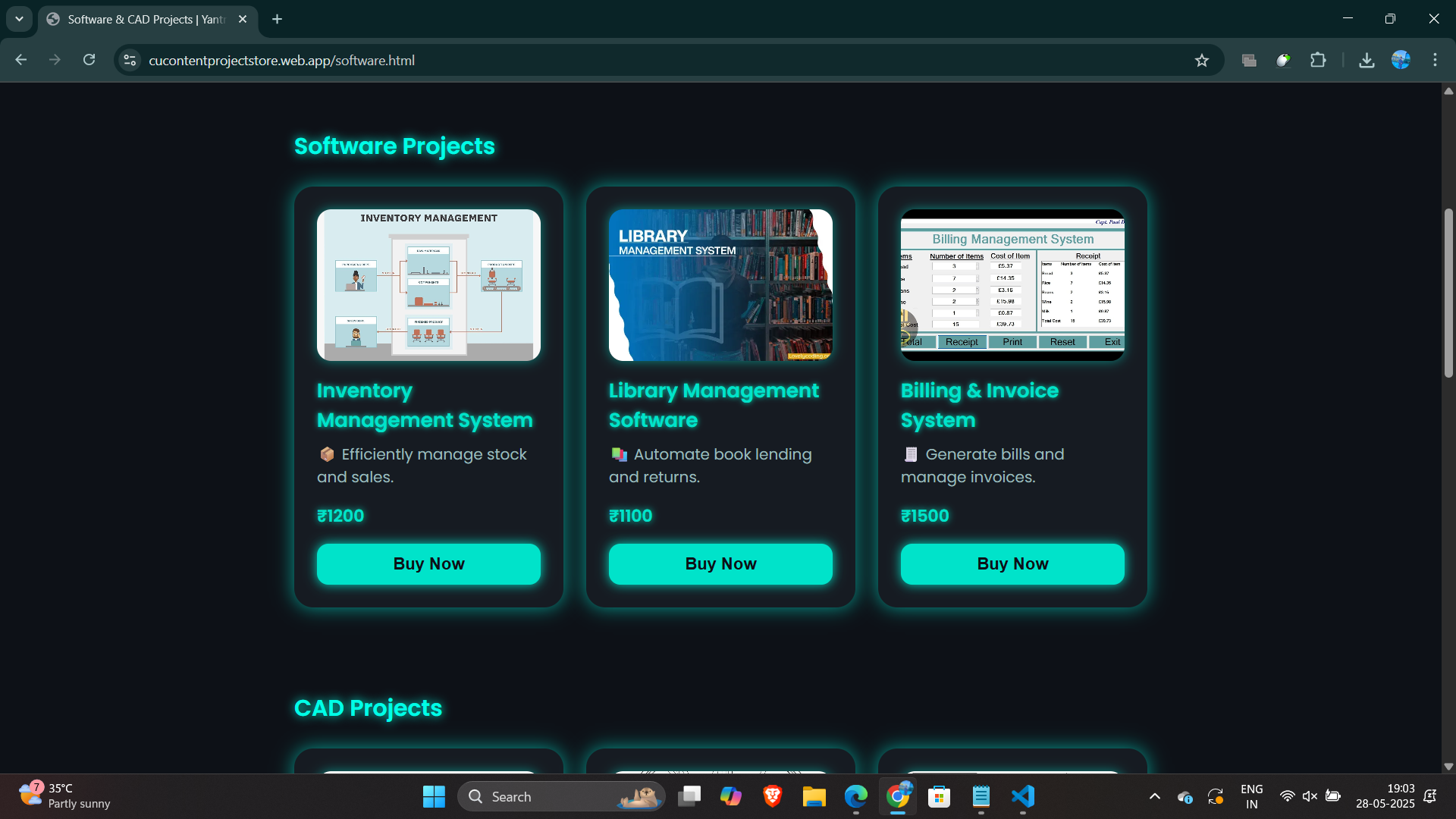
Interactive buying page showcasing available software projects for direct purchase.
-
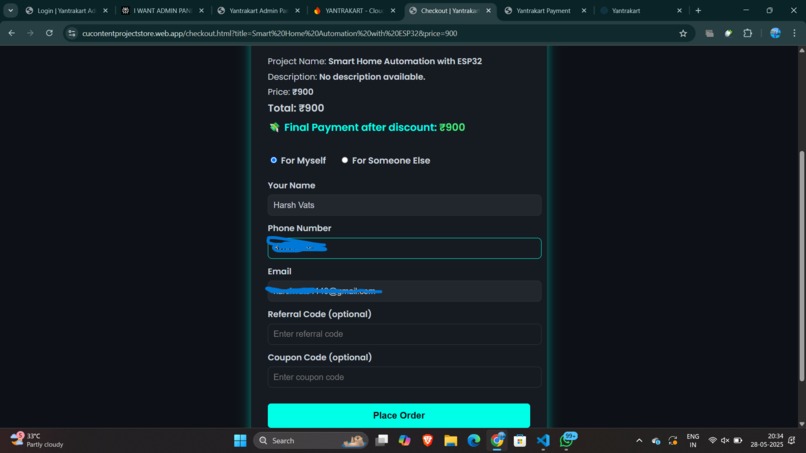
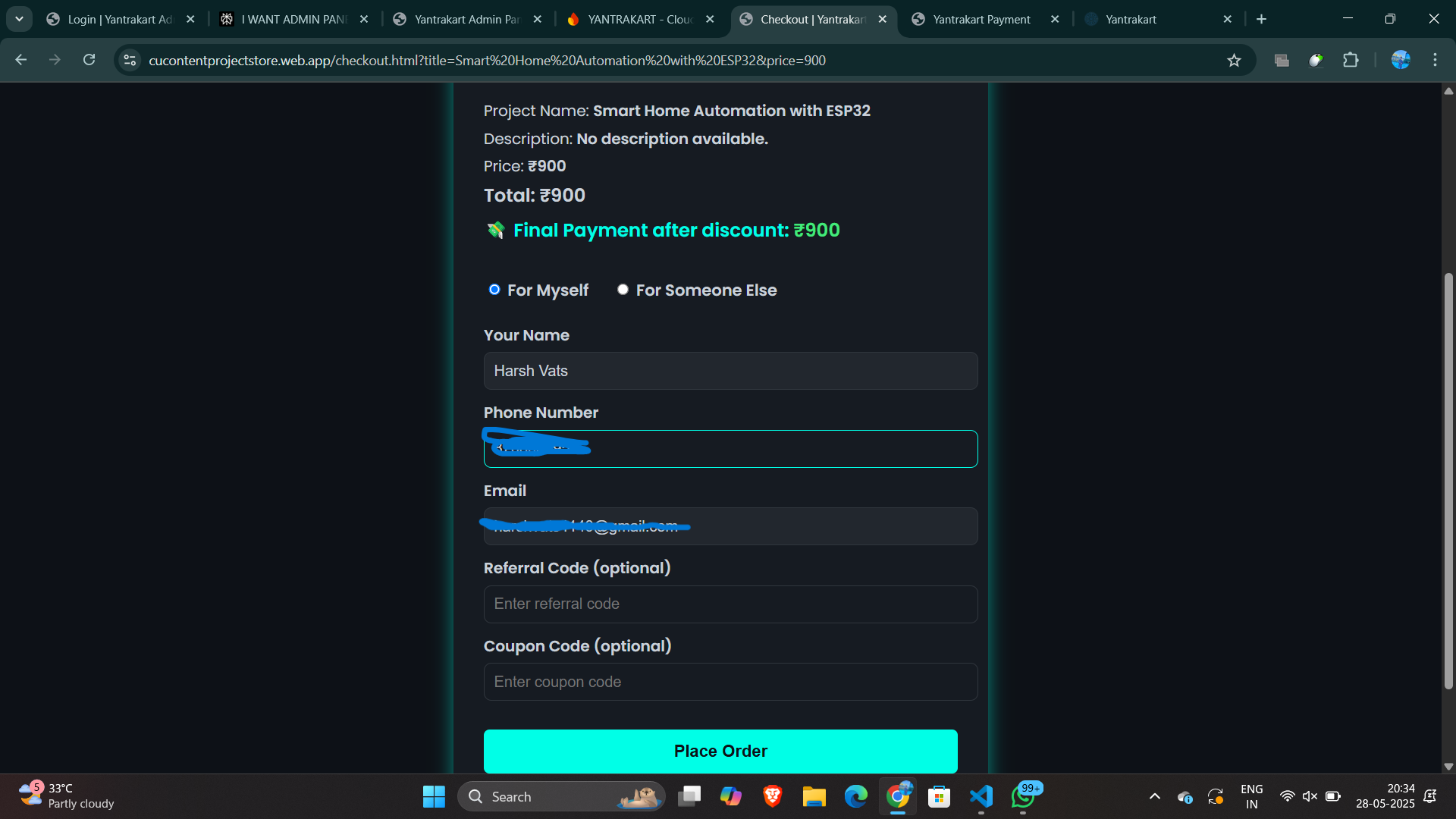
Page prompting users to enter delivery details, contact information, and additional notes before placing the order.
-
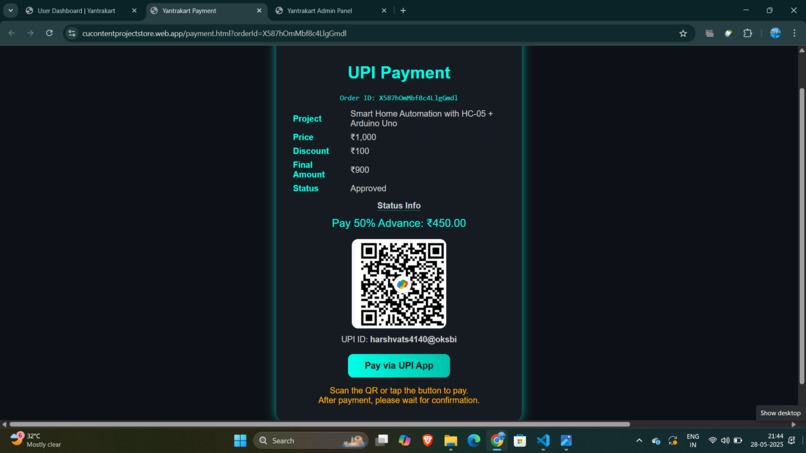
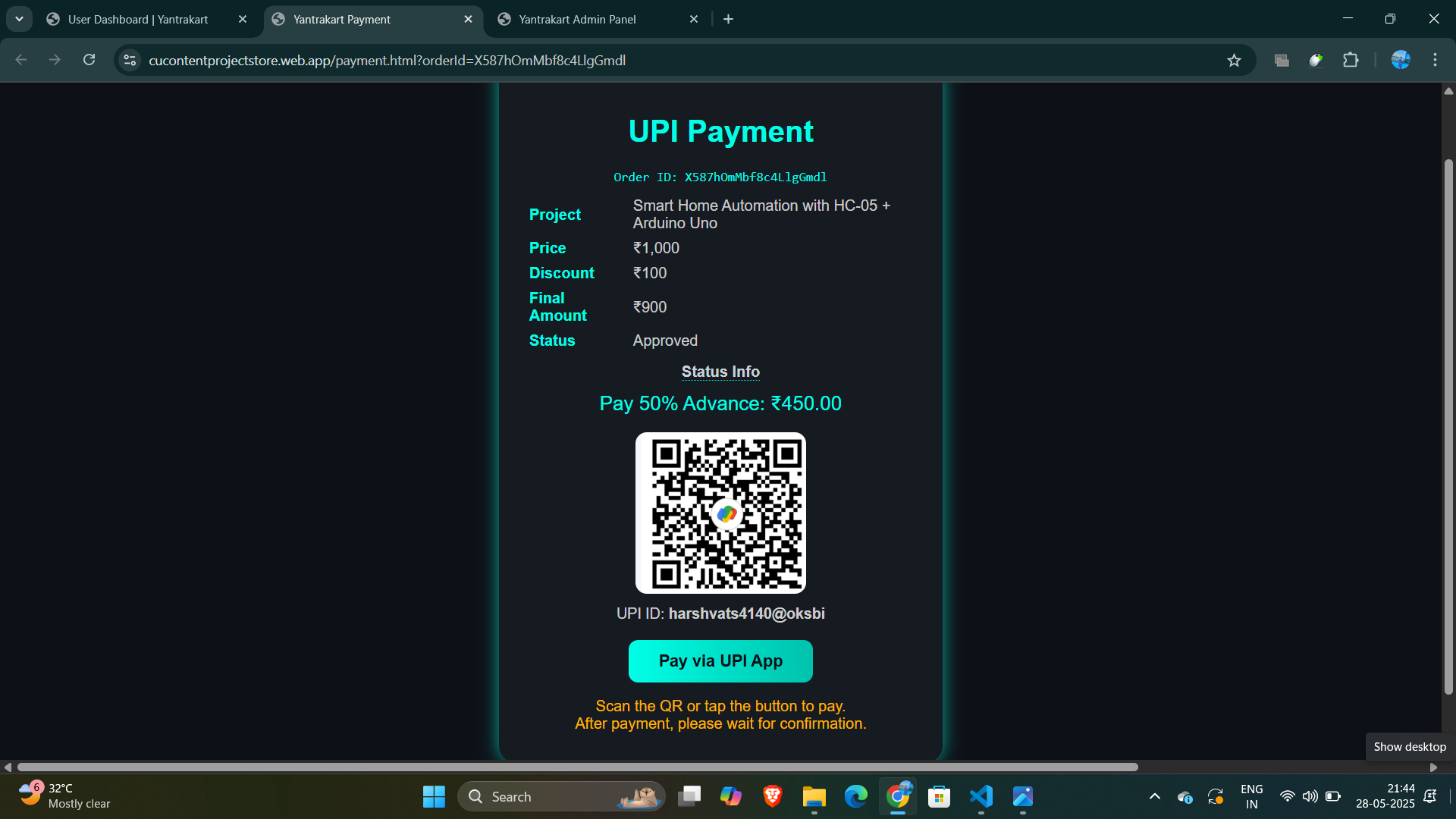
Payment screen displaying a UPI QR code for secure and instant transactions.
-
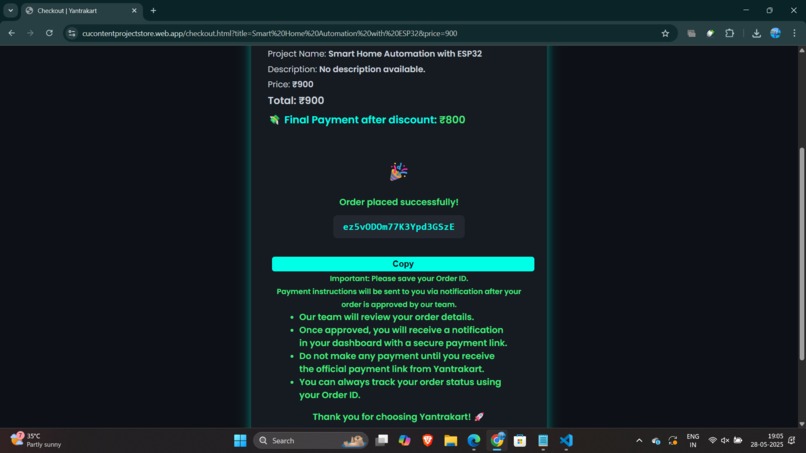
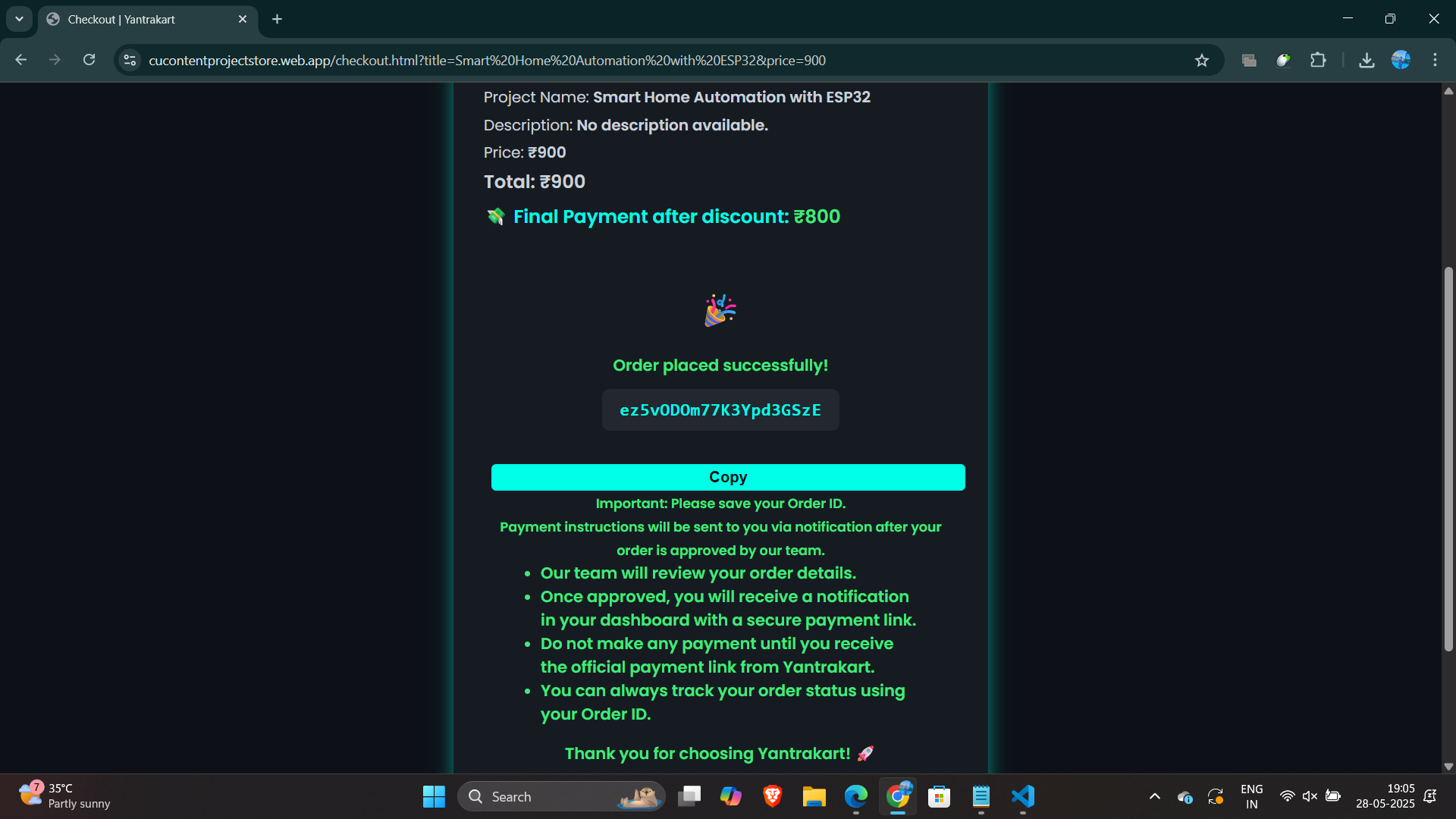
Confirmation page displaying successful payment status after order completion.
-
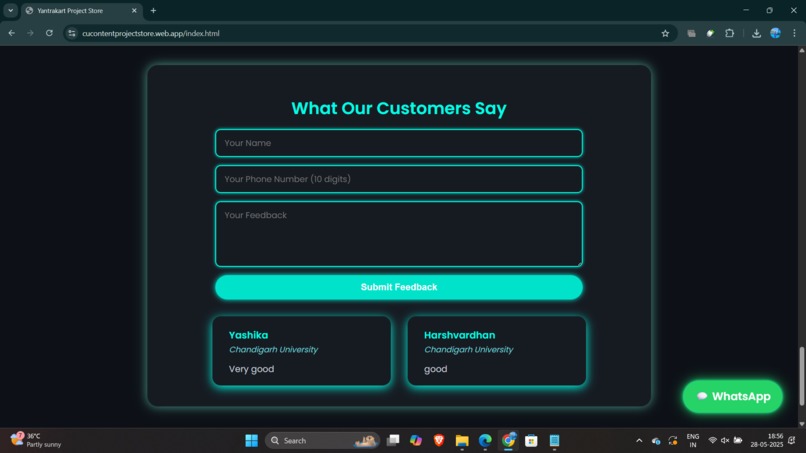
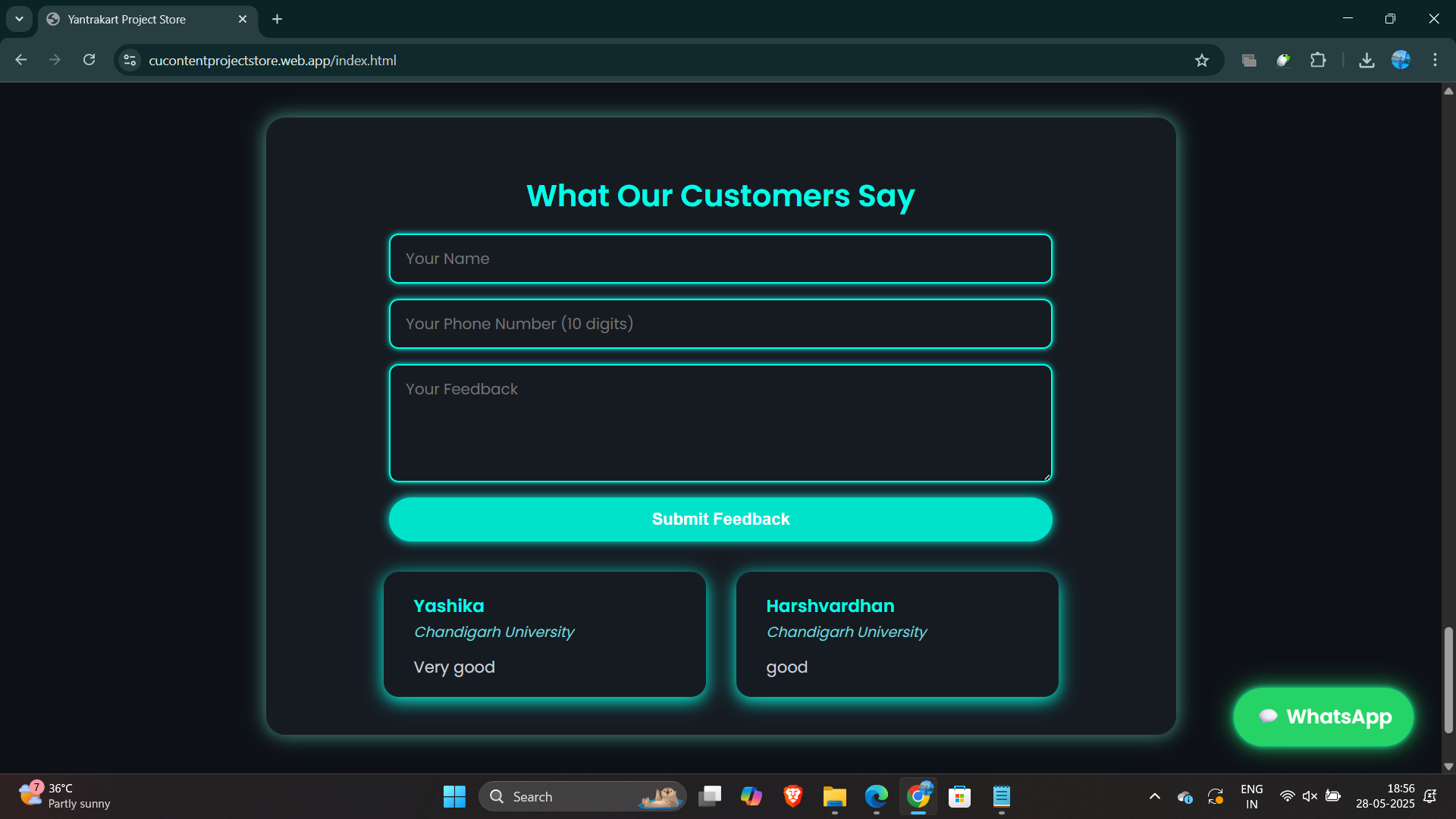
Feedback form allowing customers to share their experience with Yantrakart.
-
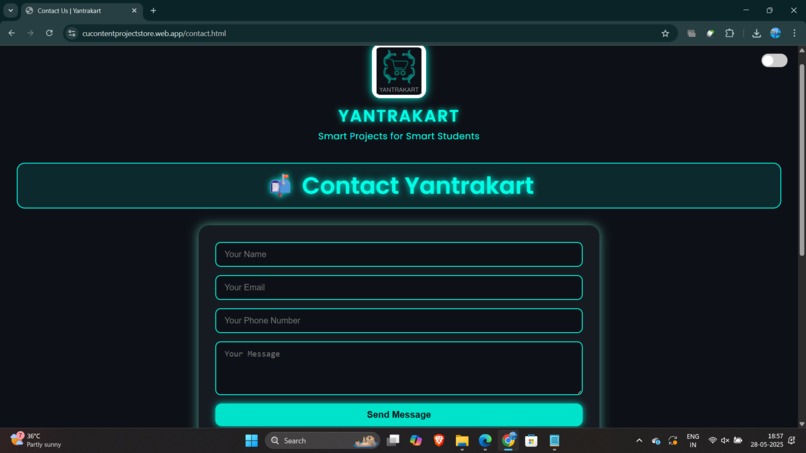
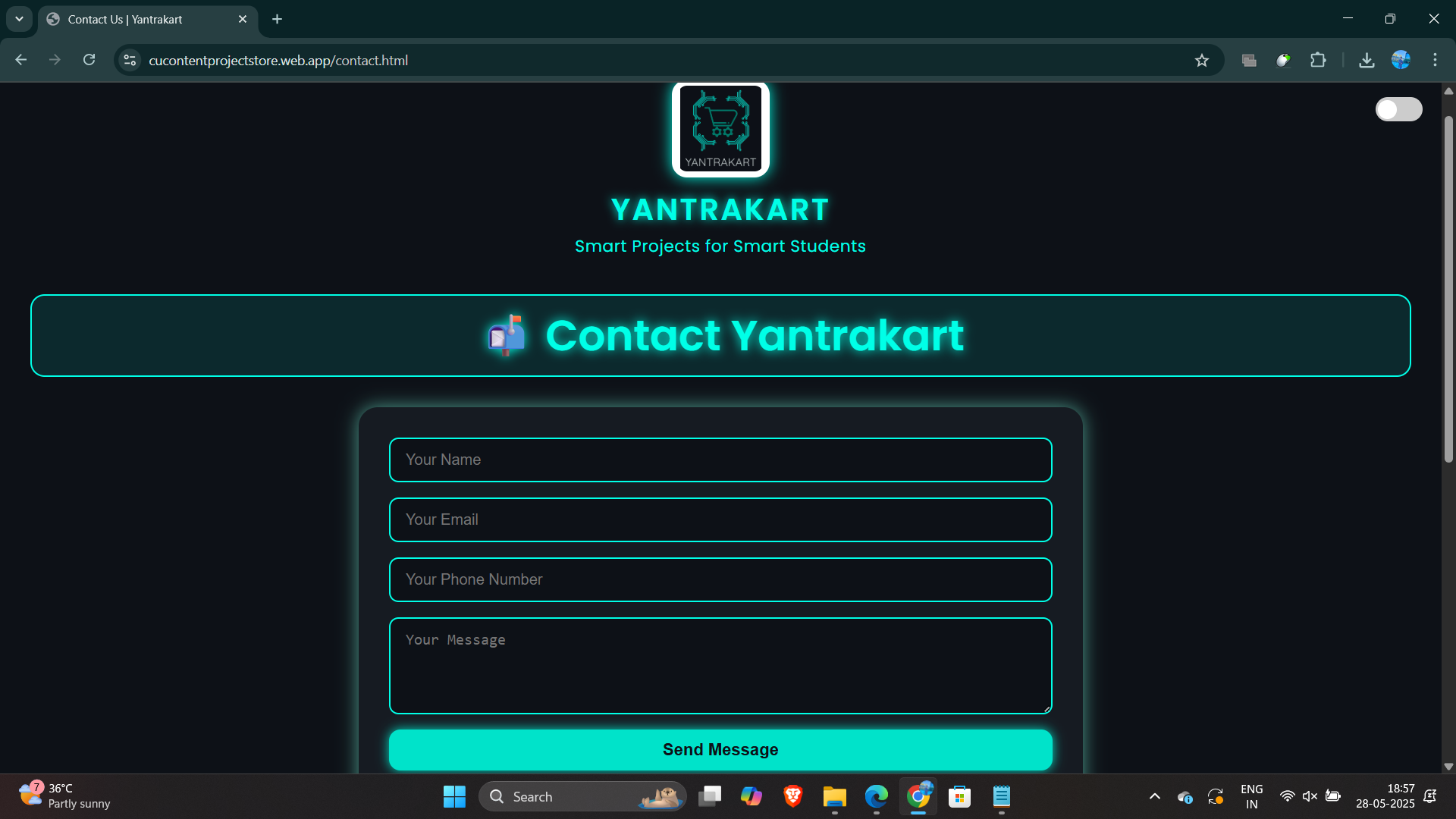
Contact page allowing users to reach out with queries, support requests, or suggestions.
🚀 Inspiration The idea for Yantrakart came from the growing demand for an integrated IoT ecosystem. As hobbyists and students, we often struggle to find an easy-to-use platform that not only sells IoT components but also helps manage them through a modern dashboard. Yantrakart was built to bridge this gap — combining e-commerce, real-time management, and admin control — all in one place.
💡 What it does Allows users to browse and purchase IoT components
Provides a real-time dashboard for device monitoring
Includes a secure login & authentication system
Gives admins the ability to manage products, users, and orders
Integrates with Firebase for data storage and hosting
Deploys globally with Vercel for fast front-end delivery
🏗️ How we built it Frontend: HTML, CSS, JavaScript
Backend: Node.js + Express.js REST API
Database & Auth: Firebase Realtime Database, Firebase Authentication
Deployment: Vercel (Frontend), Firebase Hosting (Backend)
Version Control: Git + GitHub
🧩 Challenges we ran into Designing a seamless experience across both user and admin roles
Handling secure authentication and user management
Structuring APIs for scalability
Implementing real-time updates on device status
Managing cross-platform compatibility between Firebase & Express.js
🏅 Accomplishments that we're proud of Built a fully working prototype of a scalable IoT store & management platform
Successfully deployed with global access on Vercel and Firebase
Created a clean and responsive UI/UX for both customers and admins
Learned a great deal about backend and frontend integration
Balanced this project with academic deadlines 🚀
📚 What we learned Building full-stack apps with Firebase + Express
Designing user-friendly dashboards and admin panels
Managing complex state and real-time data flows
Handling secure user authentication and protected routes
The importance of good documentation and deployment practices
🔮 What's next for Yantrakart Add payment gateway integration for live transactions
Improve UI with modern frameworks like React or Next.js
Build a mobile app version using React Native or Flutter
Add product review and rating system
Implement inventory notifications for admins
Build an IoT device simulator for testing device management features
Built With
- admin-panel
- css
- dashboard
- e-commerce
- electronics-store
- express.js
- firebase
- firebase-authentication
- firebase-hosting
- full-stack
- html
- iot
- iot-components
- iot-dashboard
- iot-management
- iot-store
- javascript
- node.js
- open-source
- realtime-database
- rest-api
- vercel
- web-app
- yantrakart


Log in or sign up for Devpost to join the conversation.