-
-
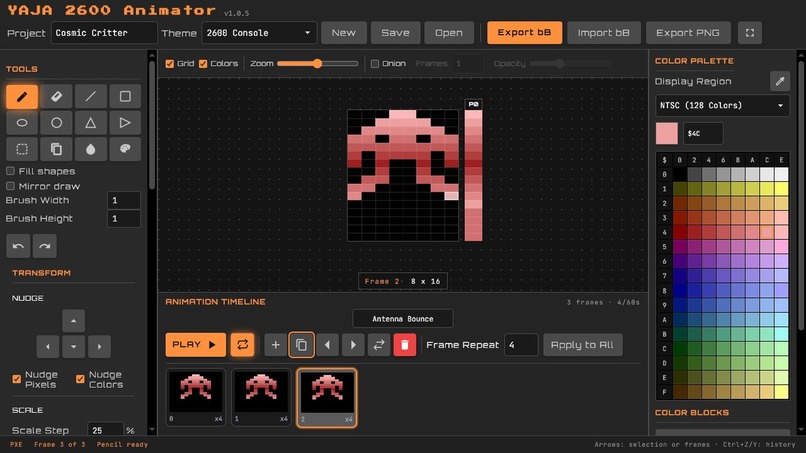
A red comsic critter character sprite in YAJA 2600 Animator.
-
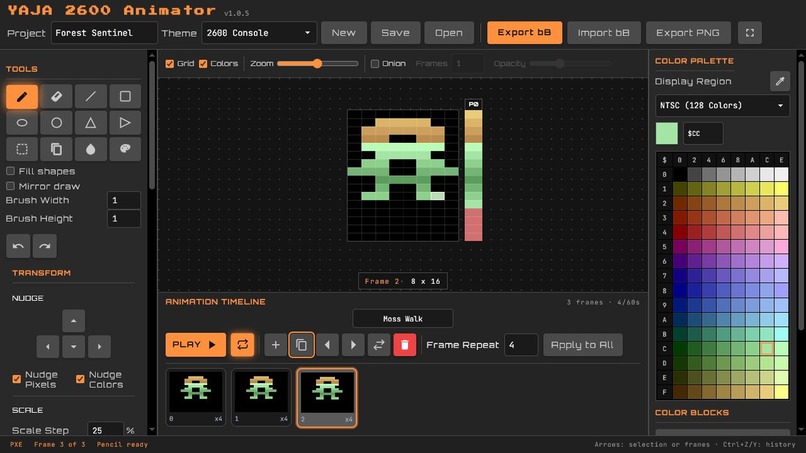
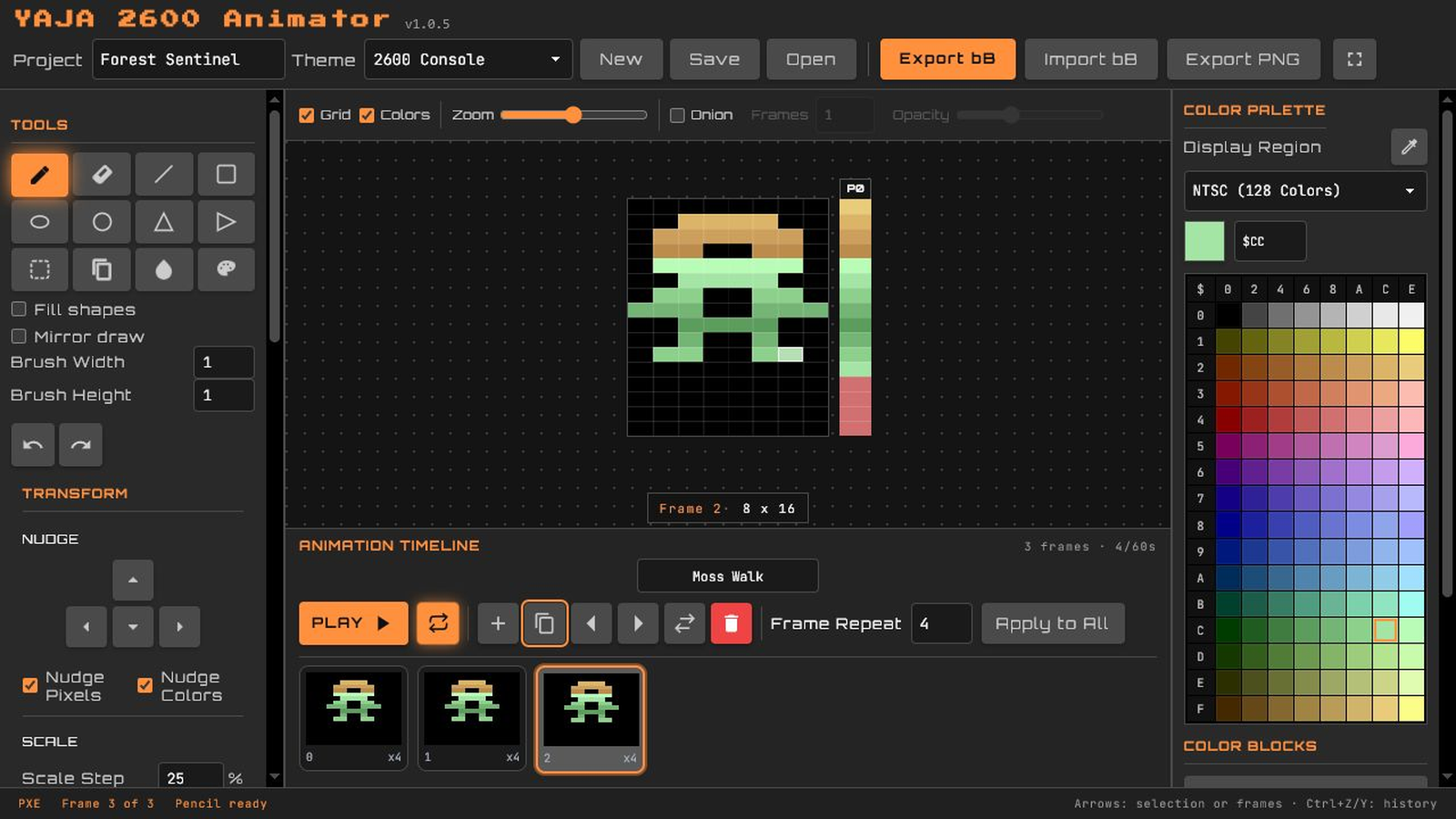
A green and gold character sprtie in YAJA 2600 Animator
-
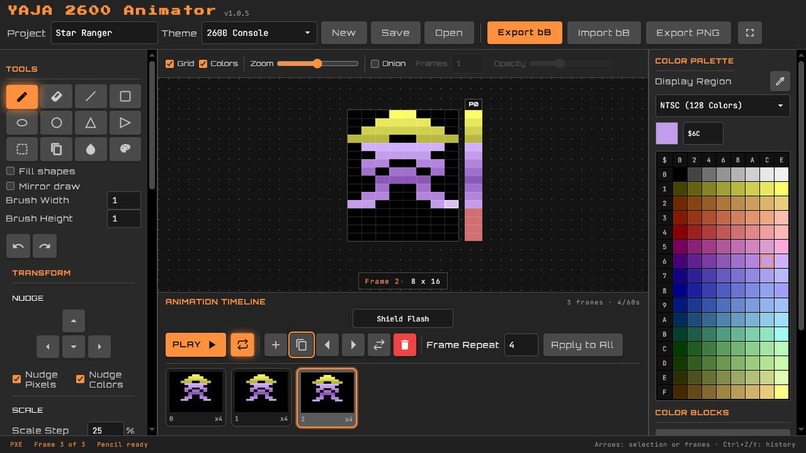
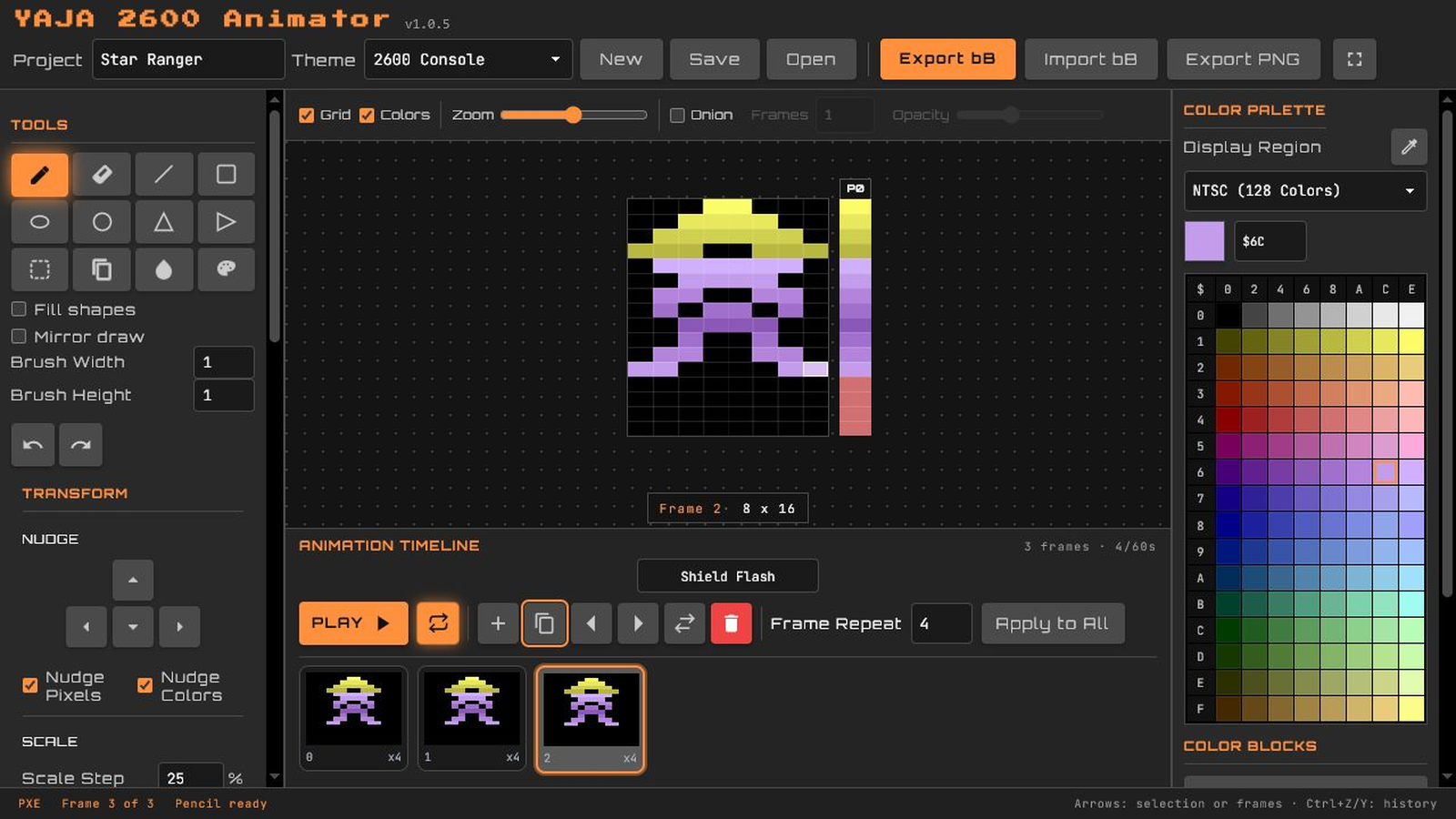
A purple and yellow character sprite in YAJA2600 Animator
Inspiration
YAJA 2600 Animator is the third tool in my creative suite for Atari 2600 homebrew development, joining YAJA 2600 Painter and YAJA 2600 Composer. I wanted to make sprite animation more visual and approachable while preserving the charm and limitations of the original hardware.
What it does
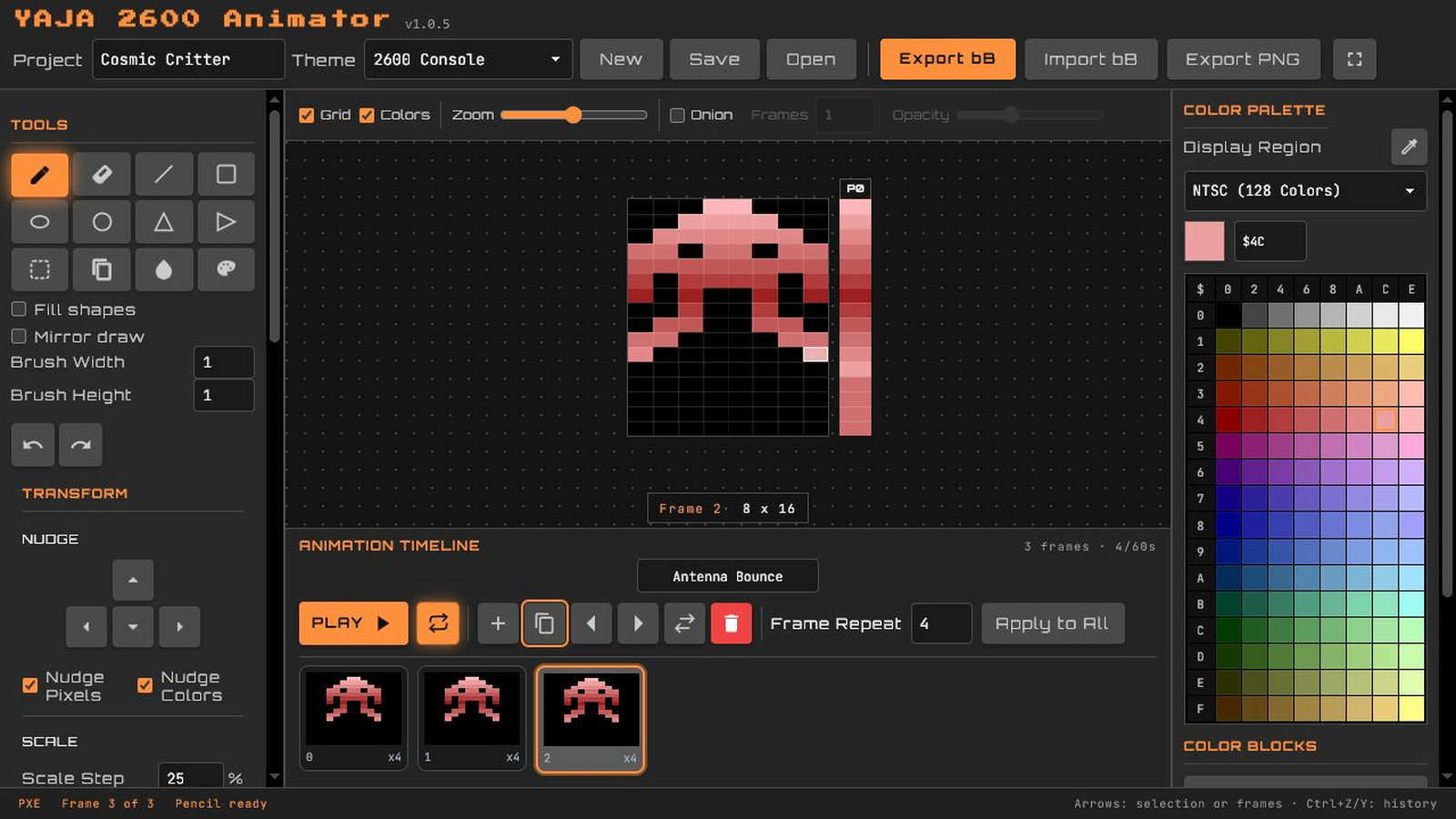
YAJA 2600 Animator lets people draw, color, and animate Atari 2600 sprites in a browser or desktop app. It includes animation timing, positioning, onion skinning, reusable artwork, image references, and support for two-sprite designs. Projects can be exported as images or code for Atari games.
How I built it
I created YAJA 2600 Animator as a one-person team, using OpenAI Codex throughout development. I built and refined it through many small versions, testing each feature in the browser and in real Atari 2600 programs.
Challenges
Atari pixels are not square, and different game setups handle graphics, colors, and sprite sizes differently. The Atari 2600 also creates graphics one horizontal sprite line at a time, which is why coloring is done in scanlines rather than per-pixel. To help users work within these limitations I created a two-sprite mode which lets users layer two sprites on top of each other to achieve two different colors on the same scanline. Another Atari 2600 limitation is that pixels are 1.7 times wider than they are tall. This made it surprisingly challenging to create things like the circle tool because they had to account for the pixel aspect ratio.
Accomplishments I’m proud of
YAJA 2600 Animator is a working, production ready tool. It can export usable batari Basic code as data to be pasted into a game or a directly compilable code file for quick previewing on an emulator or real Atari 2600 hardware. I’m especially proud of the intuitive painting tools, animation tools like onion skinning, reusable assets like stamps and color blocks, and overall consistency with the rest of the YAJA suite.
What I learned
Creating an Atari development skill based on my own completed batari Basic projects greatly sped up creating this project with ChatGPT and Codex. It gave them a much better understanding of how I write Atari code and made the results far more consistent, especially for the exported code. I'll keep refining both my codebase and the Atari development skill so future projects become even faster and more accurate.
What’s next
I plan to release YAJA 2600 Animator to the Atari homebrew community, improve the documentation, and refine anything new users find that might be buggy or confusing.

Log in or sign up for Devpost to join the conversation.