-
-
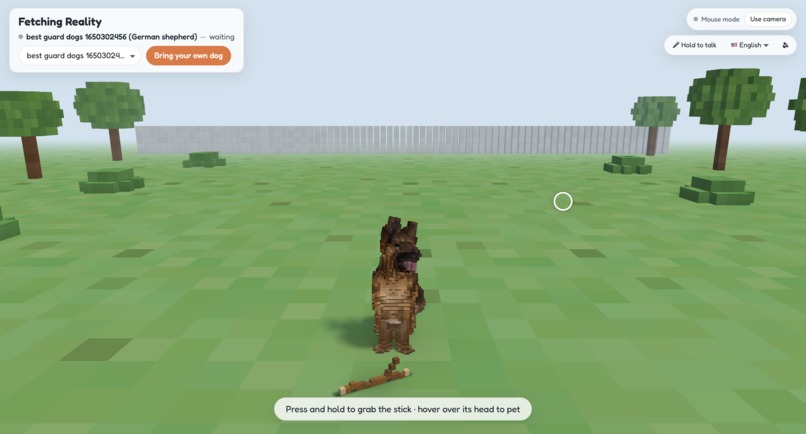
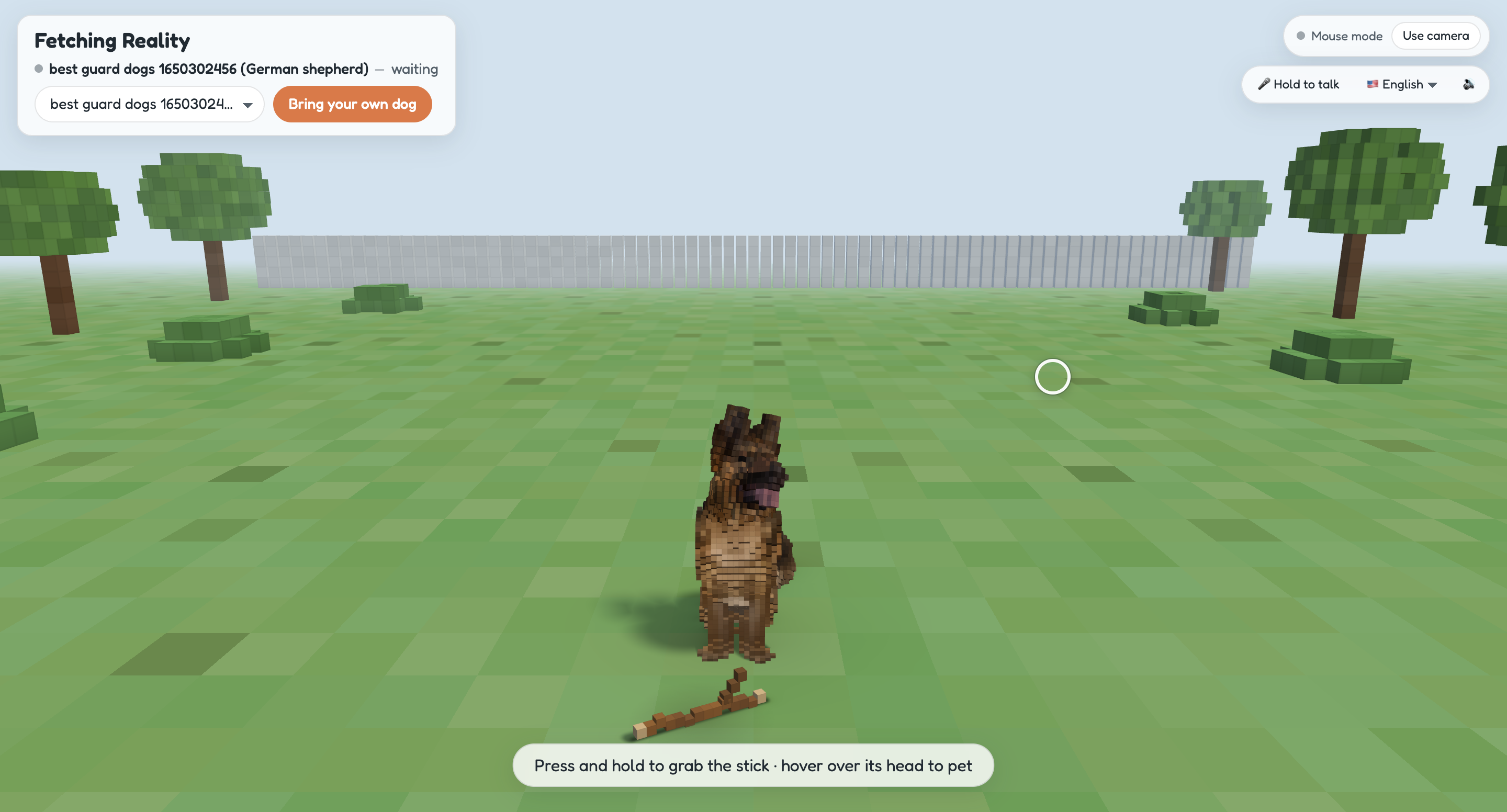
German Shepherd model
-
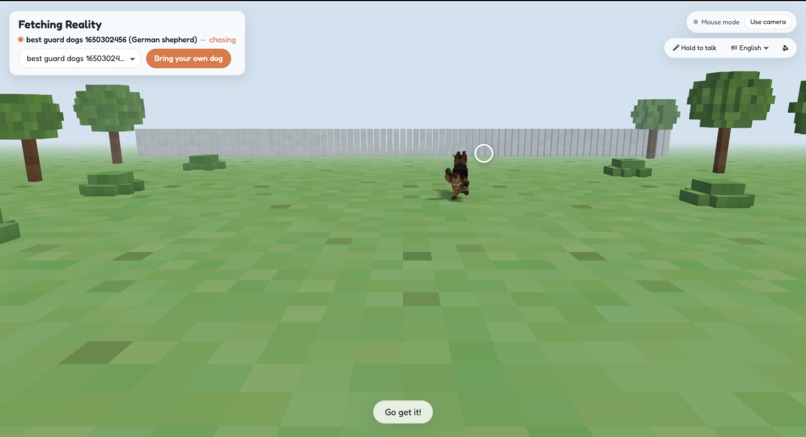
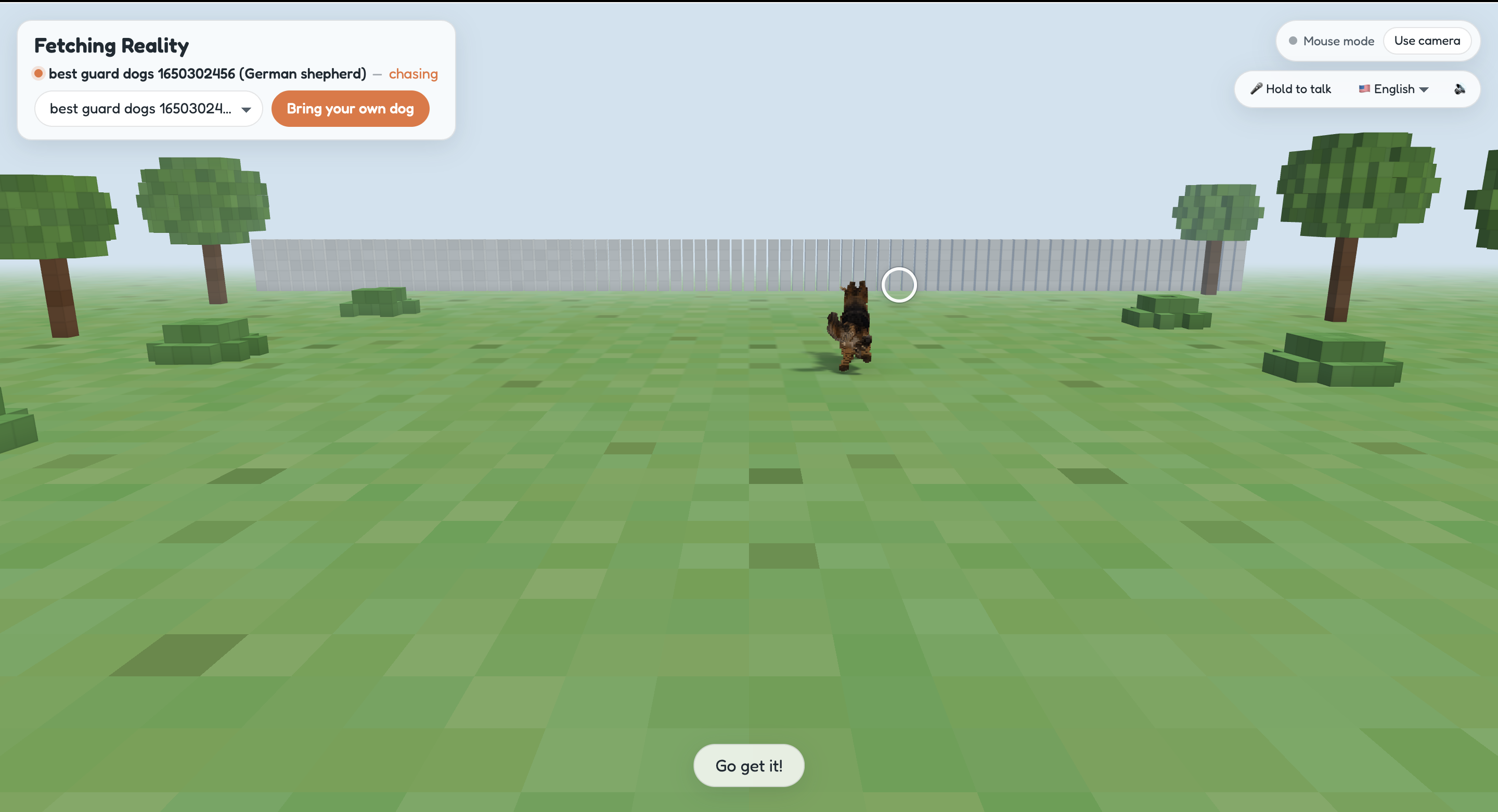
German Shephered playing fetch
-
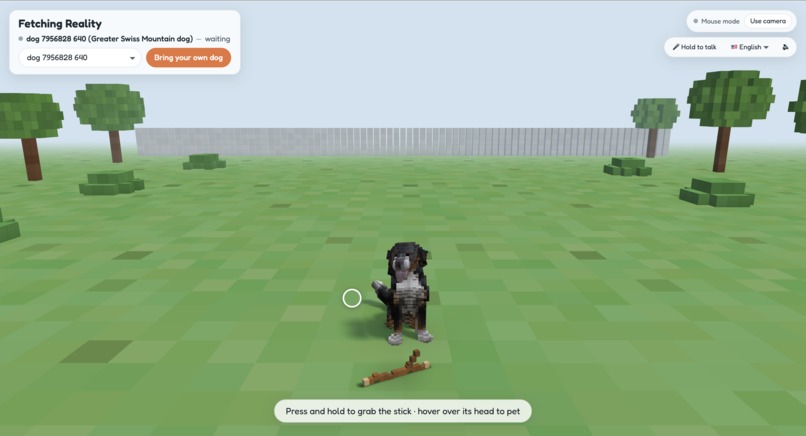
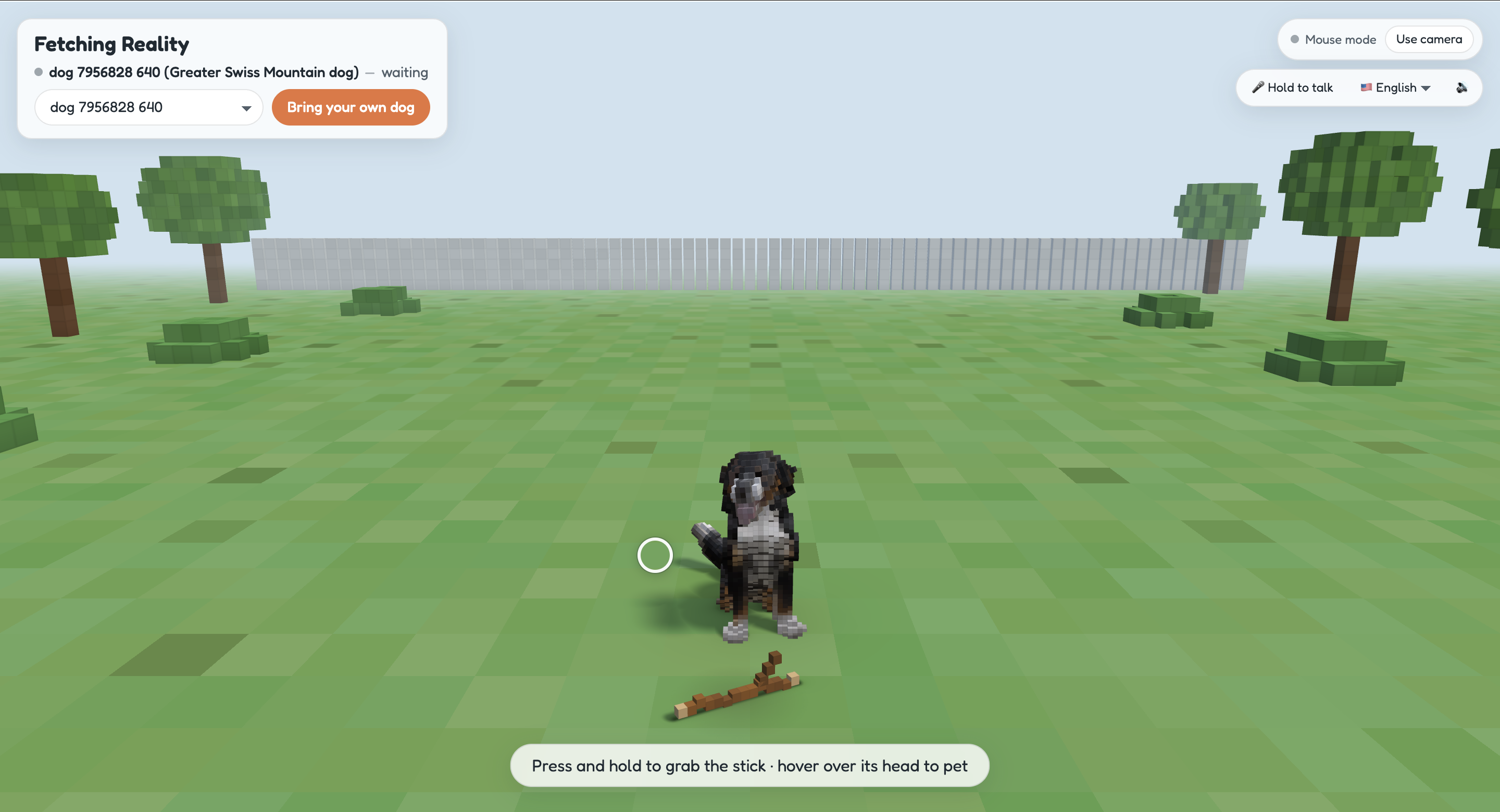
Greater Swiss Mountain dog model
-
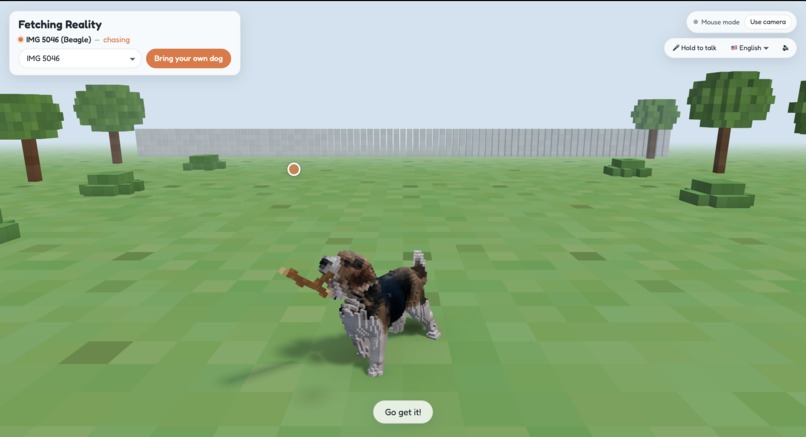
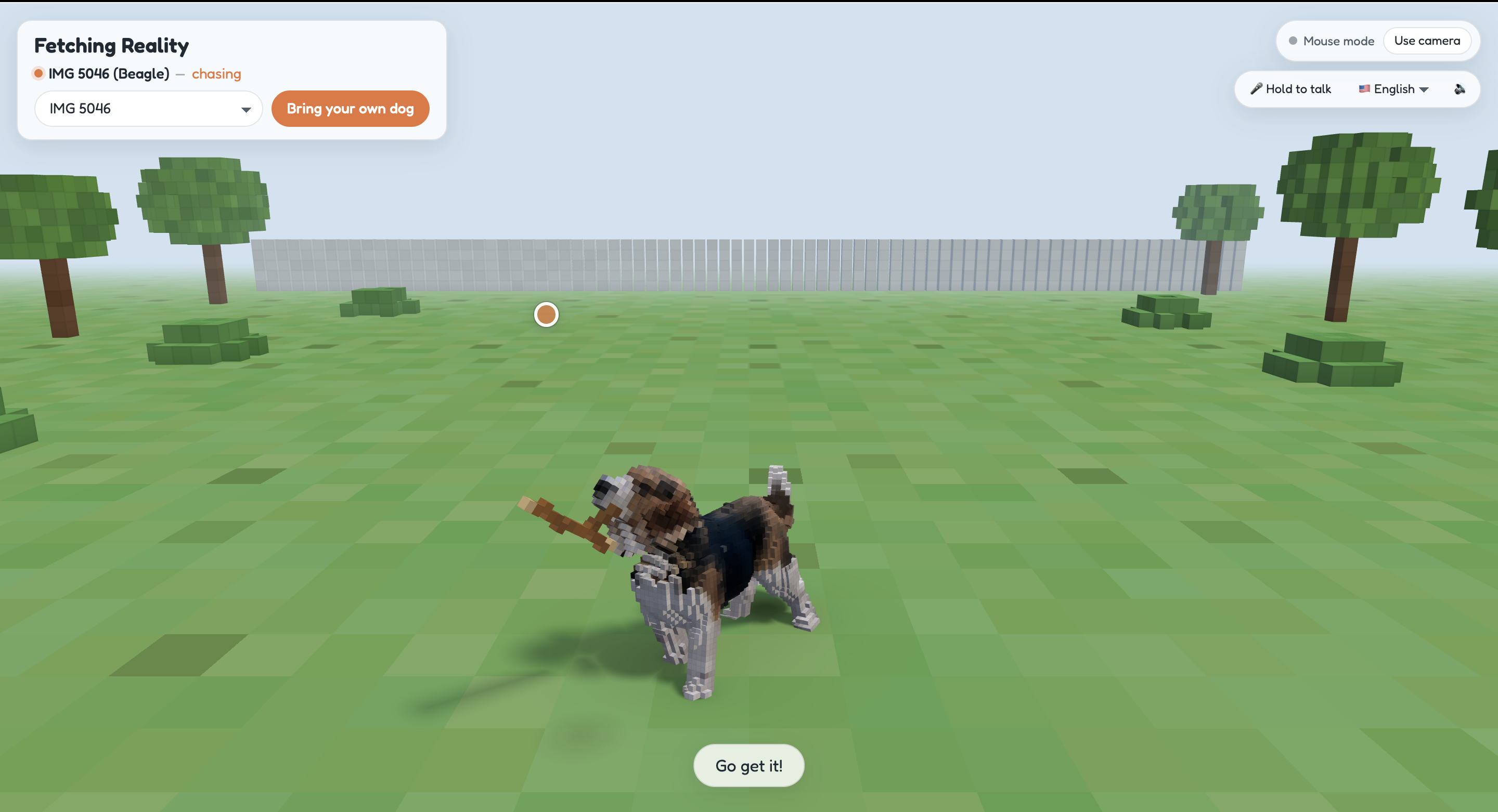
Beagle model biting on stick
-
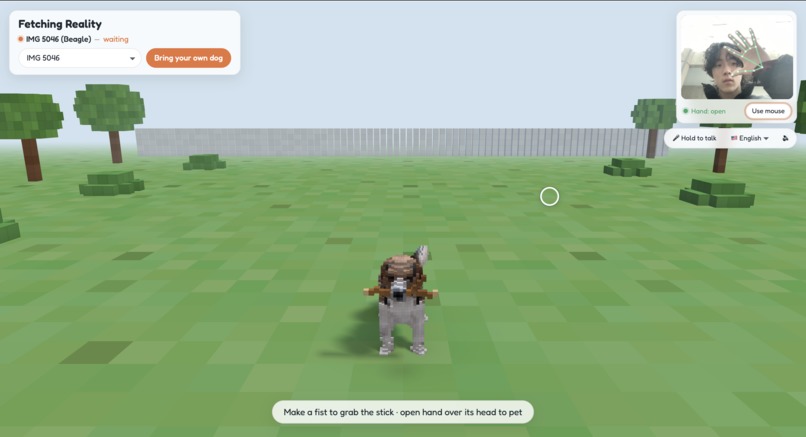
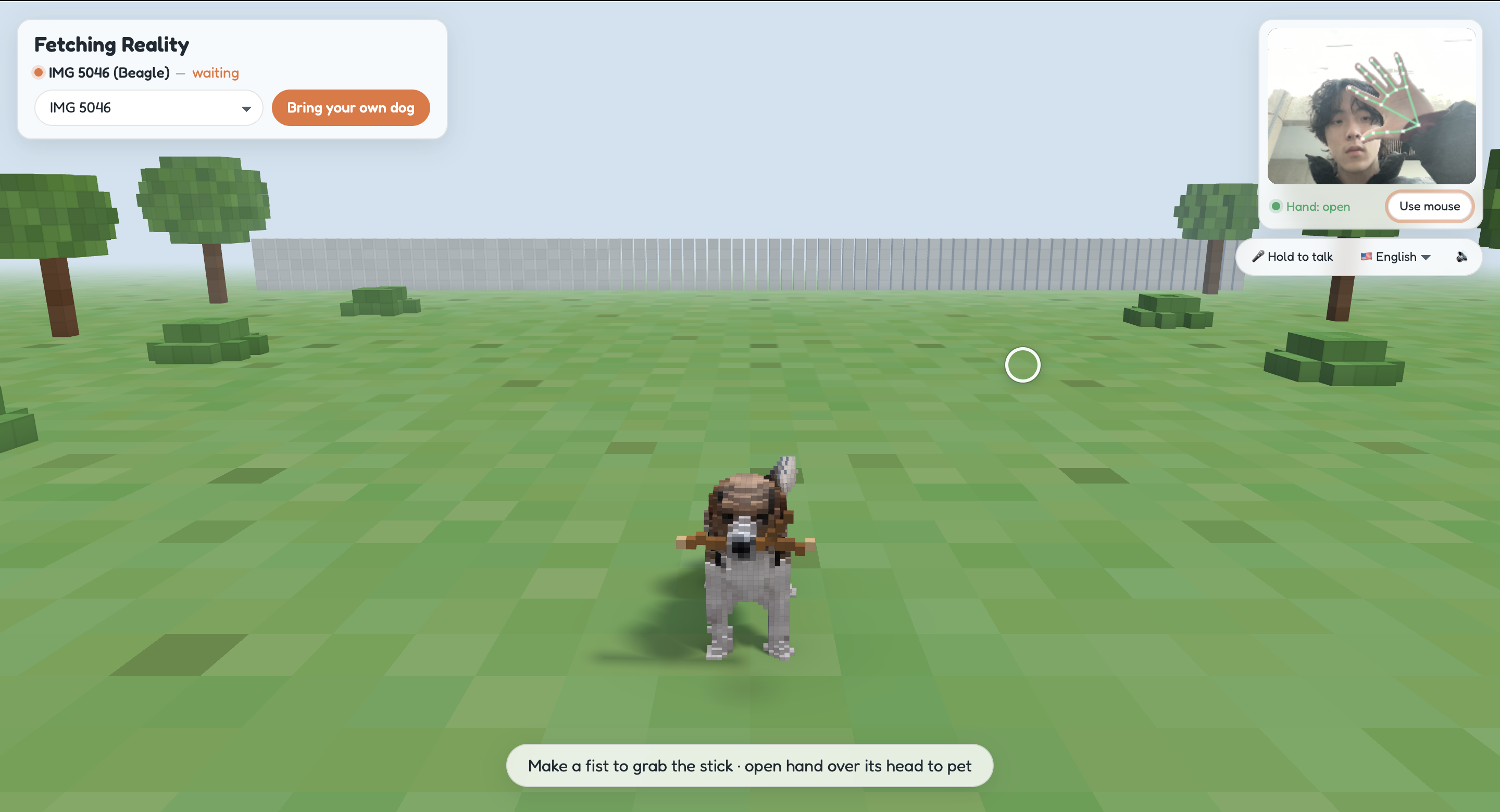
Interacting with beagle
-
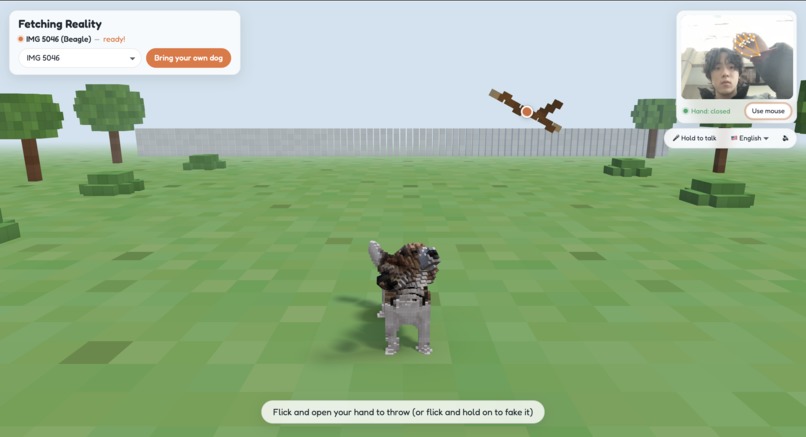
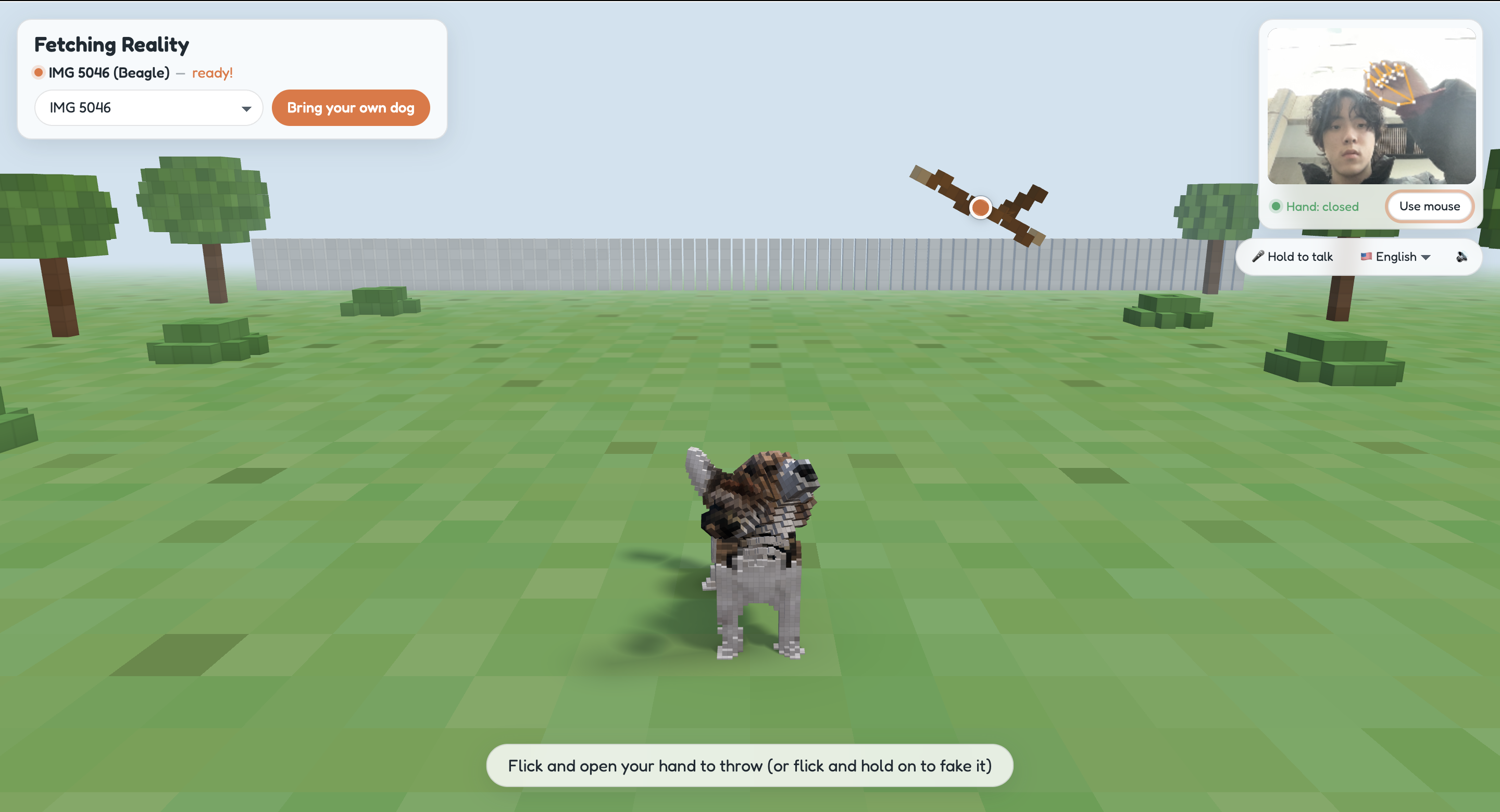
holding a stick ready to throw to play feth
Inspiration
The Huawei "Fetching Reality" challenge asked us to take a still photo of a dog and make it come alive in real time. Most "photo to 3D" demos stop at a model that spins on a turntable. We wanted to go further: a dog you can actually play fetch with. You throw the stick with your real hand in front of a webcam. The dog guesses where it will land, chases it, brings it back, and falls for your fake throws.
What it does
- Upload any dog photo and get back a rigged, animated 3D cube dog in about a minute.
- Play fetch with your hand. Make a fist to pick up the stick, then flick and open your hand to throw. A sideways flick aims left or right, an upward flick lobs it, and a faster flick throws farther.
- Fake it out. Flick but keep your fist closed. The dog sprints off, skids to a stop and looks back at you, confused.
- Pet it by holding an open hand over its head.
- A mouse fallback works the same way: press is a fist, drag moves, release is an open hand. ## How we built it
Everything runs in the browser with TypeScript + Three.js + Vite. MediaPipe handles vision, and a small local API proxies fal.ai for the heavy generative steps.
Photo → cube dog pipeline
- Find the dog. MediaPipe object detection runs in the browser and crops to the dog.
- Cut it out. BiRefNet removes the background. If the dog is lying down or curled up, an optional image-edit step asks for a standing side view first.
- Reconstruct in 3D. TRELLIS 2 turns the cutout into a textured mesh. Results are cached by image hash, so the same photo never costs twice.
- Voxelize in the browser. We sample the surface, flood-fill the outside to separate interior from exterior, and spread colours inward. The mesh comes back at an unknown rotation, so we render 4 candidate views and pick the one whose silhouette and colours best match the original photo.
- Rig it. The user drags 8 keypoints (nose, shoulders, tail, paws). We fit a 16-bone skeleton to them and rotate every body part into a standing pose. Folded legs get stretched, so even a sitting photo becomes a dog that can run.
Rendering
Every cube is a GPU instance, so the whole dog is one draw call. Each cube stores its bone index, and the vertex shader skins it. Animating the dog therefore only uploads 16 matrices per frame, no matter how many cubes it has. Interior cubes you can never see are culled when the dog is built.
Ray-traced capsule shadows
Shadow maps looked muddy on cubes, so we trace shadows analytically instead. Each bone gets a capsule (segment $\overline{ab}$, radius $r$), fitted automatically from that bone's voxels using its principal axis and a robust radius. For each floor pixel we cast a ray $\mathbf{p} + t\,\mathbf{s}$ towards the sun. We find the closest distance $d$ between that ray and each capsule's segment, and turn it into a soft shadow whose penumbra grows with distance, the way light from a sun of finite size behaves:
$$ V = \operatorname{smoothstep}!\left(-w,\; w,\; d - r\right), \qquad w = k\,t + \varepsilon $$
On top of that we add capsule contact ambient occlusion under the paws. Bounding-sphere culling, first for the whole dog and then per capsule, brings the cost down from about +4.5 ms to about +1.5 ms GPU per frame at 2048×1536 on an Apple M4.
Animation and behaviour
The rig is fully procedural. Gait (trot → gallop), sit, play bow, head look-at, tail wag, ear flop and panting are all computed each frame from a few parameters. A state machine drives the dog's behaviour: waiting → excited → chase → pick up → return → drop, plus fake-out → confused and petted. Movement follows a braking-distance speed profile with capped acceleration, grip-limited turning and leaning into turns. The head tracks targets on a critically damped spring. Small things like these did more to make the dog feel alive than any single big feature.
Hand-tracked throwing
MediaPipe Hand Landmarker gives us 21 landmarks per frame. We smooth the palm position with a One Euro filter, whose cutoff frequency rises with speed. That keeps the hand steady when it's still and responsive when you flick:
$$ f_c = f_{c,\min} + \beta\,\lvert \dot{\hat{x}} \rvert $$
Throw velocity comes from linear regression over the last ~90 ms of samples. We then take the peak velocity over the last 180 ms, because people naturally slow down as they open their hand, so the speed at the moment of release is always too low. Flick speed sets the distance and flick direction sets the launch angle (from a flat 14° to a 45° lob). We then solve for the launch speed that lands the stick exactly at that distance from release height \(h\):
$$ v_0 = \sqrt{\frac{g\,d^2}{2\cos^2\theta\,\bigl(h + d\tan\theta\bigr)}} $$
Challenges we ran into
- Hand tracking was stealing our frame rate.
detectForVideoblocked the main thread for about 20 ms per camera frame, so the game dropped a frame on every camera frame. We moved MediaPipe into a Web Worker, sent it frames as transferredImageBitmaps with backpressure, and kept each sample's capture timestamp. In a 15 s benchmark, frames over 20 ms went from 279 to 0, and p99 frame interval went from 43.8 ms to 18.8 ms, holding a steady 60 fps. - Telling a fist from an open hand under real lighting. Our first 2D "openness" measure broke when fingers pointed at the camera, and dim light dropped webcams to 15 fps. We switched to MediaPipe's 3D world landmarks and added hysteresis: close below 1.13, open above 1.38. A change also has to hold for 2 frames, and tracking gaps under 150 ms are ignored. We built a calibration panel and recorded real data in bright, dim and backlit rooms. Fists read 0.61–0.85 and open hands read 1.67–1.73, so we placed the thresholds in the middle of that gap.
- Gentle flicks flying across the map. A "push towards the camera" signal (from how fast the palm grows on screen) spiked to 8.33 as the hand opened. That made a soft 0.92 screens/s flick throw at maximum distance. Capping it fixed the problem.
- Flicks that leave the camera. A good hard flick often carries your hand right out of frame. Now a held hand that exits the frame, or reaches the edge moving outwards, counts as a throw instead of a dropped stick.
- Generated meshes come back at unknown orientations and poses. Silhouette-and-colour matching solved orientation. Keypoint-based skeleton fitting plus re-posing solved sitting and lying dogs.
- Testing without paying for every run. We wrote an offline self-test. It poses our placeholder beagle sitting, turns it into a fake TRELLIS mesh with a random rotation, and runs it through the real voxelize → orient → fit pipeline.
What we learned
- Perceived quality comes from small motions: a hip wiggle, a confused head tilt, panting that builds over several fetches. Any one of these matters more than polygon count.
- Measure, don't guess. The built-in benchmark (press
B) and the hand calibration panel (pressD) turned "it feels laggy" and "it doesn't grab sometimes" into numbers we could fix. - Analytic graphics can beat brute force. Approximating the dog as capsules gave us soft, ray-traced shadows for about 1.5 ms. A shadow map would have looked worse and cost more.
- Human input is noisy and has intent behind it. A good gesture system is mostly about filtering, hysteresis and reading what the player meant: using peak velocity instead of release velocity, and turning an exit-flick into a throw.
What's next
- Multiple dogs and breed-specific behaviour (a beagle that sniffs, a retriever that won't let go)

Log in or sign up for Devpost to join the conversation.