-
-
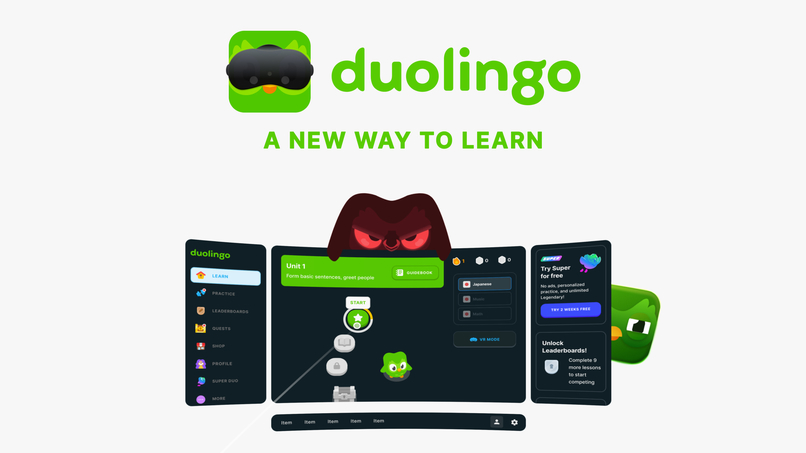
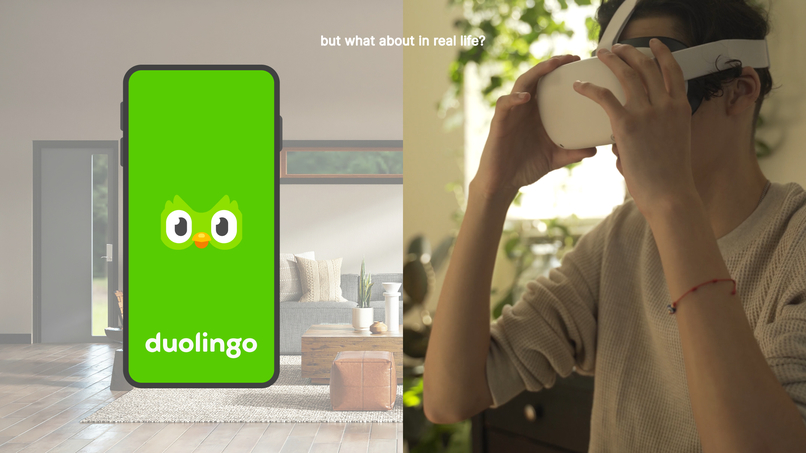
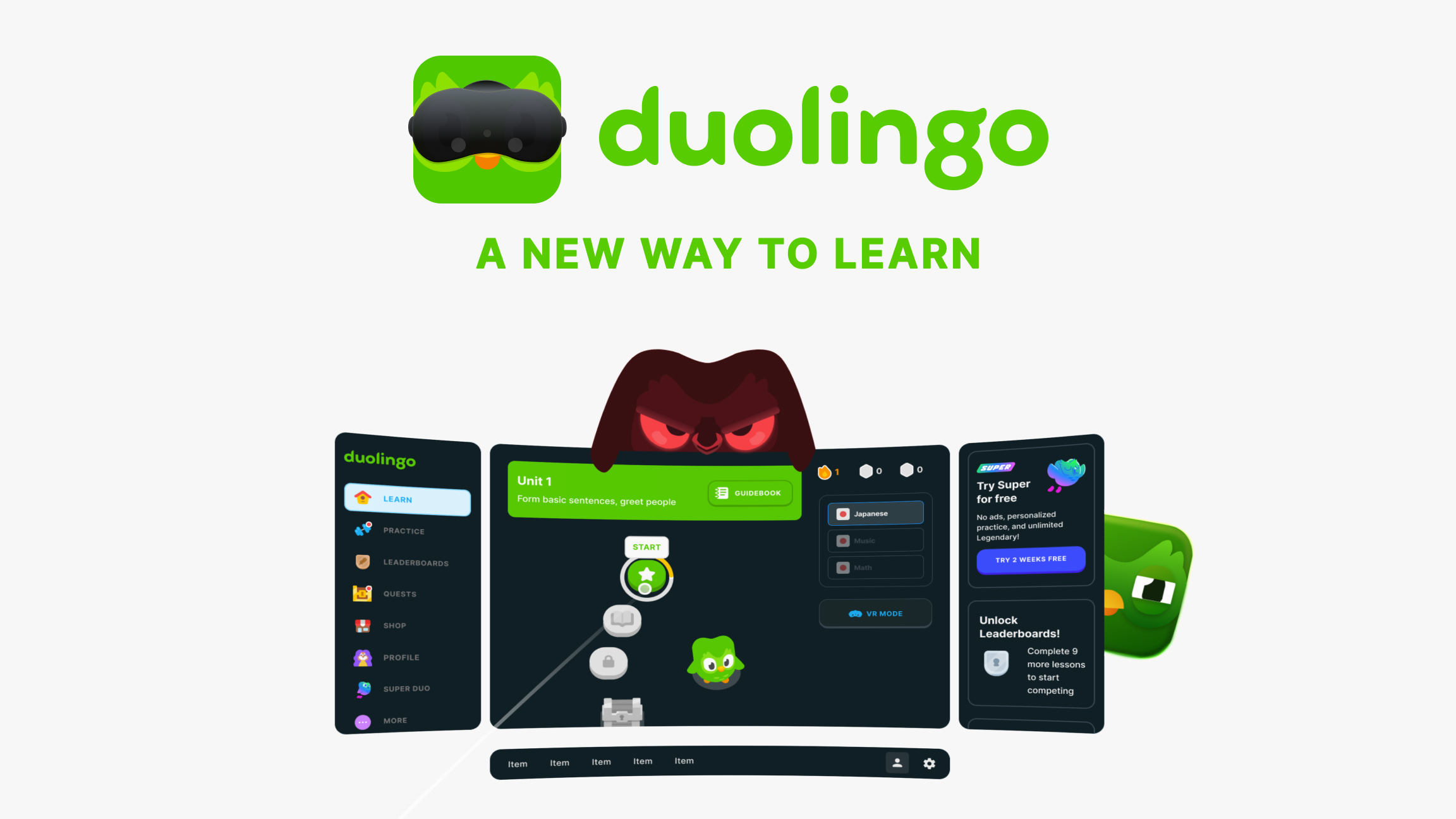
Thumbnail
-
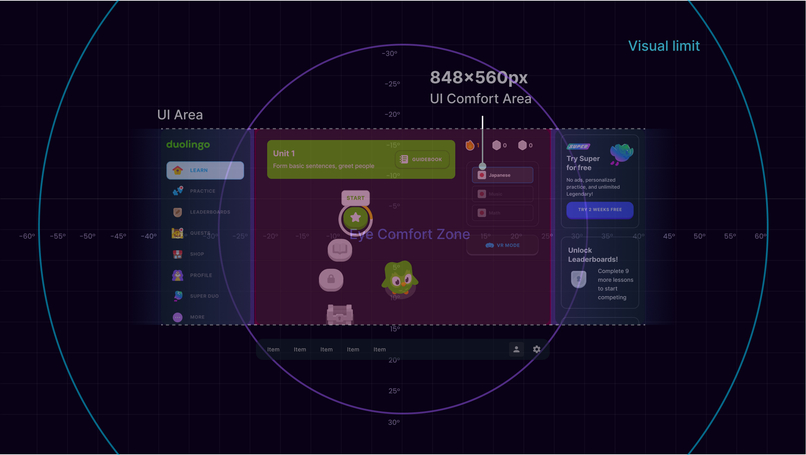
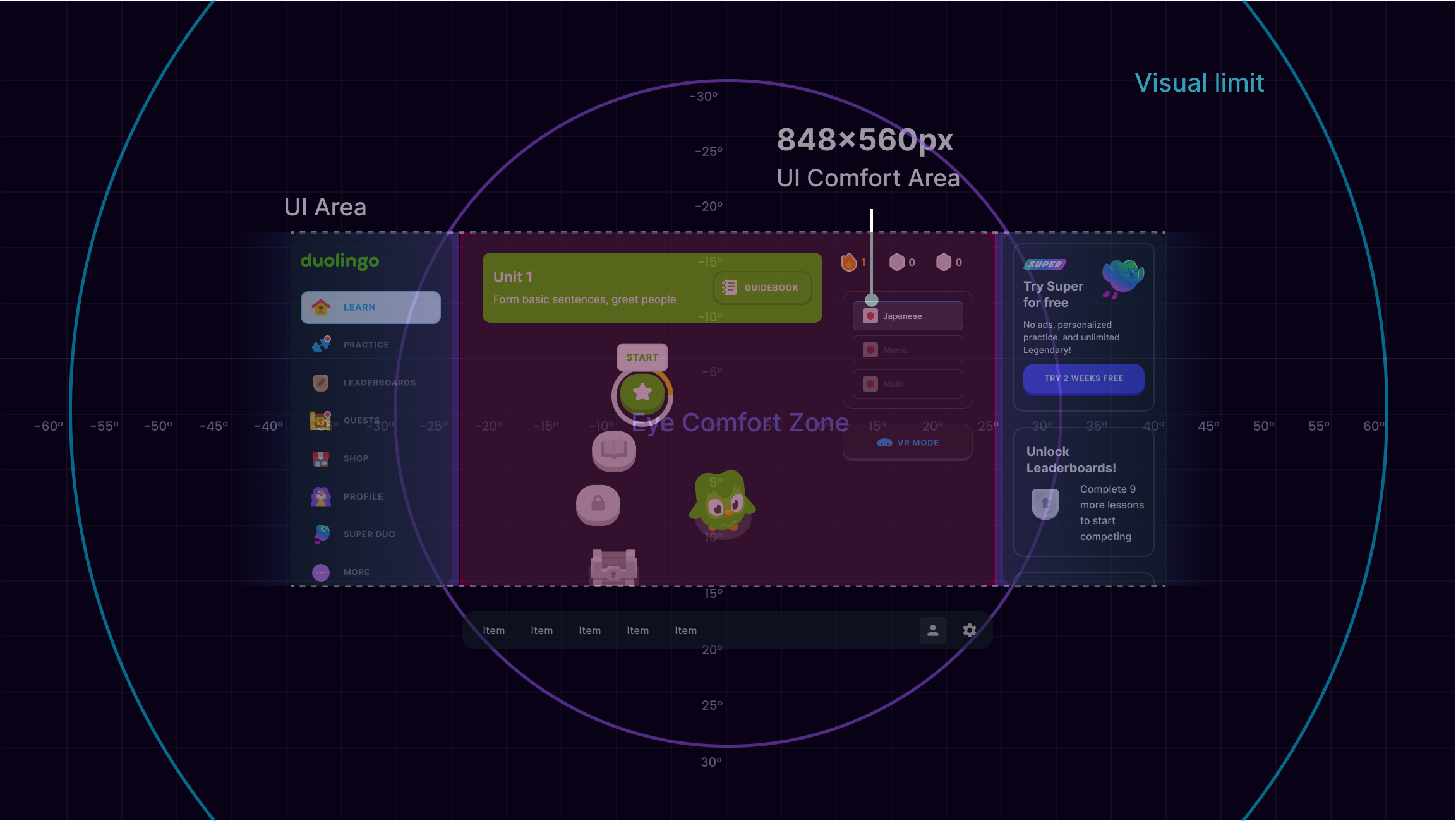
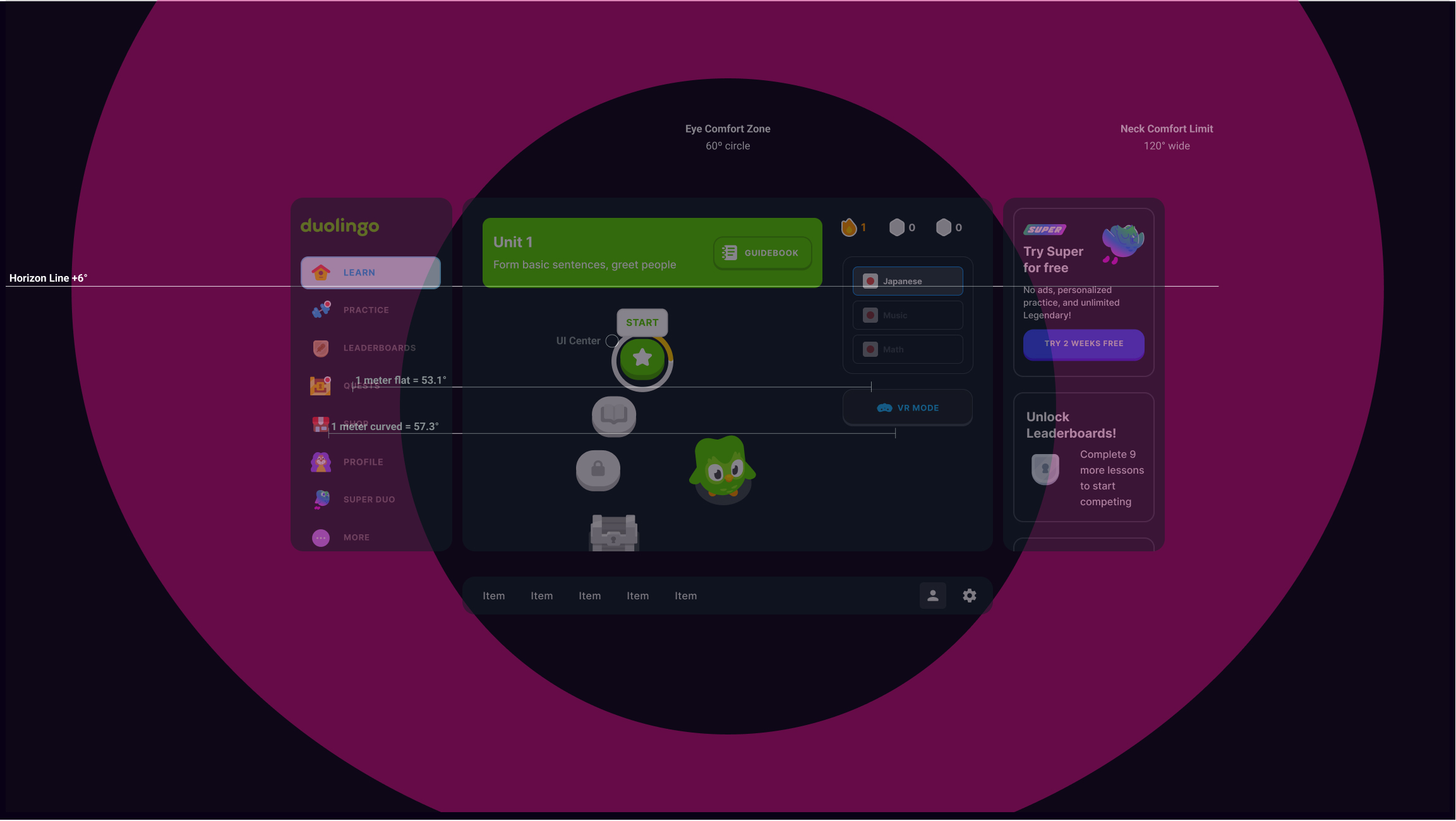
XR Guidelines
-
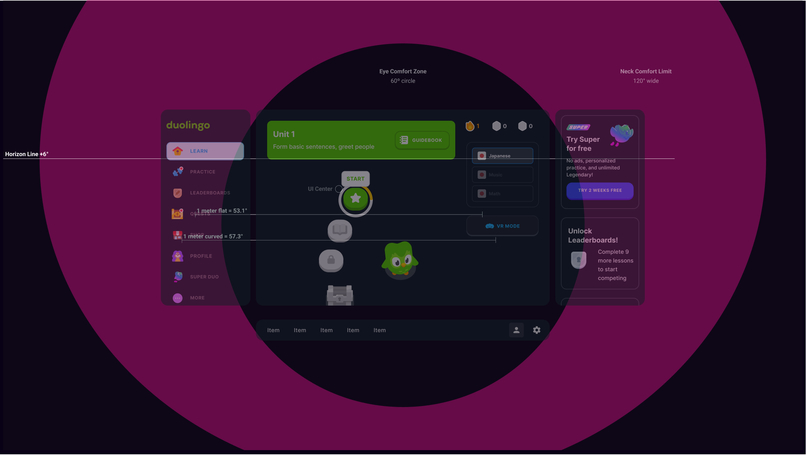
XR Guidelines Distance
-
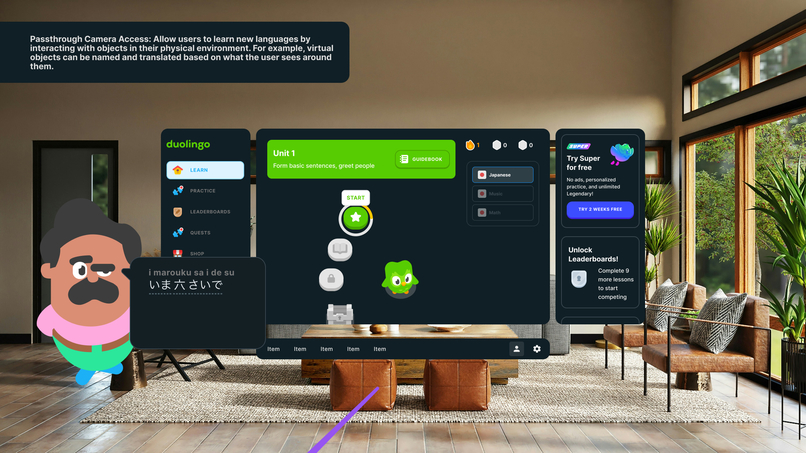
Early iteration 1
-
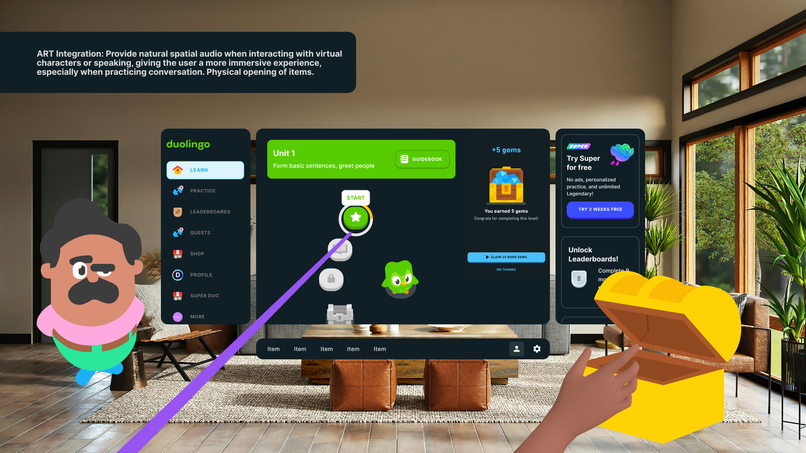
Early iteration 2
-
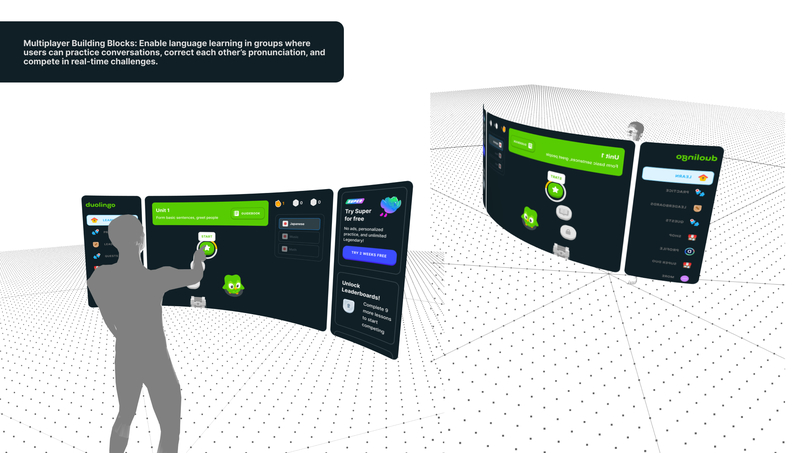
Early iteration 3
-
-
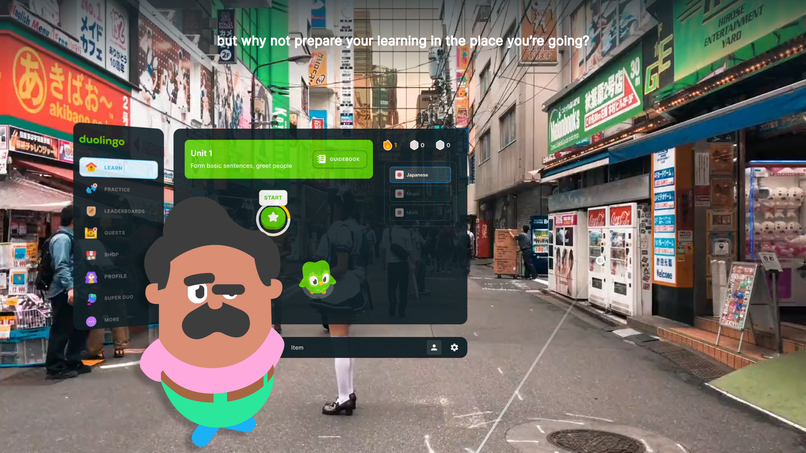
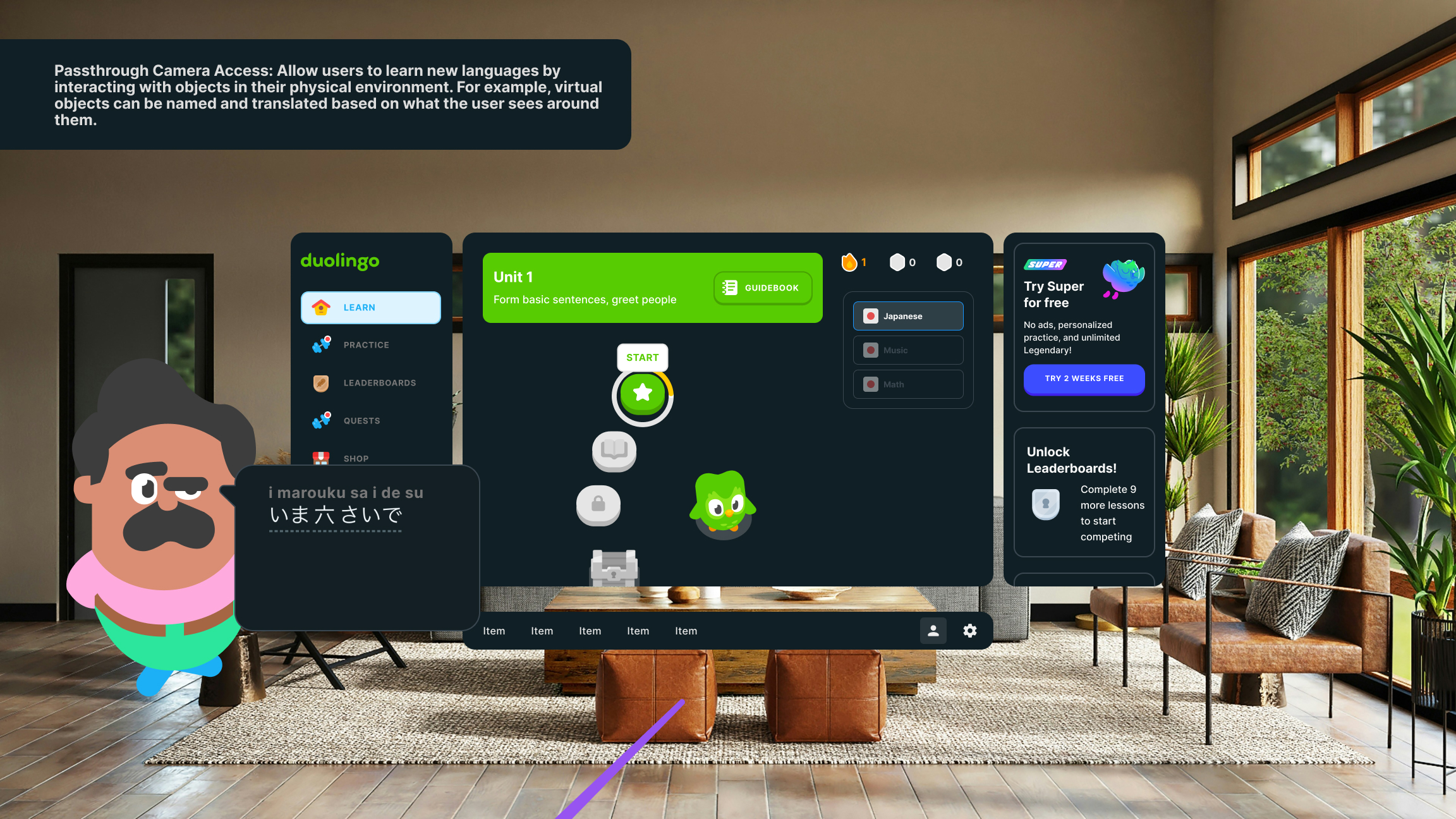
Japan learning from objects in environment
-
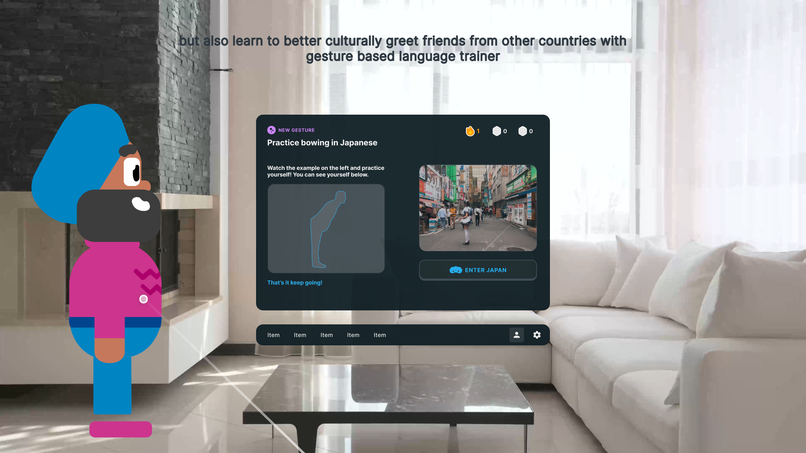
Gesture based learning - Bowing in Japan
-
-
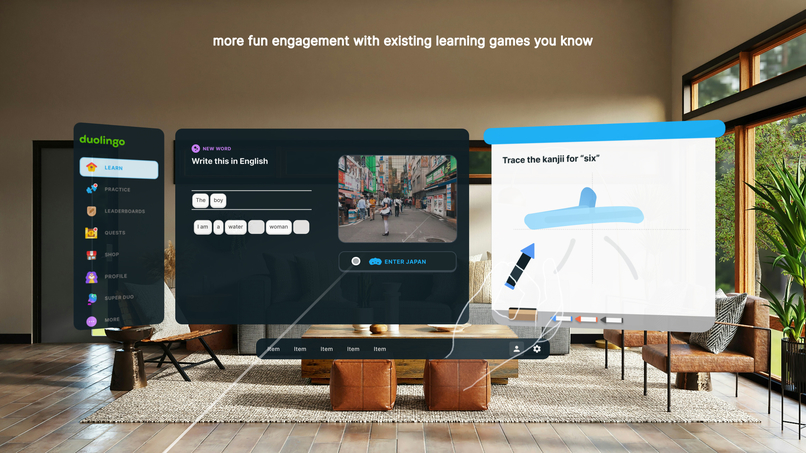
Drawing symbols
-
-
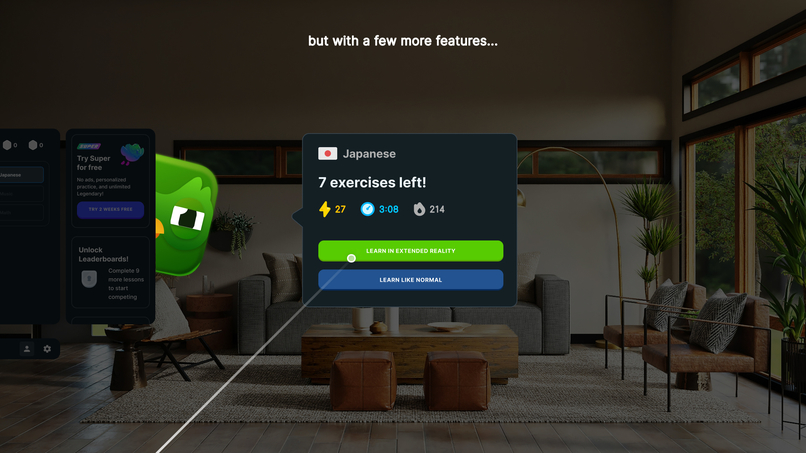
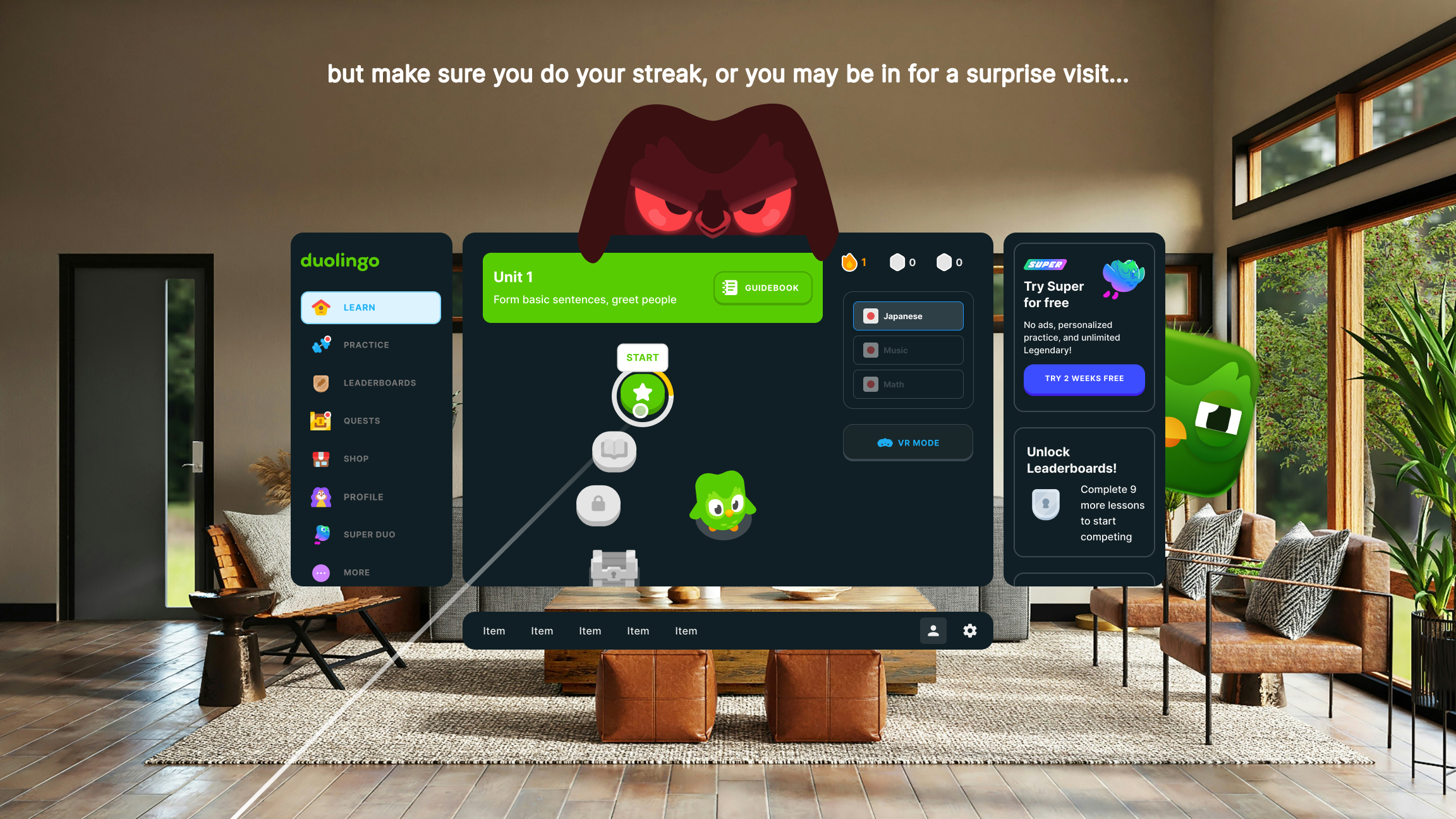
VR option
-
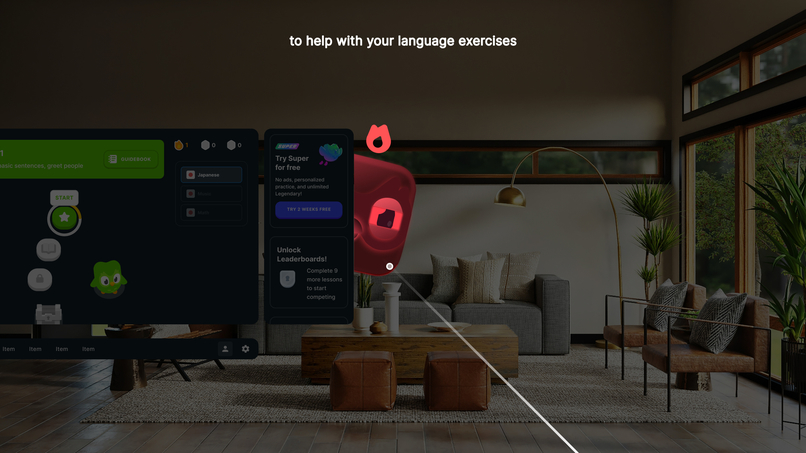
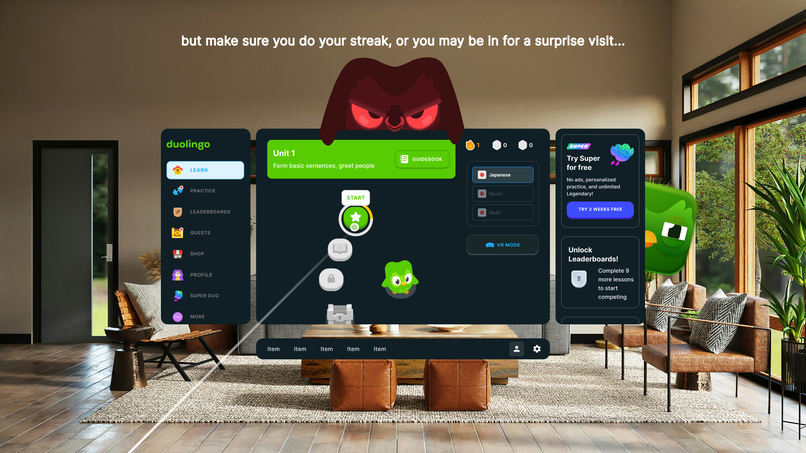
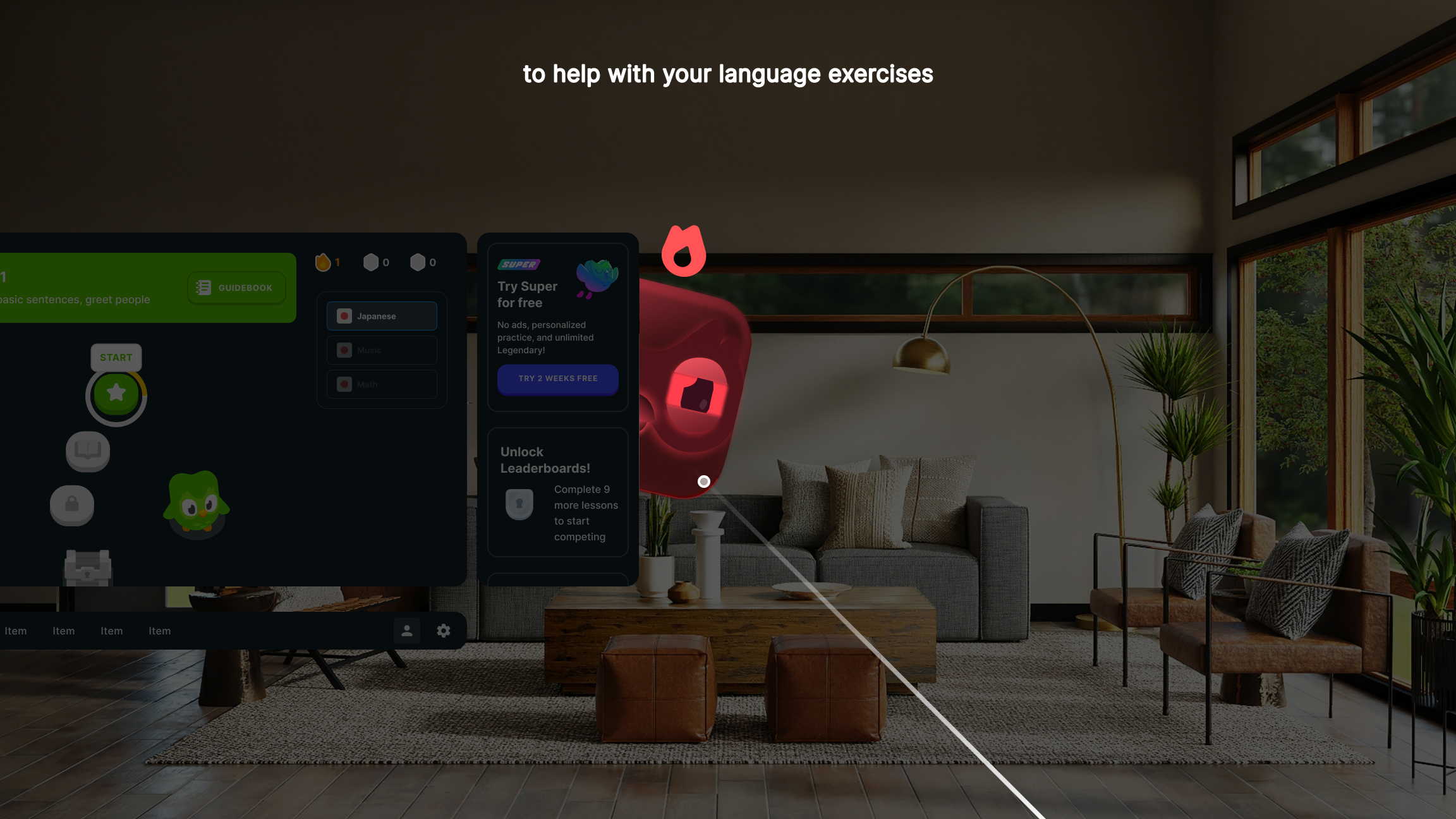
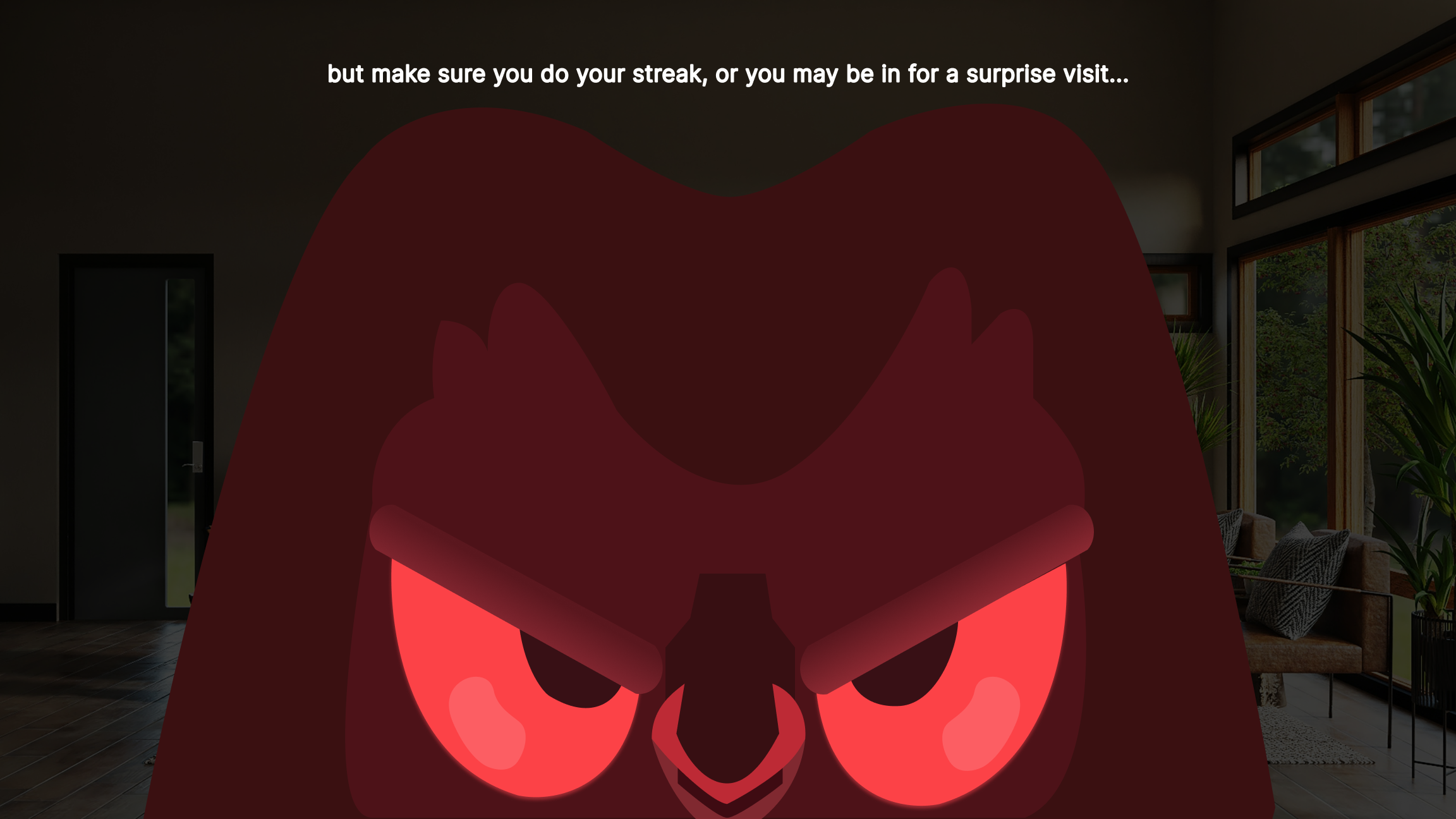
Scary Duo (Do your streak...)
-
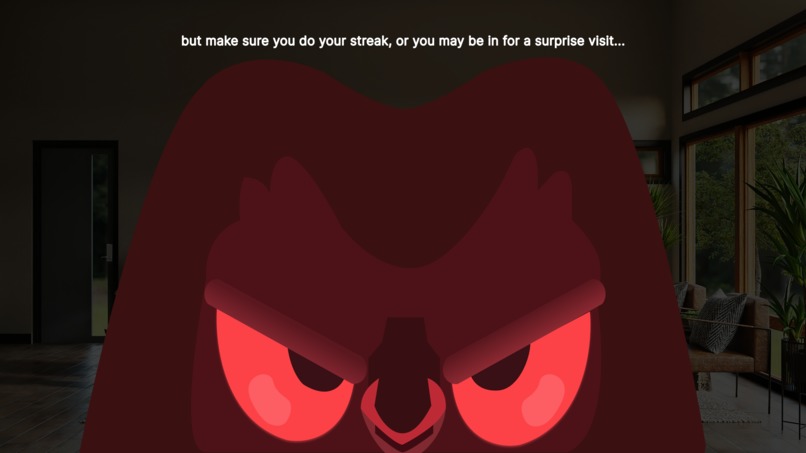
I forgot my streak again?!
-
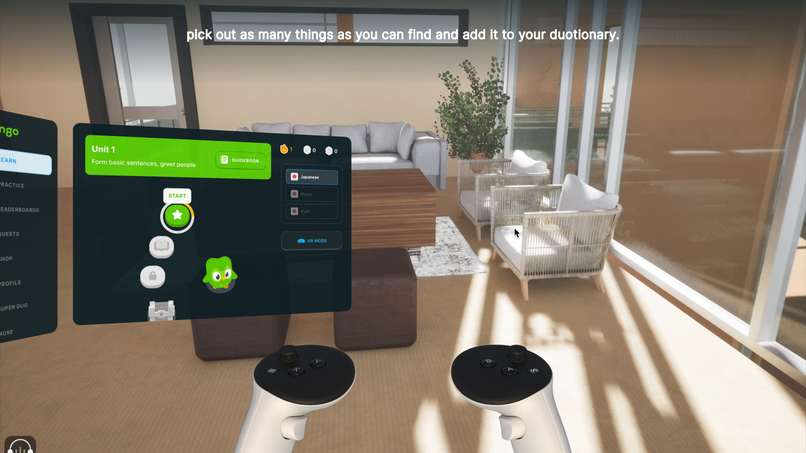
VR in Unreal Engine
-
Inspiration
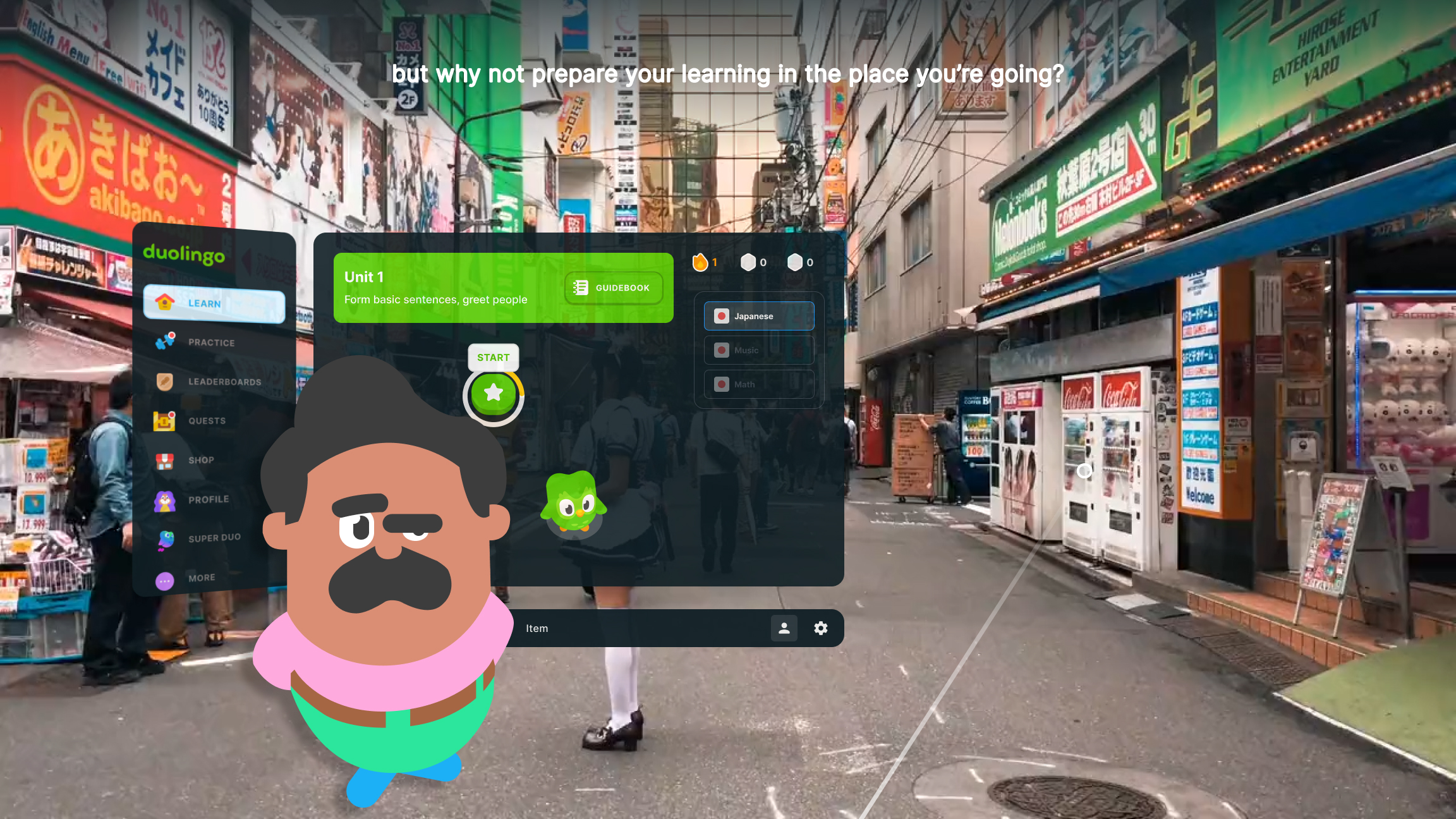
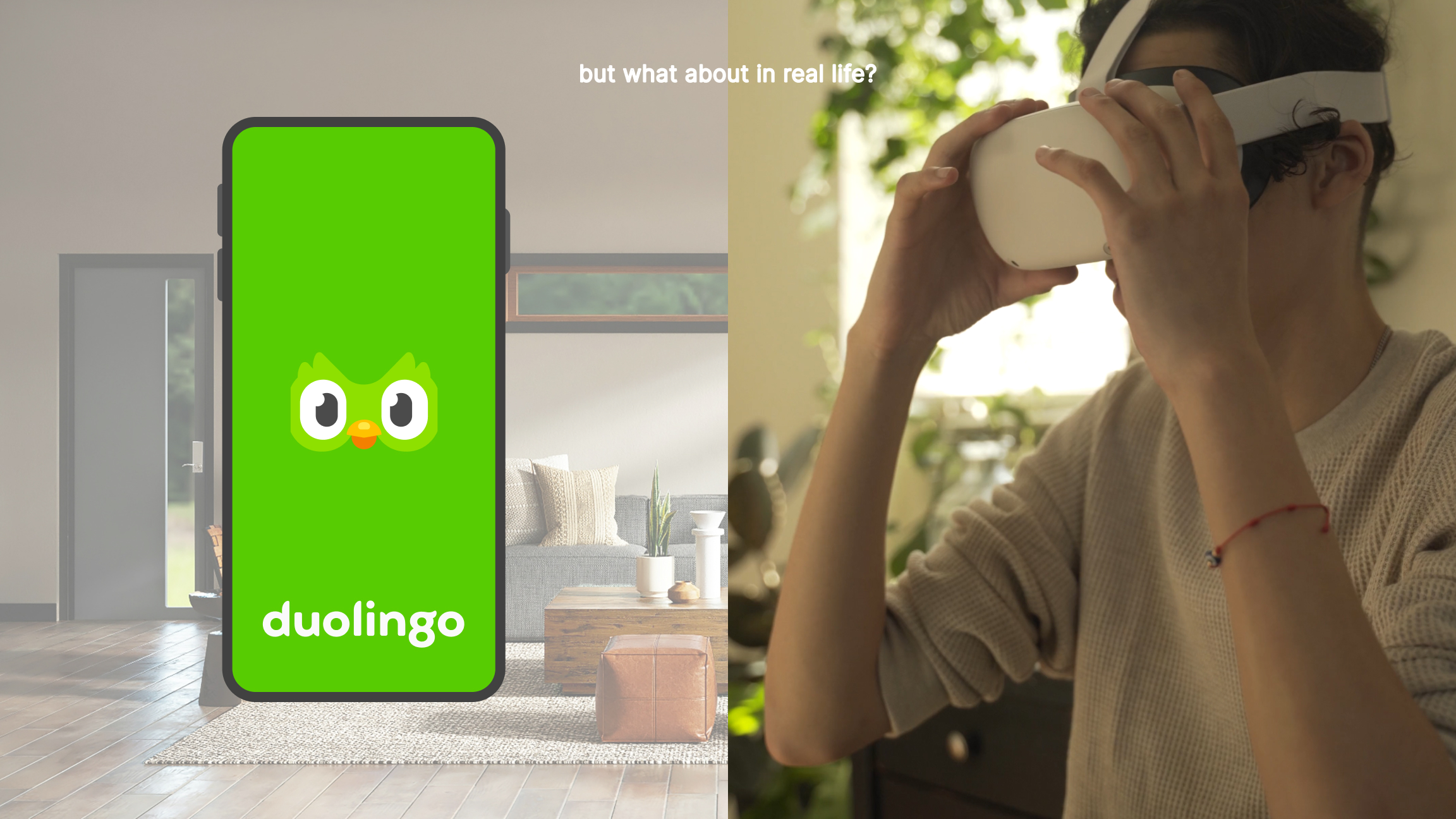
Travelling to different countries I’ve learnt the basics of languages to help have conversations and take in the culture. I use Duolingo a lot but the best way I learnt was actually being at the location and talking with others or asking questions! I’m wanting to travel to Japan and thought there’s got to be a more interactive way for me to learn.
What it does
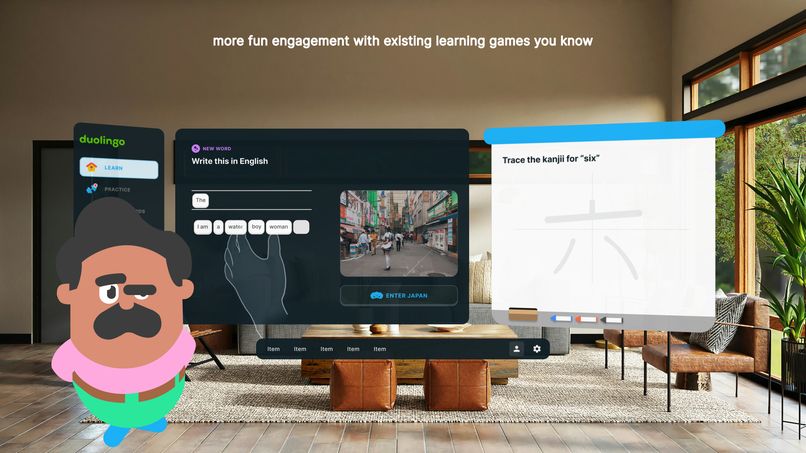
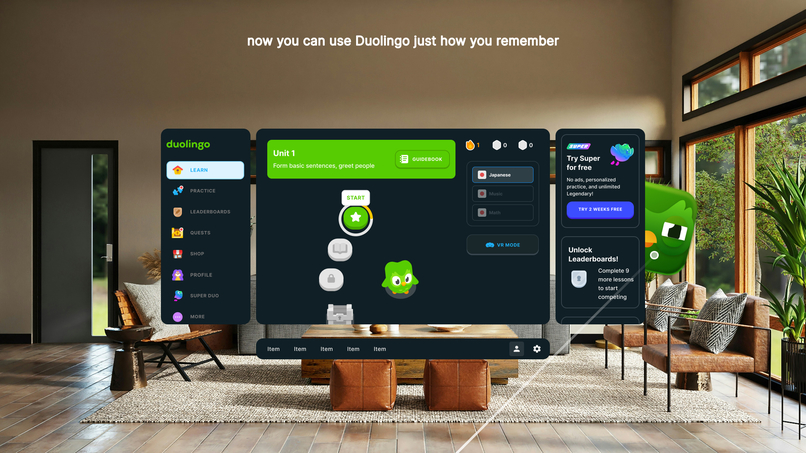
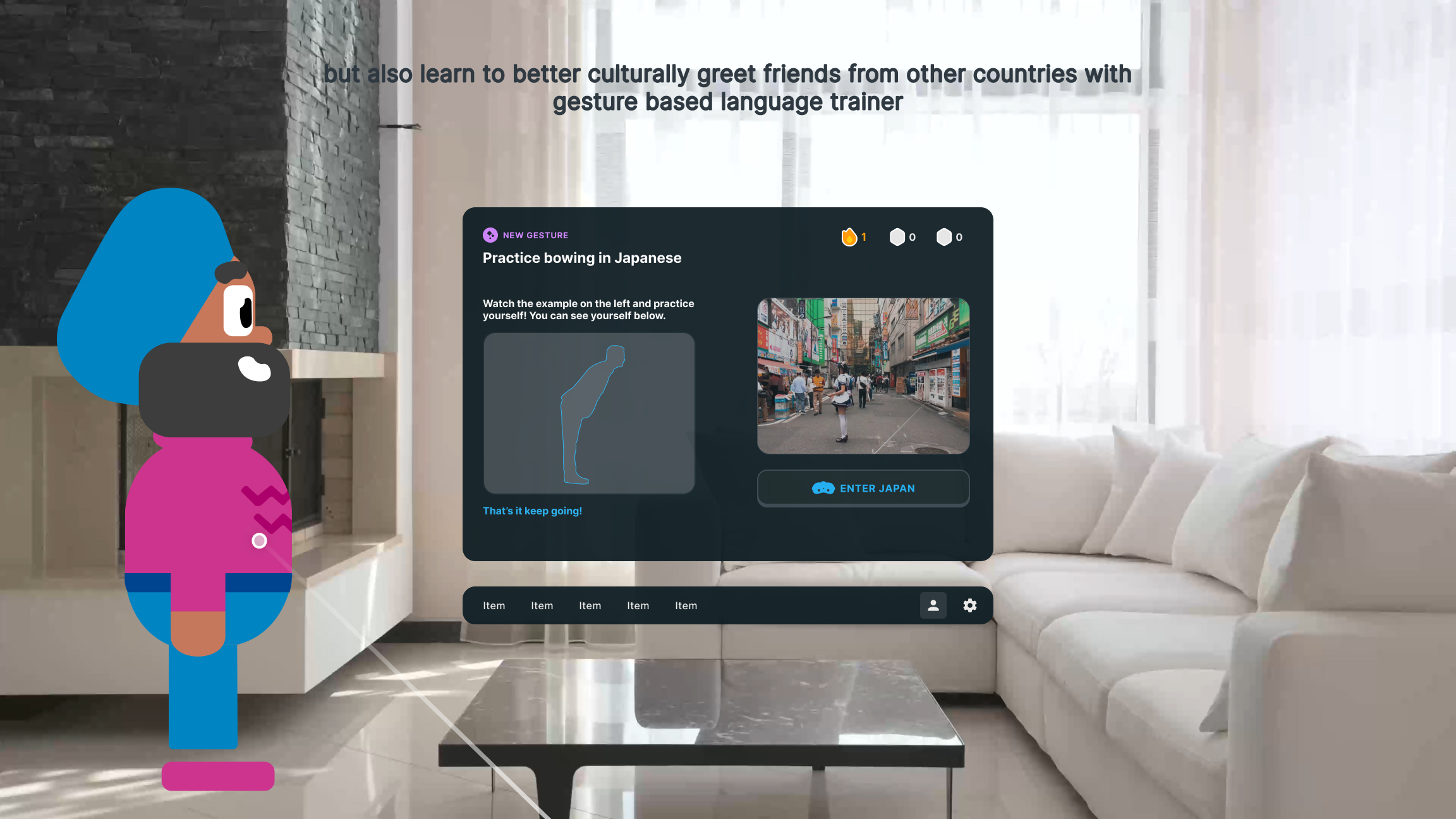
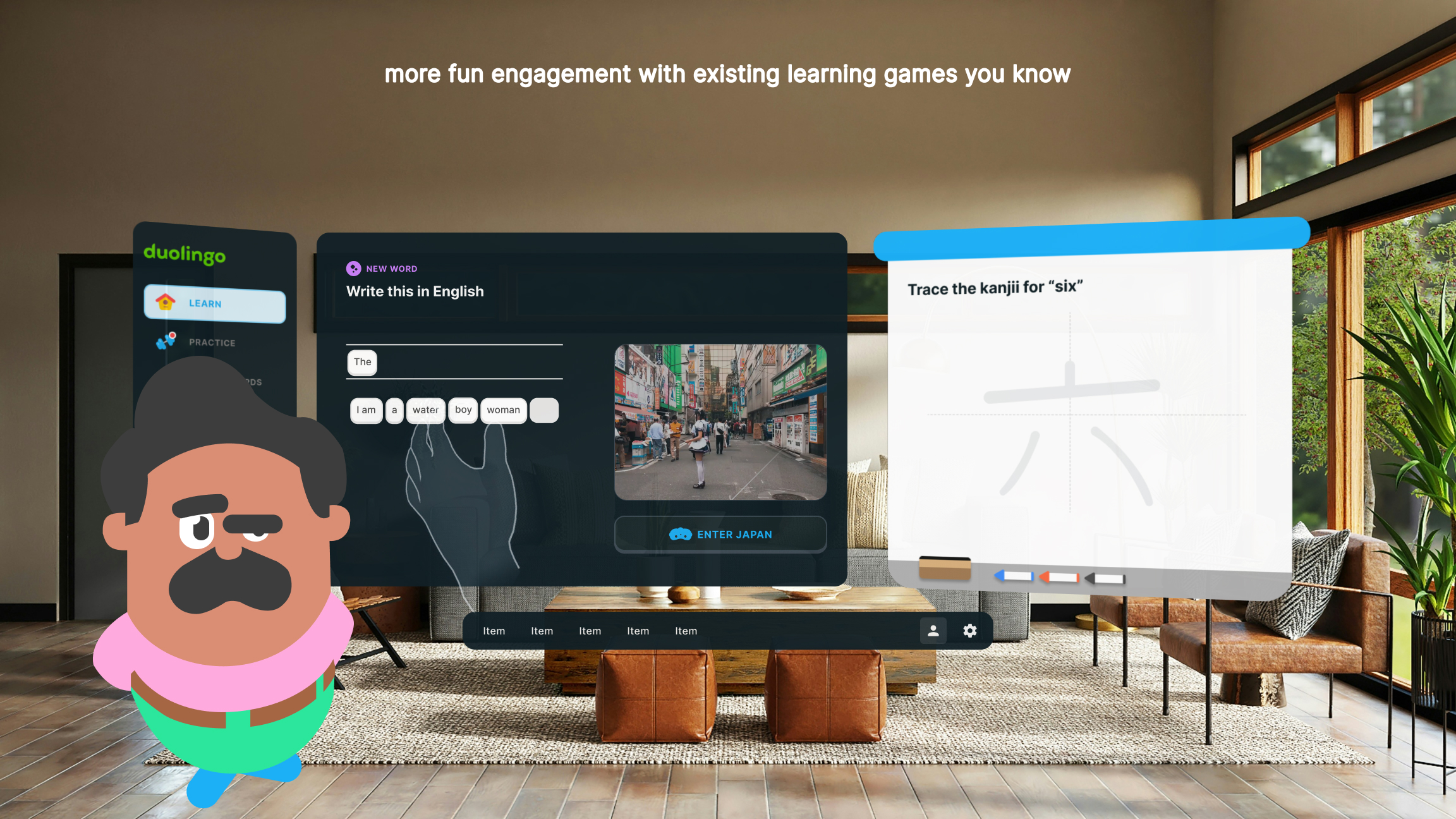
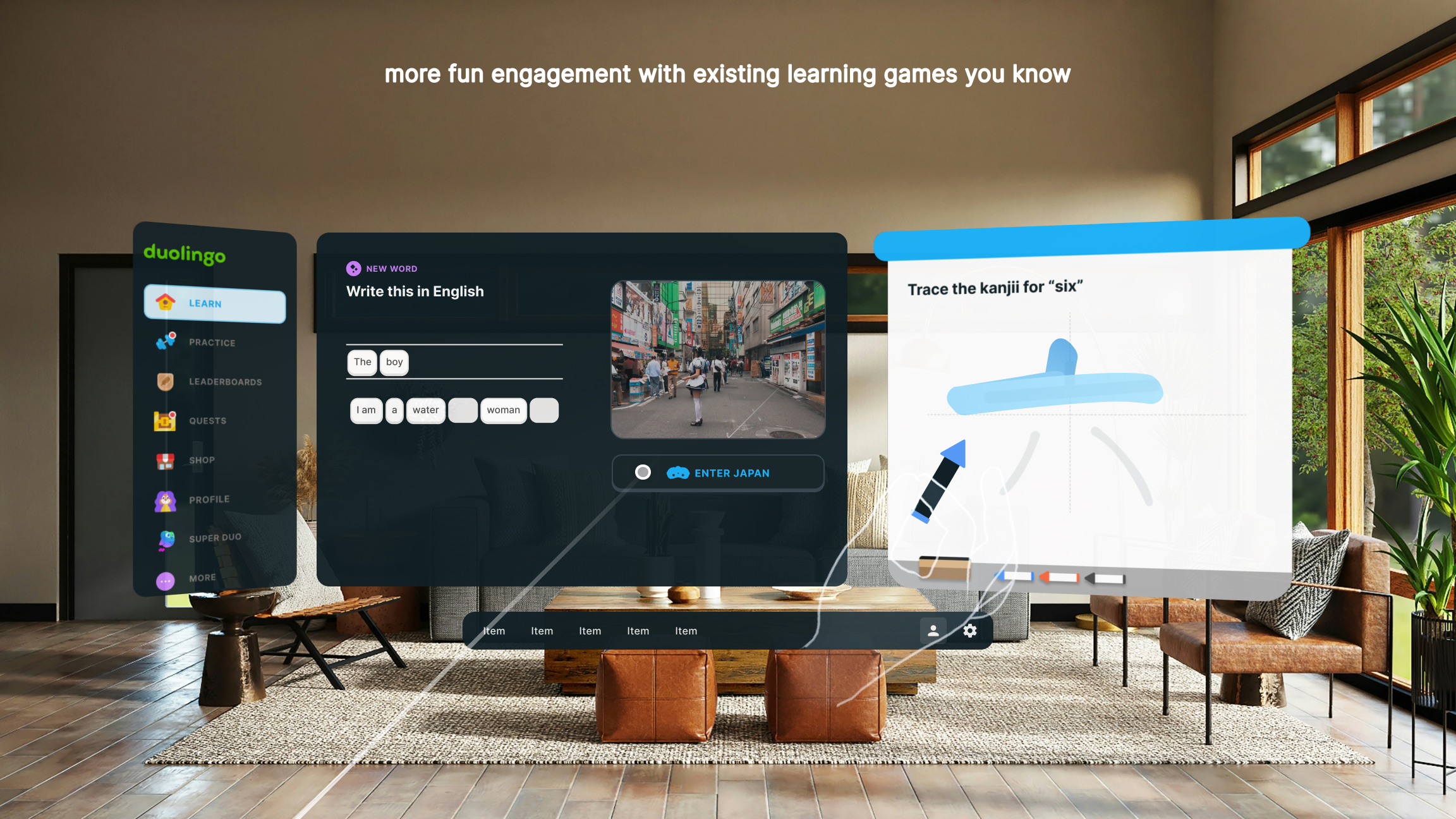
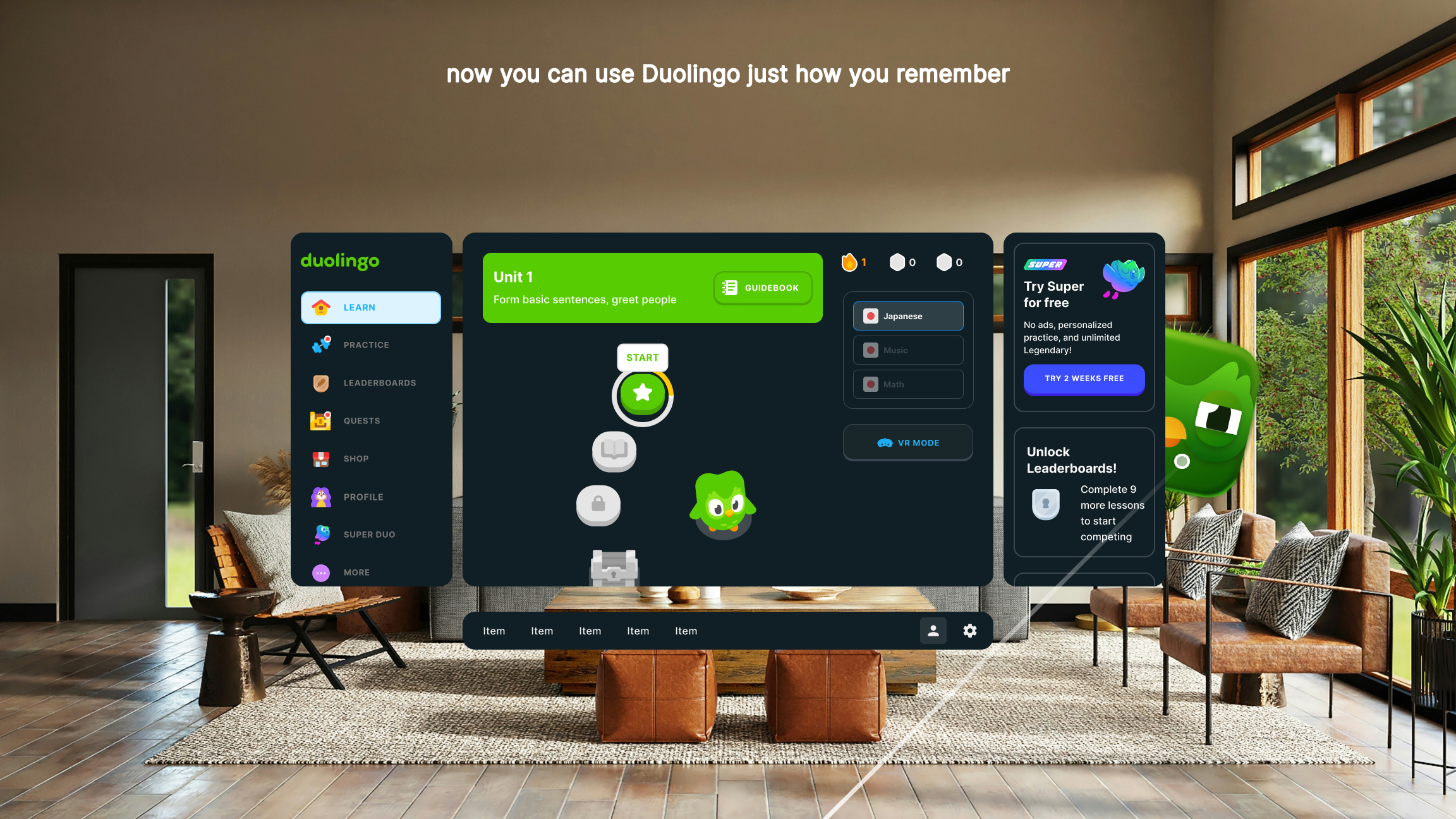
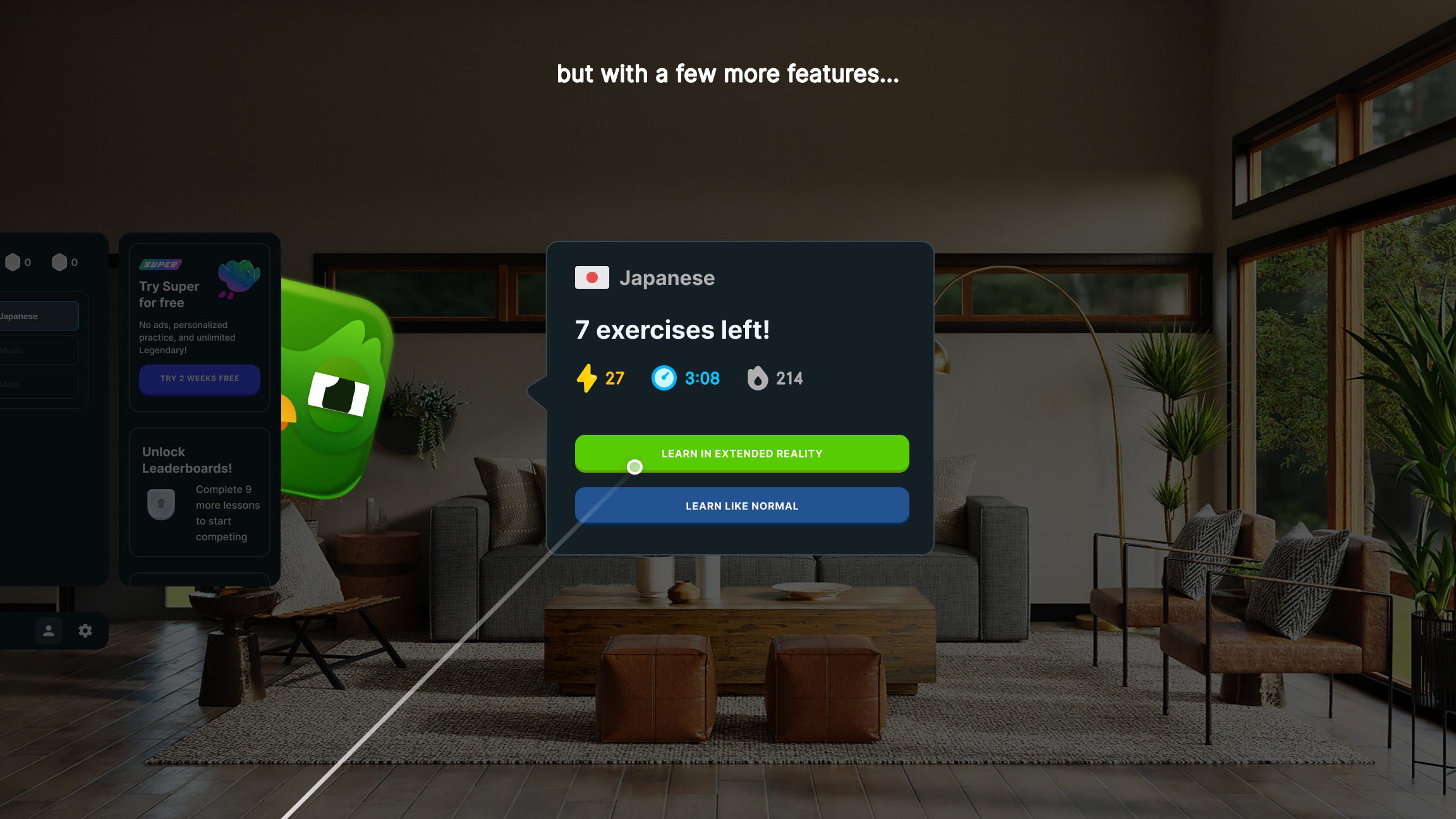
The XR Duolingo app takes the language-learning experience to the next level by adding immersive, interactive elements to boost retention and make learning fun. Beyond the familiar app features, it introduces gestures like grabbing words, speaking to the Duolingo characters, or answering their questions to practice in a conversational style. These interactions create memorable moments that mimic real-life scenarios, enhancing retention.
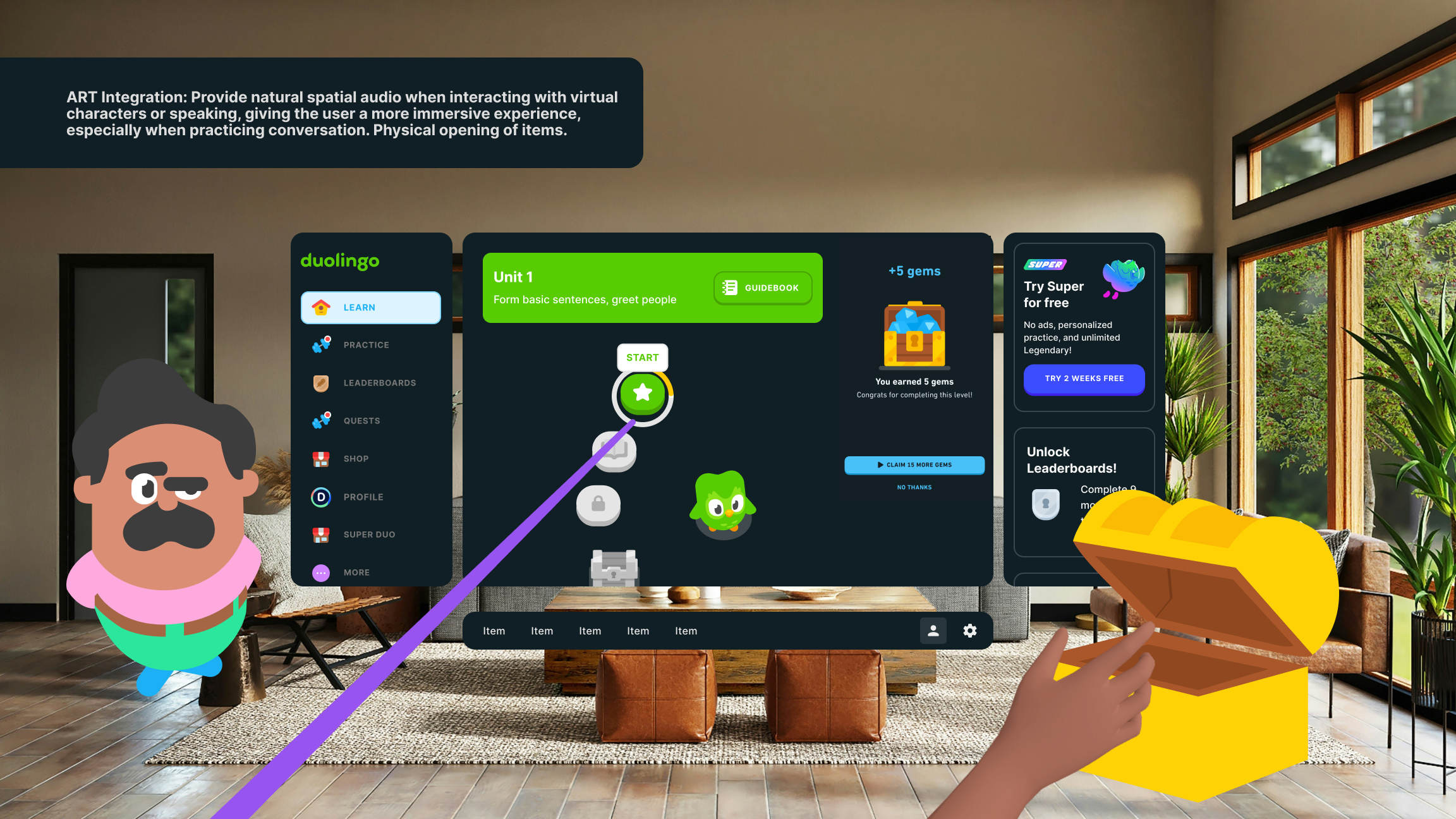
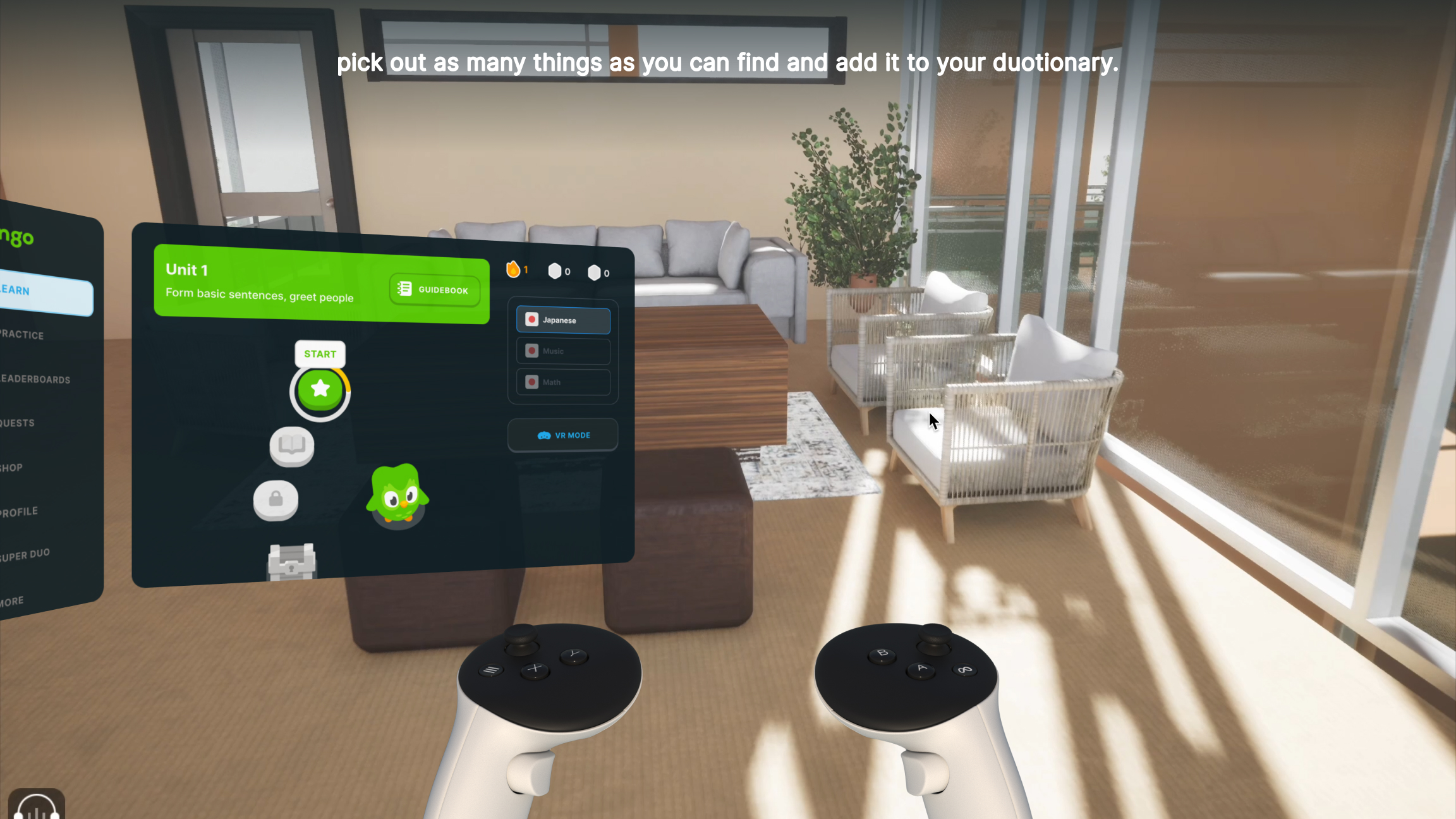
With VR, you’re transported into virtual environments or even real-world settings, where you can collect words for your "duotionary" by exploring and sightseeing. Spatial audio using ART Integration makes conversations with virtual characters feel natural and engaging, while Passthrough Camera Access allows you to interact with objects in your real environment, learning their names in your target language.
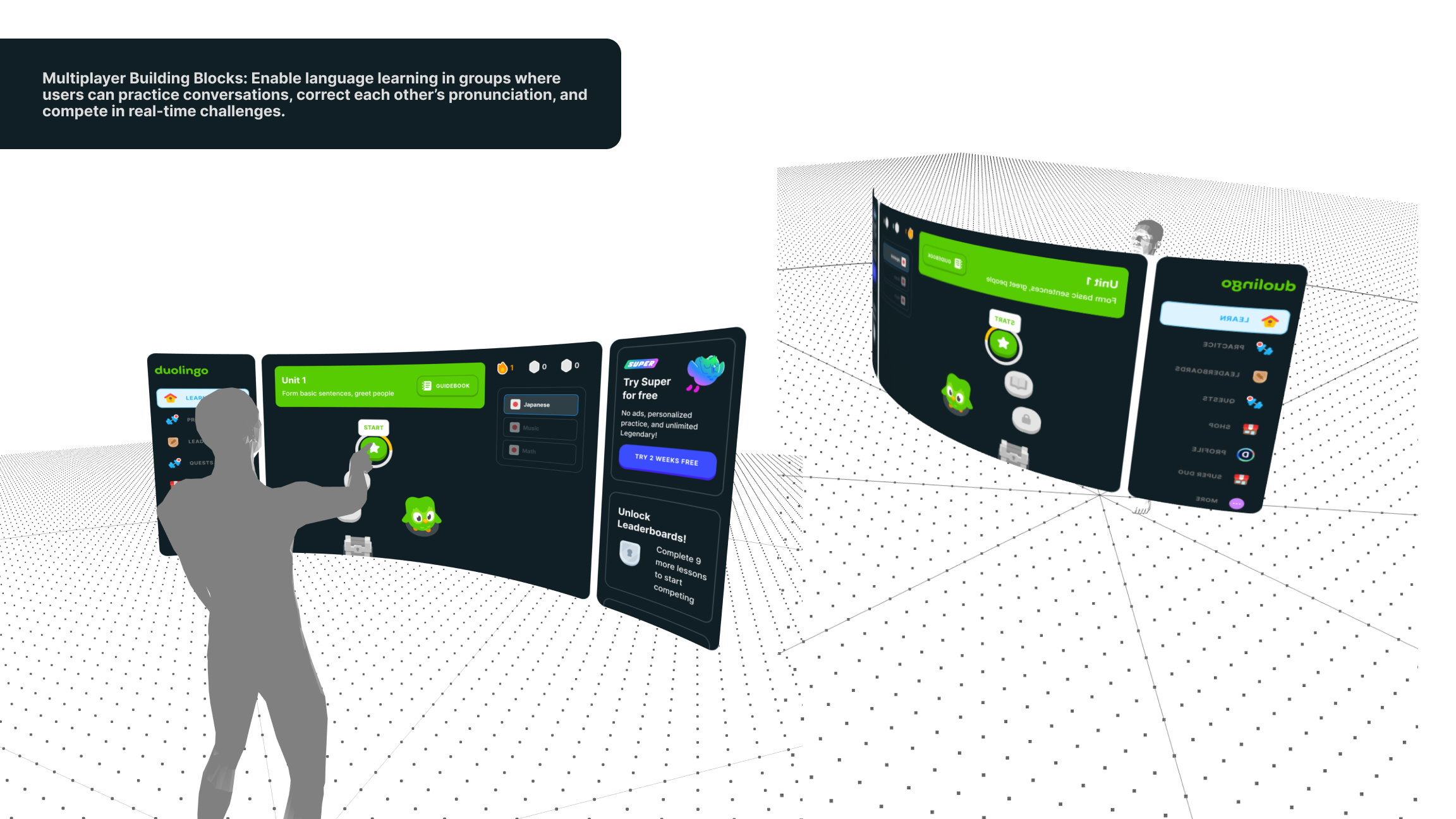
The app also supports Multiplayer Building Blocks, enabling group learning sessions with pronunciation practice, conversation challenges, and fun competitions. You can even practice grammar by physically manipulating floating 3D words in your space or immerse yourself in a gamified virtual city that mirrors the culture and language you’re studying.
It’s more than language learning—it’s a full-body, memorable experience that makes every lesson feel like an adventure.
How we built it
The prototype for the XR Duolingo app was a blend of familiar tools and new challenges. While I primarily relied on Figma to design the user interface and map out the user experience, I decided to push myself further by incorporating Unreal Engine to prototype a VR interaction—my first time ever using it!
This approach allowed me to create a dynamic mockup that showcases how users would interact with virtual elements, like grabbing floating 3D words or speaking to Duolingo characters. By setting this challenge, I stepped out of my comfort zone, learning the basics of Unreal Engine to create immersive interactions, while using Figma to ensure the overall design felt polished and cohesive. It was a rewarding process that combined familiar strengths with the excitement of trying something completely new!
Challenges we ran into
I ran into several challenges during the prototyping process. When trying to use Unity, I struggled with migrating the UI elements. While I eventually managed to import the screens, I encountered significant issues connecting the screens to enable interactions like clicks or transitions. This made it difficult to demonstrate a seamless user flow in Unity.
Another major challenge was the lack of access to a mixed reality headset due to cost and other constraints. Without the ability to test the app on a real device, I couldn’t gather rich insights into how users would interact with the product in a real-world XR environment. Instead, I had to rely on previewing interactions within the engine, which limited my ability to fine-tune the experience and fully understand its usability in a mixed-reality context.
Accomplishments that we're proud of
I’m proud to say that I took on the challenge of exploring XR development for the first time, and it turned out to be a really fun and rewarding experience. Despite being new to tools like Unity and Unreal, I managed to capture the vision I had for a more interactive and immersive language-learning experience.
Even with the challenges, I stayed focused on creating a prototype that blended learning with fun, and I believe the final outcome successfully reflects the concept I envisioned. It’s a big step forward in combining creativity with technology, and I’m proud of how much I’ve learned and achieved through this process.
What we learned
I learned how to design UI specifically for XR development using Figma, which was an exciting first for me! It was super fun to explore how traditional UI principles translate into immersive experiences, and it gave me a new perspective on designing for spatial interactions.
I also learned the basics of using Unreal Engine for VR, which was a fantastic experience. It was especially cool to create an interior space within VR—it gave me a hands-on understanding of how to build immersive environments and sparked a lot of ideas for future projects. Overall, this process taught me new tools and techniques that I’m excited to keep developing!
What's next for XR Duolingo
My next steps are to take the prototype further by trying to develop it into a working product. I plan to move the screens I’ve designed into Unity, Unreal Engine, or ShapesXR, depending on which tool best supports the features I want to explore. From there, I’ll focus on building out interactions and functionalities to see how my ideas translate into actual reality.
This will allow me to test and refine the concept, gather feedback, and better understand how users might engage with the experience in a true XR environment. It’s an exciting challenge, and I’m eager to turn this vision into something functional and impactful!
Built With
- figma
- unity
- unreal-engine


Log in or sign up for Devpost to join the conversation.