-
-
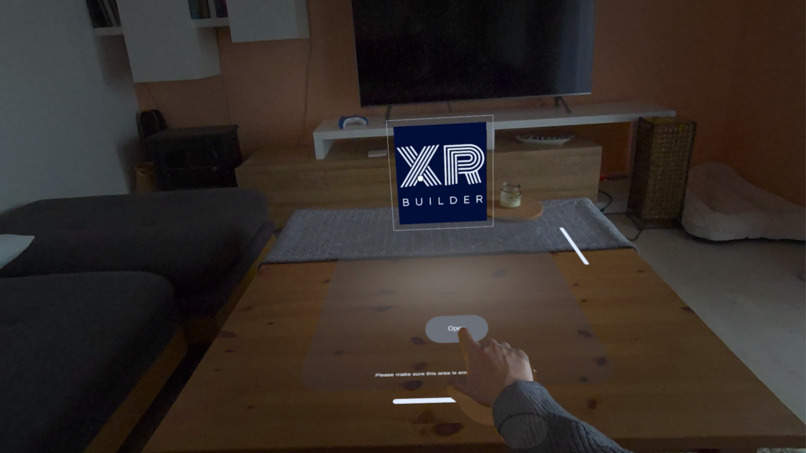
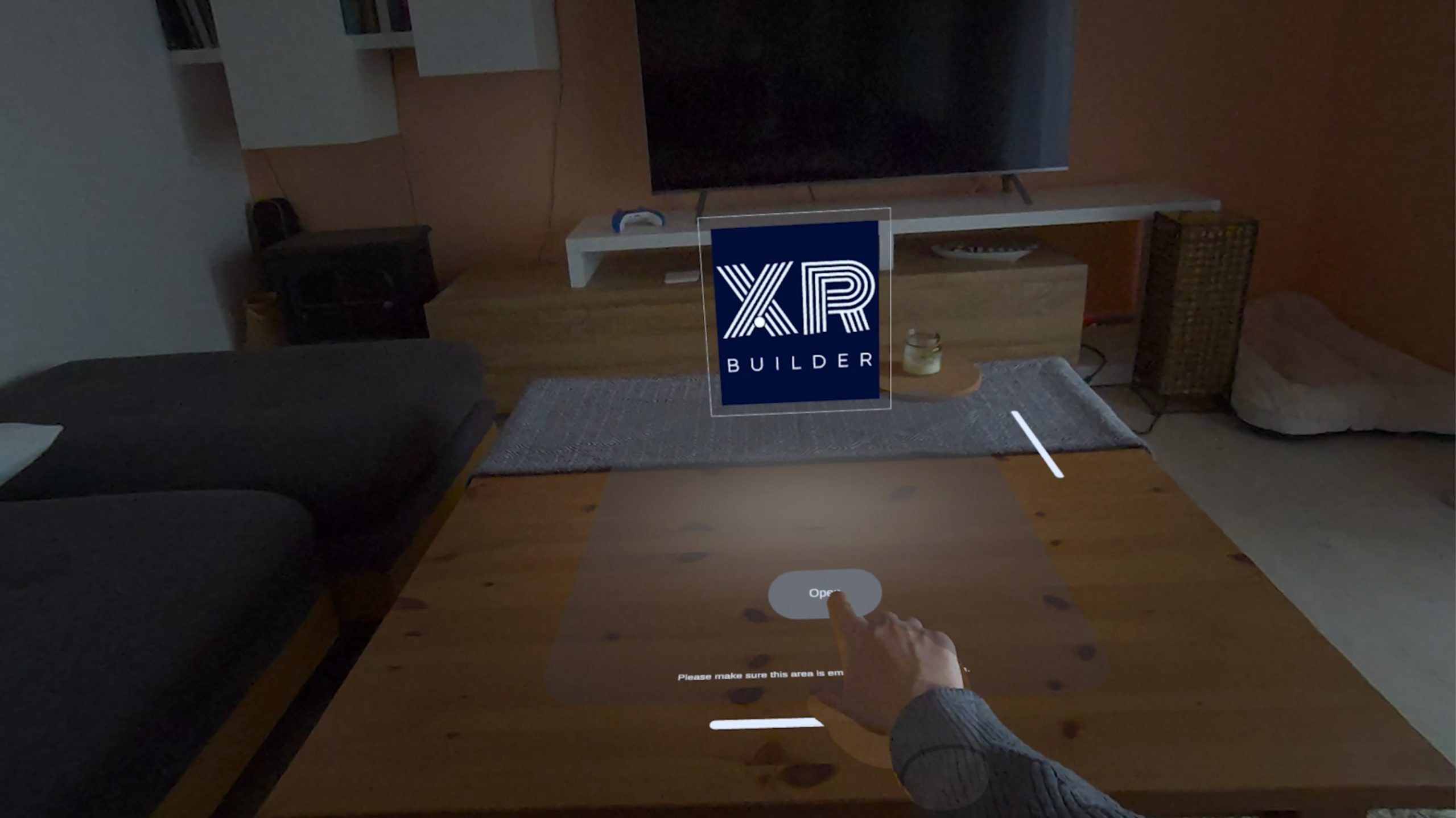
XR Builder finds your real table and places the scene volume on it. The logo waits above until you press Open.
-
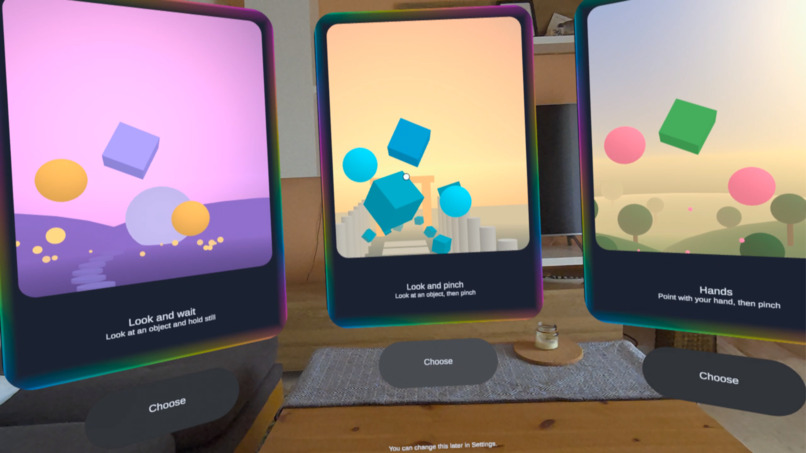
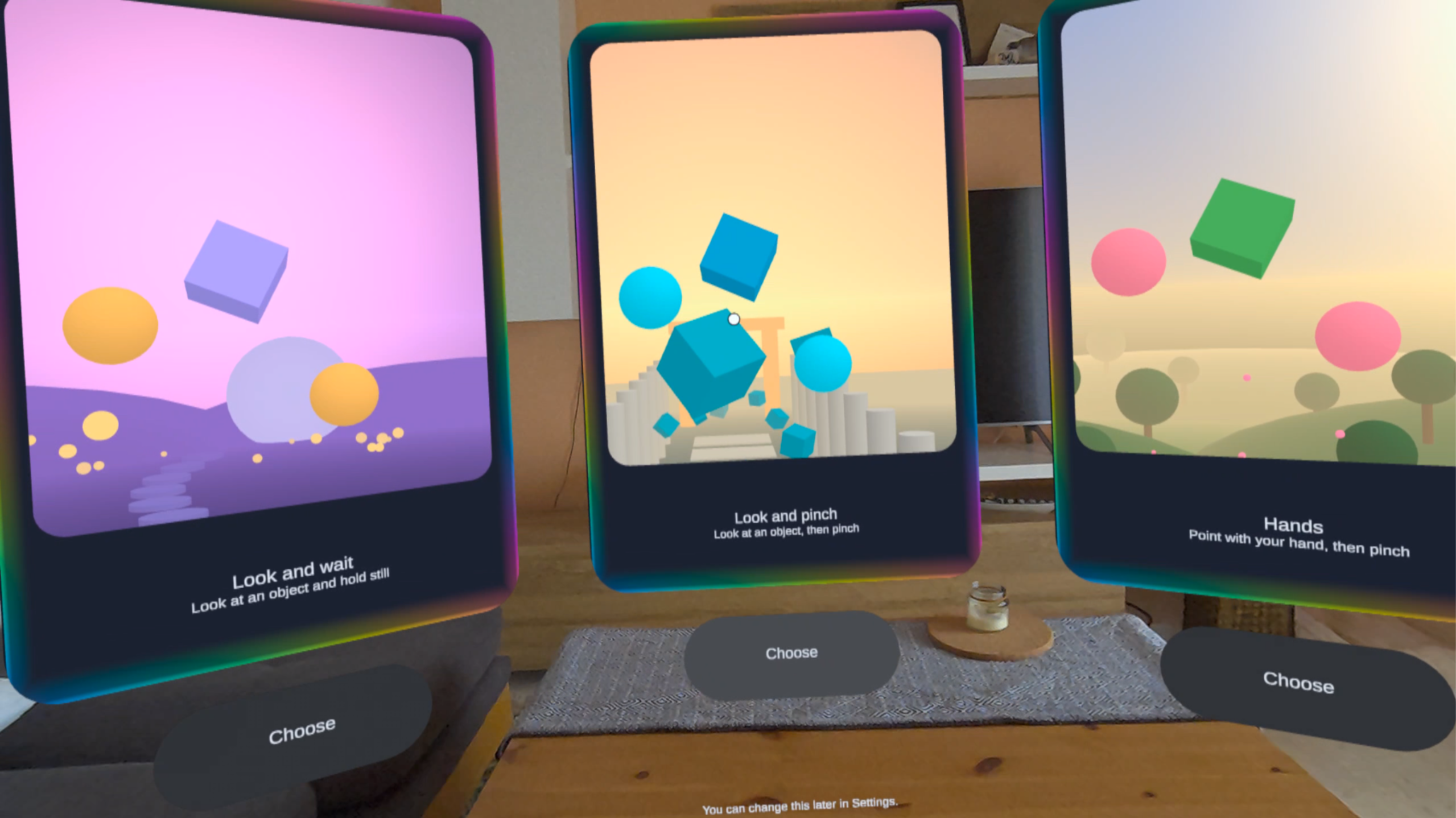
Try before you choose: each portal card lets you practise one input mode, by gaze dwell, gaze + pinch or hands.
-
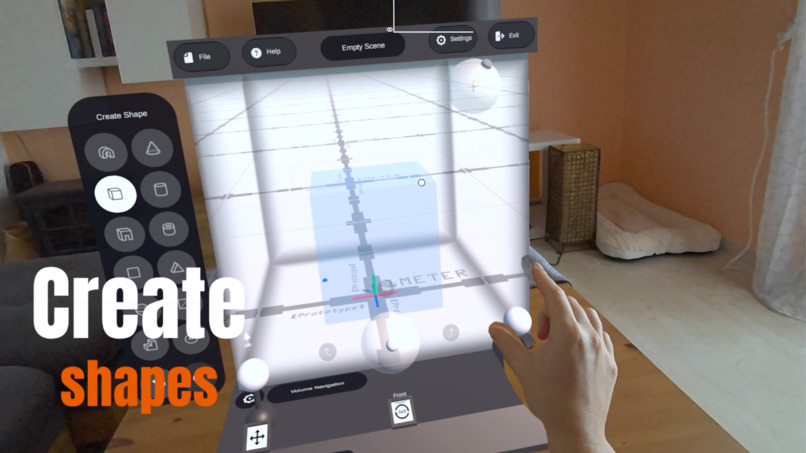
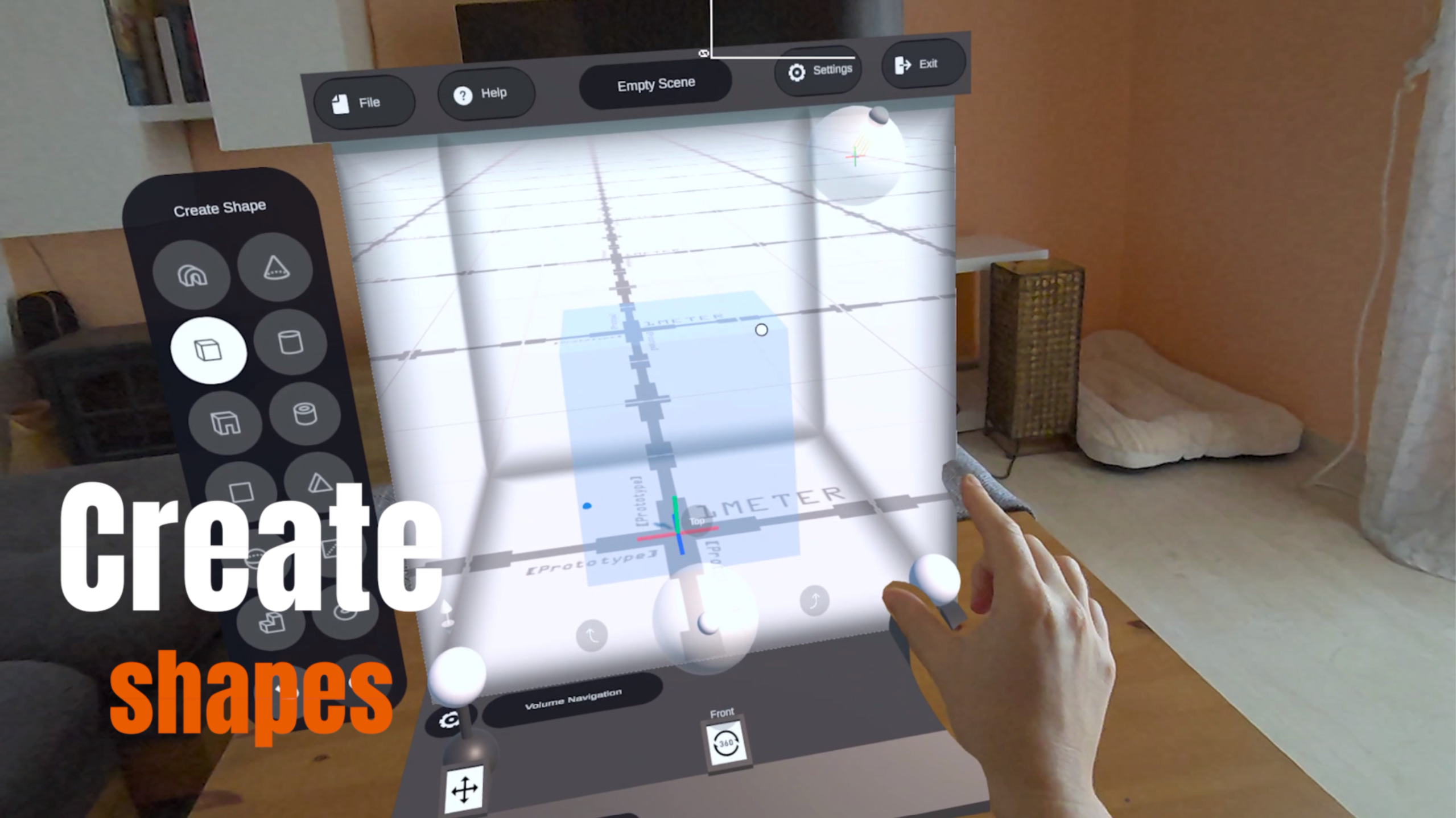
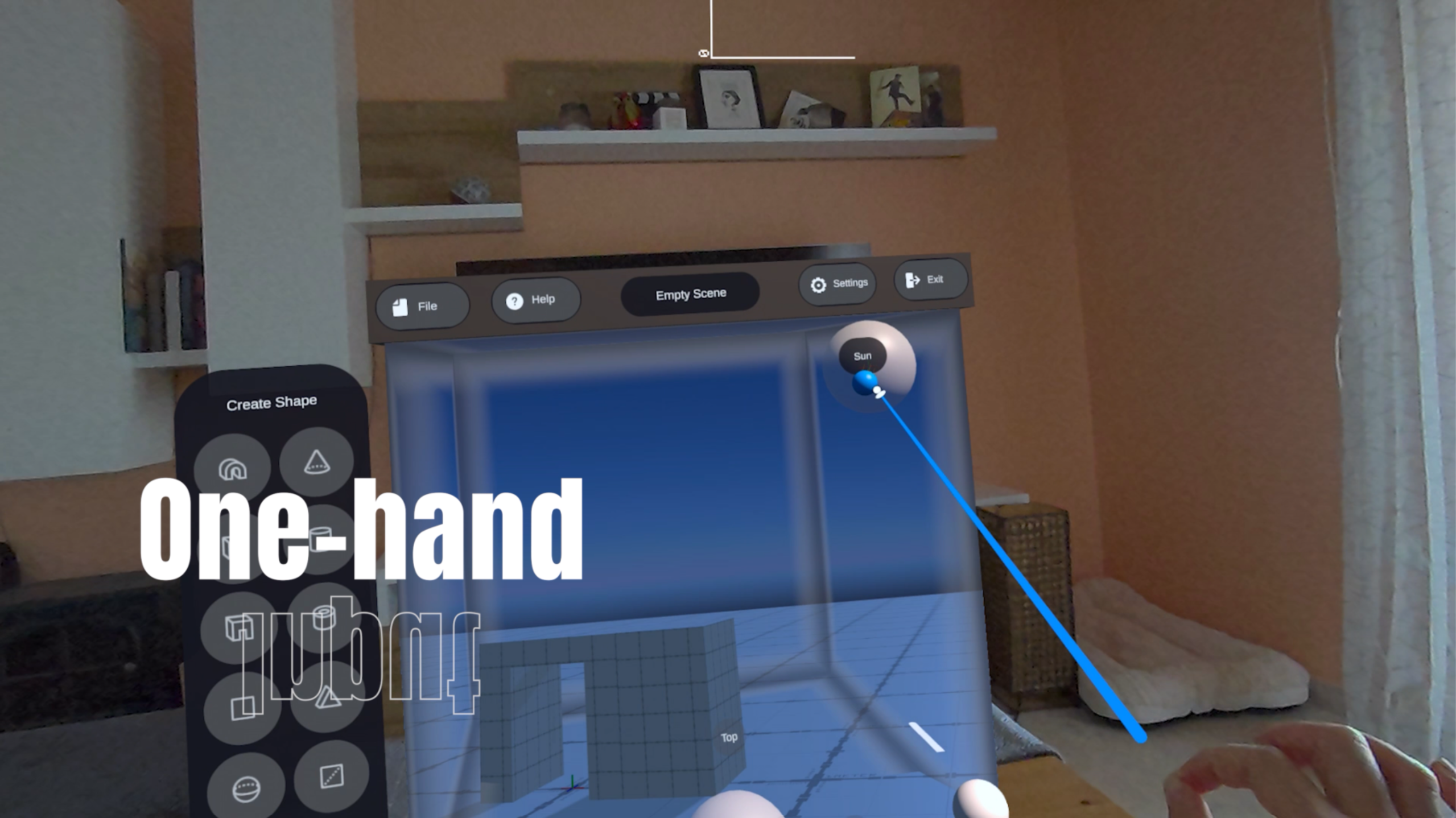
Draw shapes with three points: pick one from the Create Shape palette and place it by pinch, gaze dwell or one hand.
-
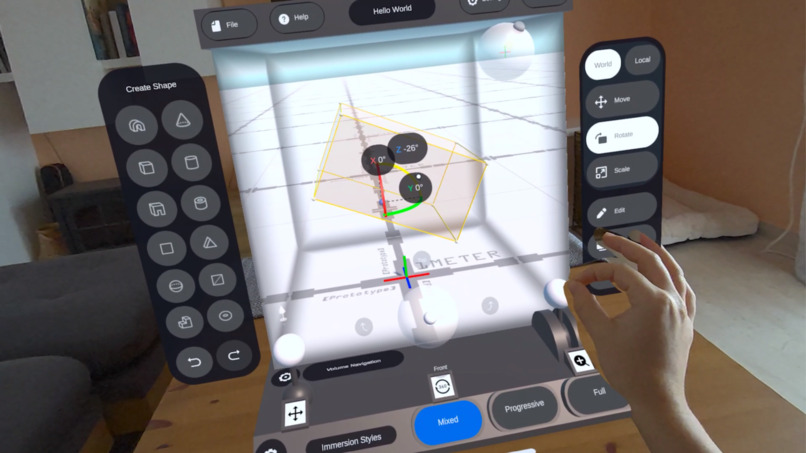
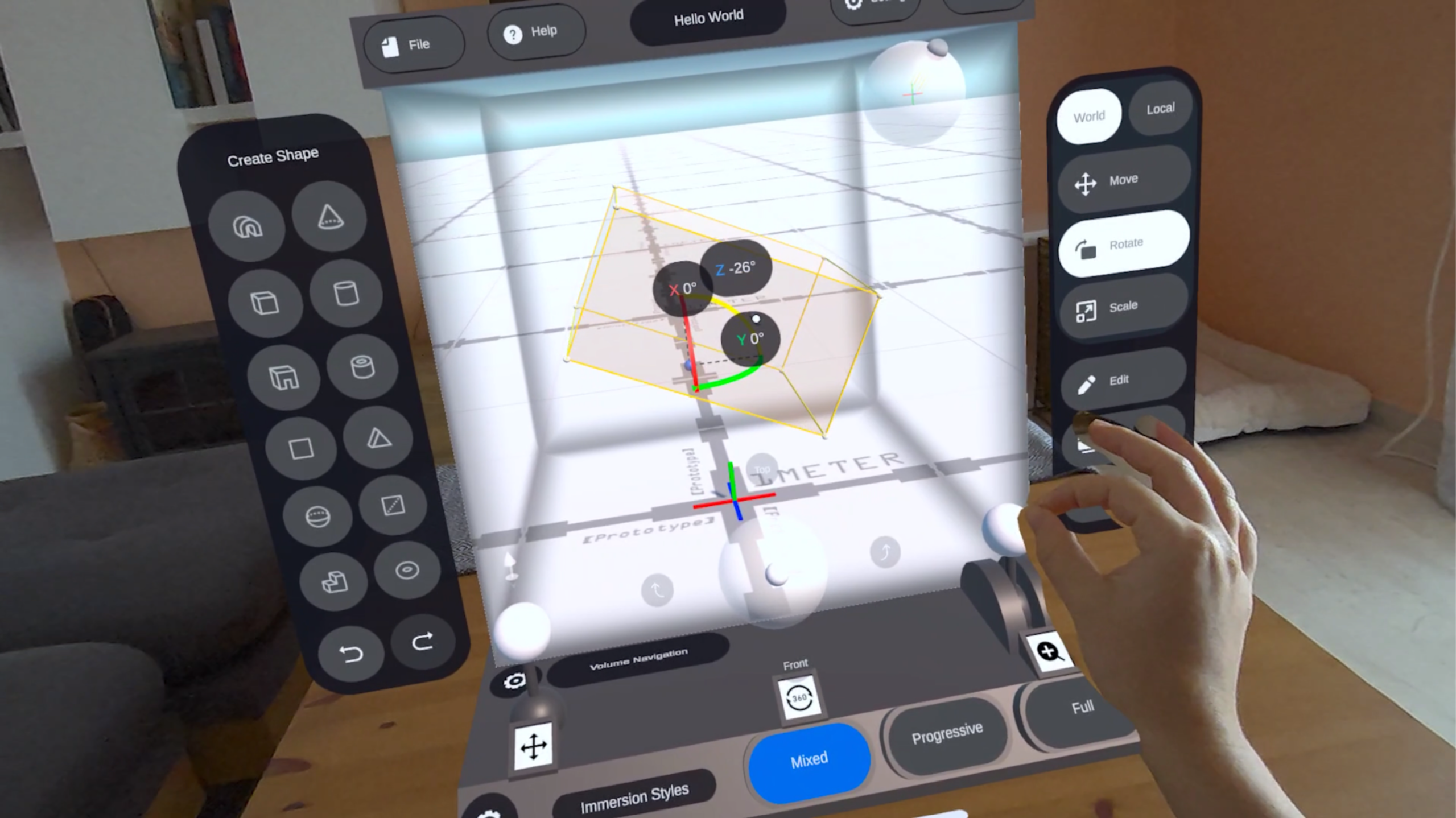
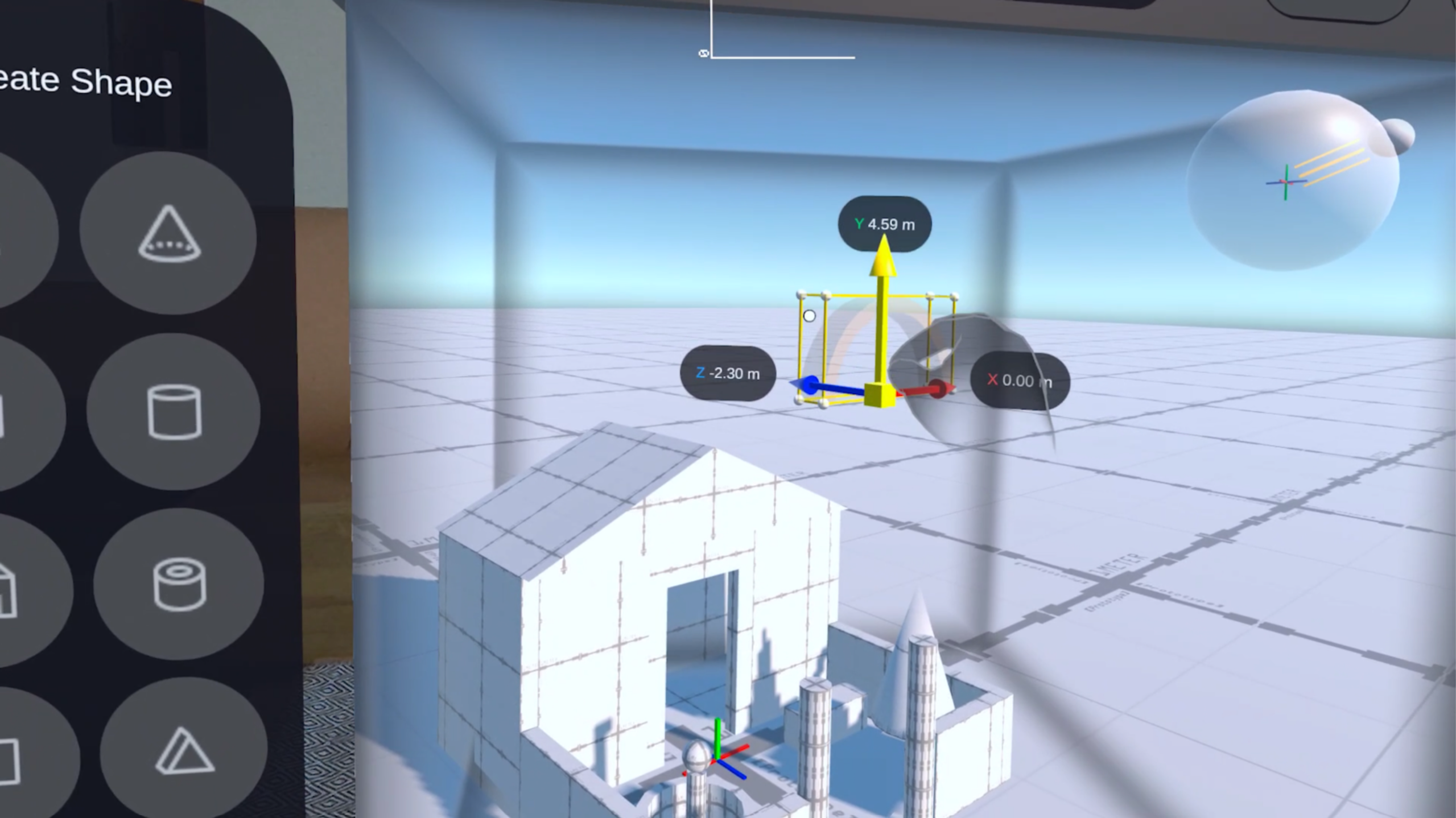
Select a shape to move, rotate or size it with handles. Every edit can be undone, and levels save and load.
-
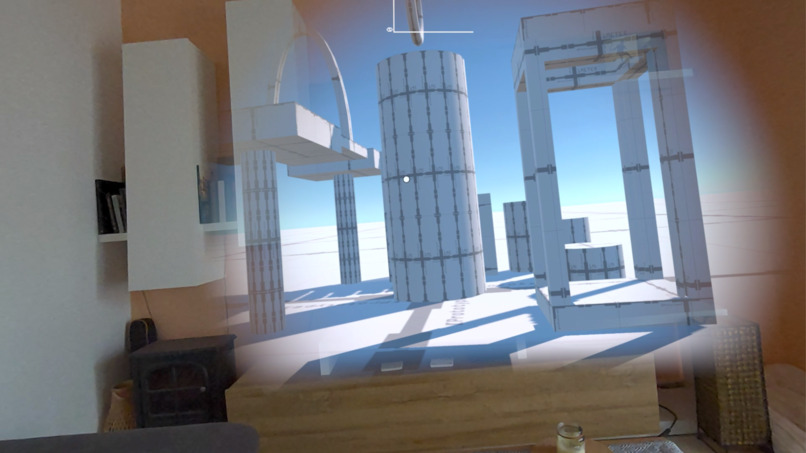
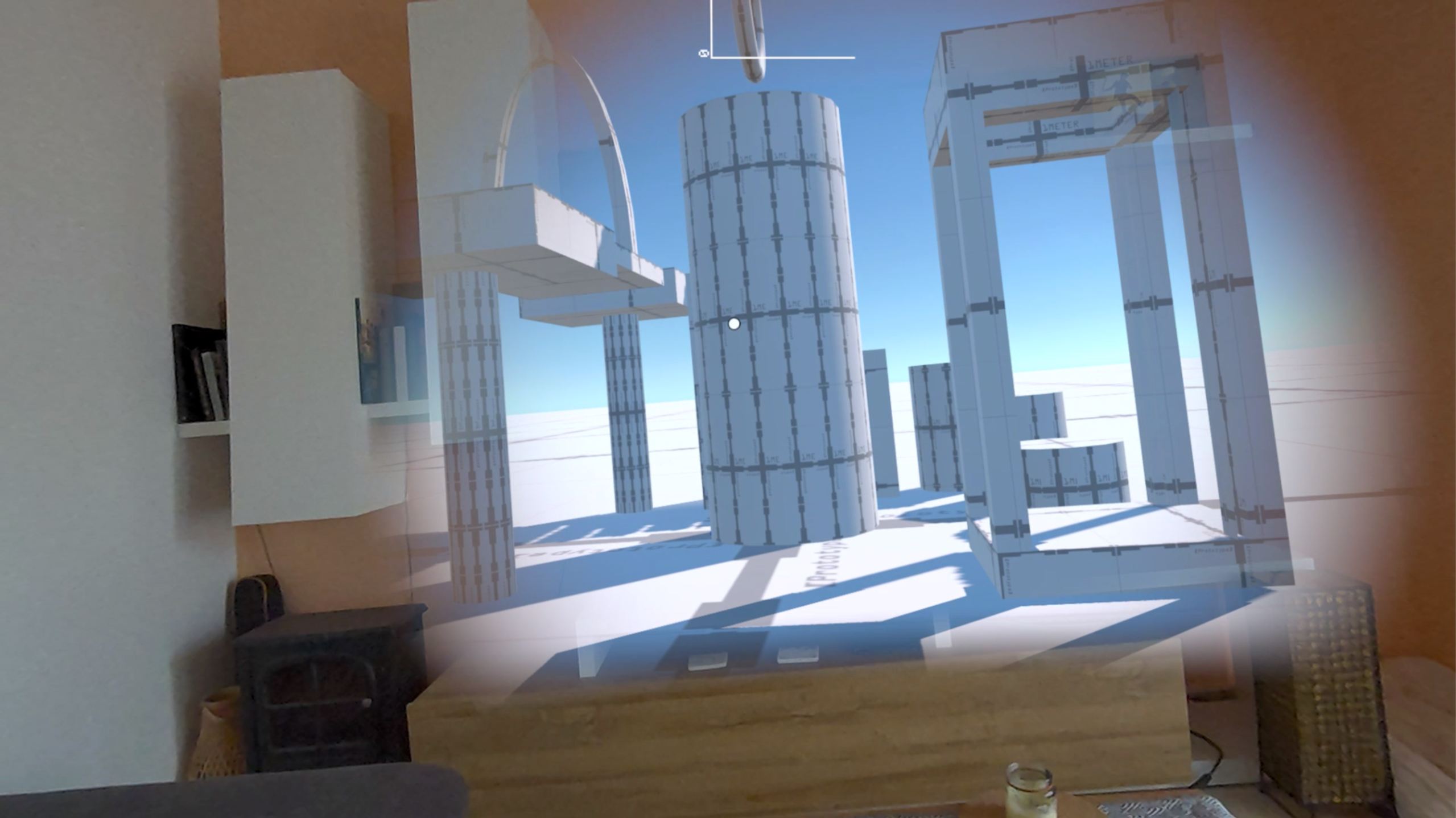
Step inside: the miniature grows around you at full scale. This 180° view blends the level into your room.
-
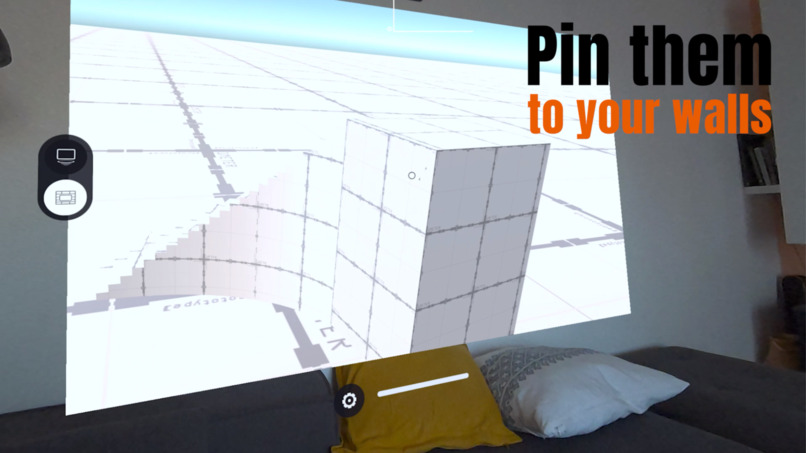
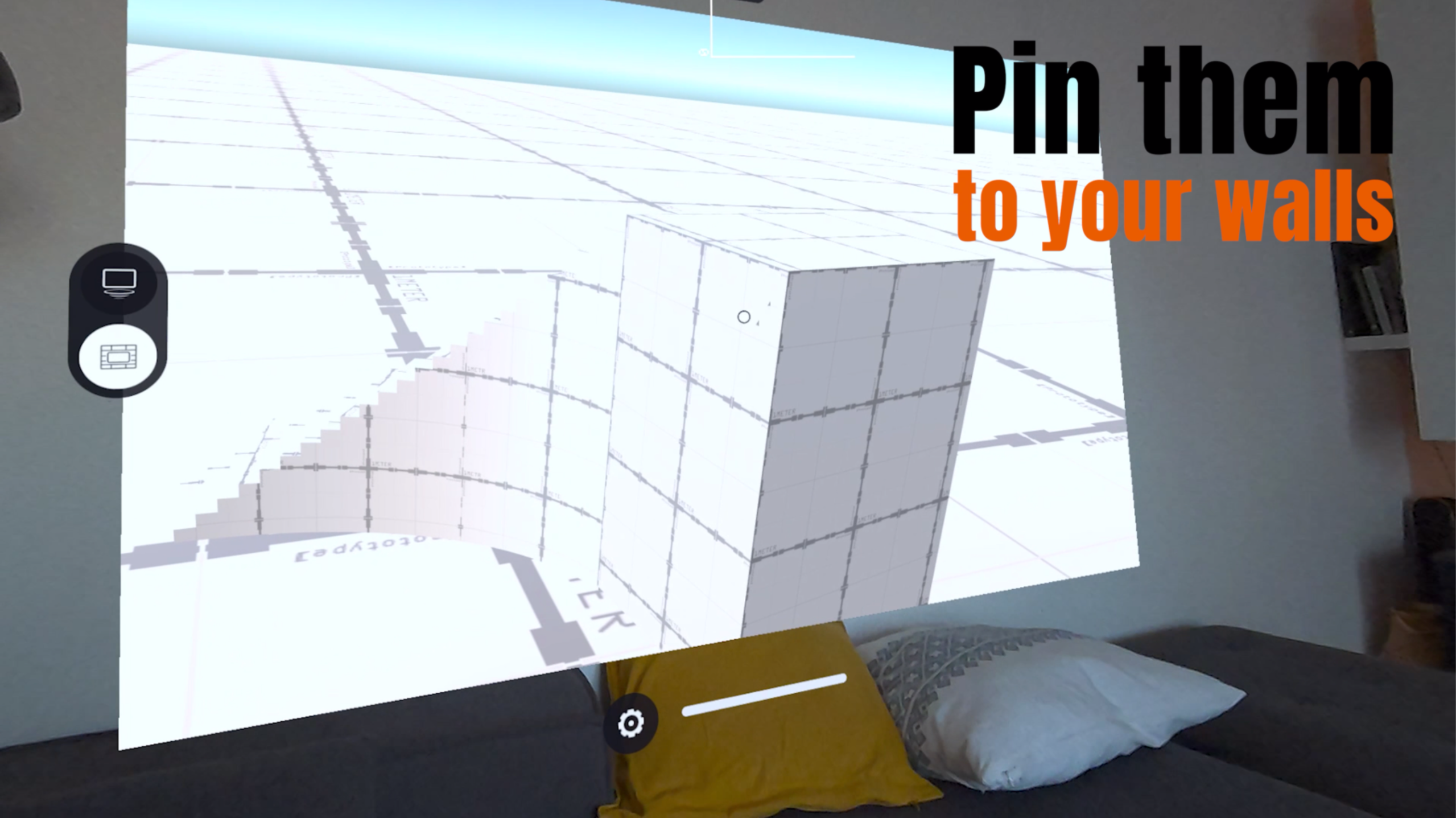
Pin windows to your real walls that look into the level at full size.
-
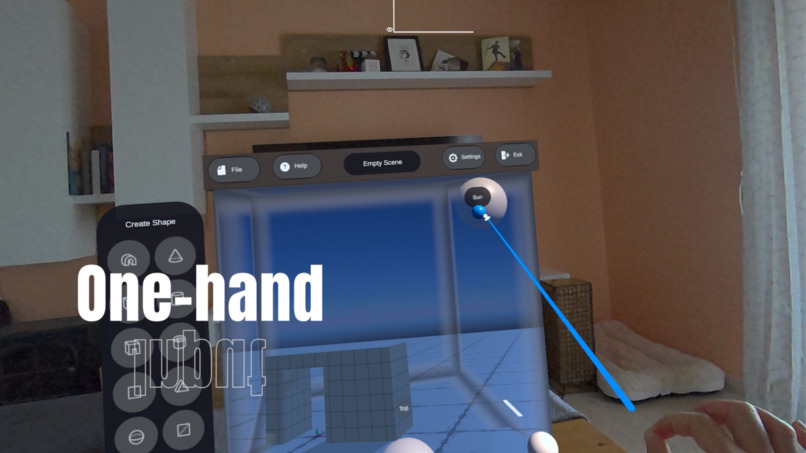
Every action works with one hand. Aim with the hand ray and pinch, or just look and wait.
-
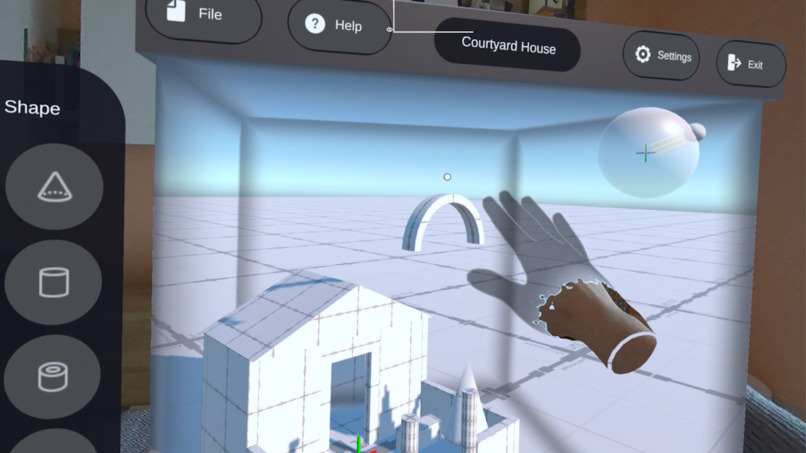
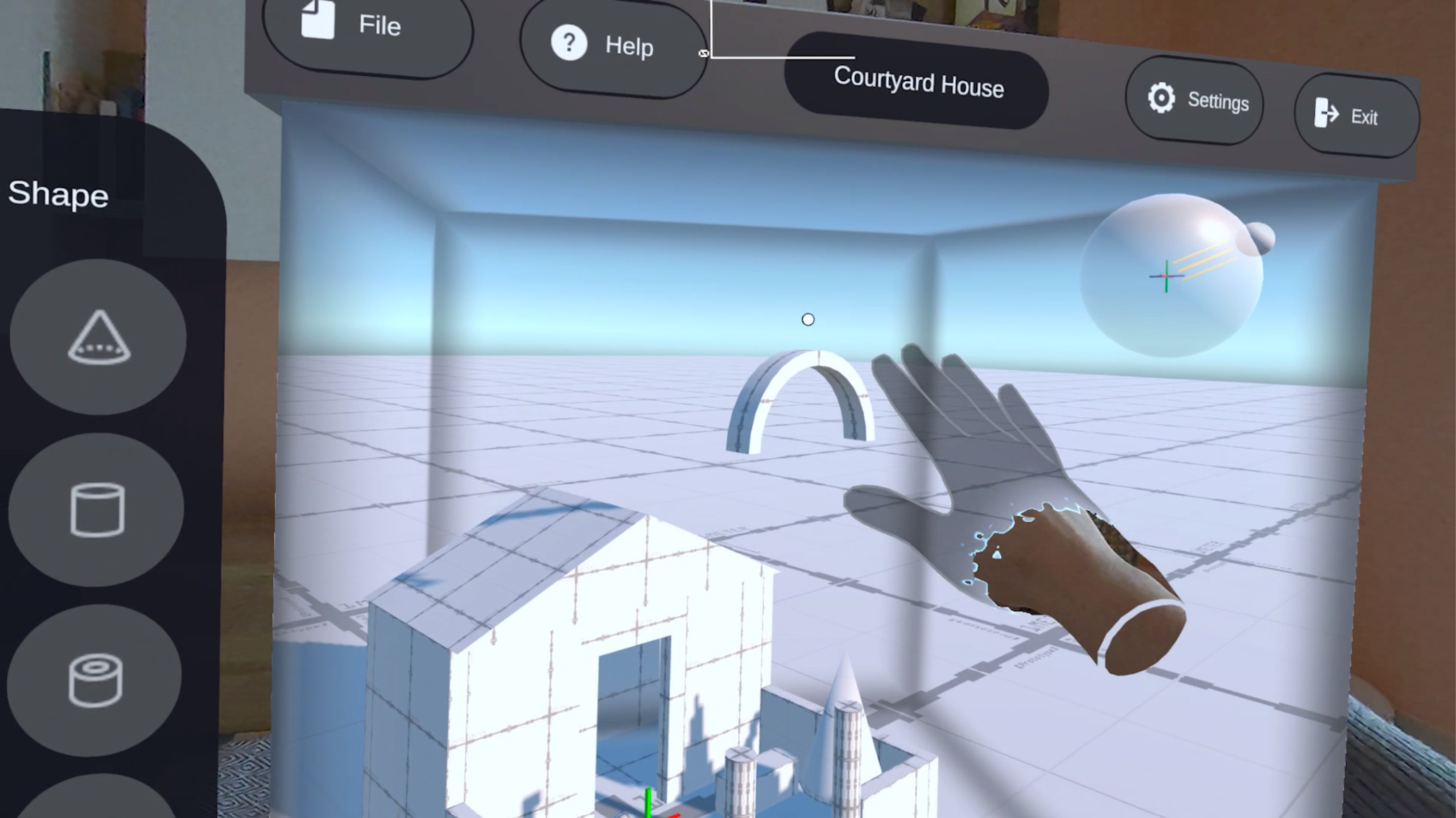
Reach in and touch shapes directly.
-
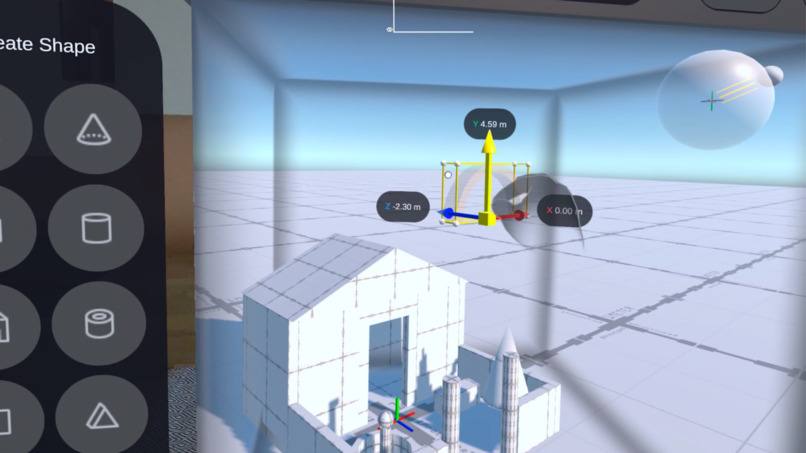
Your fingertip selects the shape inside the scene volume.
-
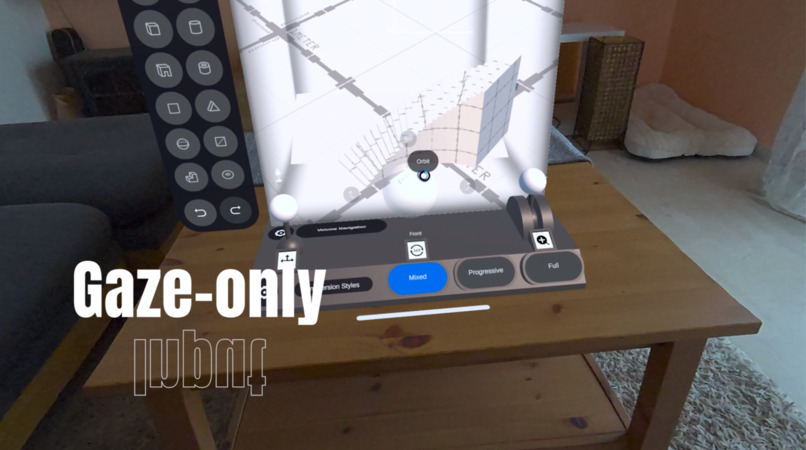
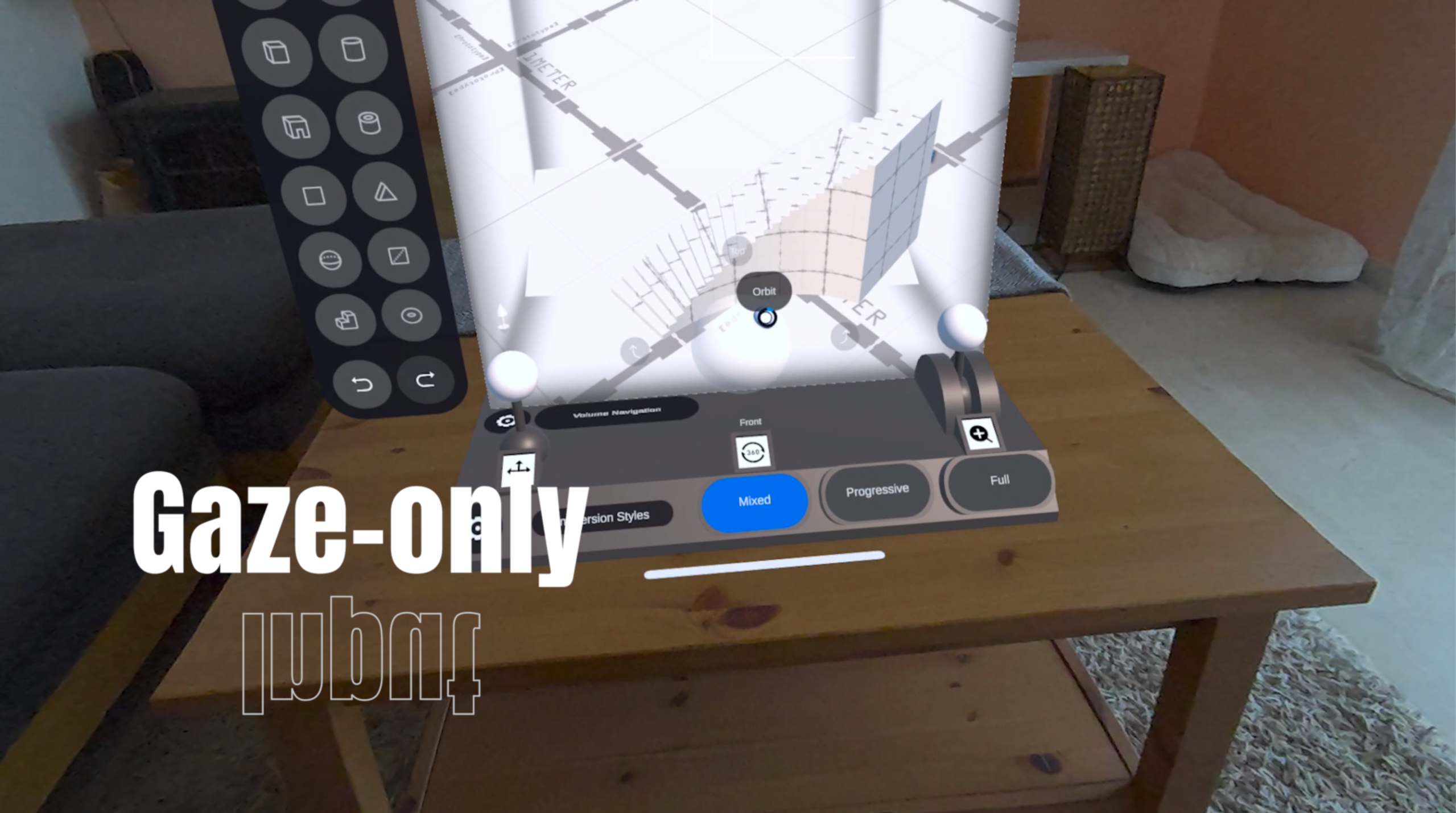
Build with no hands at all. Look at a target and hold your gaze to choose it.
-
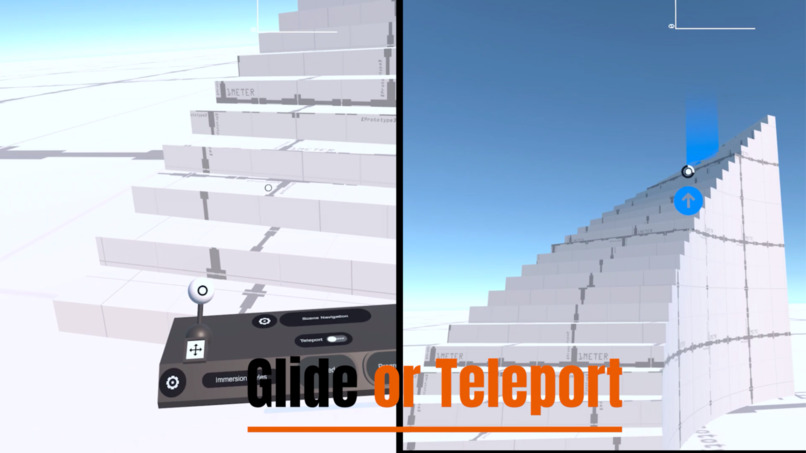
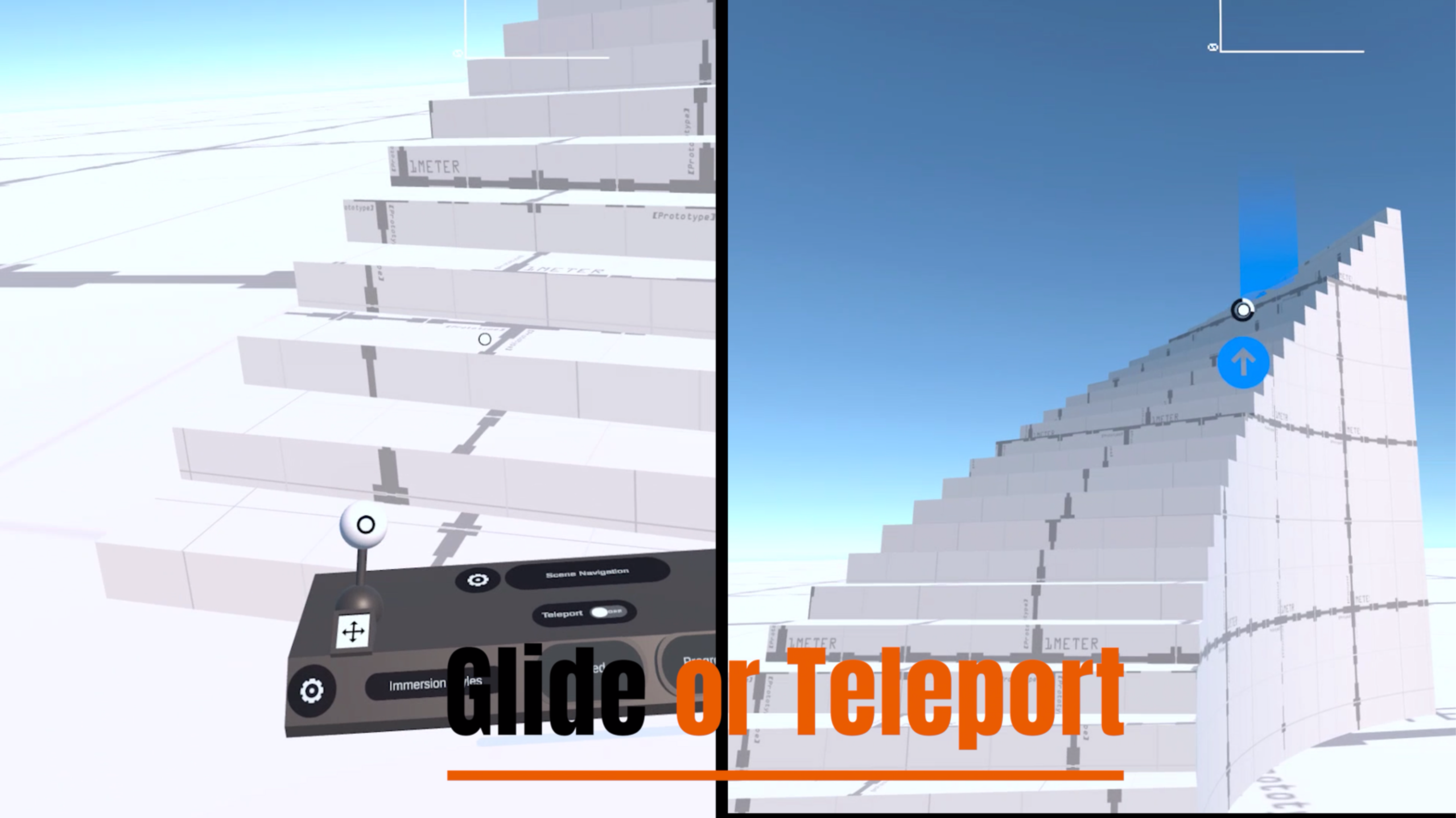
At full scale, glide with the joystick or teleport. Look at a ledge or stairs to land on top.
-
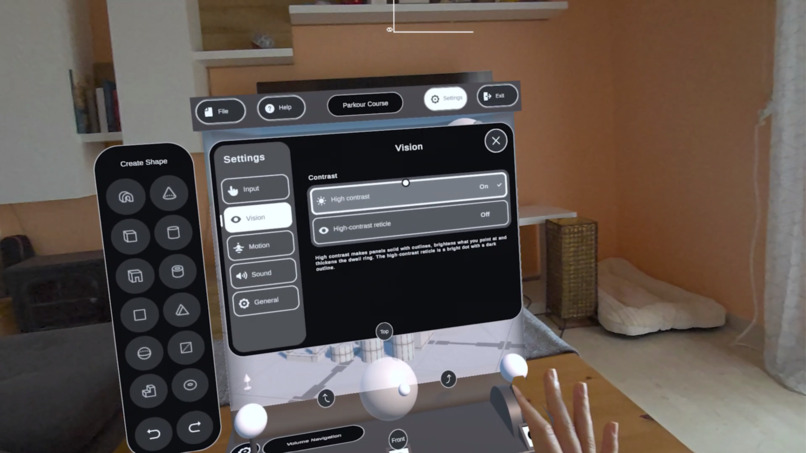
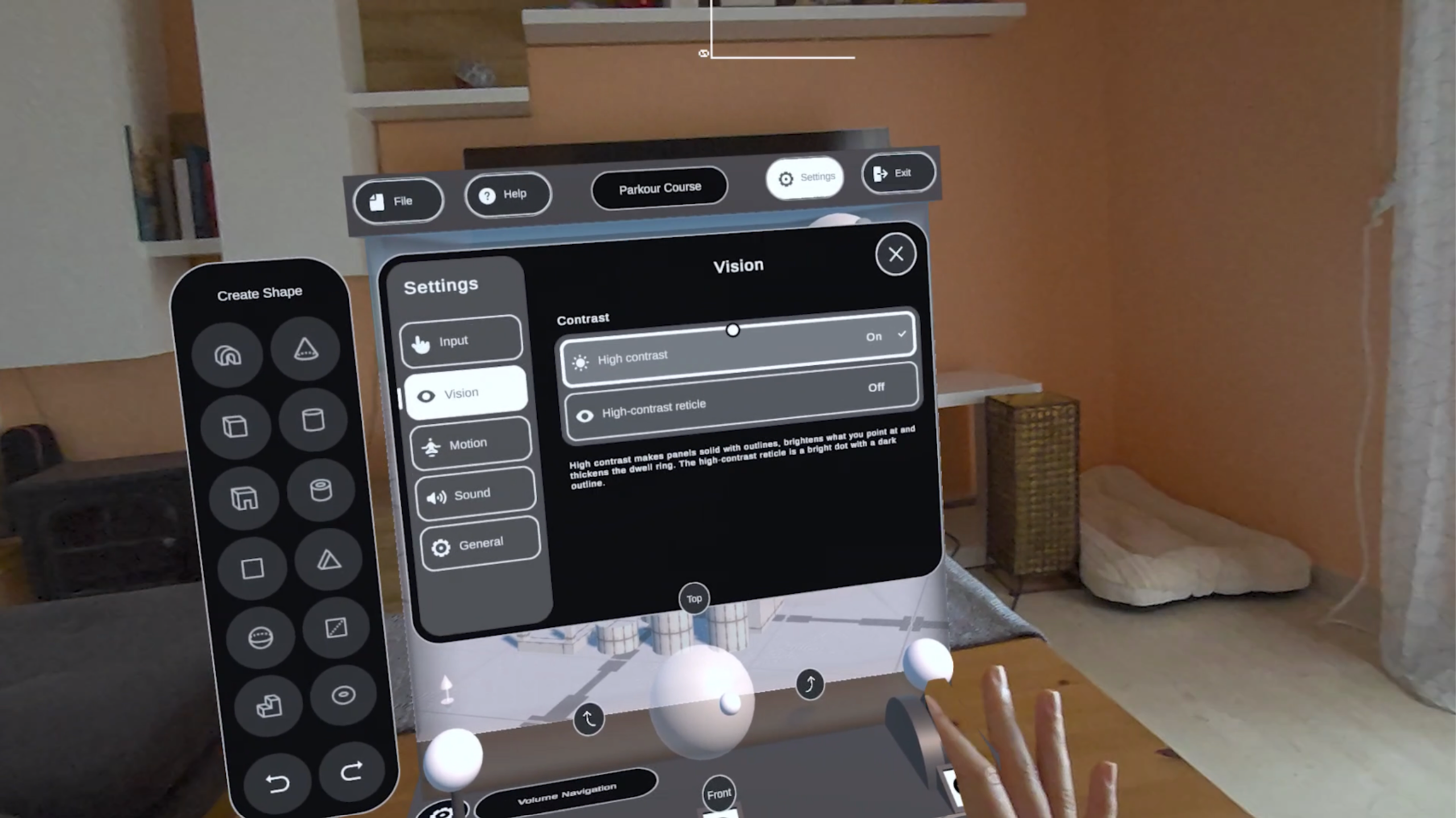
ettings for dwell time, reticle size, high contrast, reduced motion, captions and volume, all usable by gaze.
-
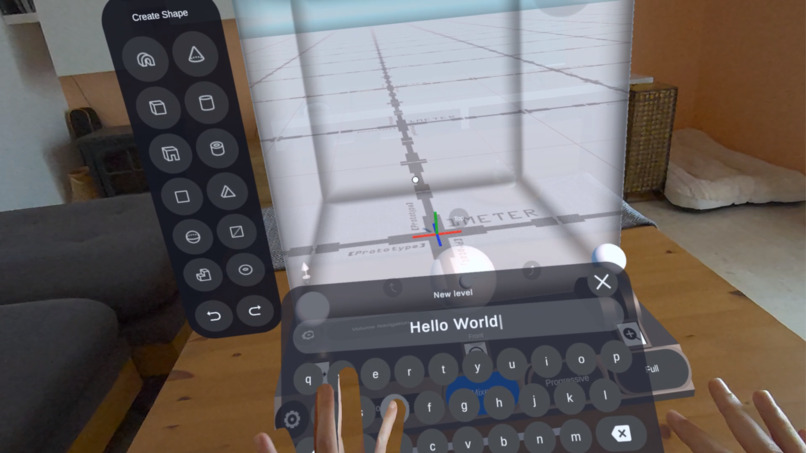
Name and save your level with the in-app keyboard, by pinch or by dwell.
-
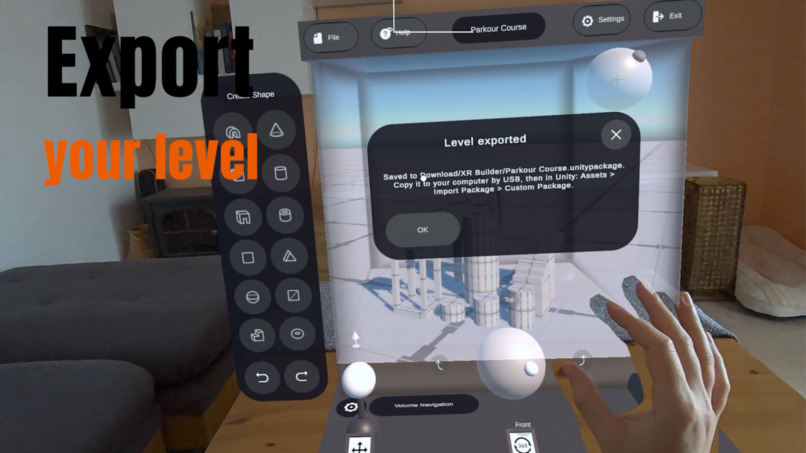
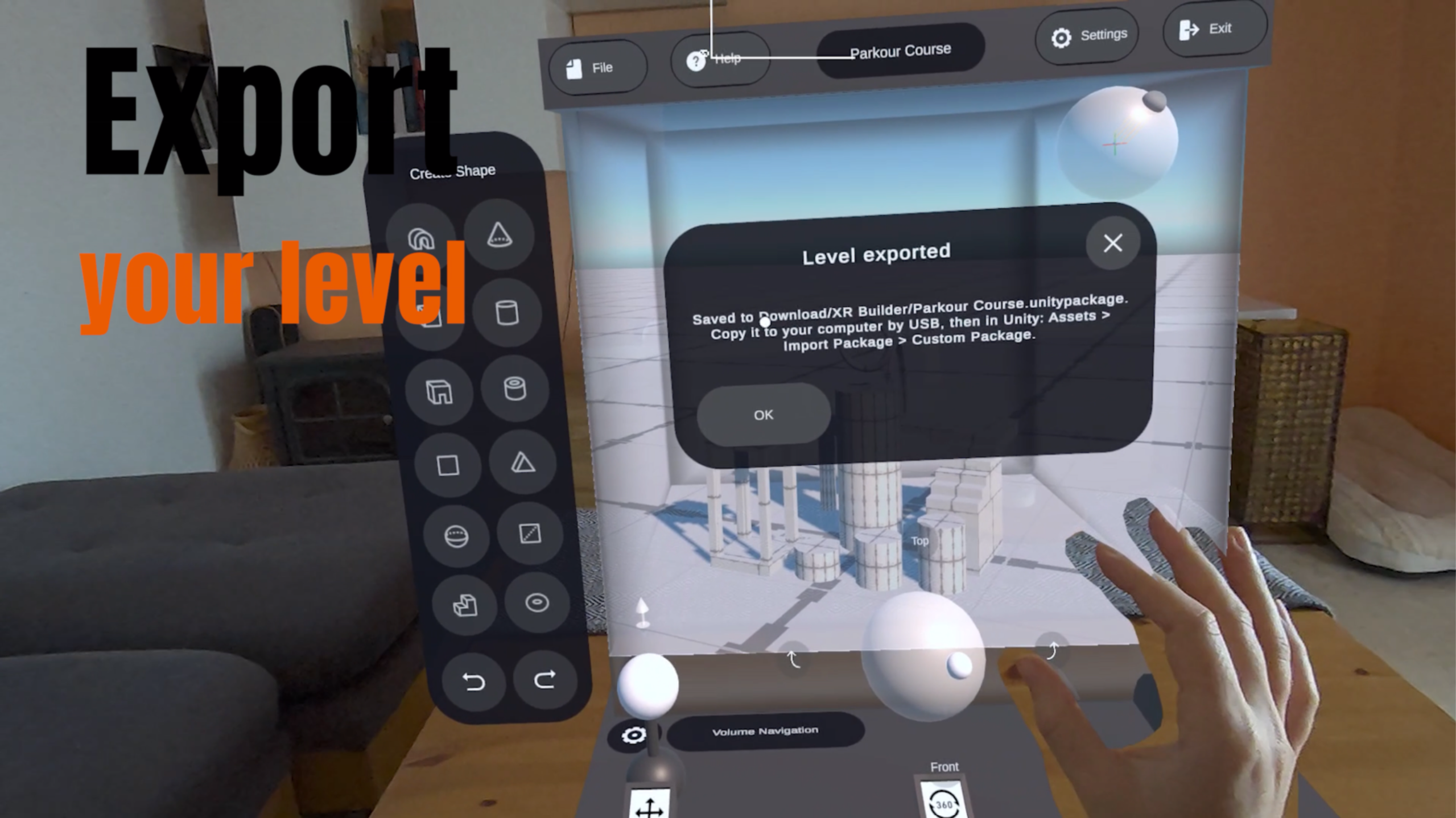
Export your level from the headset with one press, ready to bring into Unity.
-
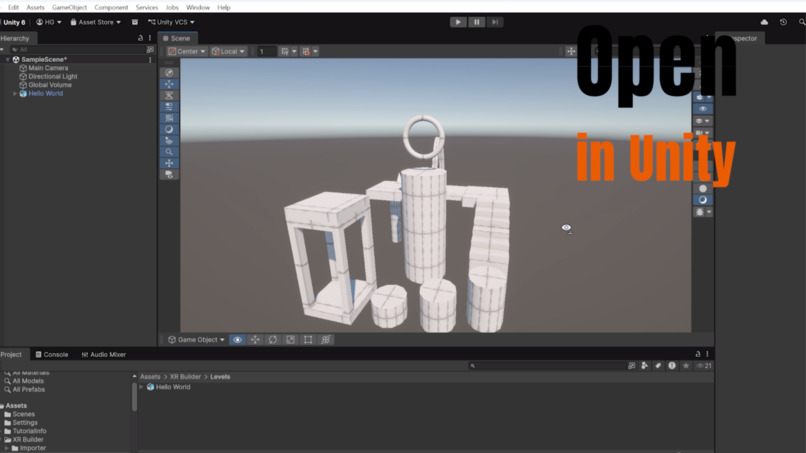
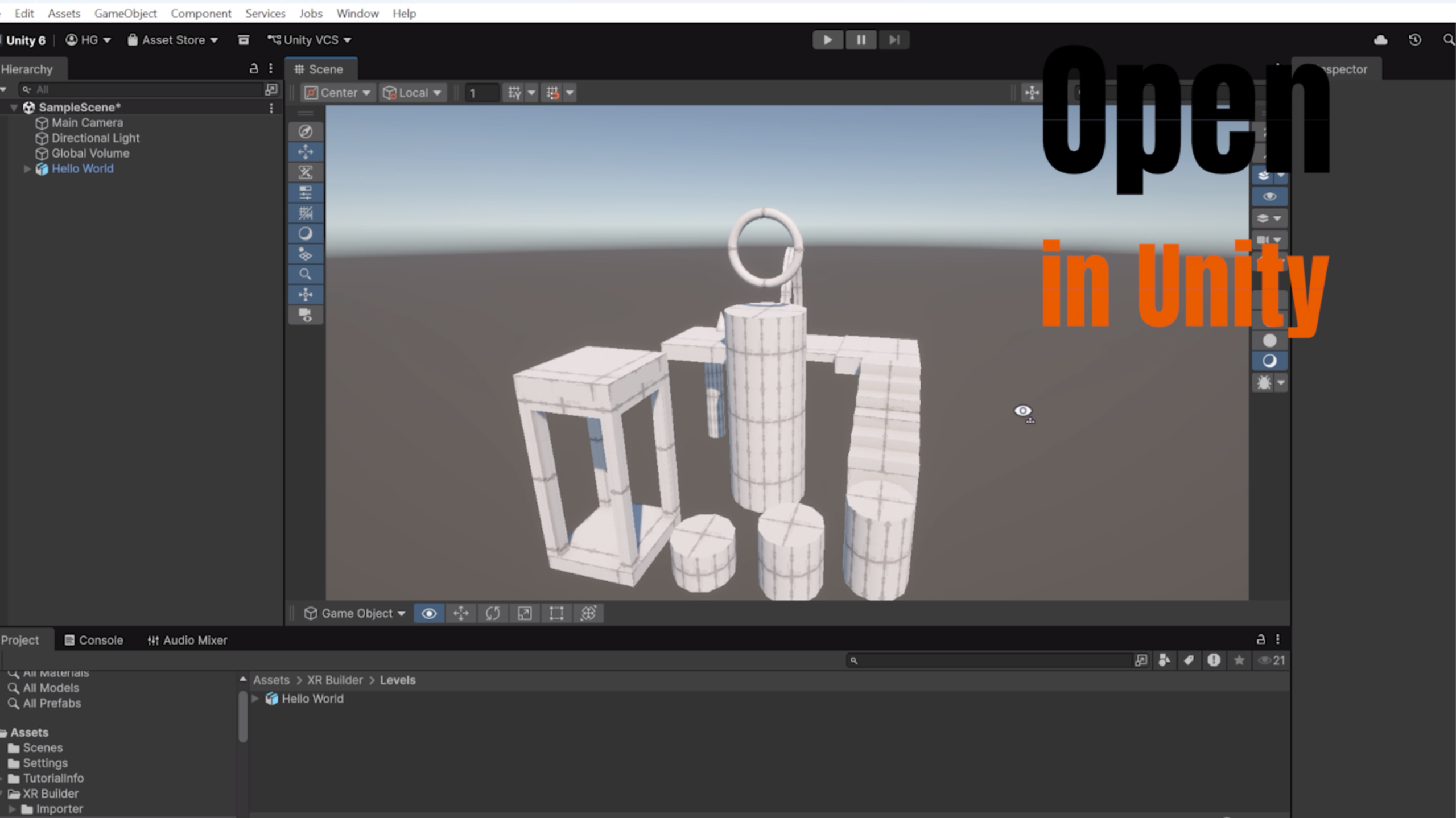
Open it in Unity: your level arrives as ordinary meshes, ready to use in your own project.

Inspiration
Spatial computing principles: windows, volumes and full spaces, with content that comes to you. I studied Apple's visionOS design guidelines and Meta's Interaction SDK patterns for hands and locomotion, and asked what a level editor built on both would feel like on Meta Quest and the upcoming Meta VR Glasses: no controllers, a choice of immersion, all from your seat. It also had to work for people who can't pinch, use both hands or move much, so accessibility is built into the core loop, not added later.
What it does
- Find the table: XR Builder finds your real table and places a scene volume on top.
- Build: draw any of 12 ProBuilder shapes (cube, stairs, arch, torus and more) with three points, then move, rotate and size them. Every edit can be undone, and levels save and load. A tutorial and two sample levels get you started.
- See it four ways: as a miniature in the scene volume on your table, grown around you into full VR, as a 180° view that blends into your room, or through windows you can pin to your real walls. At full scale, glide, turn (snap, or smooth if you choose it) or teleport by hand or gaze, then step out to see it land back on your table.
- Take it to Unity: export the level as a
.unitypackageand open it in Unity on your computer.
How I built it
I built XR Builder solo in eight weeks under Glass Bead Games Studio, my own artist-led studio. It grew out of a long stretch of research into spatial computing guidelines and the design notes I kept along the way.
Unity 6, URP and OpenXR, with Meta's Interaction SDK and MR Utility Kit. The project is two packages. XR Core is a reusable spatial foundation (input modes, table placement, the scene volume, navigation, stepping inside), with Meta's SDKs connected through small adapters, so new devices like Meta VR Glasses plug in without touching the app. XR Builder is the editor, where every edit is a command that drives both undo and saving. Geometry is ProBuilder, running on the headset at runtime. I worked with Claude Code, Meta's VR CLI and Unity's MCP server.
Challenges I ran into
- Magenta on device: everything drawn with my volume-clipping shader turned magenta, but only on the headset, with no error anywhere. Logging the shader from inside the app on Quest showed the device had rejected it: three passes I'd borrowed from Unity's URP Lit shader were the cause. None were needed, so removing them fixed it.
- Moving without moving: moving the player fought MR Utility Kit, which places room anchors relative to the player's rig. So I turned it around: the player never moves, and the level moves around them. That keeps the anchors stable, so in future colocated sessions every user stays aligned to the same room.
- Steady hands: in playtests, hand rays trembled and slipped off targets the moment a pinch closed. Rays now aim from an estimated shoulder through the knuckles, which barely move when the fingers pinch, and a pinch selects what you were aiming at just before your hand dipped.
Accomplishments that I'm proud of
- Accessible by design: actions work by pinch, poke or gaze dwell. Everything is usable seated and one-handed, with large targets, captions, spatial sound, high contrast and reduced motion. Someone who can't pinch can finish the whole loop by gaze dwell.
- Try before you choose: on first launch, three portal cards let you practise each input mode (Look and wait, Look and pinch, or Hands) before choosing, with a ghost hand to demonstrate.
- Performance: 601 runtime ProBuilder cubes at 72 fps on Quest 3.
What I learned
- Trying beats reading: portal cards teach input better than any menu.
- Watching people play beats guessing: playtesters new to VR didn't realise the ghost hand was a guide, so it now says "Look here" and "Pinch like this", and each instruction's caption stays up until you've done the step.
- Small details decide how things feel: zooming into the level only felt right once it doubled the size every second at full tilt instead of adding a fixed amount, so it feels equally fast at any size.
What's next for XR Builder
Eye-gaze modes for Meta VR Glasses, voice commands, face editing, colocated multiplayer, and a launch on the Meta Horizon Store.


