-
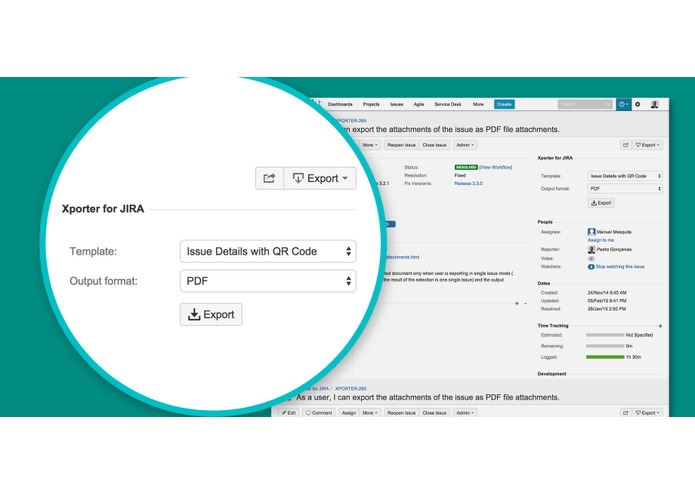
Export selector
-
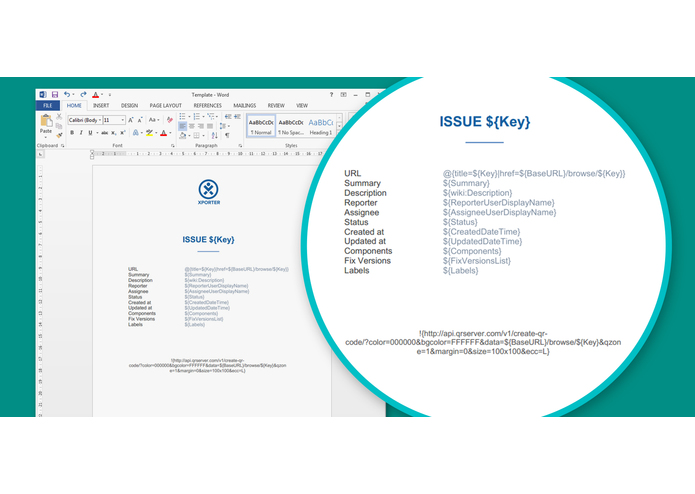
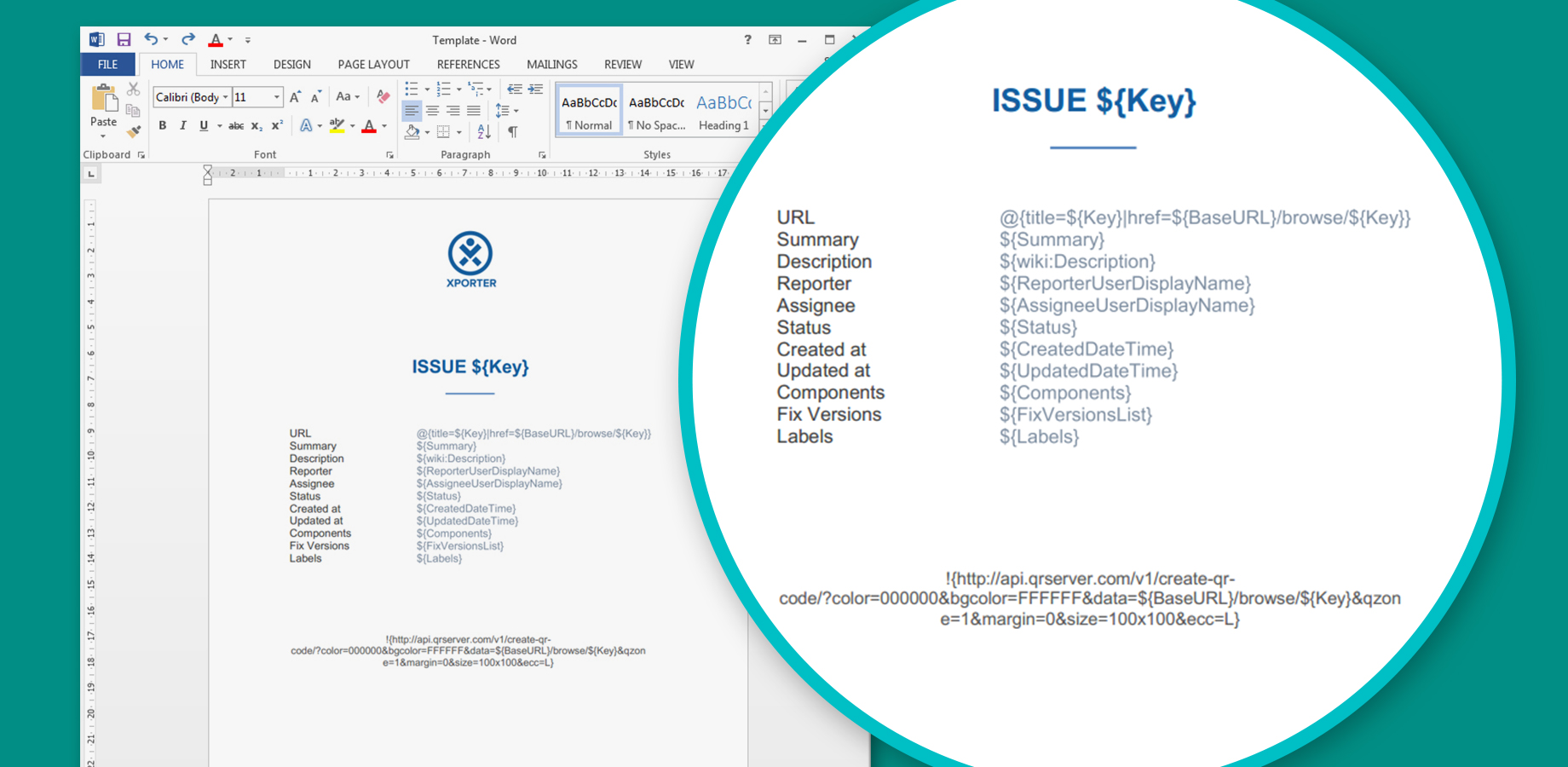
Template document
-

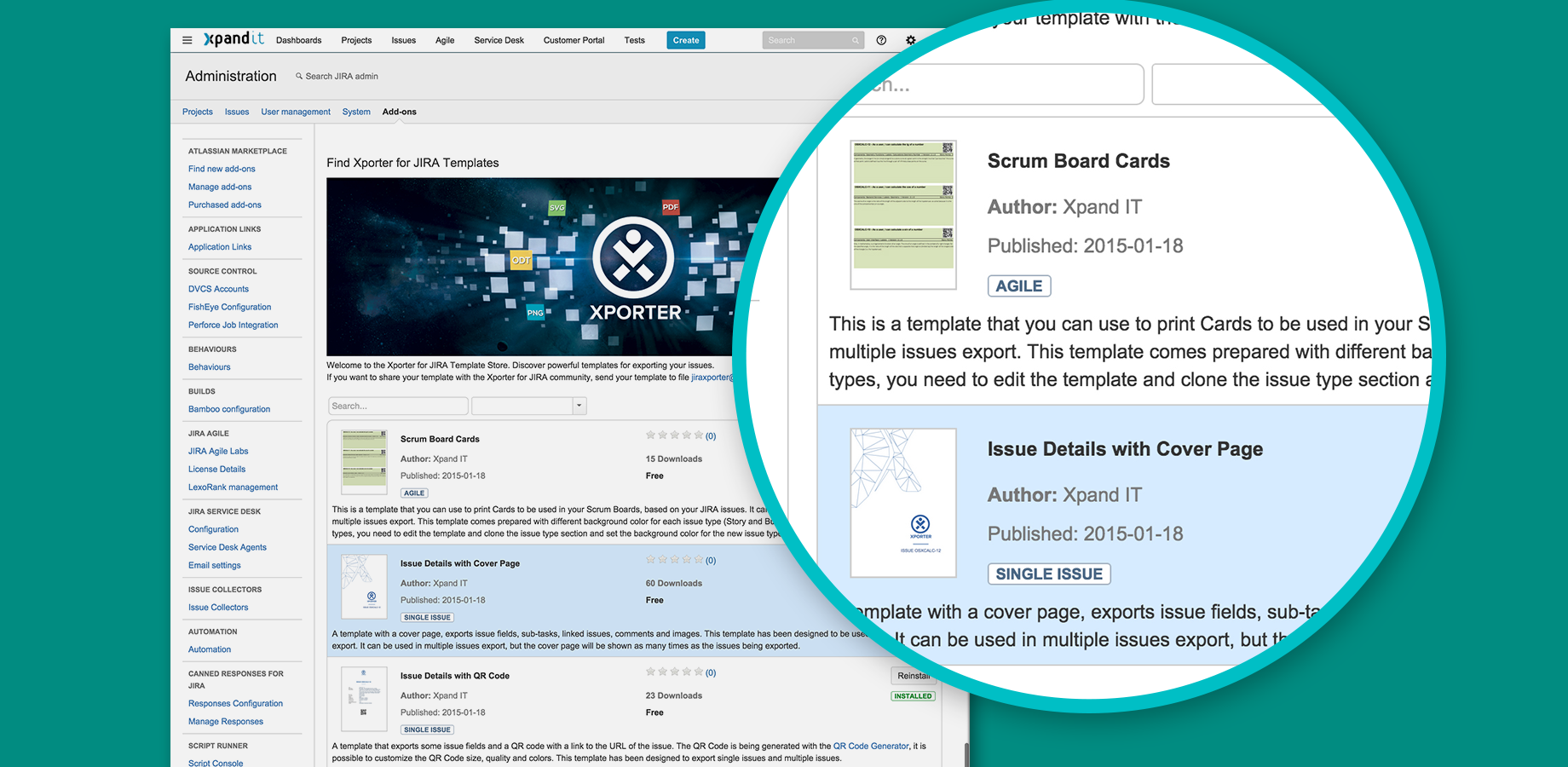
Template Store
-
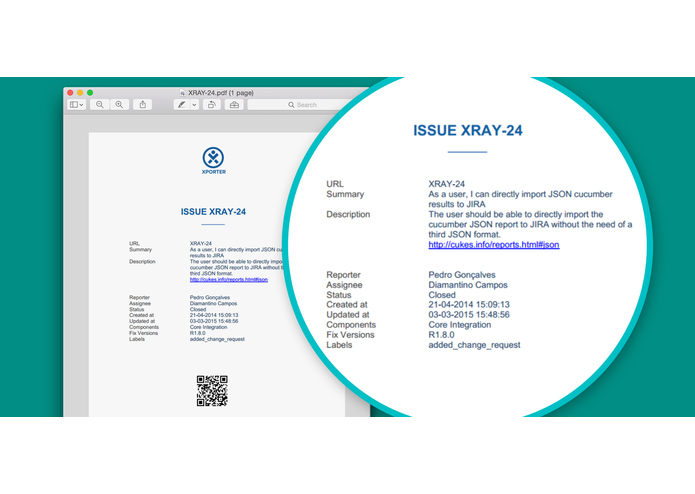
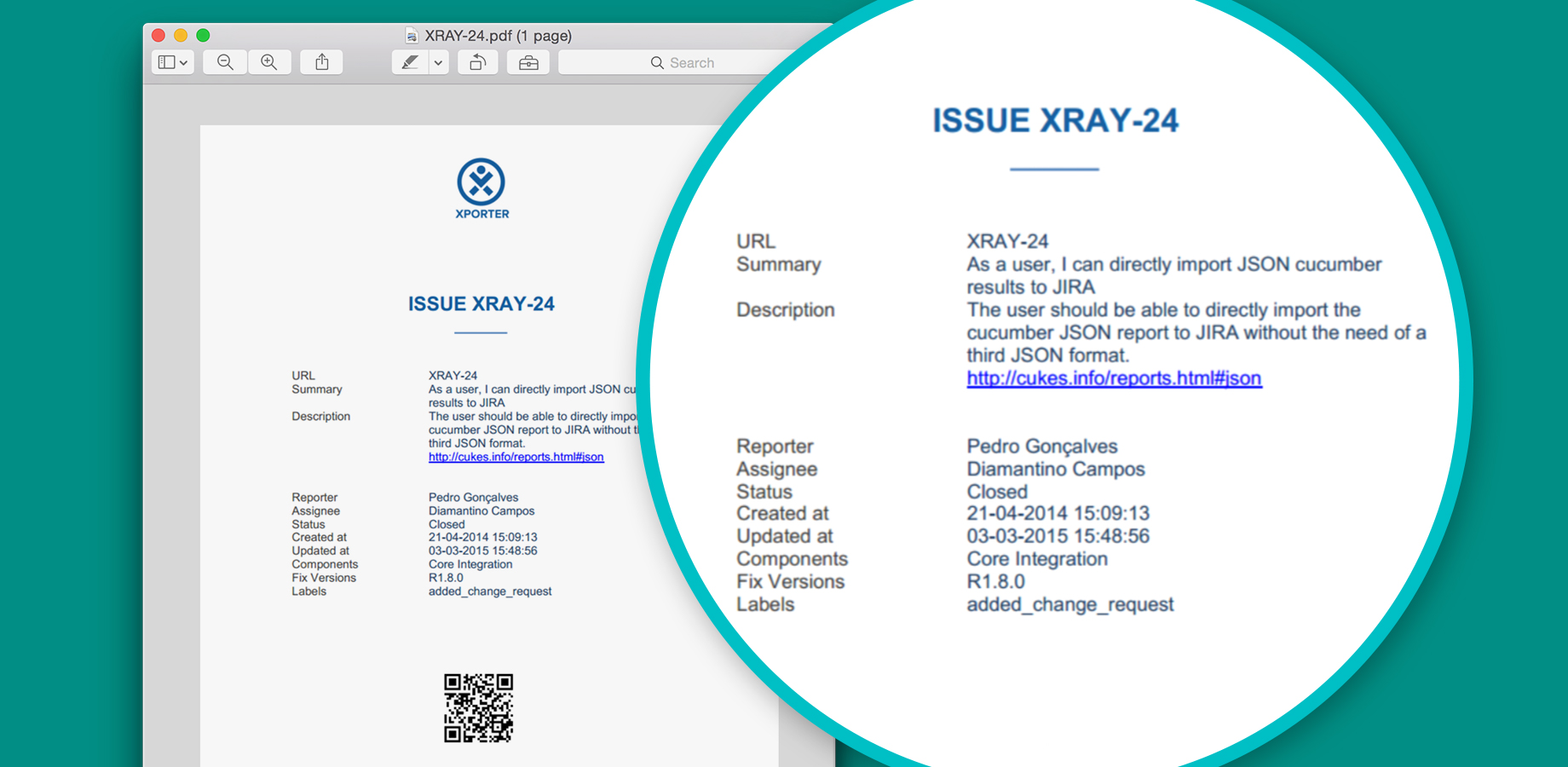
Output document with data exported from issues
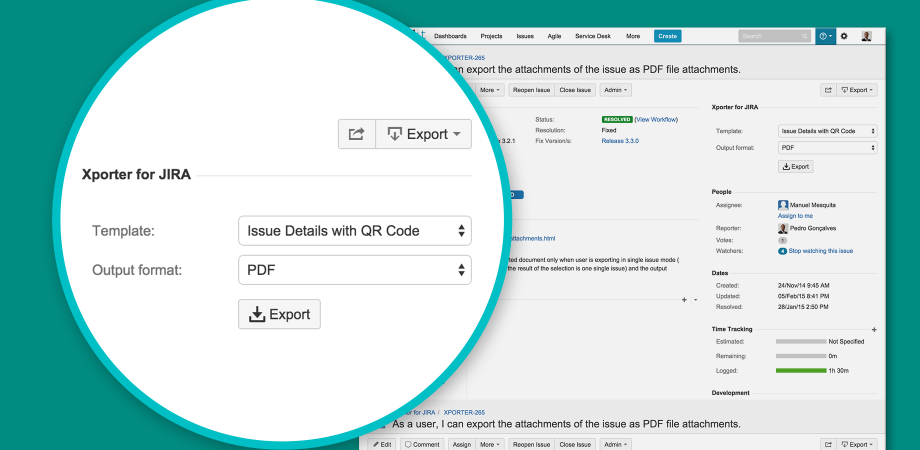
Inspiration
Xporter for JIRA was born from a challenge by one of Xpand IT's Atlassian Customers: provide a way to to generate good-looking documents from JIRA issues and allow non-technical users to change the template by editing them in Microsoft Office. Xporter for JIRA has evolved over time and has grown to be the Swiss-Knife to export issues to PDF, DOCX, XLSX and many other formats. Xporter for JIRA Server has now more than 1000 installations, a 4-Star Rating and it is used by companies such as Tesla, Porsche, Audi, Intel, MasterCard, Lufthansa.
What it does
Templates used by Xporter for JIRA are Microsoft Word or Microsoft Excel Documents. We curate templates using our template store where you can find some samples.
Add-on features:
- Single and multiple issue export to PDF, DOCX (Word), XLSX (Excel), RTF, ODT (Open Office), PNG and SVG
- Template selection for single and multiple issue export
- Permission schemes that allow templates configured per project, issue type, project roles and users
- Exports image attachments
- Exports comments, subtask fields and linked issues
- Supports covers and static sections in multiple issue export
- Provides post functions to save and email reports on JIRA workflows
- Templates available for exchange in a curated template store
How we built it
Xporter for JIRA Cloud is based on Atlassian Connect Framework, Node.Js and MongoDB . The document engine runs on a Java Application Server (Tomcat) with its code shared between the Server and Cloud edition.
Challenges we ran into
- Learn new technologies such as Node.JS, MongoDB and Amazon Web Services.
- Finding the right architecture for the document engine, making it light, fast and scalable.
Accomplishments that we're proud of
- We managed to port all the features of the Server version to the Cloud version.
- The performance of the Xporter for JIRA Cloud is really great, with the new architecture the Cloud version is faster and lighter than the Server version.
What we learned
The best lesson learn was about mind-shifting for an architecture and code that could scale capacity at any moment. Xporter for JIRA Cloud is extremely dependent on CPU operations and we expect heavy load as we will grow our customer base. Every piece of code was designed to be fast and scalable using Amazon Web Services.
What's next for Xporter for JIRA Cloud
In the short-term, next steps include a scheduler for generating reports, allowing to export and distribute reports by email based on cron expressions. We also also to deliver integration with the most popular Add-ons in the Marketplace, such as Tempo.


Log in or sign up for Devpost to join the conversation.