💡 Inspiration
Browser extension development is currently trapped in the "Dark Ages" of web engineering. While frameworks like Next.js and Nuxt have modernized web applications, extension developers are still manually wrestling with fragmented environments. You have the Background Worker (no DOM), the Popup (transient/ephemeral), and Content Scripts (isolated sandboxes).
We observed that even the best AI coding assistants fail at extensions because they don't understand the temporal and structural context of Manifest V3. They suggest localStorage for background scripts (which doesn't work) or fail to update manifest.json permissions when adding features. We were inspired to build XorCode: an autonomous architect that doesn't just suggest code, but understands the unique "Physics" of the Chrome Extension ecosystem. We wanted to create the first system where the AI acts as a Senior Lead Engineer, handling the plumbing, the build system, and the runtime verification so the user can focus purely on the "Vibe" and functionality.
🚀 What it does
XorCode is an Autonomous Software Engineering Platform running inside VS Code. It moves away from the "Chat-and-Paste" model and implements a rigorous RPI-V (Research, Plan, Implement, Verify) Loop:
- Phase 1-2: Contextual Onboarding & Vision: XorCode extracts your "Developer DNA"—analyzing your existing code to learn if you prefer Tabs vs. Spaces, React vs. Lit, or Tailwind vs. Vanilla CSS. It then transforms vague ideas into a structured Vision Board with prioritized features.
- Phase 3-5: Architectural Scaffolding & Planning: It generates a complete Manifest V3 project structure. Unlike simple templates, it builds a Dependency-Aware Task Tree. Every prompt you send is converted into an Atomic Specification file, ensuring the AI never suffers from "Context Drift."
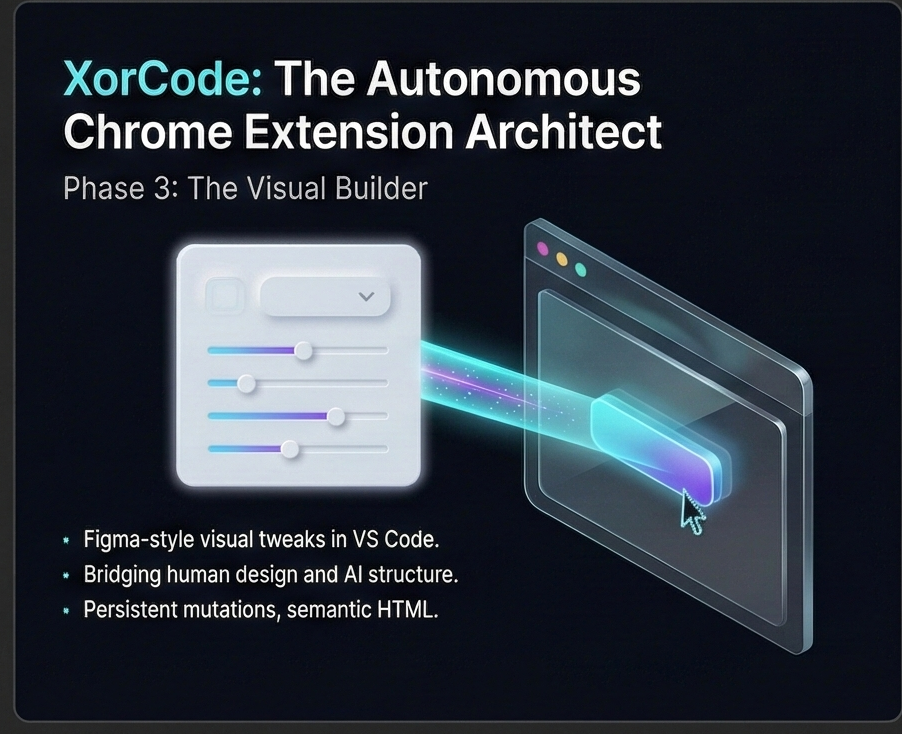
- Phase 4: The Visual Builder: Recognizing that AI is notoriously bad at pixel-perfect UI, we built a No-Code Canvas inside VS Code. Users can visually tweak spacing, colors, and themes (Figma-style) while the AI generates the underlying semantic HTML.
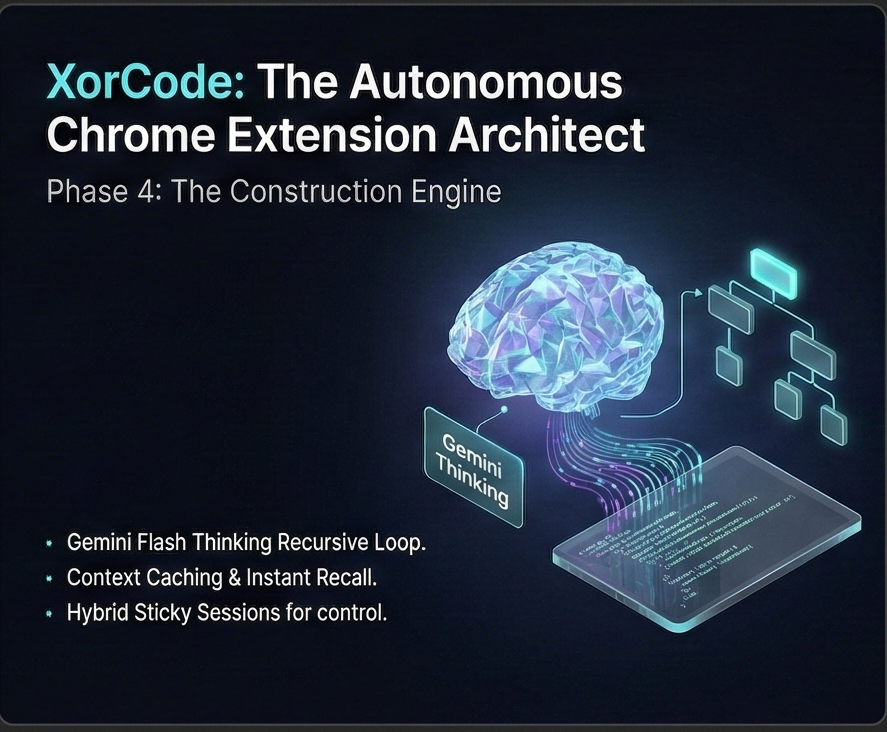
- Phase 6: The Construction Engine: This is a recursive Think-Act-Observe loop. The agent writes code to Shadow Files (
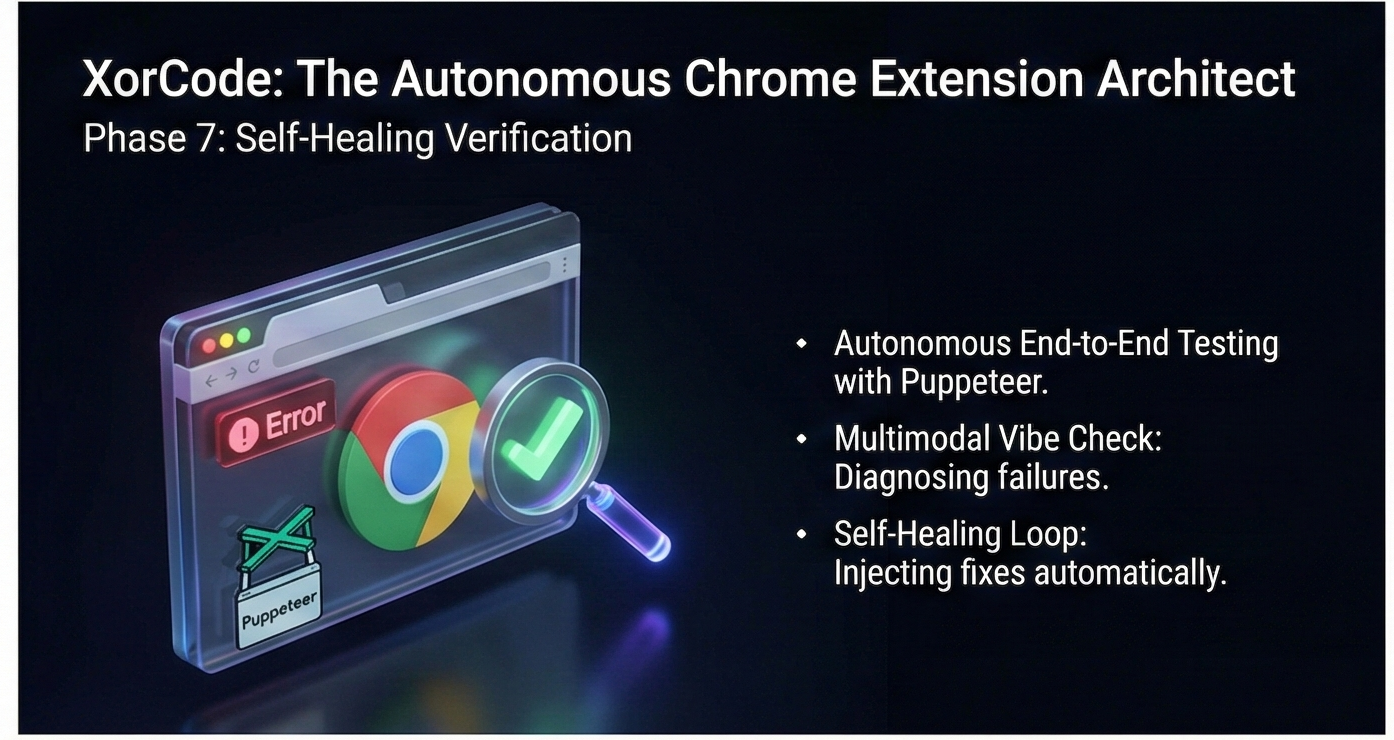
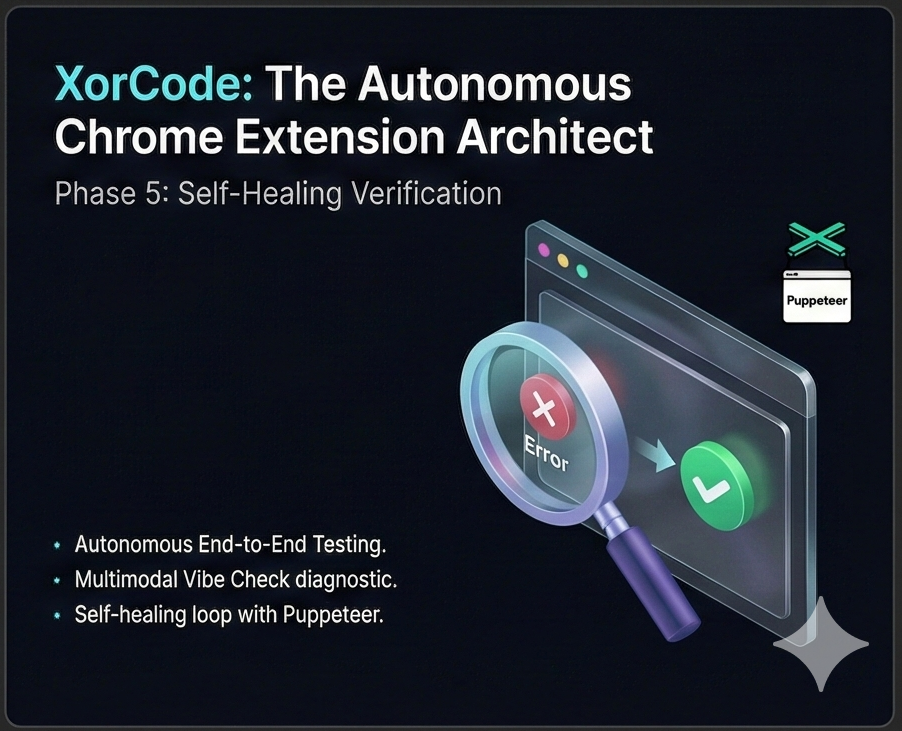
.xor.ts), runs background diagnostics via the TypeScript Language Server, and only commits viavscode.WorkspaceEdit(preserving your undo stack) once the code is safe. - Phase 7: Autonomous Verification: XorCode launches a real Chrome instance using Puppeteer-Core. It writes its own E2E tests, executes them, and uses Gemini 3 Multimodal Vision to analyze failure screenshots.
- Self-Healing Logic: If a test fails, the agent doesn't stop. It reads the error logs, performs a Root Cause Analysis, and automatically modifies the source code to fix the bug, re-running the loop until the feature is verified.
🛠️ How we built it
We built XorCode to be a "Zero-Runtime" powerhouse using the latest Node.js capabilities and a custom agentic framework:
- The Brain (Gemini 3.0): We utilized a Multi-Model Strategy. Gemini 2.0 Flash Thinking handles high-entropy planning and debugging monologues. Gemini 3.0 Pro handles the massive context of the codebase (using the 1M+ Token Context Window).
- Context Caching: We implemented the Gemini Context Caching API to store 50KB+ of Chrome API documentation and project skeletons. This reduced our latency by 90% and cut token costs significantly by avoiding redundant data transfer.
- Frontend Logic (Ether.js): We rejected heavy frameworks (React/Vue) for our own sidebar UI. We wrote Ether.js from scratch—a proxy-based, reactive Web Component library that provides lightning-fast UI updates with zero bundle overhead.
- The Host: Built on Node.js 22+, we leveraged the new native support for Type-Stripping, allowing us to run TypeScript logic directly without a heavy compilation step for the agent itself.
- Hybrid Sticky Routing: We developed a smart router that tracks the user’s focus (via HMR signals and active editor tabs) to auto-assign prompts to the correct "Task Session," ensuring the context window stays clean and relevant.
🚧 Challenges we ran into
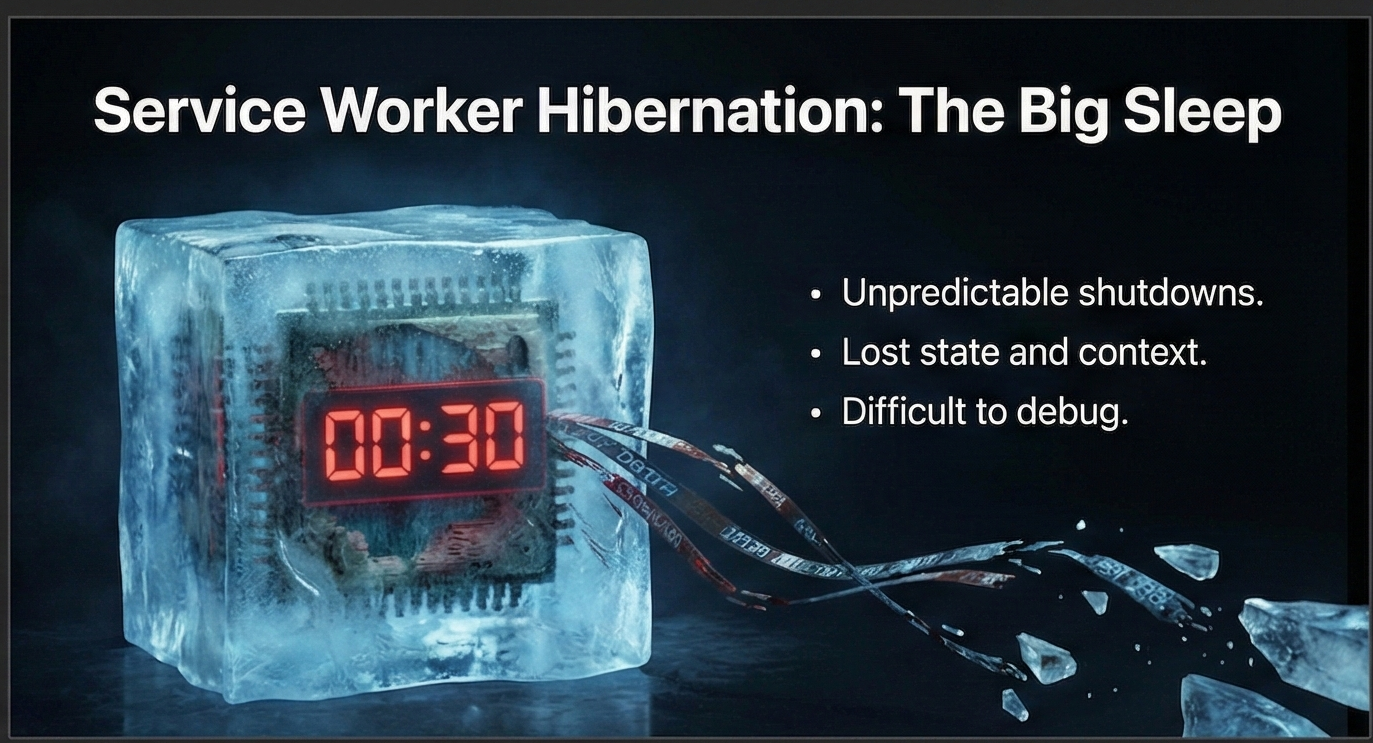
- The Hibernation Problem: Chrome Manifest V3 Service Workers are designed to "sleep" after 30 seconds. This kills long-running AI test loops. We engineered a Triple-Heartbeat solution:
- A persistent
chrome.runtime.connectport bridge. - WebSocket PING/PONG heartbeats via our custom HMR Server.
- WebPush API integration to "wake up" the extension if it ever loses connection during an AI reasoning cycle.
- A persistent
- Recursive Planning: Early prototypes would get stuck in a "Loop of Death" (trying the same fix repeatedly). We solved this by creating a Blackboard Strategy, where a separate "Oracle" agent analyzes failure patterns and forces the builder to stop and rethink the entire architecture if tactical fixes fail 3 times.
- UI/AI Desync: Managing a live Visual Builder where both a human and an AI can edit CSS simultaneously is a state-management nightmare. We solved this by using a Mutation Changelog where the AI only receives the intent of the human’s visual changes, allowing it to merge them into the final code safely.
🏆 Accomplishments that we're proud of
- Closed-Loop Autonomy: We successfully achieved "The Holy Grail"—the system can identify a bug through a browser-based test it wrote itself, diagnose the error using Vision, and fix the source code autonomously.
- Technical Transparency: We are proud of our
.xorcrx/structure. Every thought, every spec version, and every file change is linked to a Task ID. It is a completely transparent, human-readable "Audit Trail" for AI work. - Performance: XorCode starts in under 1 second and handles 100k+ token codebases with zero lag, thanks to our aggressive caching and "Librarian" context-assembly patterns.
📚 What we learned
- The Monologue is the Key: We learned that the "Thinking" process (the internal monologue of Gemini 3) is more valuable than the final output. By parsing the thoughts, we can prevent "logic collisions" between different files before they are even written.
- Implicit vs. Explicit Caching: We learned that for a professional IDE tool, you cannot rely on "Long Context" alone. You must use Explicit Caching for the "Constitution" (Rules/DNA) to ensure the AI remains grounded over development sessions that span days or weeks.
- Abstraction is Safety: By abstracting the file system through an
IHostinterface, we learned we could test the most dangerous "AI Code Writes" in a safe, simulated environment before they ever touch the user’s real files.
🔮 What's next for XorCode
- Vibe-to-Code (Multimodal Input): Our next milestone is allowing users to upload a screen recording of a website. XorCode will analyze the video, identify the interactions, and automatically build a "Cloned" extension or a "Wrapper" based on the visual evidence.
- Cloud Verification: We plan to move the Puppeteer verification loop to the cloud, allowing developers to generate "Verified Release Candidates" that have been tested on every version of Chrome, Firefox, and Edge automatically.
- Team Task Trees: Enabling multiple developers to work on the same autonomous plan by synchronizing the
.xorcrxstate through Git, turning XorCode into a collaborative AI project manager.
XorCode: Not just writing code, but engineering the future of the web.
Built With
- css3
- esbuild
- etherjs
- gemini3
- node.js
- typescript
- vscode
- zod

Log in or sign up for Devpost to join the conversation.